Right now, most people using AI image generators are leaving serious quality on the table. They pick a model, type a few words, and accept whatever comes out. Nano Banana 2 Pro changes that equation entirely. Built by Google and available directly on PicassoIA, this model handles prompt complexity in ways that feel almost impossible for something this fast. Whether you want hyper-detailed portraits, cinematic landscapes, or precise editorial photography, the features packed into this model are genuinely worth stopping to try.

What Nano Banana 2 Pro Actually Does
Nano Banana 2 belongs to Google's nano image generation lineage, optimized for speed without gutting visual quality. The Pro tier ships additional inference settings that affect how the model interprets long, layered prompts. Think of it as the difference between telling a photographer what you want and handing them a full shot brief with lighting diagrams.
Most AI image models struggle when you give them more than 30 words. They cherry-pick two or three elements and ignore the rest. Nano Banana 2 Pro reads the full prompt architecture: subject, lighting, lens, texture, atmosphere, and color grading, and applies all of it simultaneously. The result feels less like a lucky guess and more like a deliberate photograph taken by someone who read your notes carefully.
Speed Without Sacrificing Quality
Speed is the first thing you notice. On PicassoIA, Nano Banana 2 typically returns results in under 10 seconds even on detailed prompts. That is not a compromise version of quality. It runs a pruned inference pipeline designed for hardware efficiency, which means you can iterate quickly, test multiple prompt variations, and refine your output without sitting through long generation waits.
For comparison, heavier models like Flux 2 Pro produce extraordinary output but take significantly longer per generation. The sweet spot for daily creative work sits exactly where Nano Banana 2 Pro operates: fast enough to experiment freely, sharp enough to use in final deliverables.
The Prompt Intelligence Factor
What separates this model from earlier fast generators is how it weights prompt elements. When you include specific camera details (85mm lens, f/1.8 aperture, shallow depth of field), the model does not treat those as decorative text. It applies them structurally: how the image is composed, where bokeh appears, how sharp the focus plane sits, and how foreground and background separate. Lighting direction, film stock, and texture descriptors all receive the same intentional treatment.
💡 Pro tip: Include the camera brand and film stock in every prompt. "Canon EOS R5, Kodak Portra 400" tells the model what color science and grain character to replicate. The difference in output is visible immediately, even on a quick glance.

The Pro Features Worth Your Time
There are several specific capabilities that make Nano Banana 2 Pro worth focusing on. Not every feature matters for every use case, but the ones below have a measurable impact on output quality across portraits, landscapes, and lifestyle photography.
Photorealistic Skin and Texture
Skin rendering in most fast AI models looks smooth to the point of being plastic. Nano Banana 2 Pro handles micro-surface detail with unusual accuracy. You can see visible pores on close-up portraits, fine hair texture on arms, the natural uneven tone of lips, and the slight translucency of skin where light passes through at the edges of a face.
This is not automatic. You have to prompt for it explicitly. Phrases like "visible pores," "natural skin texture," "subtle freckles," and "peach fuzz" activate the model's texture rendering. Without them, the model defaults to a slightly polished, commercial-beauty output.
Texture descriptors that consistently work:
visible skin pores, natural complexionfine hair texture, peach fuzz on forearmsubtle lip lines and natural drynessfabric weave clearly visible, cotton t-shirtindividual hair strands in sharp focusnatural nail texture, not glossy
Aspect Ratio Flexibility
On PicassoIA, Nano Banana 2 Pro supports multiple output ratios without quality degradation. The 16:9 widescreen format is ideal for editorial and web use. Portrait mode (9:16) works well for social media content. The 4:3 ratio closely mimics traditional camera framing.
What makes this notable is that the model does not just crop or pad the image. It recomposes the entire scene for the chosen ratio. A 9:16 portrait of a woman in a field will naturally place her in the frame with appropriate headroom and environmental context, not simply a vertical slice of a horizontal composition.
Lighting and Shadow Fidelity
Lighting is where most fast models fail. They produce flat, generically lit images that look acceptable but never feel real. Nano Banana 2 Pro responds to directional lighting instructions in the prompt with genuine precision.
You can specify:
- Light source direction: upper left, right side, behind the subject, 45 degrees from above
- Light quality: soft diffused window light, hard midday sun, overcast fill, candle warmth
- Color temperature: warm tungsten, neutral daylight, cool blue-hour, golden hour amber
- Shadow weight: deep dramatic shadows for moodiness, even fill for clean commercial output
💡 Tip: "Volumetric morning light from the upper right, soft ambient fill from the left sky" produces a natural, three-dimensional illumination that reads like a real shoot location rather than an AI generation.
Color Grading and Film Stock Emulation
One of the more useful and underused features is film stock emulation. Nano Banana 2 Pro responds to specific film stock names as a shorthand for entire color science and tonal range profiles.
| Film Stock | Tonal Character | Best Use |
|---|
| Kodak Portra 400 | Warm, soft grain, skintone accuracy | Portraits, fashion |
| Kodak Ektar 100 | Vivid, high saturation, fine grain | Outdoor, landscape |
| Fuji Provia 100F | Rich, slightly cool, punchy contrast | Travel, editorial |
| Cinestill 800T | Deep shadows, halation, tungsten warmth | Night, moody interiors |
| Kodak Gold 200 | Warm mid-tones, amateur feel | Lifestyle, casual |
Including the film stock name in your prompt replaces the need to describe color grading in detail. The model already knows what Cinestill 800T looks like at night.

How to Use Nano Banana 2 Pro on PicassoIA
Since Nano Banana 2 Pro is available directly on PicassoIA, the workflow requires no installation or setup. Here is a step-by-step process that consistently produces strong results from the first generation.
Step 1: Open the Model
Go to Nano Banana 2 on PicassoIA. If you want the full-specification Pro tier with deeper prompt interpretation, use nano-banana-pro directly from the collection page. Both are available immediately without any additional setup or credits required to start.
Step 2: Write a Precise Prompt
Structure your prompt in layers, not sentences. Each layer adds a dimension of visual information that the model processes independently and then combines into a single coherent image.
- Subject: Who or what is in the image, and what are they doing
- Environment: Where the scene takes place, surface textures, background details
- Lighting: Direction, quality, color temperature, source type
- Camera: Lens focal length, aperture, camera body or brand
- Film or color: Film stock name or color grading description
- Texture: Specific surface and material details you want rendered
Example structured prompt:
"A woman in her late twenties standing in a rain-soaked city street at dusk, wearing a dark olive trench coat, hair damp and slightly frizzy from the rain. The street behind her is slick with reflections of red and amber traffic lights. Warm tungsten street lamp from the right illuminates her face; cool blue sky fill from the left. Shot at eye level, 50mm f/2.0 lens, Nikon Z8, Kodak Vision3 500T film emulation, skin pores visible, coat fabric texture sharp. 8K RAW."
Step 3: Set Your Parameters
On PicassoIA, the model interface lets you set the aspect ratio before generating. For most editorial or web content, 16:9 is the right choice. For portrait or beauty content, switch to 9:16. Set a seed value if you want to reproduce a specific result with minor prompt variations for comparison.
Step 4: Generate and Iterate
Run the first generation, then analyze what worked and what needs adjustment. Nano Banana 2 Pro responds well to incremental prompt additions. If the skin looks too smooth, add texture descriptors. If the lighting feels flat, specify the source direction more precisely. If the color feels off, add the film stock name. Three or four focused iterations usually produce a near-final image.

Nano Banana 2 vs Nano Banana Pro
Two closely related models are available on PicassoIA: Nano Banana 2 and Nano Banana Pro. They are not the same thing, and choosing the wrong one for your use case will affect both output quality and speed.
| Feature | Nano Banana 2 | Nano Banana Pro |
|---|
| Generation speed | Very fast | Fast |
| Prompt depth handling | Good | Excellent |
| Skin and texture detail | Very good | Outstanding |
| Lighting fidelity | Good | Excellent |
| Ideal for | Quick iterations, social content | Final output, editorial work |
| Aspect ratio flexibility | Full support | Full support |
| Recommended prompt length | 30-60 words | 60-100+ words |
| Film stock emulation | Yes | Yes, more precise |
When Nano Banana 2 Wins
Nano Banana 2 is the right choice when you need volume. Testing 10 different compositions, running rapid comparisons on two prompts, or producing daily social content all benefit from its speed advantage. The quality ceiling is genuinely high. It is not a draft model. Many final-quality images come straight out of Nano Banana 2 with no further processing.
When Nano Banana Pro Is Better
Nano Banana Pro earns its place when you are working on a final deliverable that needs to hold up at full resolution or under close inspection. The model processes longer, more layered prompts with higher fidelity. Creating a hero banner, a featured image for a publication, or content intended for print warrants the Pro version. The extra seconds per generation pay back in reduced iteration count.

Prompts That Actually Work
The biggest gap between average and exceptional results with Nano Banana 2 Pro is the prompt structure. Here are tested prompt frameworks organized by scenario.
Portrait and Beauty Prompts
Beauty and portrait photography is where this model separates most clearly from comparable fast generators. The combination of subject description, precise lighting, and texture instruction is what gets you there.
Tested prompt:
"Close-up portrait of a woman with natural skin, soft brown eyes, warm side lighting from a large window on the right, soft shadow on the left cheek, 85mm f/1.2 lens, Leica M11, Kodak Portra 800, visible pores, peach fuzz, natural lip texture, no retouching feel, film grain. 8K RAW."
This type of prompt consistently produces images that read as real photography rather than AI generation. The texture descriptors alone shift the output from polished to believably human.
Lifestyle and Outdoor Scenes
Outdoor scenes with natural light are where volumetric lighting instructions pay off most visibly.
Tested prompt:
"A young woman sitting cross-legged on a wooden dock over a calm forest lake at golden hour, wearing a rust-colored linen shirt and light jeans. Late afternoon sun from behind her right shoulder creates rim light on her hair. Cool blue ambient fill from the sky on the left. 50mm f/2.0, Canon R6, Fuji Provia 100F emulation, water surface reflection detail, individual hair strands visible. 8K RAW."
💡 Tip: Outdoor scenes improve dramatically when you specify the sun's position relative to the subject. "Sun at 45 degrees behind the right shoulder" is more precise and more effective than "golden hour lighting."
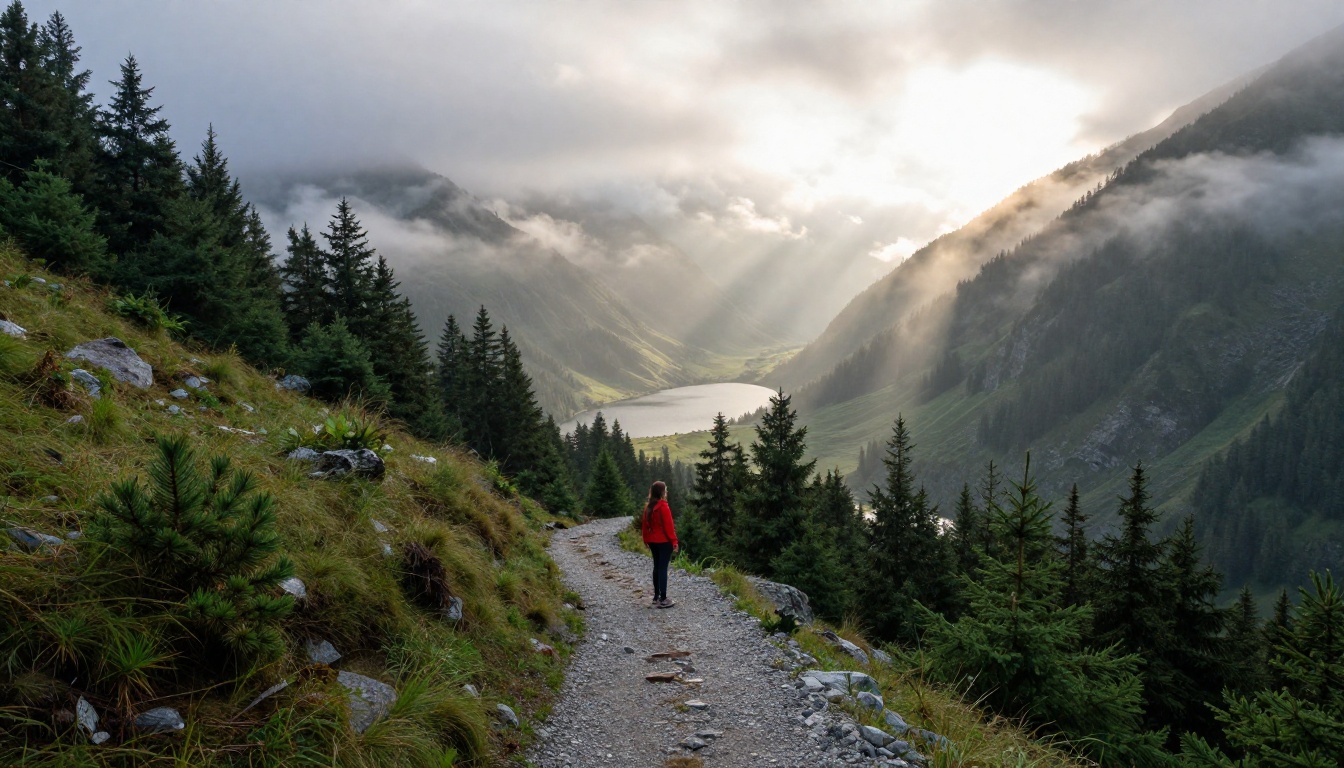

Nano Banana 2 Pro generates the image. What you do after that generation determines whether the output is good or exceptional.
Use Super Resolution After Generating
After generating with Nano Banana 2, push the output through PicassoIA's super-resolution tools to upscale 2x or 4x without quality loss. This is especially useful when the original generation has excellent composition and lighting but needs more pixel density for print or large-screen display. The combination of Nano Banana 2 Pro for speed and super-resolution for final output gives you fast iteration with professional-grade deliverables at the end.
Combine With ControlNet LoRA
For scenes that require precise pose or structural control, pairing Nano Banana 2 Pro prompting with SDXL Multi ControlNet LoRA gives you compositional precision that text-only prompts cannot fully achieve. You can define body pose, camera angle, and depth composition via ControlNet, then apply the photorealistic rendering quality to the result.
💡 Tip: ControlNet works best when you feed it a reference skeleton or depth map alongside your text prompt. The control signal gives the model a structural anchor that text alone cannot reliably provide on complex poses.
Face Swapping and Post-Generation Editing
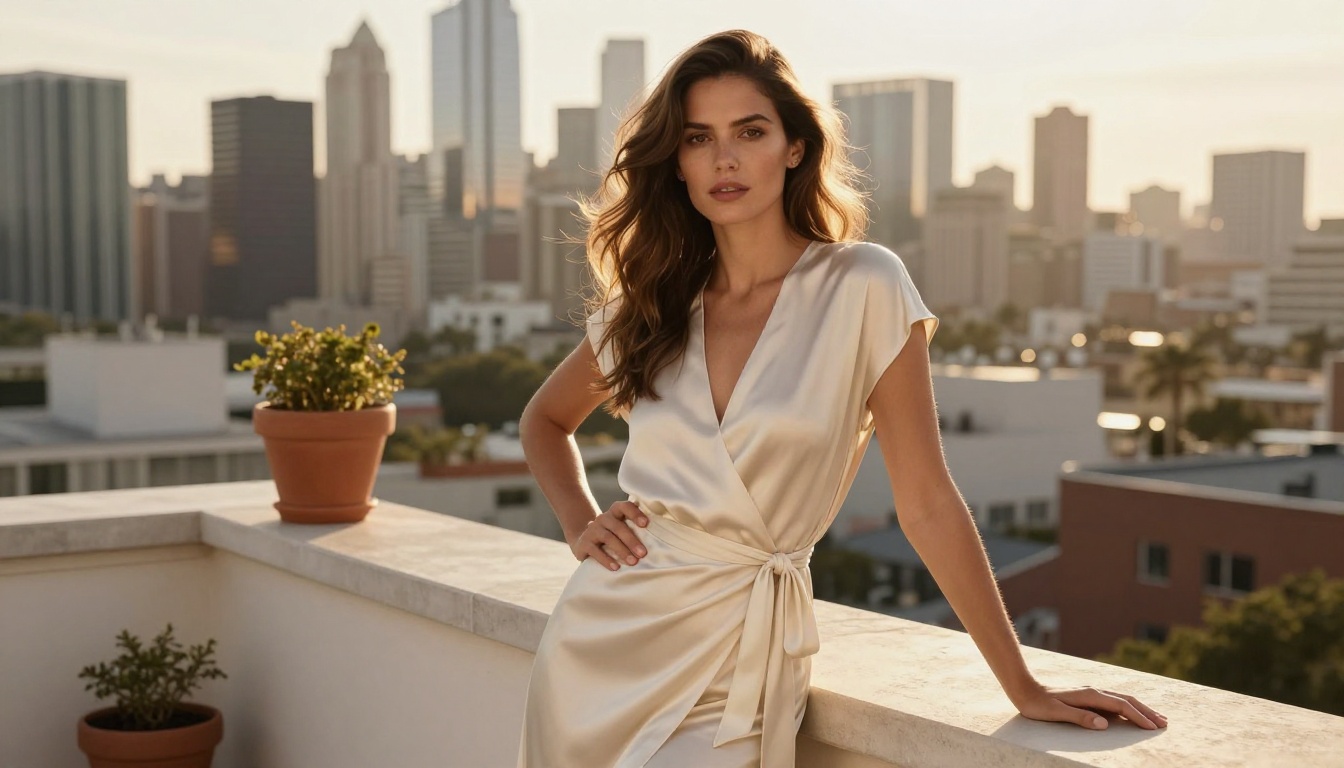
For projects that require consistent characters across multiple images, PicassoIA's face swap tool lets you apply a specific face reference to any Nano Banana 2 Pro generation. This is particularly useful for brand content, repeated campaigns, or any scenario where character consistency across different scenes matters.
Other Google Models Worth Trying
If you are building a regular workflow around Nano Banana 2 Pro, it helps to know the rest of the Google model family available on PicassoIA. Each one covers a different segment of the quality-speed spectrum.
The progression moves from speed to absolute quality. For most creators, Nano Banana 2 and Nano Banana Pro cover 90 percent of daily use cases without needing to step up to the heavier Imagen 4 pipeline. When you do need to go further, the path is right there.
Start Creating Right Now
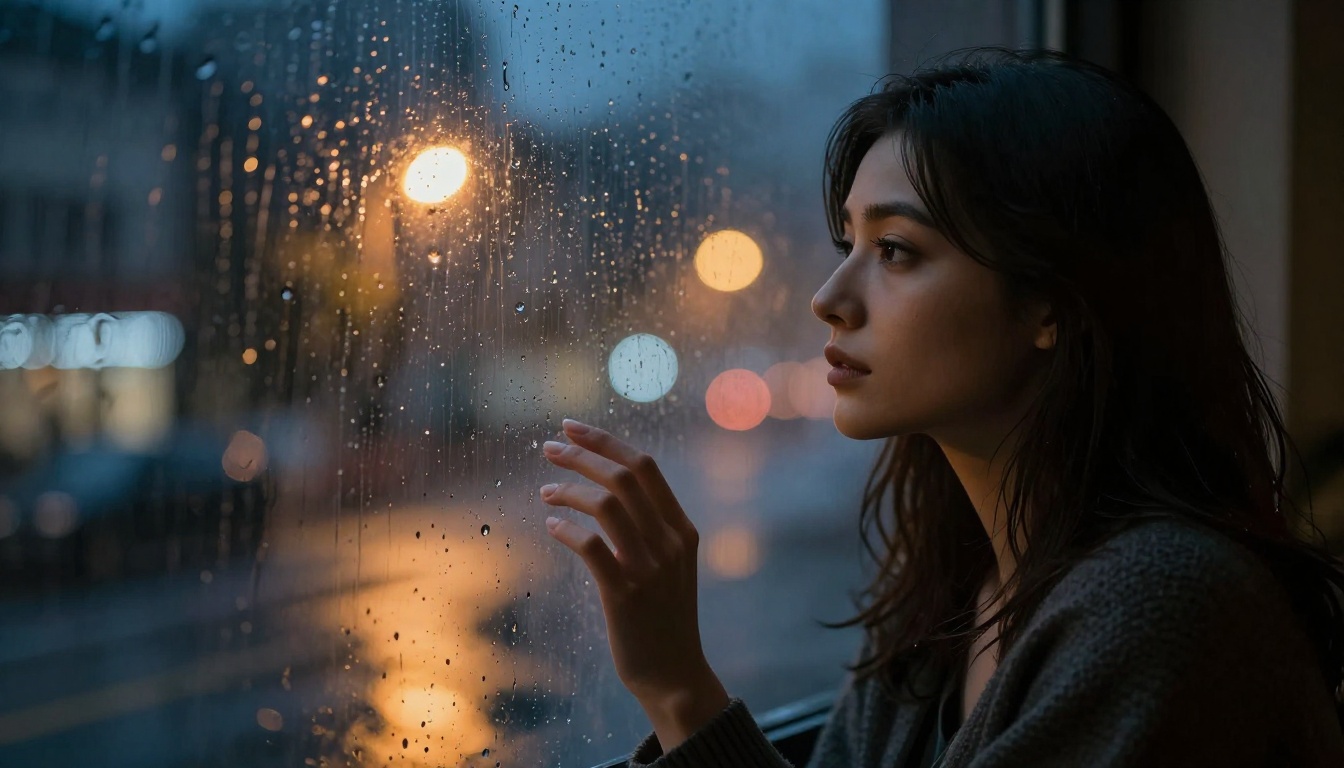
Every image in this article was produced using the principles described above: layered prompts, directional lighting instructions, texture descriptors, specific camera lenses, and named film stocks. None of them required post-processing or manual editing.
Nano Banana 2 Pro is ready to use on PicassoIA right now, no waiting list required. The gap between what you currently produce and what this model can produce is usually one good, structured prompt away.
Pick a scene you have wanted to create. Structure the prompt using the layer method above: subject, environment, lighting, camera, film, texture. Run the first generation. The output will immediately show you exactly where to refine. Within three iterations, most prompts produce an image that would have taken hours to plan and shoot in a real studio.
Start with these models today:
The creative vision is yours. The generation speed is already there waiting for you.


