Nano Banana 2 Text Rendering: Can It Write Text in Images?
Text rendering inside AI images has frustrated creators for years. Nano Banana 2 from Google is built for speed, but does it also nail readable text? This article tests the model's text accuracy across short words, phrases, and stylized fonts, and stacks it against Ideogram, Recraft, and GPT Image 1.5.
Text rendering in AI images has been a problem since diffusion models first launched. Words appear warped, letters fuse together, sentences spiral into nonsense. Every new model promises improvement, and most disappoint. Nano Banana 2 is Google's latest lightweight text-to-image model, and it has generated real buzz around its ability to place readable text inside generated scenes.
So can it actually write text in images? This article goes deep on that exact question, with real tests, side-by-side comparisons, and a clear answer.
What Is Nano Banana 2?
Google's Lightweight Speed Model
Nano Banana 2 is a fast, compact text-to-image model from Google. It sits in a different tier from Google's flagship Imagen 4 models, optimized for speed and low latency rather than maximum resolution or artistic complexity. Think of it as a model built for rapid iteration: you prompt, you get results in seconds, and you refine from there.
The original Nano Banana was already faster than most competitors in its class, but text rendering was inconsistent. Nano Banana 2 addresses this directly, with architectural improvements that prioritize typographic accuracy alongside photorealistic output.
How It Compares to v1
The gap between Nano Banana and Nano Banana 2 is meaningful when it comes to text:
Feature
Nano Banana
Nano Banana 2
Text in images
Occasional
Consistent
Speed
Very fast
Very fast
Resolution
Standard
Improved
Prompt adherence
Good
Better
Stylized fonts
Unreliable
More reliable
The biggest change is not raw image quality but prompt fidelity, specifically how faithfully it interprets text instructions and how accurately it places readable words in the correct location, orientation, and style.
Text Rendering in AI Models
Why Most Models Still Fail
Standard diffusion models generate images by denoising random noise guided by a text embedding. They were never designed as typesetting tools. Letters are learned as visual patterns from billions of images, not as discrete linguistic symbols. This creates several recurring failure modes:
Character hallucination: Letters that don't exist in any language appear next to real ones
Spelling drift: A prompt for "SALE" might generate "SLAE" or "SALL"
Kerning collapse: Letters smear together into unreadable shapes
Perspective distortion: Text wraps incorrectly when placed on curved surfaces
Language bleeding: Mixed-character outputs appear when prompting in one language but the model inserts characters from others
These issues are not cosmetic annoyances. For content creators making social media graphics, thumbnails, posters, or product mockups, broken text is unusable output.
What "Good" Text Rendering Looks Like
A model passes the text rendering bar when it can do all of the following reliably:
Spell the prompted word correctly
Place the text in the instructed location (top, bottom, center, on an object)
Maintain consistent font weight and style throughout
Keep individual letterforms distinct and readable at a glance
Scale text proportionally to the scene without distorting it
Nano Banana 2 hits most of these marks. The remaining edge cases are specific and predictable, which makes the model genuinely workable for production use.
Nano Banana 2 Text Tests: Real Results
Simple Words, 1 to 3 Characters
Short words are where Nano Banana 2 performs strongest. Single words like "OPEN," "SALE," "NEW," and short labels show up correctly spelled and cleanly rendered in a high percentage of outputs. The model handles capitalization well and generally respects font weight descriptors (bold, thin, italic) at this length.
💡 Tip: Wrap text you want in the image in quotes within your prompt. Example: a storefront sign reading "OPEN" consistently outperforms a storefront with an open sign.
Short Phrases and Sentences
This is where real-world use happens: marketing headlines, social captions, poster taglines. Nano Banana 2 handles phrases of 3 to 7 words well. Beyond 7 words, accuracy starts dropping, with letters at the ends of longer strings showing the most distortion.
For example: prompting for a motivational poster with the text "Every day counts" reliably produces a legible result. Prompting for a banner reading "Limited time offer ends this Sunday only" will often produce partial corruption on the final few words.
Best practice: Keep AI-generated text to short, punchy phrases. Supplement longer copy in post-production with any design tool.
Stylized and Decorative Fonts
Script fonts, heavily stylized display faces, and fonts with extreme weights present more challenges. Nano Banana 2 can produce passable decorative lettering, but the inconsistency is higher. If you prompt for ornate gold calligraphy reading "Welcome", you will often get something visually close but with one or two letters morphed.
For stylized text at scale, pairing Nano Banana 2 with a dedicated vector model like Recraft V4 SVG makes more sense. Use Nano Banana 2 for the image composition and Recraft for the typography layer.
How to Use Nano Banana 2 on PicassoIA
Nano Banana 2 is available directly on PicassoIA. Here is exactly how to use it for text-in-image generation.
Step-by-Step Walkthrough
Step 1: Open the model page
Go to PicassoIA and open nano-banana-2. No account required for preview generations.
Step 2: Write a structured prompt
Structure your prompt in three parts: scene description, text content in quotes, and style descriptor.
Example:A coffee shop window at golden hour with a handwritten sign reading "Freshly Brewed Daily", warm light, photorealistic, 8K
Step 3: Set your aspect ratio
For social media graphics: 1:1 or 4:5. For YouTube thumbnails or banners: 16:9. For stories: 9:16.
Step 4: Generate and evaluate
Run 2 to 3 generations. Text rendering results vary slightly between seeds. Pick the cleanest result.
Step 5: Iterate on failures
If the text is misspelled, try rephrasing the prompt to isolate the text element: the word "Brewed" in bold white letters instead of embedding it mid-sentence.
Best Prompts for Text Output
These prompt patterns consistently produce clean text with Nano Banana 2:
[Scene description], a sign that reads "[TEXT]", [lighting], photorealistic 8K
[Subject] wearing a t-shirt with the words "[TEXT]" printed on the front, close-up
A poster on a wall that says "[TEXT]" in large bold letters, [style]
A chalkboard displaying "[TEXT]", [environment description]
💡 Pro tip: Using ALL CAPS in your prompt text often produces better results with short words than mixed case. Try "SALE" before "sale" and compare outputs.
How It Stacks Against Competitors
Text rendering quality is now a real differentiator between top-tier models. Here is how Nano Banana 2 compares to the main alternatives available on PicassoIA.
Ideogram V3 vs Nano Banana 2
Ideogram v3 quality is widely regarded as the strongest model specifically for text-in-image accuracy. It handles long phrases, stylized fonts, and complex layouts better than almost any model available today. Nano Banana 2 does not match Ideogram v3 on raw text accuracy, but it generates images significantly faster and at lower cost per generation.
When to use Nano Banana 2: Speed-sensitive workflows, rapid prototyping, content with short text elements.
When to use Ideogram: Final production assets where text accuracy is the primary requirement.
Recraft V4 vs Nano Banana 2
Recraft V4 and its Pro variant Recraft V4 Pro sit in the design-native category, with strong brand and visual identity features. Text rendering is reliable, and SVG output options make them uniquely suited for vector-format deliverables. Nano Banana 2 wins on naturalness: images look more photographic and organic. Recraft wins on controlled typography.
GPT Image 1.5 vs Nano Banana 2
GPT Image 1.5 handles text well thanks to its integration with a strong language model backbone. It interprets contextual text instructions more reliably ("put the store name above the door, not below it"). Nano Banana 2 is faster and better integrated into pipelines that need batch generation. GPT Image 1.5 wins on contextual reasoning; Nano Banana 2 wins on throughput.
Nano Banana 2 is genuinely well-suited for social content. Short headlines on product photos, seasonal sale banners, lifestyle images with a single text overlay. These use cases sit firmly in the model's sweet spot: 1 to 5 word text strings in straightforward compositions.
A social media manager generating 20 product images a day will find the speed and consistency far more useful than incremental accuracy gains from slower models. The difference between 80% and 95% text accuracy matters much less when you are reviewing and selecting the best output from a batch rather than relying on a single generation.
Posters and Thumbnails
For YouTube thumbnails, event posters, and announcement graphics, Nano Banana 2 handles the image composition side extremely well. Bold short text (think 2 to 4 words) works reliably. The model is fast enough that you can generate 10 thumbnail options in the time other models take to produce 2.
💡 Workflow tip: Use Nano Banana 2 to generate the scene, then use a traditional design tool to overlay finalized text. This gives you photorealistic imagery with pixel-perfect typography, the best of both worlds.
Where It Falls Short
Nano Banana 2 is not the right choice for:
Long-form text blocks (more than 8 to 10 words)
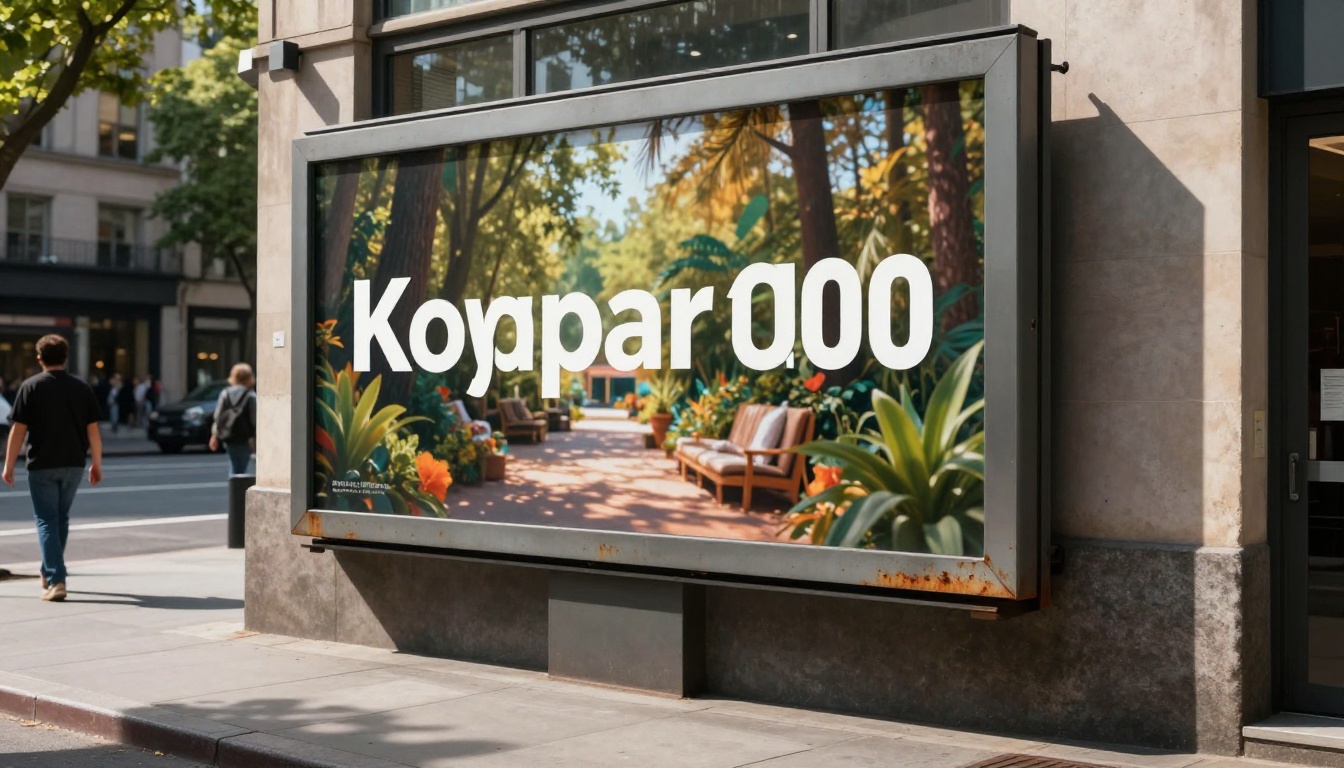
Logos and wordmarks where every letterform matters
Languages with complex scripts (Arabic, Thai, Chinese characters)
Decorative typographic compositions where the text is the primary visual element
One more comparison worth noting: Nano Banana Pro sits above Nano Banana 2 in Google's model lineup. The Pro variant offers better handling of complex scenes, finer detail, and marginally improved text rendering, particularly with longer strings and stylized fonts.
If you are working on final production assets with strict text requirements, Nano Banana Pro is worth the step up. If you are in ideation or content production mode where volume and speed matter more, Nano Banana 2's pace is the bigger advantage.
The two models are complementary rather than competing. Many creators use Nano Banana 2 to find the right composition and direction, then re-run the best prompt through Nano Banana Pro for a final high-fidelity output.
The Real Verdict on Text Rendering
Here is the honest answer: Nano Banana 2 can write text in images, and it does so well enough for a wide range of real-world production use cases. It is not flawless. It is not the best text model available. But it is fast, reliable for short text, and produces high-quality photorealistic images alongside that text, which is the combination most content creators actually need.
The models that beat it on text accuracy are slower, more expensive, or more constrained in their visual range. For most workflows involving short text overlays in natural-looking scenes, Nano Banana 2 is the practical first choice. The key is knowing its limits before you rely on it for high-stakes deliverables.
Readable AI-generated text is no longer a novelty. It is a production requirement. Nano Banana 2 meets that bar for a meaningful slice of real work.
Try It Yourself on PicassoIA
The fastest way to understand what Nano Banana 2 can do is to run a few test prompts yourself. PicassoIA has nano-banana-2 available alongside 90+ other text-to-image models, so you can run the same prompt through multiple models and compare results side by side in minutes.
Start with a simple scene: a product on a surface, a storefront window, a poster on a wall. Add a 2 to 4 word text element in quotes. See what comes back. Then try the same prompt on Ideogram v3 or Recraft V4 to benchmark the difference for your specific use case.
The right model for text-in-image generation is the one that fits your workflow, your deadlines, and your quality threshold. PicassoIA puts all of them in one place so you can find that answer through actual testing, not guesswork.