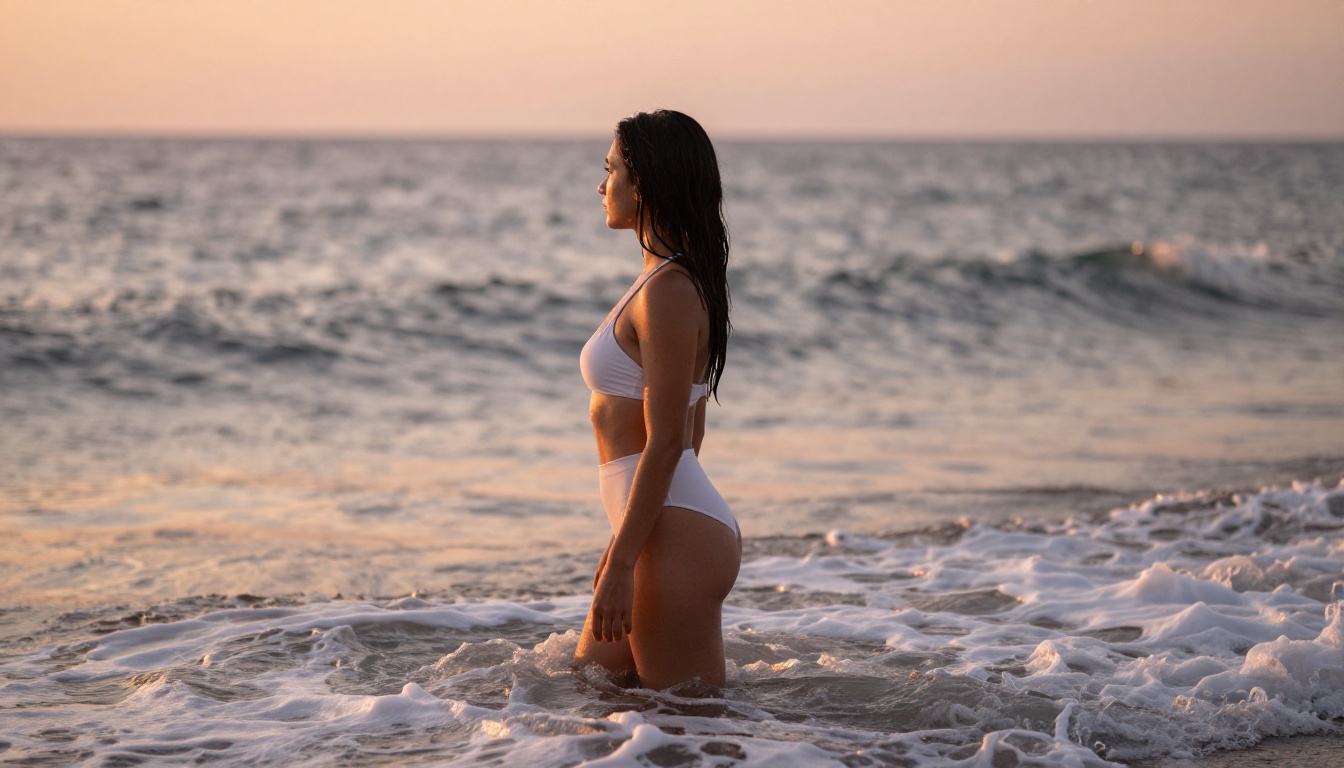
The demand for uncensored AI image generation has never been higher. Artists, content creators, and digital photographers want tools that do not second-guess every prompt or throw up error messages the moment a subject shows skin. Nano Banana 2 changes that calculus entirely, bringing photorealistic output quality together with a significantly more permissive content policy. This article breaks down exactly what this model does, how well it performs in real use, and why PicassoIA users treat it as one of their go-to tools for adult-friendly AI art.

What Nano Banana 2 Actually Is
The Model Behind the Name
Nano Banana 2 sits in the text-to-image category on PicassoIA, developed under a Google research lineage. The name may be playful, but the technical underpinnings are not. The model uses a diffusion-based architecture that has been specifically fine-tuned to handle a broader range of creative requests compared to its filtered siblings. Where most major AI image models block content at the prompt-parsing stage, Nano Banana 2 evaluates context differently, making it significantly more flexible for mature or suggestive subject matter.
It belongs to a family of models that includes Nano Banana 2 Lite, a faster variant optimized for speed over maximum resolution, and Nano Banana Pro, a higher-fidelity version intended for professional print and commercial use. The standard Nano Banana 2 occupies the sweet spot: full resolution output, fast enough for iterative workflows, and permissive enough to handle content that other models refuse.
The original Nano Banana model established the foundation, but the second generation brought substantial improvements in anatomical accuracy, lighting simulation, and fine texture rendering. That combination is what makes the uncensored variant particularly compelling for creators who need both quality and flexibility in a single tool.
💡 Quick Tip: If your priority is speed over maximum resolution, try Nano Banana 2 Lite. It processes prompts faster and is ideal for quick drafts before committing to a full render with the standard model.
Uncensored Does Not Mean Uncontrolled
"Uncensored" is a relative term in AI image generation. In practice, Nano Banana 2 removes the hard blocks that cause other models to reject prompts featuring swimwear, lingerie, implied nudity, or suggestive poses. What it does not do is generate explicit pornographic content. The model has been calibrated to handle what the industry calls non-explicit NSFW: content that is suggestive, beautiful, and artistically compelling without crossing into graphic territory.
This is the more useful range for most creators. Fashion photographers, adult content platforms, digital artists, and boudoir-inspired AI generators all operate in exactly this zone. The model lets you work freely there without constant friction from automated safety systems that cannot distinguish between a glamour portrait and something genuinely problematic.
Recognizing this boundary actually helps you write better prompts. When you know the model operates in an artistic NSFW space rather than a pornographic one, you naturally gravitate toward prompts that emphasize aesthetics, lighting, composition, and atmosphere. That focus consistently produces stronger images.

Image Quality That Speaks for Itself
Photorealism at a Glance
The most common criticism of uncensored AI models is that they sacrifice quality for permissiveness. Nano Banana 2 does not follow that pattern. Its outputs sit firmly in the photorealistic tier, producing images that pass visual inspection as real photography at standard viewing distances. Skin tones are nuanced, lighting behaves like real light, and the model handles complex scenes without the warping artifacts common in earlier diffusion models.
When tested against comparable models on the PicassoIA platform, Nano Banana 2 holds its own on objective quality metrics while offering freedom that safety-filtered models cannot match for adult-adjacent content. The output resolution supports commercial use cases, and the 16:9 aspect ratio performs particularly well for editorial and social media formats. Backgrounds maintain coherent perspective, and the model rarely produces the telltale digital smoothness that marks obviously AI-generated images.
It also handles prompt specificity exceptionally well. Describe a specific type of light, a particular fabric texture, or a camera lens, and Nano Banana 2 renders those details rather than approximating them. This responsiveness to precision separates it from models that treat detailed prompts as suggestions rather than instructions.
Skin Texture and Fine Details
Where the model particularly shines is in fine detail rendering. Skin texture in close-up shots includes natural pore visibility, subtle surface variations, and realistic depth that gives skin its characteristic warmth. Hair strands separate individually rather than merging into solid masses. Fabric shows realistic drape, natural wrinkles at stress points, and surface texture that reflects light differently depending on the material.
This level of detail matters for two reasons. First, it makes outputs usable in professional contexts without heavy post-processing to add realism back in. Second, it means the model responds strongly to highly detailed prompts, since it can actually render the specifics you describe. Vague prompts produce acceptable results; precise prompts produce exceptional ones.
💡 Pro Tip: When writing prompts for Nano Banana 2, always include a specific lighting direction (e.g., "volumetric morning light from the left at 45 degrees") and lens specification (e.g., "85mm f/1.4 shallow depth of field"). The model renders these details with unusual fidelity compared to most alternatives.

What It Will Generate, and What It Will Not
NSFW That Stays Tasteful
The practical range of Nano Banana 2 covers a wide swath of mature content: swimwear, lingerie, artistic boudoir compositions, implied nudity including back shots, silhouettes, and draped figures, sheer clothing, and glamour photography in various settings. All of these generate cleanly without trigger errors or safety refusals that interrupt the creative flow.
The model also handles atmospheric and contextual framing well. A prompt for a woman in a sheer robe standing in soft morning light will render as intended rather than being sanitized into something fully covered. The creative space available is extensive and covers practically everything a fashion photographer, adult content creator, or digital artist would need in a standard workflow.
For users who want to push further into NSFW territory while maintaining strong artistic quality, Seedream 4.5 on PicassoIA is the strongest companion model. It handles similar content with a distinct stylistic signature: slightly warmer skin tones, a softer rendering approach, and excellent performance on expressive poses and close-contact compositions. Using both models side by side and selecting the best output per prompt is a workflow many creators have adopted for maximum coverage and variety.
PicassoIA also offers the Image Editor Pro tool for unlimited generations, which pairs particularly well with iterative workflows where you are refining the same subject across multiple renders.

Where the Hard Limits Are
Nano Banana 2 does maintain certain output restrictions. Explicit sexual content, graphic imagery, and content involving minors are hard stops regardless of prompt phrasing. These are not limitations worth attempting to circumvent, and serious creators rarely need to. The tasteful-to-suggestive range the model enables is commercially viable and artistically rich without requiring explicit output.
Most professional workflows in adult content creation, boudoir photography simulation, and fashion AI art stay well within what Nano Banana 2 handles without issue. The hard limits exist at the extreme end of the content spectrum, not at the point where most creative work actually happens.
How to Use Nano Banana 2 on PicassoIA
Step by Step
Using Nano Banana 2 on PicassoIA requires no setup beyond an account. Here is the exact process:
- Navigate to picassoia.com/en/collection/text-to-image/google-nano-banana-2
- In the prompt field, describe your subject with maximum specificity: pose, clothing or lack of it, environment, lighting source and direction, camera details, and film stock emulation
- Set the aspect ratio to 16:9 for editorial and social media output, or 9:16 for portrait-oriented content
- Set quality to High if the option is available in the interface
- Click Generate and allow approximately 10 to 20 seconds for the render to complete
- If the first output is close but not exactly right, iterate by adjusting the lighting description or adding specifics about skin tone, hair behavior, or background elements
- Once satisfied with a result, download directly or use PicassoIA's built-in editing tools for post-processing
For NSFW content specifically, add context phrases that signal artistic intent rather than graphic description. Terms like "editorial photography," "artistic portrait," "fine art boudoir composition," and "natural photographic lighting" consistently guide the model toward high-quality tasteful output over more graphic interpretations.
Prompts That Consistently Work
Different content types require different prompt structures. Here is what performs well across the most common use cases:
| Prompt Type | What to Include |
|---|
| Fashion and Glamour | Clothing material and fit, light source direction, camera lens focal length |
| Boudoir | Camera angle (low-angle works well), fabric texture, room ambiance and light quality |
| Beach and Outdoor | Time of day, sun angle, weather and atmosphere, water or terrain details |
| Fine Art | Reference photography styles, film stock (Kodak Portra 400), black and white conversion |
| Lifestyle | Activity description, body position, environmental context and background elements |
Add technical camera details at the end of every prompt: camera model, lens focal length, aperture, and film stock emulation. Nano Banana 2 responds to these in a way that most text-to-image models do not.
💡 Prompt Template: [Subject + pose or state] + [setting and environment] + [lighting: direction and quality] + [camera: model, lens, aperture] + [film: Kodak Portra 400] + [RAW 8K photorealistic photography]

Nano Banana 2 vs the Competition
vs Seedream 4.5
Both Nano Banana 2 and Seedream 4.5 handle NSFW content with strong artistic quality, but they produce noticeably different results:
| Feature | Nano Banana 2 | Seedream 4.5 |
|---|
| Skin Rendering | Natural pore-level texture, cooler tones | Softer, warmer skin, smoother finish |
| Detail Response | Excellent, literal prompt adherence | Good, more stylistic interpretation |
| NSFW Handling | Permissive across the artistic range | Permissive, warmer aesthetic output |
| Speed | 10 to 20 seconds per render | Similar generation time |
| Prompt Sensitivity | High, benefits from detailed specs | Moderate, handles shorter prompts well |
| Best For | Editorial, fine art, detailed boudoir | Lifestyle, warm glamour, portraiture |
For most NSFW creative workflows, the recommended approach is to use Seedream 4.5 to establish the aesthetic direction, then switch to Nano Banana 2 when you need sharper micro-detail or more literal prompt adherence. Together they give you the broadest creative coverage available on the platform.
Note: Do not use Seedream 5 Lite for NSFW content. It operates with stricter content filtering and will block prompts that Nano Banana 2 and Seedream 4.5 handle without issue.
vs Flux 2 Pro
Flux 2 Pro is one of the strongest general-purpose models on PicassoIA, but it operates with a more conservative content policy. For non-NSFW content, Flux 2 Pro often produces sharper compositional decisions and higher contrast clarity. For NSFW content, it sanitizes or outright rejects many of the same prompts that Nano Banana 2 handles without friction.
The practical rule is straightforward: use Flux 2 Pro for SFW high-quality content and creative landscape or architectural photography. Use Nano Banana 2 when your content touches the NSFW range. They are complementary tools, not direct replacements for each other.
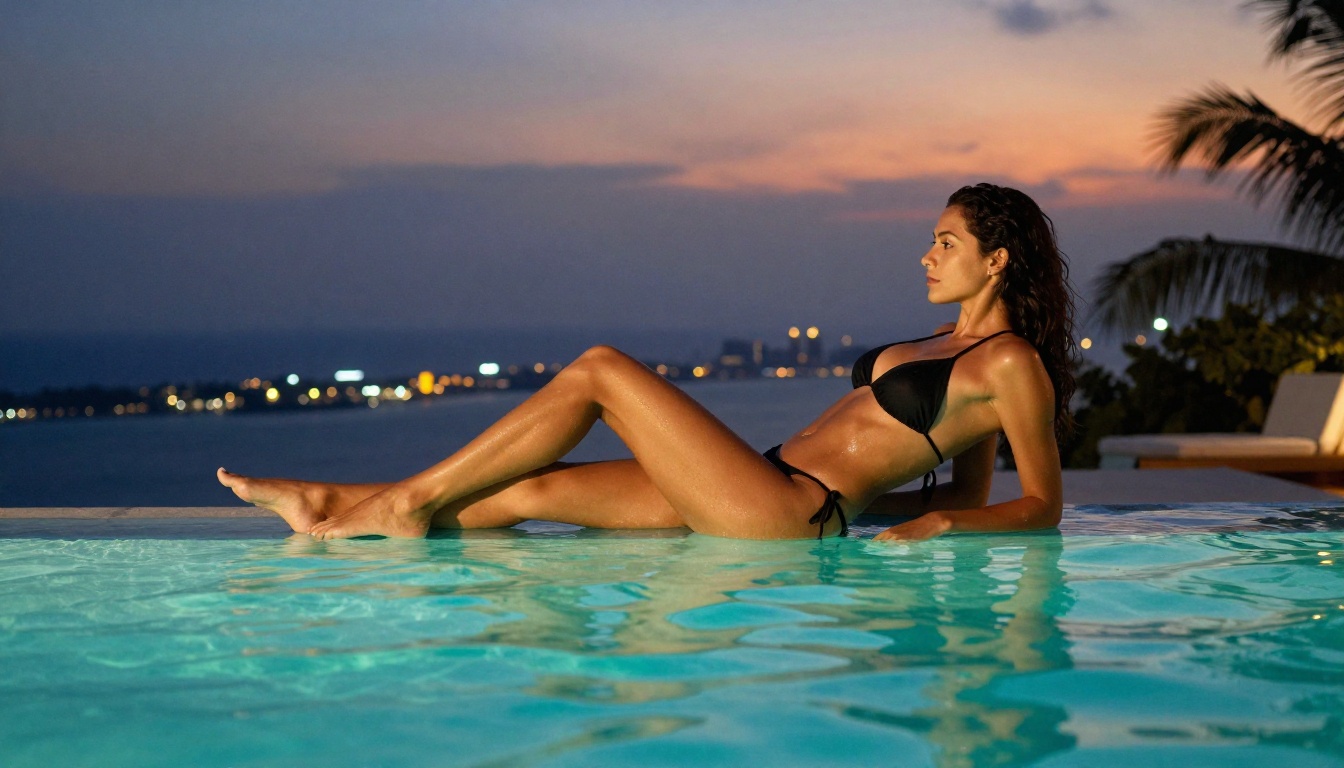
Nano Banana 2 generates the image, but PicassoIA's broader toolkit lets you do significantly more with that output without leaving the platform.
Background Removal in One Click
Once you have a strong portrait or figure image from Nano Banana 2, the Remove Background tool by Bria AI on PicassoIA extracts the subject cleanly and precisely. The AI model handles fine hair edges and semi-transparent fabrics well, which matters for the kinds of glamour and boudoir outputs Nano Banana 2 produces.
This opens up several practical workflows:
- Placing AI-generated figures onto custom backgrounds for composite photography
- Building product mockups with AI-generated models wearing specific clothing
- Creating social media assets with branded background colors
- Preparing layered images for further editing in external tools
The background removal quality is high enough for commercial use without manual cleanup in most cases, particularly on subjects with clear edge definition.
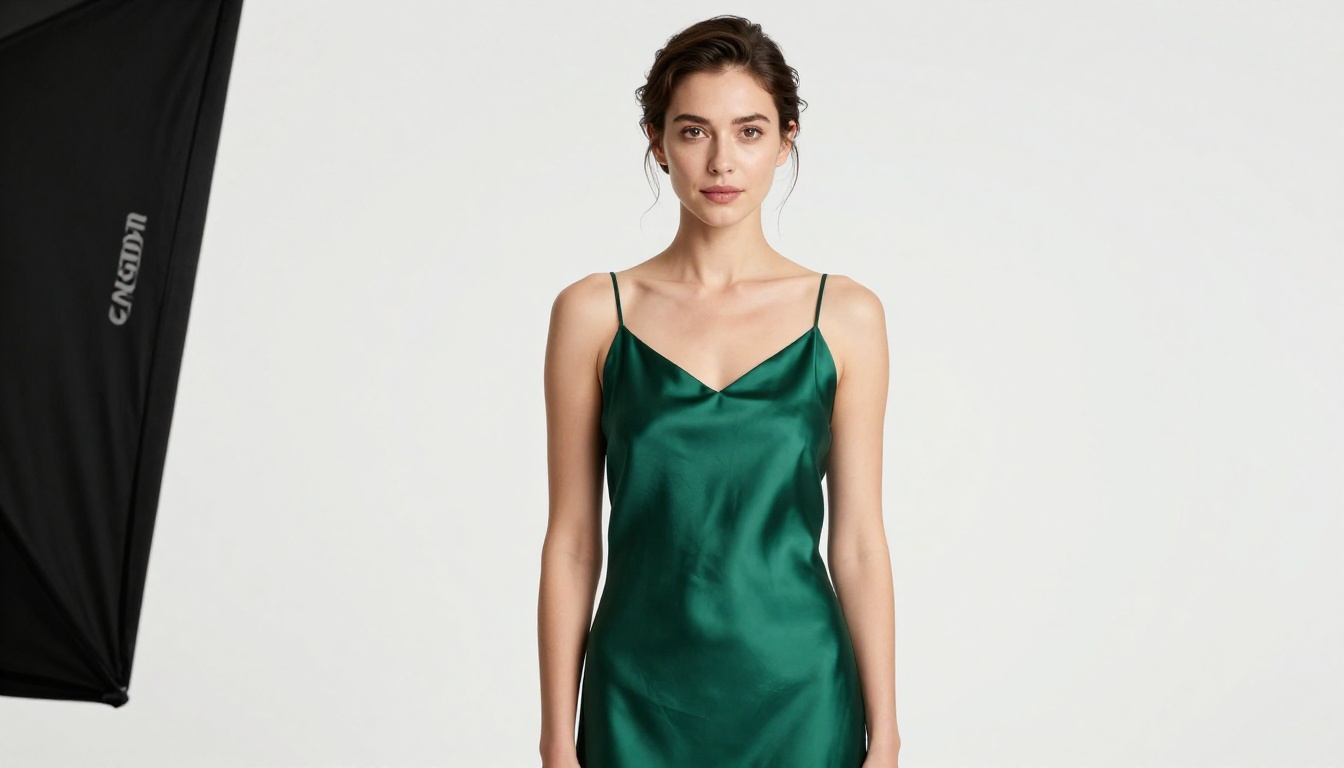
Edit and Upscale Your Results
PicassoIA's image editing suite extends what you can do with Nano Banana 2 outputs in several directions:
- Inpainting: Fix specific areas of an image without regenerating the whole scene. If a hand looks wrong, an ear is malformed, or a background element breaks the realism, paint over just that region and regenerate it in isolation
- Outpainting: Expand the canvas of any generated image to create wider compositions, add context to tight framing, or shift the visual weight of a scene
- Super Resolution: Upscale outputs 2x or 4x for print-ready resolution. Particularly useful when a 16:9 web-resolution render needs to scale up to large format print without losing clarity
- AI Image Restoration: Clean up minor artifacts, smooth out noise, or repair compression damage on any generated image
These tools are all accessible at picassoia.com/en/all-models, and they turn a single Nano Banana 2 generation into a fully production-ready asset. The combination of generation plus editing plus upscaling covers the full lifecycle of an image from initial idea to final deliverable.
Start Creating Right Now
Nano Banana 2 occupies a specific and valuable position in the current AI image generation landscape: photorealistic quality with a content policy that respects adult creative work. Whether you are building a boudoir AI portfolio, generating editorial-style fashion imagery, producing assets for adult content platforms, or simply tired of safety refusals interrupting your creative process, it delivers results that other models cannot.
The model is available right now at picassoia.com/en/collection/text-to-image/google-nano-banana-2. For warm-toned lifestyle output with a softer rendering signature, pair it with Seedream 4.5. For post-processing, use Remove Background to isolate subjects and the Super Resolution tools to scale outputs up for commercial print sizes.
The full catalog of 91 text-to-image models, video generation, background removal, super resolution, and every other AI creative tool available on the platform lives at picassoia.com/en/all-models. Your next image is one prompt away.