Two of the most discussed text-to-image models right now come from opposite ends of Silicon Valley. Nano Banana 2 is Google's latest entry into AI image generation, built for speed and photorealistic fidelity. DALL-E 3 is OpenAI's flagship creative model, optimized for compositional accuracy and stylistic range. Both promise strong results, but the day-to-day experience of using them is surprisingly different. This breakdown covers everything that actually matters: image quality, prompt following, generation speed, pricing, and the real-world scenarios where each model outperforms the other.
What These Models Actually Do
Before the comparison, it helps to understand what each model is actually optimized for. They are not interchangeable tools designed for the same use case.
Nano Banana 2 at a Glance
Nano Banana 2 is built on Google's internal diffusion research infrastructure and benefits from the company's vast training data. The "nano" in the name signals architectural efficiency: the model achieves high-quality outputs at faster inference speeds than most comparable models in its class.
Where it consistently stands out is in natural photorealism. Skin tones, natural environments, fabric textures, architectural surfaces, and hair detail all render with convincing accuracy. Color science leans toward true-to-life rather than stylized, and the model handles complex multi-element compositions with solid spatial logic.
You can run Nano Banana 2 directly on PicassoIA alongside the original Nano Banana and the premium nano-banana-pro. Each sits in a slightly different quality and speed bracket, giving teams the flexibility to match model choice to project requirements.
DALL-E 3 at a Glance
DALL-E 3 from OpenAI represents a significant step forward from its predecessor, with its core design focus on prompt coherence rather than pure photorealism. It integrates tightly with ChatGPT, which means users can iterate conversationally, refining their image in plain language until it matches their vision.
Where DALL-E 3 holds a clear advantage is in text rendering inside images, stylistic versatility, and compositional accuracy for multi-object scenes. Ask it to produce a clean product mockup, a vintage editorial illustration, or an image with specific readable text, and it will follow through in ways that most diffusion models cannot reliably replicate.
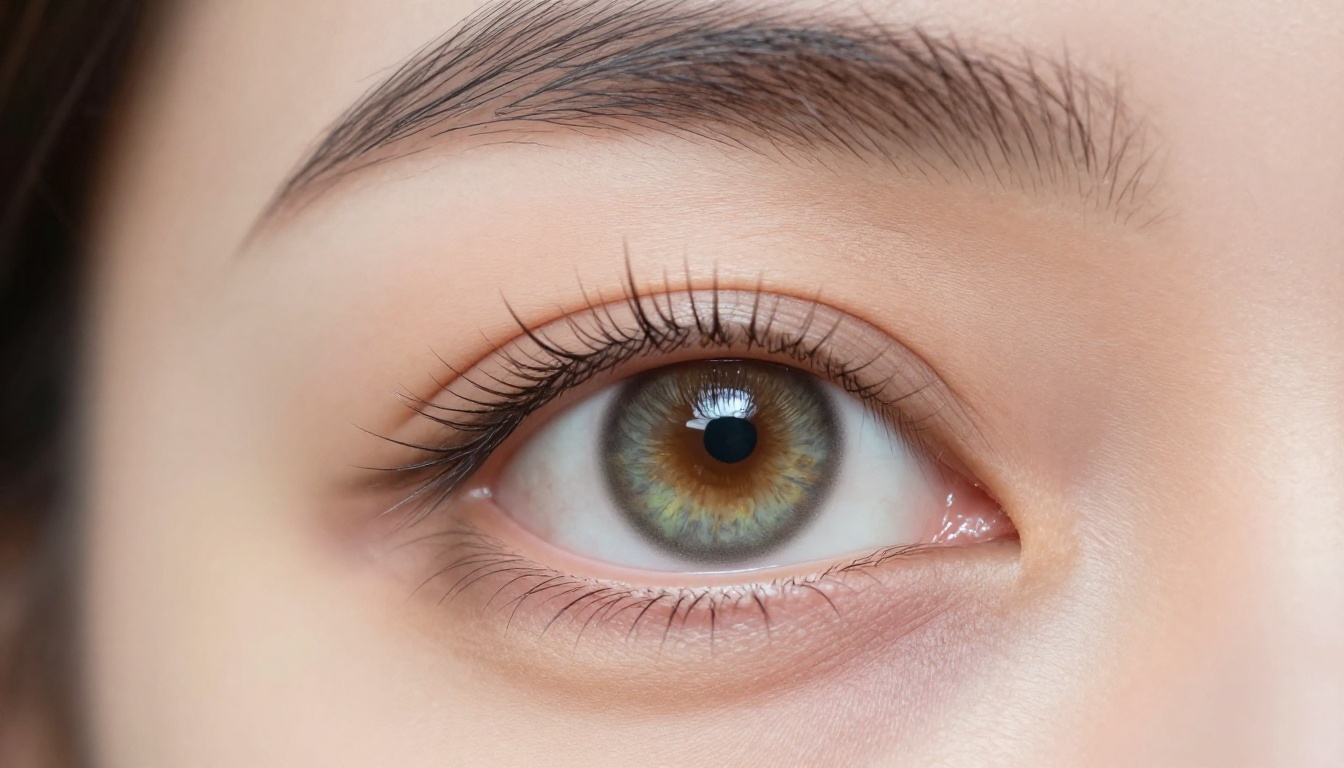
Image Quality Side by Side
This is where most users form their first strong opinion. The results depend significantly on what kind of images you are trying to produce.
Photorealism and Fine Detail
For raw photorealism, Nano Banana 2 holds a consistent edge across testing. Portrait photography, lifestyle imagery, product shots, and environmental scenes all come out with more natural skin texture, more accurate hair strand separation, and truer material surface rendering, including wood grain, fabric weave, water reflections, and stone texture.
DALL-E 3 produces very clean, well-composed images, but a characteristic "AI polish" often shows in the rendering. There is a hyper-smooth finish that reads as designed rather than photographed. For creative marketing assets, this can be exactly the right aesthetic. For anything trying to pass as actual photography, it can feel slightly off under close inspection.
Note: Both models occasionally struggle with hands in complex positions. Nano Banana 2 tends to produce fewer anatomical errors across human subjects in general, though neither model is fully reliable for extreme hand close-ups.
Color Science and Lighting Behavior
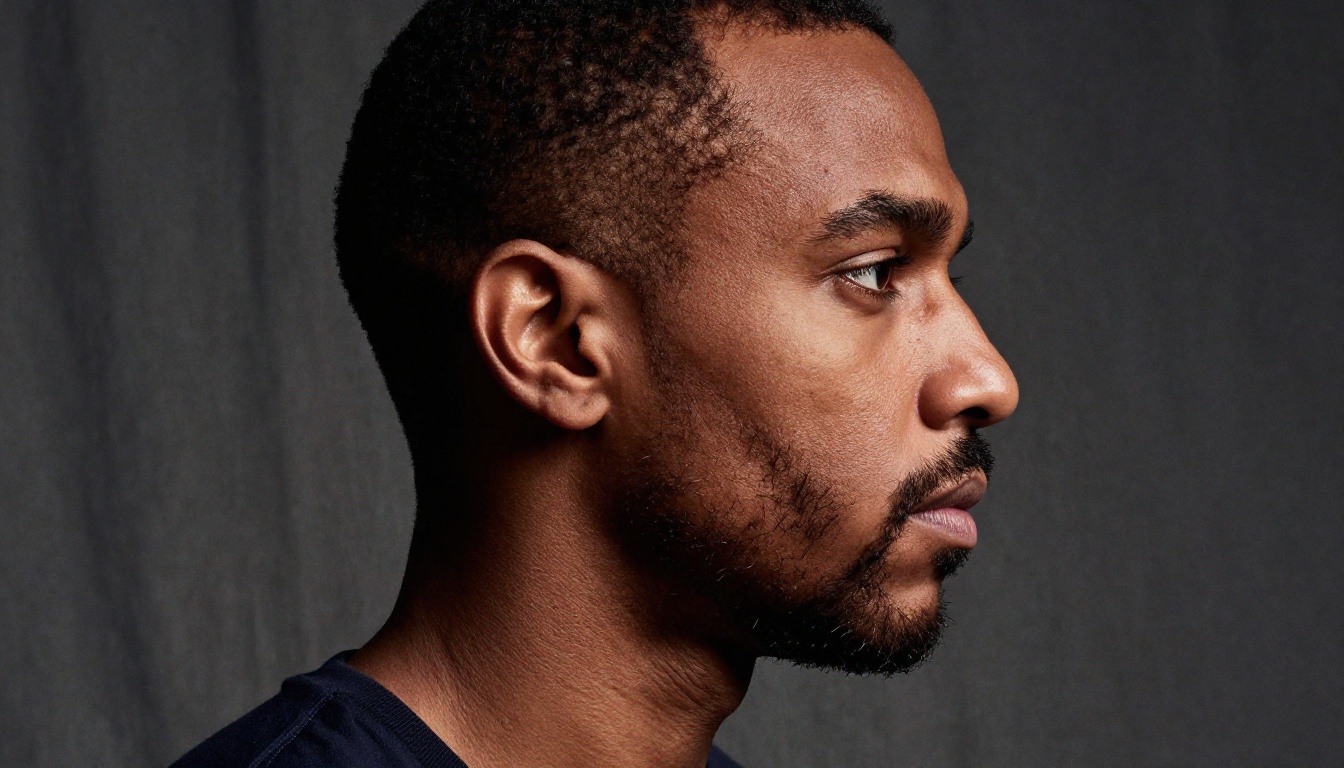
Nano Banana 2's color rendering is noticeably more restrained and accurate. Shadows retain natural depth without crushing to pure black, and highlights hold detail rather than blowing out. This makes it well-suited for anything requiring true-to-life color grading: product photography, architecture visualization, editorial portraiture, and lifestyle content.
DALL-E 3 defaults to more saturated, higher-contrast palettes. Images feel bold and visually punchy. This works well for social media content, creative campaigns, and projects where visual impact matters more than photographic accuracy.
| Attribute | Nano Banana 2 | DALL-E 3 |
|---|
| Photorealism | Excellent | Good |
| Color Accuracy | High | Stylized |
| Skin and Hair Detail | Very High | Moderate |
| Text in Images | Basic | Excellent |
| Artistic Style Range | Moderate | Excellent |
| Material Textures | Excellent | Good |
| Spatial Composition | Good | Very Good |
| Speed | Fast | Moderate |

Prompt Following — Who Wins?
Prompt adherence is the most practical metric for most users. A model that produces beautiful images but ignores half your description becomes extremely frustrating to work with at scale.
Simple Prompts
On straightforward prompts, both models perform reliably. Ask either of them for "a woman reading in a coffee shop on a rainy afternoon" and you will get a solid result. The differences appear in the interpretation details: Nano Banana 2 tends to read lighting and environment descriptions more literally, while DALL-E 3 fills in creative gaps with more stylistic invention.
Complex and Multi-Element Scenes
This is where the gap opens. DALL-E 3 has a clear advantage when prompts specify multiple distinct elements with precise spatial relationships. "A red bicycle leaning against a yellow wall with a blue door to the left and potted geraniums on the sill" is the kind of compositional challenge where DALL-E 3 consistently delivers and Nano Banana 2 occasionally muddles spatial logic.
For iterative creative direction, DALL-E 3's conversational refinement via ChatGPT is a real workflow advantage. Describing what is wrong in plain English and getting an adjusted output reduces the number of full prompt rewrites needed significantly.
Tip: When using Nano Banana 2 for complex scenes, structure your prompt in spatial layers: main subject first, background second, lighting third, camera angle fourth. This structure significantly improves compositional accuracy versus writing everything as a single run-on description.
Speed and Cost Comparison
For individuals, generation speed matters less. For teams producing high volumes of images daily, the efficiency gap between these two models becomes a significant operational factor.
| Factor | Nano Banana 2 | DALL-E 3 |
|---|
| Avg. Generation Time | 3 to 8 seconds | 10 to 20 seconds |
| Cost per Image | Lower | Higher |
| API Access | Yes | Yes (OpenAI API) |
| Batch Efficiency | High | Moderate |
| Quality per Cost Ratio | Very High | Moderate |
| Conversational Refinement | No | Yes (via ChatGPT) |
Nano Banana 2 consistently offers a better cost-per-image ratio at scale. Its inference efficiency is one of the model's stated design goals, and this shows in both pricing and generation speed. For content teams generating dozens or hundreds of images per day, this difference compounds into a meaningful budget difference over time.
DALL-E 3 through OpenAI's API carries a higher per-generation cost, but the conversational refinement workflow can reduce the total number of generations needed to reach a final result. For projects that require many small iterations, this can partially offset the cost premium.
What Each Model Does Best
Rather than declaring a flat winner, the more useful framing is matching each model to its optimal use cases.
Where Nano Banana 2 Excels
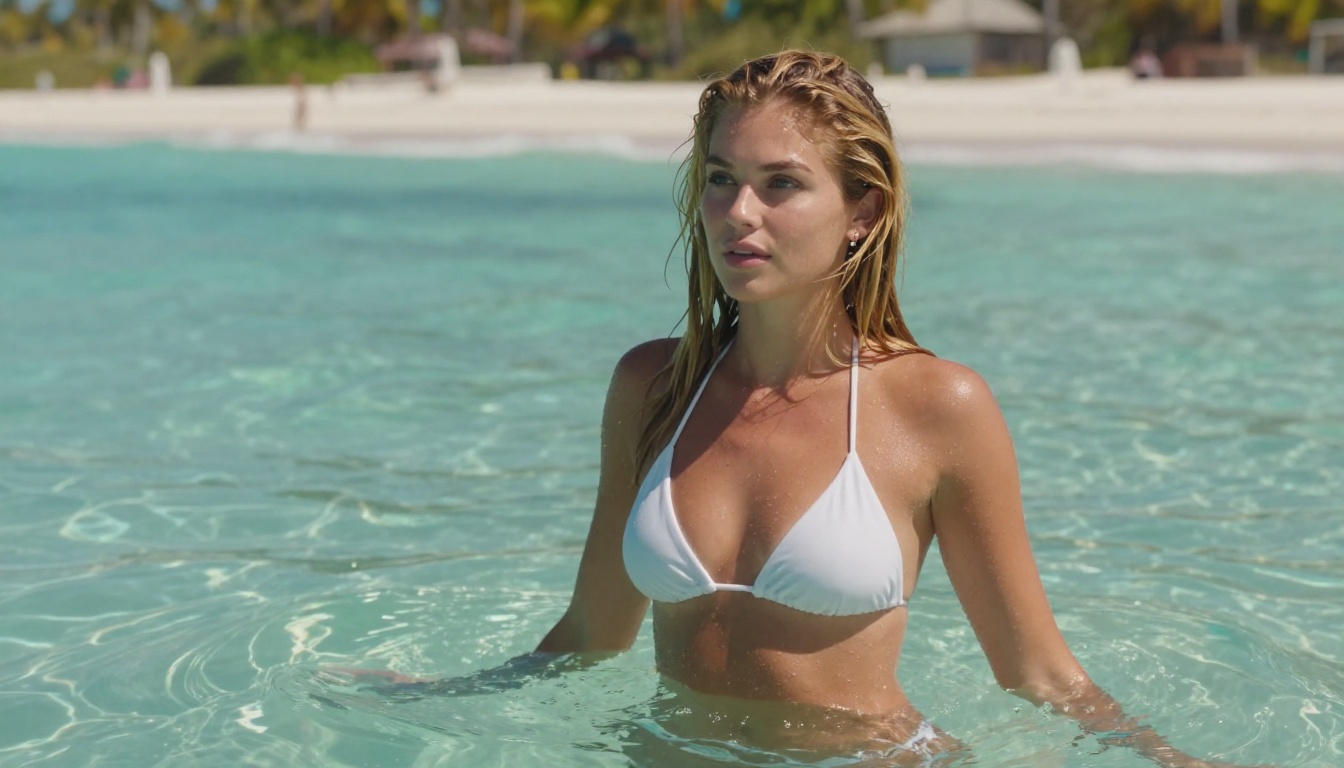
- Portrait and lifestyle photography: Natural skin rendering and photographic lighting behavior make it the stronger choice for human subjects.
- Product photography: Accurate material surfaces and neutral color science give it a clear edge for e-commerce and catalog imagery.
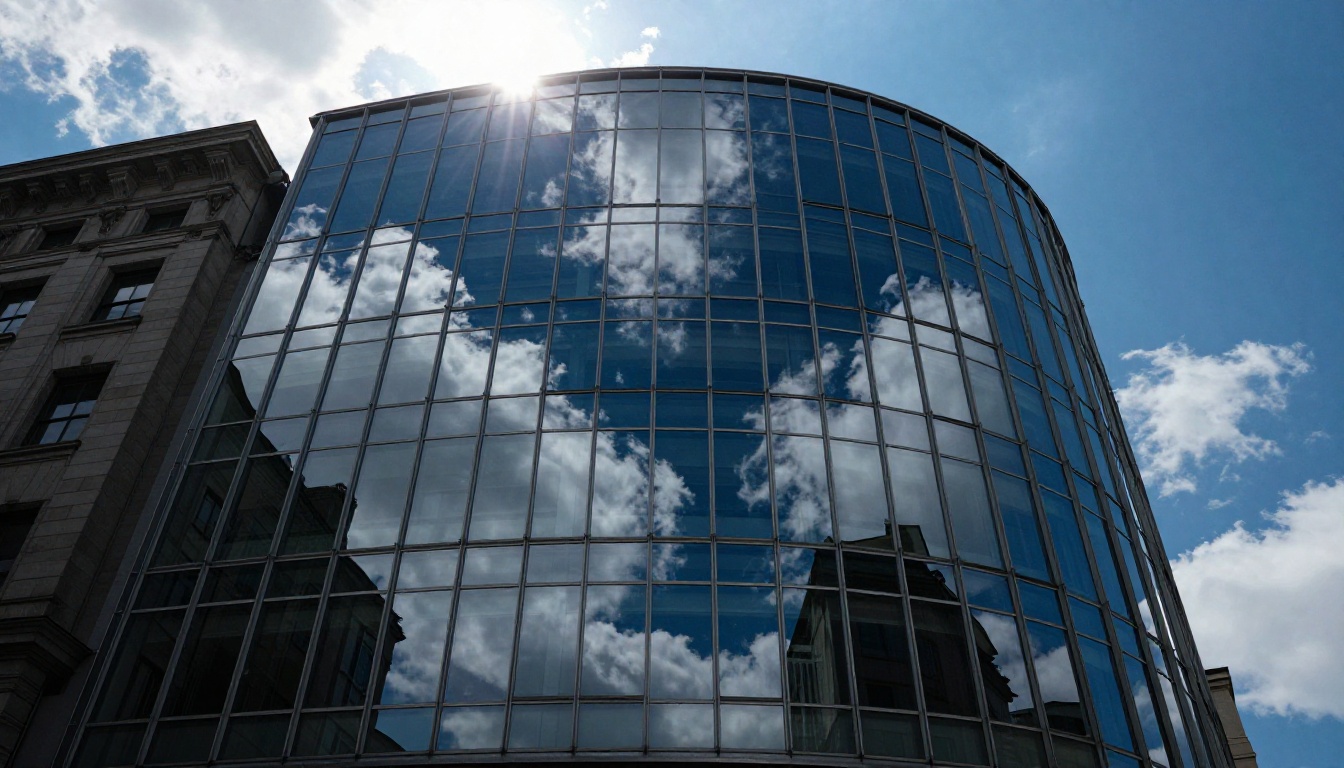
- Architecture and real estate: Structural detail and spatially accurate rendering perform consistently well across interior and exterior subjects.
- High-volume batch production: Faster generation and lower per-image cost make it more operationally viable at scale.
- Aerial and environmental imagery: Natural color science and texture fidelity translate well to landscape and nature content.
- Photographic film simulation: Responds strongly to analog film references like Kodak Portra, Fujifilm Pro 400H, and Ilford HP5 for warm, natural-looking outputs.
Where DALL-E 3 Excels
- Text inside images: No other major model comes close to DALL-E 3 for rendering accurate, readable text within image compositions.
- Stylized and artistic outputs: From oil painting to vintage poster art to comic illustration, it handles style directives with higher fidelity.
- Concept and ideation work: Its imaginative range makes it more suited to visual brainstorming and early-stage creative exploration.
- Conversational iteration: The ChatGPT integration makes back-and-forth prompt refinement genuinely intuitive and productive.
- Graphic design and branding mockups: Clean compositional precision suits it well for design work requiring specific layout control.
How to Use Nano Banana 2 on PicassoIA
Since Nano Banana 2 is available directly on PicassoIA, here is a workflow that consistently gets strong results.
Step 1: Open the model page
Go to Nano Banana 2 on PicassoIA. The prompt input and parameter controls are immediately accessible without any additional configuration.
Step 2: Write a layered prompt
Nano Banana 2 performs best with prompts structured in this order:
Subject + Action/Pose + Environment + Lighting Conditions + Camera Details + Style Modifiers
For example: "Portrait of a woman with dark red hair, sitting by a window in a bookshop, warm afternoon light from the left, 85mm f/1.4 lens, shallow depth of field, Kodak Portra 400 film simulation, photorealistic 8K"
This layered structure gives the model clear signals at each rendering stage rather than asking it to parse an unstructured paragraph of details.
Step 3: Set the right aspect ratio
For landscape and editorial content, use 16:9. For portrait-format social content, use 9:16. The model maintains quality across all standard ratios without significant degradation, so you can match aspect ratio to your distribution channel directly.
Step 4: Iterate with targeted changes
If the first result is close but not quite right, change one specific element at a time. Adjust a lighting description, modify the camera angle, or add a texture detail. Single-variable changes produce more predictable improvements than full prompt rewrites, and you will reach your target output faster.
Step 5: Combine with complementary models
For projects that need both photorealistic and stylized outputs within the same campaign, pairing Nano Banana 2 with flux-1.1-pro or flux-1.1-pro-ultra gives you a complementary range within a single platform workflow. For the OpenAI perspective, GPT Image 1.5 builds on DALL-E 3's strengths with stronger prompt coherence and is also available directly on PicassoIA.
Pro tip: Nano Banana 2 responds very well to specific analog film references. Adding "Kodak Portra 400 film simulation" shifts color rendering toward warm, natural shadows with lifted blacks. "Fujifilm Pro 400H" gives cooler, softer skin tones. "Ilford HP5" pushes toward high-contrast monochrome. These references act as shorthand for entire color science philosophies the model has clearly trained on.
3 Mistakes Most Users Make
Across both models, a few consistent mistakes cause users to get worse results than they should.
Mistake 1: Vague lighting descriptions
"Good lighting" or "natural light" tells the model almost nothing. Specify the direction (from the left, overhead, backlit), the quality (soft diffused, hard directional, golden hour), and the time of day. Both models respond dramatically better to precise lighting language, but Nano Banana 2 in particular renders lighting with more physical accuracy when you give it specific information to work with.
Mistake 2: Mixing realism and abstraction
Prompting for "a photorealistic portrait with surreal dreamlike colors" creates a contradiction the model has to resolve somehow, and the result is rarely what the user imagined. Decide whether you want photorealism or stylized output and commit to that direction in your prompt. Keep modifiers internally consistent.
Mistake 3: Ignoring camera and lens specifications
Experienced prompt engineers treat these models like photographers. Specifying "85mm f/1.4" versus "24mm f/8" produces very different spatial compression and depth-of-field behavior. "Shot at eye level" versus "low-angle upward" changes the entire compositional dynamic. Most users skip these details entirely and then wonder why their portraits look flat or their architectural shots feel distorted.
Which One Should You Use?
The honest answer is that the right choice depends entirely on your specific output goals and workflow.
Choose Nano Banana 2 if you:
- Need photorealistic results that hold up under close inspection
- Work in portrait, lifestyle, product, or architectural photography
- Generate high volumes of images and need cost and speed efficiency
- Require accurate material texture, lighting physics, and color fidelity
- Want a model accessible directly on PicassoIA without separate API setup
Choose DALL-E 3 if you:
- Need text rendered accurately inside image compositions
- Work in creative concept development or brand visual identity
- Prefer conversational prompt refinement over structured prompt engineering
- Prioritize artistic and stylistic range over photographic accuracy
- Build applications or products on top of OpenAI's API ecosystem
For teams who want access to both, PicassoIA gives you Nano Banana 2, nano-banana-pro, GPT Image 1.5, and dozens of other models in a single interface. You can run the same prompt through multiple models side by side and compare outputs directly, which is the fastest way to calibrate your intuition for where each model performs best.

Start Creating with Nano Banana 2
Reading a comparison only goes so far. The fastest way to know which model fits your workflow is to run your own prompts through both and see the difference in real outputs.
PicassoIA gives you direct access to Nano Banana 2, the original Nano Banana, and the high-performance nano-banana-pro without any API configuration. Pick a scene, write a structured prompt using the layered format above, and see what comes back. Then run the same prompt through GPT Image 1.5 for the OpenAI perspective on the same brief.
The gap between these models is real, but it is also specific. Both are genuinely excellent at what they are optimized for. The creative skill that transfers across all of them, and across every model that comes after them, is the ability to describe a scene with photographic precision and creative clarity. That is the investment worth making.


