Two AI models. One question. If you are deciding between Nano Banana 2 and Flux 2 Pro for your next project, the answer is not as simple as reading a benchmark chart. Both models produce stunning images, but they approach the problem differently, and knowing those differences saves hours of trial and error.
This breakdown puts both models through portrait accuracy, landscape fidelity, micro-texture rendering, prompt complexity, and generation speed to give you a clear, honest picture of what each one does best.
What Is Nano Banana 2?
Nano Banana 2 is Google's compact, efficiency-first text-to-image model. The playful name conceals serious engineering. It was built for fast inference without the heavy compute overhead of larger diffusion architectures, making it ideal for iterative creative workflows where you need results quickly and cost efficiently.
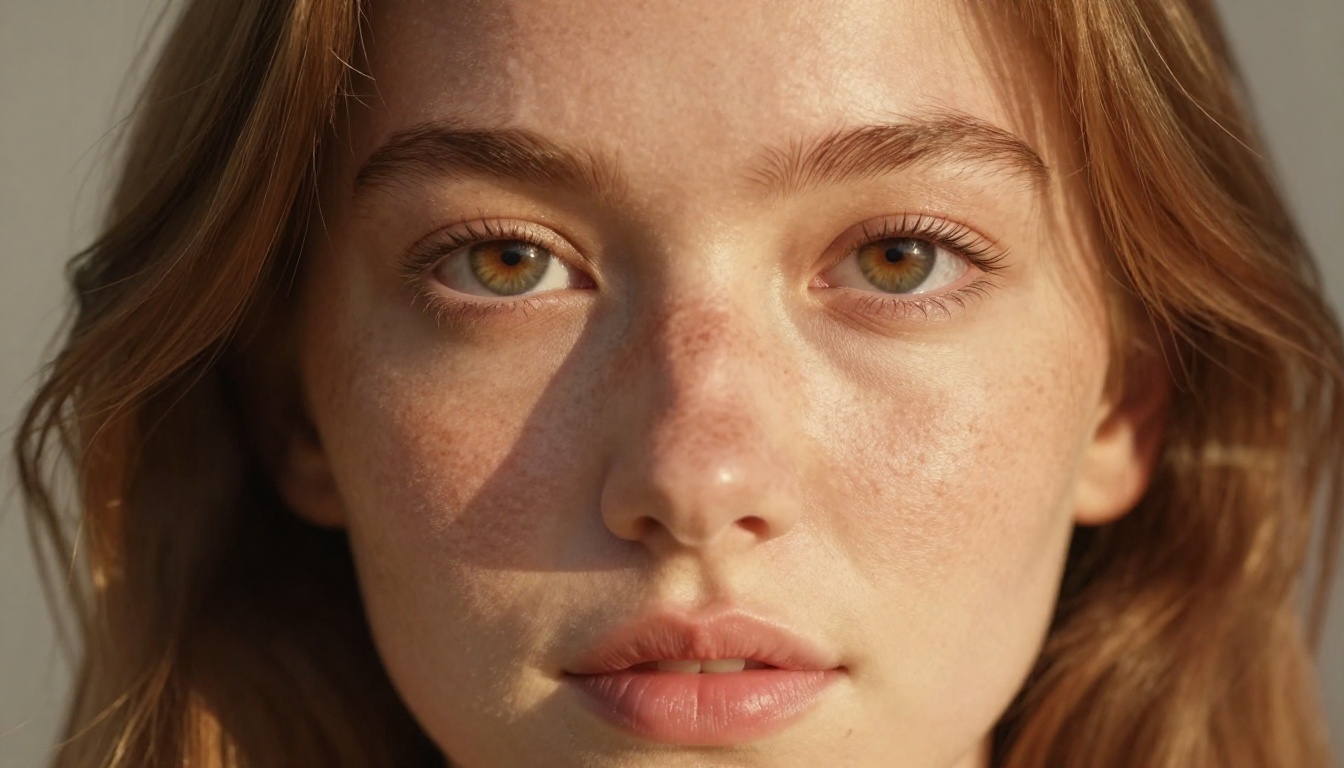
Google's Speed-First Philosophy
Google built Nano Banana 2 around a streamlined attention architecture that prioritizes the semantically important elements in a prompt first, then fills surrounding detail contextually. Inference runs in seconds rather than the extended waits some heavier models demand.
That speed is not purchased by sacrificing coherence. The model's lighting physics hold up under scrutiny. Shadows fall where geometry demands. Specular highlights obey light-source direction. You rarely get the telltale "AI glow" artifact that plagues lower-tier models, where everything emits ambient light regardless of whether a source exists.
The original Nano Banana established this philosophy. Version 2 refines it with better prompt adherence on moderate-complexity scenes and cleaner subject-edge separation. Alongside it, Nano Banana Pro sits as the premium tier in Google's compact lineup for users who want additional quality headroom without moving to a completely different architecture family.
Output Style and Strengths
Nano Banana 2 has a distinct visual signature. Outputs lean warm and naturalistic, with smooth tonal transitions and a skin rendering quality that stands out. The model handles subsurface scattering convincingly, producing that slight luminosity through skin that makes portraits feel alive rather than procedurally assembled.
Where the architecture shows its character most clearly is in emotional warmth. Faces are immediately inviting. Color science sits closer to Kodak Portra film emulation than to clinical accuracy, which makes outputs broadly pleasing without requiring extensive post-processing.
Strengths: Fast generation, warm naturalistic color science, excellent portrait rendering, coherent lighting physics, lower cost per image
Watch for: Slightly softer micro-texture on fabric weave and individual hair strands compared to heavier architectures, and occasional spatial reinterpretation on complex multi-element prompts
What Is Flux 2 Pro?
Flux 2 Pro is Black Forest Labs' flagship professional-tier model. Where Nano Banana 2 optimizes for efficiency, Flux 2 Pro optimizes for absolute output quality with no compromises on detail density, resolution fidelity, or prompt adherence.
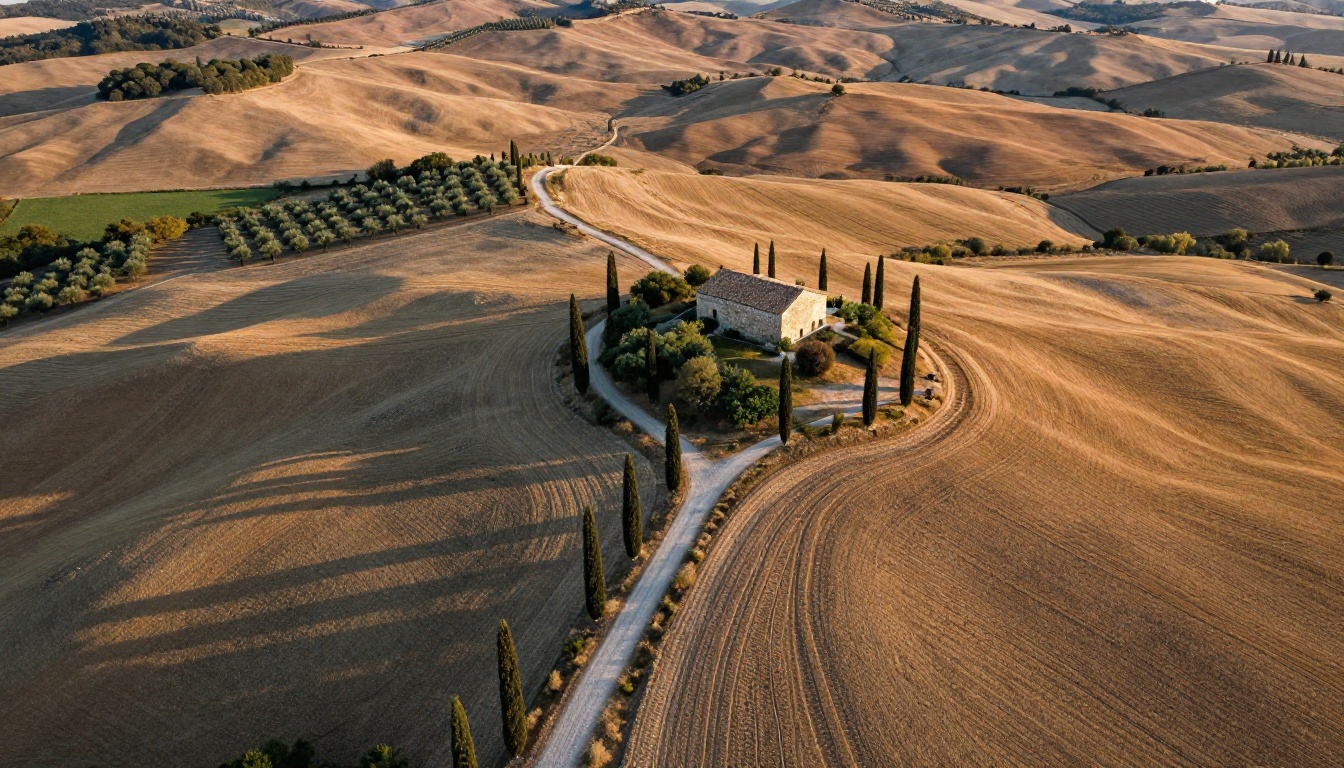
Black Forest Labs' Precision Architecture
Black Forest Labs built a reputation for models that photographers and commercial artists actually use as professional tools. Flux 2 Pro sits at the top of their current generation lineup, above flux-2-dev and flux-2-flex, designed for users who need maximum output quality and are willing to commit the additional compute.
The model uses a flow matching architecture rather than pure DDIM diffusion. It generates images along a learned probability trajectory from noise to output, which produces sharper edges, better text handling inside images, and more faithful spatial composition on complex scenes. The result is a model that responds to detailed technical prompts with a precision that sets a measurable benchmark in the 2027 landscape of AI image generation.
Output Style and Strengths
Flux 2 Pro's visual style is precise, neutral-cool, and high-fidelity. It renders micro-detail with a clarity that requires deliberate prompt engineering to achieve in smaller models. Fabric weaves, individual hair strands, architectural surface imperfections, and brushed metal grain all respond to the model's architecture with convincing physical accuracy.
Color science sits closer to neutral than Nano Banana 2's warmer tone, which makes it more adaptable across diverse creative applications. Skin tones are accurate rather than flattering, which suits technical commercial work but may require color grading for consumer-facing beauty content.
Text rendering inside images is where Flux 2 Pro separates itself most dramatically. Signage, product labels, and short words appear with far fewer distortions than competitors when prompted correctly.
Strengths: Exceptional micro-detail, accurate text rendering, neutral adaptable color science, superior prompt adherence on complex spatial scenes
Watch for: Longer generation times at maximum quality settings, higher cost per image, occasionally clinical output on minimal prompts
Image Quality, Head to Head
Both models make compelling images. What separates them depends entirely on what you are asking them to produce.
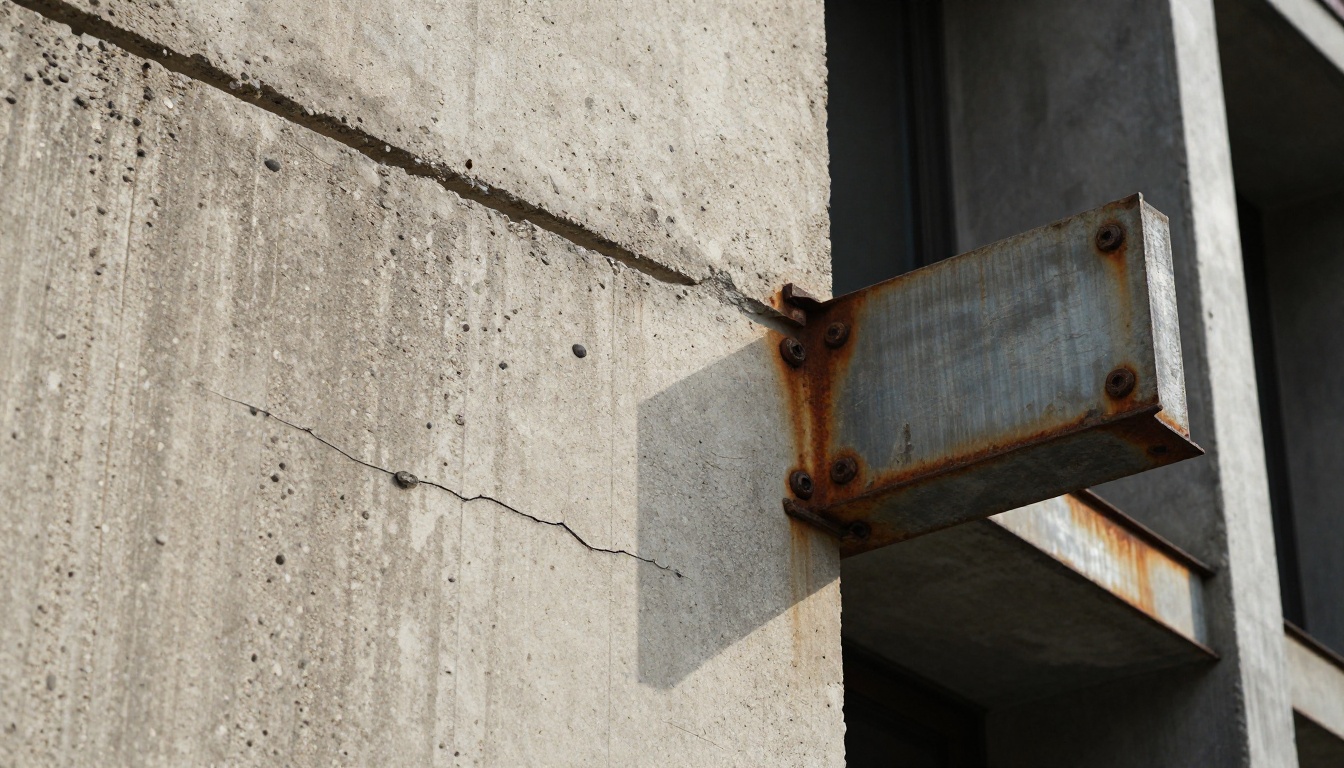
Portrait and Face Accuracy
On portrait tests, Nano Banana 2 wins on emotional warmth. Faces feel inviting and naturalistic. The model produces immediately pleasing skin tones without extensive prompt engineering, and its lighting coherence on faces is particularly strong.
Flux 2 Pro wins on technical accuracy. Iris texture, individual lash rendering, and accurate facial feature placement in three-quarter views demonstrate clear superiority. If you are producing portrait work for commercial use where anatomical precision matters, Flux 2 Pro is harder to beat.
| Criterion | Nano Banana 2 | Flux 2 Pro |
|---|
| Skin warmth | Excellent | Good |
| Facial accuracy | Very Good | Excellent |
| Hair strand detail | Good | Excellent |
| Lighting coherence | Excellent | Very Good |
| Generation speed | Fast | Moderate |
| Cost per image | Lower | Higher |
Landscapes and Wide Scenes
For wide establishing shots and landscape compositions, the quality gap narrows considerably.
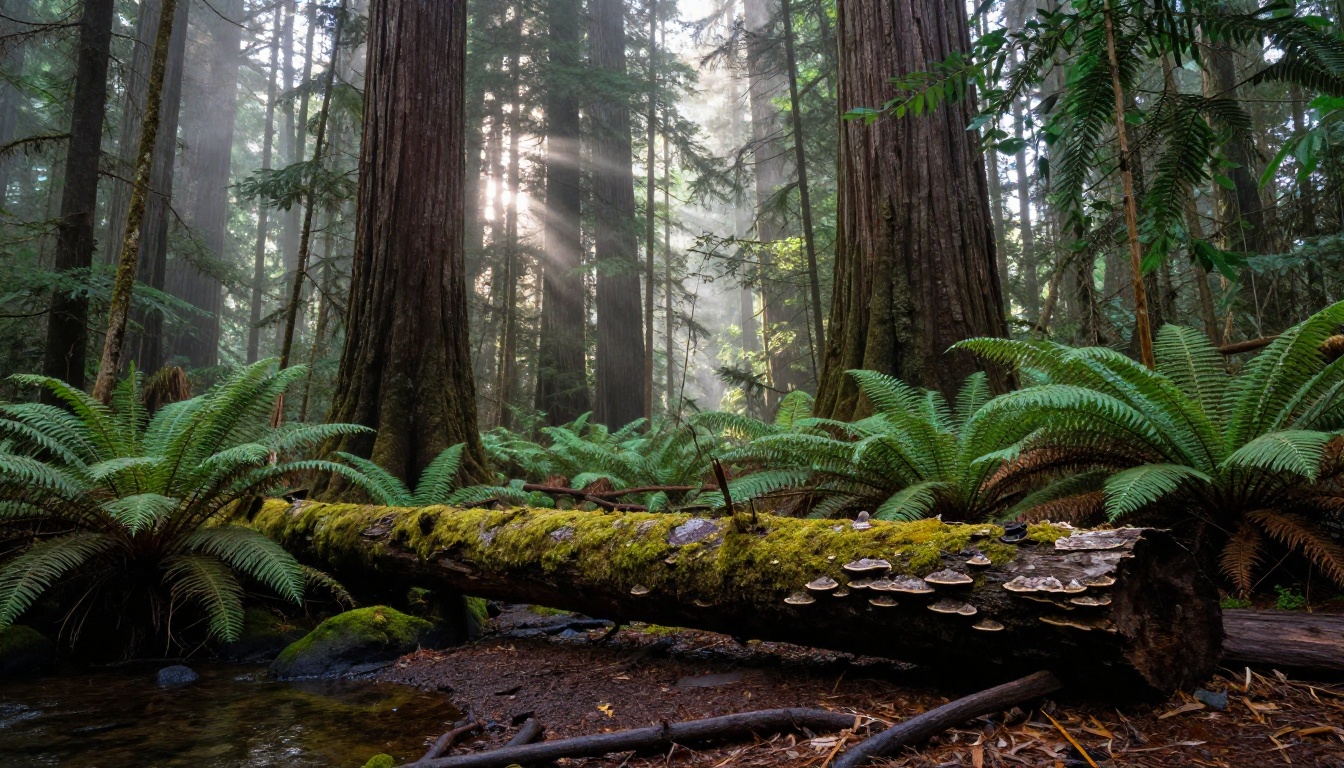
Both models handle aerial and landscape compositions with skill. Nano Banana 2 produces sweeping vistas with beautiful atmospheric haze and convincing depth gradient. Flux 2 Pro goes deeper on ground-level texture, rendering individual leaves, rock surfaces, and water reflections with more physical precision.
For social content and creative work where landscapes need to feel evocative rather than technically precise, Nano Banana 2 is perfectly capable and substantially faster to work with. For print-quality landscape photography and architectural visualization, Flux 2 Pro has the clear advantage.
Textures and Fine Detail
This is where the distance between models is most visible and most consequential.
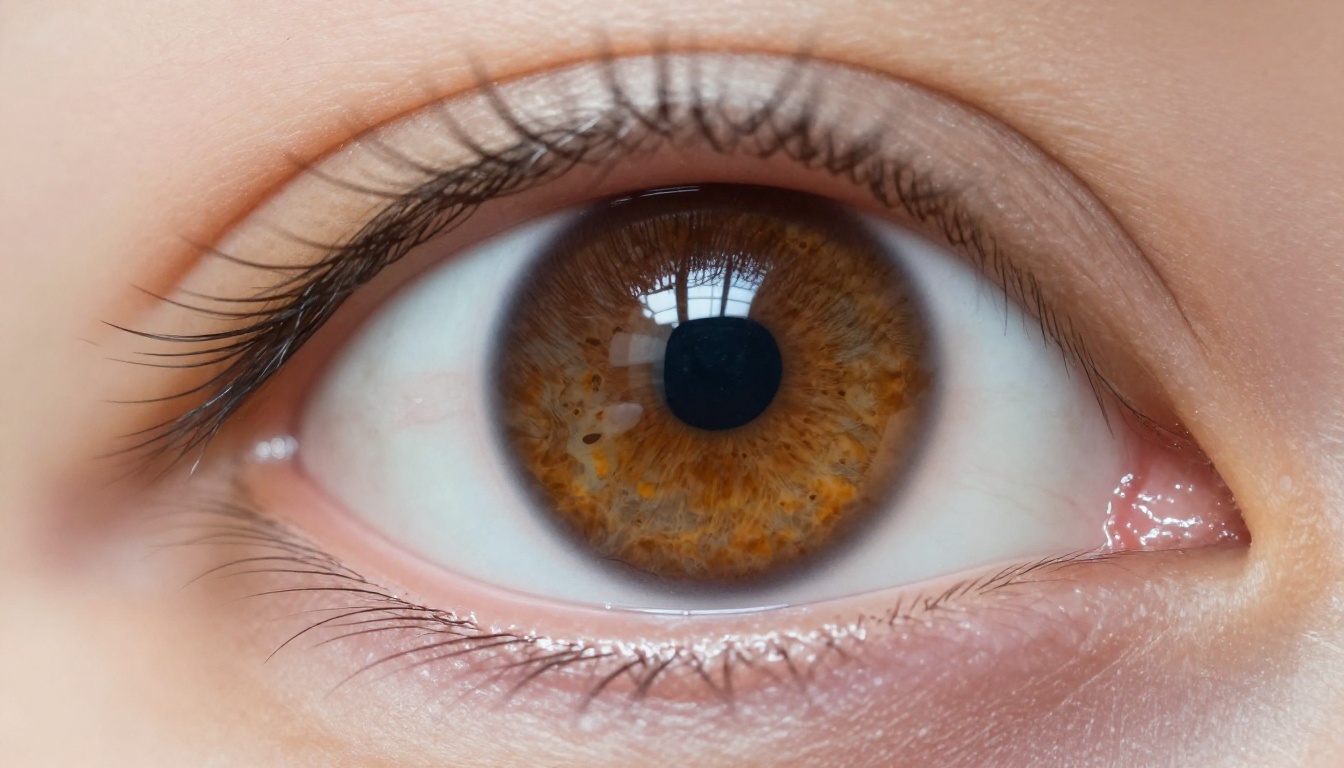
Flux 2 Pro renders micro-texture with a level of clarity that requires deliberate, extended prompting to approximate in Nano Banana 2. Fabric weave patterns, pore-level skin detail, architectural surface imperfections, brushed metal grain, all respond with greater physical fidelity to Flux 2 Pro's architecture.
If texture is central to your output, whether you are producing product photography mockups, fashion editorial imagery, or detailed architectural visualization, Flux 2 Pro's detail density gives you substantially more to work with.
Prompt Adherence Test
One of the most important real-world differentiators between AI image models is how faithfully they honor complex prompts.

Complex Multi-Element Scenes
Prompts requesting multiple subjects with specific spatial relationships are where architecture choices show most clearly. Testing both models on scenes with three or more independent elements and precise positional instructions revealed a consistent pattern.
Flux 2 Pro places elements where instructed. Spatial directives are honored with a reliability that is difficult to match. "A woman in a red coat standing to the left of a wooden doorway, a dog sitting on the right step, afternoon light from behind" produces an output that matches the prompt's spatial intent with high fidelity.
Nano Banana 2 sometimes reinterprets spatial relationships on multi-element scenes. It still produces beautiful images, but the composition may differ from your precise mental model. It tends to prioritize visual harmony over literal instruction when the two conflict.
Tip: When using Nano Banana 2 for complex scenes, simplify spatial language. "Foreground," "background," and "left of frame" perform better than specific positional instructions with three or more independent subjects.
Simple and Minimalist Prompts
On minimal prompts, something interesting happens: the performance gap closes dramatically, and in some cases reverses.
A short prompt like "a portrait of a woman in golden afternoon light" produces outstanding results from both models. Nano Banana 2 actually demonstrates an interpretive creativity advantage with minimal prompts. It fills in contextual detail generously and makes artistically satisfying compositional choices.
Flux 2 Pro with minimal prompts tends toward the literal, producing accurate but occasionally sterile outputs that lack the spontaneous character Nano Banana 2 brings to open-ended prompts. This is not a flaw in Flux 2 Pro's design. It is the correct behavior for a precision tool. But it is worth accounting for when choosing between them.
Speed vs. Quality Tradeoff

This is the practical question that determines which model belongs in which part of your workflow.
| Factor | Nano Banana 2 | Flux 2 Pro |
|---|
| Generation speed | Very Fast | Moderate |
| Cost per image | Lower | Higher |
| Quality ceiling | High | Very High |
| Iterative workflow | Excellent | Good |
| Final delivery quality | Very Good | Excellent |
| Complex prompt handling | Good | Excellent |
| Minimal prompt handling | Excellent | Good |
| Text in image | Fair | Excellent |
The pragmatic answer for most workflows involves both models at different stages. Nano Banana 2 for ideation, iteration, and rapid concept validation. Flux 2 Pro for final production output when the image is going directly to a client, publication, or campaign asset.
For teams with tight budgets or high-volume pipelines, Nano Banana 2 at full capacity produces outputs that are entirely publishable for most digital use cases. The cases where Flux 2 Pro's additional investment is clearly justified are: close-up product photography, fashion editorial, technical architectural visualization, and any prompt requiring readable text.
How to Use Both on PicassoIA
Both models are available through PicassoIA without API keys, without local setup, and without needing to manage your own compute infrastructure.
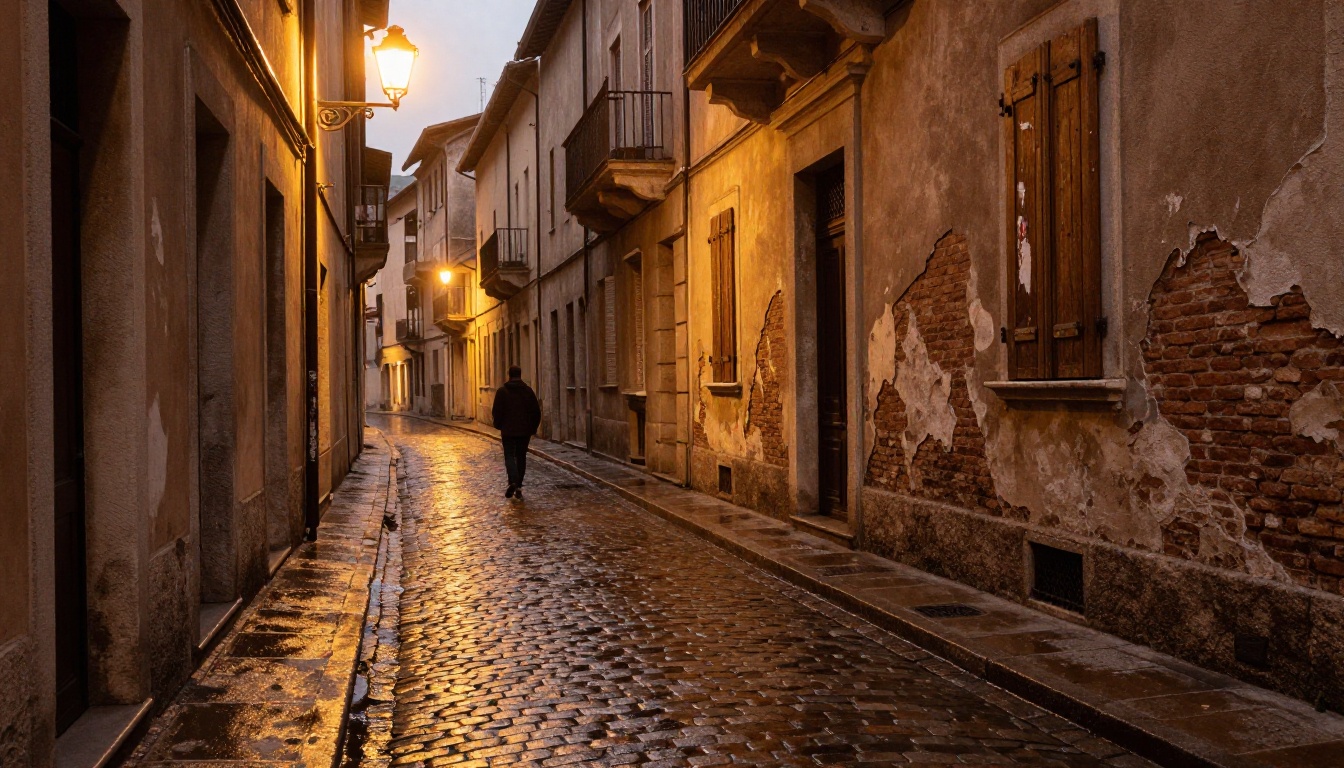
Using Nano Banana 2 on PicassoIA
- Open Nano Banana 2 from the text-to-image collection
- Write a focused prompt. Nano Banana 2 responds best to prompts under 80 words
- Use natural, descriptive language rather than dense technical photography terms for more organic outputs
- Set aspect ratio to 16:9 for landscape and editorial work, 1:1 for social media crops
- Run 3 to 4 rapid generations to identify your preferred composition and lighting direction
- Use the strongest result as a foundation for further refinement
Best prompt structure for Nano Banana 2:
[Subject] [Action or Pose] in [Environment], [Time of day], [Mood], photorealistic
Example: "A woman reading on a sun-filled apartment balcony, late afternoon, warm and unhurried, photorealistic"
Using Flux 2 Pro on PicassoIA
- Open Flux 2 Pro from the text-to-image collection
- Invest time in a detailed, specific prompt. Flux 2 Pro rewards specificity with proportionally stronger outputs
- Include camera and lens specifications such as "85mm f/1.4" or "shot on medium format" for photography-accurate outputs
- Specify lighting direction and quality explicitly: "volumetric morning light from camera-left," "soft overcast from directly above"
- Add material and texture descriptors: "brushed steel," "knit wool with visible yarn texture," "weathered concrete with hairline cracks"
- Run a single high-quality generation rather than rapid-fire iterations
Best prompt structure for Flux 2 Pro:
[Subject with detailed description] [Environment] [Precise lighting] [Camera lens and settings] [Material textures] --ar 16:9
Example: "A woman in a tailored burgundy blazer seated at a marble desk, natural north-facing window light from the left, 85mm f/1.8 Canon L, warm skin tones with pore-level detail, cream linen shirt fabric texture, polished marble with visible veining, Kodak Portra 400 color science"
Other Models Worth Knowing
If you are looking beyond these two, flux-2-max pushes quality even further for the most demanding projects, while flux-2-flex offers more flexible parameter control for experimental work. For ultra-high-resolution outputs, flux-1.1-pro-ultra remains one of the strongest options in the catalog.
On the Google side, Nano Banana Pro bridges the gap if you want more quality headroom while staying within the Nano Banana generation speed and cost profile.
So Which One Actually Wins?
The honest answer is: both, at different moments in your workflow.
Pick Nano Banana 2 when:
- Speed is the priority and you are iterating through concepts quickly
- Warm, naturalistic portrait skin tones are what your output requires
- You need lower cost-per-image for high-volume content pipelines
- Your prompts are concise and benefit from interpretive creative choices
- Atmospheric landscapes and evocative editorial imagery are the deliverable
Pick Flux 2 Pro when:
- Maximum technical detail and micro-texture accuracy are non-negotiable
- Your prompts are complex with multiple subjects and specific spatial requirements
- Readable text must appear correctly inside the generated image
- The output goes directly to a professional deliverable, campaign asset, or client review
- You are producing close-up product photography, fashion editorial, or architectural imagery
The models complement rather than replace each other. A workflow that uses Nano Banana 2 for ideation and Flux 2 Pro for final production gets the best of both. You move quickly through creative possibilities, then commit the quality budget where it counts.
The best way to settle it for your specific use case is to run the same prompt through both and compare. Open Nano Banana 2 and Flux 2 Pro on PicassoIA, enter your prompt into each, and let the outputs make the case. You will have your answer in under two minutes.


