The AI image generation space just got more competitive, and two models are sitting at the center of the conversation right now: Nano Banana 2 from Google and Flux 2 Pro from Black Forest Labs. If you have been trying to pick one for your next creative project, workflow, or commercial campaign, the choice is not as simple as it looks. Both are powerful, both produce high-quality results, and both are available on PicassoIA right now. But they were built with different philosophies, different strengths, and different audiences in mind.
This article breaks down everything you need to know: speed, image quality, prompt adherence, pricing, and the specific situations where each model outperforms the other.
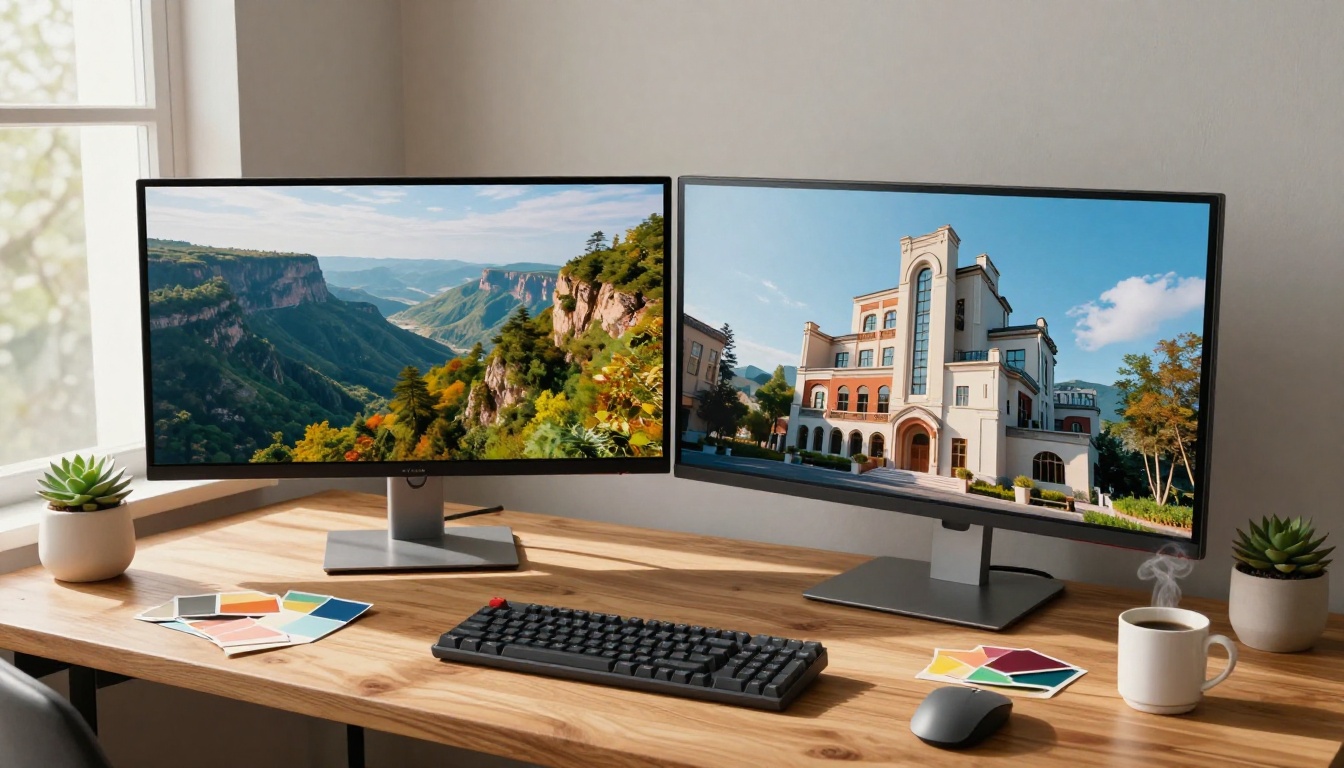
What Sets These Models Apart
Before diving into the numbers, it helps to know where each model comes from, because the origin tells you a lot about the priorities baked into the architecture.
Nano Banana 2: Born From Google's Research
Nano Banana 2 is Google's second iteration in the Nano Banana series. It sits alongside Nano Banana Pro in the lineup, designed with efficiency as a core value. Google built this model to prioritize rapid generation without sacrificing the crisp detail that modern workflows demand. The "nano" in the name is telling: this model is lean, fast, and focused.
Where earlier models in the series sometimes struggled with facial detail consistency and complex scene composition, Nano Banana 2 represents a significant step forward. Its diffusion pipeline is optimized for low-latency environments, making it particularly attractive for teams running high-volume generation tasks or iterating quickly through creative drafts.
💡 What's new in version 2: Improved semantic prompt parsing, better handling of multi-element compositions, and noticeably tighter color calibration compared to the original Nano Banana.
Flux 2 Pro: Black Forest Labs' Professional Tier
Flux 2 Pro is the professional-grade offering from Black Forest Labs, the team behind the original Flux family. Black Forest Labs has built a reputation for pushing quality ceilings, and Flux 2 Pro reflects that. This is a model that prioritizes fidelity and detail depth over raw generation speed.
Within the Flux 2 ecosystem, it slots above Flux 2 Dev and sits at roughly the same tier as Flux 2 Max, each targeting a slightly different balance of quality and performance. Flux 2 Pro is the workhorse of the family: built for professionals who need consistent, high-fidelity output without the overhead of the maximum-quality pipeline.
| Feature | Nano Banana 2 | Flux 2 Pro |
|---|
| Developer | Google | Black Forest Labs |
| Primary Focus | Speed and efficiency | Quality and fidelity |
| Best Tier | Fast creative workflows | Professional output |
| Resolution Support | Up to 4K | Up to 4K |
| Prompt Sensitivity | Moderate to high | Very high |
| Available on PicassoIA | Yes | Yes |

Speed is one of the most practical factors in any real workflow. A model that takes 45 seconds per image is fine for a single portrait. It becomes a bottleneck when you are generating 50 product shots for an e-commerce catalog.
Generation Time in Real Conditions
Nano Banana 2 is the faster model in head-to-head inference. In typical conditions on standard API infrastructure, it generates a full-resolution 1024x1024 image in roughly 3 to 6 seconds. For 16:9 outputs at higher resolution, that range expands slightly but remains consistently below what most competing professional models deliver.
Flux 2 Pro runs slower, typically in the 8 to 15 second range for comparable resolution outputs. The additional latency is a direct result of the additional diffusion steps and quality refinements baked into the pipeline. It is a deliberate tradeoff, not a flaw.
💡 Speed tip: If you are iterating on creative concepts and need fast feedback loops, Nano Banana 2 lets you run 3 to 4 variations in the time Flux 2 Pro generates one. Use Nano Banana 2 for drafting, then switch to Flux 2 Pro for final production outputs.
API Efficiency and Resource Usage
The computational efficiency story also favors Nano Banana 2 in high-volume scenarios. Google's optimization approach means the model runs on less compute per image, which translates directly to lower per-image cost when accessing the model via API. For agencies or developers running automated pipelines, this difference compounds quickly across hundreds or thousands of generations.
Flux 2 Pro, as a more computationally intensive model, costs more per generation. The cost is justified when the final quality requirement is non-negotiable, but it is worth factoring into project budgets upfront.
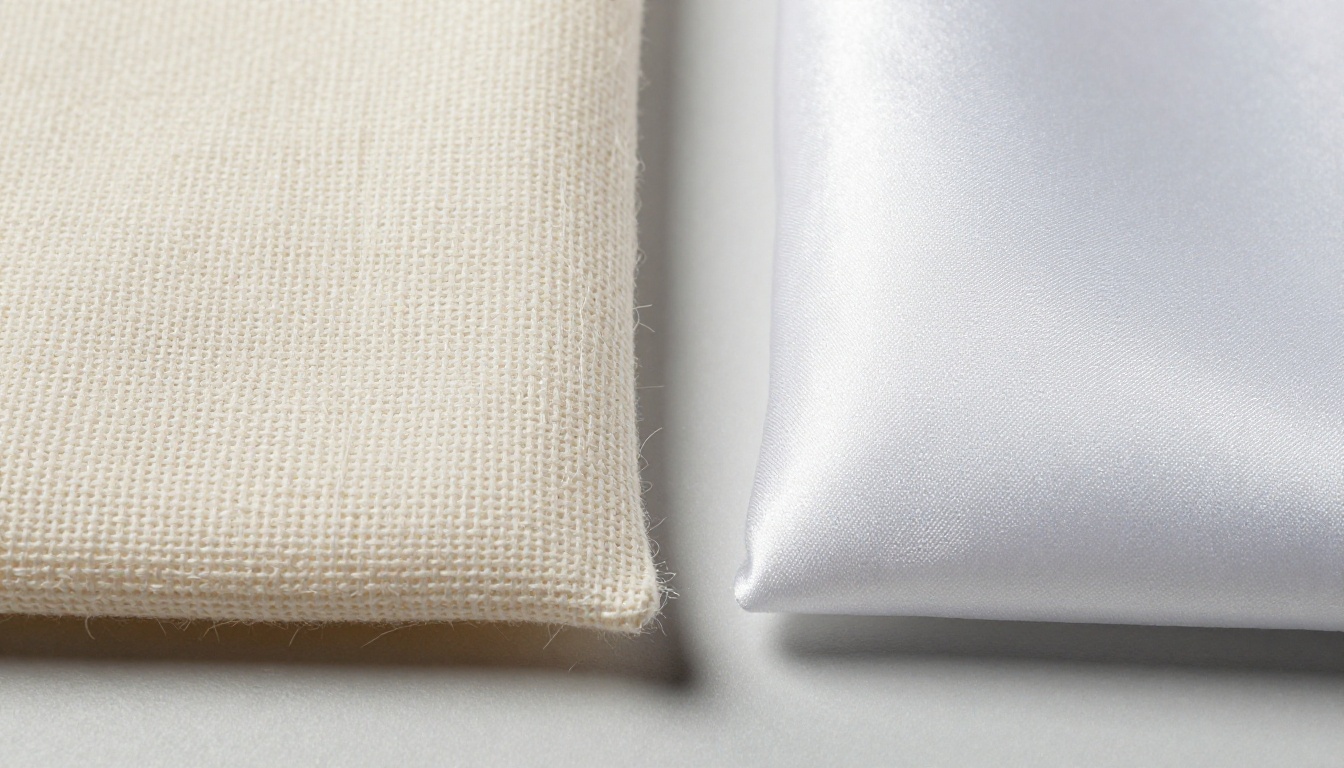
Image Quality That Actually Matters
Raw quality is the reason most people are reading this article, so let's be direct about where each model genuinely excels.
Photorealism and Skin Texture
This is where Flux 2 Pro consistently wins. Black Forest Labs has invested heavily in training data and refinement pipelines that produce skin pore-level detail, accurate specular highlights on hair, and natural subsurface scattering on skin in direct light. When you generate a portrait with Flux 2 Pro, the result often reads as a photograph from a professional DSLR.
Nano Banana 2 produces excellent results in this area but occasionally shows subtle softness in fine facial details, particularly around eyelashes, fine hair strands, and micro-texture on skin. The difference is visible at high zoom but largely invisible in web or social media use.
For any deliverable where image quality will be scrutinized at full resolution, or printed at large format, Flux 2 Pro has the edge.
Prompt Adherence and Semantic Accuracy
Here the gap is smaller than you might expect. Both models handle complex multi-element prompts well. Neither has a major weakness with compositional prompts.
Flux 2 Pro handles nuanced descriptive language better. When you write a prompt specifying "soft morning light from camera-left at 30 degrees, subject wearing charcoal wool blazer with visible texture," Flux 2 Pro will honor those specifics more reliably than almost any competing model.
Nano Banana 2 performs well with direct, clear prompts. It parses intent efficiently and rarely misinterprets subject-object relationships. Where it occasionally falls short is in interpreting very fine-grained stylistic adjectives or highly technical photography terminology.
Color Science and Lighting Quality
Both models have strong color science. Flux 2 Pro produces slightly warmer, more filmic color palettes with natural tonal roll-off in highlights, mimicking the look of Kodak film stocks. Nano Banana 2 tends toward slightly more saturated, punchy output by default, which some creators prefer for commercial and social media imagery.
💡 Color tip: When using Nano Banana 2, add "natural film tones, desaturated highlights, Kodak Portra 400 color grading" to your prompt to bring the output closer to a filmic aesthetic.

Where Nano Banana 2 Pulls Ahead
Nano Banana 2 is not the second-place model in this comparison. For specific use cases, it is objectively the better choice.
Batch Creative Projects and Quick Drafts
Any workflow that requires iterating quickly through multiple concept variations benefits from Nano Banana 2's speed advantage. Creative directors who need to review 20 different scene concepts in an hour, social media managers building content calendars, or developers building image generation features in applications all benefit from the faster throughput.
The quality is more than sufficient for:
- Social media content at standard web resolutions
- Blog and article imagery published at 1200px or below
- Concept exploration and moodboarding
- Marketing thumbnails and ad creative drafts
- E-commerce product visualization at standard catalog resolution
When Budgets Are Tight
The per-generation cost difference between Nano Banana 2 and Flux 2 Pro matters significantly at scale. If your project requires generating several hundred images, choosing the more efficient model can cut generation costs by 40 to 60 percent without a visible quality tradeoff in the final published output.
Where Flux 2 Pro Pulls Ahead
Flux 2 Pro earns its "Pro" designation in scenarios where output quality is the primary constraint.
Portraits, Fashion, and Lifestyle Photography
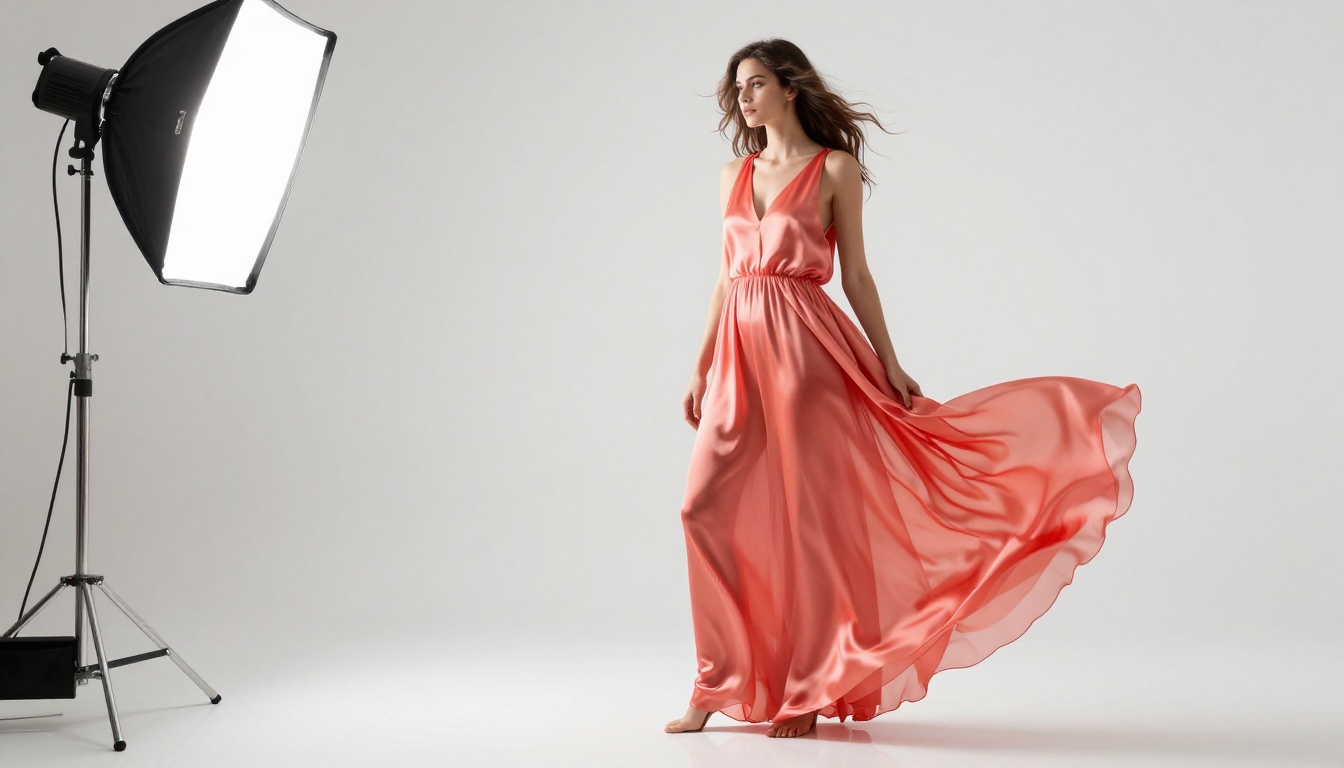
This is Flux 2 Pro's home territory. The model's handling of human subjects, particularly in controlled lighting scenarios, is genuinely exceptional. Fine hair strands, fabric texture, skin specular highlights, and accurate eye reflections all render with a level of fidelity that sets it apart from faster models.
For photographers, fashion brands, and content creators building premium visual assets, Flux 2 Pro should be the first choice.
Product Photography and Architecture
Flux 2 Pro handles material surfaces with notable accuracy. Metal reflections, ceramic glaze, glass refraction, and fabric weave all render with physical plausibility. For product photography where material accuracy matters to the brand, this model sets a high bar.
Architectural visualization also benefits from Flux 2 Pro's handling of perspective, material consistency across surfaces, and lighting physics.
Fine Art and Painterly Work
When combined with detailed stylistic prompts, Flux 2 Pro can produce outputs that stand up to gallery-quality scrutiny. Its training includes rich stylistic knowledge that allows precise emulation of classical photography aesthetics, from large-format film to wet plate collodion looks.

How to Use Nano Banana 2 on PicassoIA
Both models are available directly on PicassoIA, making it easy to test them side by side without any API setup or technical overhead.
Step-by-Step: Nano Banana 2
- Go to the Nano Banana 2 model page on PicassoIA
- Type your prompt in the text field. Be direct and descriptive
- Select your aspect ratio. 16:9 works well for landscape and editorial content
- Click Generate and wait 3 to 8 seconds for your result
- Use the download button to save in full resolution
Prompt tips for Nano Banana 2:
- Start with the subject and action: "Woman walking through sunlit wheat field"
- Add environment details: "golden hour light from the right, blue sky with scattered clouds"
- Include camera specifics: "shot on 50mm f/1.8, Kodak Portra 400, slight grain"
- Finish with style modifiers: "photorealistic, 8K, RAW photography, natural color"
💡 Pro tip: Nano Banana 2 responds very well to explicit lighting direction in prompts. Phrases like "rim light from the left" and "soft fill from below" produce noticeably better compositional control.

How to Use Flux 2 Pro on PicassoIA
Step-by-Step: Flux 2 Pro
- Open the Flux 2 Pro model page on PicassoIA
- Write a detailed prompt. Flux 2 Pro rewards specificity, so give it as much context as possible
- Choose your resolution. Flux 2 Pro supports higher output resolutions for print-ready work
- Click Generate and allow 10 to 18 seconds for the full-quality diffusion process
- Download your result and zoom in to evaluate the fine detail
Prompt tips for Flux 2 Pro:
- Use photography terminology precisely: "85mm f/1.4 portrait lens, bokeh background, rim light from window"
- Describe materials in detail: "charcoal wool blazer with visible herringbone weave, cotton shirt with subtle texture"
- Specify lighting physics: "volumetric morning light from a north-facing window, soft shadow on the right side of the face"
- Add output quality markers: "photorealistic, ultra-high detail, 8K RAW, Hasselblad medium format aesthetic"
💡 Pro tip: Flux 2 Pro benefits significantly from prompt length. A 60-word prompt will consistently outperform a 15-word prompt, especially when you include environmental and lighting specifics.
PicassoIA also offers the full Flux 2 family alongside these two models, including Flux 2 Dev for development workflows, Flux 2 Max for maximum quality output, and Flux 2 Flex for flexible generation at scale.
Which One Should You Pick
The honest answer is that neither model is universally better. The right pick depends entirely on what you are making and how you are making it.
Pick Nano Banana 2 if:
- Speed matters more than absolute pixel-level fidelity
- You are generating at high volume or working in a rapid iteration workflow
- Your output lives primarily on screens, web, or social media
- Budget efficiency is a real constraint on your project
- You need fast turnaround on concept drafts or client presentations
Pick Flux 2 Pro if:
- Output quality will be scrutinized at full resolution or large format
- You are working in fashion, editorial, product photography, or fine art
- You need accurate material and lighting physics in final assets
- Prompt specificity and semantic accuracy are critical to your workflow
- You can afford the additional generation time and cost for premium results
There is also a compelling case for using both. Many experienced creators use Nano Banana 2 for rapid concept iteration, running through dozens of variations quickly, then switching to Flux 2 Pro to execute the final selected concepts at full professional quality. This two-stage approach gives you the speed of a fast model and the quality ceiling of a premium one without paying premium rates for every iteration.
💡 Both models are available right now on PicassoIA, no setup required. The platform also includes the rest of the Flux 2 family, Google's Nano Banana Pro, and over 90 other text-to-image models spanning every style and use case imaginable.

The fastest way to settle this for your specific use case is to run both models on the same prompt and compare the outputs side by side. Head over to PicassoIA, open both model pages, paste your prompt into each, and let the outputs speak for themselves. The difference will be obvious within the first few generations. Whether you are building a content pipeline, shooting editorial concepts, or creating campaign assets, both Nano Banana 2 and Flux 2 Pro are ready to produce results that would have required a full production team just a few years ago.


