Two of the strongest text-to-image models available right now come from two of the biggest names in AI. Nano Banana 2 by Google and GPT Image 1.5 by OpenAI both promise photorealistic results, fast outputs, and strong prompt adherence. But they deliver on those promises differently, and knowing which model wins on which tasks can change the quality of everything you generate.
Two Models, One Problem
Every text-to-image generator faces the same core challenge: turn words into pixels. But the way a model solves that problem reveals a lot about what it was built for.
Google developed Nano Banana 2 as part of a broader family of image models that prioritizes efficiency at scale. The "Nano" designation is a signal: this model is designed to run fast and wide, not slow and deep. It sits alongside heavier siblings like Nano Banana Pro, Imagen 4, and Imagen 4 Ultra, each targeting a different point on the quality-speed spectrum.
OpenAI's GPT Image 1.5 comes from a different tradition. OpenAI's architecture connects image generation tightly to the language model that drives its text outputs. The result is a model that reads your prompt with more care and translates it into visual output with greater fidelity to what you actually wrote.
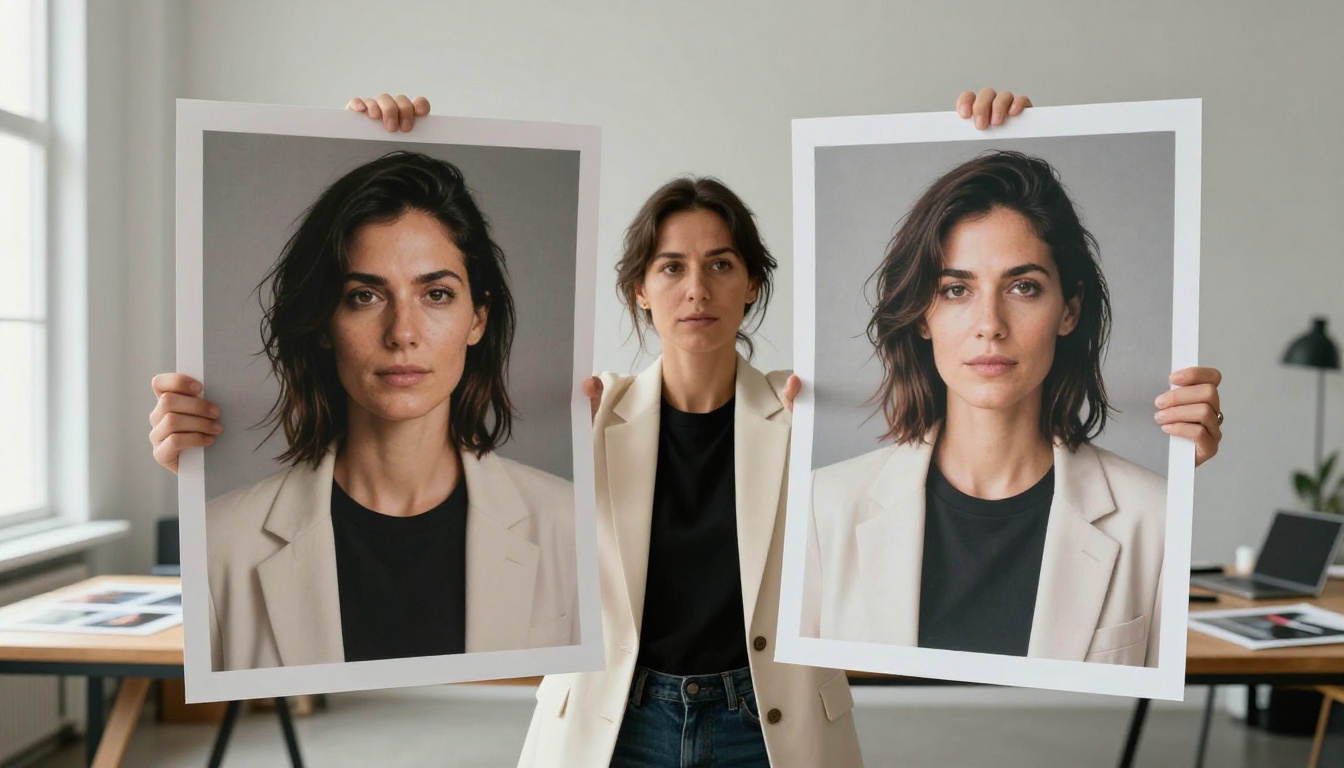
Both models are available on PicassoIA, which means you can run the same prompt through each and compare outputs without any API setup or hardware requirements. That accessibility makes side-by-side testing fast and practical.
💡 Want to test both immediately? Nano Banana 2 and GPT Image 1.5 are both live on PicassoIA. Type the same prompt into each and see what comes back.
What Nano Banana 2 Actually Does
Nano Banana 2 is a fast, broadly capable text-to-image model. It handles a wide variety of prompt types without failing dramatically on any category. Portraits, landscapes, product shots, food photography, architectural scenes: the model produces credible results across all of them without requiring highly specialized prompting.
The outputs are visually appealing. Colors are rich and well-saturated without tipping into artificial-looking oversaturation. Lighting in scenes reads naturally. The model makes sensible decisions about composition, even when prompts don't specify it explicitly.
Speed as a Design Choice
The most distinctive thing about Nano Banana 2 isn't any single quality dimension. It's how fast it generates. Google built this model to be deployed at scale, which means the generation pipeline is lean. In practical terms: you get results in a fraction of the time that heavier models take.
For workflows that involve iteration, testing multiple concepts, and refining direction before committing to a final output, that speed advantage compounds. You can run ten variations in the time a slower model would take to finish two.
What It Does Well
- Color work: Nano Banana 2 produces warm, saturated, and believable color palettes consistently.
- Scene coherence: Multi-element scenes hold together. Lighting reads consistently across subjects within a frame.
- Broad subject range: From food photography to portraits to landscapes, the model handles it all without major failures.
- Fast iteration: Generation speed makes it ideal for rapid concept testing.
- Natural outputs: Results rarely look aggressively over-processed.
Where It Struggles
The limitations of Nano Banana 2 show up in fine detail. Individual hair strands, fabric weave texture, the micro-level surface detail of skin, distant architectural elements in a wide landscape: these are the areas where the model's lean architecture makes compromises.
The model fills in detail plausibly rather than precisely. For many use cases, that's fine. But for outputs that need to hold up at full resolution, in print, or under close inspection, the micro-detail gap becomes visible.
Prompt adherence on complex, multi-requirement prompts can also slip. If your prompt specifies five distinct elements with specific spatial relationships, Nano Banana 2 may honor three or four of them and make its own decisions about the rest.
GPT Image 1.5 in Practice
GPT Image 1.5 is built on a fundamentally different priority. OpenAI's image generation architecture is tightly coupled to its language processing, which means the model doesn't just extract keywords from your prompt. It reads the prompt as structured language and builds an image that reflects the semantic logic of what you wrote.
In practice, this shows up most clearly in two areas: complex prompt adherence and fine detail rendering.

Prompt-Following at the Core
Write a prompt that specifies a woman standing to the left of a red door, facing away from the camera, in afternoon light from the right. GPT Image 1.5 is significantly more likely to produce exactly that composition than models that parse prompts more loosely.
This distinction matters enormously for professional use cases. When you're generating images for a specific creative brief, the gap between a model that follows 70% of your specifications and one that follows 90% is the difference between usable output and output that requires extensive retries.
For campaigns, editorial content, product mockups, or any creative work where the brief matters, GPT Image 1.5's prompt adherence is a genuine functional advantage.
Detail Fidelity Up Close
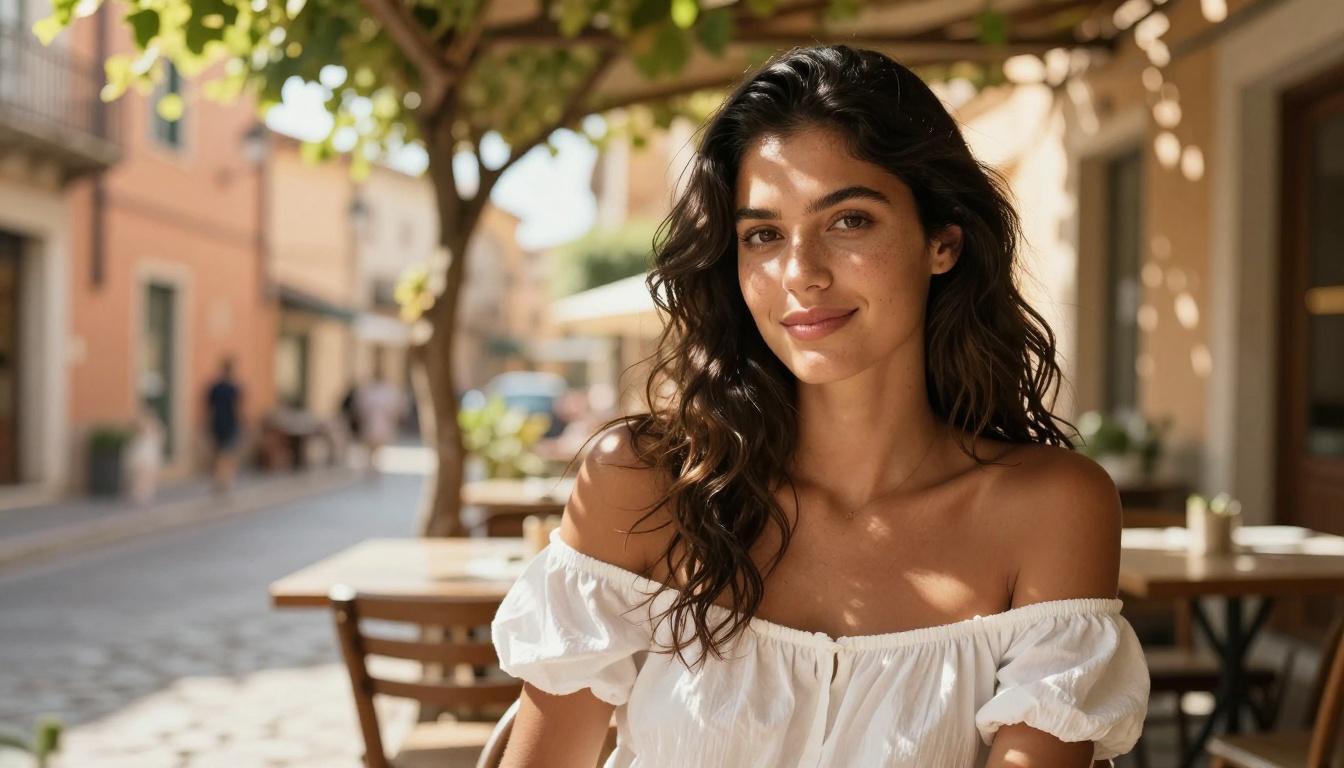
GPT Image 1.5 renders fine detail at a measurably higher level than Nano Banana 2. Skin pore texture, fabric weave, individual eyelashes, the grain on a wooden surface, the reflection pattern in a pool of water: these micro-level details emerge consistently from GPT Image 1.5 where Nano Banana 2 would produce a plausible but less precise approximation.
Portrait generation is where this shows up most dramatically. Faces produced by GPT Image 1.5 hold up at high zoom levels. Lighting across facial features is consistent. Skin reads as realistic rather than smoothed.
💡 For portrait outputs from GPT Image 1.5, pairing with a Super Resolution model on PicassoIA pushes results to print-quality resolution. The combination of strong base detail and 4x upscaling produces professional-grade portrait imagery.
Real Limitations
GPT Image 1.5 is slower than Nano Banana 2. In high-volume workflows, that time cost adds up. For rapid concept iteration, the slower pace is a real constraint.
The model also has higher sensitivity to prompt quality. A vague, poorly structured prompt that Nano Banana 2 would interpret charitably can produce inconsistent results in GPT Image 1.5. The model rewards careful prompting and penalizes loose prompting more than its competitor does.
Occasionally, GPT Image 1.5 over-renders in a way that makes images feel slightly too composed or too smooth, producing outputs that trained eyes recognize as AI-generated even when the technical quality is high.
Head-to-Head: Same Prompt, Two Results
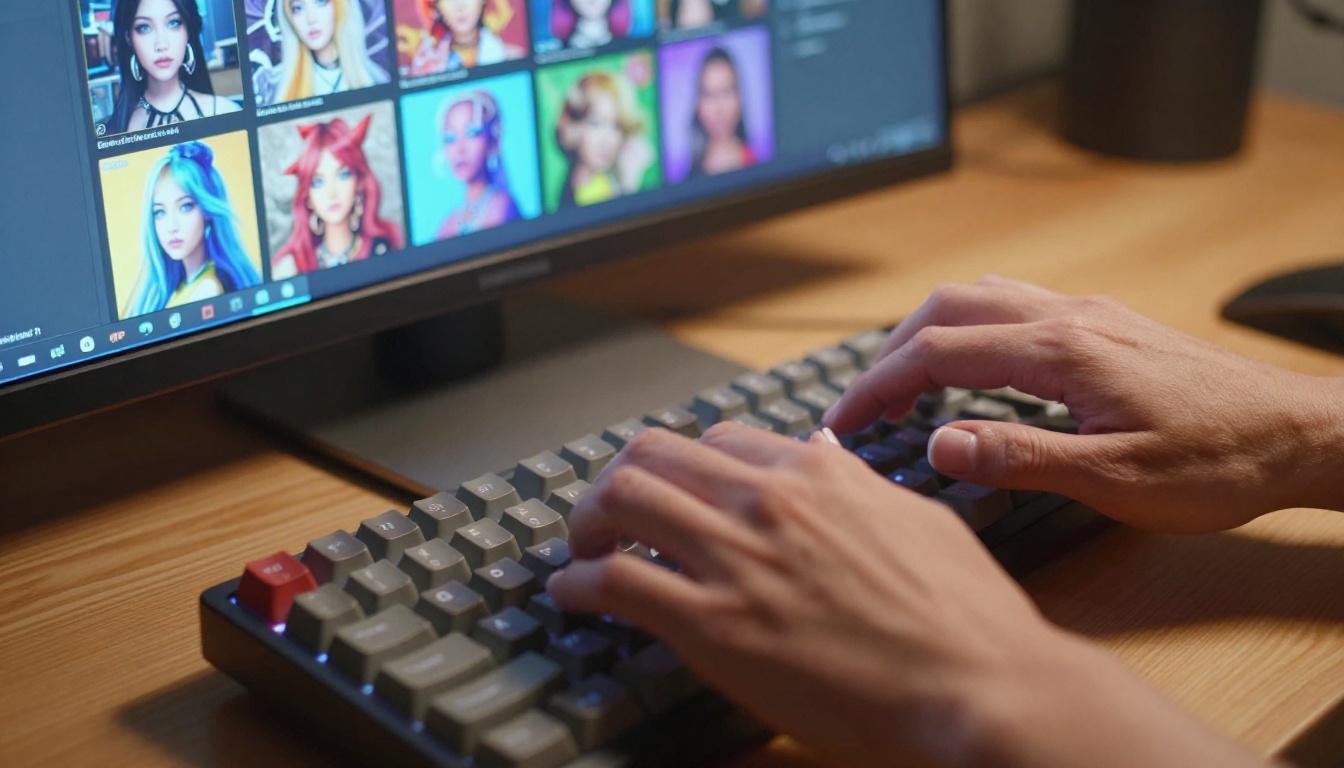
Running identical prompts through both models reveals consistent patterns. The differences aren't random. They reflect the architectural priorities of each model.
Portrait Tests
Both models produce compelling portraits. The differences emerge at the detail level and under scrutiny. GPT Image 1.5 consistently produces more precise facial anatomy, more believable skin texture, and more accurate lighting on faces at varied angles. Nano Banana 2 produces appealing portraits quickly, with strong color and generally accurate anatomy, but the micro-level detail in hair, eyes, and skin is more variable.
| Criterion | Nano Banana 2 | GPT Image 1.5 |
|---|
| Face anatomy | Good | Excellent |
| Skin texture | Moderate | High |
| Hair detail | Moderate | High |
| Lighting consistency | Good | Excellent |
| Generation speed | Fast | Moderate |
| Prompt adherence | Good | Excellent |
For portrait work at professional quality, GPT Image 1.5 holds a clear edge. For rapid portrait ideation and concept testing, Nano Banana 2 is the more practical daily tool.
Landscape Tests
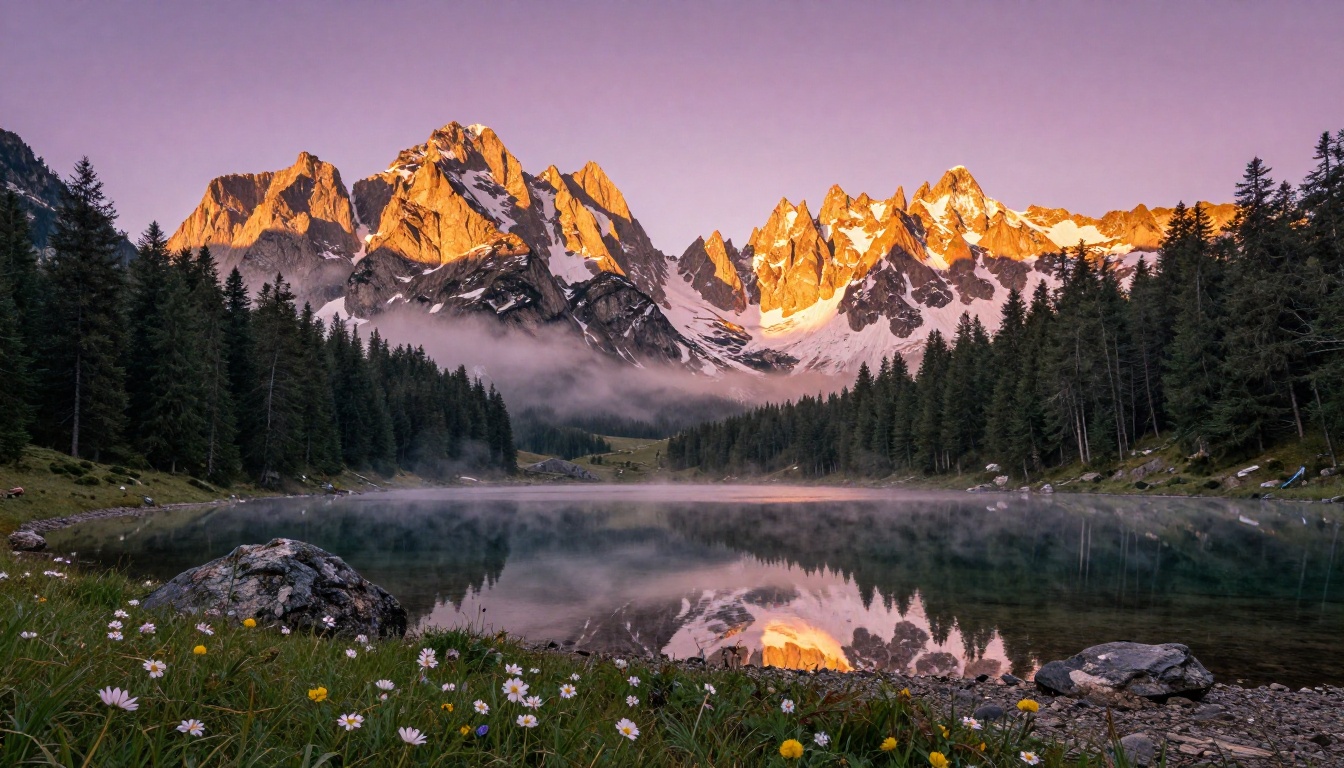
Landscape generation is where Nano Banana 2 closes the quality gap most significantly. Both models produce visually compelling outdoor scenes. The difference in micro-level detail (individual tree branches, distant architecture, fine water ripple patterns) is less visible in landscapes than in portraits, because the human eye is more forgiving of landscape imprecision.
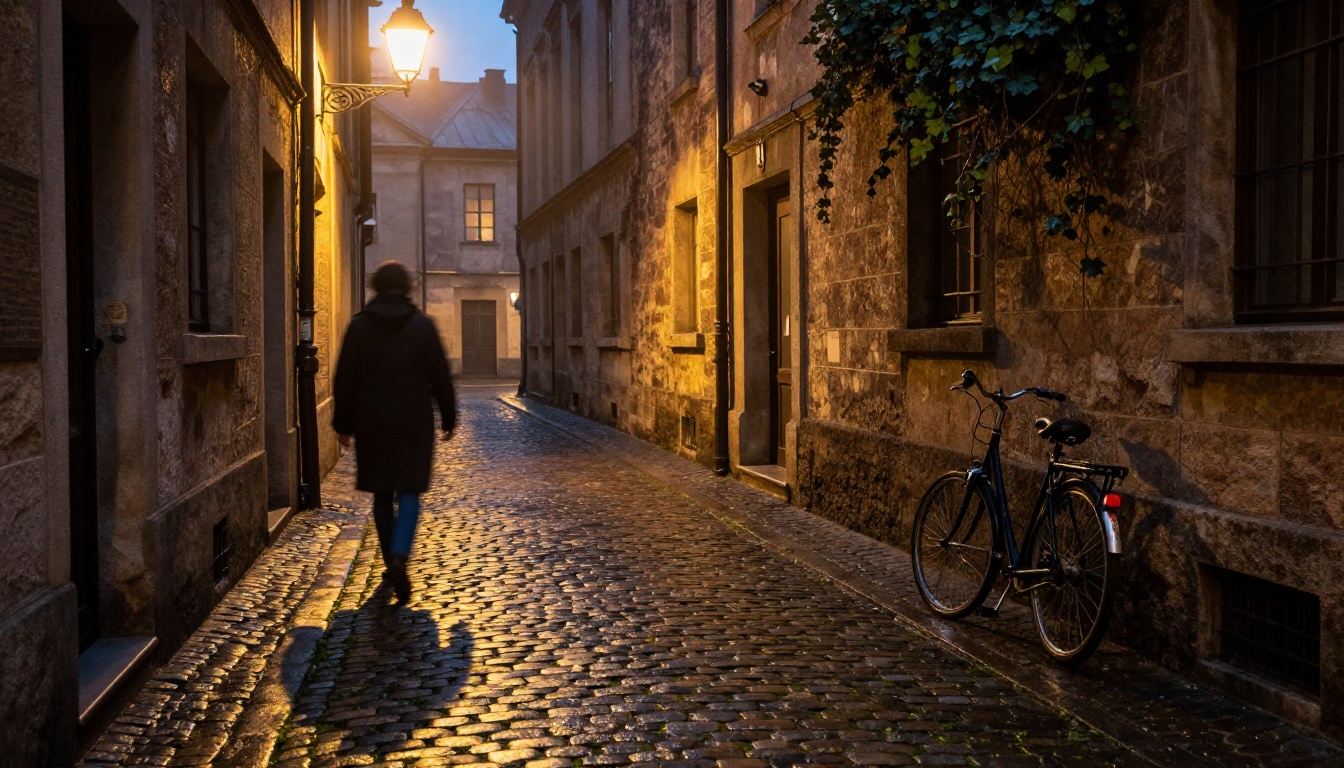
Nano Banana 2's color work shines in landscape contexts specifically. The model consistently produces atmospheric lighting with convincing golden hour and blue hour moods, rich color gradients, and believable aerial perspective. GPT Image 1.5 landscapes are technically sharper but can feel slightly over-constructed.
For landscape content, the choice between the models is less obvious. Both produce strong results. Speed preference and volume requirements may matter more than quality difference in this category.
Conceptual Scenes
For abstract, conceptual, or spatially complex scenes, GPT Image 1.5 is the decisive choice. When your prompt includes specific spatial relationships, multiple subjects, or logically precise requirements, GPT Image 1.5's prompt-following capability becomes the dominant factor.
💡 For conceptual prompts, write in full sentences with explicit spatial language: "in front of," "to the left of," "facing toward the camera." GPT Image 1.5 responds to grammatical structure as much as vocabulary.
Speed, Cost, and Real Workflows
These models don't get used in isolation. They slot into workflows that have real constraints around time, volume, and output quality requirements.
Nano Banana 2 fits best for:
- High-volume content generation where speed is the priority
- Rapid concept testing and ideation
- Social media image generation at volume
- Workflows where prompts stay relatively simple and direct
- Projects where color richness is the primary output criterion
GPT Image 1.5 fits best for:
- Professional output where quality will be scrutinized
- Portrait and human-centric imagery at print quality
- Complex prompt specifications with spatial relationships
- Final deliverables where quality matters more than generation speed
- Any brief where prompt adherence is non-negotiable
| Metric | Nano Banana 2 | GPT Image 1.5 |
|---|
| Speed | Very fast | Moderate |
| Quality ceiling | High | Very high |
| Prompt precision | Good | Excellent |
| Best use | Volume, speed | Detail, precision |
| Ideal workflow stage | Ideation | Final output |
The most effective professional workflow uses both models in sequence. Nano Banana 2 for volume generation and concept exploration, GPT Image 1.5 for polishing the strongest concepts into final-quality outputs.
How to Use Both on PicassoIA
Both models run directly in the browser on PicassoIA. No API keys, no local hardware, no setup. You navigate to the model page and start generating.
Generating with Nano Banana 2
- Go to Nano Banana 2 on PicassoIA.
- Write a focused, direct prompt. Lead with the subject, then add environment, then lighting.
- Pick your aspect ratio: 16:9 for wide-format content, 1:1 for social, 9:16 for mobile.
- Hit generate. Results arrive fast.
- If the first output misses something specific, regenerate. The speed makes iteration practical.
Prompt tips for Nano Banana 2:
- Lead with the subject: "A woman seated at a cafe terrace in afternoon light..."
- Include lighting direction explicitly: "soft morning light from the left"
- Use vivid color descriptors: "warm amber", "cool slate gray"
- Keep spatial complexity low for best prompt adherence
Generating with GPT Image 1.5
- Navigate to GPT Image 1.5 on PicassoIA.
- Write a detailed prompt in full sentences. This model rewards structured language.
- Specify camera angle, lens focal length, and lighting direction explicitly.
- For portraits, describe skin tone, specific clothing texture, and exact pose with body direction.
- Include film stock or photography style for photorealistic results: "Kodak Portra 400 film grain, 85mm f/1.4 lens."
Prompt tips for GPT Image 1.5:
- Write sentences, not keyword lists
- Specify spatial relationships clearly: "standing to the left of the door, facing away"
- Include lens specifics for depth control
- Name the type of photography: "editorial portrait", "food photography", "architectural photography"
- Add film grain or camera brand references for realism
A Hybrid Workflow
- Ideate fast with Nano Banana 2. Generate 6-10 variations of your concept quickly.
- Identify direction. Pick the strongest composition from your fast batch.
- Polish with GPT Image 1.5. Use a detailed, precise prompt based on the concept that worked.
- Upscale if needed. Run the final output through a Super Resolution model for print-scale files.
This approach captures the iteration speed of Nano Banana 2 and the quality ceiling of GPT Image 1.5 without spending time on concepts that won't be used.
Which One Should You Choose

The answer depends on what you're making, not which model is objectively better.
For volume, speed, and strong color work: Nano Banana 2 is the more practical daily tool. It generates fast, produces consistent results across a wide range of subject matter, and doesn't demand heavily engineered prompts to deliver usable output.
For fine detail, portrait quality, and precise prompt adherence: GPT Image 1.5 is the stronger choice. The slower generation speed is a real cost. The quality ceiling it offers justifies that trade-off for final deliverables that need to hold up to scrutiny.
What neither model can do on its own is everything. The broader PicassoIA platform fills those gaps. Need to edit a specific element in an image without regenerating? Inpainting handles that. Need to extend the canvas of a strong output? Outpainting covers it. Working with faces? Face Swap AI produces realistic composites. Want to animate a still image into a short clip? Text-to-video models are a click away.
The comparison between Nano Banana 2 and GPT Image 1.5 is ultimately a comparison between two strong, distinct tools that solve the same problem differently. The most effective approach isn't picking one permanently. It's knowing when each one belongs in your workflow.
Both are available on PicassoIA right now. Try the same prompt on each and see which one gives you exactly what you were picturing.


