When two of the most capable free AI image tools go head to head, the comparison gets interesting fast. Nano Banana 2 by Google and GPT Image 1.5 by OpenAI both promise photorealistic output, fast generation, and zero cost on their free tiers. But the way they handle prompts, textures, lighting, and creative context is surprisingly different. This breakdown cuts through the noise and shows you exactly what each tool does well, where each one falls short, and which one deserves your time.
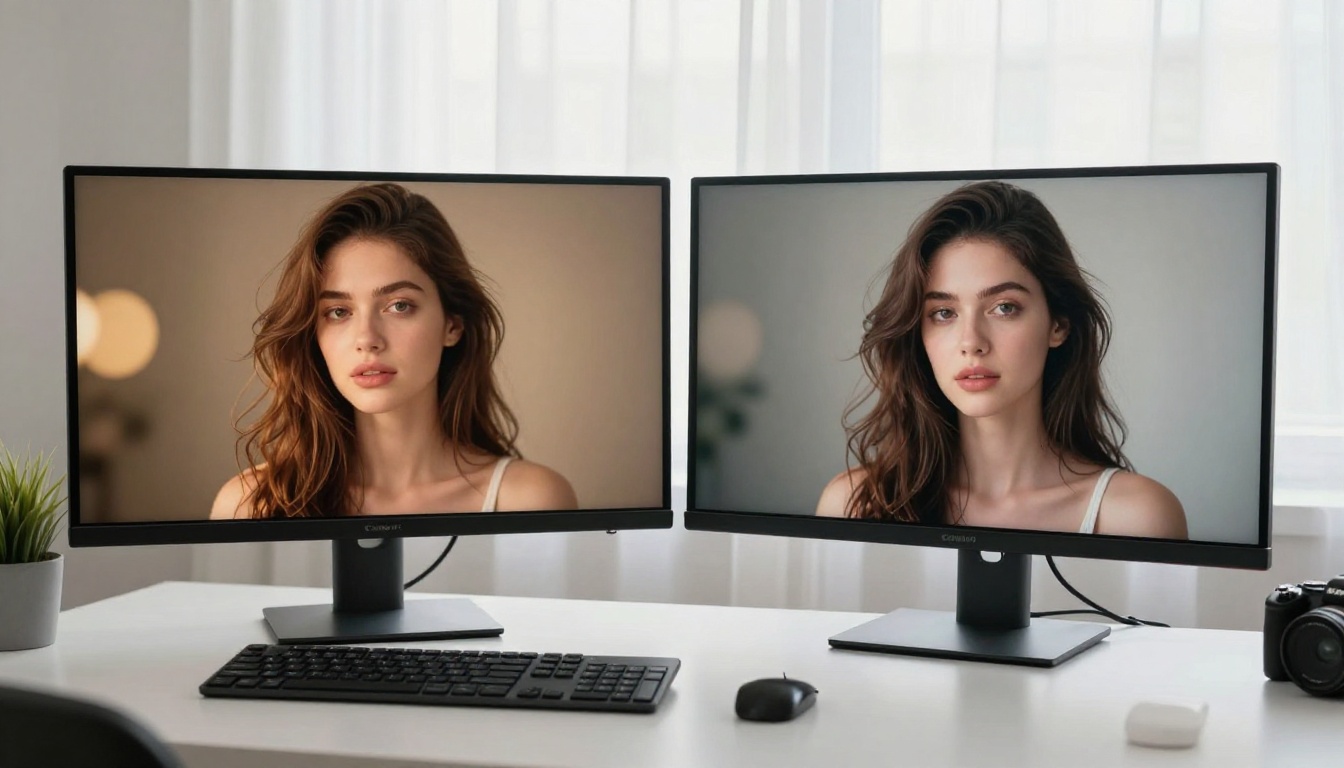
What Is Nano Banana 2?
Nano Banana 2 is Google's compact, high-efficiency text-to-image model built for speed without sacrificing visual fidelity. Developed on Google's DeepMind research pipeline, it targets creators who need fast turnaround on realistic images, from portrait photography to product visuals to atmospheric landscapes.
The "Nano" in the name refers to model architecture, not output size. Google optimized Nano Banana 2 to run inference significantly faster than its larger sibling, Nano Banana Pro, while retaining most of the image quality. For users generating dozens of images in a single session, that is a genuine advantage.
Speed That Actually Matters
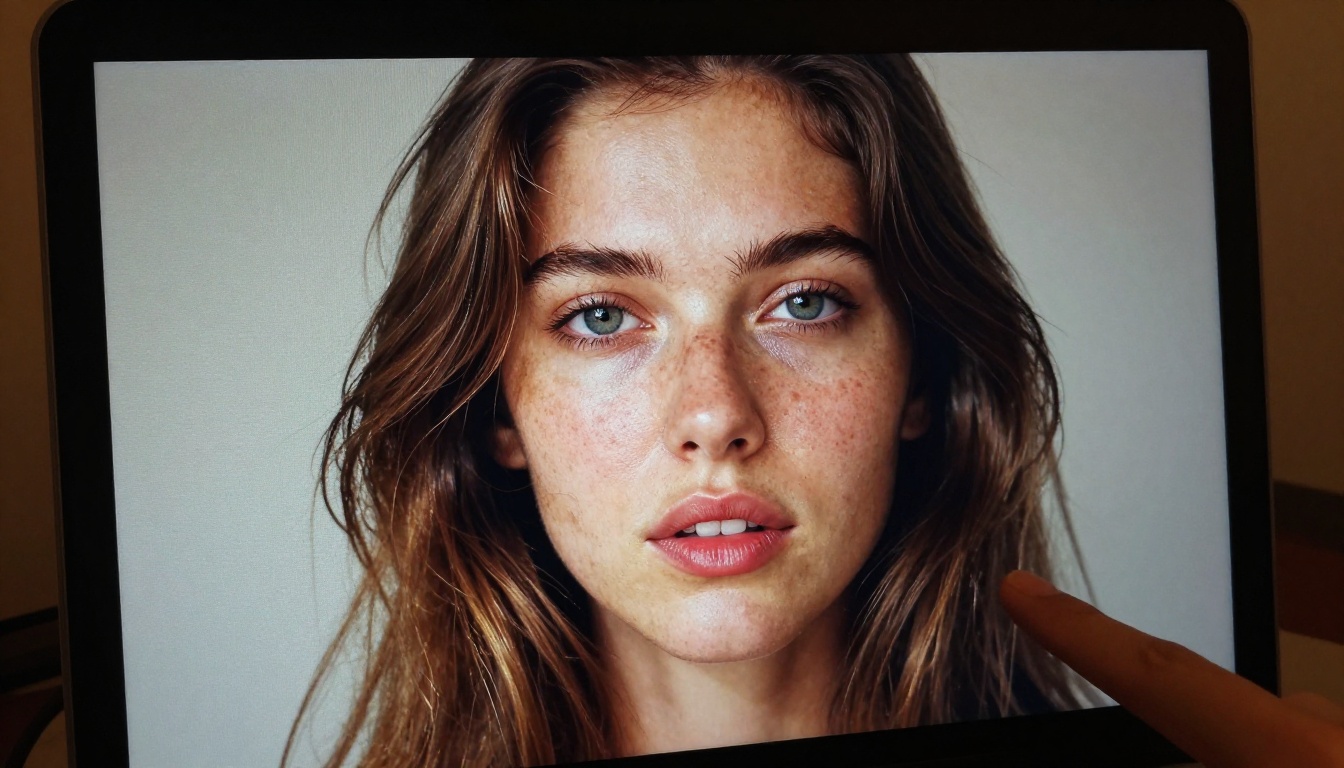
Nano Banana 2 consistently delivers images in the 4-8 second range on standard hardware. That might not sound dramatic, but when stacked against GPT Image 1.5's typical 12-20 second average, you are looking at a 2-3x speed difference in real-world use.
For creators doing iterative prompt testing, that gap is enormous. You can run three Nano Banana 2 generations in the time GPT Image 1.5 takes to finish one.
Output Quality at a Glance
The visual output from Nano Banana 2 skews toward warm, photorealistic tones with natural lighting. It handles:
- Portrait photography: Realistic skin tones, accurate hair detail, natural depth of field
- Architectural shots: Clean geometry, realistic material textures
- Lifestyle imagery: Casual environments rendered with believable atmosphere
Where Nano Banana 2 occasionally stumbles is complex multi-element scenes, where it sometimes simplifies backgrounds to meet its speed targets.
What Is GPT Image 1.5?
GPT Image 1.5 is OpenAI's current flagship image model, built directly into the ChatGPT ecosystem. It combines multimodal reasoning with image synthesis, meaning it reads your prompt with the same semantic depth it applies to text tasks. The result is stronger prompt fidelity, particularly for complex or abstract descriptions.

Unlike most image models that interpret prompts literally, GPT Image 1.5 attempts to interpret intent. Ask it for "a tired office worker at midnight" and it does not just show a desk and a clock. It reads the emotional context, the lighting mood, the visual storytelling embedded in the description.
OpenAI's Visual Flagship
GPT Image 1.5 earns its place as OpenAI's top visual model through several standout capabilities:
- Instruction-following: Reliably handles long, detailed prompts without dropping elements
- Text rendering: Handles readable text inside images better than most competing models
- Style range: From photorealism to oil painting to technical diagrams in a single model
The tradeoff is generation time and, for heavy users, cost at scale.
Where It Shines (and Stumbles)
GPT Image 1.5 produces images that feel more considered. Composition is stronger, color grading more deliberate, and complex scenes are handled with more spatial intelligence.
But it stumbles in two clear areas. First, speed: at 12-20 seconds per generation, iterating is slow. Second, photorealism at the detail level: while macro composition is excellent, close-up skin texture and fine hair rendering can look slightly over-processed compared to Nano Banana 2's more naturalistic output.
Side-by-Side: The Real Numbers
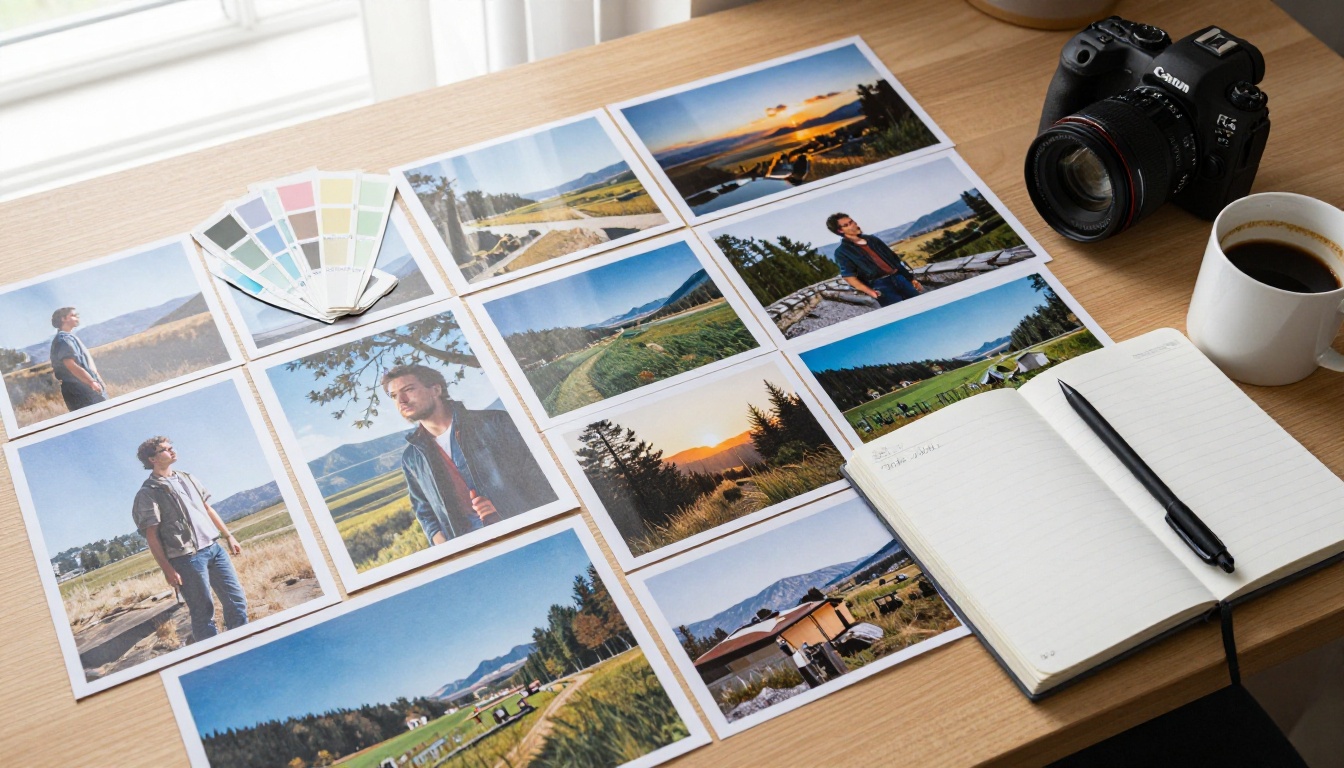
Benchmarking AI image models is imprecise by nature since "quality" involves human perception. That said, consistent testing across the same prompt types reveals meaningful patterns.
Image Realism and Detail
| Metric | Nano Banana 2 | GPT Image 1.5 |
|---|
| Skin texture accuracy | ★★★★★ | ★★★★☆ |
| Hair rendering | ★★★★★ | ★★★★☆ |
| Background complexity | ★★★☆☆ | ★★★★★ |
| Lighting accuracy | ★★★★☆ | ★★★★★ |
| Color naturalism | ★★★★★ | ★★★★☆ |
For photorealistic portrait work, Nano Banana 2 holds a slight edge. For complex scenes with multiple elements, GPT Image 1.5 wins.
Prompt Accuracy
GPT Image 1.5's multimodal architecture gives it a clear advantage in prompt fidelity. When you write a 200-word prompt with specific lighting direction, mood, background objects, and subject pose, GPT Image 1.5 incorporates more of those details consistently.
💡 Tip: For Nano Banana 2, front-load the most important details in your prompt. The model processes the beginning of prompts with more weight than later instructions.
Nano Banana 2 performs closer to a standard diffusion model in prompt handling. Short to medium prompts under 100 words produce excellent results. Very long prompts with many conditional elements tend to get partially interpreted.
Generation Speed
| Model | Avg Generation Time | Free Tier |
|---|
| Nano Banana 2 | 4-8 seconds | Daily credits, no resolution cap |
| GPT Image 1.5 | 12-20 seconds | Rate-limited via ChatGPT |
Speed-sensitive workflows belong to Nano Banana 2. Full stop.
Free Tier: What You Actually Get

Both models have free access, but the experience differs significantly.
Nano Banana 2 Free Access
Via platforms like PicassoIA, Nano Banana 2 is accessible with a daily credit allocation that refreshes automatically. For most casual and semi-professional users, the free tier is genuinely sufficient for regular use. There are no resolution caps, meaning you get the same high-fidelity output as paid access.
What you get free:
- Full resolution output
- Standard generation queue
- Daily credit replenishment
- No watermarks on exported images
GPT Image 1.5 Free Access
GPT Image 1.5 is available within ChatGPT, but free access is gated behind rate limits that can halt your workflow mid-session. Heavy iterative use requires ChatGPT Plus. API access is metered, and costs accumulate fast at professional volume.
What you get free:
- Limited daily generations
- Full quality output
- Access via ChatGPT interface only
- No API access on free tier
For pure free access volume, Nano Banana 2 wins by a significant margin.
5 Use Cases That Separate Them
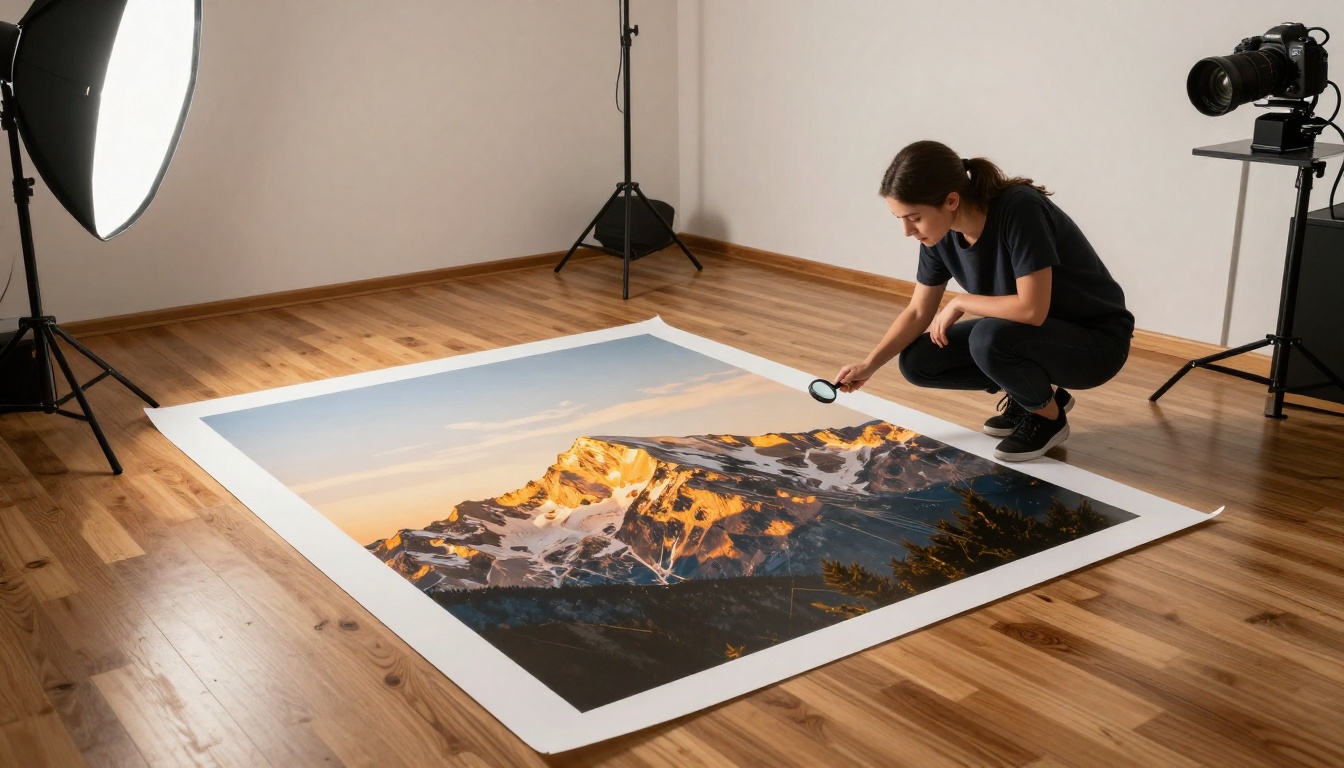
Photorealistic Portraits
This is Nano Banana 2's home territory. Whether you need a professional headshot for a blog post, a character for a marketing campaign, or a lifestyle image for social content, Nano Banana 2 produces output that looks like it was shot with a real camera.
The model handles:
- Natural skin tones across diverse ethnicities with visible pore-level detail
- Realistic eye clarity and catchlights that read as photographic
- Authentic hair strand separation and texture in bright and backlit conditions
- Believable environmental lighting that matches described scenarios
GPT Image 1.5 also handles portraits well but tends toward slightly more stylized output. If your workflow demands the rawest possible photorealism, Nano Banana 2 is the tool.
Product Mockups
Here, GPT Image 1.5 takes the lead. Its stronger prompt handling makes it better suited for placing products in specific scenes with specific lighting setups. If you need "a glass perfume bottle on a wet marble counter with steam rising and a single red rose to the left," GPT Image 1.5 is more likely to incorporate all five elements correctly on the first attempt.
Social Media Content
Both models excel at social media imagery, but for different content types:
- Nano Banana 2: Lifestyle photography, portraits, travel content, casual behind-the-scenes
- GPT Image 1.5: Quote graphics with embedded text, branded visual concepts, posts that blend photography with readable copy
💡 Tip: For Instagram content requiring a mix of realistic imagery and text overlays, run Nano Banana 2 for the photo iteration, then finalize with GPT Image 1.5 for any variant that needs text embedded in the image.
Content Creation at Scale
Content teams churning through dozens of images daily benefit most from Nano Banana 2. The speed advantage compounds across a full day of work. At 6 seconds per image versus 16, you generate 600 images per hour instead of 225, with the same free credit allocation.
Conceptual and Abstract Visuals
GPT Image 1.5 wins here without contest. Its ability to interpret abstract emotional or conceptual prompts makes it the better choice for editorial illustrations, concept art for presentations, and visuals that need to communicate an idea rather than depict a realistic scene.
How to Use Nano Banana 2 on PicassoIA
Both Nano Banana 2 and GPT Image 1.5 are available on PicassoIA, making it easy to test and compare them without switching between platforms.
Step-by-Step Setup
- Open the Nano Banana 2 model page on PicassoIA
- Enter your text prompt in the input field. Be specific: describe subject, lighting, angle, and atmosphere
- Select your output aspect ratio (16:9 for landscapes, 1:1 for portraits, 9:16 for vertical mobile content)
- Click Generate and wait 4-8 seconds for the result
- Download the image or continue iterating with prompt variations
To compare results directly, open GPT Image 1.5 in another tab and run the same prompt. The differences in color treatment, detail rendering, and composition will be immediately visible.
Tips for Better Results
Getting strong output from Nano Banana 2 comes down to prompt construction habits:
- Lead with the subject: "A woman with short dark hair in a sunlit kitchen" not "In a scene where there is a woman..."
- Specify lighting direction: "morning light from the left" or "overcast diffused lighting" affects output dramatically
- Add camera specifics: Phrases like "85mm lens, f/1.8 depth of field" anchor the perspective and bokeh
- Include texture descriptors: "worn leather," "fine linen," "natural skin pores" push the realism ceiling
- Use film references: "Kodak Portra 400 film grain" or "Fujifilm Velvia saturation" shifts the color profile in predictable ways
The same practices apply to GPT Image 1.5, though you can write much longer prompts with complex conditional elements and expect more of them to appear in the final output.
Other Models Worth Trying

Once you have tested both main contenders, PicassoIA's broader model library opens additional options that may fit specific workflows better.
When You Need More Power
If neither Nano Banana 2 nor GPT Image 1.5 fully hits your quality target, Flux 2 Pro and Flux 2 Max from Black Forest Labs sit at the top of the quality tier. They take longer to generate and require more prompt refinement, but the output ceiling is higher for demanding commercial projects.
Imagen 4 and Imagen 4 Ultra from Google offer an interesting reference point if you want to see where Nano Banana 2 sits within Google's full model lineup. Imagen 4 Ultra is noticeably sharper for fine-detail work but at a meaningful speed cost.
Fast Alternatives
For workflows where speed is the primary metric, Flux Schnell generates in under 3 seconds. It trades some quality for that pace, but for rapid prototyping or high-volume batch work it is worth knowing.
Seedream 4 from ByteDance is another strong free-tier option that handles portrait and lifestyle imagery with a slightly different color palette than Google or OpenAI models.
Make Your Choice Today
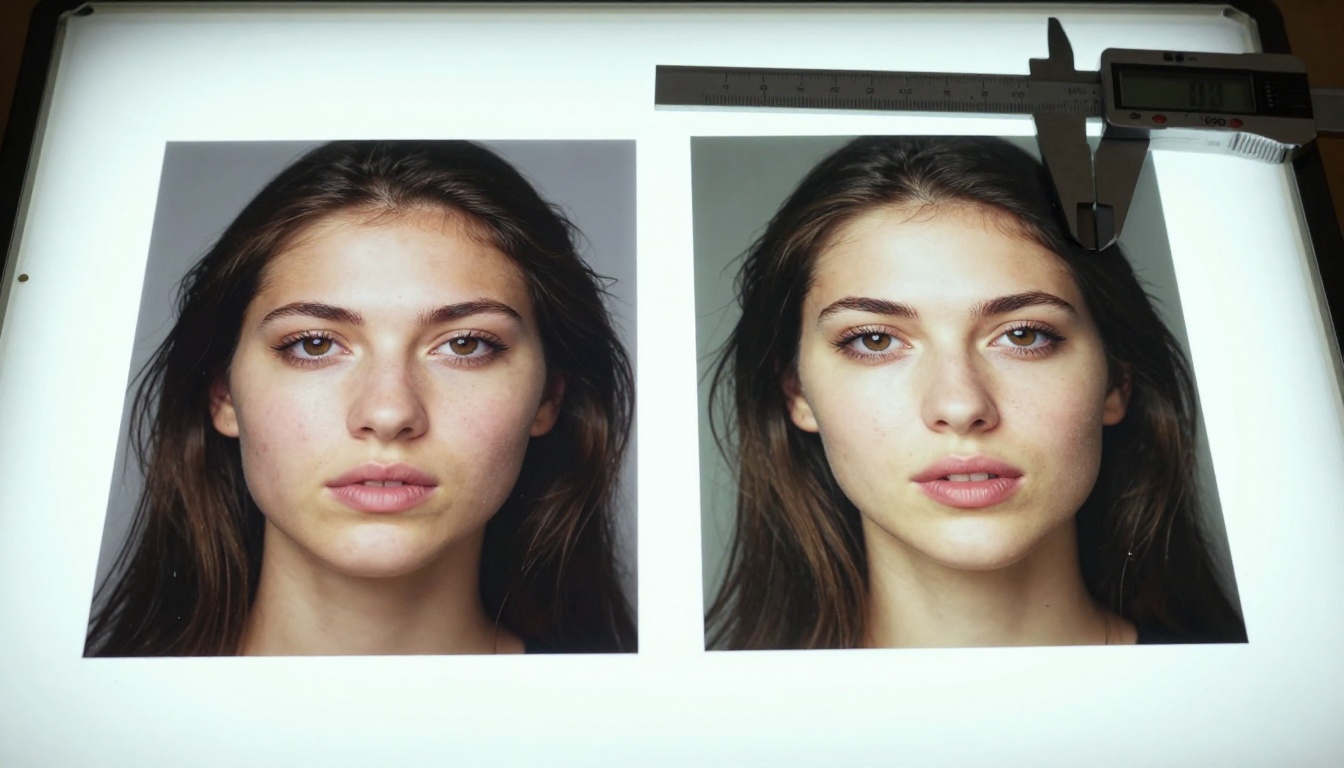
Both Nano Banana 2 and GPT Image 1.5 are genuinely capable tools, and the right one depends entirely on what you are creating. For photorealistic portraits and lifestyle imagery where natural texture detail matters most, Nano Banana 2 is faster, sharper at the detail level, and more generous on the free tier. For conceptual work, complex multi-element scenes, or images that need embedded readable text, GPT Image 1.5 handles the semantic load better.
The practical approach is to use both. Run your initial ideas through Nano Banana 2 for fast iteration, then finalize visually complex compositions with GPT Image 1.5.
Both are available right now on PicassoIA. Open the Nano Banana 2 page, type in a prompt, and see what your idea looks like in under 10 seconds. Then run the same prompt through GPT Image 1.5 and compare. The fastest way to form a real opinion on any AI image tool is to generate something you actually need.


