Two of the most talked-about AI image generators right now sit at very different points on the spectrum. Nano Banana 2 by Google arrives as a fast, accessible model built for photorealistic output at scale, while Midjourney has spent years building a reputation for stylized, artistic imagery with a passionate community around it. Choosing between them is not just a matter of taste. It comes down to workflow, budget, use case, and how much creative control you actually need.
This comparison breaks both tools down across the dimensions that matter most: speed, image quality, prompt accuracy, pricing, and the specific scenarios where each one wins. Whether you are a solo creator, a designer working on client briefs, or someone who just wants to produce high-quality visuals without a steep learning curve, there is a clear answer here for your situation.
Speed That Actually Matters
How Fast Is Nano Banana 2?
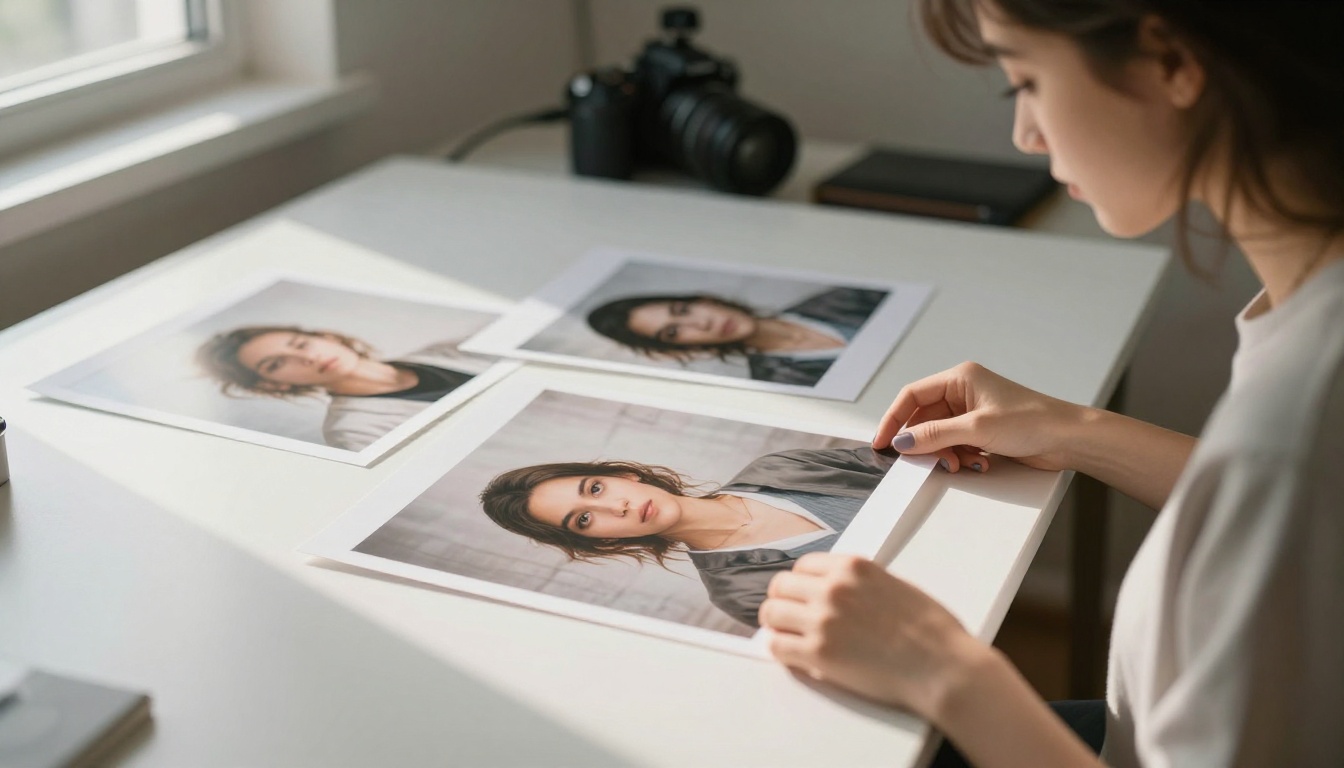
Nano Banana 2 was built with speed as a core design priority. On average, it generates a 1024x1024 image in under 5 seconds from a cold start. That is not just a benchmark number: in practice, it means you can iterate on prompts rapidly, test multiple compositions quickly, and spend time on refining rather than waiting. For workflow-heavy use cases where you need 20 to 50 images per session, that difference compounds fast.
Google's infrastructure behind the model also means uptime stays consistent. There are no queue times at peak hours that some community-based platforms struggle with. When you submit a prompt, generation begins immediately.
Midjourney's Generation Times
Midjourney typically takes between 15 and 60 seconds per image on standard quality settings, and longer on high-resolution or upscaled outputs. The V6 model sits around 20 to 40 seconds per generation depending on server load, which is competitive for the quality tier it operates in. During peak periods, queue times can push total wait times significantly higher.
Midjourney's speed is reasonable for casual use. But if time-to-output is a priority in your workflow, Nano Banana 2 wins this category clearly.
| Metric | Nano Banana 2 | Midjourney V6 |
|---|
| Avg. generation time | Under 5s | 20-40s |
| Queue wait at peak | Minimal | Can exceed 2-3 min |
| Batch processing | Yes | Limited (4-up default) |
| API access | Native | Limited |
Image Quality Side by Side
Photorealism: Where Each Model Shines
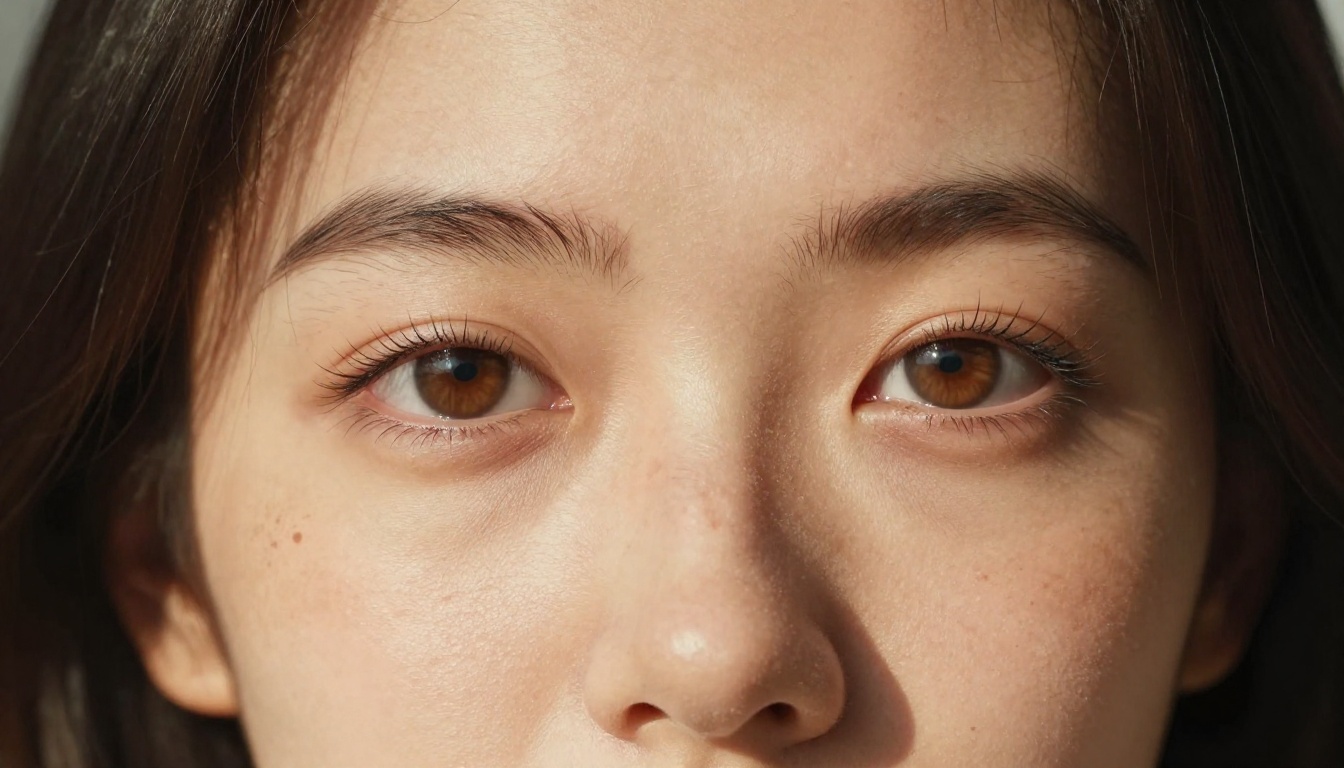
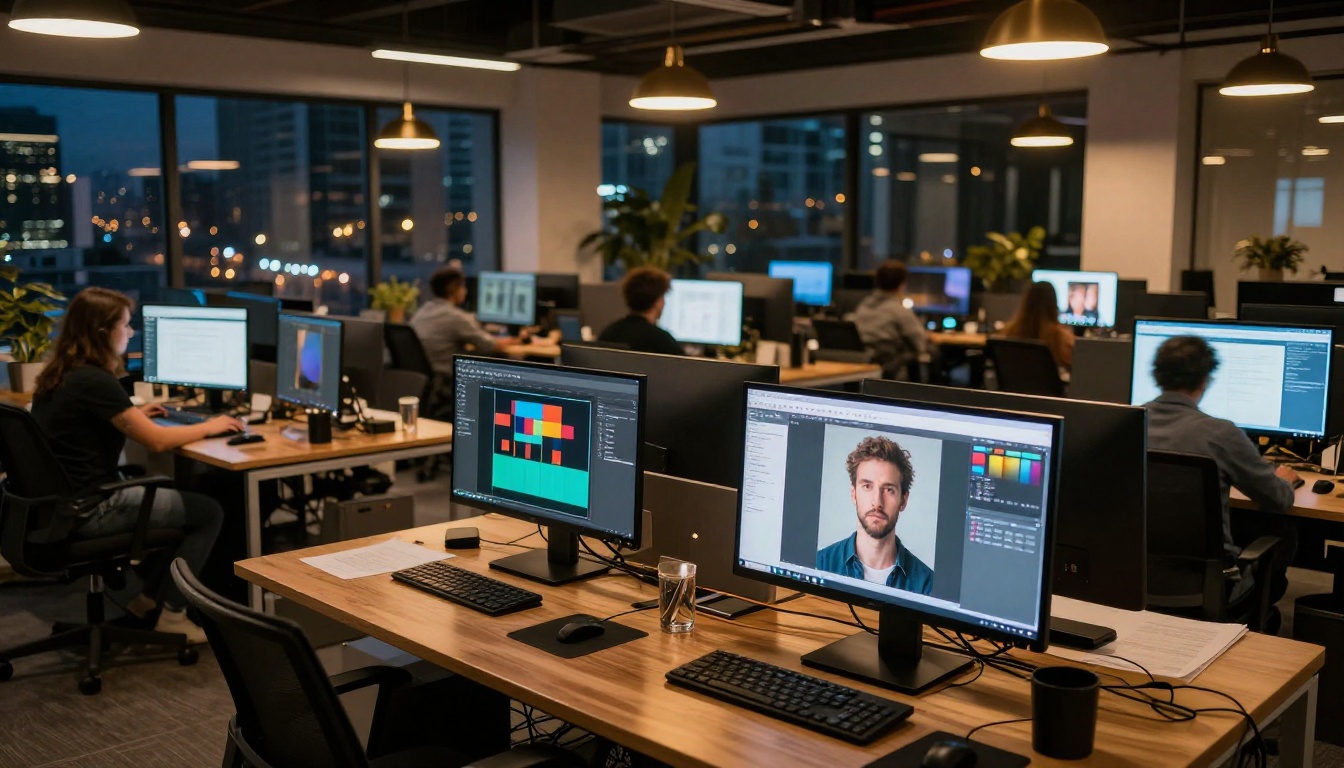
This is where the comparison gets interesting. Nano Banana 2 was tuned specifically for photorealistic output. Feed it a prompt describing a real-world scenario, a portrait in natural light, a street scene, a product on a surface, and it produces images that are convincingly camera-like. Skin textures, fabric folds, environmental lighting, and depth-of-field effects all render with authenticity. It draws on Google's massive training infrastructure and produces outputs that, in many cases, are genuinely difficult to distinguish from photographs.
Midjourney, on the other hand, has always leaned toward what you might call "heightened reality." Even with the --style raw flag, Midjourney images carry a certain polish and idealization that makes them look curated. This is not a flaw. It is actually what makes Midjourney outputs so effective for editorial, concept art, mood boards, and campaign imagery. The model produces stunning visuals. But they read as AI-generated more readily than Nano Banana 2 outputs do.
💡 For product mockups, social media portraits, and documentary-style visuals, Nano Banana 2 is the more convincing choice. For portfolio pieces, editorial covers, and atmospheric imagery, Midjourney's aesthetic instinct is hard to beat.
Stylized Output vs. Reality
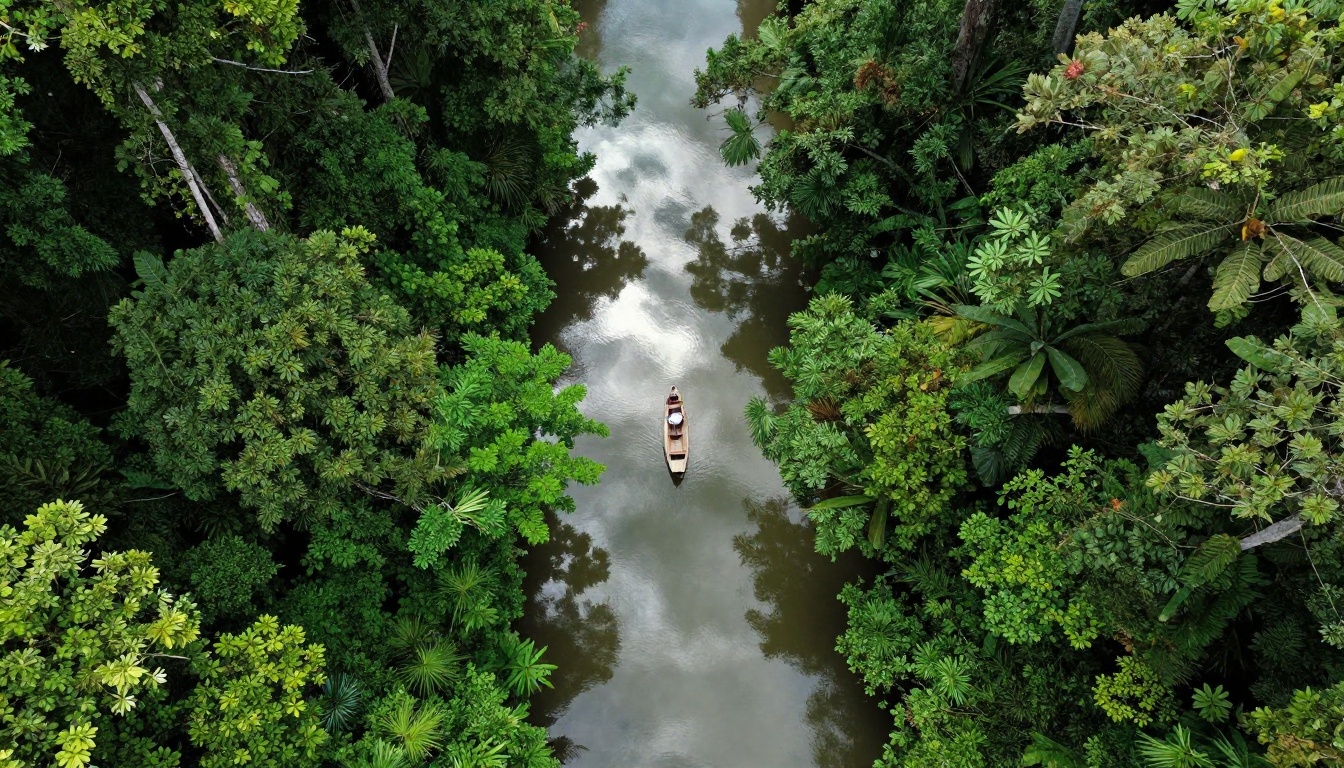
Midjourney's aesthetic strength is also a limitation when you need strict realism. Portraits can appear slightly idealized, lighting can feel theatrical, and backgrounds often carry a cinematic quality that does not match the neutral documentary look many brand projects require.
Nano Banana 2 gives you more flexibility here. You can push it toward a cleaner documentary style without the output drifting into the painterly quality that Midjourney tends toward. For commercial applications where authenticity matters more than artistry, that control is valuable.
| Criteria | Nano Banana 2 | Midjourney V6 |
|---|
| Photorealism | Excellent | Good |
| Artistic style | Moderate | Excellent |
| Portrait quality | High | Very High |
| Landscape detail | Very High | High |
| Consistency across runs | High | Moderate |
Prompt Accuracy and Following
Simple vs. Complex Prompts
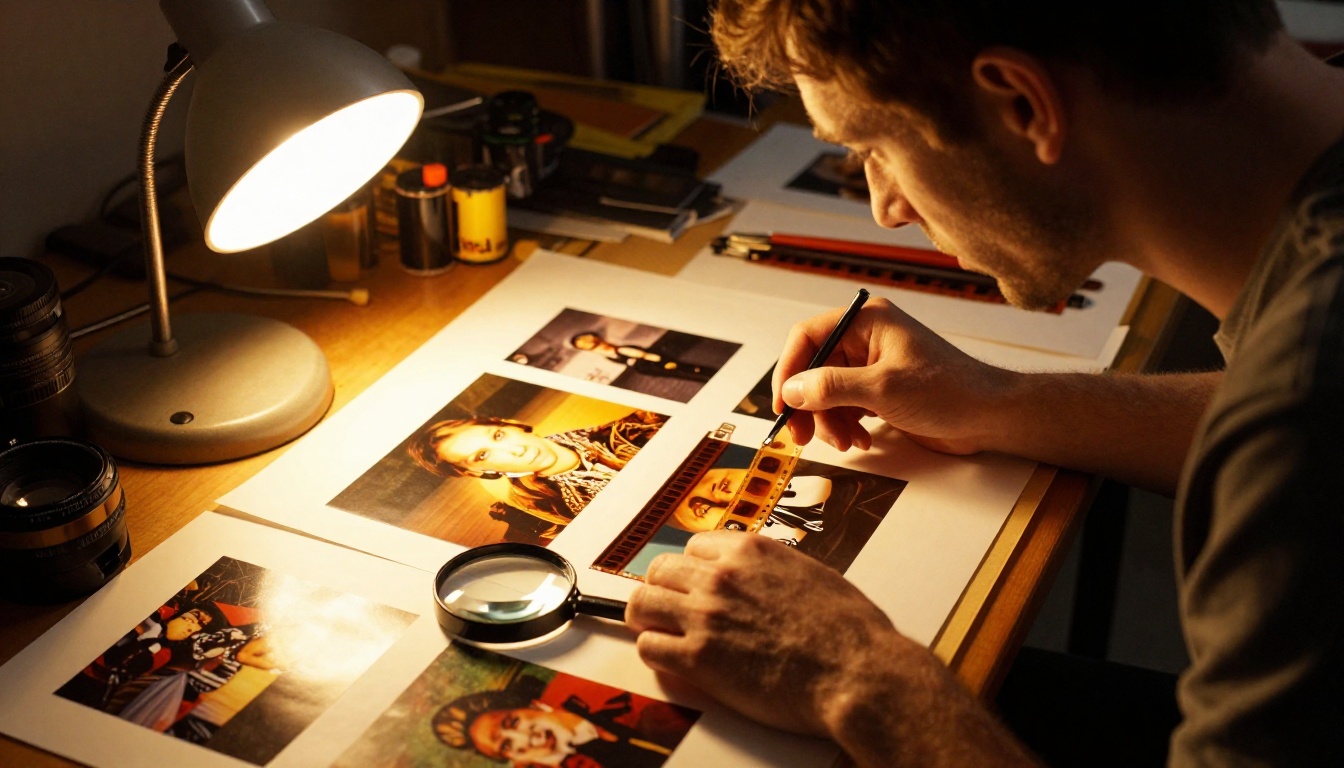
Nano Banana 2 follows simple prompts with high fidelity. Tell it "a red vintage pickup truck parked on a gravel road at sunrise" and it delivers exactly that. The model does not add unsolicited elements, does not drift into stylistic interpretations, and respects the literal content of your prompt. For creators who need precise control over what appears in the image, this behavior is a significant advantage.
Midjourney has historically been more of a collaborative partner than a strict instruction-follower. Early versions famously interpreted prompts loosely. V6 improved this significantly with --style raw mode and direct prompt syntax, but the model still tends to add compositional and aesthetic decisions of its own. This produces beautiful results, but it is less predictable when you have a specific visual requirement in mind.
Text Rendering Abilities
Text inside AI-generated images has always been a challenge for most models. Midjourney V6 made real progress here but still struggles with longer words, unusual fonts, and precise placement. Errors in letter forms and spacing are common on complex text requests.
Nano Banana 2 also handles short text reasonably well and benefits from Google's research in this area, though neither model has fully solved the text rendering problem for complex typography. For single words or short labels, both work adequately.
💡 For text-heavy visuals, consider pairing either generator with a follow-up editing step. Flux Kontext Pro is specifically built for text-based image editing after initial generation.
Midjourney Pricing Plans
Midjourney uses a subscription model. There is no free tier as of 2024. Plans start at $10 per month for the Basic plan, which includes approximately 200 image generations. The Standard plan at $30 per month includes 15 GPU hours of Fast mode generation, and the Pro plan at $60 per month adds stealth mode and more compute. Unlimited slow-mode generations are included from the Standard plan upward, but slow mode means significantly longer wait times.
The cost adds up for heavy users. A professional generating hundreds of images per week on the Pro plan is paying $720 per year, not counting any team or organization seats.
Nano Banana 2 Costs
Nano Banana 2 operates on a pay-per-use model, making it dramatically cheaper for high-volume work. A session producing 200 images can cost less than $1 in credits, compared to Midjourney's subscription approach that prices the same volume at $10 or more. For casual users who generate fewer than 50 images per month, the subscription model may feel reasonable. But for power users, agencies, or developers building image-generation workflows, the cost difference is hard to ignore.
| Plan | Nano Banana 2 | Midjourney |
|---|
| Free tier | No | No |
| Entry price | Pay-per-use (~$0.003/image) | $10/month (200 images) |
| 1,000 images | ~$3 | $30+ |
| API access | Yes, native | Limited |
| Team plans | Flexible | From $60/month |
When Midjourney Wins
Midjourney's output quality for atmospheric, editorial, and concept-level imagery is still unmatched for many creative workflows. If you are producing:
- Mood boards for film, fashion, or interior design projects
- Character and creature concepts for games or animation
- Editorial illustrations for publications and magazines
- Social media content where the premium AI aesthetic is a feature, not a bug
- Marketing campaigns that want a polished, aspirational visual tone
Then Midjourney is a strong choice. Its community, Discord workflow, and years of refinement on aesthetic sensibility make it a tool that rewards creative investment.
When Nano Banana 2 Wins
Nano Banana 2 wins in environments where speed, realism, and volume matter more than artistic direction:
- E-commerce product photography mockups and lifestyle shots
- News and editorial photorealism where the image needs to read as documentary
- Prototype and UX design visuals requiring believable human figures
- Batch content production where hundreds of images are needed quickly
- API-driven workflows where the model feeds directly into a production pipeline
- Budget-conscious creators who need professional output without subscription overhead
The gap in photorealism between Nano Banana 2 and Midjourney is particularly relevant for commercial work where the image needs to function as an almost-real photograph rather than a stylized visual.
How to Use Nano Banana 2 on PicassoIA

PicassoIA hosts Nano Banana 2 directly, making it accessible without API configuration or developer setup. Here is how to run your first generation:
Step 1: Open the Model Page
Go to the Nano Banana 2 model page on PicassoIA. You will see the prompt input field and basic settings on the right side of the interface.
Step 2: Write a Detailed Prompt
The model responds well to descriptive, specific prompts. Rather than "a woman on a street," write: "a young woman in a light blue linen shirt standing at a crosswalk in Lisbon, midday overcast light, 85mm shallow depth of field, natural skin tones, documentary photography style." The more detail you include about lighting, environment, camera settings, and subject specifics, the more control you get over the output.
Step 3: Set Your Aspect Ratio
For social media content, 1:1 or 9:16 works well. For editorial headers and website hero images, 16:9 is the standard. For print and poster work, 3:4 gives you more vertical real estate.
Step 4: Generate and Iterate
Hit generate and review the output. Because Nano Banana 2 is fast, you can run 5 to 10 variations in under a minute. Use this to test different lighting descriptors, subject positions, or color palette words until you land on exactly the output you need.
💡 Add specific film emulation references like "Kodak Portra 400," "Fuji Velvia," or "Ilford HP5" to influence the color science of the output. These references pull from the model's training data on film photography and produce noticeably different color grading results.
Step 5: Download or Export
Once satisfied, download the image directly from the platform. PicassoIA stores your generations in your account history, so you can return to past outputs and iterate further without starting from scratch.
Other Models Worth Trying
The AI image generation space has more strong options beyond just these two. Once you have a feel for what Nano Banana 2 does well, it is worth experimenting with related models available on PicassoIA:
- Flux 2 Pro: Black Forest Labs' latest, with excellent prompt adherence and strong detail at high resolution. A great middle ground between speed and quality for professional work.
- Flux 1.1 Pro Ultra: For ultra-high-resolution outputs where every pixel matters. This model's detail rendition is among the best currently available.
- Imagen 4: Google's flagship image model with top-tier photorealism and excellent color science. A step above Nano Banana 2 in quality, with higher computational cost.
- Imagen 4 Ultra: The premium tier of Google's image generation lineup, built for maximum fidelity on complex scenes and intricate detail work.
- Ideogram V3 Quality: Best-in-class for text rendering within images. If your project involves typography or labels inside the generated visual, this is the model to use.
- Nano Banana Pro: The upgraded version in the Nano Banana family. When you need the speed of Nano Banana 2 with more refinement on complex prompts, this is the natural next step.
- Flux Dev: An open-weight option for creators who want flexibility and the ability to run LoRA fine-tunes on top of a strong base model.
Each of these models is available on PicassoIA under the text-to-image collection, accessible without setup or API keys required.
Start Creating Right Now
The debate between Nano Banana 2 and Midjourney does not have a single winner. It has two different answers for two different types of creators.
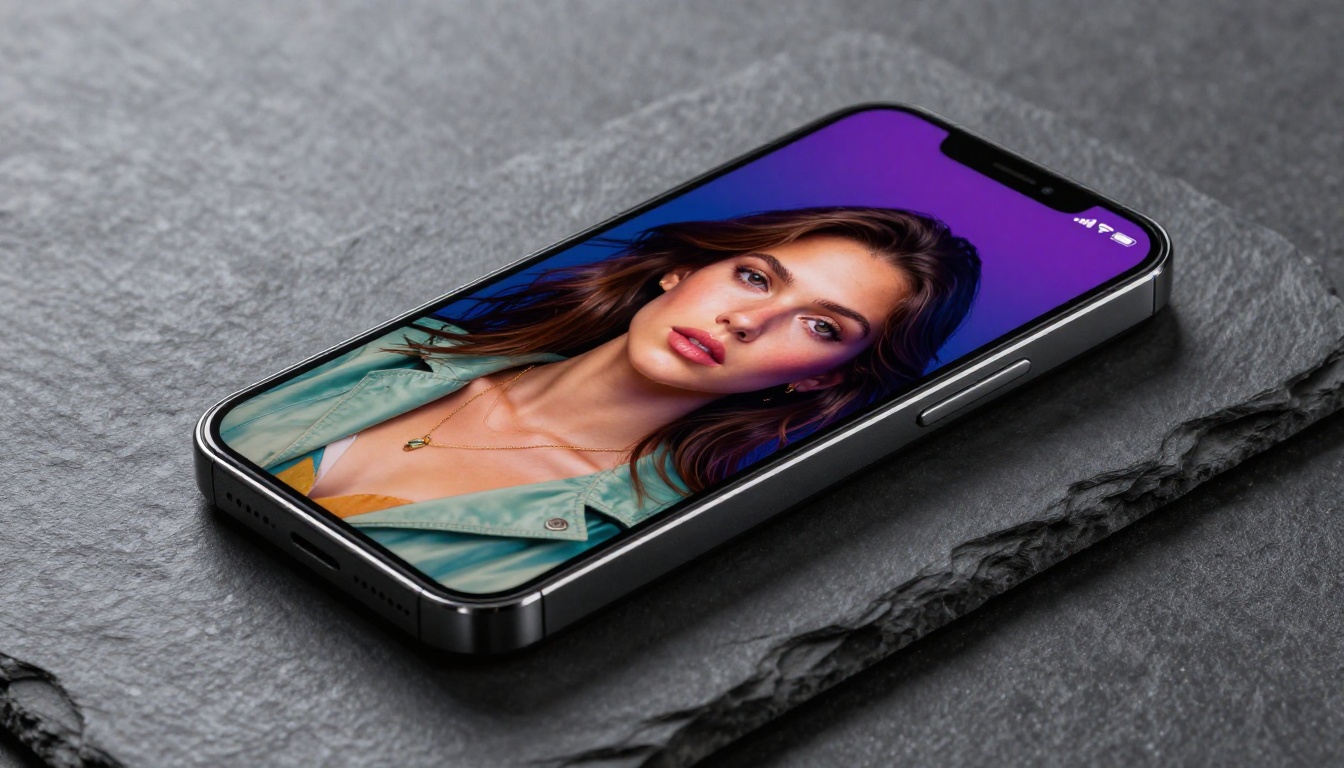
If your work lives at the intersection of speed, realism, and volume, Nano Banana 2 is the practical choice. It is fast, it is cost-effective, it produces believable photorealistic results, and it integrates cleanly into production workflows. For photorealistic portraits, product shots, documentary-style scenes, and high-volume batch work, it consistently delivers results that require minimal post-processing.
If your work demands that level of visual polish, stylistic depth, and aesthetic curation that only comes from a model trained over years on the world's most ambitious imagery, Midjourney earns its reputation. The subscription cost reflects a genuine quality tier for artistic and editorial output.
The best part: you do not have to choose theoretically. PicassoIA gives you direct access to Nano Banana 2 along with over 90 other text-to-image models, all in one place. Generate your first image with Nano Banana 2, compare it against outputs from Flux 2 Pro or Imagen 4, and build a real-world sense of where each model performs. There is no substitute for running the same prompt through multiple models and seeing the results side by side.
Your next great image is one prompt away.


