The same prompt. Two different models. Two very different images. That is the experiment driving serious debate in AI image generation communities right now, and today we are running it live: Nano Banana 2 vs Midjourney, identical prompts, no fine-tuning, no tricks. Just raw model output.
Whether you are a content creator building visual assets, a photographer exploring AI tools, or someone trying to pick the right model for a project, this breakdown gives you real answers based on real results.
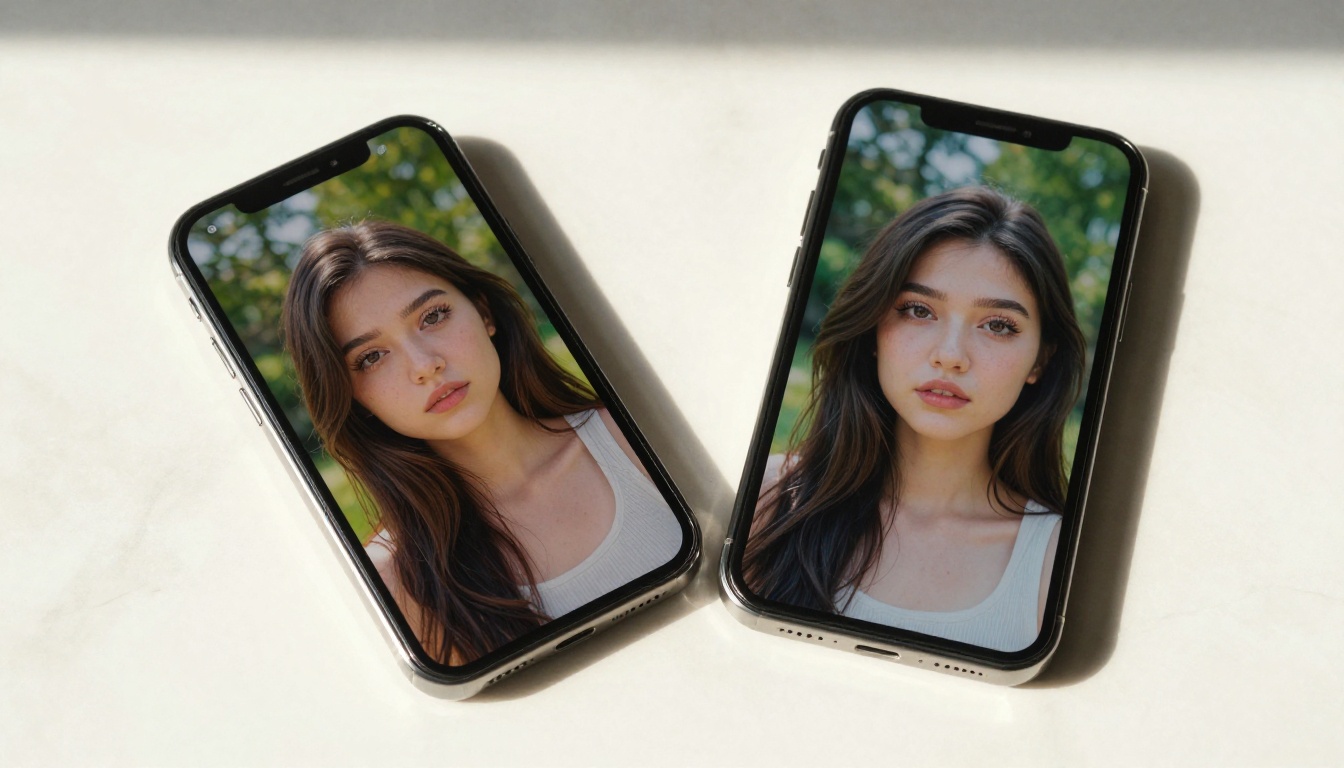
What Makes These Two Models Different?
Before the results, let us set the stage. These are two very different tools built on different philosophies, and understanding those differences explains why the same words produce wildly different visuals.
Nano Banana 2 at a Glance
Nano Banana 2 is Google's lightweight but surprisingly capable text-to-image model. The "nano" in the name refers to its efficiency: it is built to generate images fast without requiring massive compute. What that means in practice is near-instant outputs with a strong lean toward photorealism and literal prompt interpretation.
The model renders scenes closer to what a camera would capture. Skin tones, fabric textures, natural lighting conditions, and environmental depth all behave in ways that feel grounded in real-world physics. If you write "a woman in a red dress standing in a park," Nano Banana 2 gives you exactly that, rendered with convincing light and shadow.
Its predecessor, Nano Banana, established this direction, and the version 2 refines it significantly with better handling of fine detail and improved color accuracy. Google also offers Nano Banana Pro for higher-fidelity outputs when you need to push further.

Midjourney's Signature Look
Midjourney takes the opposite approach. It does not try to simulate a camera. It applies a strong aesthetic filter to everything, treating prompts as creative inspiration rather than literal instructions. The result is images that consistently feel curated, dramatic, and visually stylized even when the prompt itself is simple.
That stylization is Midjourney's biggest strength and its biggest limitation. It produces images that feel intentional and artistic, but they often diverge from what you actually wrote. Color palettes get saturated or desaturated in ways you did not request. Proportions shift to fit what the model "thinks" looks cinematic.
💡 Core difference: Nano Banana 2 asks "what did you write?" Midjourney asks "what would look great here?"
The Prompt We Used for Both
For this comparison, we used a set of three prompt categories, each tested with the exact same wording across both models. No seed matching, no negative prompts, no style parameters added. The prompts were:
- Portrait: "A young woman with wavy auburn hair sitting at a wooden desk in a bright room, afternoon light through window, casual linen shirt, warm smile"
- Landscape: "Tropical beach at sunset, calm water, warm sand, dramatic sky, nobody in frame"
- Abstract concept: "The feeling of a quiet Sunday morning in a city apartment, soft light, stillness"
These three types test different things: literal accuracy, atmospheric rendering, and abstract interpretation.
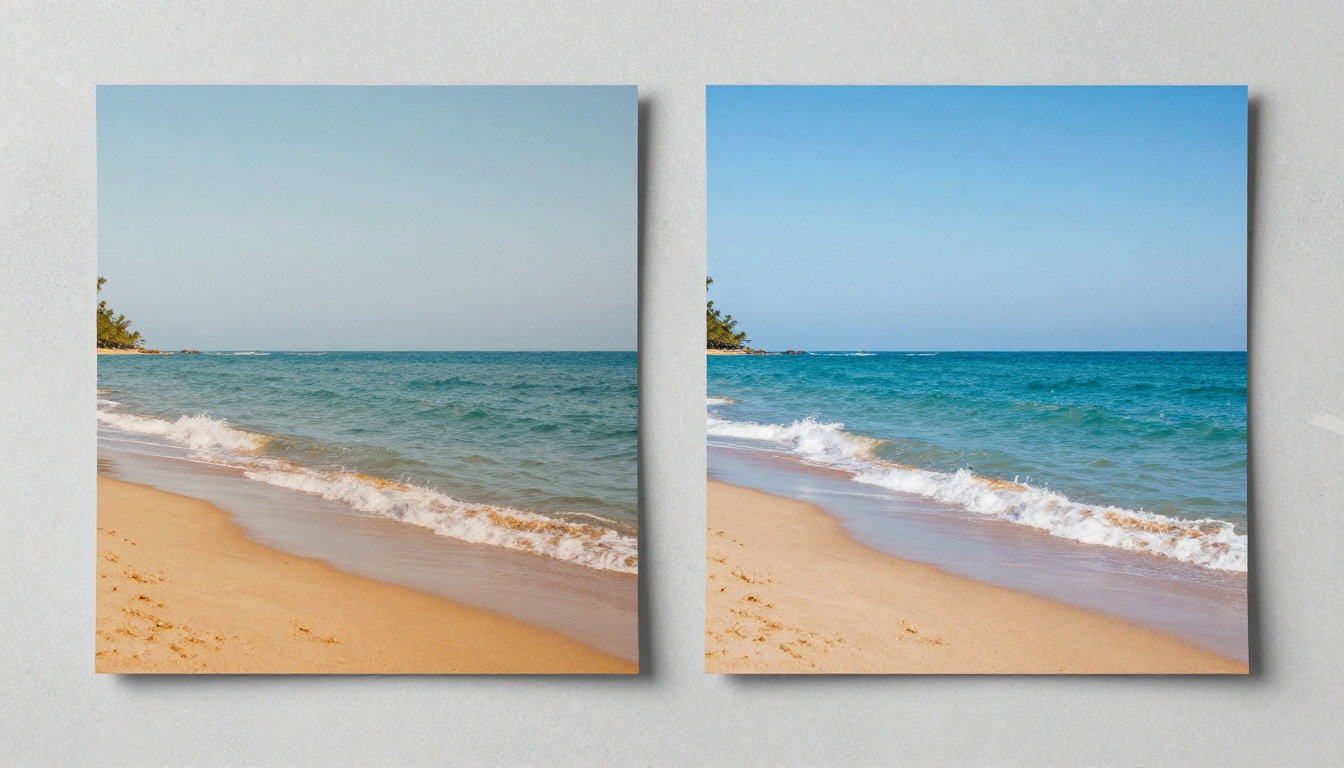
Side-by-Side Results
Here is what we found across each category.
Portrait Photography Prompts
| Criteria | Nano Banana 2 | Midjourney |
|---|
| Skin texture accuracy | Very high | Medium |
| Hair strand rendering | Natural, realistic | Often stylized |
| Clothing material | Accurate fabric weave | Softened and idealized |
| Lighting interpretation | Matches prompt | Adds dramatic contrast |
| Facial likability | Natural, human | Often idealized beauty |
| Generation speed | Very fast | Moderate |
Nano Banana 2 produced an image that felt like a real person photographed in a real room. The light fell where you would expect it to fall. The shirt looked like actual linen. The hair was not perfect but it was believable.
Midjourney's output was more beautiful in a conventional sense. The woman had more refined features, the light was more dramatic, and the composition had a polish that the Nano output did not quite match. But it did not really follow the prompt either. The shirt became something more stylish, the background took on a different character, and the overall mood shifted into something closer to a fashion editorial than a casual portrait.
Landscape and Nature Scenes
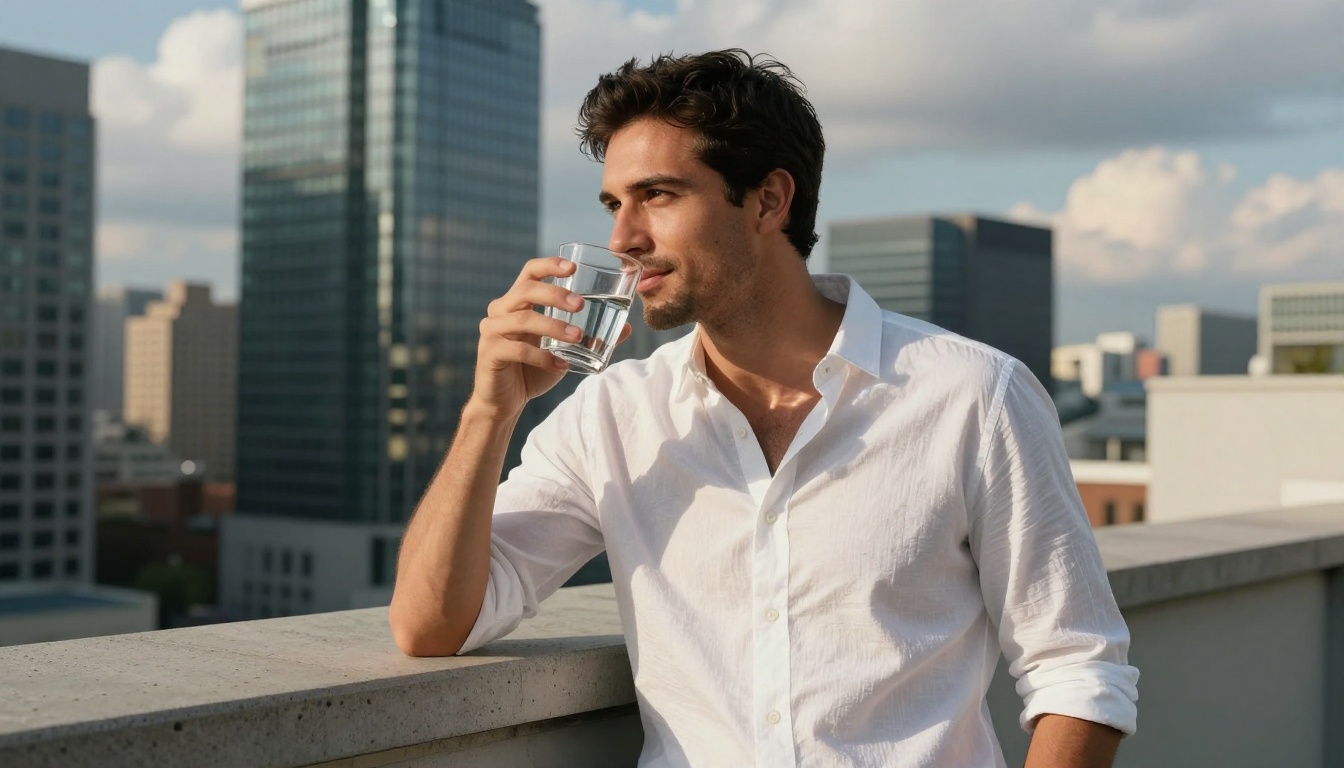
For the tropical beach prompt, both models produced beautiful results, but the difference in approach was stark.
Nano Banana 2 gave a scene that felt like a well-composed travel photograph. The warm light was there, the water reflected the sky correctly, and the sand had visible grain and texture. It looked like something you would see in a travel magazine.
Midjourney produced something more cinematic. The sky became more dramatic with clouds that were not in the prompt. The colors shifted toward a more saturated amber palette. The scene was more than what was asked for, in terms of visual impact, but it was also further from the original description.
💡 When to pick which: Use Nano Banana 2 when prompt accuracy matters. Use Midjourney when you want the model to take creative liberties and push the mood further than your words describe.
Abstract and Concept Prompts
This is where the gap widened most. The "quiet Sunday morning" prompt was a genuine test of interpretive depth.
Nano Banana 2 rendered a literal scene: a soft-lit apartment interior, window light on wooden floors, a coffee cup on a surface. Clean, accurate, and a little expected.
Midjourney reached for something more atmospheric. The result had a distinctly poetic quality, muted and slightly hazy, with a composition that felt deliberate and moody. It interpreted the emotion of the prompt, not just the words.
| Criteria | Nano Banana 2 | Midjourney |
|---|
| Literal accuracy | High | Low to medium |
| Emotional resonance | Moderate | High |
| Stylistic consistency | Neutral and photographic | Strong signature style |
| Prompt flexibility | Very flexible | Constrained by aesthetic bias |
| Best use case | Product visuals, realism | Art, mood boards, editorial |
Where Nano Banana 2 Wins
Speed and Accessibility
Nano Banana 2 is significantly faster than Midjourney in most pipeline comparisons. For content workflows where you need to generate ten or twenty images quickly without waiting, this matters considerably. It is also accessible directly through platforms like PicassoIA without needing a Discord-based interface or subscription tier management.
Paired with tools like Flux 1.1 Pro or Flux 2 Pro for higher-fidelity outputs, Nano Banana 2 slots in perfectly as a fast iteration model before you commit compute to a final render.
Photorealism and Skin Textures
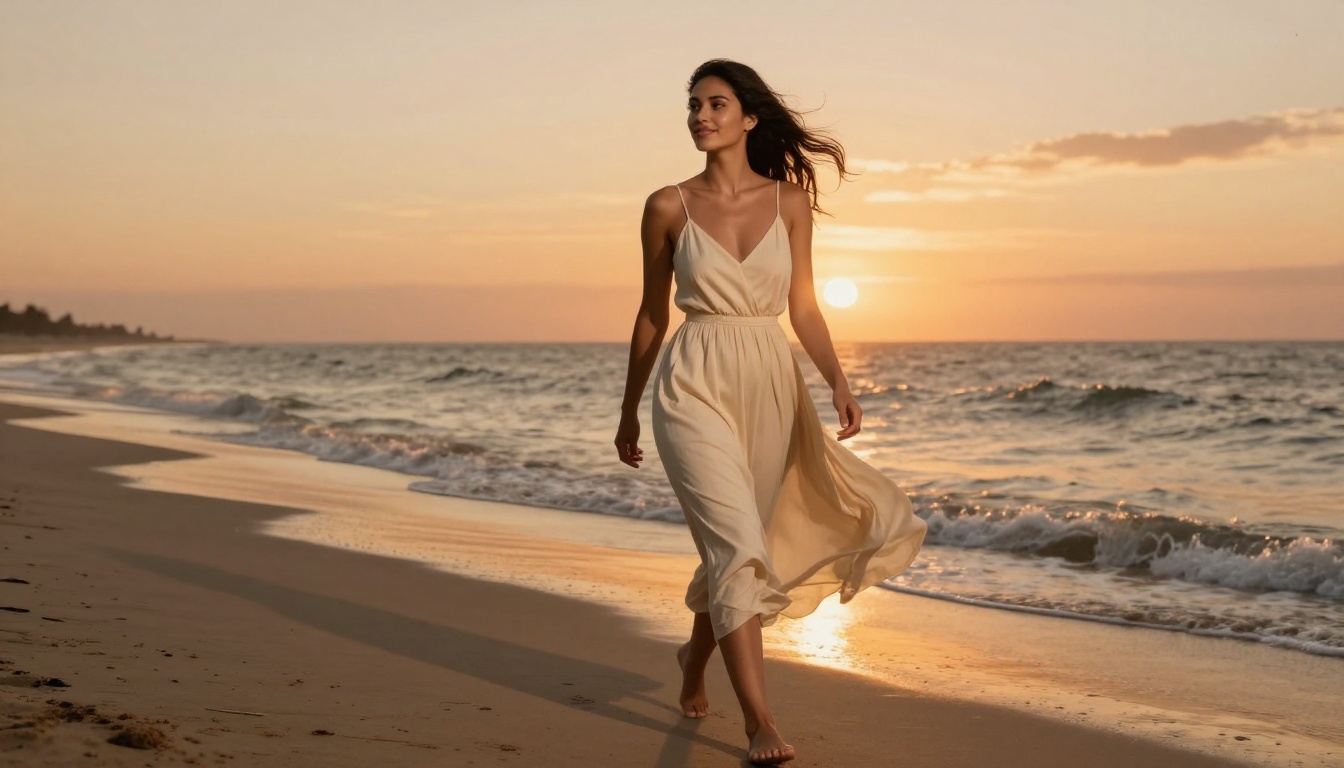
When your prompt involves people, Nano Banana 2 has a clear edge in photorealism. Pores are present but not over-rendered. Hair behaves like real hair. The eyes do not tip into the uncanny valley. This makes it substantially better suited for:
- E-commerce and product visuals with human models
- Social media content that needs to pass as photography
- Lifestyle photography for websites and campaigns
- Portrait concepts for art direction decks
Prompt Fidelity at Scale
If you are running batch generation across many different prompts, Nano Banana 2 is more predictable. The outputs follow your descriptions closely enough that you can build consistent visual systems. Midjourney's aesthetic bias means images often feel like they belong to the same mood board regardless of how different your prompts are, which works against variety in large libraries.
Where Midjourney Holds Its Ground
Artistic Coherence
Midjourney was trained with a strong aesthetic sensibility baked in. This shows up most clearly in how it handles composition: rule of thirds, negative space, dramatic framing. Even from a weak prompt, Midjourney tends to produce images that feel considered and deliberate.
For creative professionals building mood boards, pitch decks, or conceptual visual narratives, this is genuinely valuable. The model does compositional thinking for you.
Compositional Instinct
The flip side of prompt deviation is that Midjourney often produces outputs that feel more visually interesting than what you wrote. It adds visual tension, play of light, and atmospheric depth that the prompt itself did not specify. When you are looking for inspiration rather than accuracy, this is a significant advantage.
💡 Practical tip: Use Midjourney first for concept exploration when you do not yet know what you want. Then refine the aesthetic with Nano Banana 2 or Flux 2 Dev once you have a clear direction.
How to Use Nano Banana 2 on PicassoIA
Nano Banana 2 is available directly on PicassoIA with no queue, no Discord, and no subscription tier changes mid-project. Here is how to get the most from it.
Step 1: Access the model
Navigate to the Nano Banana 2 page on PicassoIA. No signup friction. The model loads instantly.
Step 2: Write a descriptive, grounded prompt
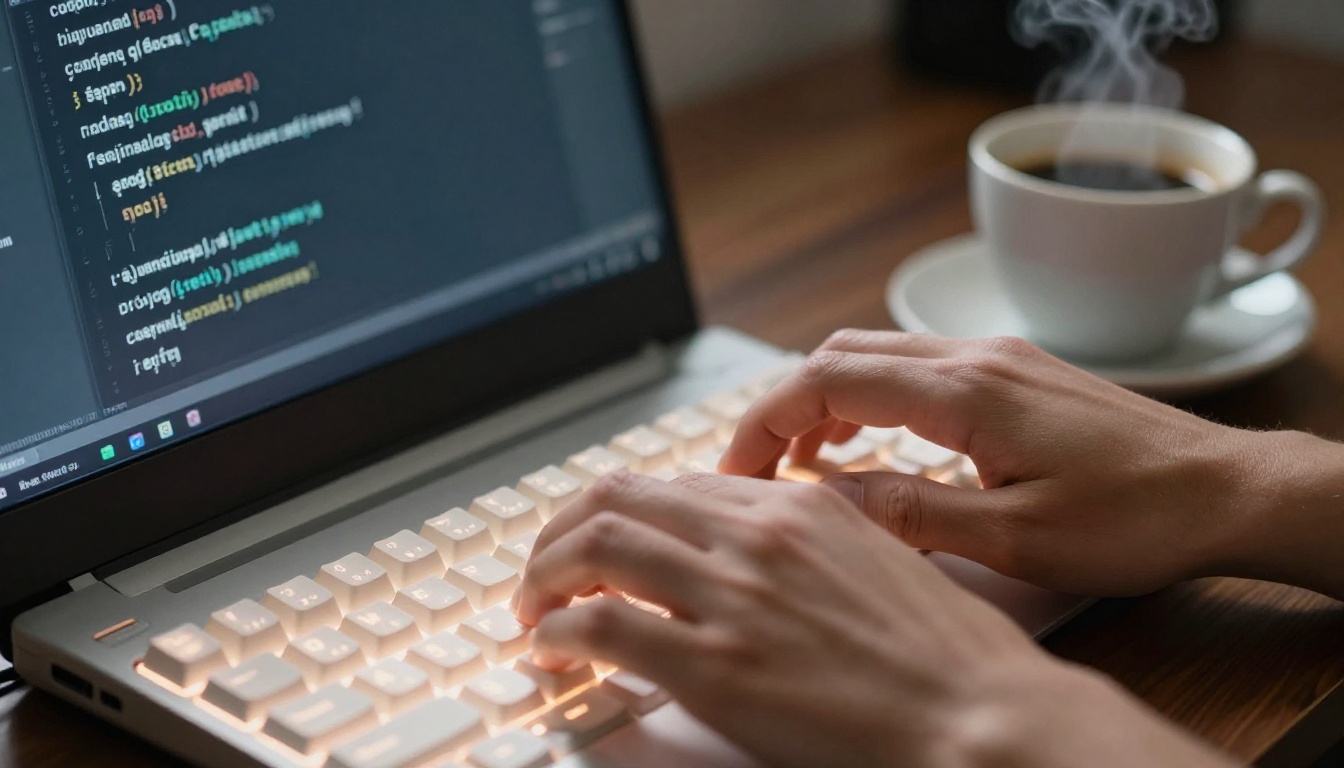
Nano Banana 2 thrives on specificity. Instead of "a woman at a café," write "a woman in her late 20s with dark braided hair sitting at a window seat in a bright café, morning light from the left, ceramic mug in both hands, soft smile." The more physical and spatial detail you include, the better the result.
Step 3: Use lighting and lens descriptors
Because the model interprets prompts literally, adding photographic context dramatically improves output quality:
- "Morning light from the left window"
- "Shot on 85mm f/1.8 lens, shallow depth of field"
- "Golden hour, warm amber tones in shadows"
- "Overcast diffused light, no hard shadows"
Step 4: Iterate quickly
Generation is fast enough that you can run five or six variations before committing. Change a single variable each time: the lighting direction, the distance from subject, the environment detail. Track which variables produce the biggest visual shifts.
Step 5: Upscale if needed
If you need print-quality resolution, pair your Nano Banana 2 output with a super-resolution model. PicassoIA offers Super Resolution tools that can push outputs to print-ready size without quality loss.
💡 Pro tip: For product photography or fashion visuals where you need multiple consistent images, set a fixed background description across all prompts. Nano Banana 2's literal interpretation means you will get coherent visual environments with minimal drift between shots.
If you want to push further into high-fidelity territory, Flux 1.1 Pro Ultra and Flux 2 Max are also available on PicassoIA for when absolute resolution and detail are priorities.
Which One Should You Pick?
This is not a question with a single answer. It depends on what you actually need from the model.
Choose Nano Banana 2 when:
- Prompt accuracy is non-negotiable
- You need photorealistic human figures
- You are working in a fast iteration workflow
- You want outputs that pass as photography
- Accessibility and speed matter more than artistic flourish
Choose Midjourney when:
- You want the model to extend your vision creatively
- You are building mood boards or creative concepts
- Compositional quality matters more than literal accuracy
- You are comfortable with aesthetic interpretation
Consider both when:
- You are in early creative development and want to see multiple interpretations of an idea
- You are building a visual library with different style registers
- You want a creative cross-reference before finalizing a visual direction
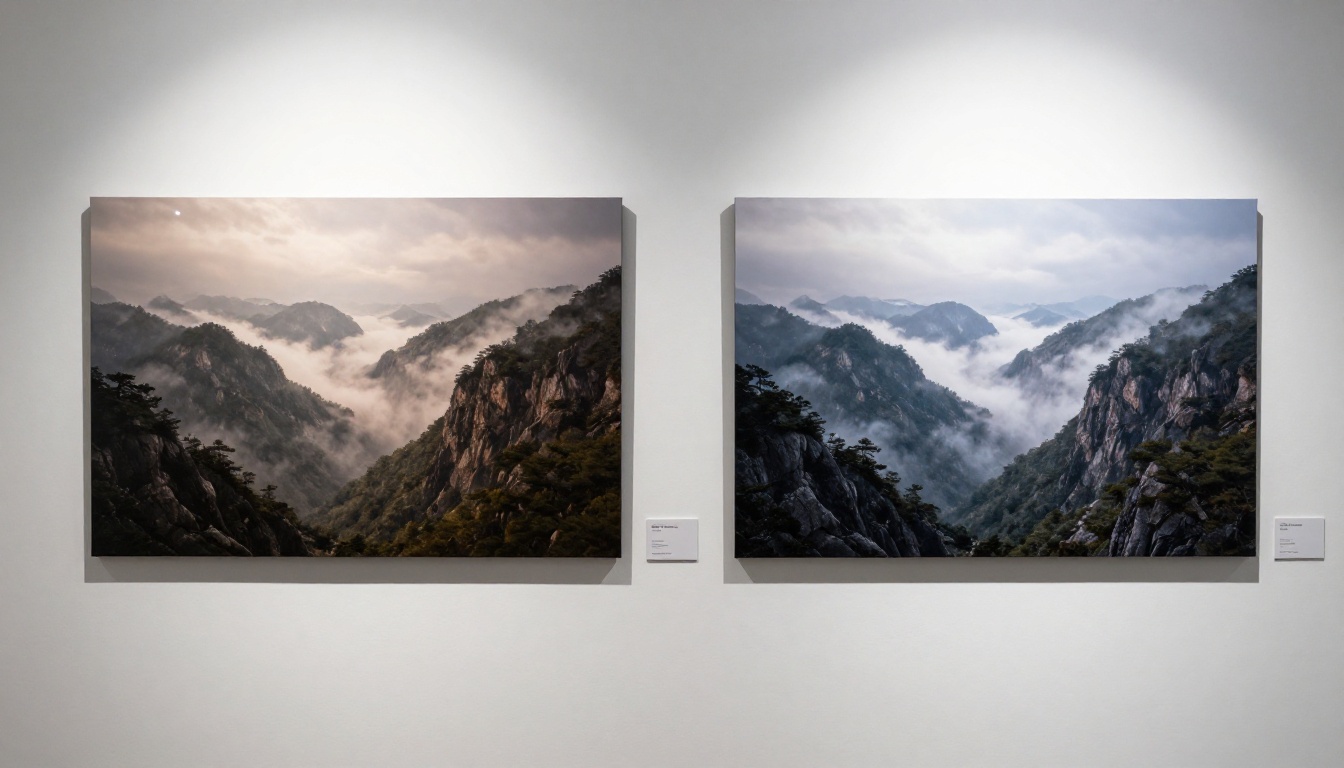
For most practical content workflows, Nano Banana 2 wins on utility. For pure artistic exploration, Midjourney's aesthetic instinct is hard to replicate. The most productive approach is to use both where they are strongest rather than treating it as a forced choice.
It is also worth noting that neither model is standing still. Nano Banana Pro already shows significantly stronger aesthetic output than the base version. And Google's Imagen 4 and Imagen 4 Ultra demonstrate the direction Google's image generation quality is heading. The gap between the "fast and practical" tier and the "artistically ambitious" tier is closing quickly.
Run Your Own Tests
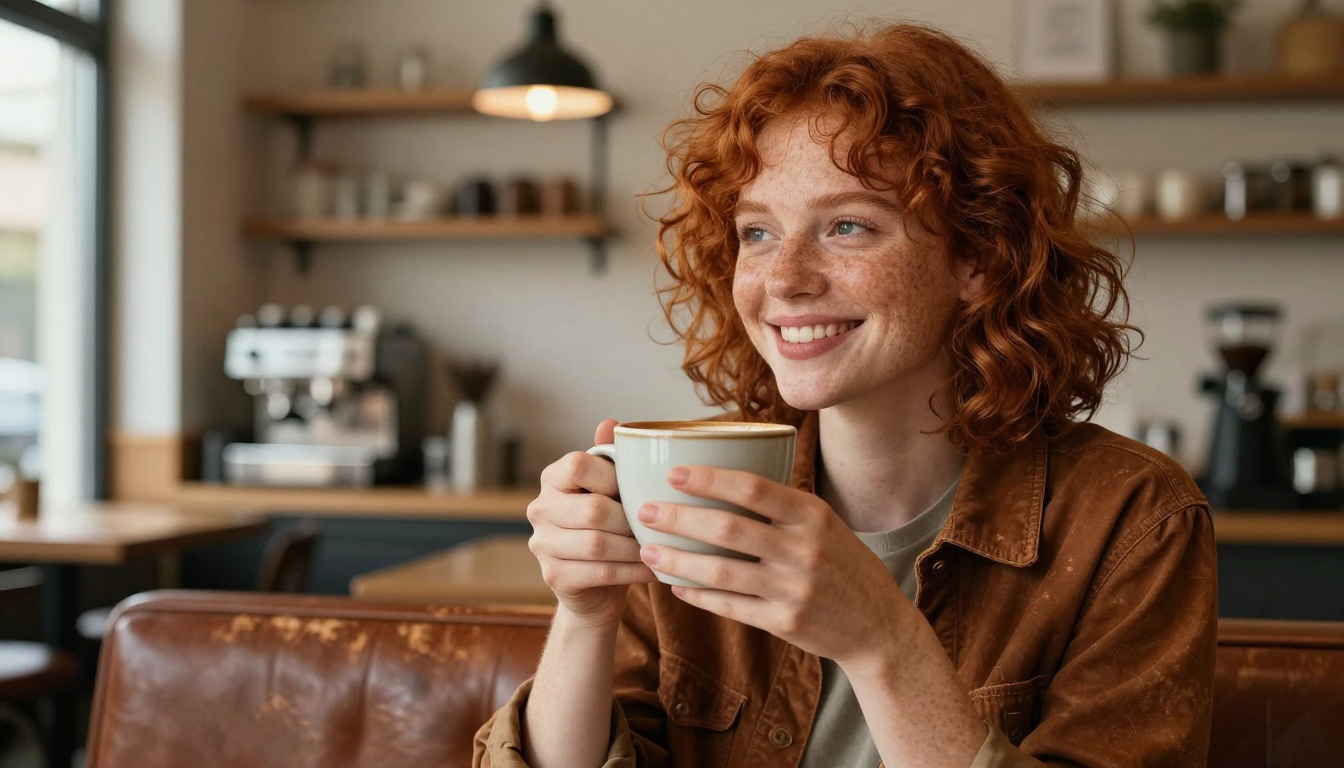
Reading about prompt results is one thing. Running your own comparisons is where the real learning happens, and both tools discussed here are accessible on PicassoIA right now with no setup and no friction.
Take one of your own prompts, something you have used before or something entirely new, and run it through Nano Banana 2. Then try the same prompt with Flux 2 Dev, Flux 2 Pro, or GPT Image 1.5 for a broader picture. You will develop a sharp instinct for which model to reach for almost immediately.
PicassoIA gives you direct access to over 90 text-to-image models in one place. No switching platforms, no account juggling. When you find outputs you want to push further, the same platform has you covered for super-resolution, background removal, face processing, and more.
Your prompt. Multiple models. Your call on which result wins.


