Both Google AI models carry the "Nano Banana" name, but that shared branding hides a real performance gap. If you have used the original Nano Banana model on PicassoIA and wondered what changed in the newer iterations, this breakdown will answer exactly that. The two models were built with different priorities, and choosing the wrong one for a project costs you either time or quality, sometimes both.
What is Nano Banana 2?
Nano Banana 2 is Google's second-generation compact text-to-image model, built specifically for speed. The architecture prioritizes low-latency generation, meaning you get results fast without waiting through long queues or heavy compute cycles.

The model trades some resolution ceiling for throughput. It is not designed to produce images at the highest pixel counts, but what it generates looks clean, well-composed, and ready to use for rapid prototyping, social content, or concept iteration. For teams running at volume, that trade-off makes a lot of sense.
Speed First, Quality Second
Nano Banana 2 was optimized for workflows where you need many images fast. Think mood boards, draft iterations, or bulk content pipelines. The model handles short and moderately descriptive prompts particularly well, and its consistency across multiple generations is one of its strongest selling points.
- Generation latency: Among the fastest in Google's text-to-image lineup
- Prompt sensitivity: Works well with concise, direct prompts
- Output resolution: Standard HD range, suitable for web and social use
- Batch processing: Excellent for generating multiple variations quickly
- Consistency: Low variance between generations from the same prompt
💡 If you run a content pipeline where turnaround time matters more than pixel-perfect detail, Nano Banana 2 fits naturally into that workflow.
When Nano Banana 2 Falls Short
The compact architecture has limits. Highly detailed prompts with multiple subjects, complex spatial relationships, or requests for fine texture rendering may not reach the same fidelity as heavier models. Prompts asking for dense crowds, intricate backgrounds, or extreme close-up detail sometimes produce results that feel slightly smoothed out.
It is not a flaw. It is a deliberate trade-off in favor of speed and efficiency, and knowing that limitation helps you use the model correctly.
What is Nano Banana Pro?
Nano Banana Pro is the premium sibling. Google built this version for output quality, not raw generation speed. The Pro variant supports higher resolution outputs, more precise prompt adherence, and stronger performance on complex visual compositions.
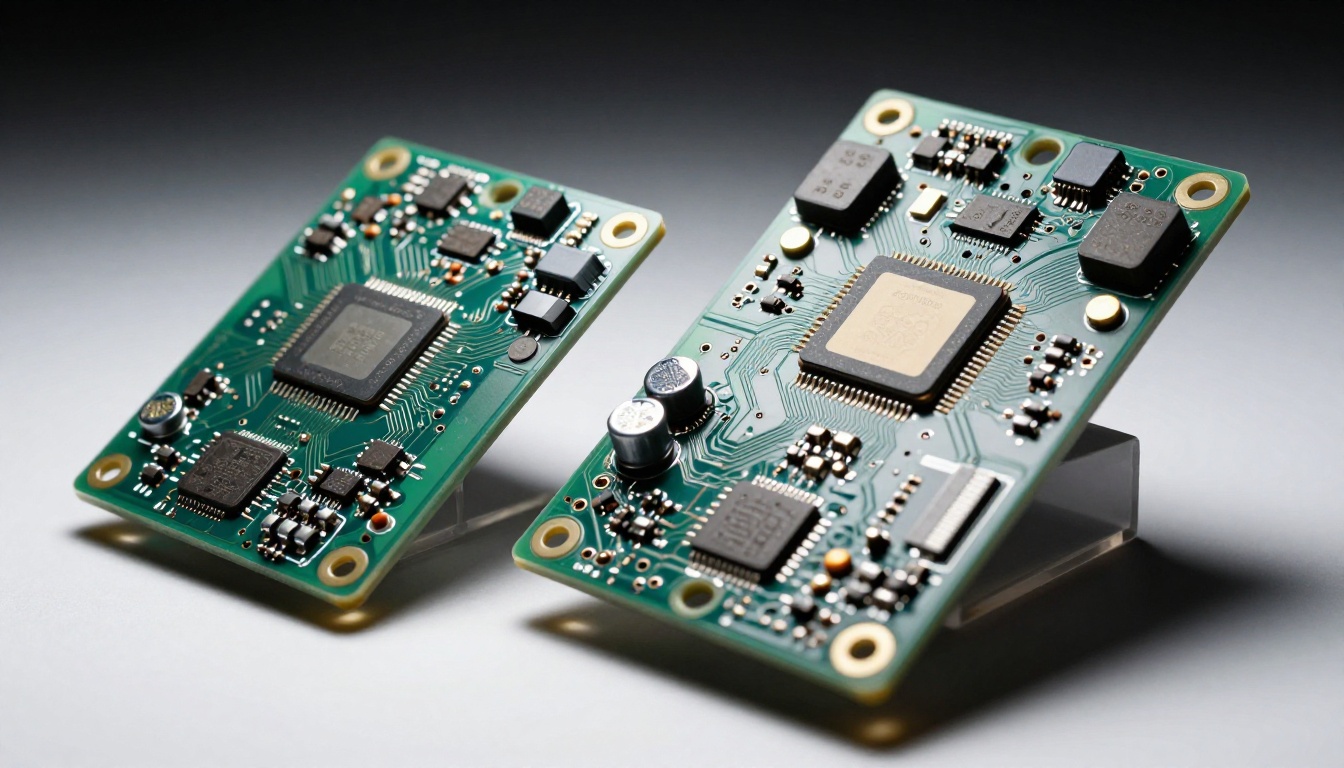
Where Nano Banana 2 is built for volume, Nano Banana Pro is built for precision. Creative professionals, photographers needing AI-assisted composites, and anyone producing final-grade assets will notice the difference immediately. The model does not rush. It renders.
Pro-Grade Output Capabilities
The Pro model handles nuance that Nano Banana 2 glosses over. Skin textures, fabric detail, architectural precision, and multi-element compositions all benefit from the deeper processing pipeline.
- Output resolution: Higher native resolution with finer micro-detail
- Prompt fidelity: More accurate at translating complex, descriptive prompts
- Texture rendering: Noticeably better at surfaces, fabrics, and organic materials
- Multi-subject accuracy: Handles scenes with multiple interacting subjects more reliably
- Color accuracy: More faithful to specified color palettes and lighting conditions
- Depth of field simulation: More convincing bokeh and focal plane rendering
💡 Nano Banana Pro is the right choice when the image will appear in final production, on a printed piece, or in a professional presentation where detail actually shows at close inspection.
The Speed Trade-off
Nano Banana Pro takes longer to generate images than Nano Banana 2. That gap is noticeable if you are running high-volume workflows. For single images or small batches where quality is what matters, the wait is worth it. The additional generation time directly corresponds to the extra processing the model runs on textures, lighting, and compositional accuracy.
Side by Side: The Real Differences
Here is a direct comparison of both models across the criteria that matter most to creators and developers:
| Feature | Nano Banana 2 | Nano Banana Pro |
|---|
| Generation Speed | Fast | Moderate |
| Output Resolution | Standard HD | High Resolution |
| Prompt Complexity | Short to medium | Short to very long |
| Texture Detail | Smooth / simplified | High fidelity |
| Multi-subject Scenes | Basic | Accurate |
| Color Precision | Good | Excellent |
| Batch Workflows | Excellent | Moderate |
| Best Use Case | Rapid prototyping | Final production |
| Cost Per Image | Lower | Higher |
Neither model is universally better. The one that fits you depends entirely on what you are making and how fast you need it.
Numbers in a table only tell part of the story. How these two models actually perform across different prompt styles is where the practical difference becomes clear.
Portrait and People Photography
Nano Banana Pro is significantly stronger here. Skin texture, hair detail, and natural lighting on faces all benefit from the deeper processing. Nano Banana 2 handles faces well for most purposes, but close-up portrait work at high resolution will show the gap between the two models clearly.
Landscape and Environmental Scenes
Both models handle broad landscapes competently. For wide establishing shots, cityscapes, or nature scenes where the composition matters more than individual texture details, Nano Banana 2 produces good results without the extra wait time. This is one area where the speed advantage of Nano Banana 2 makes a strong case.

Product and Commercial Photography
Nano Banana Pro wins here without contest. Products require sharp edge definition, accurate material rendering, and consistent lighting. The Pro model's higher fidelity pipeline handles reflective surfaces, fabric textures, and packaging detail with noticeably better accuracy. If your output ends up in an ad, a product listing, or a brand campaign, use Nano Banana Pro.
Abstract and Concept Art
Interestingly, both models perform similarly on abstract prompts. When exact photorealistic detail is not the goal, the speed advantage of Nano Banana 2 makes it the better pick for abstract, illustrative, or conceptual work where you want to iterate rapidly through ideas.
Prompt Writing: What Works for Each
How you write your prompt matters as much as which model you choose. Each model responds differently to prompt length and detail level.
Writing Prompts for Nano Banana 2
Keep prompts focused. Nano Banana 2 responds best to clear, direct descriptions without excessive layering of detail.
What works:
- "A red sports car parked on a mountain road at sunset"
- "Portrait of a woman with curly hair in a coffee shop, natural light"
- "Aerial view of a tropical beach with turquoise water"
What to avoid:
- Extremely long prompts with 10 or more descriptive elements
- Requests for highly specific micro-details in a single scene
- Competing visual styles layered into one prompt
Writing Prompts for Nano Banana Pro
Nano Banana Pro rewards detailed, structured prompts. The more specific you are, the better the output reflects your intent.
What works:
- Long descriptive prompts with specific lighting direction, textures, and subject details
- Camera specifications such as "85mm f/1.8, shallow depth of field"
- Multiple subject interactions with spatial positioning described
- Requests for fine material textures like leather, silk, or rough concrete
💡 Add photographic terms to Nano Banana Pro prompts. Phrases like "Kodak Portra 400, volumetric side lighting, 8K, RAW photography" consistently improve the fidelity of output.
How to Use Both Models on PicassoIA
Since both Nano Banana 2 and Nano Banana Pro are available on PicassoIA, here is exactly how to get the best results from each one.
Using Nano Banana 2 on PicassoIA
- Go to the Nano Banana 2 model page on PicassoIA
- Enter a focused, concise prompt in the text field (aim for under 50 words)
- Select your preferred aspect ratio (16:9 for widescreen, 1:1 for social formats)
- Set the number of images to generate, since Nano Banana 2 handles batches particularly well
- Hit generate and receive results within seconds
- If the result needs refinement, adjust the prompt slightly and regenerate quickly
Recommended parameters for Nano Banana 2:
- Keep prompts under 50 words for best consistency across the batch
- Use 1:1 or 16:9 ratios for strongest model performance
- Generate 2 to 4 variations at once and pick the best result before refining
Using Nano Banana Pro on PicassoIA
- Open the Nano Banana Pro model page on PicassoIA
- Write a detailed prompt, ideally 60 to 150 words with specific visual instructions
- Include lighting direction, texture details, and camera specifications
- Set the aspect ratio to match your output requirement before generating
- Generate one image at a time for best quality control and credit efficiency
- Review the output carefully and refine specific elements in your prompt for the next pass
Recommended parameters for Nano Banana Pro:
- Use prompts of 60 or more words for maximum detail extraction from the model
- Specify lighting conditions explicitly, for example "soft morning light from the left"
- Mention texture and material types for every surface that appears prominently in the scene
Which Model Should You Pick?
The honest answer is that most creators benefit from using both, at different stages of the same project.
Nano Banana 2 fits best when:
- You are in the ideation or mood board phase and need volume over perfection
- Your output goes to digital-only formats like social media, web banners, or email
- Budget per image matters because you are generating at scale
- Speed is critical and the client or project timeline is tight
- You are testing a visual concept before committing to a full production render
Nano Banana Pro fits best when:
- The image is the final deliverable, not a draft or iteration
- Your output will be printed, displayed at large size, or scrutinized at close range
- The subject requires fine texture, realistic skin, or precise material rendering
- You are building a professional portfolio piece or brand campaign asset
- Prompt accuracy matters and you have invested time in a detailed, crafted description
Other Google AI Models on PicassoIA
Beyond the Nano Banana lineup, Google has additional text-to-image options available on the platform that are worth knowing about when choosing between speed and quality tiers.
Imagen 4 sits at the top of Google's image generation hierarchy on PicassoIA, offering the highest output quality in the family. Imagen 4 Ultra pushes that further with maximum precision for demanding professional workflows. Imagen 4 Fast occupies the speed-focused end of the Imagen 4 range, similar in spirit to how Nano Banana 2 operates but built on the Imagen 4 quality baseline.
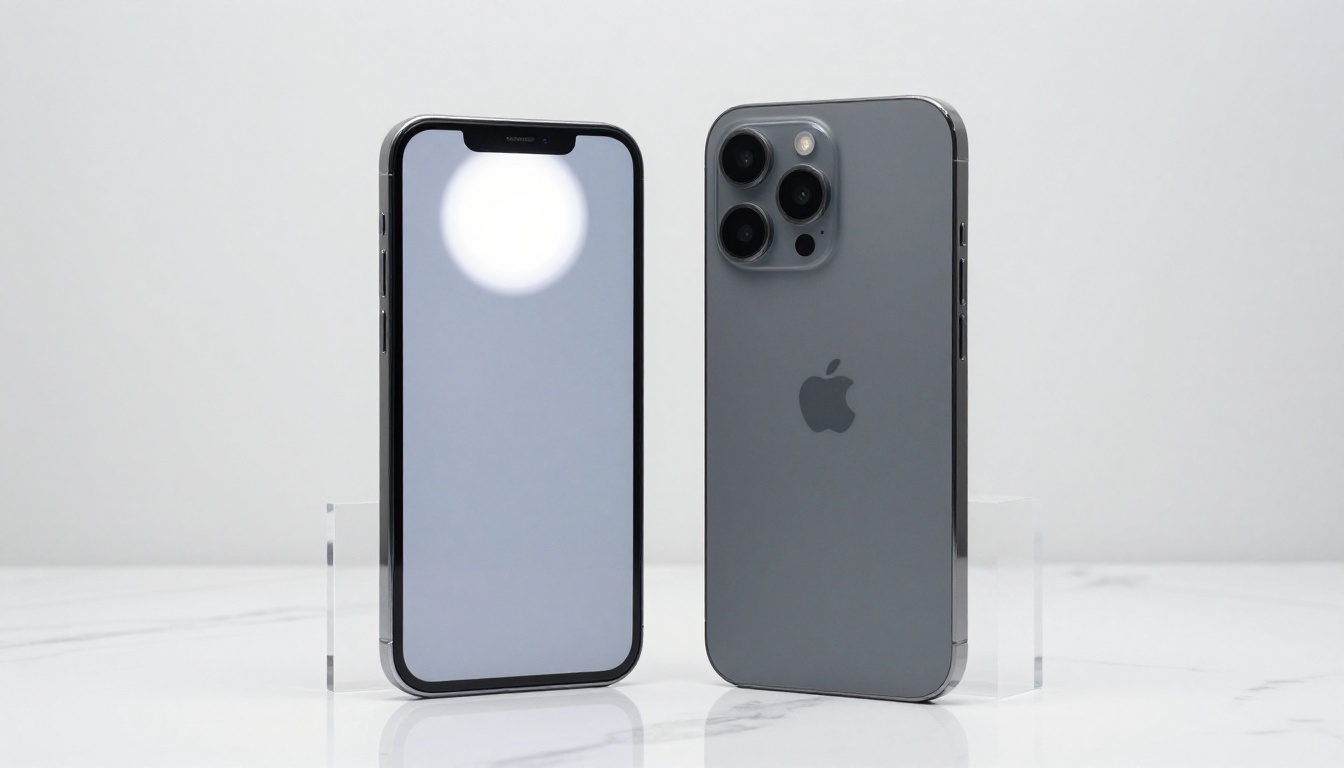
For users who want multimodal AI capabilities alongside their image work, Gemini 2.5 Flash and Gemini 3 Pro are available in the large language models section. These are particularly useful for writing long, detailed image prompts, analyzing generated outputs, or building AI-assisted creative workflows where text and image generation work in combination.
If you want to step outside the Google ecosystem for comparison, Flux 2 Pro and Flux 2 Max from Black Forest Labs offer a compelling alternative at the higher quality end, while GPT Image 1.5 from OpenAI provides a well-known quality benchmark for direct comparison.
Cost and Credit Considerations
Nano Banana 2 costs fewer credits per generation than Nano Banana Pro. That gap multiplies significantly when you scale up. A batch of 50 images at Nano Banana 2 pricing may cost the same as 10 images at Nano Banana Pro pricing, depending on your tier.
For most workflows, the practical approach is:
- Use Nano Banana 2 to test 10 to 20 prompt variations and find the right direction
- Identify the best 2 or 3 concepts that are worth refining
- Regenerate only those using Nano Banana Pro for the final polished output
This two-stage workflow gets you quality control without burning credits on Pro generations for every early-stage draft.
💡 Build your shortlist with Nano Banana 2, then finish with Nano Banana Pro. You save time and budget without sacrificing the quality of your final asset.
A Note on Aspect Ratios
Both models support multiple aspect ratios, but their performance is not identical across all formats. Nano Banana Pro maintains quality more consistently across non-standard ratios than Nano Banana 2.
| Aspect Ratio | Nano Banana 2 | Nano Banana Pro |
|---|
| 1:1 (Square) | Strong | Excellent |
| 16:9 (Widescreen) | Strong | Excellent |
| 9:16 (Portrait/Story) | Good | Excellent |
| 4:3 | Good | Very Good |
| 3:2 (Photography) | Good | Excellent |
For social media content in portrait format or story dimensions, Nano Banana Pro holds composition better and avoids the occasional subject cropping issues that appear in Nano Banana 2 outputs at 9:16.

What Real Creators Are Saying
The consensus among content creators who use both models regularly comes down to one phrase: right tool, right job.
Social media managers and content teams running high-volume pipelines lean toward Nano Banana 2 for day-to-day production. Designers, photographers, and art directors who need final-grade assets default to Nano Banana Pro when the image carries real weight in the final deliverable.
The interesting pattern is that many creators start with Nano Banana 2 for the speed, discover its quality ceiling, and then use Nano Banana Pro for their most important outputs. Having both available on a single platform like PicassoIA means switching between the two requires nothing more than selecting a different model from the same interface.
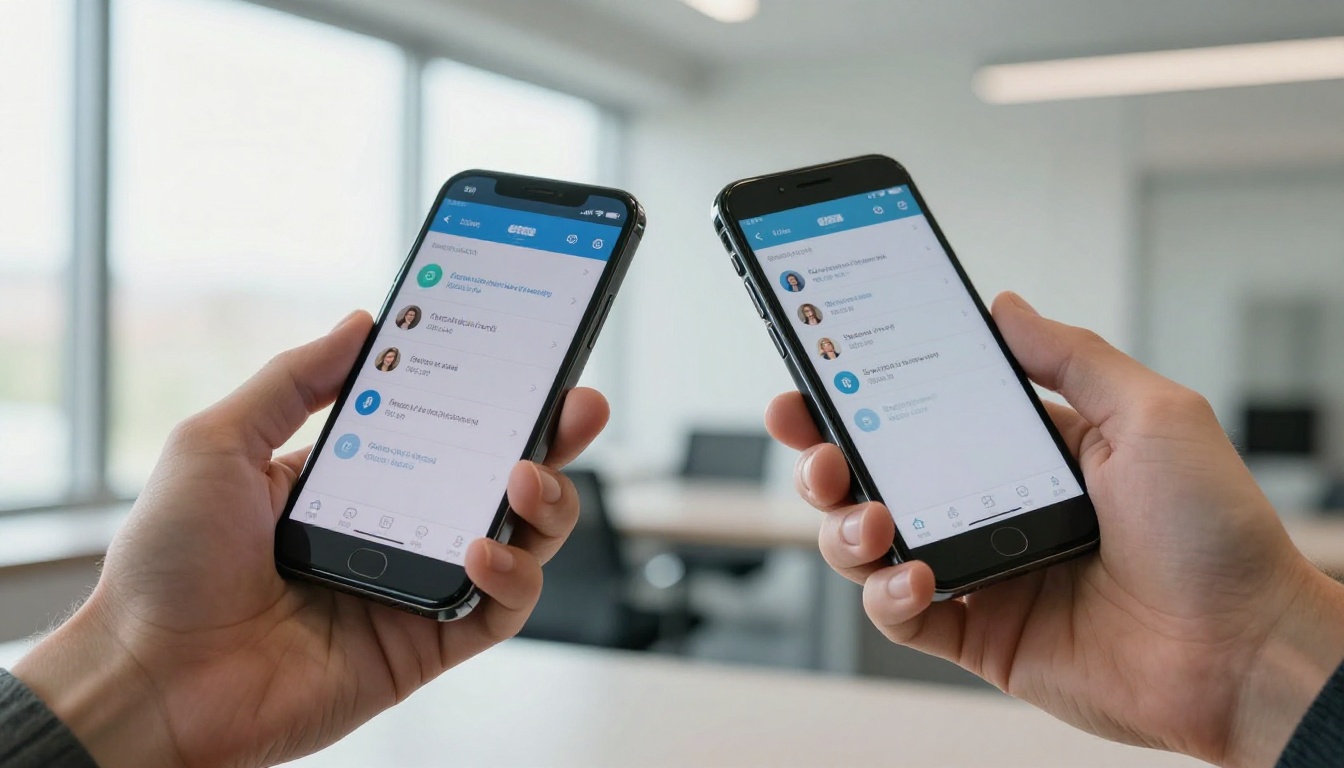
Both models are available right now on PicassoIA and there is no better way to understand the difference than generating the same prompt on each one back to back. The gap in output quality and generation speed will be immediately visible.
Start Creating on PicassoIA Today
Both Nano Banana 2 and Nano Banana Pro are ready to use right now on PicassoIA. No setup required, no local hardware, and no model downloads. Just open the model page, write your prompt, and generate.
PicassoIA gives you access to more than 90 text-to-image models in one place, including the full Google lineup from Imagen 4 Ultra down to the fast Nano Banana variants, alongside Flux 2 Pro, Ideogram v3, Flux 1.1 Pro Ultra, and dozens of other production-ready AI image generators.
Start with the Nano Banana models, run your own comparison on the same prompt, and pick the workflow that actually fits your projects. The best way to see the difference is to see it yourself.


