The debate between speed and quality in AI image generation is not new, but with Google's Nano Banana family, it has never been this concrete. Nano Banana 2 and Nano Banana Pro are two distinct models built on shared foundations but tuned for opposite priorities. One wants to get you an image in seconds. The other wants that image to stop you cold when you look at it. Neither is wrong. Both are powerful. The choice between them shapes your entire creative output.
This comparison cuts through the noise and looks at what actually matters: generation time, output fidelity, prompt adherence, texture handling, and the real use cases where each model earns its place. Whether you are a content creator burning through concepts or a professional preparing client-ready visuals, there is a version of this answer built for you.
What Separates These Two Models
At a technical level, Nano Banana 2 and Nano Banana Pro share a lineage. Both descend from the original Nano Banana architecture, which established a new standard for compact, capable text-to-image generation. But Google made very different choices when evolving each model toward its specific purpose.
Architecture choices simplified
Nano Banana 2 runs on a streamlined diffusion pipeline with fewer inference steps. Fewer steps means less compute time per image, and less compute time means faster outputs. The tradeoff is that with fewer refinement passes, some fine-grained details, particularly in textures, hair strands, fabric weaves, and background complexity, receive less attention. The model compensates with smart perceptual shortcuts, producing images that look clean and complete at a glance, even if they would not hold up to 100% zoom scrutiny in demanding print workflows.
Nano Banana Pro takes the opposite philosophy. It runs a deeper inference cycle with additional steps tuned for detail refinement, photorealistic shading, and precise prompt adherence. This takes longer, but the output difference in the right subject matter is substantial. Skin textures, architectural fine detail, natural light behavior, and fabric fidelity all benefit from the additional passes.
The core tradeoff
💡 Nano Banana 2 gives you a great image fast. Nano Banana Pro gives you a better image when time is available.
Both models deliver genuinely useful outputs. This is not a comparison between a good model and a bad one. It is a comparison between a speed-optimized tool and a quality-optimized tool, both of which belong in a working creative pipeline.
Nano Banana 2 Built for Speed
Nano Banana 2 is positioned as a fast-generation model without sacrificing coherence. That positioning holds up in practice. Where other speed-optimized models like flux-schnell or SDXL Lightning sometimes produce muddy or artifact-heavy outputs at high speed, Nano Banana 2 consistently delivers clean, properly composed images with correct proportions and natural color balance.
Generation times that actually matter
In practical terms, Nano Banana 2 generates a standard 16:9 image in a fraction of the time required by quality-first models. For iterative workflows where you are cycling through 10-20 prompt variations to find the right concept, this matters enormously. A session that would take 15 minutes with a premium model compresses to under 5 minutes.
For social media content creators, marketing teams, and rapid concept development workflows, this speed advantage is not marginal. It is the difference between testing 3 ideas and testing 12 in the same time window. Volume of iteration directly correlates with better final output selection, and Nano Banana 2 gives you that volume without friction.
What speed costs you
Being direct about the limitations matters. Nano Banana 2 shows its speed constraints in specific rendering scenarios:
- Complex hair and fur: Fine strands at the hairline edges tend to soften into smooth shapes rather than individual filaments
- Intricate background architecture: Distant building facades and street detail lose fine feature resolution
- Extreme close-ups: Macro-scale subjects at 100% zoom may show slight surface smoothing
- Multi-subject compositions: When a prompt includes many distinct elements, the model can merge or simplify some to manage its faster pipeline
- Specular highlights on glass and metal: Complex reflective surfaces occasionally flatten to simpler gradients
These are real limitations. But they are also largely invisible at standard display sizes. Social media posts, web banners, concept previews, and email imagery all look excellent from Nano Banana 2 output.
💡 If your final output is displayed at under 1200px wide, Nano Banana 2 is likely sufficient for most subjects.
Nano Banana Pro Chasing Photorealism
Nano Banana Pro is where Google pushed the Nano Banana architecture toward its ceiling. The model is built for situations where the image needs to withstand close examination: where clients will zoom in, where the final product will be printed large, or where the image will be used in premium editorial contexts where a trained eye is evaluating every detail.
Where quality shows up most
The gap between Nano Banana 2 and Nano Banana Pro is not uniform across all subject matter. It concentrates in specific rendering domains where the additional inference steps do the most meaningful work:
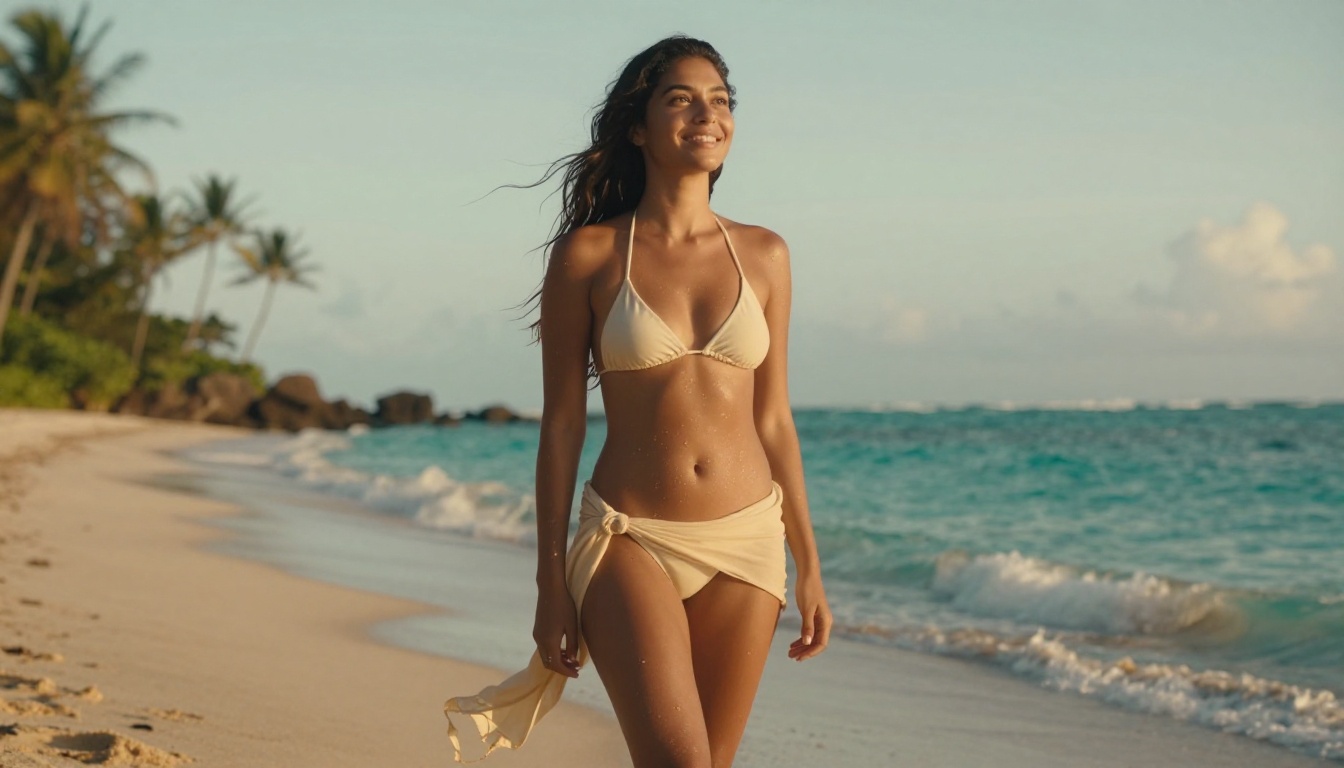
Portrait photography is where Nano Banana Pro's extended pipeline shines hardest. Skin texture, the soft shadows in facial folds, the precise rendering of iris detail in eyes, and the behavior of natural light across facial planes all benefit from additional refinement. The result is portraits that carry genuine photographic weight rather than the slightly smoothed quality that a fast-generation pipeline produces.
Fabric and material textures also jump significantly in quality between the two models. Silk, denim, leather, and rough-weave cotton all have characteristic micro-surface behaviors that require careful shading to look real. Nano Banana Pro handles these material properties with noticeably higher fidelity, rendering the drape and light-catch of different fabrics in a way that holds up to close inspection.
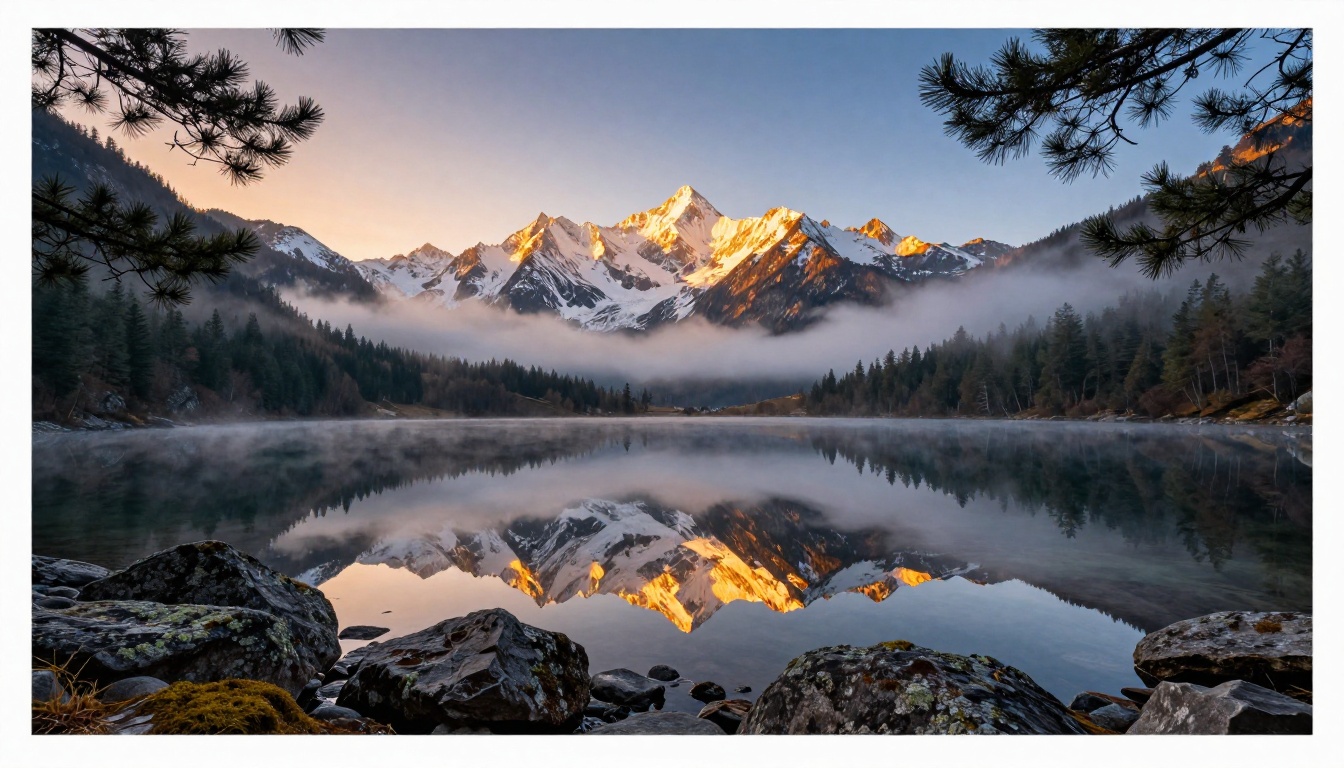
Natural environments show the difference in water surfaces, foliage layers, rock textures, and atmospheric perspective. A mountain landscape from Nano Banana Pro at 8K output shows individual lichen on foreground rocks, proper moss texture on wet stones, and a genuine atmospheric haze graduation in the distance that behaves like real photography.
Prompt fidelity under complexity
One underappreciated advantage of Nano Banana Pro is how it handles long, detailed prompts. When you describe a scene with specific lighting conditions, multiple subjects, environmental details, and camera specifications, the Pro model follows more faithfully. It rarely simplifies away a detail you explicitly asked for. Nano Banana 2, under prompt pressure from many simultaneous requirements, sometimes makes a judgment call and merges or drops elements to manage its faster pipeline.
Head-to-Head: The Real Numbers
A direct comparison across the metrics that matter for real creative work shows where each model sits and where the tradeoffs become visible:
| Metric | Nano Banana 2 | Nano Banana Pro |
|---|
| Generation speed | Very fast | Moderate |
| Portrait skin detail | Good | Excellent |
| Fabric texture fidelity | Solid | Superior |
| Background complexity | Moderate | High |
| Prompt adherence (simple) | Excellent | Excellent |
| Prompt adherence (complex) | Good | Excellent |
| Macro close-up fidelity | Good | Excellent |
| Batch iteration speed | High | Moderate |
| Ideal output size | Up to 1080p | Up to 4K and above |
| Cost efficiency per concept tested | High | Moderate |
Same prompt, two outcomes
Testing both models on the same detailed portrait prompt demonstrates the gap clearly. The Nano Banana 2 output is polished, correctly composed, and perfectly usable for most applications. The Pro output, from the same prompt, shows deeper shadow gradients across facial planes, sharper individual hair strands at the temples, and more accurate material rendering of fabric texture at the shoulder. At thumbnail size, they look nearly identical. At print resolution, the Pro result operates in a noticeably different quality tier.
Complex architectural and landscape prompts
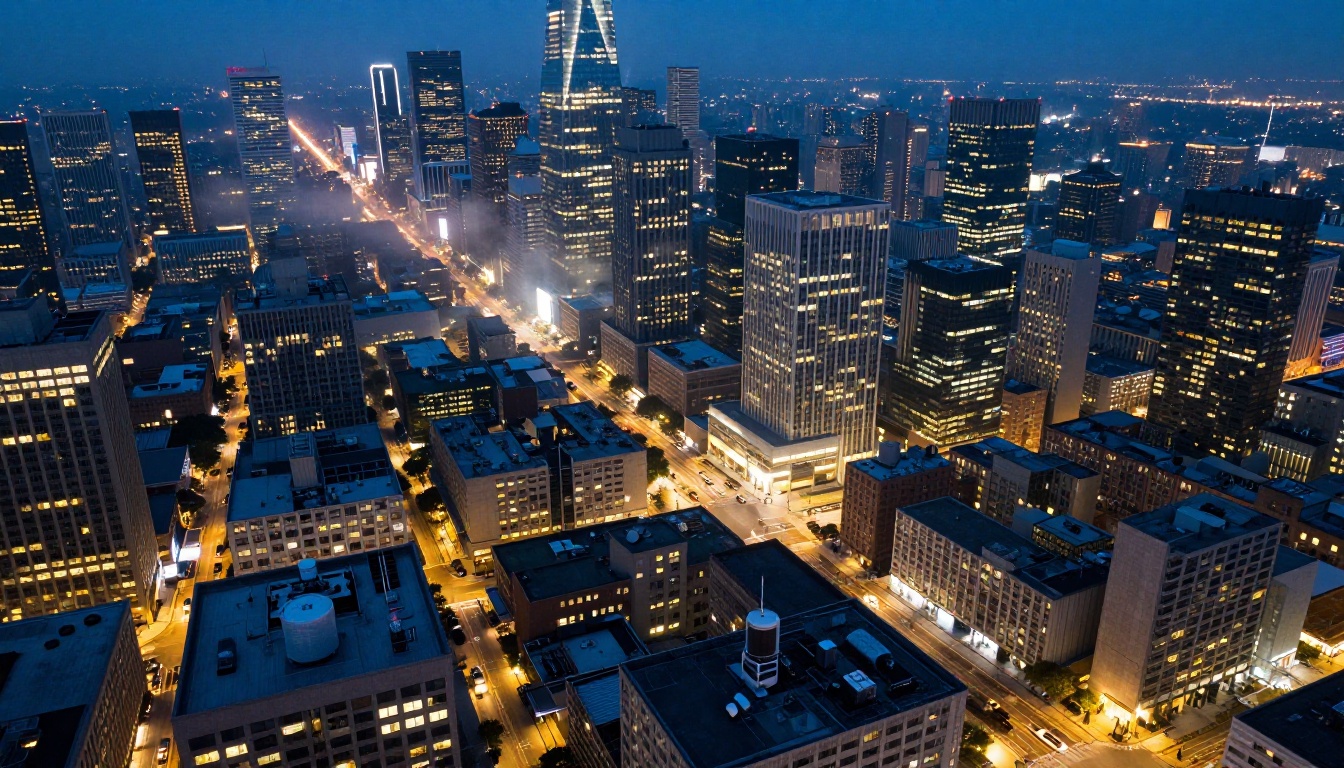
Where the gap narrows is in broad architectural and landscape subjects at medium zoom. Both models handle large-scale environments with competence. The Pro adds atmospheric depth and fine surface detail, but the 2 gets you 80-90% of the way there at a fraction of the generation time. For initial concept approval on architectural work, Nano Banana 2 output is entirely convincing.
When Nano Banana 2 Wins
There are clear creative situations where Nano Banana 2 is the right choice. Choosing Pro for these scenarios wastes generation capacity without producing gains that matter at those output sizes and use cases.
Rapid iteration and concept development
The single biggest win for Nano Banana 2 is iteration volume. Concept work almost always begins with many directions. You need to see 15 different compositional and lighting approaches before you know which one to develop. Running all 15 through Nano Banana Pro is slow and expensive. Running them through Nano Banana 2 gives you fast, clear, comparable outputs that let you make the directional decision quickly, then take only the winning concept into Pro for final quality output.
This approach, using Nano Banana 2 for the exploration phase, consistently produces better final results. You arrive at Pro with a refined prompt shaped by what you learned from real outputs, not from guessing.
Social media and web content
Content produced at web resolution and social media dimensions does not require the full rendering depth of Nano Banana Pro. Instagram posts, Twitter headers, blog thumbnails, YouTube thumbnails, email banners, these all live at sizes where Nano Banana 2 output is genuinely excellent and visually indistinguishable from Pro output at normal viewing distance.
Real-time creative feedback
Working live with a client, presenting concepts in real time, or using AI generation as a thinking tool during a brainstorm, Nano Banana 2 is the only realistic option. The fast response cycle keeps creative momentum moving instead of waiting between each generation cycle. Speed is not just a technical spec here. It changes the feel of the creative process entirely.
💡 Think of Nano Banana 2 as your sketchbook. Fast, clear enough to communicate any idea, and cost-efficient enough to use freely without calculation.

When Nano Banana Pro Wins
Nano Banana Pro is for situations where the image is the final product, or close to it. When quality is the non-negotiable requirement, the additional generation time pays back in output you can actually deliver to clients and audiences with confidence.
Client-ready visuals and editorial work
When an image is going into a pitch deck, a print campaign, an editorial spread, or a product landing page at full resolution, the additional detail from Nano Banana Pro justifies the wait. Clients who zoom in, who print large format, or who have a trained eye for photographic realism will see the difference between speed-first and quality-first outputs. The Pro result holds up to scrutiny that would reveal the soft edges of a fast-generation output.
Portrait and fashion photography
Portrait subjects are where Nano Banana Pro's investment in skin texture rendering, eye detail, and hair fidelity makes the clearest case for itself. Fashion photography requiring accurate fabric texture, drape, and material rendering also belongs here. The model handles the micro-detail that makes a portrait feel like a photograph versus a very good digital illustration.
Nature and landscape photography
Fine nature photography, macro subjects, wildlife, and landscapes at high resolution all benefit from Pro's extended refinement. The difference in how Pro handles water reflections, rock and lichen textures, and atmospheric light behavior at distance is substantial when those surface details are the primary subject of the image rather than background context.
Architectural visualization
When generating architectural or interior images for client presentations, the sharper rendering of building materials, glass reflections, furniture textures, and lighting accuracy in Nano Banana Pro is worth the wait. These images get examined closely, and the Pro's detail depth holds up to that scrutiny without revealing the simplifications that fast-generation models sometimes introduce.
💡 Nano Banana Pro is your final delivery vehicle. Use it when the image needs to stand completely on its own.
How to Use Both on PicassoIA
Both Nano Banana 2 and Nano Banana Pro are available directly on the platform. Switching between models within a single session takes seconds, which makes the two-stage workflow easy to execute without losing context or momentum.
Step-by-step for Nano Banana 2
- Open the Nano Banana 2 model page
- Write your prompt, keeping descriptions moderately detailed (2-4 sentences works well for speed iteration)
- Set your aspect ratio: 16:9 for landscape, 9:16 for vertical, 1:1 for social
- Generate and review the output
- Iterate quickly by adjusting lighting, subject position, and background, then generate again
- Flag the strongest concepts for refinement in Pro
Prompt tips specific to Nano Banana 2:
- Keep prompts clear and sequential: subject first, then environment, then lighting
- Avoid stacking more than 5-6 distinct requirements in a single prompt
- Use directional lighting descriptors: "afternoon light from left", "overcast diffused", "backlit golden hour"
- Specify camera angle explicitly: "low angle", "aerial", "eye level", "close-up"
Step-by-step for Nano Banana Pro
- Open the Nano Banana Pro model page
- Use your refined concept from the Nano Banana 2 iteration stage as the starting point
- Write a longer, more detailed prompt using 5-8 sentences including texture descriptors and specific lighting conditions
- Include micro-detail instructions: fabric texture, skin characteristics, environmental surface details
- Specify lens and camera details for photorealistic outputs: "85mm f/1.4", "100mm macro", "28mm wide angle"
- Generate at full resolution and review by zooming in to evaluate detail quality at the pixel level
Prompt tips specific to Nano Banana Pro:
- Load the prompt with texture descriptors: "velvet surface with fine fiber detail visible", "rough concrete with moss growing in surface cracks", "silk with natural fold shadows catching window light"
- Include film stock references for color grading: "Kodak Portra 400", "Fuji Velvia 50"
- Specify lighting direction precisely: "volumetric morning light from upper left at 45 degrees casting soft shadow to the right"
- Add atmospheric detail: "dust particles visible in sunbeams", "morning mist at ground level", "water vapor suspended in cool morning air"
The Two-Stage Workflow in Practice
The most effective way to use both models is not as competing options but as a sequential pipeline. Creative professionals who generate images regularly tend to arrive at a version of this approach independently, because the logic of it becomes obvious once you run a few sessions.
Stage 1 with Nano Banana 2: Volume and directional clarity. Generate 10-20 variations across different compositional and lighting directions. Identify the strongest concept from those outputs. This stage is fast and cost-efficient. You are not looking for a final image. You are looking for the idea worth developing. The speed of Nano Banana 2 makes it psychologically easy to discard weak directions rather than trying to salvage them because you spent time generating them.
Stage 2 with Nano Banana Pro: Refinement and delivery. Take the best 1-3 concepts from Stage 1 and write more detailed prompts informed by what you learned from seeing the fast outputs. Generate final images with the full quality pipeline. This stage is slower but targeted, because you already know what works and what the prompt needs to specify more carefully.
The combination of both models consistently produces better results than either one used exclusively. Nano Banana 2 prevents wasting Pro generation capacity on directions that would not have worked. Nano Banana Pro ensures your final output is at a quality level that standalone speed-first generation cannot reach. The pipeline respects both time and quality as real constraints, rather than asking you to choose between them permanently.
For large-volume content needs like batch social content, A/B testing variations, or concept library building, Nano Banana 2 handles the entire workflow efficiently. For single hero images, campaign centerpieces, editorial features, or high-resolution portfolio work, Nano Banana Pro is the right destination.
Other models on the platform like flux-2-pro and Imagen 4 offer additional quality tiers and stylistic approaches for specific creative requirements. But within Google's Nano Banana family, the 2 and Pro split covers most real-world creative scenarios without needing to look further.

Start Creating With Both Models
The only way to know which model fits your specific creative needs is to run your own prompts through both and see the difference in your own work. Switching between Nano Banana 2 and Nano Banana Pro takes seconds on the platform, and the output difference becomes immediately apparent when you compare results side by side.
Start with a concept you want to visualize. Run it through Nano Banana 2 first, iterate freely without worrying about time or cost, and see how quickly you can arrive at a direction worth developing. Then take your strongest result and push it through Nano Banana Pro to see what the quality pipeline adds to the same visual idea at full resolution.
The difference between your first fast draft and your third informed Pro iteration will show you exactly what each model brings to the creative process. Speed and quality are not enemies in this workflow. They are two sequential stages in a pipeline that produces stronger final images than either approach used in isolation. Both models are waiting at Picasso IA. The only step left is the first prompt.


