Professional designers have spent years waiting for an AI image model that actually gets it. Not "good enough for mockups" quality. Studio-quality output that holds up in print, on billboards, in brand campaigns, and in client presentations without anyone asking "wait, is this AI?" Nano Banana Pro by Google is that model, and it has arrived on PicassoIA to change how creative professionals approach image generation entirely.
What Nano Banana Pro Actually Does

Nano Banana Pro is a text-to-image model developed by Google, positioned squarely at the top of the professional-grade tier. It sits above its sibling Nano Banana in the same family, and operates at a level of visual fidelity that puts most competing models on notice.
The core promise is simple: you write a prompt, and the model returns an image that looks like it was shot in a professional studio, depending on what you asked for. The execution involves a deeply sophisticated inference pipeline that processes lighting physics, surface texture, compositional framing, and subject anatomy in ways that older diffusion models simply cannot match.
The Model Behind the Output
Nano Banana Pro builds on Google's proprietary training infrastructure, leveraging massive datasets and fine-tuned reward modeling to optimize for perceptual quality. Unlike architectures that prioritize speed at the cost of fidelity, this model targets the intersection of accuracy and realism.
What separates it technically:
- Semantic fidelity: The model follows complex, multi-clause prompts with precision. Ask for "a woman in a red dress standing near a window at dusk, the light catching the fabric from the left" and you get exactly that.
- Texture rendering: Skin, fabric, metal, wood, water. Every material is rendered with physically plausible surface properties.
- Lighting physics: Directional light sources, soft ambient fill, specular highlights. These behave the way they would in a real photograph.
- Anatomy consistency: Hands, faces, body proportions. Areas where other models fail catastrophically, Nano Banana Pro holds up.
Why Designers Choose It
Professional designers care about one thing above everything else: does the output work in the real world? Not just on a screen zoomed in to 400%, but printed, scaled, placed in context, and presented to clients.
Nano Banana Pro earns its place in serious creative workflows because the output actually ships. Designers report using it for:
- Brand photography mockups that clients approve without revision rounds
- Concept art for pitches that previously required hiring photographers or 3D artists
- Social media assets where consistency of quality across multiple outputs matters
- Product visualization with photorealistic surface rendering
💡 Pro Tip: Nano Banana Pro responds exceptionally well to camera-specification prompts. Include lens details (e.g., "85mm f/1.8 depth of field") and film stock references (e.g., "Kodak Portra 400 grain") to push output toward a specific photographic aesthetic.
How It Stacks Up Against Rivals
The professional AI image space is legitimately crowded in 2027. Flux 2 Pro, GPT Image 1.5, Imagen 4 Ultra, and Recraft V4 Pro all compete for the same professional users. Here is how Nano Banana Pro compares across the dimensions that actually matter.
Nano Banana Pro vs Flux 2 Pro
| Criterion | Nano Banana Pro | Flux 2 Pro |
|---|
| Prompt adherence | Very High | High |
| Photorealism | Excellent | Very Good |
| Speed | Moderate | Fast |
| Texture detail | Outstanding | Good |
| Complex scenes | Excellent | Good |
Flux 2 Pro is fast and reliable, excelling at clean, sharp outputs with strong compositional control. But in head-to-head photorealism tests, Nano Banana Pro's texture rendering and lighting physics pull ahead, particularly on portraits and complex environmental scenes.
Nano Banana Pro vs GPT Image 1.5
GPT Image 1.5 from OpenAI is strong on creative interpretation and follows natural language prompts with impressive accuracy. Where it diverges is in pure photographic quality. GPT Image 1.5 tends toward a slightly stylized rendering that reads as "AI" to trained eyes. Nano Banana Pro's output is harder to distinguish from actual photography, which matters in commercial design contexts.
Nano Banana Pro vs Imagen 4 Ultra
Imagen 4 Ultra is Google's flagship at the absolute top of their lineup. It is unquestionably the most capable image model Google offers. Nano Banana Pro trades some of that ceiling quality for speed and accessibility, making it the better choice for production workflows where you need 15-20 images across a project without extended wait times. Think of Imagen 4 Ultra as the hero shot model. Nano Banana Pro is the workhorse that still delivers at a premium level.
💡 When to use which: Use Imagen 4 Ultra for single, high-stakes outputs. Use Nano Banana Pro when you need consistent quality at volume across a design project.
Real-World Use Cases for Designers
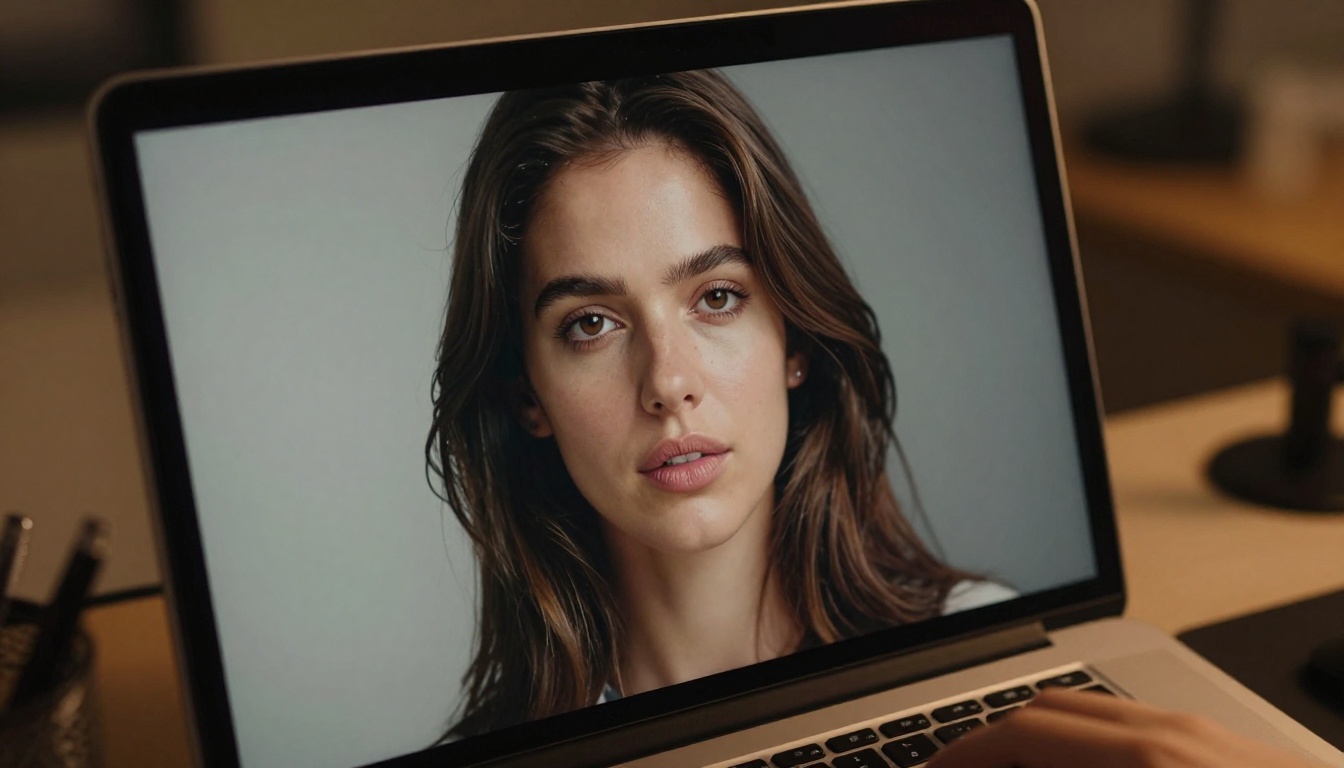
Abstract quality comparisons only matter if the tool solves real problems. Here is where Nano Banana Pro genuinely earns its place in the professional toolkit.
Brand Identity Assets
Logo backgrounds, brand photography, lifestyle imagery for brand guidelines. These are areas where stock photography falls short (too generic) and real photo shoots are too expensive for early-stage projects. Nano Banana Pro fills this gap with output that is specific, high-quality, and art-directable through precise prompting.
A brand designer can write a prompt that describes the exact demographic, setting, lighting mood, and visual language of a brand, then receive an image that matches that brief with remarkable accuracy. Iterate three to four times, and you have campaign-quality assets without a production budget.
Social Media Visuals

Consistency is the challenge with social content. A single campaign might require 40-60 images with a coherent visual language. Nano Banana Pro handles this through prompt templating: establish a base prompt with your core visual parameters (lighting, subject type, color temperature, lens spec) and vary only the specific scene element.
The model maintains visual consistency across a prompt series in a way that makes batch production viable. Designers are using this for:
- Instagram feed grids with a unified aesthetic
- LinkedIn content imagery with professional, photorealistic settings
- Campaign assets across formats that need to feel part of the same shoot
Product Photography
Product visualization is one of the highest-value applications. E-commerce brands spend thousands per product on photography. Nano Banana Pro generates product-in-context imagery, lifestyle shots with product placement, and detail shots with photorealistic surface rendering.
The quality is sufficient for many commercial use cases, particularly for small-to-mid brands where production budgets are tight. The model handles reflective surfaces, transparent materials, and soft-goods texture (fabric, leather, paper) with accuracy that competing models struggle to match.
How to Use Nano Banana Pro on PicassoIA
Nano Banana Pro is available directly on PicassoIA, requiring no API setup, no local installation, and no technical configuration.
Step 1: Access the Model
Navigate to PicassoIA and open the Text-to-Image collection. Search for "Nano Banana Pro" or go directly to the Nano Banana Pro model page. The interface is clean: a prompt field, output settings, and generation controls. No friction between your idea and the output.
Step 2: Write Your Prompt
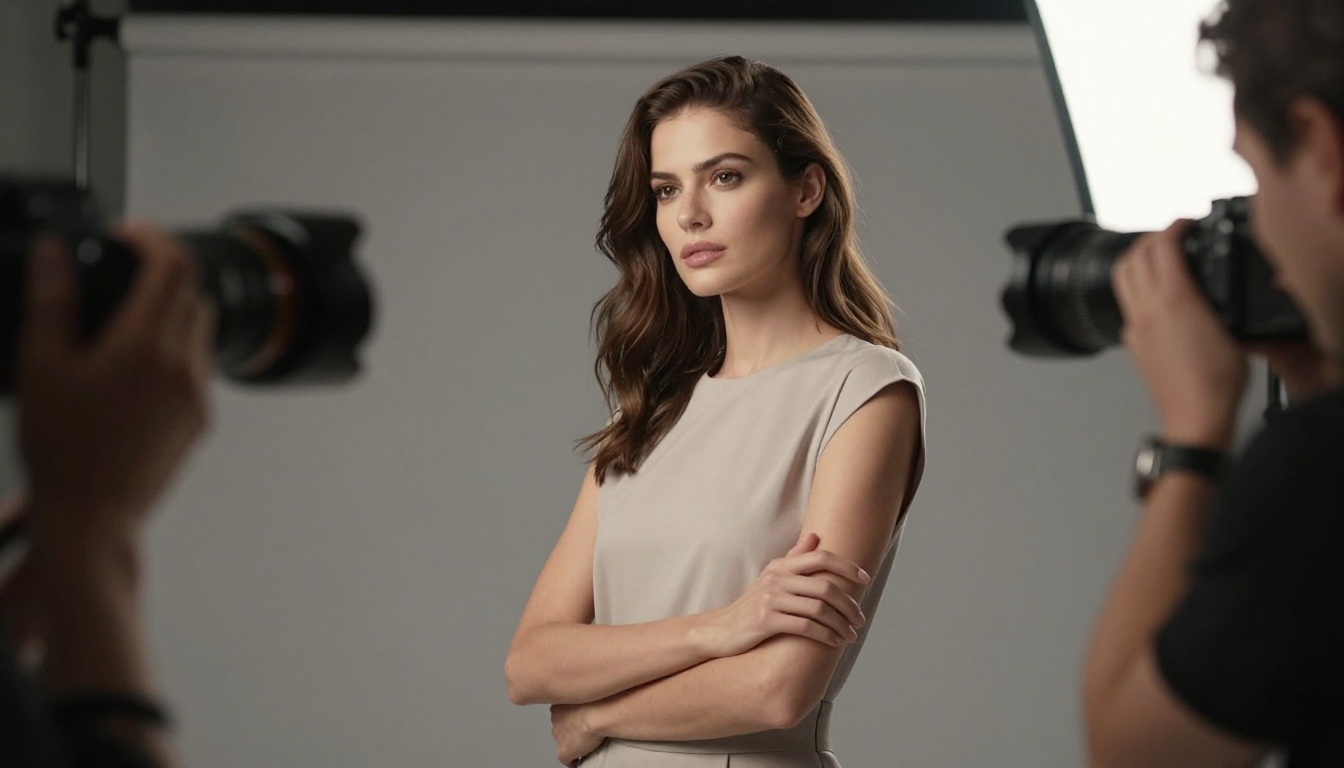
This is where professional output is won or lost. Nano Banana Pro responds to structured prompts that layer information in a specific order:
- Subject description: Who or what is the main focus, in specific detail
- Environment: Where are they, described with specific architectural or natural details
- Lighting: Direction, quality, color temperature, source type
- Camera spec: Lens focal length, aperture, film stock or digital sensor style
- Texture notes: Specific surface materials, their condition, how they interact with light
Example prompt structure:
"A young woman in her late 20s with loose dark curly hair, wearing a cream linen blazer over a white tank top, sitting at a window-side café table. Late afternoon sun streams from the left, catching the rim of her coffee cup and casting a soft warm shadow across the table. Shot on 85mm f/2.0, Kodak Portra 400 film grain, bokeh café background."
Step 3: Fine-Tune the Output
Nano Banana Pro responds to iterative refinement. If the first output is close but not exact, adjust one variable at a time: tighten the lighting description, add a secondary detail element, change the camera angle specification. Avoid wholesale prompt rewrites. Small, targeted adjustments produce the best iteration results.
💡 Parameter tip: Use specific f-stop values in your prompt to control depth of field. f/1.4 to f/2.0 creates shallow depth of field portrait shots. f/5.6 to f/8.0 gives landscape-style full-scene sharpness.
Prompt Tips for Professional Results

The gap between average and professional AI image output is almost entirely in the prompt. Here are the principles that separate outputs that look generated from those that look shot.
Lighting and Atmosphere
Never write "good lighting." Specify the source (window, overhead softbox, rim light, practical lamp), the direction (left, right, above, behind), the quality (harsh, diffused, volumetric), and the color temperature (warm amber 3200K, neutral daylight 5600K, cool overcast). Nano Banana Pro renders all of these accurately if you tell it what you want.
Camera Specs in Prompts
This is the single highest-impact variable for professional-looking output. Include:
- Focal length: 24mm (wide), 35mm (environmental portrait), 50mm (natural), 85mm (flattering portrait), 100mm+ (compression and macro)
- Aperture: f/1.4 to f/2.8 for shallow depth of field, f/5.6 to f/11 for deep focus
- Film stock: Kodak Portra 400 (warm, fine grain), Fuji Pro 400H (cooler, pastel), Ilford HP5 (black and white, punchy contrast)
Subject Descriptions That Work
Vague subjects produce vague images. "A woman" produces a generic result. "A woman in her early 30s with tightly coiled natural hair, wearing a structured charcoal blazer, her expression direct and composed" produces a specific person. The more concrete the description, the more specific and professional the output.
| Vague Prompt | Specific Prompt |
|---|
| "A designer at work" | "A female graphic designer, early 30s, at a large monitor workstation, morning light from left window" |
| "A product on a table" | "A black leather wallet on white marble, single directional spotlight from above right" |
| "Outdoor portrait" | "A man in his 40s in a park, fall afternoon light, 85mm f/2.0, warm bokeh trees behind" |
What PicassoIA Adds to the Equation

Using Nano Banana Pro directly is powerful. Using it within PicassoIA's full platform multiplies that power significantly.
More Than One Model
PicassoIA gives access to the full spectrum of professional AI image tools in one place. Beyond Nano Banana Pro, you can work with Flux 2 Max for fast high-quality outputs, Flux 1.1 Pro Ultra for ultra-realistic generation, Ideogram V3 Quality for text-heavy design work, and Recraft V4 Pro for clean design-first aesthetics.
The ability to compare outputs across models in a single workflow is something no single-model tool can offer. A designer can run the same prompt through three models and choose the result that best fits the project, rather than being locked into one model's particular visual language.
The Full Creative Stack
Nano Banana Pro handles generation. But professional design workflows need more. PicassoIA fills out the stack:
- Super Resolution: Upscale AI outputs 2x-4x for print-ready files
- Background Removal: Clean cutouts from generated images in seconds
- Inpainting and Outpainting: Fix specific areas or expand the canvas of a generated image
- Face Swap: Drop real faces into AI-generated scenes for personalized brand content
- Flux Kontext Pro: Text-based image editing to modify existing generations with precision
The platform also includes Nano Banana 2 for faster iteration and the original Nano Banana for lightweight tasks, giving designers the full Google Nano Banana family depending on their output requirements.
Start Creating with Nano Banana Pro
The professional designers using AI image generation to its full potential in 2027 are not the ones with the biggest budgets. They are the ones who know which models to use for which tasks, and how to write prompts that extract professional-grade results.
Nano Banana Pro on PicassoIA removes the infrastructure barrier entirely. No API keys, no local GPU, no complex setup. Open the model, write a precise prompt using the camera-spec and lighting principles from this article, and generate images that hold up in real commercial contexts.
The quality ceiling that Nano Banana Pro sets is one that most design projects will never actually reach. That is the point. When working at the level of professional designers, you need a model that is never the limiting factor. Write one prompt today. See what professional-grade AI image generation looks like when the model does not compromise on fidelity.


