If you've spent any time looking at what Google's AI image models can actually do, Nano Banana Pro probably caught your attention fast. It's not the loudest model in the room, but it might be the one that gets more done without slowing you down.
This article is for creators and designers who want real answers: what this model does well, where it fits in a workflow, and how to use it on PicassoIA without wasting time figuring things out from scratch.
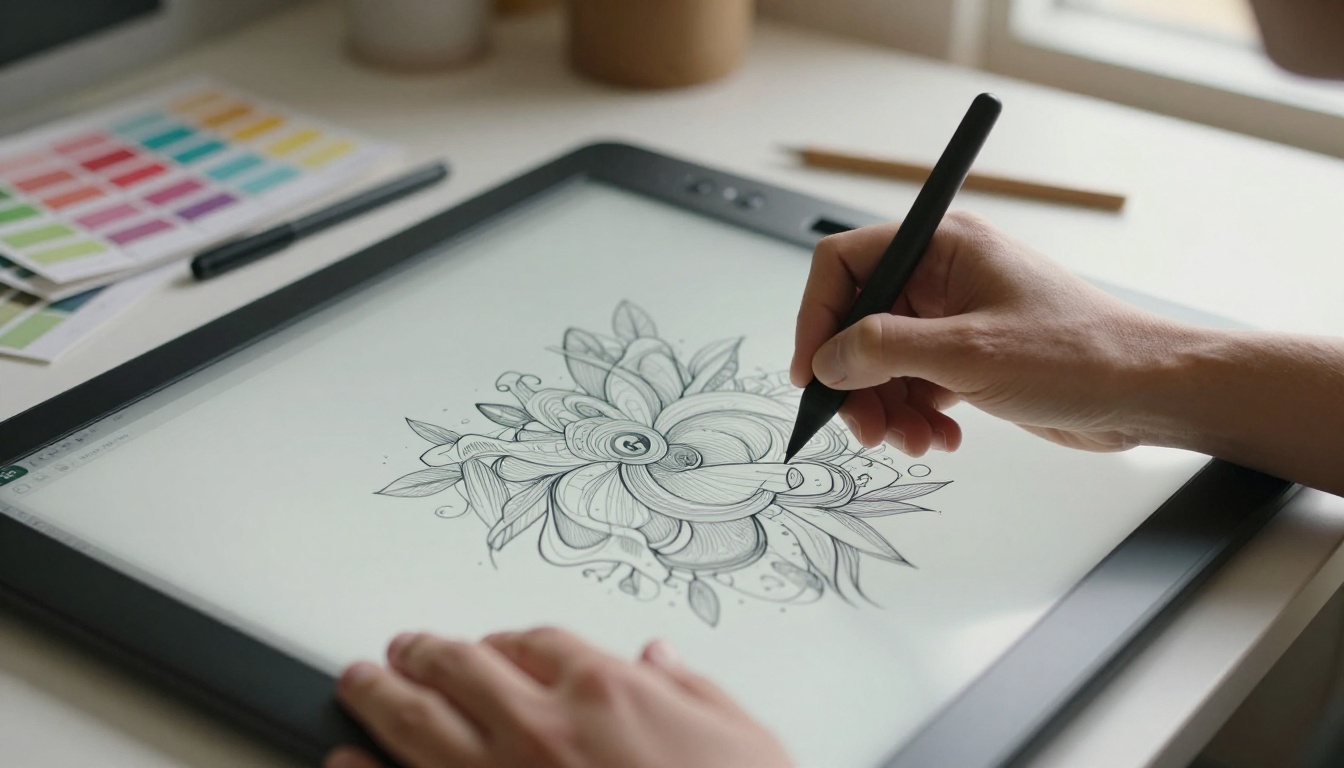
What Nano Banana Pro Actually Is
Nano Banana Pro is Google's compact but high-performing text-to-image model, designed to sit between fast-and-rough and slow-and-polished. The "nano" in its name signals its optimized architecture, one that prioritizes speed without gutting the output quality that professional work demands.
It belongs to the same Google family as Nano Banana 2 and the original Nano Banana, but the Pro variant adds additional refinement layers that make a visible difference in how it handles complex scene descriptions, lighting nuance, and fine detail.
Google's Lightweight Powerhouse
Most text-to-image models force a tradeoff: speed or quality. Nano Banana Pro was built specifically to narrow that gap. Its architecture processes prompts with efficiency, which means lower latency without the pixelated, flat-shaded outputs that plague lightweight models.
For designers, this matters in daily practice. When you're iterating through ten prompt variations to find the right visual direction, waiting 45 seconds per generation adds up fast. Nano Banana Pro keeps iterations moving at a pace that doesn't break your creative flow.
💡 Tip: Nano Banana Pro responds especially well to specificity. Instead of "a city at night," try "a rain-slicked Tokyo alley at 2am, reflected neon in puddles, shallow depth of field." The model rewards detail.
Speed Meets Output Quality
The speed-to-quality ratio is where Nano Banana Pro earns its place in a professional stack. In real usage, generation times sit well below what you'd expect from comparable models like Flux 2 Pro or Recraft V4 Pro, while output fidelity stays competitive on most scene types.

That doesn't mean it's best at everything. For extreme photorealism at maximum resolution, Imagen 4 or Flux 1.1 Pro Ultra may push output quality further. But for the daily volume work that most creators actually do, Nano Banana Pro hits the practical sweet spot.
Features That Make It Stand Out
Prompt Adherence at Its Best
One of the most common frustrations with AI image models is prompt drift, where the generated image technically relates to your words but misses the actual intent. Nano Banana Pro has strong prompt adherence, meaning the spatial relationships, object counts, mood, and compositional instructions you describe show up faithfully in the output.
This is critical for designers who need predictable results, not creative surprises. When you specify "three product bottles arranged in a triangle on a white marble surface, top-down view, soft diffused light," you need that to actually appear.
What it handles reliably:
- Object quantity and placement
- Lighting direction and quality
- Compositional framing (close-up, aerial, eye-level)
- Mood and atmosphere instructions
- Color palette guidance
Cinematic Quality at Scale
Nano Banana Pro produces images with a natural filmic quality that other lightweight models typically lack. Skin tones carry warmth, shadow gradients feel organic, and environmental textures (wood grain, fabric weave, concrete surface) are rendered with real tactile detail.

This matters most when you're producing content for high-visibility placements: social media headers, ad creatives, editorial visuals, or brand assets. An image that looks processed or artificial costs credibility. Nano Banana Pro's output passes the "would a client question this?" test far more often than its speed would suggest.
💡 Pro move: Add film stock references to your prompts. "Kodak Portra 400 color grading" or "Fuji Provia slide film" push the model toward warmer, more organic tones that read as premium in digital contexts.
Text Rendering in Images
Text in AI images has historically been a disaster, with garbled letters, melted words, and random character substitutions. Nano Banana Pro handles short text strings better than most comparable models, making it useful for mockup work where you need a readable word or short phrase visible in the image.
It's not a substitute for actual typography software, and longer text passages remain unreliable. But for a single product name, a short label, or one or two words as compositional elements, it performs reliably enough to be part of a real workflow.
Why Designers Reach for It First
Consistent Style Across Projects
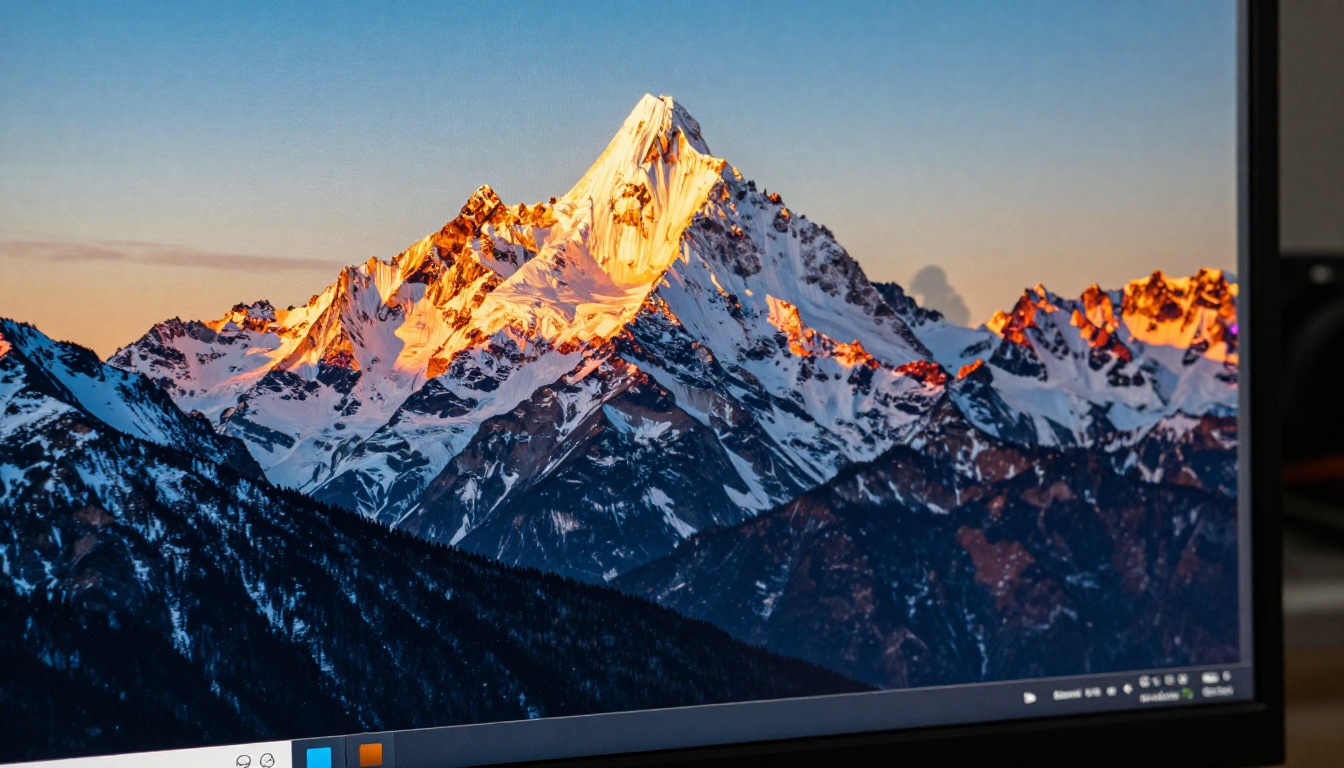
Visual consistency is non-negotiable in brand work. Nano Banana Pro's output has a recognizable quality signature that stays stable across different prompts. When you've found a prompt formula that works for a client's visual identity, you can rely on the model to reproduce that look across multiple images without dramatic shifts in rendering style.
This predictability is what separates a model you can actually build into a client workflow from one that's only good for one-off exploration.
Workflow tip for brand consistency:
- Establish a "style seed" prompt with your key visual elements
- Save it as a template you apply to every variation
- Reference specific lighting conditions, color temperatures, and lens characteristics consistently
- Use the same aspect ratio throughout a project
Outputs Ready for Print and Screen
Nano Banana Pro generates images at resolutions that work directly in most digital contexts without upscaling. For print requirements or larger format placements, pairing it with a super resolution model on PicassoIA adds the additional pixels needed without destroying the original output's quality.
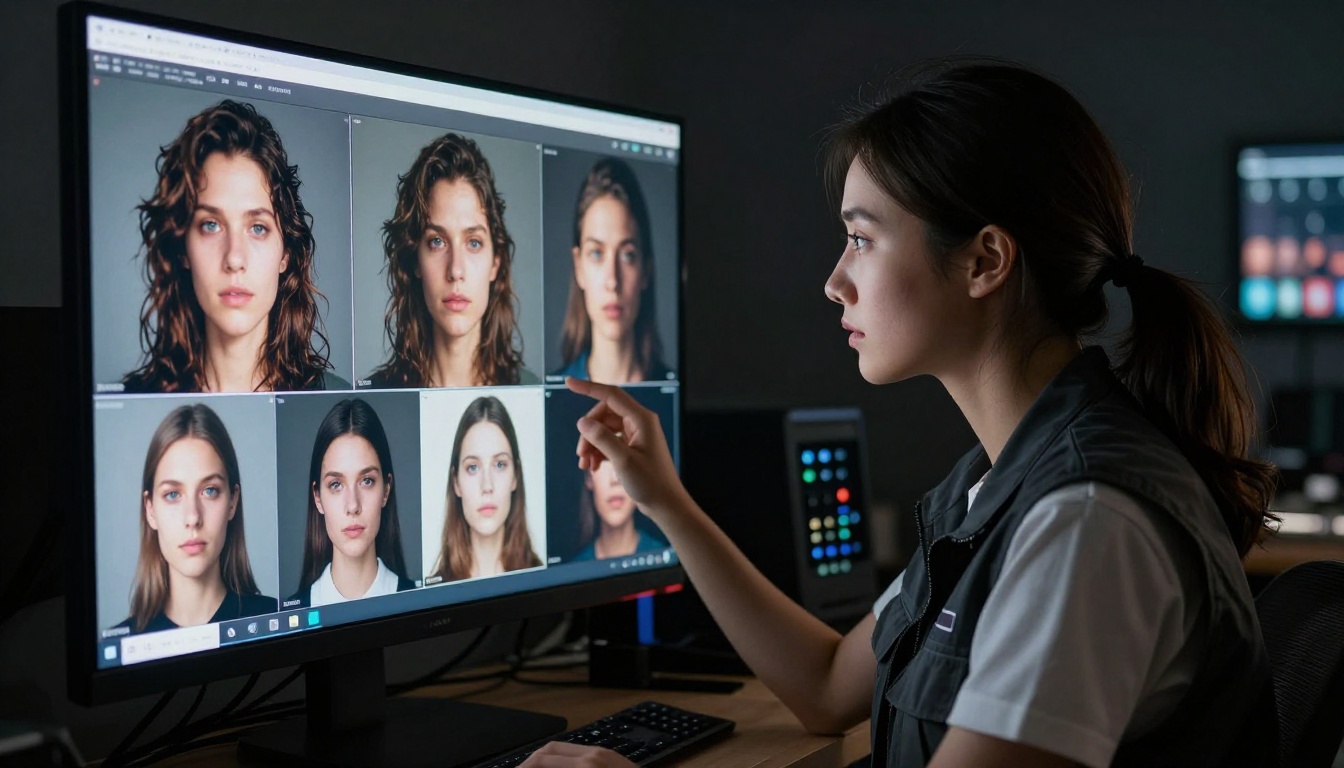
The base output quality also means less post-processing time. Colors are balanced, exposures are natural, and you're not spending an hour in Lightroom trying to fix a grey, washed-out image before it's client-ready.
How to Use Nano Banana Pro on PicassoIA
Nano Banana Pro is available directly on PicassoIA as part of the text-to-image model collection. Here's how to get results from it immediately.
Step 1: Open the model page
Navigate to the Nano Banana Pro model page on PicassoIA. You'll see the prompt input field and generation parameters.
Step 2: Write a structured prompt
Build your prompt in layers: subject, environment, lighting, camera angle, and atmosphere. Avoid vague descriptors. Be specific about what you actually want to appear in the image.
Example prompt structure:
"A young woman in a terracotta linen dress sitting at a sunlit cafe table in southern Spain, late morning diffused light, shallow depth of field 85mm f/1.8, warm Mediterranean colors, Kodak Portra 400 grain, photorealistic 8K"
Step 3: Set your aspect ratio
For most content creation purposes, 16:9 works for digital headers and social banners. 1:1 for feed posts. 9:16 for vertical formats. Choose before generating, since cropping a generated image often loses compositional intent.
Step 4: Iterate with targeted changes
Don't rewrite your entire prompt when results are close but not right. Change one specific element at a time. If the lighting is off, adjust only the lighting description. This isolates what the model is responding to and saves time.
Step 5: Apply super resolution if needed
For print or large-format use, run your finalized image through a super resolution model on PicassoIA to upscale 2x or 4x while preserving texture and detail.
💡 Negative prompts work: Add what you don't want. "No text, no watermark, no blur, no plastic skin texture" directly improves output by steering the model away from common failure modes.
Creative Workflows That Actually Work
Social Media Content in Minutes
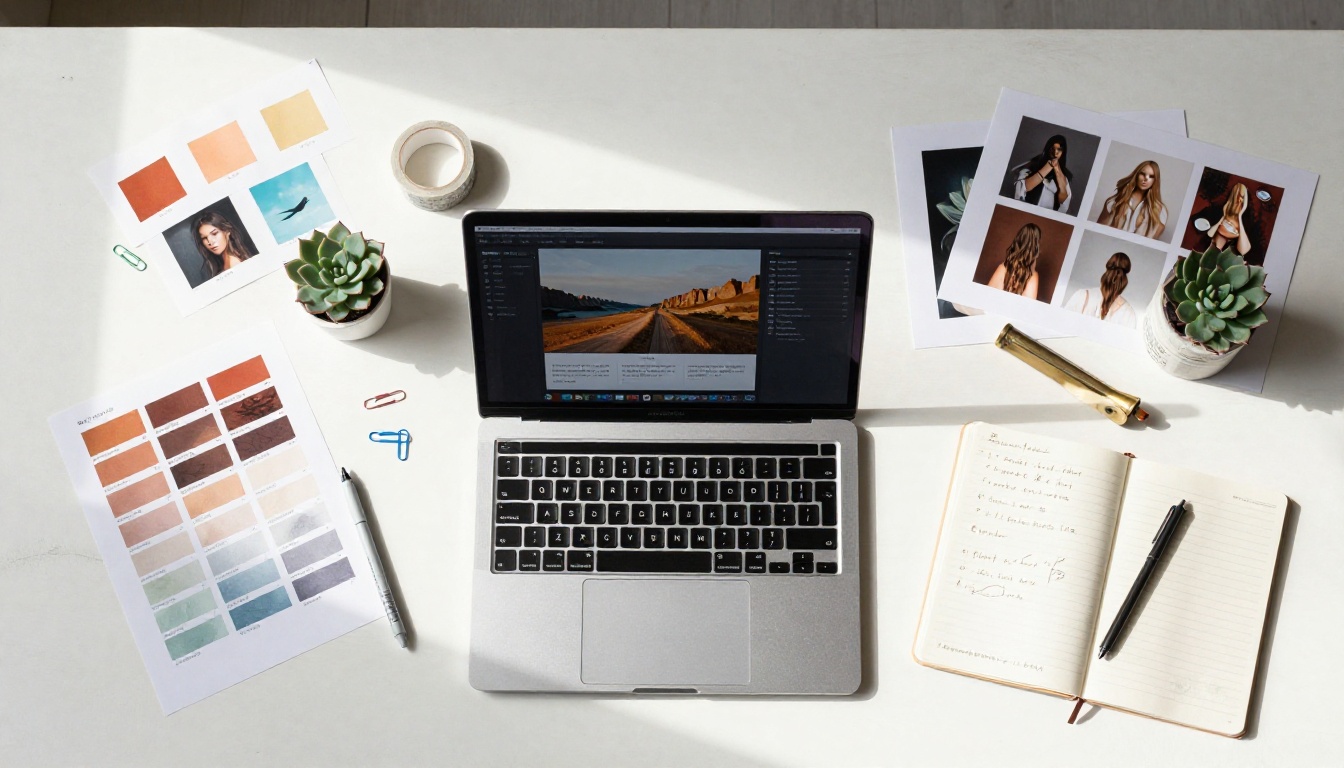
The speed of Nano Banana Pro makes it practical for social content calendars. A creator producing five to ten unique images per week for brand accounts can run through a full batch in an afternoon. With a solid prompt template and consistent style parameters, the output looks intentional rather than generated.
Typical social content workflow:
- Draft 8 to 10 prompt variations in a text file
- Run them all through Nano Banana Pro in sequence
- Select the best 5 outputs
- Apply consistent color grading adjustments if needed
- Export at platform-appropriate dimensions
Product Visuals Without a Photoshoot
For e-commerce brands and small product businesses, professional photography costs add up quickly. Nano Banana Pro can produce convincing product-in-context imagery: lifestyle shots, flat lays, environmental placements, and detail close-ups that would require a full studio setup to photograph properly.
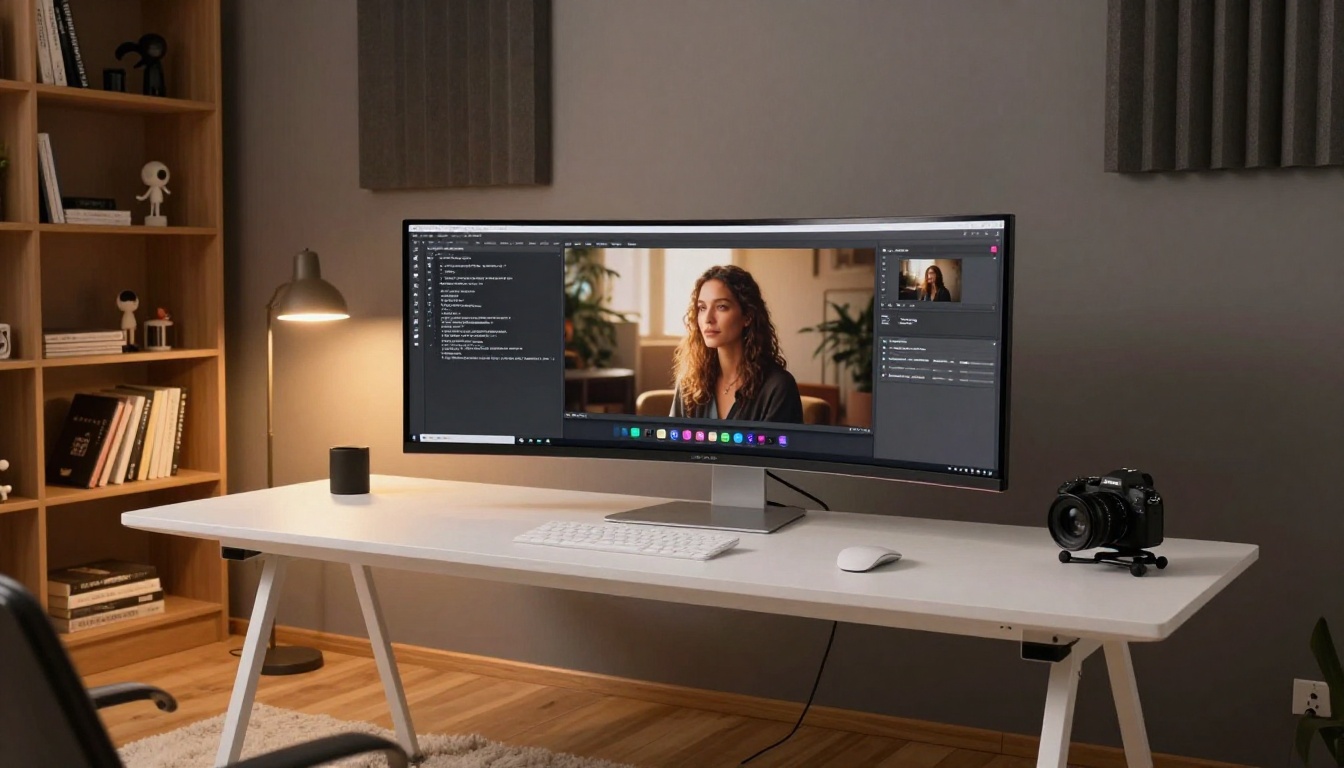
It's not replacing commercial product photography at the highest level. But it's producing results that are genuinely usable for many mid-market applications, especially when combined with p-image-edit for targeted refinement.
Visual Storytelling for Brands
Narrative visual content, image sequences that tell a story across a campaign, requires a model that holds consistent visual logic across multiple outputs. Nano Banana Pro's prompt adherence and stable quality signature make it more reliable for this type of work than models where each output feels like a different aesthetic.
Pair it with Flux Kontext Pro for text-guided image editing when you need to make targeted changes to existing visuals rather than regenerating from scratch.
Nano Banana Pro vs Similar Models
How does it actually stack up against comparable options? Here's an honest breakdown:
| Model | Speed | Prompt Accuracy | Output Quality | Best Use Case |
|---|
| Nano Banana Pro | Fast | High | Very Good | Volume work, iteration |
| Flux 2 Pro | Moderate | High | Excellent | High-fidelity output |
| Imagen 4 | Moderate | Very High | Excellent | Premium photorealism |
| Recraft V4 Pro | Fast | High | Very Good | Design-focused outputs |
| GPT Image 1.5 | Moderate | Very High | Excellent | Instruction-following |
| Seedream 4.5 | Fast | Moderate | Good | Artistic styles |
Nano Banana Pro's edge is in the speed-to-accuracy ratio. It generates reliably good images faster than most alternatives in its quality tier. For professional creators who need volume without sacrificing too much on output standards, it's often the most practical daily-use choice.

What Real Outputs Look Like
The most useful thing you can do before committing to a model is see real outputs across different prompt types. Nano Banana Pro performs strongly across:
- Lifestyle photography: People in natural environments, candid moments, editorial compositions
- Architectural and interior shots: Rooms, buildings, atmospheric spaces
- Product placement: Objects in context, flat lays, hero shots
- Landscape and nature: Outdoor environments with complex lighting
- Portrait work: Faces, expressions, skin tone rendering
Where it shows limitations:
- Very complex multi-subject scenes with precise spatial relationships
- Extreme close-ups requiring sub-millimeter texture detail
- Abstract or conceptual imagery requiring specific art-world references
For the limitation cases, combining Nano Banana Pro's speed for initial concept exploration with a higher-fidelity model like Imagen 4 or Flux 2 Max for final output production is a workflow that makes practical sense.
Start Creating with Nano Banana Pro
If you haven't used Nano Banana Pro yet, the best way to see what it does is to run your own prompts against it. Start with a scene you actually need for a current project, something with specific lighting, a defined subject, and a clear compositional intent.
PicassoIA gives you direct access to Nano Banana Pro alongside 90+ other text-to-image models, which means you can run the same prompt through multiple models and compare results side by side. That comparison is the fastest way to understand where each model earns its place in your workflow.
Beyond image generation, the platform carries tools for every stage of a visual creative workflow: background removal, image upscaling, video generation, and AI music creation. Everything a creator or designer needs sits in one place.
Your next visual asset could take minutes instead of days. Nano Banana Pro is ready when you are.


