The bar for AI-generated images has officially been raised. Nano Banana Pro is Google's latest text-to-image model, and it delivers something its predecessors only hinted at: genuine 4K output with studio-level visual fidelity. Whether you need portraits with individual skin pores visible, product shots with perfect shadow gradation, or cinematic landscapes that hold up at full resolution, this model handles it without fuss. If you have been chasing that elusive "just like a real photograph" quality from AI, Nano Banana Pro is the closest thing to it right now.
What 4K Actually Means for AI Images
Most people throw around "4K" loosely. In practice, 4K resolution means 3840 x 2160 pixels (approximately 8.3 megapixels), the same standard used in professional cinema and broadcast television. For AI-generated images, that resolution is more than a number. It changes what the image can do.
Why Resolution Changes Everything
At 4K, you can crop deep into an image and still have a usable asset. A fashion shot generated at 4K can be cropped to a tight face close-up and still print at magazine quality. A product render can be zoomed into the texture of the fabric without falling apart. Standard AI outputs at 512px or even 1024px simply cannot do this.
The practical difference:
- Standard outputs (512-1024px): Social media thumbnails, blog headers, quick mockups
- HD outputs (1920x1080): Presentations, web banners, moderate print
- 4K outputs (3840x2160): Large-format print, billboard, cinematic production, e-commerce zoom images
Studio Quality Is About More Than Pixels
Resolution is only part of the equation. Studio quality also means:
- Accurate lighting physics, where shadows fall correctly and highlights don't blow out
- Micro-texture detail, where skin, fabric, and surface materials have visible depth
- Color accuracy, where a navy blue reads as navy blue, not purple or black
- Natural depth of field, where focus falloff mimics real optics
Nano Banana Pro nails all four. It is not the only model to attempt it, but it is among the most consistent.
Nano Banana Pro: What the Model Actually Does
Nano Banana Pro sits at the top of Google's Nano Banana model family, which also includes Nano Banana and Nano Banana 2. The Pro variant is the highest-quality tier, optimized for maximum detail retention and photorealistic output.
What Sets It Apart from Earlier Versions
Where Nano Banana prioritized speed and Nano Banana 2 balanced speed with quality, the Pro version shifts the priority to output fidelity. Generation times are slightly longer, but the results justify it.
Pro tier differences at a glance:
| Feature | Nano Banana | Nano Banana 2 | Nano Banana Pro |
|---|
| Max Resolution | 1024px | 2048px | 4K (3840px) |
| Lighting Physics | Basic | Moderate | Studio-grade |
| Skin Detail | Smooth | Natural | Pore-level |
| Generation Speed | Fast | Moderate | Moderate |
| Best For | Quick drafts | General use | Professional output |
The Architecture Behind the Quality
Google built Nano Banana Pro on a diffusion architecture with proprietary attention mechanisms that improve spatial coherence at high resolutions. In plain terms: details in the corner of the image stay consistent with details in the center, something cheaper models often fail at. You won't get a beautifully sharp face on the left with a blurry, incoherent background on the right.
💡 Pro Tip: Nano Banana Pro rewards detailed prompts. The more specific your lighting description and subject pose, the more the model's spatial coherence shines. Vague prompts produce good results; precise prompts produce exceptional ones.
How to Use Nano Banana Pro on PicassoIA
PicassoIA gives you direct access to Nano Banana Pro through its text-to-image collection. No API keys, no setup. Here is how to go from a blank prompt to a 4K studio-quality image in minutes.
Step 1: Open the Model Page
Navigate to Nano Banana Pro on PicassoIA. You will see the prompt input field and parameter controls on the right side of the interface.
Step 2: Write a Precision Prompt
This is where most users leave quality on the table. Nano Banana Pro responds to specificity. Instead of "a woman in a studio," write:
"A professional woman in her early thirties, wearing a soft white linen shirt, standing in a photography studio with a large octabox softbox to the left, natural skin texture, 85mm portrait lens, shallow depth of field, Kodak Portra 400"
Prompt anatomy that works:
- Subject with age range, clothing, and action
- Environment with specific location and background details
- Lighting with direction, type, and quality (soft or hard)
- Camera specs like focal length and aperture
- Film or tone reference like Kodak Portra, Fujifilm Pro 400H
Step 3: Set Output to Maximum Resolution
In the parameters panel, set the output resolution to 4K. The aspect ratio selector lets you choose 16:9 for cinematic output or 4:3 for classic photography proportions.
Step 4: Iterate Fast
Nano Banana Pro generates quickly enough that you can run 3-4 variations of a prompt in a single session. Adjust lighting direction, change the background texture, or swap the focal length in the prompt text and compare results side by side.
💡 Pro Tip: Add "film grain, RAW photography, no digital processing" to the end of any portrait prompt. It pushes the model away from the slightly over-smoothed look common in AI portraits and toward genuinely photographic output.
Real Output: What You Can Actually Create
The range of what Nano Banana Pro handles well is wide. Here is a breakdown by use case.
Portrait Photography
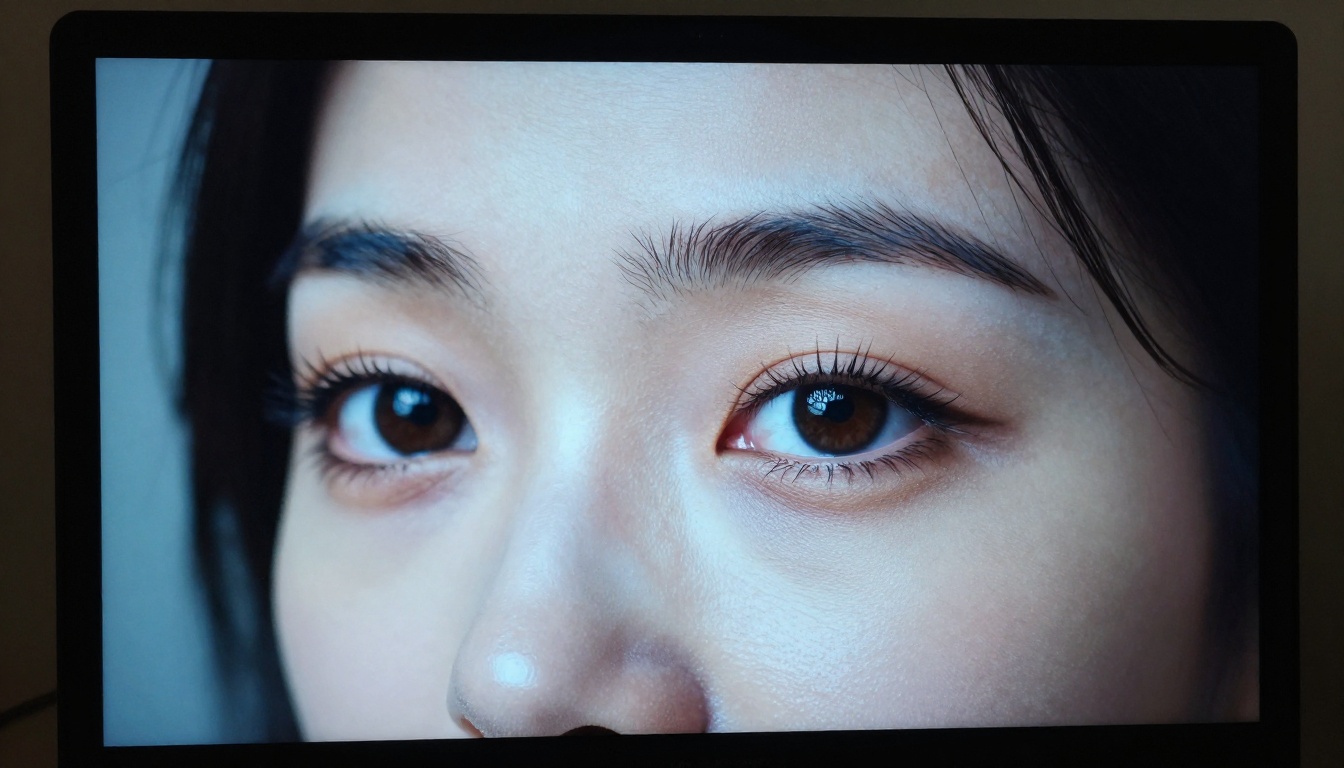
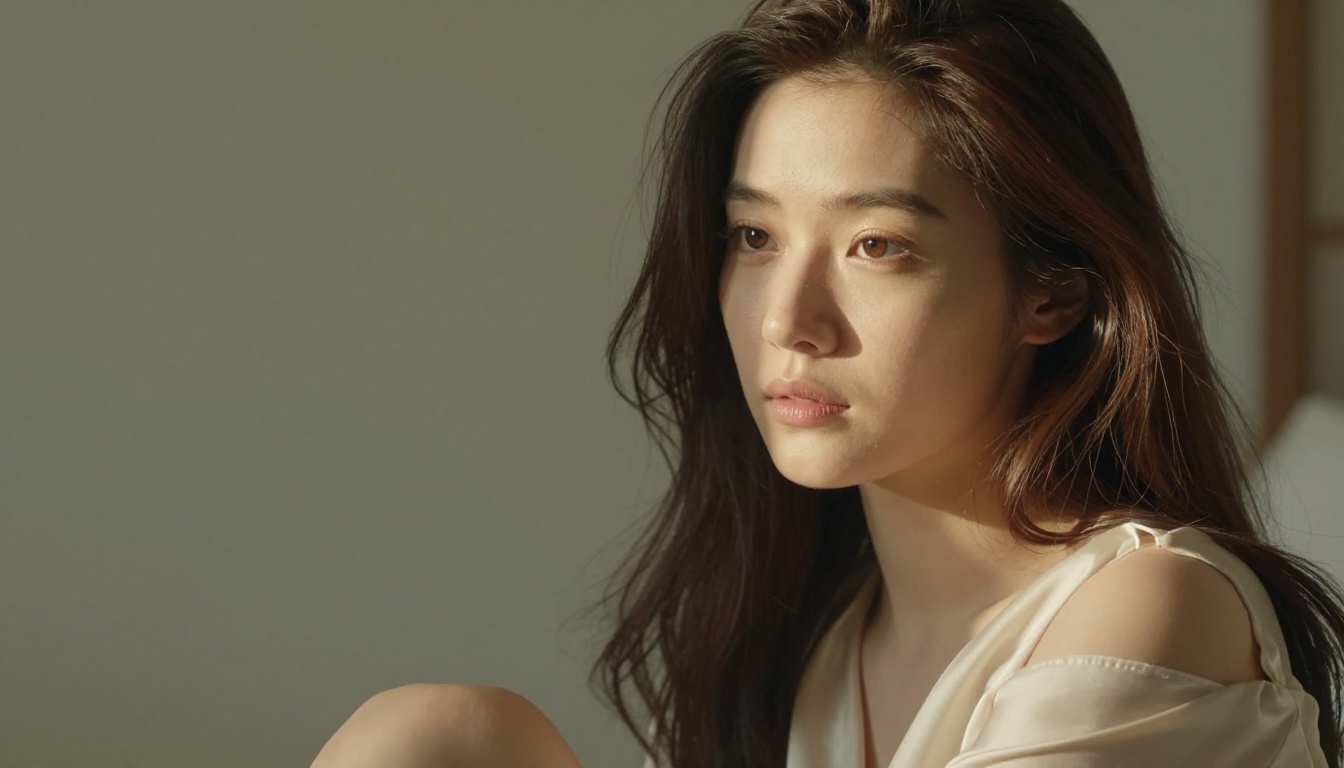
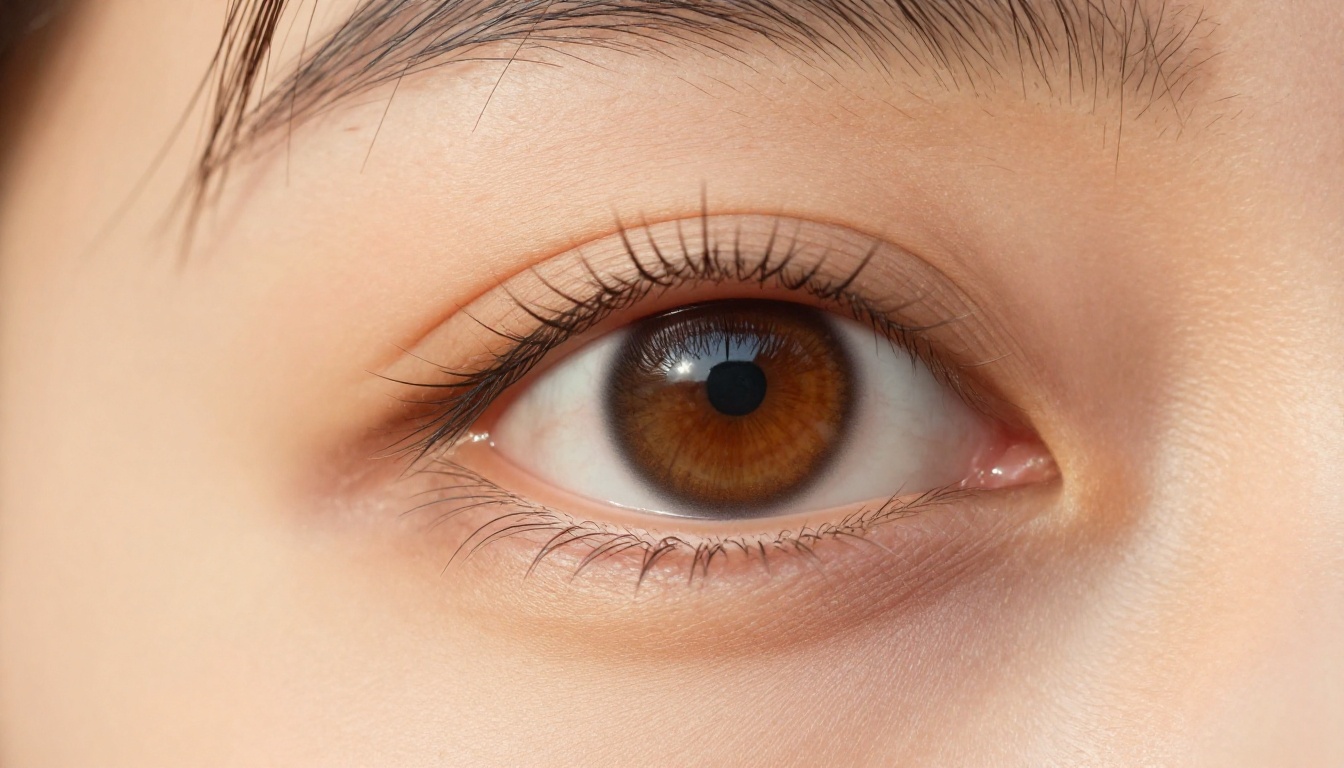
This is where the model truly separates from the competition. Portraits generated at 4K show individual pores, fine hair strands, natural eye catchlights, and skin tone variation across the face. The kind of detail you'd expect from a 50-megapixel camera shooting in RAW.
What works best:
- Natural window light portraits
- Studio fashion shots with defined lighting setups
- Environmental portraits with real location backgrounds
Architectural and Interior Photography
Nano Banana Pro handles architectural scenes with accuracy. Straight lines stay straight, material textures like polished concrete, raw wood, and glass reflect light correctly, and spatial depth reads naturally.
Product Photography
For e-commerce teams, this is significant. Product shots at 4K give you zoom-ready images where material texture, stitching, surface finish, and reflections are all visible and accurate. No retouching team needed for standard product catalog work.
Nano Banana Pro vs Other Top Models in 2027
How does it actually compare? The text-to-image space has strong competition right now.
💡 When to pick Nano Banana Pro over alternatives: If your priority is photorealistic humans, skin detail, and natural lighting physics, Nano Banana Pro is the right call. If you need blazing-fast batch output, Flux 2 Pro is faster with comparable quality on non-human subjects.
Writing Prompts That Pull Maximum Detail
The quality ceiling of Nano Banana Pro is only reached when prompts are written with intention. Most users operate at 60-70% of what the model can do because their prompts are too vague.
The Three-Layer Prompt Method
Build prompts in three distinct layers:
Layer 1: Physical reality
Describe the subject with specificity. Age range, physical characteristics, clothing fabric and fit, and what they are doing. Avoid abstract descriptors like "beautiful" or "elegant." Describe the physics instead: "warm amber light on high cheekbones" reads better than "beautiful woman."
Layer 2: Environment and light
Where is the light coming from, what quality is it (hard, soft, or diffused), and what is it hitting? Name the light source: morning window, octabox softbox, overcast sky, candlelight. Describe the background with one or two physical details.
Layer 3: Camera and film
Specify focal length (24mm wide, 85mm portrait, 150mm telephoto), aperture (f/1.4 for blur, f/8 for depth), and a film stock reference for color science. These parameters shape how the model renders depth and color.
Lighting Descriptors That Work
These specific phrases reliably produce studio-quality lighting in Nano Banana Pro:
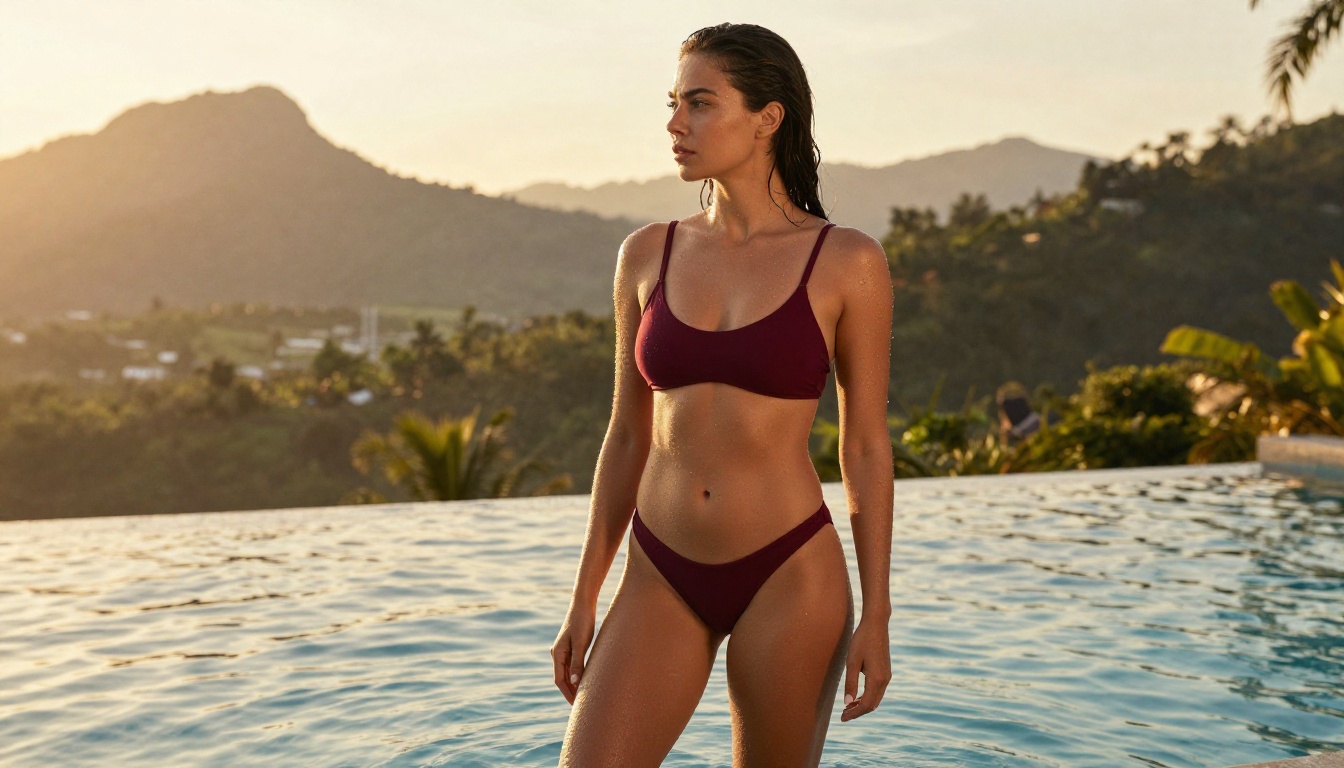
"volumetric morning light from upper left""Rembrandt lighting pattern, soft shadow on left cheek""overcast diffused daylight, no hard shadows""golden hour backlit with rim light on shoulder""large octabox softbox, 45 degree angle, white fill card on opposite side"
What to Cut from Your Prompts
- Style adjectives without physical meaning ("stunning," "amazing," "beautiful")
- Contradictory instructions such as "natural light" and "studio flash" in the same prompt
- Abstract texture requests replaced with physical ones, for example "smooth skin" becomes "natural skin pores visible, peach fuzz on cheek"
Who Gets the Most from This Model
Nano Banana Pro is not the right tool for every use case. Here is who benefits most from it.
Content Creators and Social Media Professionals
If you produce visual content at volume, the difference between a 1024px AI image and a 4K one becomes obvious fast. 4K images crop well, reformat well, and hold up when a client or editor looks closely. For Instagram, LinkedIn, and editorial use, this matters.
Commercial Photographers and Photo Artists
For photographers who use AI to generate reference images, mood boards, or concept shots, Nano Banana Pro produces outputs that communicate lighting and composition ideas with genuine accuracy. Show a client a 4K concept image and the conversation becomes far more productive than showing a blurry thumbnail.
E-commerce and Product Marketing Teams
Product images at 4K with realistic material rendering cut photography budgets dramatically for catalog and website work. The model handles fabric texture, glass reflections, and product highlights accurately enough for standard e-commerce applications.
💡 For e-commerce teams: Pair Nano Banana Pro with PicassoIA's super resolution tools. Generate at 4K, then upscale with AI super resolution for print-ready files at 8K or higher.

One of the strengths of using Nano Banana Pro through PicassoIA is what comes after generation. The platform's tool ecosystem lets you take a 4K base image and push it further.
Super Resolution for Print-Ready Files
PicassoIA's super resolution models take your 4K output and push it to 8K without quality loss. For large-format printing, billboard advertising, or premium editorial use, this workflow produces files that would cost hundreds of dollars in traditional photography.
Face Swap and Portrait Refinement
Need a specific face in a scene? PicassoIA's Face Swap AI lets you replace the generated face with a reference photo while keeping the studio lighting and environment intact. Brands using this for personalized content at scale find it significantly faster than traditional compositing workflows.
Inpainting for Targeted Fixes
If a generated image is near-perfect but has one area that isn't quite right, a hand that looks slightly off or a background element that doesn't fit, PicassoIA's inpainting tool lets you mask and regenerate just that section while keeping everything else intact.
Expanding the Frame with Outpainting
Generated your perfect portrait in 1:1 ratio but need a 16:9 banner? Outpainting extends the canvas intelligently, matching the existing lighting and environment to fill the new area. For Nano Banana Pro outputs, this works particularly well because the model's spatial coherence gives the outpainting algorithm clean edges to work from.

The Nano Banana Model Family: Which One to Choose
Google's Nano Banana lineup offers three tiers, and choosing the right one depends on what you're making.
| Model | Resolution | Speed | When to Use |
|---|
| Nano Banana | Up to 1024px | Fast | Quick iterations, social drafts |
| Nano Banana 2 | Up to 2048px | Moderate | General professional use |
| Nano Banana Pro | 4K | Moderate | Studio-quality, print, e-commerce |
For most professional workflows, start with Nano Banana 2 for fast iteration, then switch to Nano Banana Pro for the final production renders. This two-stage approach saves generation credits while still delivering 4K quality when it counts.
If your project needs go beyond 4K into genuine ultra-high-definition territory, Google's Imagen 4 Ultra sits above the Nano Banana lineup and produces some of the highest-fidelity outputs on the platform. For most workflows, though, Nano Banana Pro hits the sweet spot between resolution, speed, and output quality.
Also worth comparing: Flux 2 Max and Imagen 4 both produce exceptional 4K results and are worth running side by side with Nano Banana Pro on the same prompt. Each model has a distinct rendering signature, and developing that intuition is part of what makes working with AI image generation productive at a professional level.
Start Creating Your Own 4K Images Now
There is no substitute for running the model yourself. Reading about 4K output and seeing your own prompt produce a 3840px photograph with genuine studio lighting are two entirely different experiences.
PicassoIA gives you access to Nano Banana Pro alongside 90+ other text-to-image models, all in one place. You can start with a simple portrait prompt and refine it using the three-layer method above, then take that output into super resolution, inpainting, or outpainting without leaving the platform.
The fastest way to see what 4K AI photography actually looks like in practice is to open Nano Banana Pro on PicassoIA and run three prompts. Use a portrait, a product shot, and an architectural scene. The results will show you more than any article can.
For comparison shopping, also try Flux 2 Max and Imagen 4 side by side with identical prompts. You will quickly develop an intuition for which model serves which type of image best. In the photorealistic portrait category, Nano Banana Pro holds its own against both.


