If you have spent any time generating AI images recently, you have probably noticed that picking the right model matters just as much as writing a great prompt. Two models from Google have been getting serious attention: Nano Banana 2 and Nano Banana Pro. On the surface, they look similar. Both produce photorealistic images. Both handle complex prompts reasonably well. But the differences between them are real, and they matter depending on what you are trying to do. One model was built for speed and efficiency. The other was built for quality and precision. Knowing which is which, and when to reach for each one, can save you a significant amount of time, credits, and creative frustration. This article breaks down exactly where each model wins, where it falls short, and how to use both to get the best possible results from your AI image workflow.
What Makes These Models Different
These two models share a lineage but were built for different priorities. Google designed them to serve different points on the speed-quality spectrum, which means the right choice depends entirely on how you work and what you need at a given moment in a project.
Nano Banana 2 at a Glance
Nano Banana 2 is the faster of the two. It was built with rapid inference in mind, making it a solid choice for iterating through prompts quickly, testing compositions, or running high-volume image generation without burning through time or credits. Despite being the "lighter" model in the lineup, it still produces clean, detailed images with good color accuracy and reliable prompt fidelity for standard use cases.
What stands out about Nano Banana 2 is how it handles mid-complexity prompts. It does not struggle with standard scene descriptions, portrait setups, or landscape compositions. For most everyday creative tasks, it holds up well without the heavier compute requirements of its sibling. If you need to produce 20 variations of a concept before a client call, Nano Banana 2 is the model that lets you do that without feeling the pain in your credit balance.
The output style leans slightly toward the clean and polished. Edges are well-defined, colors are vibrant, and compositions tend to come out balanced even with minimal prompt engineering. For creators who are still building their prompting skills, Nano Banana 2 is forgiving in a way that higher-end models sometimes are not.
Nano Banana Pro at a Glance
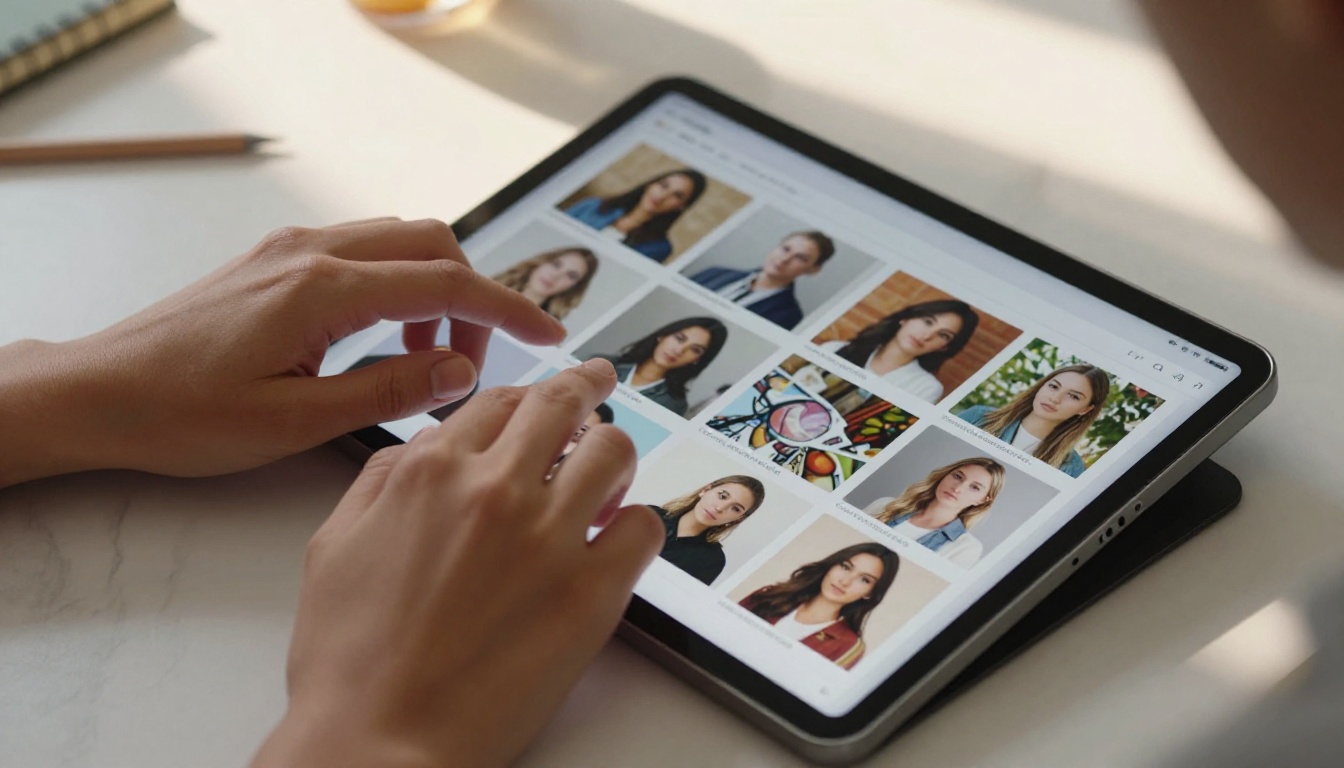
Nano Banana Pro is the premium tier. It trades some generation speed for noticeably higher output quality, particularly in areas like micro-detail rendering, complex lighting setups, and nuanced prompt interpretation. If you are working on something that needs to look genuinely impressive, Nano Banana Pro is the version you want.
The "Pro" label here is not marketing fluff. There is a measurable difference in how it handles fabric textures, skin detail in portrait photography, architectural complexity, and scenes with multiple interacting light sources. Prompts that produce a decent result in Nano Banana 2 often produce a remarkable one in Nano Banana Pro. The model reads longer, more specific prompts more faithfully and translates compositional intent into the final image with greater accuracy.
The output style from Nano Banana Pro leans cinematic. Lighting feels more physically grounded. Shadows interact with surfaces in ways that look genuinely three-dimensional rather than approximated. For anyone producing images that will be viewed at full resolution, whether for print, large-screen display, or detailed creative review, the difference is immediately visible.
Note: Both models belong to Google's nano-class image generation family, designed to be efficient relative to full-scale models. Even the Pro variant is lighter than something like Imagen 4, which represents Google's absolute top tier for image generation quality.
Speed vs. Quality Tradeoffs
This is where most people get stuck when choosing between these two models. The instinct is to always go for the best quality option, but that approach does not hold up when you factor in real-world creative workflows.
Raw Performance Numbers
In practical usage, Nano Banana 2 generates images noticeably faster than Nano Banana Pro. The exact time varies based on resolution, prompt complexity, and server load, but the gap is consistent enough to matter in production settings. When you are running ten prompt variations to find a direction, that time difference compounds.
| Factor | Nano Banana 2 | Nano Banana Pro |
|---|
| Generation Speed | Faster | Slower |
| Output Detail | Good | Excellent |
| Prompt Complexity Handling | Mid-level | High |
| Best Scenario | Iteration, volume | Final output |
| Credit Cost | Lower | Higher |
| Lighting Accuracy | Standard | Advanced |
| Texture Rendering | Good | Exceptional |
| Portrait Quality | Solid | Outstanding |
When Speed Beats Quality
If you are in the early stages of a project, speed carries more value than perfection. Using Nano Banana 2 to rapidly test ten different prompt variations costs far less time and credits than running the same tests through Nano Banana Pro. Once you have found the direction you want, switching to the Pro model for the final output becomes the smart move.
This two-stage workflow is one of the most efficient patterns in AI image production. Cheap, fast model for exploration. Premium model for delivery. It keeps your credit usage lean while still getting you high-quality final assets. The same logic applies to any creative field: rough drafts before final execution.
Workflow tip: Use Nano Banana 2 for concept testing and iteration. Switch to Nano Banana Pro only when you are ready to produce your final, deliverable-quality image. This approach typically cuts credit costs by 40 to 60 percent on projects with significant ideation phases.
Output Quality in Practice
Speed numbers are one thing. Actual output quality is another. When you put these models through the same prompts consistently, clear patterns emerge.
Fine Detail and Texture Rendering
Nano Banana Pro handles texture with noticeably more precision. This shows up most clearly in close-up shots: fabric weave, hair strands, skin pores, surface grain on wood or stone, the way light catches the edge of a glass surface. These details are present in Nano Banana 2 outputs, but they tend to be smoother and less articulated.
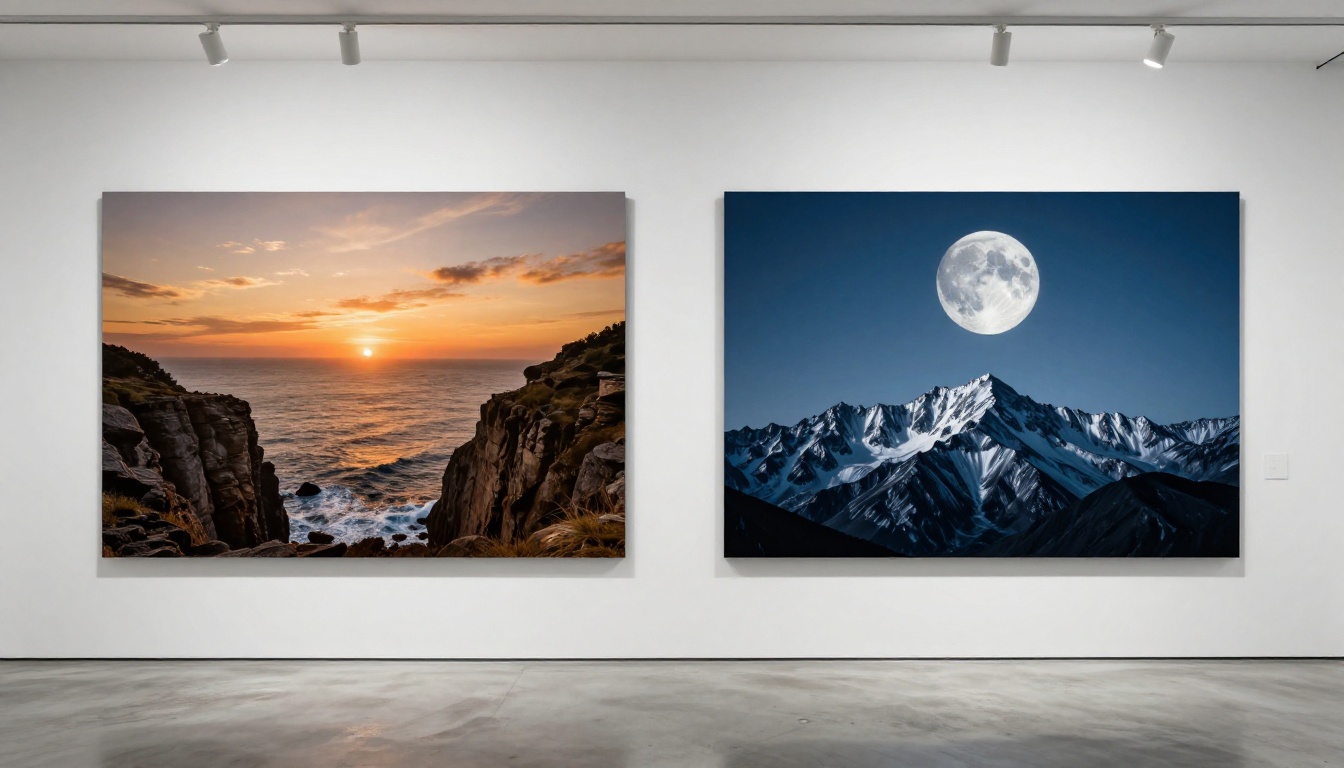
For landscape photography and wide-angle scenes, both models perform admirably. The gaps narrow when you are generating large-scale compositions where extreme fine detail is less visible at normal viewing distance. But for anything involving close-up subjects, product details, portraits at full resolution, or architectural material studies, the difference is hard to miss once you have seen it.
Prompt Faithfulness
Both models have strong prompt adherence for standard descriptions. The real divergence shows up with complex, multi-element prompts. Nano Banana Pro tends to honor compositional directives with greater accuracy, whether that means specific lighting angles, precise subject positioning, background element placement, or the interaction between foreground and background elements.
With Nano Banana 2, complex scenes sometimes get simplified. The model may merge elements, soften a specific detail you asked for, or interpret a directional lighting instruction loosely rather than precisely. It is not a dealbreaker for most tasks, but it is worth factoring in before you spend time writing a 200-word prompt expecting every specification to appear faithfully in the output.

Color and Lighting Accuracy
This is one of the most striking practical differences. Nano Banana Pro renders lighting conditions with a level of physical accuracy that Nano Banana 2 approximates but does not match consistently. Complex lighting scenarios, like a subject lit simultaneously by warm candlelight and cool window light, come out with more believable gradients and shadow interactions in the Pro version.
Color palette fidelity is also stronger in Nano Banana Pro. Desaturated, cinematic palettes hold their tone without drifting toward oversaturation. Warm tones stay properly warm without pushing into orange. Cool tones stay precise without getting muddy or shifting toward gray. For brand work where color accuracy is critical, this distinction is commercially meaningful.
Here is how the two models compare across the most common evaluation criteria based on real-world usage:
| Criteria | Nano Banana 2 | Nano Banana Pro |
|---|
| Portrait Quality | 7/10 | 9/10 |
| Landscape Quality | 8/10 | 9/10 |
| Architectural Detail | 7/10 | 9/10 |
| Abstract and Stylized | 8/10 | 8/10 |
| Speed | 9/10 | 6/10 |
| Prompt Adherence | 7/10 | 9/10 |
| Credit Efficiency | 9/10 | 6/10 |
| Lighting Realism | 7/10 | 10/10 |
| Texture Accuracy | 7/10 | 9/10 |
| Volume Production | 10/10 | 6/10 |
The scores reflect consistent patterns across general real-world usage. Your specific prompts and scenarios may shift individual numbers, but the relative relationships remain stable across different content types.
How to Use Nano Banana Pro on PicassoIA
Since both Nano Banana Pro and Nano Banana 2 are available directly on PicassoIA, the setup process is immediate. No API keys, no local installation, no configuration overhead.
Step-by-Step Setup
Step 1. Navigate to the Nano Banana Pro model page on PicassoIA. The interface shows a prompt field, generation settings, and aspect ratio controls.
Step 2. Write your prompt with as much specificity as the scene requires. Since Nano Banana Pro handles complex prompts well, you can describe lighting direction, subject detail, environment, camera angle, and atmospheric conditions without the model dropping elements.
Step 3. Set your aspect ratio. Use 16:9 for wide cinematic scenes, 1:1 for social-ready outputs, or 9:16 for vertical portrait formats. The model maintains compositional quality across all ratios.
Step 4. Generate and review. Because the Pro model interprets prompts more precisely, you typically need fewer regenerations to reach a satisfying result. What you describe is largely what you get.
Step 5. Download your image or continue working with it in your project. If you need print-resolution quality, the output can be further processed through upscaling tools available on the platform.

Prompt Tips That Actually Work
Getting consistent results from Nano Banana Pro comes down to prompt structure. These patterns produce reliably better outputs:
- Specify lighting direction precisely: "warm volumetric light from the upper left at 45 degrees" outperforms "good lighting"
- Name the camera lens and aperture: "85mm f/1.4 shallow depth of field" communicates a specific visual style the model understands deeply
- Describe surface textures explicitly: "visible skin pore texture", "coarse linen thread weave", "matte brushed aluminum surface"
- Use atmosphere and weather cues: "morning mist with diffused light", "golden hour haze", "overcast soft directional light"
- Avoid abstract quality words: "beautiful" and "stunning" add minimal instruction. Specific physical descriptions add significant instruction.
- Reference photography styles: Mentioning Kodak Portra 400 film grain, RAW photography style, or professional studio lighting gives the model clear aesthetic reference points
Pro tip: Write prompts the way a director would brief a cinematographer. Describe what the light is doing, where it is coming from, what it is hitting, and what mood that creates. Nano Banana Pro translates directorial intent into visual output better than most models at this compute level.
Real-World Use Cases
Technical comparisons matter, but knowing when each model fits your actual work matters more.
For Solo Creators
If you are a solo creator producing content for social media, client presentations, editorial features, or personal projects, the choice often comes down to your production phase. Nano Banana 2 handles most standard content creation needs at lower cost and faster speed. For a creator publishing multiple times per week, that efficiency compounds into real time savings across a month of work.
For portfolio pieces, cover images, hero shots, or anything client-facing that needs to hold up under close scrutiny, Nano Banana Pro is worth the extra investment per generation. The quality difference at full resolution is visible to trained eyes, and in creative industries, first impressions built on visual work carry real commercial weight.

For Agencies and Teams
Teams working on brand campaigns, editorial spreads, advertising assets, or product imagery operate under quality standards where the final output needs to be undeniably strong. Nano Banana Pro is the reliable choice for final deliverables in these contexts. The superior prompt adherence also reduces revision cycles when clients have specific visual requirements, which has a real impact on project timelines.
For internal mock-ups, concept decks, stakeholder presentations where images are illustrative rather than final, or rapid ideation sprints, Nano Banana 2 lets teams move quickly without spending final-output budget on exploratory work. A team that uses both strategically can cut production costs significantly without sacrificing the quality of anything that actually ships.

Other Models Worth Knowing
Both Nano Banana models sit within a broader ecosystem of text-to-image tools. Depending on your specific needs, these alternatives are worth knowing:
- Flux 2 Pro: High-quality output from Black Forest Labs, a strong competitor in the premium tier with a different aesthetic character than the Nano Banana line
- Flux 2 Max: Black Forest Labs' top-tier offering, maximum quality at higher compute cost
- Flux 2 Dev: Developer-oriented build with strong customization support for teams integrating AI image generation into larger workflows
- Imagen 4: Google's flagship image model for absolute maximum quality outputs, the ceiling of what the Google lineup offers
- Nano Banana: The original model in the series, a useful baseline reference for understanding where the Pro and version 2 improvements came from
- Flux Schnell: When you need maximum generation speed above all else, Flux Schnell sits at the fast end of the quality-speed tradeoff spectrum
- Seedream 4: ByteDance's ultra-high-resolution offering, worth knowing for projects where output resolution is the primary concern
Each model has a specific sweet spot. Building a working knowledge of the broader catalog gives you more creative options and better cost efficiency over time.
Which One Fits You
The answer depends on how you work rather than which model is technically superior in isolation.
Reach for Nano Banana 2 when:
- You are iterating through ideas and testing prompt directions
- Speed and credit efficiency carry more weight than absolute output quality
- Your prompts are straightforward with mid-level complexity
- You are producing internal work, mock-ups, or high-volume content
- You are experimenting with a new visual concept before committing resources
Reach for Nano Banana Pro when:
- The final image needs to impress at full resolution
- Your prompts are detailed with specific compositional, lighting, or texture requirements
- Lighting realism and texture accuracy are important to the final result
- You are producing client-facing, portfolio, or commercially published work
- You need consistent, predictable outputs from complex prompts
The practical answer: Nano Banana 2 is your working model. Nano Banana Pro is your finishing model. Using both together gives you fast iteration at low cost during development and high-quality final outputs when it counts. That combination is where the real efficiency lives.
Start Creating on PicassoIA
Both Nano Banana Pro and Nano Banana 2 are live on PicassoIA right now, alongside over 90 other text-to-image models. The platform gives you access to the full range without API key management, local setup, or switching between separate tools. Every model is available through the same interface, which means you can move between Nano Banana 2 for iteration and Nano Banana Pro for final output in seconds.
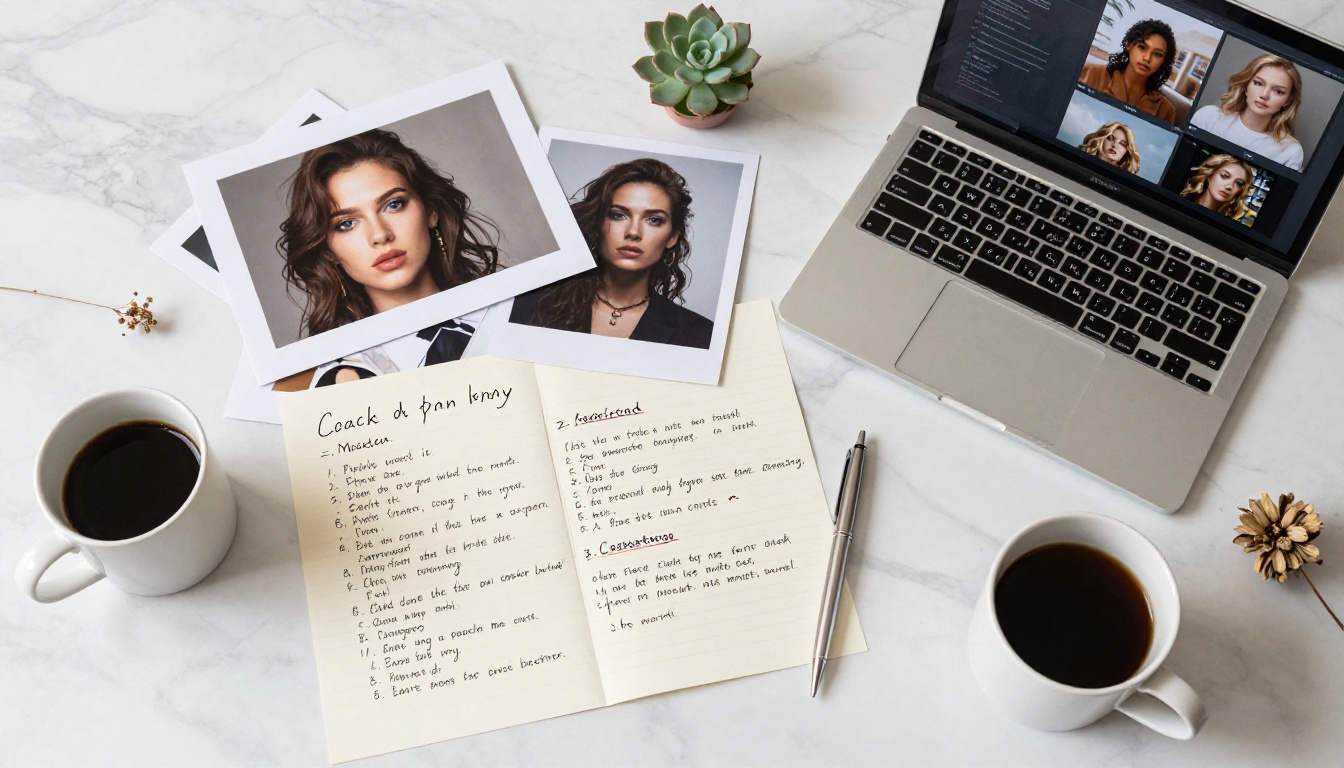
The fastest way to internalize the difference between these two models is to run the same prompt through both and compare the results side by side. Written descriptions only go so far. A direct visual comparison makes the quality gap concrete and helps you calibrate your own expectations for what each model can do.
Beyond image generation, PicassoIA also offers tools for video creation, face swapping, image editing, upscaling, background removal, and more, making it a full creative production environment rather than a single-model tool. Whether you are building a content workflow, producing assets for clients, or just pushing the limits of what AI image generation can produce, both Nano Banana models give you a solid foundation to work from.
Pick your use case, write a strong prompt, and go see what they can do.


