NSFW AI Art for Content Creators: Real Tools, Real Results
A practical breakdown of how content creators use NSFW AI image generation to produce stunning, unrestricted visuals. From the models that genuinely support adult content to prompt strategies that produce photorealistic results, this covers every step of a real production workflow, without the filters or the fluff.
The demand for NSFW AI art has exploded among content creators. Subscription platforms, fan sites, and private content businesses are all looking at the same thing: fast, photorealistic, and uncensored AI generation that does not require a professional photography budget or a studio rental. The challenge is not that the technology does not exist. It is knowing which tools actually deliver and which ones will censor your prompts before they even process.
This breaks down exactly what works, from model selection to prompt structure to a sustainable production workflow.
What NSFW AI Art Actually Covers
"NSFW" as a label covers a wide spectrum. At one end, you have tasteful glamour, bikini photography, and artistic nudity that is more editorial than explicit. At the other end, content that most mainstream platforms block entirely. Most professional content creators working in adult niches operate in the middle: suggestive, confident, aesthetically polished imagery that is compelling without being graphic.
AI models treat this spectrum very differently. Some block any mention of bare skin. Others handle the full range without restriction. Knowing where your tools stand before you start saves hours of failed prompts and frustrating regenerations.
The Realism Standard
The single biggest complaint about AI-generated NSFW content from creators is realism. Early models produced obvious tells: warped fingers, plasticky skin, misaligned anatomy. The newer generation of models in 2027 has narrowed that gap significantly, but the gap still exists between "looks AI" and "looks photographic."
The models worth using produce results that require a second look. Visible pore texture, natural hair behavior, realistic fabric drape, and consistent lighting physics are the markers that separate professional-grade output from AI content that reads as synthetic at a glance.
Why Mainstream Platforms Fall Short
Mainstream AI image tools like Midjourney, DALL-E, and Adobe Firefly have strict content policies that block adult content entirely. They are built for enterprise and consumer audiences where liability and brand safety take priority over creative freedom.
The result for content creators is a fragmented workflow: you get excellent general image quality, but zero flexibility when the subject matter moves anywhere near adult content. Even bikini shots, artistic nudity implied by pose, or suggestive framing can trigger content filters on these platforms.
Speed and Cost at Scale
Beyond censorship, mainstream platforms carry a cost structure that does not scale for professional content production. If you are producing 50 to 200 images per month for a subscription platform, per-image pricing accumulates fast. At $0.08 to $0.15 per generation on premium models, a 200-image production run costs $16 to $30 before any editing passes.
💡 Workflow note: The most profitable creators run batch generation sessions, not single-image workflows. Platforms that offer unlimited generation plans become dramatically more cost-effective at volume.
The Filtering Problem in Practice
Content filtering is inconsistently applied on mainstream platforms. Prompts that pass on one day fail on another. The moderation systems change without notice. For creators building a repeatable production workflow, this unpredictability is a business risk, not just a minor inconvenience. Adult content creators need a platform where the rules are clear and the models are built for unrestricted output from the start.
The Best NSFW AI Models Available Now
These models are available on PicassoIA and support adult content generation. They are ranked by real-world performance for creators producing at scale.
Seedream 4.5: The Top Recommendation
Seedream 4.5 is the strongest all-around model for NSFW content in 2027. It accepts adult prompts without filtering, supports image editing so you can refine existing shots rather than regenerating from scratch, and produces output in under 3 seconds. That speed matters when you are iterating through 20 prompt variations to find the right composition.
What sets Seedream 4.5 apart is its skin rendering. Pore texture, lighting response on bare skin, and natural hair detail all feel photographic rather than synthetic. When you compare it to older SDXL-based models, the difference is immediately visible.
One important clarification: its successor, Seedream 5 Lite, does not support NSFW content. Stay on Seedream 4.5 for adult content workflows.
PicassoIA Image Editor Pro: Unlimited Volume
PicassoIA Image Editor Pro is the model to use when you need volume. As an img2img model, it takes an existing image and edits it based on your prompt, which makes it ideal for maintaining visual consistency across a content series.
The biggest advantage is the pricing structure. Elite and Infinite subscribers get unlimited generations at no extra cost. If you need 1,000 images in a month, that is 1,000 images included. On pay-per-generation models, the same volume would cost around $100. For professional creators producing content at scale, this is the most cost-effective option currently available.
Results return in under a second, which makes iterating through reference image variations fast enough to use as a live creative tool rather than just a batch processor. A 3-generation free trial is available with no credit card required.
Seedream 4.5 is available directly on PicassoIA. Here is the workflow that consistently produces professional-grade results.
Step 1: Establish the Scene First
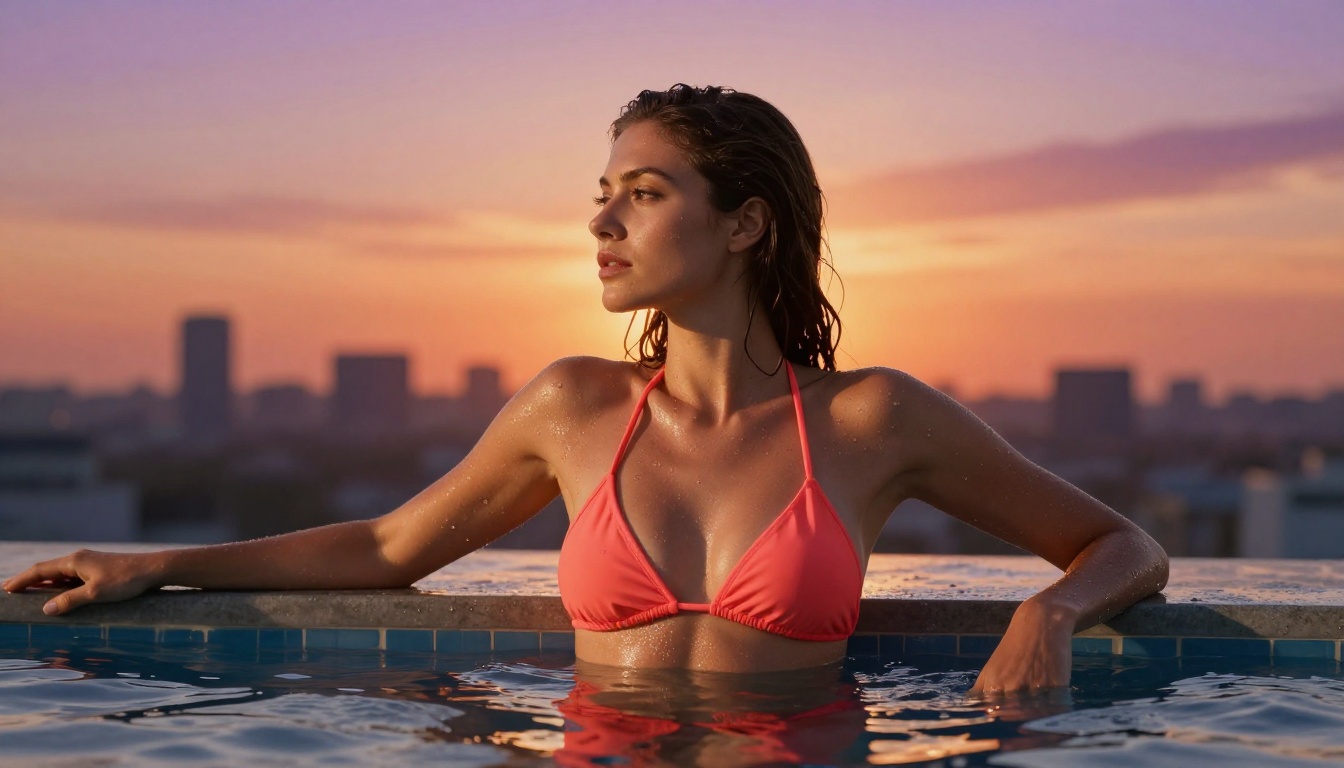
Start with environment before subject. Describe the setting (location, time of day, lighting source) before you describe the person. Models respond better to grounded scene context. Instead of "woman in bikini," write "rooftop pool at golden hour, woman wearing a coral string bikini." The environment cues better lighting physics in the output.
Step 2: Layer Your Subject Description
Build the subject description in order: pose and body position, clothing, skin characteristics, hair. Specific descriptors outperform vague ones. "Flowing dark hair" underperforms "waist-length dark brown hair, loose waves, catching golden light from the left." Specificity directly correlates with output quality.
Step 3: Add Camera Specs
Add camera and lens details at the end of every prompt. Seedream 4.5 responds well to lens specifications.
Recommended additions for every prompt:
Canon EOS R5, 85mm f/1.4, shallow depth of field
Kodak Portra 400 film grain
photorealistic skin texture with visible pores
natural lighting, RAW 8K photography
--style raw
Step 4: Refine With Image Editing
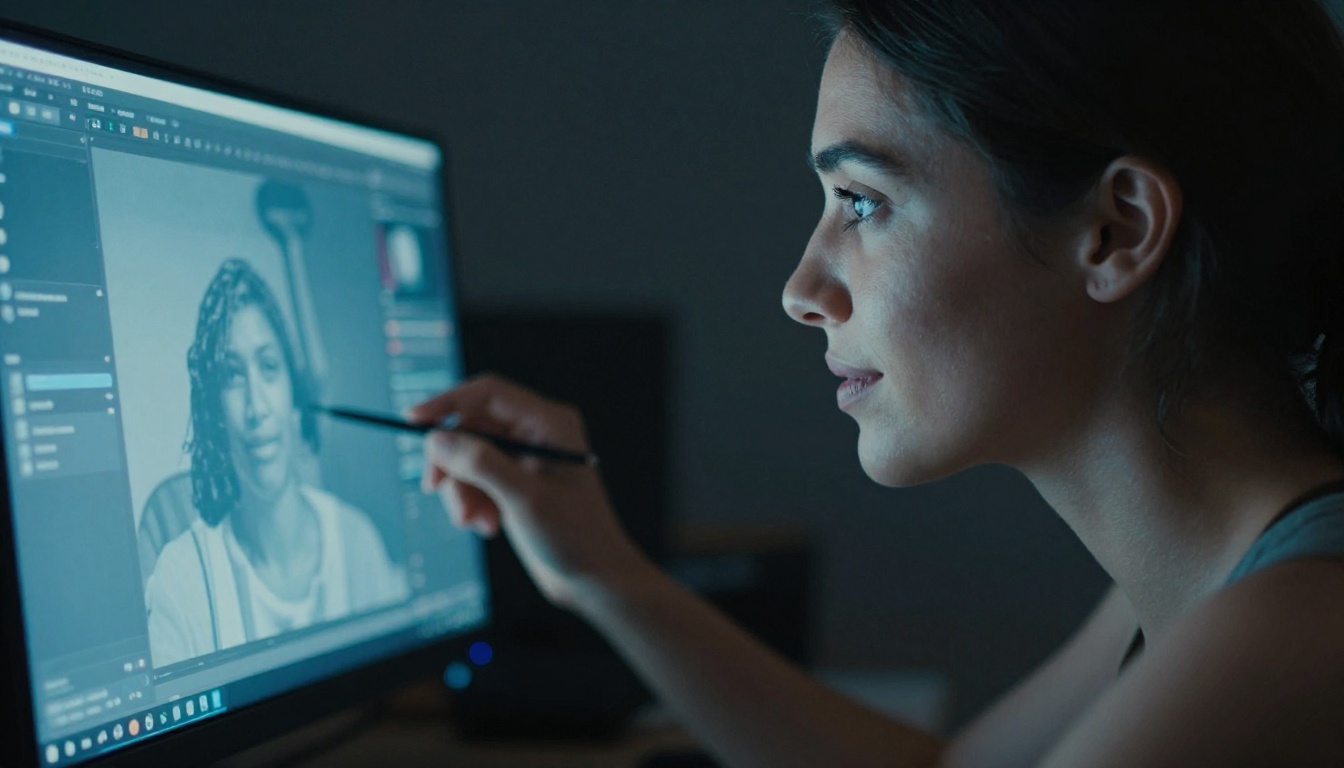
Once you have a base image you like, use Seedream 4.5's built-in editing capability or switch to PicassoIA Image Editor Pro for unlimited iterations. This lets you refine specific elements (lighting adjustment, outfit color, pose modification) without losing the visual consistency established in the base image.
💡 Pro tip: Build prompt templates for recurring settings (beach, studio, hotel rooftop). A well-structured prompt for one location becomes a repeatable production tool across dozens of images in a consistent series.
Prompt Writing That Gets Real Results
Prompt quality is the single biggest variable in output quality after model selection. The gap between a poorly written prompt and a well-crafted one on the same model is larger than the gap between two different models using identical prompts.
What Makes an NSFW Prompt Work
Specific clothing descriptions: "Bikini" produces generic results. "Minimalist black string bikini with gold hardware, wet fabric clinging to skin after exiting the pool, water droplets visible along the neckline" produces photographic results.
Lighting as a narrative: State exactly where light originates and what it does to the subject. "Soft diffused morning light from the upper left, casting a gentle shadow across the collarbone, warm amber tone on skin highlights, cool fill from the right."
Physical anchor points: AI models fill in ambiguity with statistical averages. Specific anchor points produce specific results: "Arms resting on pool edge, shoulders relaxed, chin slightly lifted, gaze directed just right of camera, left knee slightly bent."
Consistent style terminators: End every prompt with film stock and camera references. They shift the model's internal rendering toward photographic output:
Kodak Portra 400 film grain, Canon EOS R5, 85mm f/1.4, natural skin texture with visible pores, RAW photography --style raw
Common Prompt Mistakes
Mistake
Why It Fails
Fix
Starting with the person
Model lacks scene context for accurate lighting
Describe environment first
Vague clothing
Generic outputs, poor fabric physics
Specify material, fit, color, and state (wet or dry)
No camera or lens specs
Results look digital, not photographic
Always include focal length and film stock
Multiple competing styles
Style cues cancel each other out
One clear style direction per prompt
Regenerating instead of editing
Loses character consistency across a series
Use img2img for all refinements after the first good base
Platform Comparison for Adult Content Creators
Platform
NSFW Support
Unlimited Plan
Avg. Speed
Best For
PicassoIA
✅ Full
✅ Yes (Elite/Infinite)
Under 1-3s
Professional creators, scale production
Midjourney
❌ Blocked
❌ No
~30s
General art, non-adult content
DALL-E 3
❌ Blocked
❌ No
~15s
Safe commercial content
Adobe Firefly
❌ Blocked
❌ No
~20s
Brand-safe, enterprise use
Stable Diffusion (local)
✅ Full
✅ Self-hosted
Variable
Technical users with dedicated GPU hardware
PicassoIA is the only hosted platform in this comparison combining NSFW support, unlimited generation plans, and sub-3-second generation speeds. Local Stable Diffusion offers similar creative freedom but demands GPU hardware investment, model management, and ongoing technical maintenance.
💡 For creators without a technical background, PicassoIA eliminates the hardware requirements, model management overhead, and update complexity of running local Stable Diffusion while offering comparable or superior output quality on the same base models.
Building a Scalable Creator Workflow
Generating a single image is a test. Building a sustainable workflow is how professional content businesses operate at scale.
Think in Shoots, Not Single Images
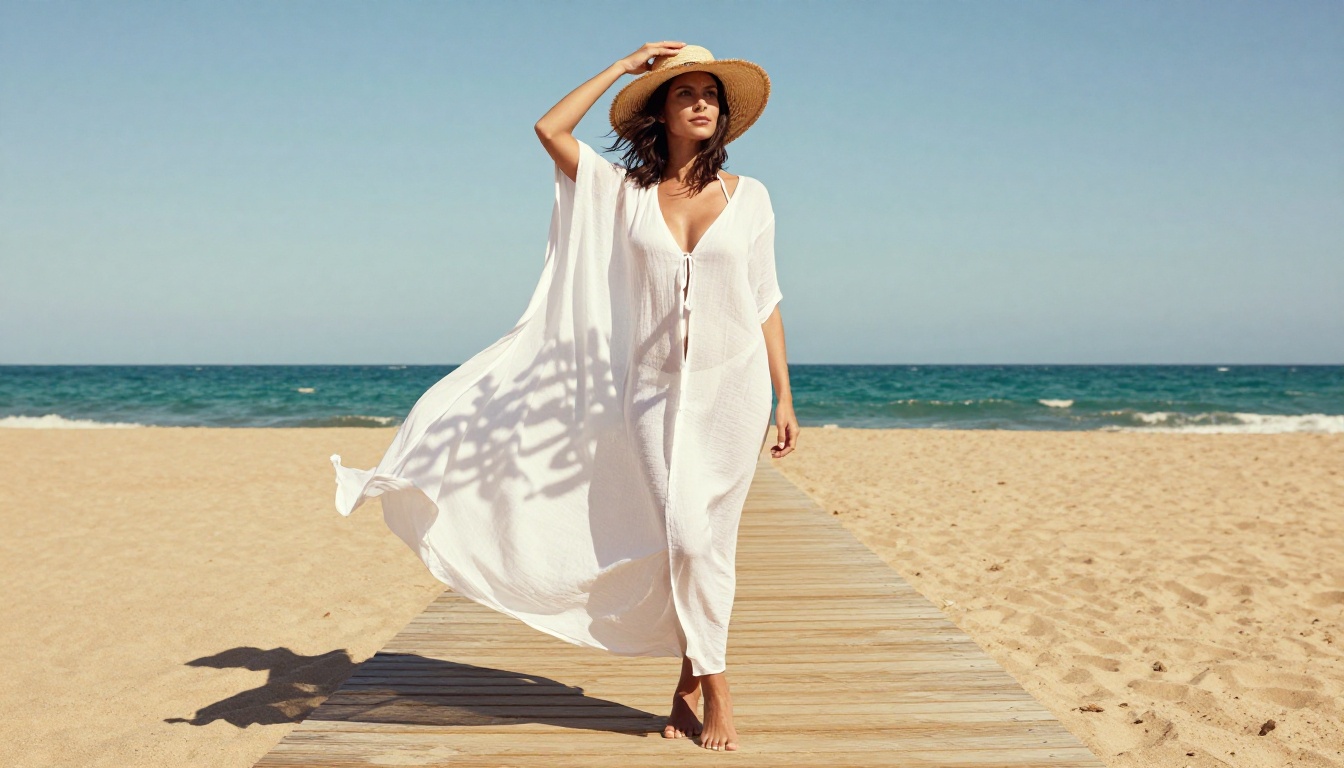
Plan generation in sessions, not individual images. A single location concept (beach, studio, rooftop hotel suite) should produce 20 to 30 image variations before moving to the next concept. This maintains visual consistency, keeps prompt refinement efficient, and creates a content bank rather than scattered individual assets.
A single well-tuned prompt can generate a full series. The upfront investment in refining that prompt pays off across every subsequent image in the session.
Multi-Model Production Flow
Different models have different strengths. A professional workflow uses them in sequence:
Seedream 4.5 for primary text-to-image generation and high-realism baseline output
Qwen Image 2 for detailed text-to-image scenes requiring open-source model depth
Maintaining Visual Consistency
Seed locking: Identical random seeds produce consistent character traits across variations on the same base prompt, giving you subject continuity across a series without regenerating from scratch
Prompt templates: Build a "character sheet" with fixed descriptors (hair length and color, physique, skin tone) and swap only the environment and outfit per session
Img2img chaining: Run all series variations through PicassoIA Image Editor Pro starting from the same approved base image to maintain subject identity across every variation
Post-Processing Checklist
Raw AI output rarely ships directly. Before publishing, check for:
Anatomy: Hands and fingers still occasionally fail on any model. Crop or spot-retouch rather than publishing anatomy artifacts.
Edge artifacts: Complex hair edges and fine boundary transitions sometimes show blending errors. A quick retouch or intelligent crop resolves most cases.
Lighting direction: Verify that the light source direction is consistent if you are combining multiple images in a series presentation.
Accidental text: Any text appearing in an AI image is usually distorted. Crop or inpaint if text appears unintentionally in the frame.
Start Creating Without Restrictions
The tools are better than they have ever been. What was experimental two years ago is production-ready in 2027. Content creators using AI image generation at scale are producing hundreds of high-quality images per month at a fraction of traditional photography production costs, and doing it without censored prompts or unpredictable platform policies getting in the way.
The workflow stack that works for professional creators right now:
Seedream 4.5 for primary NSFW text-to-image generation with photorealistic skin and lighting
Structured prompt templates for consistency across content shoots without repetitive prompt writing
Post-processing passes for anatomy checks and artifact cleanup before publishing
Start with Seedream 4.5 on PicassoIA. Run a few test prompts using the structure covered here and see what the current generation of these models actually produces at full capability. PicassoIA Image Editor Pro includes a 3-generation free trial with no credit card required, which is a practical entry point for evaluating unlimited-generation workflows before committing to a subscription plan.
The full lineup of NSFW-capable models, covering image generation, image editing, video generation, and more, is available at picassoia.com/en/all-models. For creators serious about AI content production at scale, that catalog covers every stage of the workflow.