NSFW AI Art Generator 2027: Best New Models and Tools for Photorealistic Results
The NSFW AI art generation scene shifted dramatically in 2026. New models from Black Forest Labs, Stability AI, and Google now produce photorealistic portraits with nuanced skin textures, accurate anatomy, and cinematic lighting. This breakdown details the best tools available right now, with step-by-step usage tips and a full model comparison.
The gap between AI-generated imagery and real photography has nearly closed. In 2026, NSFW AI art generators produce results so convincing that the telltale signs people relied on to spot fake images, the melted hands, the plastic skin, the impossible lighting, have largely disappeared. Whether you're creating glamour portraits, artistic figure studies, or suggestive fashion photography, the models available right now operate at a level that was impossible 18 months ago. This is a breakdown of what works, what to skip, and how to get results that look genuinely professional.
What Changed in AI Art for 2026
Anatomy Got Real
For years, hands were the instant tell. Six fingers, melted knuckles, wrists that bent in anatomically impossible directions. That's largely solved in the best 2027 models. Flux 2 Pro and Stable Diffusion 3.5 Large both trained on substantially larger, more carefully curated datasets, and it shows in the anatomical accuracy of full-body compositions.
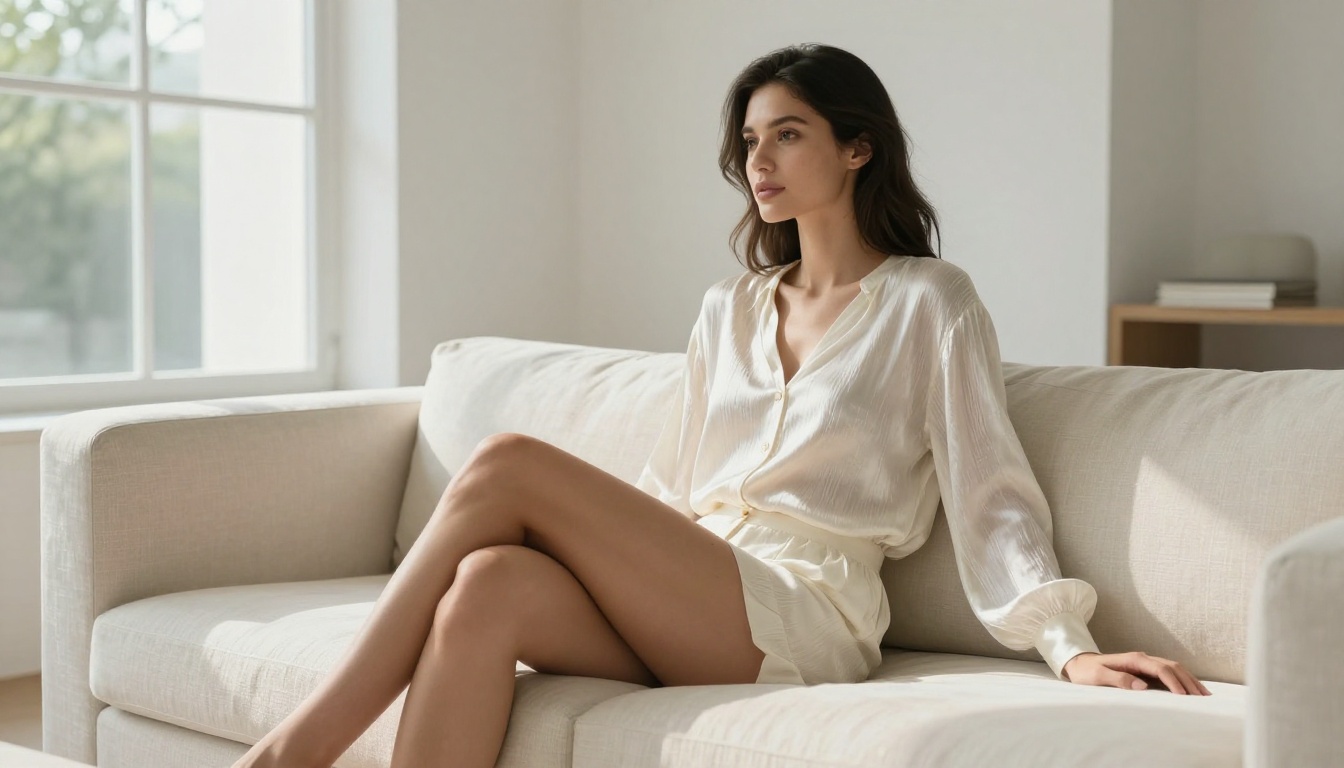
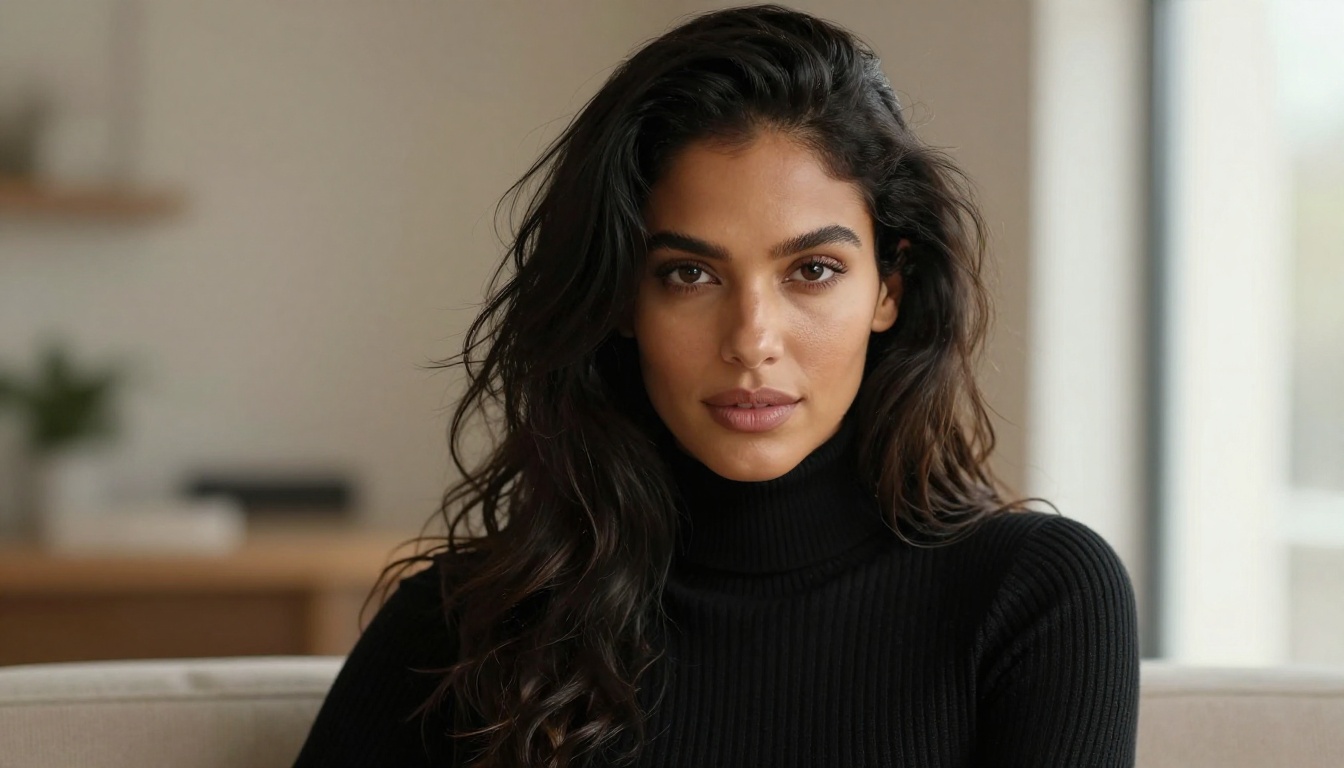
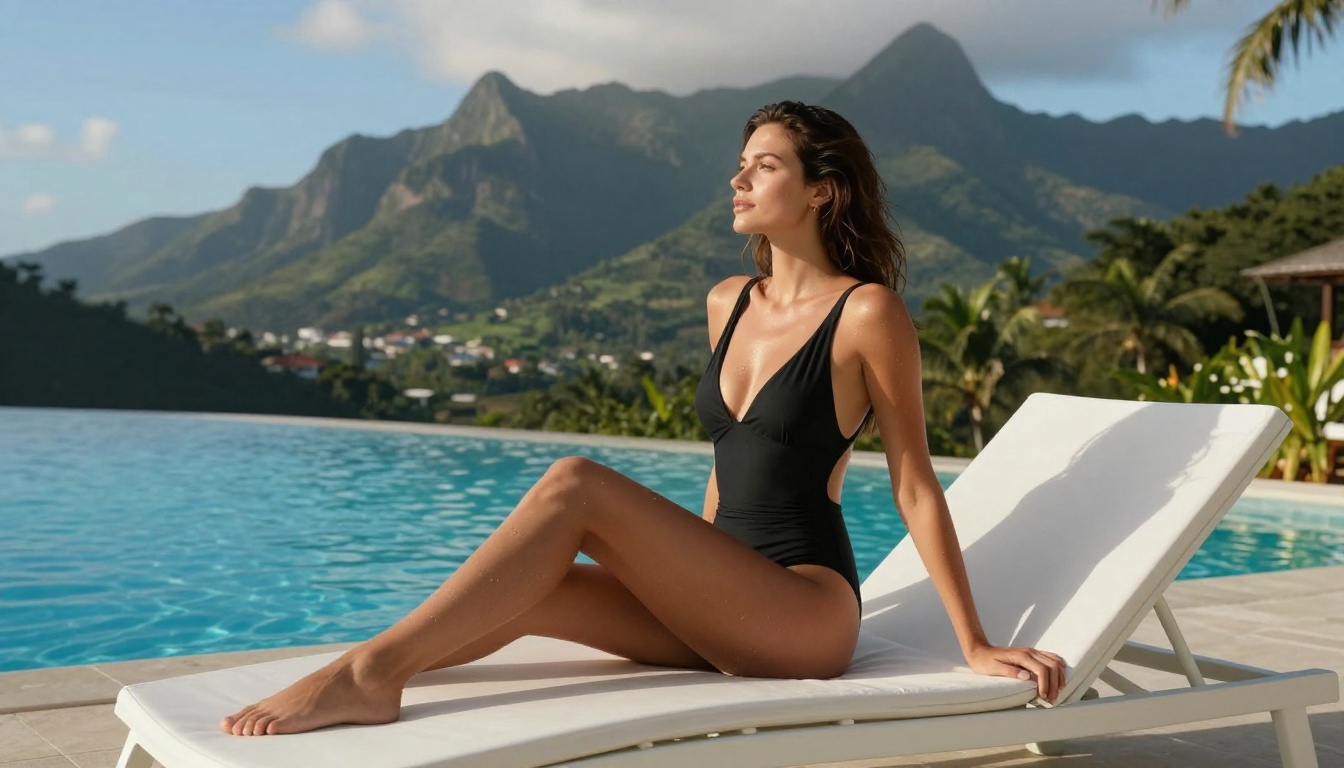
Skin texture represents the single biggest leap forward. Earlier models gave subjects a plasticky sheen, an almost porcelain surface that immediately flagged the AI origin. Models in 2027 now render visible pores, natural complexion variation, the subtle way skin creases at joints, and how light interacts differently with various skin tones. For any creator focused on portrait or figure work, this improvement alone changes what's achievable.
More Model Options Than Ever
The text-to-image landscape now offers over 90 models on major platforms, split clearly between specialist models built for photorealism and generalist models that handle a wider variety of tasks. That distinction matters significantly for NSFW content, since different models prioritize different elements: skin rendering, lighting complexity, compositional accuracy, and prompt adherence all vary substantially between options.
💡 Worth knowing: Generalist models like GPT Image 1.5 handle complex, multi-element prompts better. Specialist photorealism models like RealVisXL v3.0 Turbo handle skin and lighting with more precision. The right choice depends entirely on your output goal.
Resolution Raised the Bar
The other major shift in 2027 is native output resolution. Models like Flux 2 Max and Imagen 4 Ultra now produce images with print-quality detail at native resolution, without requiring a separate upscaling pass. This matters for creators selling prints, using outputs in commercial projects, or simply wanting to crop tightly without quality loss.
The Flux 2 Family
Black Forest Labs released the Flux 2 series as a substantial upgrade over the already-capable Flux 1.1 lineup. The three-tier structure, Pro, Dev, and Max, serves different use cases clearly.
Flux 2 Pro: The Main Event
Flux 2 Pro is the strongest all-round model for photorealistic portrait and figure work. Its handling of complex multi-source lighting, the kind that creates realistic shadows on skin and fabric simultaneously, is noticeably better than the older Flux 1.1 Pro Ultra. For NSFW creators specifically, the improvements in fabric rendering and skin micro-detail make glamour, fashion, and artistic nude photography styles significantly more achievable.
What it does well:
Photorealistic skin with natural micro-detail and texture variation
Complex multi-source lighting with accurate shadow behavior
Anatomically accurate human figures across a wide range of poses
Strong adherence to detailed, long-form prompts
Where it falls short:
Longer generation time than Flux 2 Dev
Higher credit cost per generation on most platforms
Flux 2 Dev: Speed Without the Sacrifice
Flux 2 Dev is the open-weights version built for speed and iteration. For rapid concept testing before committing to a high-quality generation run, it's the most efficient option in the series. The quality gap between Dev and Pro is narrower in the Flux 2 generation than it was in Flux 1.x, making Dev a genuinely usable everyday model rather than just a draft tool.
For NSFW creators doing high-volume work or iterating on prompt variations before finalizing, starting with Dev and switching to Pro for the final output is a practical, cost-effective workflow.
Flux 2 Max: When Detail Is Everything
Flux 2 Max prioritizes resolution and fine-detail rendering above generation speed. For close-up beauty photography where every strand of hair and skin pore needs to be visible, or for print-ready work that will be viewed at large scale, it's the right choice. Generation is slower, but the output detail at native resolution is exceptional.
💡 Pro workflow: Generate the composition in Flux 2 Dev, refine the prompt, then run the final version through Flux 2 Max. The resolution jump on the final output is substantial.
Beyond Flux: Other Top Picks
Stable Diffusion 3.5 Large
Stable Diffusion 3.5 Large remains the most flexible model in the ecosystem because of the enormous LoRA fine-tune library built around it. For NSFW figure and portrait work, the ability to apply community-fine-tuned LoRAs targeting specific styles, body types, and aesthetics gives it an advantage that base Flux models currently lack.
The Stable Diffusion 3.5 Large Turbo variant cuts generation time significantly with a modest quality reduction, making it practical for workflows that prioritize volume over maximum quality on each individual image.
RealVisXL for Portrait Realism
RealVisXL v3.0 Turbo was built from the ground up for photorealism, and it consistently produces results that look like they came from a real camera. For glamour and fashion portrait work where the goal is a genuinely believable photograph, this model is among the most reliable available.
It pairs particularly well with SDXL Multi ControlNet LoRA for pose control. If you need a specific composition or body position locked in before generating, using ControlNet to define the pose while RealVisXL handles the photorealism rendering gives you both compositional control and realistic output.
Ideogram v3 for Editorial Work
Ideogram v3 Quality and Ideogram v3 Balanced take a different approach. Rather than chasing documentary photorealism, they produce images with a strong visual aesthetic and high compositional intelligence. For editorial-style NSFW work, fashion-forward imagery, or artistic figure studies with a slightly elevated look, Ideogram v3 delivers consistently.
It also handles negative space and compositional framing better than most models, which is particularly useful when creating suggestive content that relies on implication rather than explicit subject placement.
How to Use Flux 2 Pro on PicassoIA
Flux 2 Pro is available directly on PicassoIA without any local setup. Here's a step-by-step process for getting consistent high-quality NSFW results.
Use this four-part structure for reliable results:
Subject: Who, what they're wearing (or not), pose, and body description
Environment: Setting, background, time of day
Lighting: Direction, quality, and color temperature
Technical specs: Lens focal length, aperture, film stock, resolution
Example prompt:
Portrait of a woman, late 20s, wearing a black lace bodysuit, seated on a velvet chaise longue in a candlelit boudoir. Soft directional candlelight from left, deep shadow on right. Shot with 85mm f/1.4, shallow depth of field, Kodak Portra 400 film grain, 8k photorealistic
Step 3: Set Aspect Ratio
For portrait and figure work, 9:16 gives the most natural human framing. For wider environmental shots with significant background context, 16:9 is more appropriate.
Step 4: Add Negative Prompts
cartoonish, painted, illustration, anime, CGI, 3D render, plastic skin,
extra fingers, deformed anatomy, text, watermark, blurry, low quality
Step 5: Iterate with Dev First
Run Flux 2 Dev for composition and prompt testing, then switch to Flux 2 Pro for the final output. This saves credits without sacrificing the quality of the final image.
Prompt Tips That Actually Work
The Structure That Works
Most people write NSFW prompts as a descriptive paragraph. The problem is that models weight earlier tokens more heavily, so prompt order directly affects output. What appears first has the most influence on the generation.
Put first:
Subject and pose description
Style reference (photography, cinematic, fine art)
Quality modifiers (photorealistic, 8k, RAW)
Put after:
Lighting specifics
Background and environment
Camera and technical specs
This ordering consistently outperforms narrative-style prompts with the same information written differently.
3 Mistakes to Stop Making
1. Overloading with words
Models lose coherence beyond roughly 200-250 tokens. Cut anything that isn't directly shaping the output. More text doesn't reliably mean better results.
2. Vague subject descriptions
"Beautiful woman" conveys nothing specific. "Woman, early 30s, athletic build, olive skin, dark shoulder-length hair, wearing a fitted white sundress" gives the model something actionable.
3. Skipping negative prompts
Even on the best models, targeted negative prompts significantly improve hands, skin rendering, and background coherence. Don't skip this step, it costs nothing and the improvement is consistent.
💡 Worth testing: Add "Kodak Portra 400, film grain, natural skin texture, RAW photography" to any portrait prompt. Across Flux 2 Pro, RealVisXL v3.0 Turbo, and Realistic Vision v5.1, these modifiers consistently push results toward more natural, photographic outputs.
Fast iteration on a budget:Flux 2 Dev or DreamShaper XL Turbo. High-quality output at a fraction of standard generation time.
Create Your Own on PicassoIA
If you haven't touched AI art generation recently, the quality jump in 2027 will surprise you. Every model listed here is available on PicassoIA without local setup or technical configuration. Open a model page, write a prompt, and generate.
Start with Flux 2 Pro for photorealistic portraits. Use the four-part prompt structure outlined above, test compositions with Flux 2 Dev first, then run finals through Pro. For LoRA-based customization, start with Stable Diffusion 3.5 Large. For large-format print work, Flux 2 Max or Imagen 4 Ultra are the right picks.
The ceiling for AI-generated NSFW art in 2027 is genuinely high. The models have caught up with what creators have been trying to build for years. Now it's about knowing which tool fits the job, and using it with intention.