Most people searching for a NSFW AI art generator with no restrictions have hit the same wall: you type a perfectly reasonable prompt, and the tool either refuses outright or produces something so sanitized it looks like a stock photo from 2009. The frustration is real, and the workarounds floating around online are mostly outdated or already patched.
This article cuts through the noise. You'll see which models on PicassoIA actually handle unrestricted NSFW content, how to set them up in minutes, and what prompt structure produces consistently strong results. No vague promises about "bypassing" anything: these models simply don't have the filters in the first place.
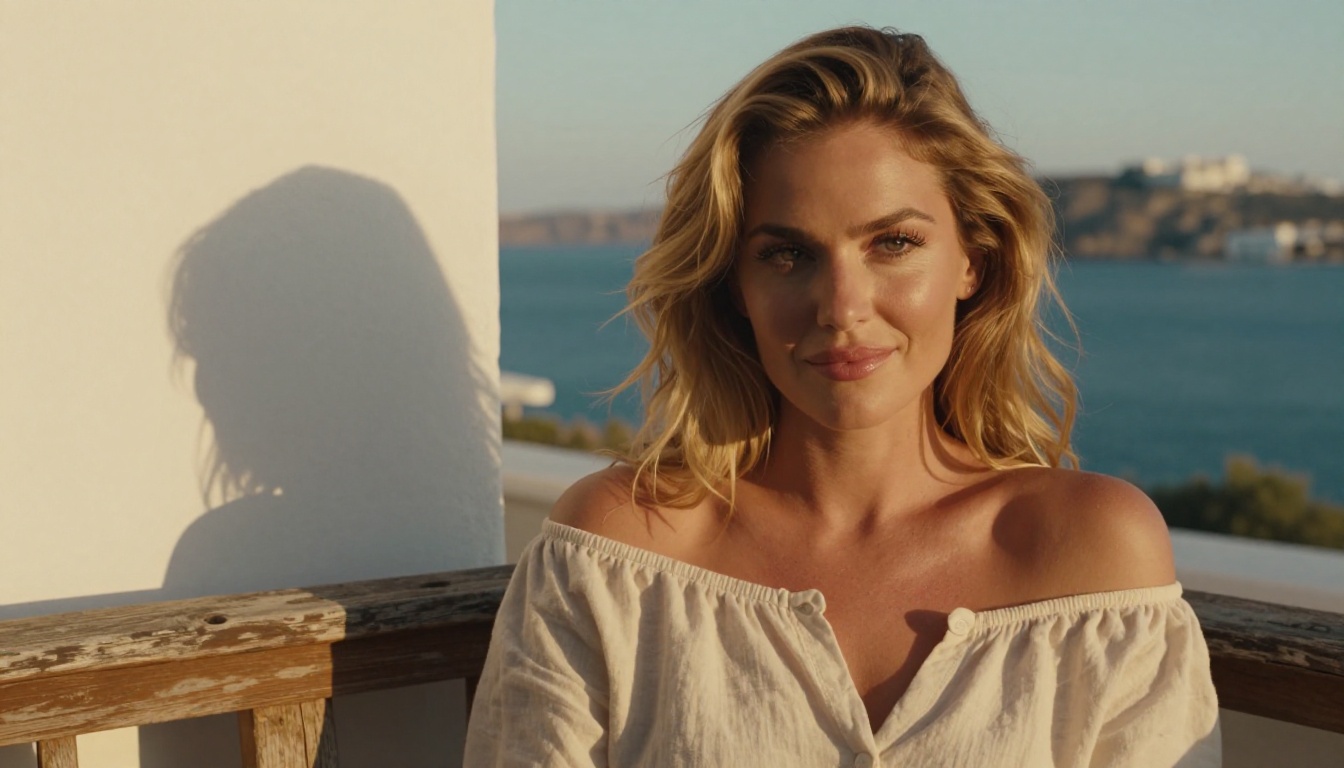
What "No Restrictions" Actually Means
Before picking a tool, it helps to understand what you're actually dealing with when a platform blocks your prompts.
The Content Filter Problem
Every mainstream AI image generator ships with a safety classifier layered on top of the model. That classifier checks your prompt and the output image against a blocklist. Some are keyword-based. Others use a secondary model trained to flag anything that looks suggestive. Either way, the result is the same: legitimate artistic content gets blocked because the classifier can't tell the difference between gratuitous explicit content and a tasteful nude in the tradition of classical painting.
The filter problem isn't just about explicit content. Fashion photography, medical illustrations, life-drawing references, and even swimwear shots regularly trip these systems. For artists, photographers, and content creators working in the adult space, this is genuinely limiting.
Why Most AI Tools Block NSFW Content
The short answer is liability. Platforms like Midjourney, DALL-E 3, and Adobe Firefly serve mainstream corporate clients who need those guardrails. The filtering isn't about the technology: it's a business decision. The base models these tools run on are often fully capable of generating adult content. The restrictions are bolted on afterward.
This is why the solution isn't to "jailbreak" a restricted tool. It's to use a model that was trained and deployed specifically for unrestricted use.
💡 The better question isn't "how do I bypass filters?" It's "which platform runs models without filters from the start?"
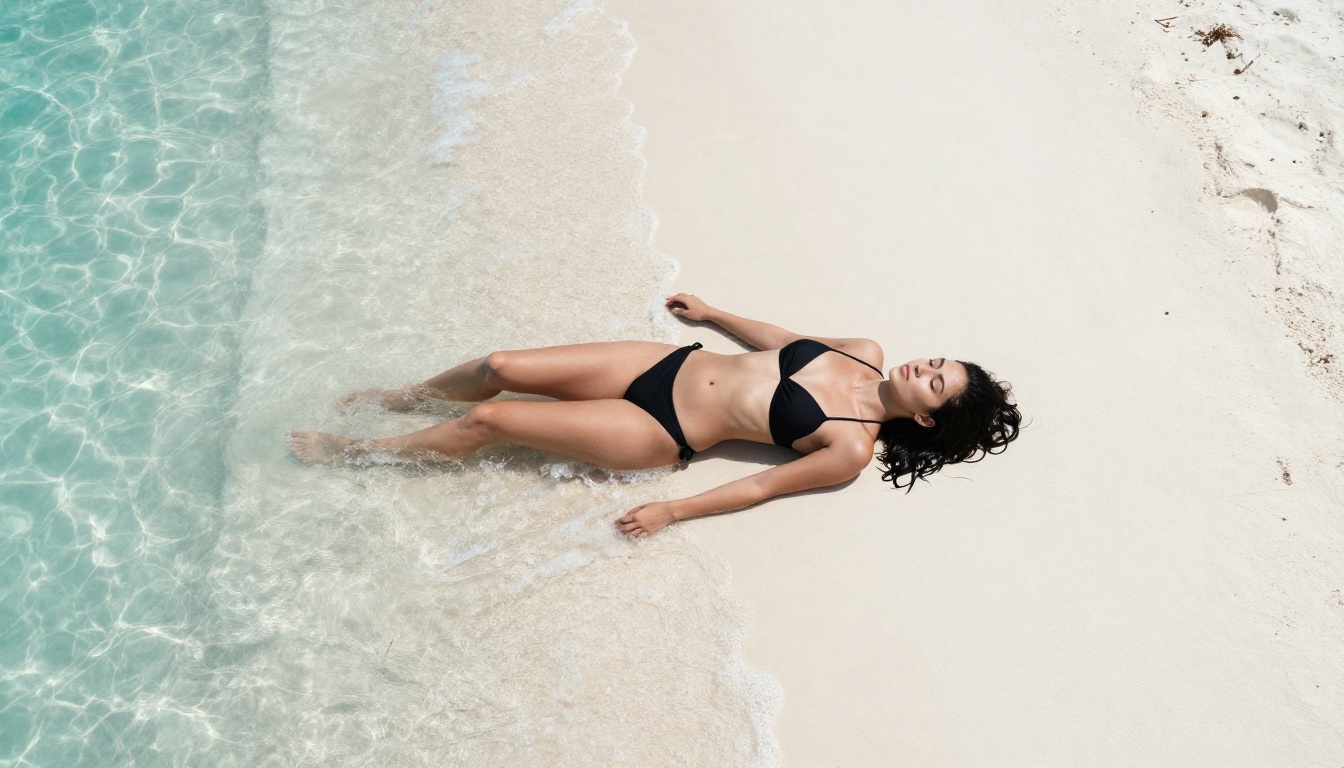
Seedream 4.5: Top Pick for NSFW AI Art
If you're looking for one model to use for NSFW AI art with no restrictions, Seedream 4.5 is where to start. It's the flagship model on PicassoIA for this use case, and the quality difference over older alternatives is visible immediately.
What Makes It Different
Seedream 4.5 was developed by ByteDance and represents a significant jump in photorealism for human subjects. A few things stand out:
- Skin texture rendering: Natural pores, light interaction on skin, and subtle tone variations that older models flatten into plastic-looking surfaces
- Anatomy accuracy: Arms, hands, and body proportions that hold up at full resolution without the warping that plagued earlier generators
- Prompt adherence: When you specify an environment, a pose, or a lighting condition, Seedream 4.5 actually follows through instead of hallucinating its own composition
- No NSFW blocklist: The model runs without content filters on PicassoIA, which means suggestive, glamour, and artistic nudity prompts generate without refusals
Speed is also a real advantage. You're looking at roughly 8 to 15 seconds per 1024x1024 image, which is fast enough to iterate on prompts without losing your train of thought.
Speed and Quality Breakdown
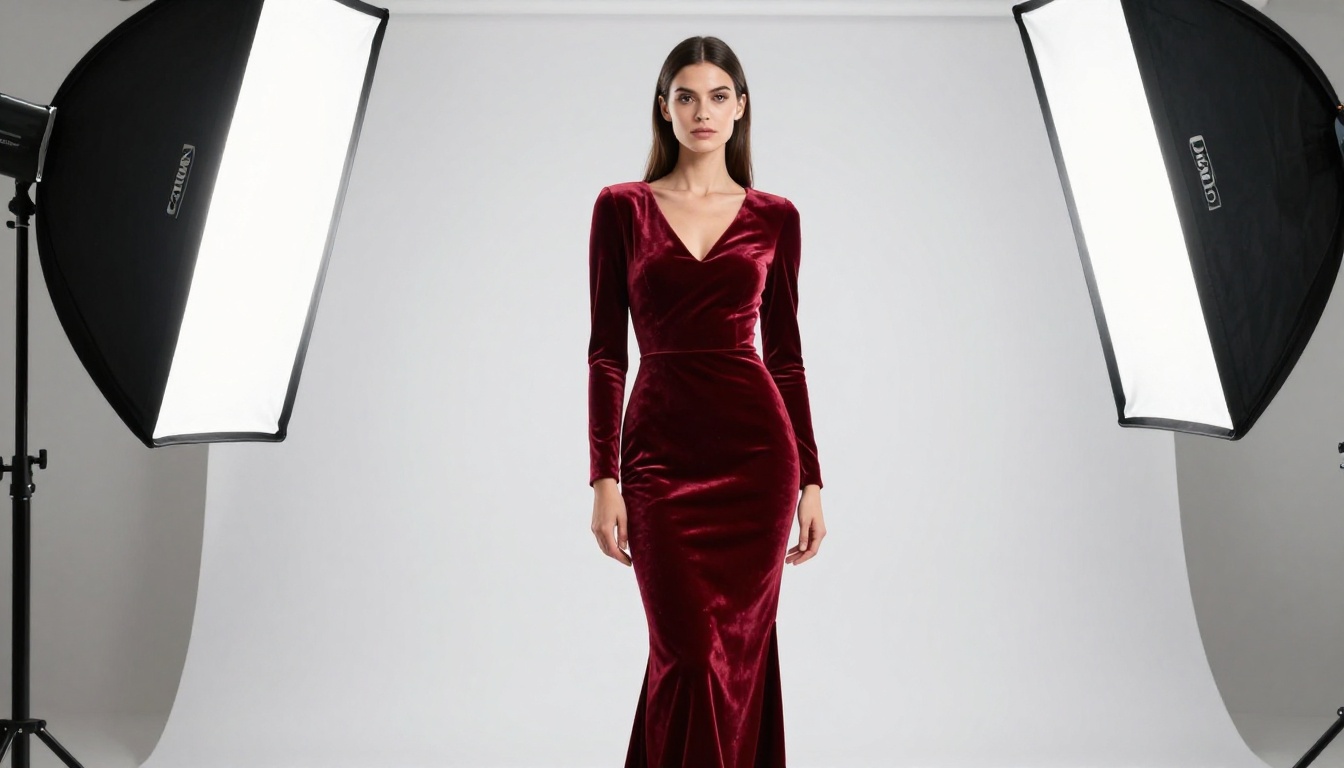
Other Models Worth Your Time
Seedream 4.5 is the starting point, but depending on your specific output requirements, these alternatives have distinct strengths.
Realistic Vision v5.1
Realistic Vision v5.1 has been a reliable workhorse in the NSFW image generation community for a long time. It's based on Stable Diffusion fine-tuned specifically on photographic human subjects. The results have a warm, slightly cinematic look that works well for portrait and glamour work.
Where it falls short compared to Seedream 4.5 is in environmental detail. Complex backgrounds with architecture or rich texture tend to look flat. For clean studio-style portraits and close-up glamour photography prompts, it still delivers reliably.
Flux Dev
Flux Dev by Black Forest Labs produces some of the sharpest, most detailed images available from any generator right now. Text rendering, fabric textures, and environmental detail are all class-leading. For NSFW content specifically, Flux Dev handles artistic nudity and glamour photography very well when you frame the prompt with the right photographic language.
Flux 1.1 Pro Ultra and Flux 2 Pro push the quality ceiling even further at higher generation costs. For high-resolution final outputs where you need the absolute best detail, these are worth the extra time.
P-Image
P-Image is PicassoIA's own optimized model from PrunaAI. It's tuned for fast generation with strong photorealism, which makes it a good default for iterating quickly on prompt ideas before committing to a longer Seedream or Flux render. The model handles NSFW content without restrictions and produces clean, sharp outputs at 16:9 ratios.
💡 Workflow tip: Use P-Image for fast prompt iteration, then switch to Seedream 4.5 or Flux 2 Pro for your final high-res outputs.

How to Use Seedream 4.5 on PicassoIA
Setting up and running Seedream 4.5 for NSFW content takes about three minutes from account creation to first output.
Step 1: Access the Model
Go directly to the Seedream 4.5 model page on PicassoIA. No setup required: the model runs in-browser with no downloads or installations.
Step 2: Set Your Parameters
Before writing your prompt, configure the output settings:
- Aspect Ratio: 16:9 for landscape/editorial, 9:16 for portrait/fashion
- Resolution: 1024px minimum, 2048px for final outputs
- Steps: 30 to 40 for the best quality-to-speed balance
- CFG Scale: 7 to 9 works well for photorealistic prompts
Step 3: Write a Photographic Prompt
The biggest mistake people make is treating NSFW AI art generators like they're chatting with the model. Write prompts like a photographer briefing a team: subject, environment, lighting, camera, and mood.
Example structure:
[Subject description + clothing/state] + [Environment] + [Lighting direction and quality] + [Camera specs] + [Style reference]
A strong NSFW art prompt for Seedream 4.5 looks like:
"Beautiful woman with long auburn hair sitting on a white sand beach at sunset, wearing a strappy black bikini, relaxed confident expression, soft golden backlight from the setting sun creating a warm halo, shot on 85mm f/1.4, shallow depth of field, Kodak Portra 400, photorealistic 8K"
Step 4: Iterate and Refine
Generate 3 to 5 variations with the same prompt before making changes. Seedream 4.5 has natural variation between seeds. Sometimes the second or third output hits the composition you wanted without any prompt changes at all.
When you want to make targeted changes to a generated image, switch to P-Image Edit for inpainting: select the area you want to change, write a specific prompt for that region, and the rest of the image stays intact.
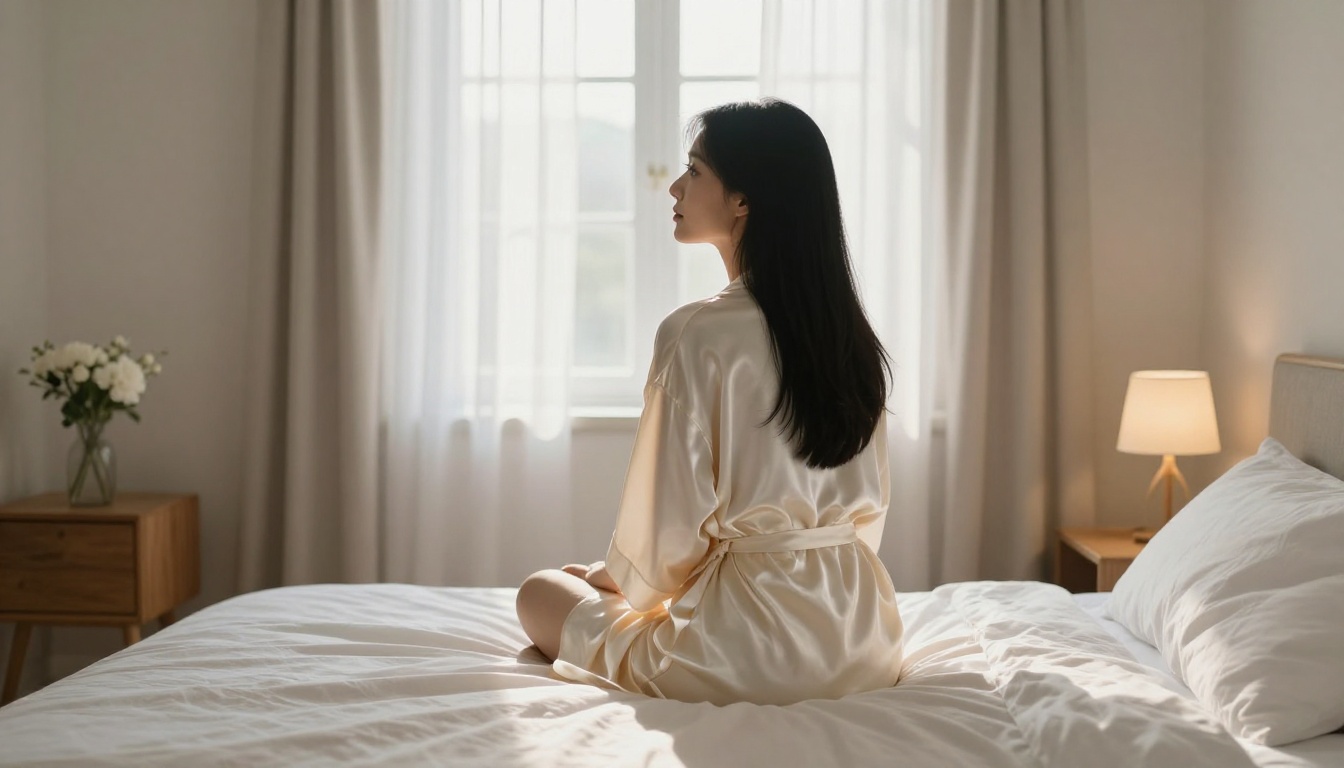
Writing Prompts That Deliver Results
Prompt quality is the single biggest variable in NSFW AI art generation. A mediocre model with a great prompt will usually outperform a great model with a vague one.
What to Include in Every Prompt
The most important elements in a photorealistic NSFW prompt:
Lighting first. Lighting is what separates a photorealistic output from a CGI render. Specify direction ("from the left"), quality ("soft diffused"), and source ("through sheer curtains", "single overhead lamp", "golden hour backlight"). Models like Seedream 4.5 follow specific lighting instructions with high accuracy.
Camera and lens. Including "85mm f/1.4" or "35mm f/2.8" tells the model how the depth of field should look. Wide apertures mean subject separation and background bokeh. Narrow apertures mean everything in sharp focus. This single detail changes the feel of an image dramatically.
Film stock or color science. References like "Kodak Portra 400", "Fujifilm Velvia", or "Leica M film" bake a specific color palette and grain character into the output. These are well-understood references for these models and produce consistent, recognizable aesthetics.
Texture specifics. Describe what surfaces look like: "fine film grain visible on skin", "velvet texture showing light reflection", "natural pores and subtle skin variation". This forces the model to render fine detail rather than smoothing everything out into a digital look.
What Kills the Output
- Vague subject descriptions: "beautiful woman" without physical detail produces average results. Specify hair color, skin tone, facial features, and expression.
- Style contradictions: Don't mix "photorealistic" with "digital art" or "cinematic 3D" in the same prompt. Pick one register and commit to it.
- Over-long prompt lists: More than 80 to 90 words tends to dilute the model's attention. Prioritize the most important details and cut the rest.
- Generic NSFW terms: Broad terms produce generic outputs. Specific scenarios ("editorial glamour shoot in a Parisian apartment at golden hour") produce editorial-quality images.
💡 For NSFW specifically: describe the scenario, lighting, and emotional tone rather than the physical state alone. Models respond much better to "wearing a silk robe, relaxed and confident in the morning light" than to a blunt physical description without context.
PicassoIA Image Editor Pro: Unlimited Generations
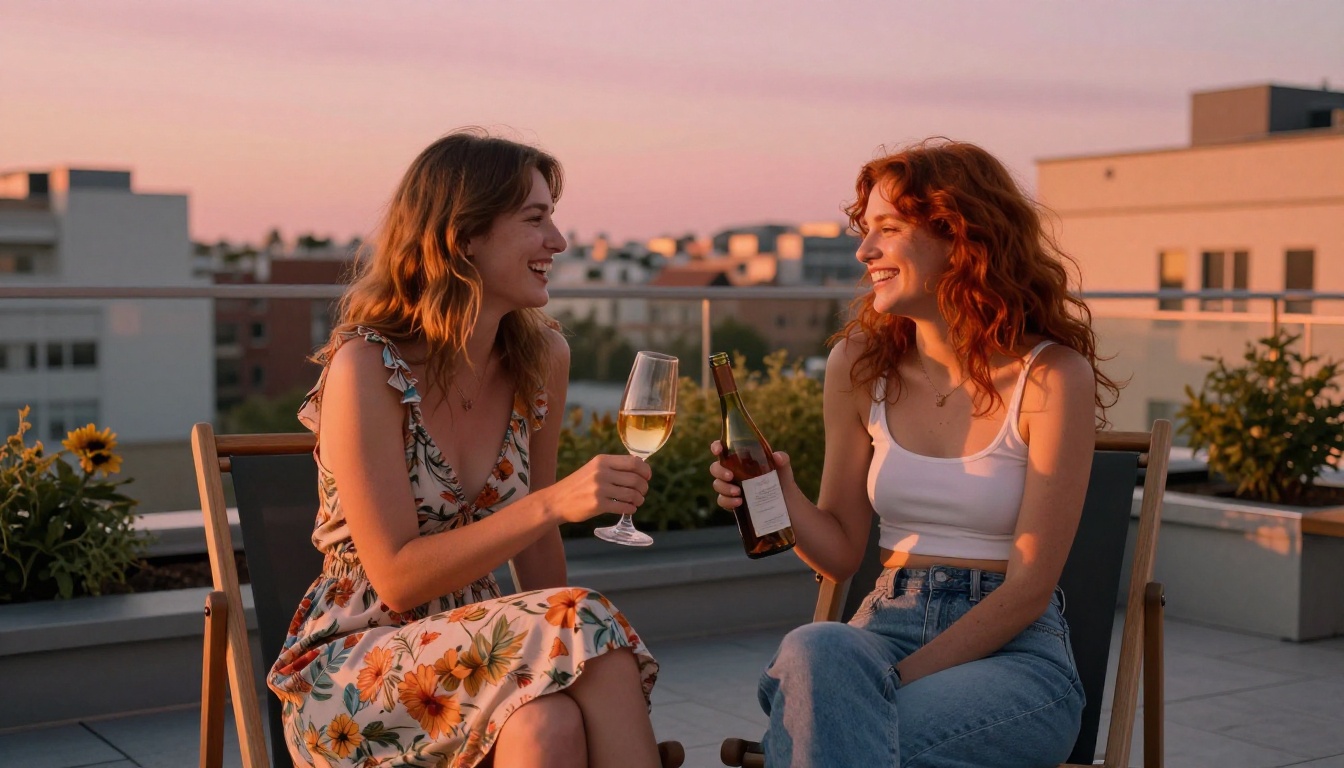
One of the most practical advantages of using PicassoIA for NSFW AI art is the Image Editor Pro subscription, which removes generation limits entirely. Most competing platforms cap you at a fixed number of credits per day or month. On PicassoIA, Image Editor Pro users generate as many images as they need without watching a credit balance tick down.
Why Unlimited Matters Here
NSFW AI art generation is inherently iterative. You're not just generating one image: you're exploring a concept through dozens of variations, adjusting the prompt, tweaking the lighting, swapping models, and running the same seed with different parameters. That workflow burns through credits fast on capped platforms.
With unlimited generations, you can:
- Run 20 or 30 prompt variations in a single session to find the right composition
- Test the same prompt across Seedream 4.5, Flux Dev, and Realistic Vision v5.1 to compare outputs side by side
- Use Flux Kontext Pro for high-fidelity refinement without worrying about cost per generation
- Iterate on inpainting edits with P-Image Edit until the image is exactly right
The Edit and Refine Workflow
The best NSFW AI art doesn't come from a single generation. It comes from an iterative workflow:
- Rough generation with P-Image for speed
- High-res final with Seedream 4.5 or Flux 2 Pro
- Targeted inpainting with P-Image Edit to fix specific areas
- Super-resolution upscaling if you need print or high-DPI quality
This workflow produces results noticeably better than a single-shot generation, and it's only practical when you're not watching your credit balance.
Which Model Fits Your Style
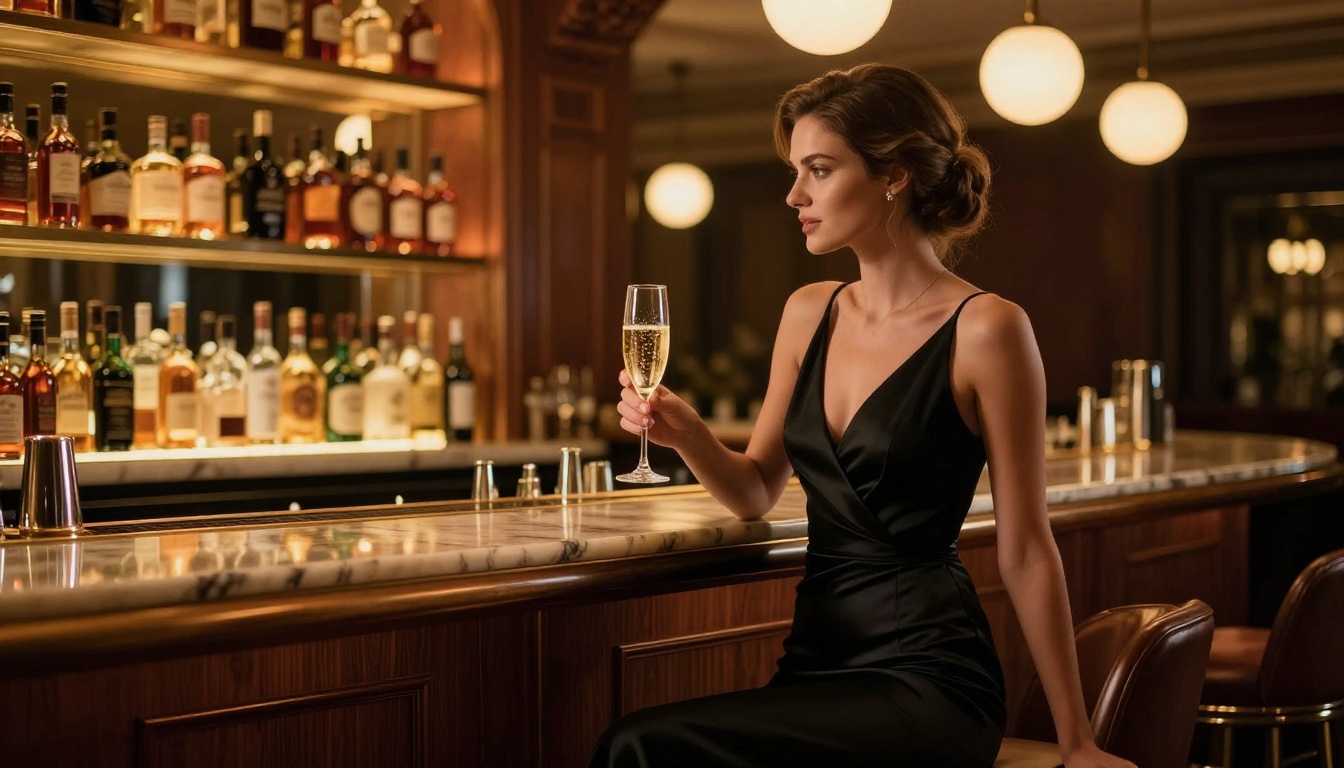
Different NSFW AI art use cases call for different models. Here's a quick breakdown:
| Use Case | Best Model | Why |
|---|
| Editorial glamour photography | Seedream 4.5 | Best skin detail and lighting accuracy |
| Fine art portrait work | Flux Dev | Sharpest detail, best texture rendering |
| Quick iteration and testing | P-Image | Fastest generation, solid NSFW support |
| Vintage or cinematic look | Realistic Vision v5.1 | Warm film-like rendering for portraits |
| High-resolution final output | Flux 1.1 Pro Ultra | Best quality at maximum resolution |
| Targeted image editing | P-Image Edit | Inpainting that preserves the rest of the image |
Who Actually Uses These Tools
The range of people using NSFW AI art generators is wider than most expect. The primary users aren't anonymous trolls: they're professional content creators running subscription-based adult platforms, digital artists who use AI as a starting point for further illustration or retouching, and photographers generating reference images for shoots they'd otherwise need to hire a full crew for.
There's also a significant segment of writers generating cover and promotional art for fiction in the romance and erotica categories, and platform builders who need large quantities of high-quality images for adult content sites, dating apps, or subscription services.
For all of these use cases, the common requirement is the same: reliable, high-quality outputs without content walls, and a fast enough workflow to generate at scale.
Beyond Image Generation on PicassoIA
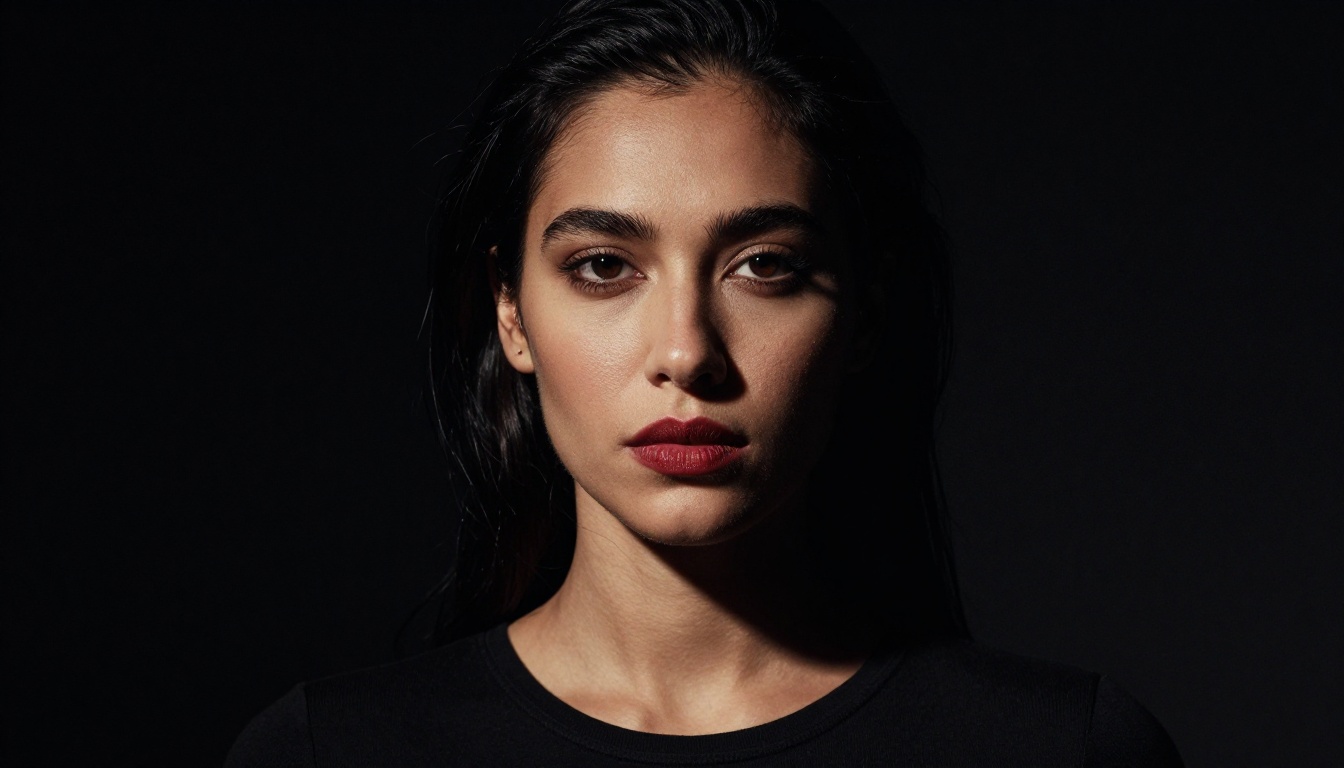
PicassoIA isn't just an image generator. It's a full creative stack, and for NSFW content creators specifically, several other capabilities are worth knowing about.
Face Swap AI: Swap faces realistically between images while preserving the lighting and expression of the source photo. Useful for creators who need consistent character identity across multiple images in a series.
Outpainting: Extend the canvas of a generated image in any direction. Generate a tight portrait, then expand it outward to reveal more of the environment. This is especially useful when a well-composed image is cropped too tight for the final format.
AI Image Restoration: Fix noise, blur, and damage on AI-generated images or source photos. Useful when a generation comes out slightly soft or has compression artifacts from the upscaling pipeline.
Super Resolution: Upscale images 2x to 4x without loss. Take a 512px output from a fast generation and push it to 2048px for print or high-DPI display. This pairs well with Flux Kontext Pro for the highest-quality final files.
All of these tools work together in the PicassoIA editor, and all support the same NSFW content policies as the generation models themselves. The full model catalog, including models released after this article was written, is always at picassoia.com/en/all-models.
Try It on PicassoIA Right Now
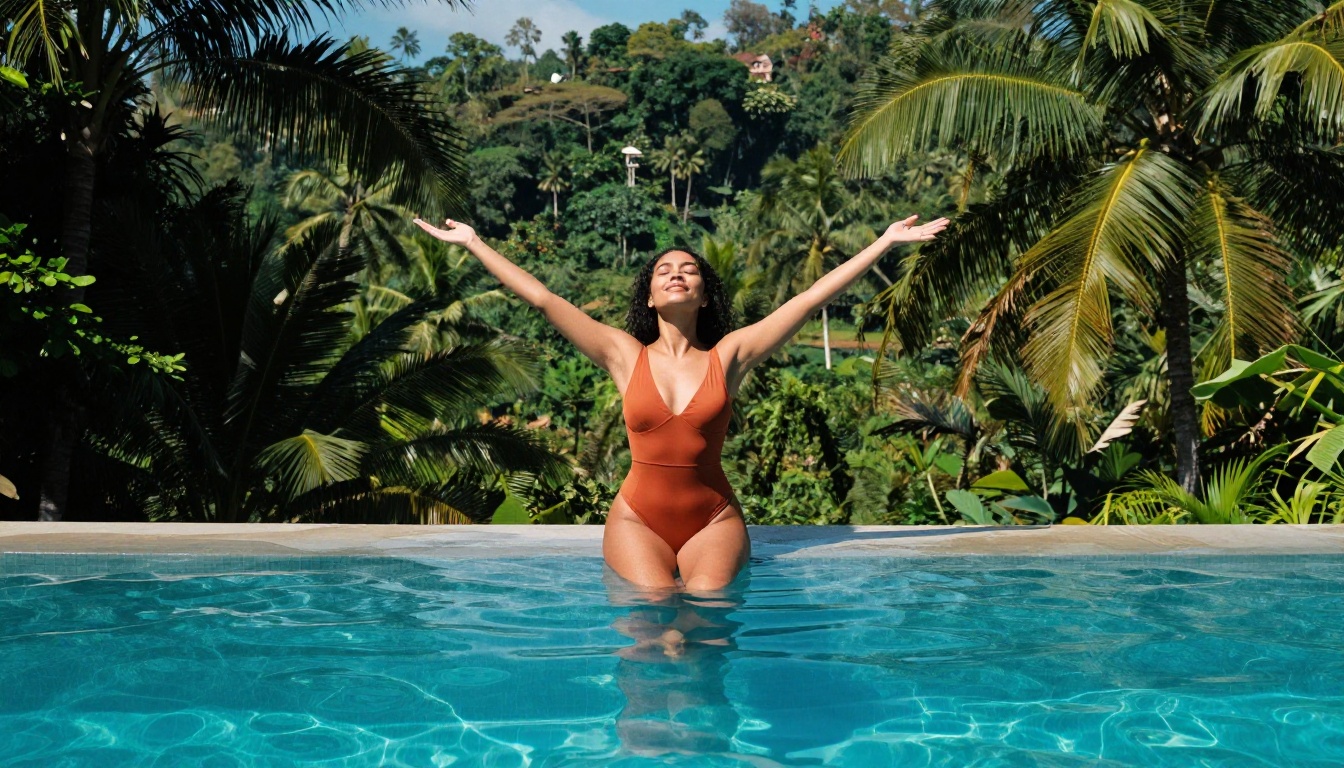
The fastest way to see whether Seedream 4.5 fits your needs is to generate your first image. It takes about 30 seconds. Drop a detailed photographic prompt into the generator, hit run, and you'll have your first output before most tools have even finished processing the request.
If you're building a serious content workflow, the Image Editor Pro subscription is worth considering from day one. The unlimited generations mean you can spend your time on prompt quality and creative direction instead of rationing credits across sessions.
Beyond Seedream, PicassoIA gives you Flux 2 Pro for maximum resolution quality, Realistic Vision v5.1 for that warm cinematic film look, and P-Image Edit for targeted inpainting when a generation is close but not quite right. For creators who need a NSFW AI art generator with no restrictions that scales with production demand, the full catalog at picassoia.com/en/all-models is the most complete option available right now.


