If you've spent any time searching for a working NSFW AI art generator, you already know the frustration. You find a tool, type a prompt, and get hit with a content warning, a blurred output, or an image that looks nothing like what you described. Most mainstream AI platforms run aggressive content filters that make adult image generation nearly impossible. But certain platforms skip those filters entirely, and the results are genuinely impressive.
This article ranks 12 models available on PicassoIA that produce uncensored, realistic output, covers what separates a good NSFW generator from a mediocre one, and explains how to write prompts that actually produce the images you're imagining.
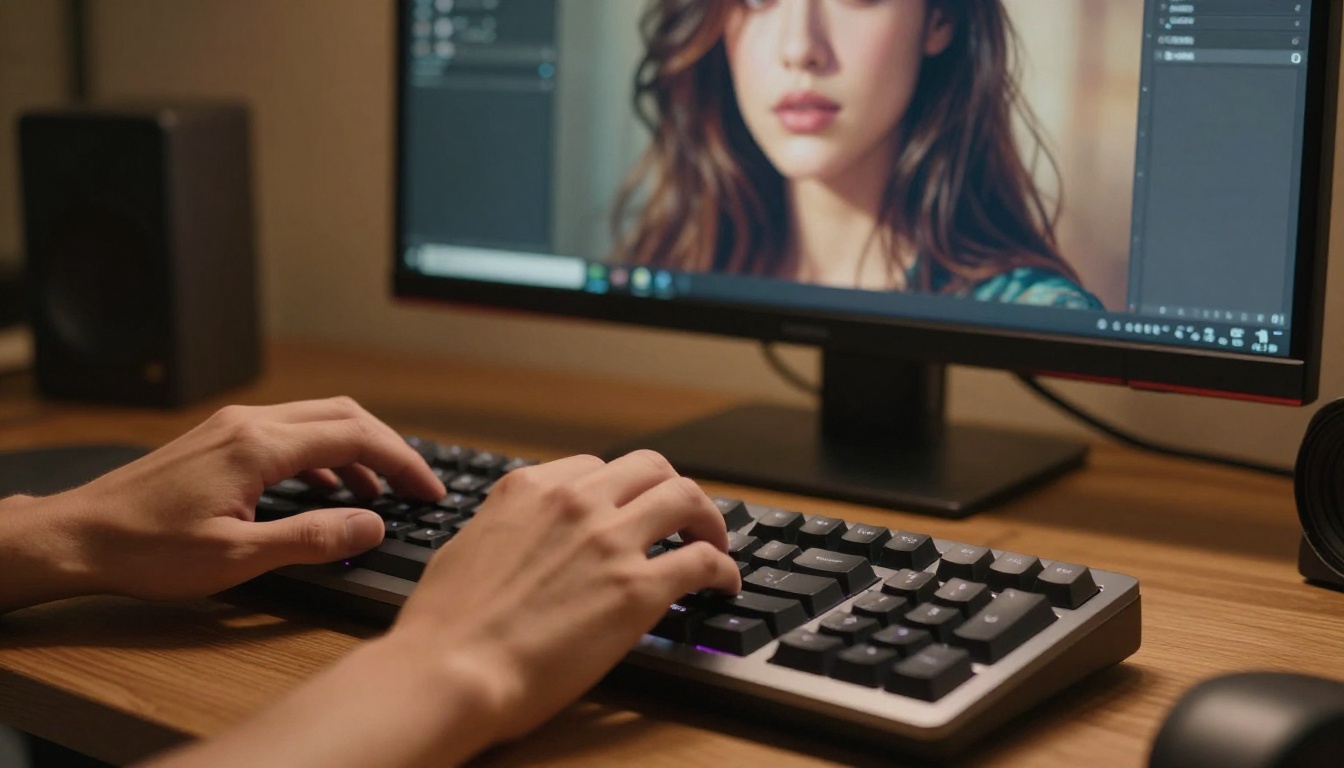
Why Most NSFW AI Generators Don't Work
The frustration with NSFW AI art tools is nearly universal among creators who've tried them. You spend time crafting a detailed prompt, hit generate, and receive a sanitized version of your idea or a flat refusal. Knowing why this happens helps you stop wasting time on tools that won't deliver.
The Content Filter Wall
Most major AI image platforms layer multiple safety checks into their generation pipeline. Some reject prompts at the text level before the model even runs. Others let the image generate internally but then blur or remove it before you see the output. A few quietly substitute an entirely different image without explaining why.
💡 What this means for creators: You're not getting a "safer" version of your idea. You're getting an entirely different image, or nothing at all.
These filters don't just block explicit content. They regularly flag bikinis, implied nudity, lingerie, artistic poses, and even suggestive language in prompts. For adult content creators, professional photographers working on reference material, and anyone producing content for adult platforms, this censorship is a real barrier.
The situation has grown more restrictive over time. Platforms that used to allow borderline content have progressively tightened their filters in response to regulatory pressure and advertiser requirements. What worked a year ago may be completely blocked today on the same platform.
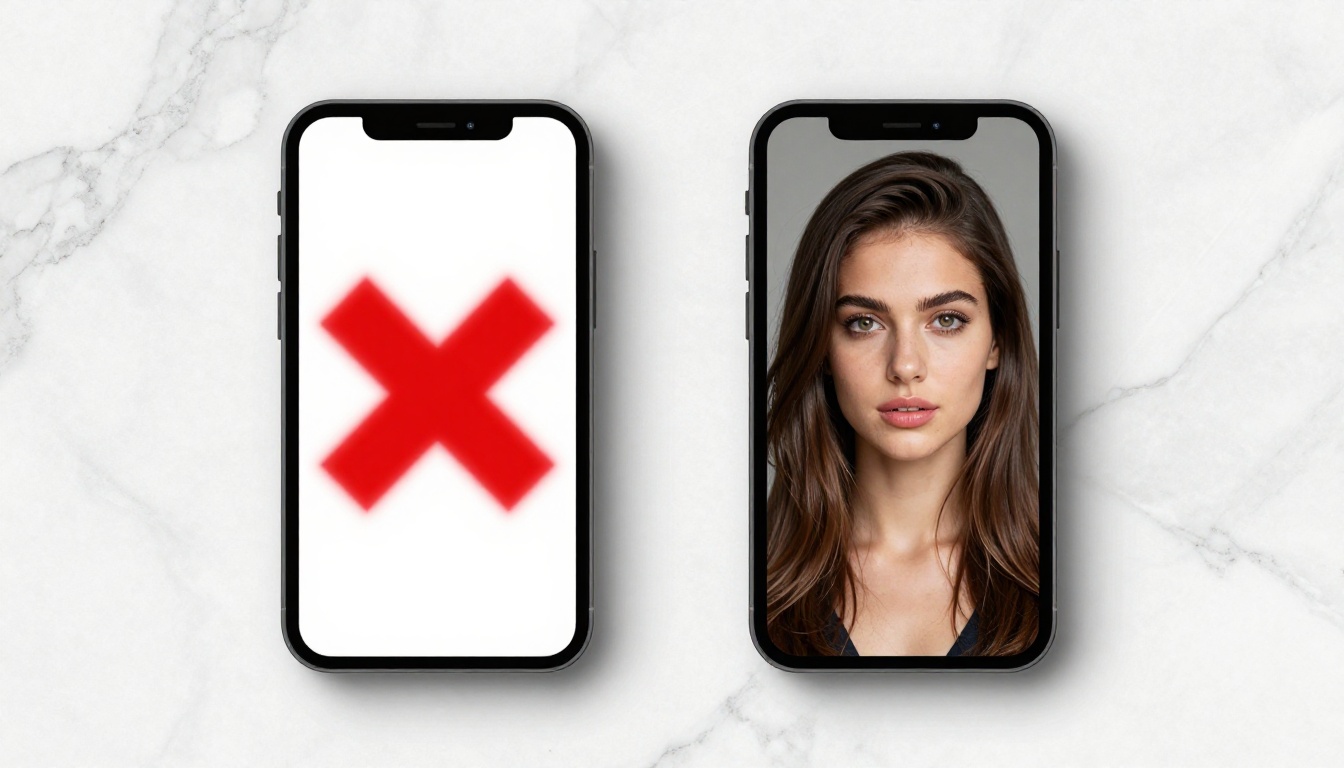
Blurry Results, Wasted Credits
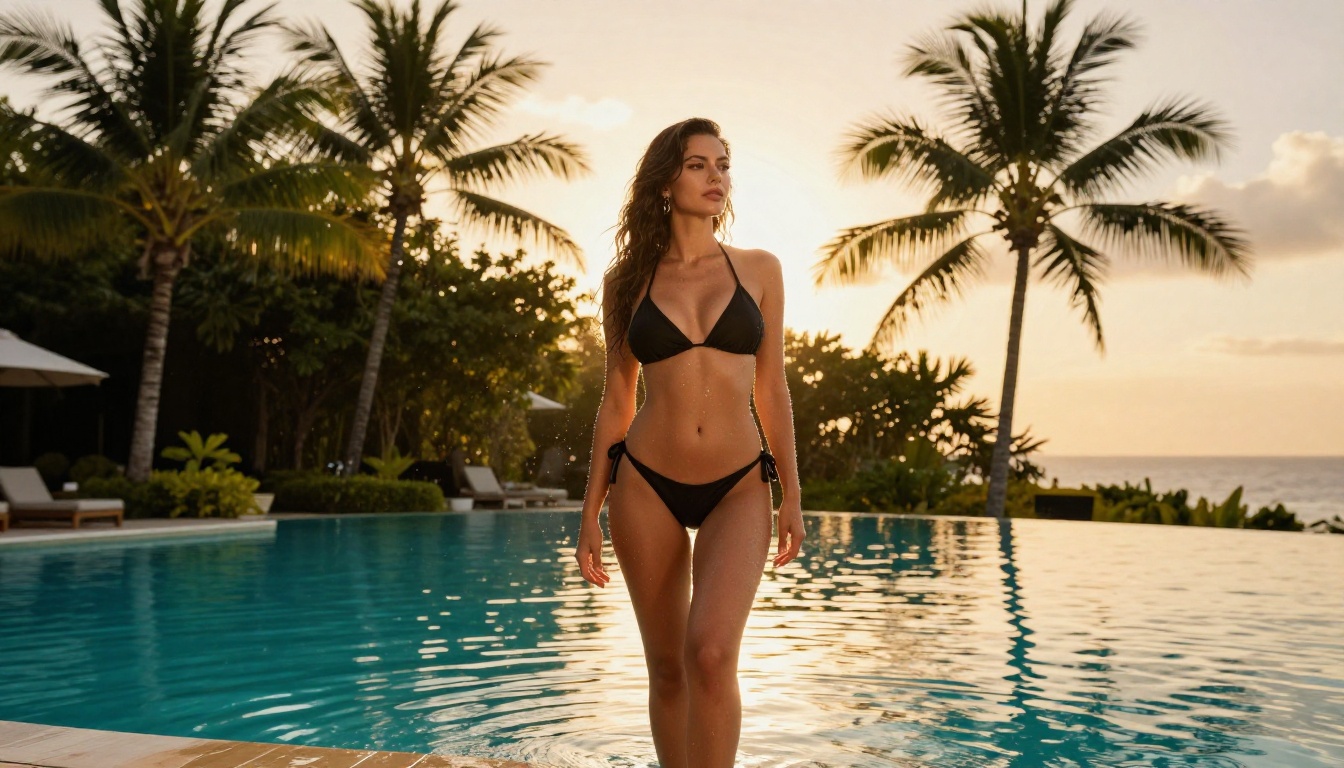
Even when a tool claims to support NSFW content, quality is a second major problem. Many NSFW-friendly generators produce flat, plastic-looking results. Skin appears painted and waxy. Fabrics lose texture and drape. Lighting comes out unconvincing and artificial. A genuinely photorealistic NSFW image requires a model trained on high-quality data with realistic human anatomy, natural lighting variation, and detailed fabric rendering.
Low-quality NSFW generators often cut corners on training data or use older model architectures. The output looks acceptable as a thumbnail and falls apart at full resolution. This is why model selection matters as much as the prompt itself.
What Separates Good NSFW Generators
Before ranking specific models, it's worth identifying what separates a genuinely capable NSFW AI art generator from a mediocre one. Three factors matter most.
Realism at full resolution. A model needs to produce convincing skin texture, natural light scattering, realistic fabric behavior, and believable anatomy at the native output size, not just in compressed previews.
No hidden post-processing. Some platforms advertise NSFW support but run a content check after generation and quietly alter or block images that trip internal filters. The best tools do not interfere with the output once generated.
Speed for iteration. Getting the right image usually takes several generations. A model that takes 30 seconds per image slows the creative process significantly. The fastest models return results in under 3 seconds, which changes how you can work.
12 NSFW AI Models That Deliver
These models are all available on PicassoIA and produce uncensored, realistic results without routing your prompt through aggressive content filters. They're ranked by overall performance.
Seedream 4.5: The Top Pick
Seedream 4.5 is the best all-around NSFW AI art generator available right now. It accepts adult content without filtering, supports image editing in addition to generation, and returns results in under 3 seconds. That speed is not a tradeoff: you get full-quality, high-resolution output in the time other models take to warm up.
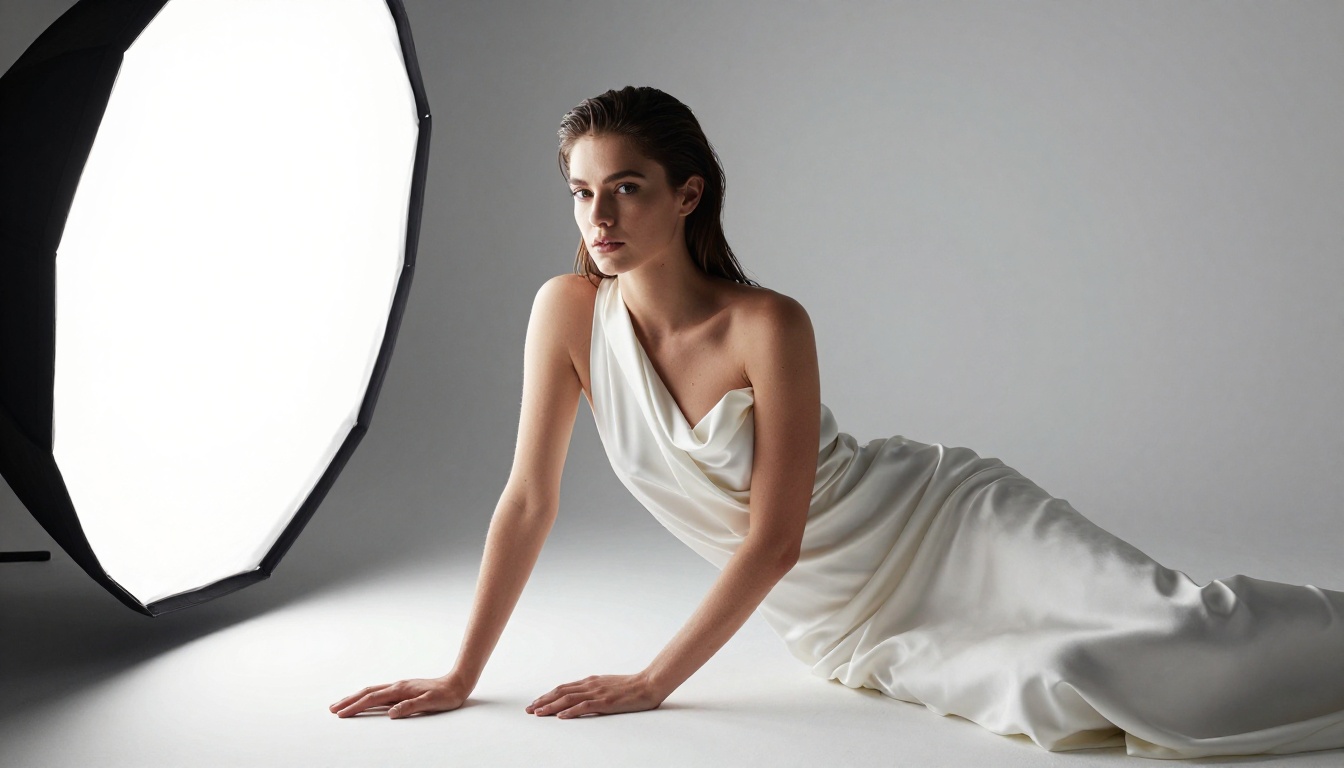
The realism is exceptional. Skin texture shows natural pores and subtle variation. Lighting responds correctly to the physics you describe in your prompt. Fabric drapes and wrinkles in a believable way. For any creator who needs photorealistic output at speed, this is the starting point.
It also supports image editing. Feed in a reference image and modify specific elements without regenerating the entire composition. That workflow is significantly more efficient than restarting from a text prompt every time one detail needs adjustment.
💡 Important: Seedream 5 Lite does not support NSFW content. When selecting a model, always choose Seedream 4.5 for adult content. The two versions are entirely different in this specific way.
PicassoIA Image Editor Pro: Unlimited Generations
PicassoIA Image Editor Pro is the second recommendation, and for creators working at volume, it becomes the primary tool. It's an image-to-image model: you provide a base image, and the model modifies it according to your prompt.
The cost structure is what makes it stand out. With Elite or Infinite subscription plans, generations are unlimited. No per-image credits. No usage caps. Generate 100 images or 1,000 images at the same fixed cost. Comparable models like Nano Banana 2 charge around $100 for that volume. With Image Editor Pro on an Elite plan, that same volume is included.
Results come back in under one second. The model accepts NSFW content without restriction. A free trial of 3 generations with no credit card required lets you test the quality before committing to a subscription.
Qwen Image 2 and Grok Imagine Image
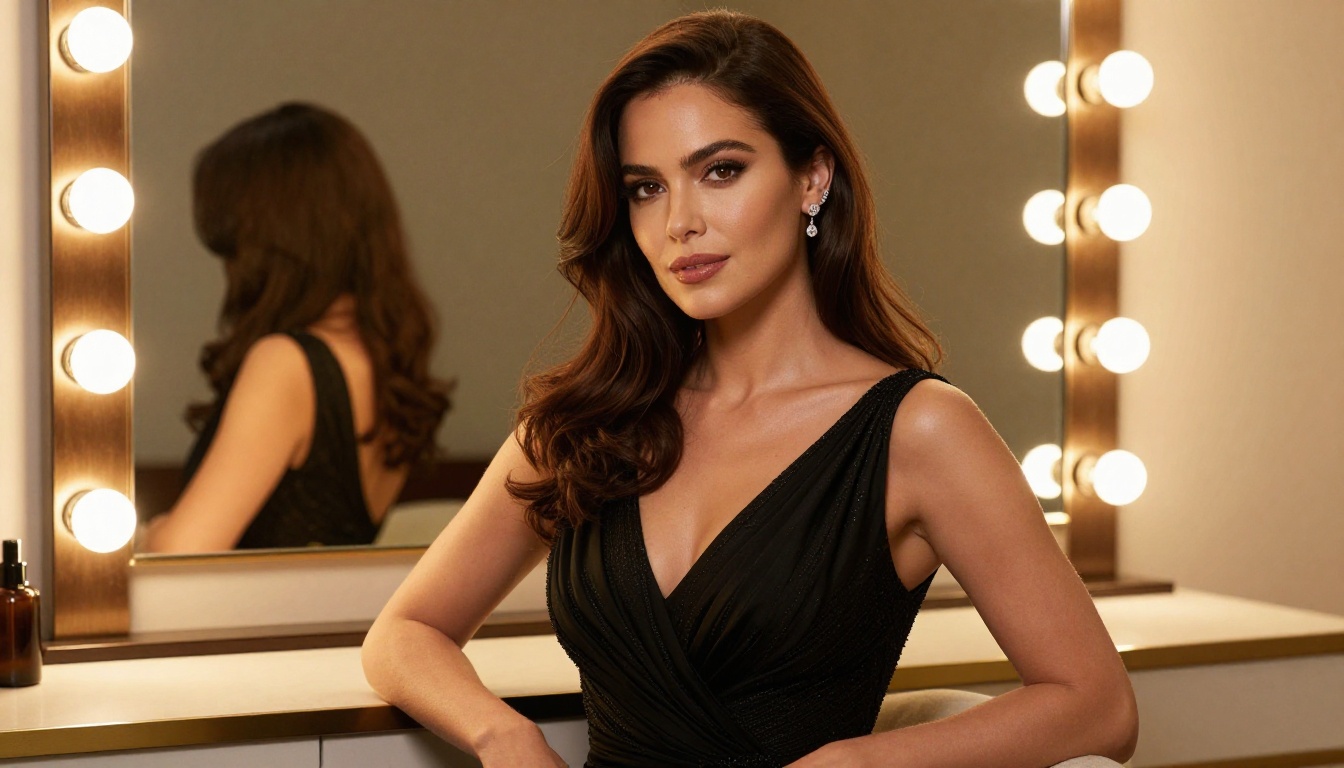
Qwen Image 2 is an open-source model that handles both text-to-image generation and image editing. The open-source foundation means no proprietary content policies working against your prompts. It produces very detailed realism, particularly with skin texture and natural lighting conditions, and processes both generation and editing tasks in seconds.
Grok Imagine Image is purpose-built for a specific kind of visual conversion. Its standout capability is converting any reference image into a bikini-format output with photorealism that preserves the subject's physical characteristics. The results avoid the uncanny valley effect that makes cheaper image editors look obviously artificial.
The Full Model Lineup
| # | Model | Type | Speed | Best For |
|---|
| 5 | Recraft V4 | Text-to-Image | Fast | Ultra-realistic text-only generation |
| 6 | P-Image | Text-to-Image | Under 1s | Fastest NSFW text-to-image |
| 7 | Wan 2.2 Image | Text-to-Image | Fast | Highly realistic images from detailed prompts |
| 8 | Wan 2.2 I2v Fast | Image-to-Video | Standard | Static images into dynamic short clips |
| 9 | PicassoIA Video | Text-to-Video | Standard | Unlimited video clips up to 720p, 5 seconds |
| 10 | P-Video | Text/Image-to-Video | Standard | Safety filter off by default, up to 1080p |
| 11 | Grok Imagine Video | Text/Image-to-Video | Standard | Clips up to 15 seconds, no watermarks |
| 12 | LTX 2.3 Pro | Multi-input-to-Video | Slower | Highest fidelity at up to 4K and 50fps |
How to Pick the Right Model
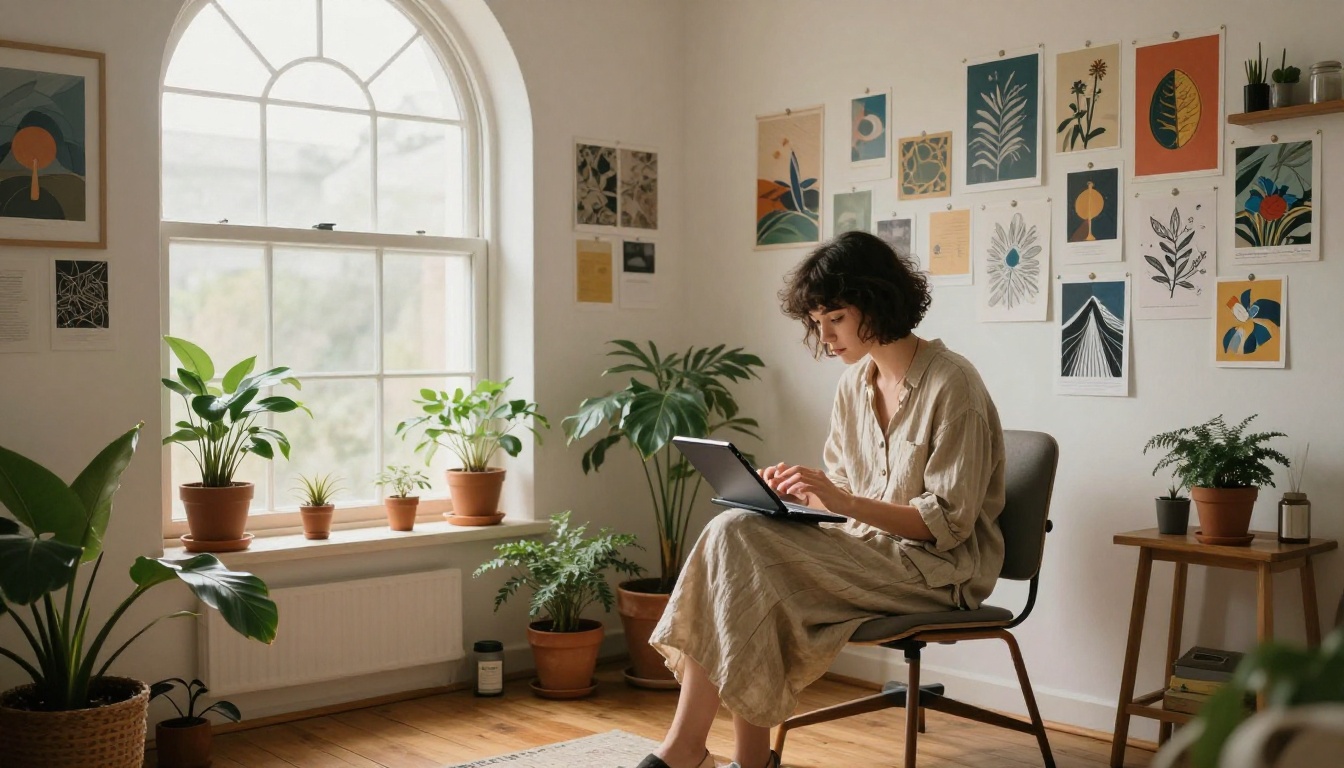
With 12 options available, the right choice depends on what you're creating and how quickly you need results.
Text-to-Image vs. Image Editing
Starting from scratch with only a text description? The strongest options are Seedream 4.5, Recraft V4, P-Image, Qwen Image 2, and Wan 2.2 Image. All accept a text prompt and return a full image.
Have a reference photo and want to modify it, change the outfit, change the setting, or create variations? Use PicassoIA Image Editor Pro, Seedream 4.5 (which handles both modes), or Qwen Image 2.
💡 For maximum flexibility: Start with Seedream 4.5. It handles both text-to-image and image editing in one interface, so you can generate a base image and then refine it without switching tools.
Speed vs. Quality Tradeoffs
| Priority | Best Model | Why |
|---|
| Fastest output | P-Image | Under 1 second per image |
| Best realism | Seedream 4.5 | Exceptional skin and lighting detail |
| Unlimited volume | Image Editor Pro | No per-image cost on Elite/Infinite plans |
| Open-source freedom | Qwen Image 2 | No proprietary content restrictions |
| Bikini conversions | Grok Imagine Image | Purpose-built for this specific type of output |
Writing Prompts That Actually Work
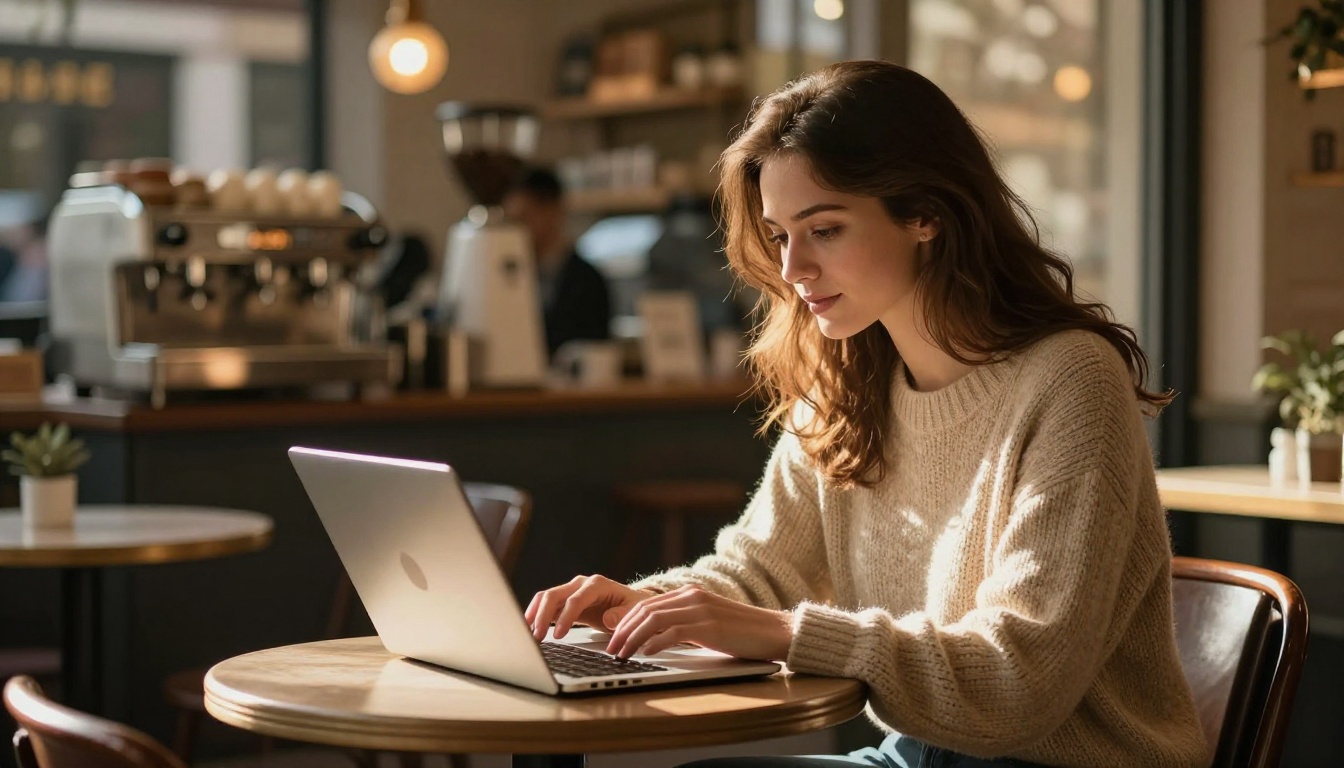
The gap between a mediocre NSFW AI output and something genuinely impressive almost always comes down to the prompt. Vague descriptions produce vague images. Structured, specific prompts produce consistent, detailed results.
The Structure That Gets Results
Every strong prompt for a realistic NSFW AI art generator follows the same basic architecture:
-
Subject: Describe the person, pose, expression, and physical details in specific terms. "A woman" is unusable. "A woman in her late 20s with long dark wavy hair, sitting on the edge of a bed with relaxed posture and direct eye contact" is workable.
-
Setting: Define the environment precisely. Room type, furniture, time of day, outdoor location. The setting tells the model what kind of light to create and what surfaces to render behind the subject.
-
Lighting: Most prompts fail here. Specify direction, color temperature, and light quality. "Warm morning light from a south-facing window creating soft shadows on the left side of the face" beats "nice lighting" in every test.
-
Camera: Pick a focal length and aperture. "85mm f/1.4 portrait lens" instructs the model to produce natural background blur, focal compression, and the optical characteristics of a real telephoto portrait lens.
-
Film Style: Add photographic style at the end. "Kodak Portra 400 film grain, RAW 8K photography" shifts the output away from the digital plasticity that makes AI images look artificial and over-processed.
Common Mistakes to Avoid
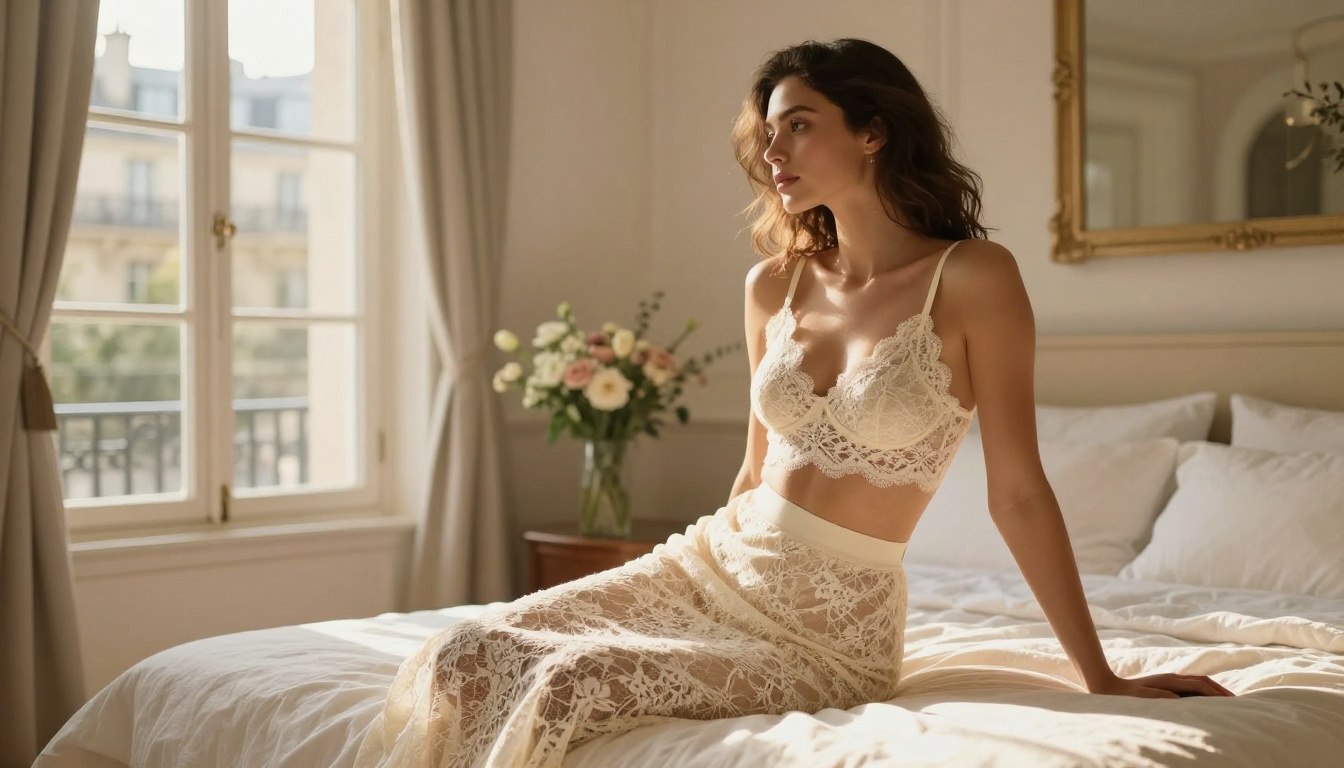
Vague clothing descriptions: "Wearing lingerie" gives the model too much creative freedom in the wrong direction. "Black silk chemise with adjustable straps, slight tension at the waist, soft candlelight catching the fabric sheen" tells it exactly what to render.
Missing lighting direction: Without a specified light source, the model defaults to flat ambient light. Add direction and color: "Volumetric late-afternoon light from the left, casting long warm shadows."
Conflicting style signals: Mixing "photorealistic" with "illustration" or "digital art" in the same prompt creates confusion. Pick one visual language and commit to it. For NSFW content, photorealistic is almost always the right choice.
Too many subjects: A single, well-described subject produces far more reliable results than attempting complex compositions with multiple people. Start simple, then add complexity once you have the base style right.
💡 Editing tip: If an image is 80% correct but one detail is wrong, use PicassoIA Image Editor Pro or Seedream 4.5's editing mode to fix just that element rather than starting the generation from scratch.
Free vs. Paid for NSFW Art
The question of cost comes up for anyone who plans to generate more than a handful of images. Free options exist but they come with significant tradeoffs that matter more for NSFW content than for general image generation.
What "Free" Actually Costs You
Free NSFW AI art generators typically monetize through ads, data collection, or intentionally degraded output quality designed to push you toward paid tiers. The free models are often older, slower, or specifically limited to create obvious quality gaps between tiers.
Privacy is also a serious concern. Many free platforms store generated images in accessible galleries or use them as training data. For creators working on private or commercial adult content, that's not an acceptable arrangement.
Free platforms also tend to have the most aggressive content filters. When a platform earns revenue from advertisers, it has strong financial incentives to restrict NSFW content regardless of what it advertises on its landing page.
Unlimited Plans Make Sense for Volume
For anyone generating more than 50-100 images per month, a platform with unlimited generation tiers makes clear financial sense. PicassoIA's Elite and Infinite plans include PicassoIA Image Editor Pro at no per-image cost.
| Volume | Pay-per-image cost | Unlimited plan |
|---|
| 100 images/month | ~$5-$10 | Fixed monthly fee |
| 500 images/month | ~$25-$50 | Same fixed monthly fee |
| 1,000 images/month | ~$50-$100 | Same fixed monthly fee |
| 5,000 images/month | ~$250-$500 | Same fixed monthly fee |
The crossover point where an unlimited plan becomes cheaper than pay-per-image pricing is around 200-300 images per month for most creators. Beyond that threshold, the savings compound quickly.
Iteration is also part of the cost. Getting to the right image typically requires 5-15 generations per concept. At pay-per-image rates, that cost adds up fast. With unlimited generations, you can iterate freely without tracking credits.
Start Creating Right Now
You've seen the model rankings, the prompt structure, and the cost math. The practical next step is simple: pick a model and generate your first image.
If this is your first time with a real NSFW AI art generator, start with Seedream 4.5. Use the prompt structure from earlier in this article: subject, setting, lighting direction, camera lens, and film style. Add "Kodak Portra 400 film grain, photorealistic RAW 8K photography" at the end. The output will be noticeably better than anything you've seen from filtered mainstream tools.

If you're already generating at volume and cost is the priority, the PicassoIA Image Editor Pro unlimited plan is the most practical choice. The three free trial generations require no credit card, so you can test the quality before committing to a subscription.
For specific use cases:
The full catalog of all 12 models and every category, from text-to-image to video to audio generation, is available at picassoia.com/en/all-models. Stop getting blocked by content filters. The tools to create what you actually want are already there.


