You want to create NSFW AI art and actually keep what you make. No watermark plastered across the image, no forced upgrade wall to remove a logo, no platform deciding your prompt is too spicy to process. That is a completely reasonable thing to want, and in 2027 there are real tools built specifically for it. This article walks through every significant option, what separates a genuinely watermark-free experience from a bait-and-switch, and which models give you the fastest, most unrestricted results available right now.
Why Watermarks Kill the Work
Most AI image generators add a watermark by default for one of two reasons: they are protecting their brand, or they are nudging you toward a paid plan. The problem is that neither reason helps you as a creator. When you generate an NSFW image and it comes back stamped with a competitor's logo, the result is unusable. It cannot go into a portfolio, a product mockup, a client deliverable, or any archive you actually care about. You have spent your credits on something you will delete.
The second issue is more subtle. Platforms that watermark free outputs tend to apply more restrictive content filters on top of that. If the business model depends on you seeing a degraded result and upgrading, the content filter becomes another lever. Push too far on a prompt and you get refused outright. That is doubly frustrating on a platform where you were already expecting adult content to work.
What You Actually Lose
A watermark is not just a cosmetic annoyance. Consider what it blocks:
- Commercial use: Most licensing terms void commercial rights for watermarked images
- Portfolio quality: Any serious collection needs clean, attribution-free files
- Client deliverables: No client accepts output with a third-party watermark
- Creative integrity: The watermark is not your creative decision. It is imposed on your work.
Even for personal use, the friction adds up. Downloading a watermarked file, attempting to remove it with another AI tool, then dealing with artifacts and smearing, takes time that should have gone into creating something new.
The "Free" Trap
The phrase "free NSFW AI art generator" almost always has a catch. Platforms use it to attract traffic, then restrict output quality, resolution, or content permissions unless you pay. The watermark is the most visible indicator of what you are really getting.
Free tiers on serious platforms do exist, but they come with generation caps, not quality caps. That distinction matters. You should be getting the same output quality whether you are on a free trial or a paid plan. If the watermark disappears when you pay but the underlying model stays the same, the watermark was the product the whole time.
Best NSFW AI Art Generators Without Watermarks
The landscape in 2027 has a clear top tier. These are platforms where NSFW outputs are clean, uncensored, and yours to keep from the moment they generate.
Seedream 4.5 — The Speed Champion
Seedream 4.5 is the strongest all-around recommendation for NSFW AI art without watermarks. It accepts adult content, handles detailed anatomy and scene prompts without refusing, generates images in under 3 seconds, and returns a clean download every time.
What makes it stand apart from other fast models is its image editing support. You can start with a base image and edit specific regions, so if you have a photo reference you want to stylize or modify, Seedream 4.5 handles that workflow natively. No separate inpainting tool required. Outputs are high resolution and watermark-free by default.
💡 Important: Seedream 4.5 is not the same as Seedream 5 Lite. The newer Seedream 5 Lite does not support NSFW content. Always use Seedream 4.5 specifically for adult generation.
The speed means you can iterate quickly, trying variations of a prompt without spending ten minutes per generation watching a progress bar. For most users, this is the first model to try.
PicassoIA Image Editor Pro — Unlimited and Free
PicassoIA Image Editor Pro operates differently from most models in this space. It is an image-to-image tool that accepts NSFW input and output, generates in under one second, and is fully included in PicassoIA's Elite and Infinite plans without any per-image cost.
That last point deserves real attention. When a plan includes unlimited generations, it means exactly that. There is no per-image fee, no credit tick, no hidden throttle after a daily cap. If you need 1,000 images, you generate 1,000 images. Compare that to models like Nano Banana 2 where the same volume would cost around $100 separately. With Image Editor Pro on an Elite or Infinite plan, those 1,000 images cost nothing extra.
The free trial gives you 3 generations with no credit card required. That is enough to test whether the outputs match your workflow before committing to any subscription. For workflows that involve editing existing photos, which is common in NSFW creation, this model is unmatched in value.
Qwen Image 2 — Open Source Power
Qwen Image 2 brings the advantages of open-source AI to the NSFW space. Because it is not built around a commercial content-restriction model, it handles adult prompts with very detailed realism and anatomical consistency.
Both text-to-image and image-to-image workflows are supported, and the outputs reflect the kind of compositional accuracy that comes from training on uncensored data. If your prompts involve specific poses, outfits, or scenarios that closed-source models tend to refuse, Qwen Image 2 is the right tool.
Grok Imagine Image — Best for Photo Edits
Grok Imagine Image has a specific use case where it excels: converting existing photographs into more revealing formats. It handles bikini and lingerie transformations realistically, keeping skin tone, lighting, and body proportions consistent with the source image.
This makes it the best option when you are starting from a photo reference rather than generating from scratch. The results look grounded in reality rather than like a stylized digital illustration. For anyone whose NSFW workflow starts with real photos, Grok Imagine Image handles that better than any other model on the platform.
Recraft V4 and P-Image — Precision and Speed
Recraft V4 produces very realistic text-to-image outputs and accepts NSFW prompts without restriction. It works text-only, so it suits workflows where you are building a scene from a written description rather than editing a reference. The photorealism is among the highest in the text-only category.
P-Image sits at the intersection of speed and simplicity. Sub-second generation, NSFW support, and clean downloads with no watermarks. When you need to batch-test prompt variations across many iterations, P-Image is the fastest way to cycle through ideas and find what works.
Speed and Output Compared
Every model in the table returns clean, watermark-free downloads. The "Unlimited" column is the differentiator for high-volume creation.
How to Use PicassoIA for NSFW Art
PicassoIA aggregates all the models above under one interface. You do not need to manage separate accounts or API keys for each model. One login, one balance, and access to every tool listed here plus dozens more.
Step 1: Pick Your Model
Start at picassoia.com/en/all-models and filter by the "text-to-image" category. All models covered in this article appear there.
If this is your first time, try Seedream 4.5 first. It generates fast, accepts most NSFW prompts without issue, and gives you a strong baseline for comparing other models. If you already have reference photos you want to modify, go directly to PicassoIA Image Editor Pro and use the img2img workflow.
Step 2: Write Your Prompt
Your prompt does more work than the model settings. A vague prompt returns a generic image. A specific, structured prompt returns something that looks intentional and usable.
For NSFW content, precision matters more than it does in other categories. The model needs clear signals about subject, environment, lighting, and composition to avoid falling back on default outputs. A strong prompt structure for photorealistic NSFW looks like this:
[Subject + pose/expression] + [environment and setting] + [lighting direction and quality] + [camera and lens] + [texture and color grade]
For example: A woman in a silk robe standing by floor-to-ceiling windows, early morning light from the left, downtown view behind her, 85mm lens, shallow depth of field, Kodak Portra 400 grain, photorealistic skin texture, natural highlights.
That level of specificity reliably produces cinematic, photorealistic output without requiring multiple retries.
Step 3: Download Without Watermarks
After generation, every image on PicassoIA downloads as a clean file. No overlay, no logo, no signature added to your work. What you download is exactly what you created.
For high-volume workflows, the Image Editor Pro unlimited plan removes the per-image friction entirely. Generate as many iterations as you want, download all of them, and keep only what works. No cost per download, no resolution reduction on free tiers.
Writing Prompts That Actually Work
The biggest gap between good and mediocre NSFW AI output is almost always the prompt, not the model. The same model that produces a forgettable generic image with a weak prompt will produce something striking with a detailed one.
3 Mistakes Most People Make
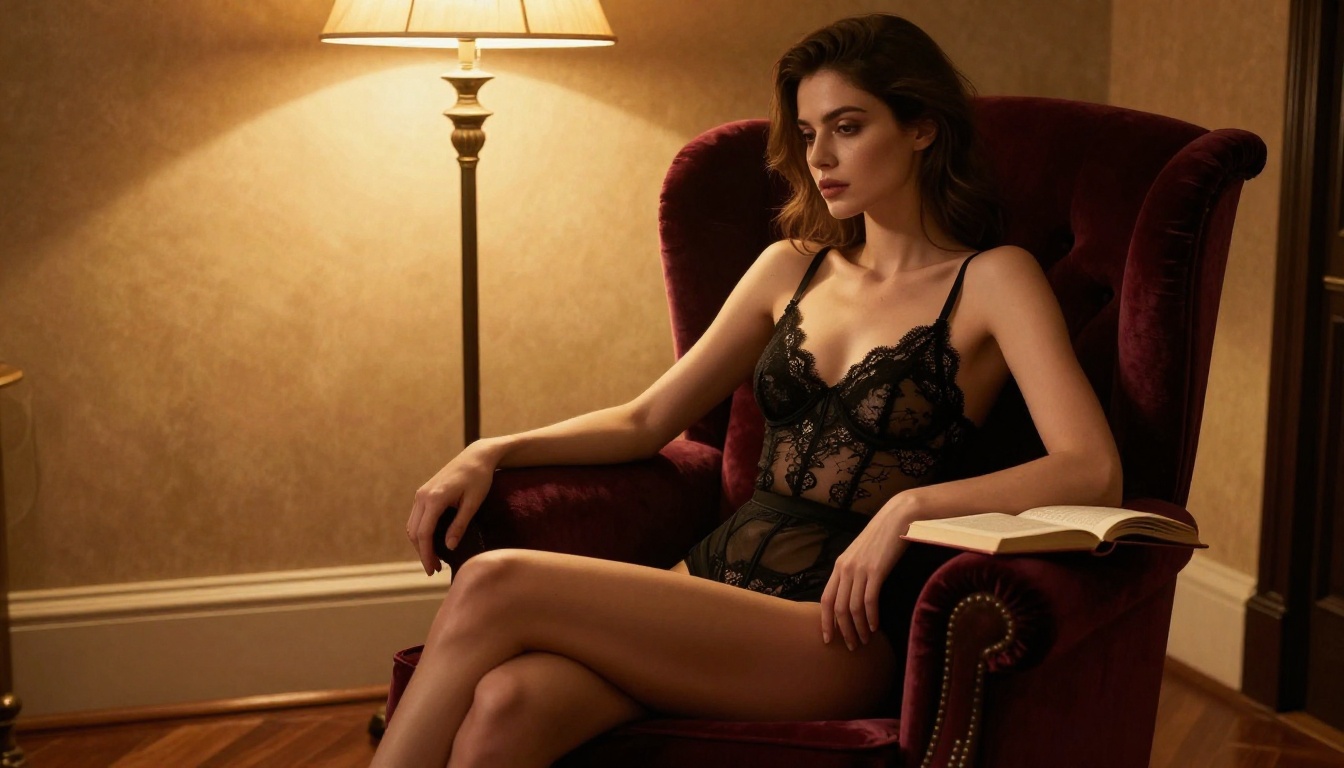
1. Being too vague about the scene. "Attractive woman in lingerie" returns something generic. "Woman in black lace lingerie sitting in a velvet armchair, side profile, tungsten lamp light from the right, chiaroscuro shadows" returns something specific and repeatable.
2. Skipping lighting entirely. Lighting is what separates a photorealistic image from a flat, overlit one. Always specify direction, quality, and source. "Soft morning light from a window to the left," "warm golden-hour backlight," and "overhead studio rim light" each produce dramatically different results. Lighting is not optional information.
3. Not including camera details. Adding "85mm f/1.8 lens, shallow depth of field" or "35mm wide-angle, f/2.2" tells the model how to frame and focus the shot. Without this, the model defaults to a flat, mid-range perspective that looks more like a snapshot than a photograph.
Prompt Structure That Delivers
The best-performing NSFW prompts follow a consistent pattern. Here is that pattern broken into components:
Subject (who, what they are wearing, what they are doing):
A woman in a sheer white dress, sitting on a bed, looking toward the window
Environment (where, what surrounds the subject):
In a sunlit minimalist bedroom, white linen sheets, wooden floor, morning light through sheer curtains
Lighting (direction, quality, source):
Soft diffused natural light from the left, warm golden tones, gentle shadow on the far side of her face
Camera (lens, aperture, angle):
Shot with an 85mm f/1.8 lens, slightly low angle, shallow depth of field blurring the background softly
Texture and style (film grain, color grade):
Kodak Portra 400 film grain, warm color grading, photorealistic skin texture, RAW 8K photography
String those five components together and you have a prompt that produces consistent, detailed, watermark-free results across multiple models.
Privacy Worth Knowing
When you create NSFW content, privacy is a legitimate concern. Who can see what you generated? Does the platform store your prompts or images? Can they be used to train future models without your consent?
Who Owns Your Creations
On PicassoIA, what you generate belongs to you. The platform does not claim intellectual property rights over your outputs. You can use the images commercially, share them, print them, or incorporate them into other creative work without attribution requirements attached to the file.
This is meaningfully different from some mainstream platforms where the terms of service include broad licensing grants that allow the company to use your outputs for model training or marketing materials. When ownership matters, the terms matter.
No Filter, No Fuss
Most mainstream AI art platforms implement content filters that flag and refuse NSFW prompts. That flagging process is logged. On platforms built specifically for unrestricted generation, the pipeline does not include that review layer. Your prompts are processed as instructions, not assessed as behavior.
PicassoIA's models that support NSFW content, particularly Seedream 4.5, Image Editor Pro, Qwen Image 2, and Grok Imagine Image, have their content parameters specifically adjusted to allow adult content. You are not working around a restriction. The restriction simply does not apply to these models.
All NSFW Models on PicassoIA
For a complete picture, here is the full ranked list of NSFW-capable models available on the platform right now, covering both images and video:
- Seedream 4.5 — Top recommendation. Text-to-image plus editing, under 3 seconds, ultra-realistic output
- PicassoIA Image Editor Pro — Unlimited generations on Elite/Infinite plans, under 1 second, free trial with no card required
- Qwen Image 2 — Open source, creates and edits with very detailed realism
- Grok Imagine Image — Best for photo-to-bikini or photo-to-lingerie transformations
- Recraft V4 — Highly realistic text-to-image only, no content restrictions
- P-Image — Sub-second generation, NSFW support, fastest iteration tool
- Wan 2.2 Image — Highly realistic text-to-image without content filters
- PicassoIA Video — Unlimited text-to-video at up to 720p, 5 seconds per clip
- P-Video — Text, image, or audio to video up to 1080p, safety filter off by default
- Grok Imagine Video — Clips up to 15 seconds, no watermarks, edits existing video
- LTX 2.3 Pro — Highest fidelity at up to 4K and 50fps, with retake and extend editing
💡 Browse the full uncensored model lineup at picassoia.com/en/all-models. New models are added regularly across every category.
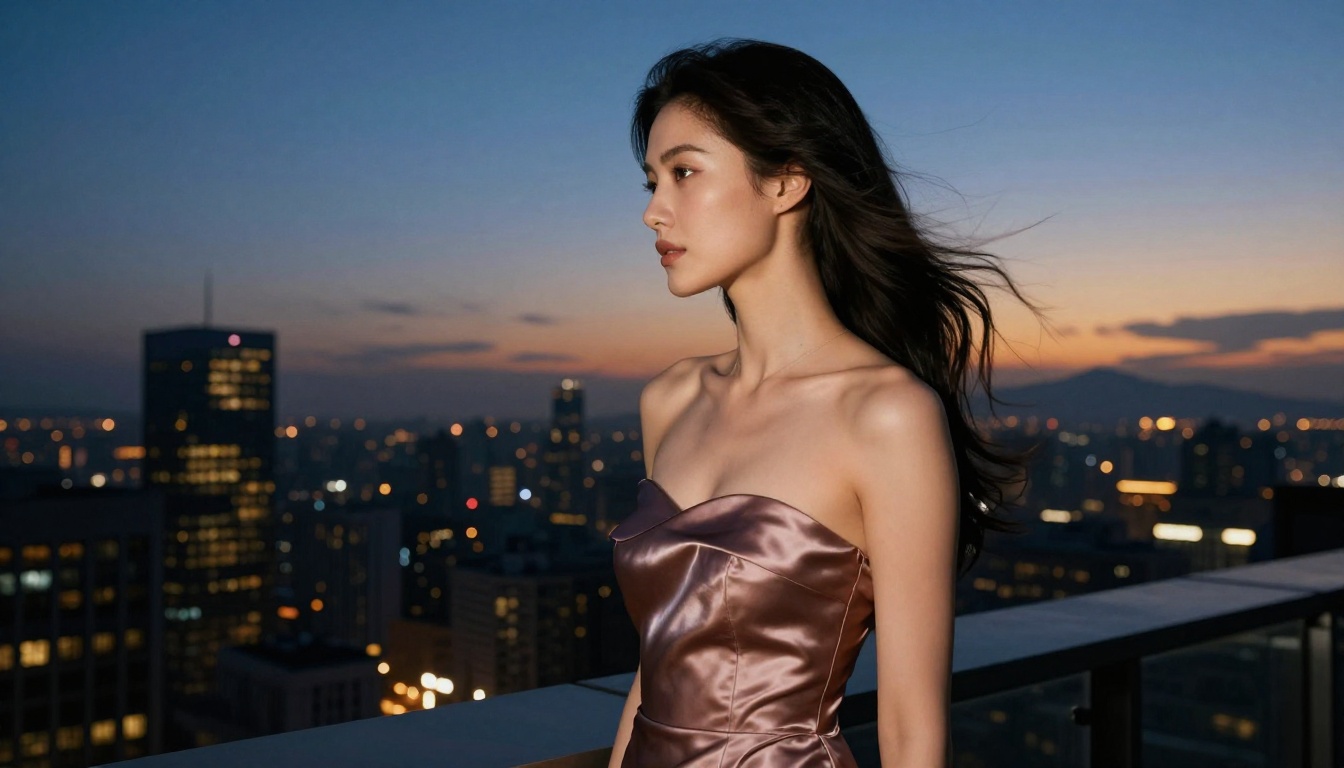
Try It Yourself
You have the models, the prompt structure, and a clear picture of which platform gives you clean downloads with no watermark attached. The only step left is generating something.
Start with Seedream 4.5 if you want the fastest results with the fewest friction points. Start with PicassoIA Image Editor Pro if you are working from a reference image or planning to generate at scale without worrying about credit costs.
Both models are available right now at PicassoIA, both support NSFW content without restriction, and both return files that are yours to keep from the first generation. Write a specific prompt, pick your model, and see what comes back. The quality difference between a well-structured prompt and a vague one is significant. Start detailed and refine from there.
Every image you generate on the platform is yours, watermark-free, from the very first click.


