Free NSFW AI art generators are everywhere right now. But most of them put the interesting stuff behind a paywall, throttle you after three images, or quietly block anything remotely suggestive the moment you push the prompt past "woman in a dress." If you have spent time testing these tools and felt burned by hidden limits, you're not alone.
This article breaks down which platforms actually deliver free, unrestricted AI-generated art, what the trade-offs look like in real use, and how to get the most out of them without spending a dollar.
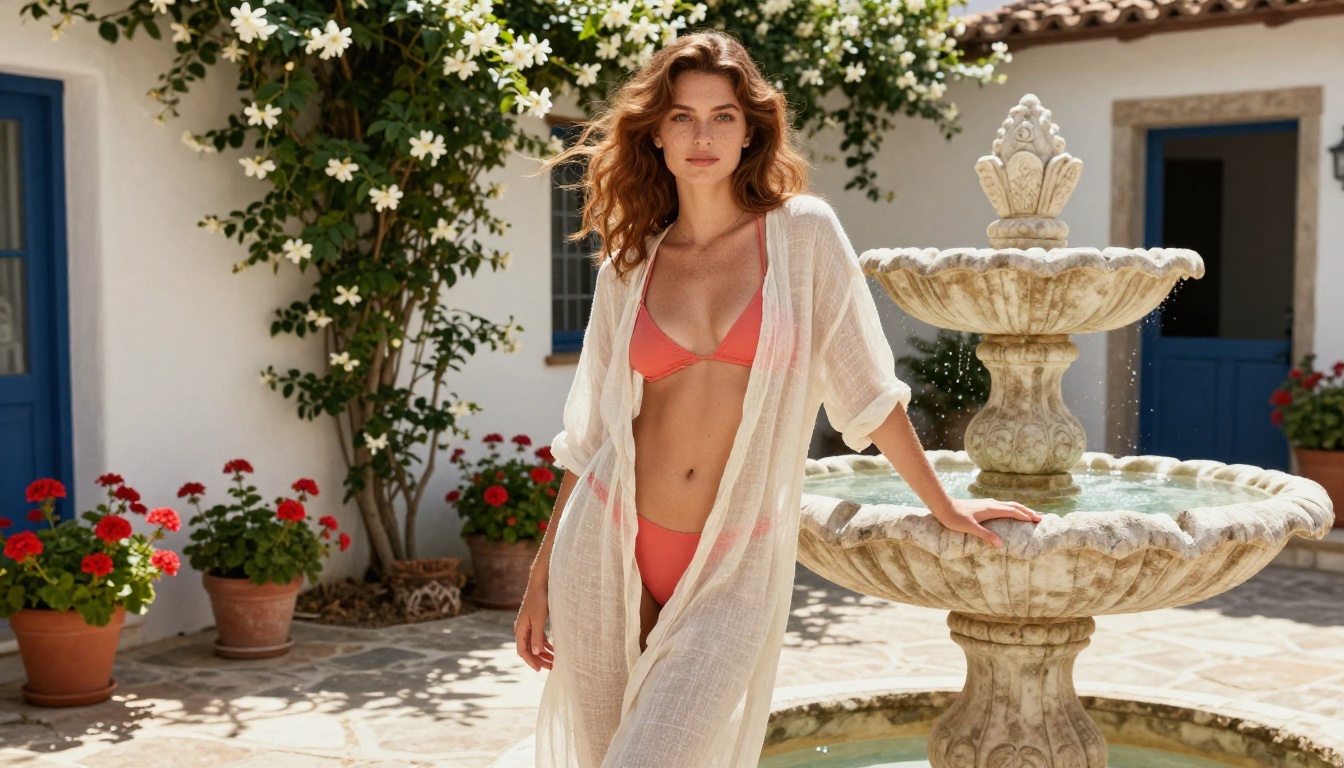
What "Free" Actually Means Here
The word "free" in AI art gets stretched in a lot of directions. Some platforms call themselves free but only let you generate two images per day at low resolution with a watermark. Others give you unlimited generations but filter out anything that looks like skin. A third category offers a genuinely free tier with solid models but soft-blocks content it considers too suggestive.
For this article, "free" means you can generate adult-oriented, aesthetically suggestive images without paying, without a subscription, and without hitting a hard wall after ten attempts.
💡 Quick note: There is a meaningful difference between suggestive or artistic NSFW (bikinis, boudoir, implied nudity, glamour) and explicit or pornographic content. Most free platforms that allow the former do not allow the latter. This article focuses on the former category, which is both legal and widely available across multiple platforms.
The platforms and models that survive this test tend to fall into two groups: open-source models you run locally or via cloud infrastructure, and platforms that offer generous free tiers with permissive content policies.
The Top Free NSFW AI Art Generators Worth Using
Not every tool below is perfect. Some have speed limits. Some require prompting skills to get their best output. All of them, however, are genuinely accessible without a credit card.
PicassoIA
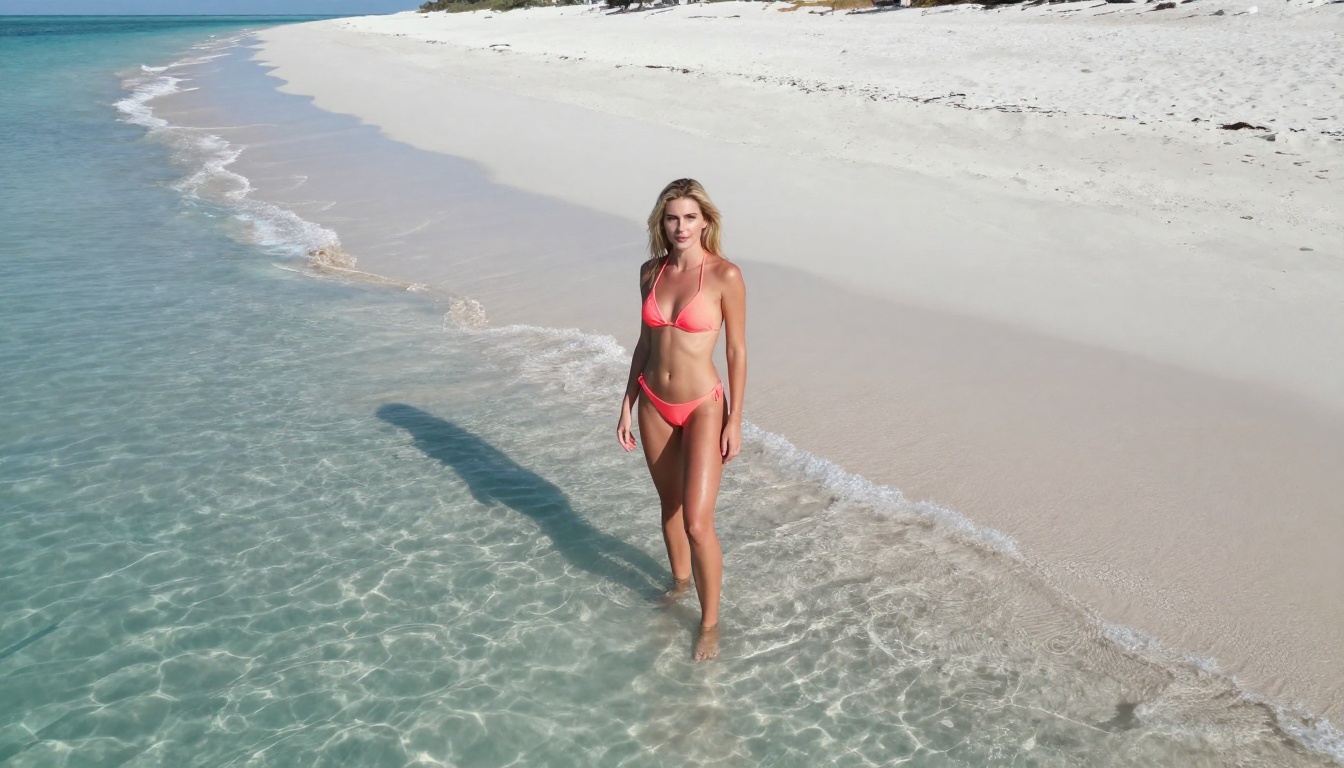
PicassoIA gives you access to over 90 text-to-image models directly in the browser with no installation required. The platform includes some of the most capable open-source models available right now, including the full Flux family and Stable Diffusion 3.5.
The free tier is functional and does not require a credit card to start. For suggestive or artistic NSFW work, models like Flux Dev and Realistic Vision v5.1 produce photorealistic results that surpass what most dedicated NSFW platforms offer at any price point.
What makes it stand out:
- 91 text-to-image models in one place with no install needed
- Access to Flux Schnell for fast drafts and Flux 1.1 Pro for maximum quality
- Face swap, inpainting, outpainting, and background removal available alongside every model
- Super-resolution upscaling to sharpen and upscale images after generation
Stable Diffusion (Local and Cloud)
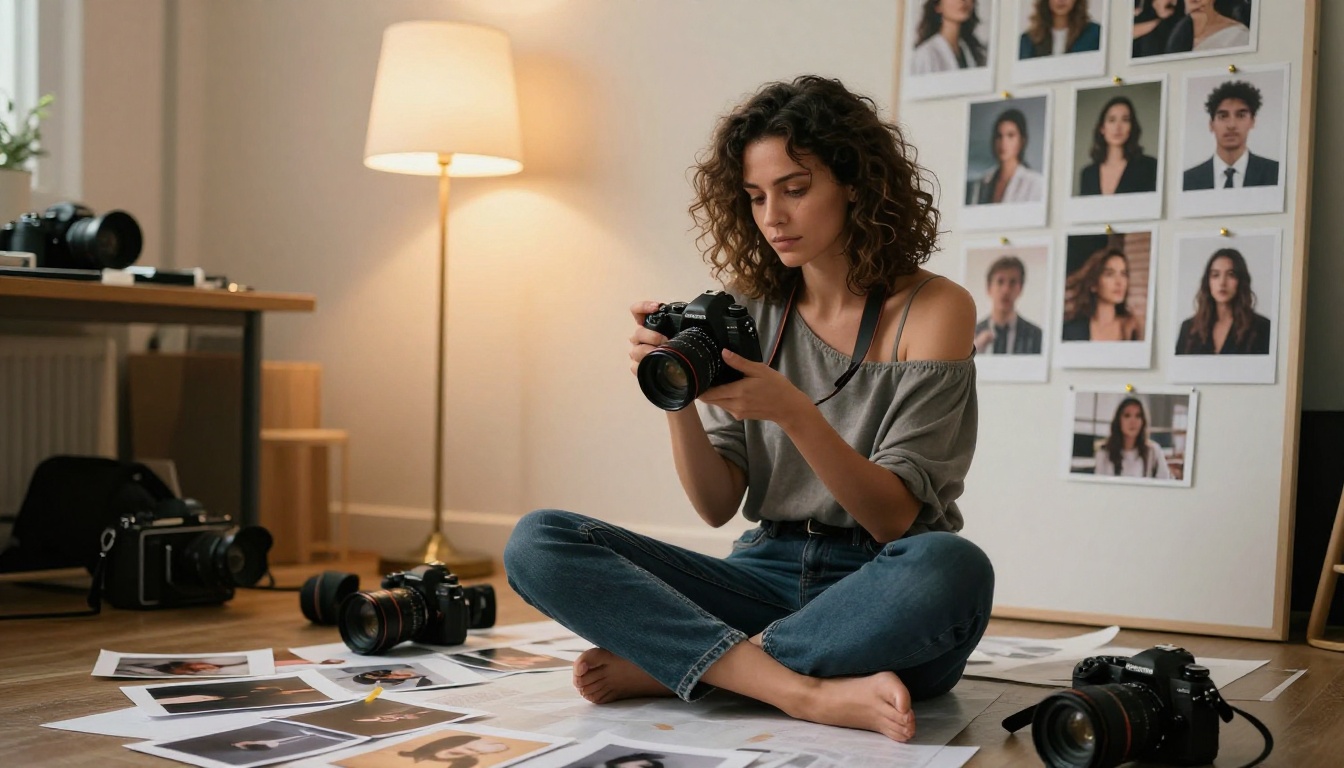
Running Stable Diffusion locally is still one of the best free options for unrestricted AI art. With enough VRAM (6GB minimum, 8GB recommended), you can generate anything with no usage limits, no content filters, and no queuing.
The main barrier is setup time and hardware. Tools like Automatic1111 and ComfyUI make local Stable Diffusion accessible, but there is a real learning curve. Once it is running, however, the experience is completely unthrottled.
For cloud access without local setup, Stable Diffusion 3.5 Medium is available through PicassoIA's free tier and delivers dramatically better anatomy and fine detail than earlier SD versions.
| Feature | Local SD | Cloud SD via PicassoIA |
|---|
| Cost | Hardware only | Free tier available |
| Setup required | Yes, complex | None |
| Generation speed | Fast with GPU | Moderate |
| Content limits | None locally | Platform terms apply |
| Image quality | Depends on model | High with SD 3.5 |
DreamShaper XL Turbo
For users who want fast generation without sacrificing output quality, DreamShaper XL Turbo is a standout choice. Built on the SDXL architecture, DreamShaper was specifically fine-tuned for high-quality photorealistic and fantasy imagery.
It generates in 4-8 steps instead of the standard 20-30, which means faster results with less compute. For artistic NSFW work including glamour, boudoir, and fashion editorial, it handles skin tone, fabric texture, and environmental detail better than most base models at this speed.
Realistic Vision v5.1
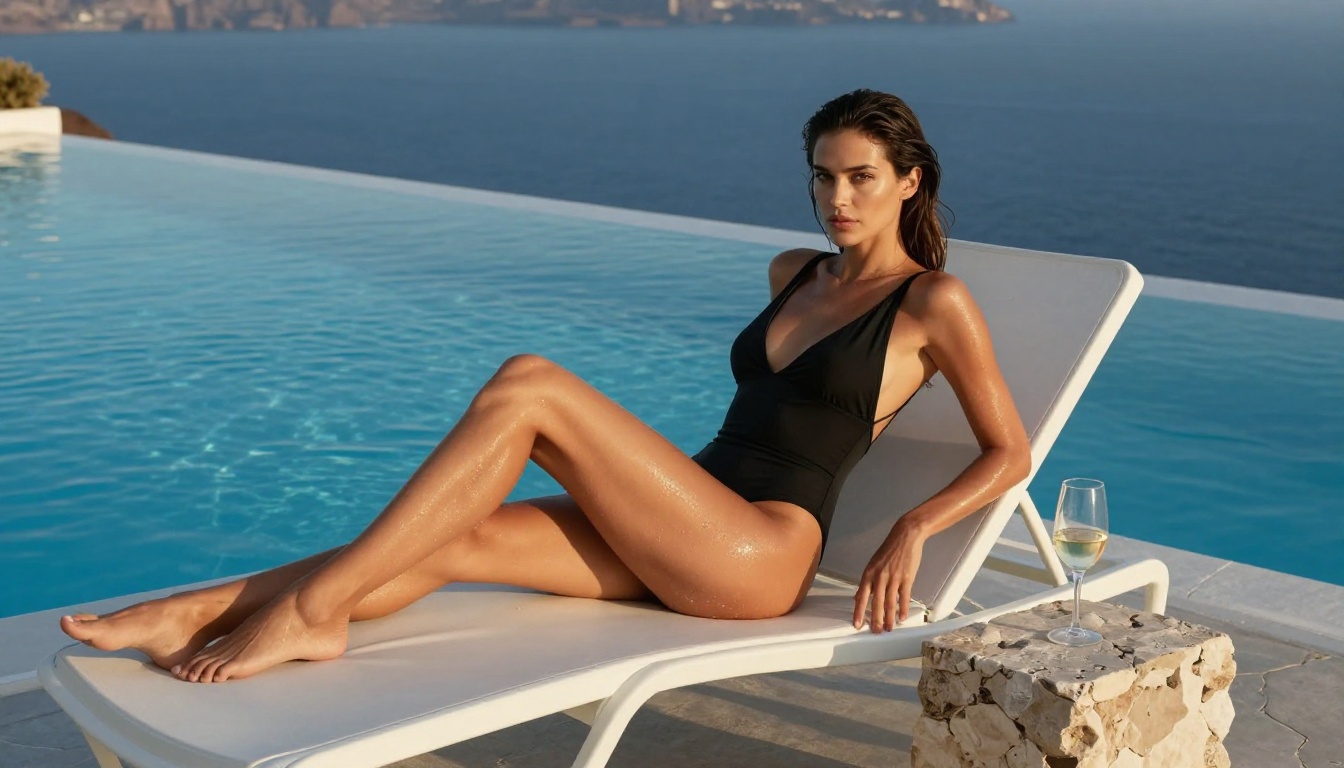
Realistic Vision v5.1 is purpose-built for photorealism. If your goal is images that look like they came from a professional photographer rather than an AI generator, this is one of the strongest free models available anywhere.
It excels at close-up portraits, natural skin texture, and environmental realism. Combined with an upscaling tool, the output can be indistinguishable from real photography at a glance, particularly for boudoir and glamour-style shots.
RealVisXL v3.0 Turbo
RealVisXL v3.0 Turbo takes the photorealism focus of Realistic Vision and applies it to the SDXL base for higher native resolution output. It handles complex lighting scenarios, multiple subjects, and detailed backgrounds more consistently than older SD 1.5 models.
This is a good pick if you are generating full-body shots or scenes with significant environmental context, rather than just headshots or tight crops.
Models That Deliver Real Results
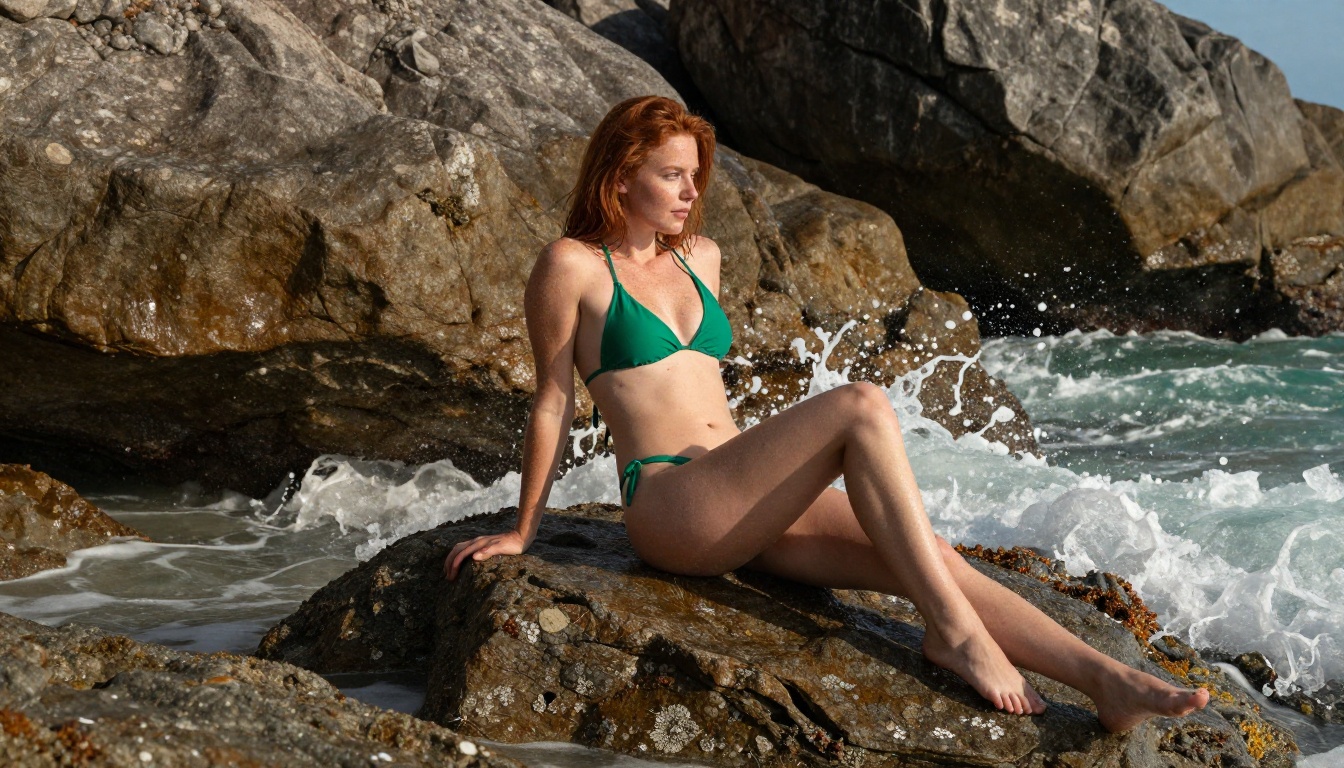
Picking the right model matters more than picking the right platform. Most platforms offering free tiers run the same underlying open-source weights. The model sets the quality ceiling. Here is a breakdown of what each generation tier actually delivers:
Flux Dev vs. Flux Schnell
Flux Dev and Flux Schnell are the two most widely discussed open-source image models right now. Developed by Black Forest Labs, both models handle photorealistic human figures, complex prompts, and fine detail better than previous SDXL-based models.
Flux Schnell is the faster version, optimized for speed with minimal quality loss. It is the right choice for iteration and drafting.
Flux Dev is the quality version: slower but with notably better skin texture, hair rendering, and background coherence. For final-quality NSFW art, Flux Dev is the correct model.
For the highest quality output in the Flux family, Flux 2 Pro and Flux 2 Max push the ceiling further, with better instruction following and even more realistic human figure rendering.
SDXL-Based Models
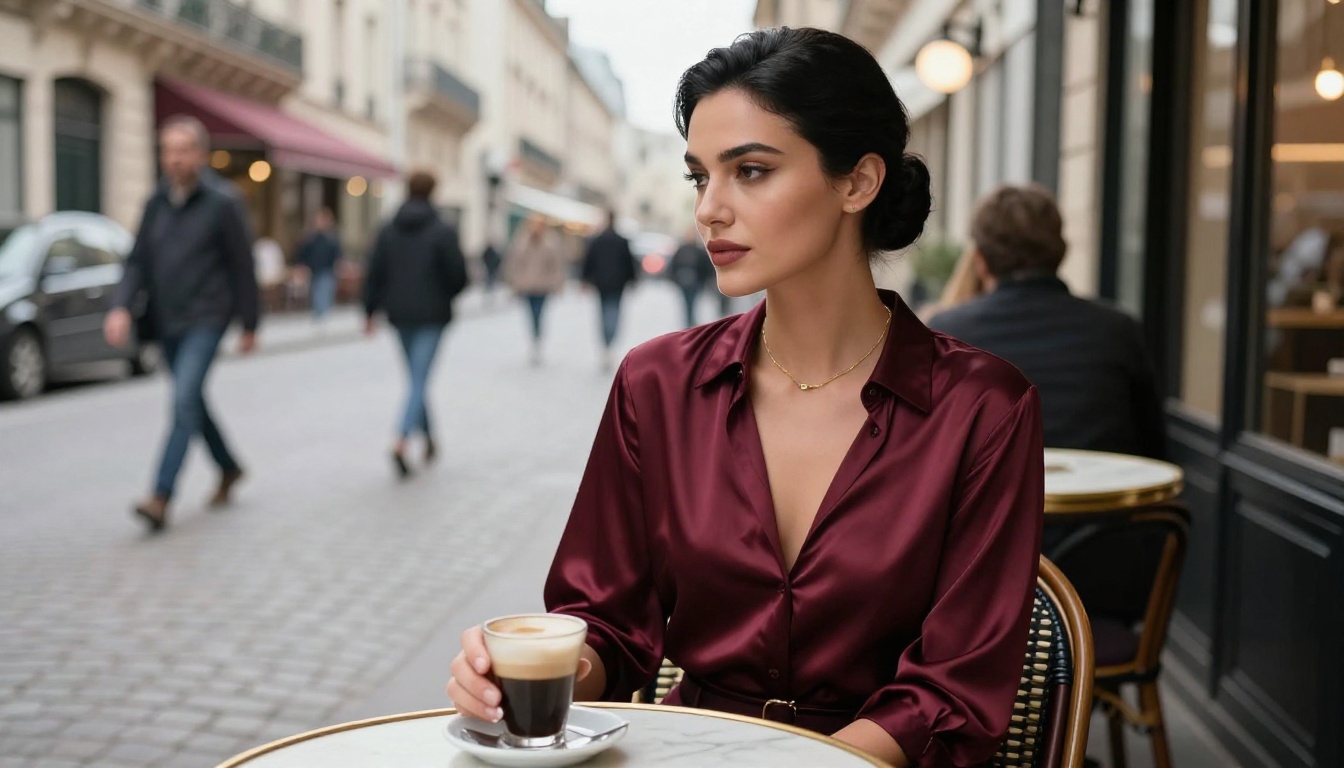
SDXL remains the backbone of many fine-tuned models for adult and glamour content. Its native 1024x1024 output, support for ControlNet pose guidance, and wide fine-tune ecosystem make it a flexible base for creators who need precise style control.
SDXL Lightning 4Step from ByteDance combines SDXL quality with near-instant speed, generating full 1024px images in just 4 inference steps. It is one of the fastest free options for NSFW art that does not sacrifice base quality.
💡 Tip: SDXL-based models respond well to negative prompts. Adding "low quality, blurry, extra limbs, bad anatomy, watermark" to your negative prompt slot will noticeably improve output quality across all SDXL fine-tunes.
Free vs. Paid: What You Actually Give Up
Most free tiers have real limitations worth knowing about before you start:
What free tiers typically restrict:
- Generation speed (queued rather than instant)
- Daily or monthly image limits
- Resolution caps, often 512px or 768px without upscaling
- Access to the newest or most capable model versions
- Batch generation, usually capped at one image at a time
What free tiers typically keep:
- Core model access with reasonable quality
- Export without watermark on most platforms
- Basic editing tools like crops and downloads
For casual or hobbyist use, free tiers are completely sufficient. If you need volume, speed, or consistently high-resolution output, upgrading becomes worthwhile quickly.
The single best workaround for free-tier resolution limits is using a super-resolution upscaler after generation. PicassoIA includes upscaling tools that can take a 512px image to 2048px with detail reconstruction, effectively bypassing the resolution limitation of the free model tier.
Writing Prompts That Actually Work
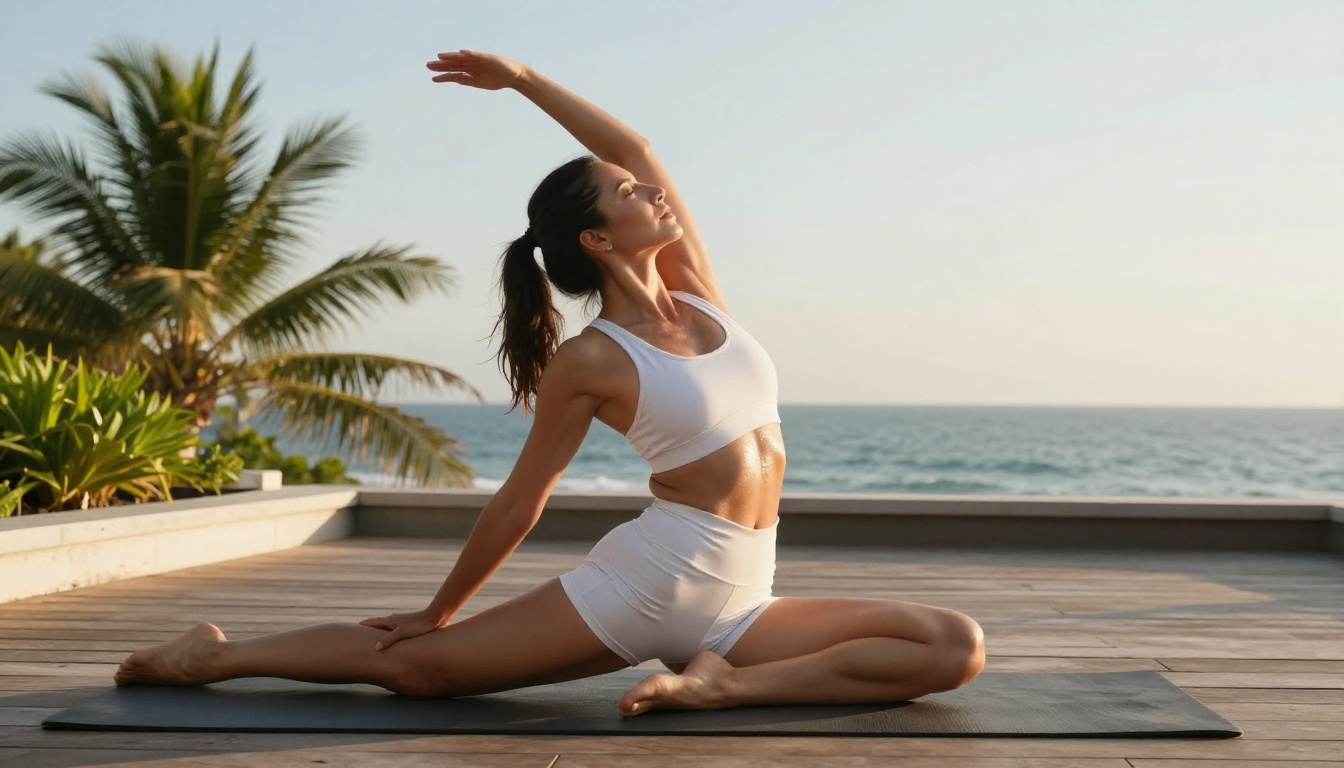
The single biggest factor separating impressive AI art from generic output is prompt quality. Here are the patterns that consistently produce better results for photorealistic and suggestive content:
Specificity Over Suggestion
Vague prompts produce average results. Specific prompts produce memorable ones.
Weak: beautiful woman on beach
Strong: Tall slender woman with natural wavy hair wearing a minimal coral bikini, standing at low tide on white sand, shallow turquoise water at her ankles, aerial perspective, midday light, photorealistic 8K, Kodak Portra 400
The difference is specificity in: subject appearance, clothing, environment, lighting, camera angle, and quality modifiers.
Lighting Changes Everything
Real photography lives and dies on lighting. AI models respond to lighting descriptions the same way. Always include:
- Direction: morning light from the left, backlit sunset, overhead noon sun
- Quality: soft diffused, volumetric rays, sharp direct, golden hour
- Temperature: warm amber, cool blue twilight, neutral daylight
Adding a single well-written lighting line to a mediocre prompt often produces a more dramatic improvement than anything else you can change.
Camera and Lens Details
Adding camera specifications moves models toward photographic realism and away from illustrated or painted aesthetics:
85mm f/1.8 portrait lens, shallow depth of field24mm wide angle, Sony A7R IVmedium format, Fujifilm GFX, natural grain
LoRA Models for Style Control
SDXL Multi ControlNet LoRA and p-image-lora on PicassoIA allow you to attach fine-tuned style weights on top of base models. This gives consistent aesthetic control across multiple generations, which is particularly useful for maintaining a visual style across a series of images without rewriting your prompt every time.
How to Use Flux Dev on PicassoIA
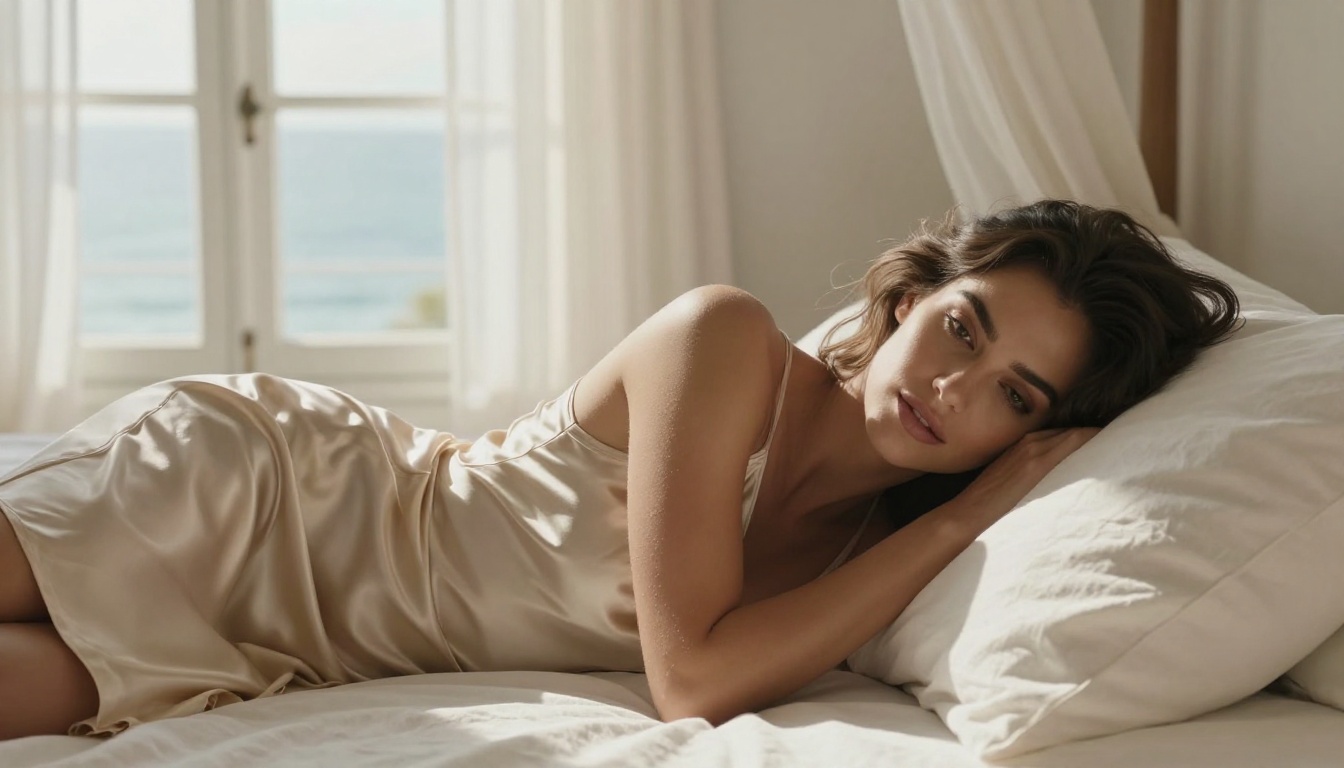
PicassoIA gives you direct browser access to Flux Dev, one of the most capable free models for photorealistic and artistic NSFW content. Here is how to get the best results from it:
Step 1: Open the model page
Navigate to the Flux Dev page on PicassoIA. No account is required to try it, but signing up unlocks higher daily generation limits.
Step 2: Set your aspect ratio
For most glamour or full-body shots, use 16:9 for landscape or 9:16 for portrait. Flux Dev handles both well. Portrait mode suits single-subject poses; landscape suits environment-heavy compositions.
Step 3: Write a detailed prompt
Flux Dev responds well to long, specific prompts. Include:
- Subject description: hair, skin tone, clothing
- Environment and background details
- Lighting conditions and direction
- Camera angle and lens specification
- Quality modifiers:
photorealistic, 8K, film grain, Kodak Portra 400
Step 4: Run the upscaler after generation
After generation, run the image through PicassoIA's super-resolution tool to push resolution 2x or 4x. This dramatically improves skin detail, fabric texture, and background sharpness at no extra cost on the free tier.
Step 5: Use inpainting for fixes
If specific areas are not right (a hand, a piece of clothing, a background element), use the inpainting tool to regenerate just that region without touching the rest of the image. This is faster than regenerating from scratch.
💡 Parameter tip: In Flux Dev, higher guidance scale values (7-10) produce more prompt-accurate results. Lower values (3-5) give the model more creative freedom. For photorealistic NSFW work, 7 to 8 is the practical sweet spot.
What Trips Most People Up
Most frustration with free NSFW AI art generators comes from three specific issues that are easy to fix once you know about them:
Anatomy problems: Hands, feet, and fingers still trip up most models without specific guidance. Mention the pose explicitly ("hands at sides, fingers relaxed, arms down") and use inpainting to correct anything that comes out wrong. Trying to force correct anatomy purely through the main prompt rarely works as well as a targeted inpaint pass.
Prompt over-saturation: Including too many details can confuse models, leading to compositional chaos where elements compete with each other. Prioritize: subject, lighting, camera angle. Add secondary details (clothing color, background specifics) only after you have a base prompt that consistently produces good compositions.
Content policy confusion: Platforms draw their lines in different places. Artistic nudity and suggestive content (bikinis, boudoir, implied nudity) are typically allowed on most permissive platforms. Explicit content is a separate category with a much shorter list of platforms that allow it.
If a platform blocks a prompt that seems within reasonable bounds, try rephrasing. "Sheer fabric," "minimal swimwear," or "artistic boudoir" often pass filters that more direct descriptions do not. Most content filters are keyword-sensitive rather than context-aware.
Start Creating Right Now
There is no better way to see what these models are actually capable of than generating something yourself. PicassoIA puts over 90 text-to-image models in your browser right now with zero installation, including Flux Dev, Flux Schnell, Realistic Vision v5.1, DreamShaper XL Turbo, and Stable Diffusion 3.5 Large.
The free tier is real. The models are genuinely capable. The prompting ceiling is high enough that you can spend weeks just learning what Flux Dev alone can produce.
Pick a model. Write a specific prompt with a subject, lighting, camera angle, and quality modifiers. See what comes back. The results from a well-written prompt on a good model will consistently surprise you, especially compared to what dedicated NSFW platforms charge premium prices to produce.
Beyond image generation, PicassoIA also offers LoRA-powered style control, SDXL ControlNet for pose and structure guidance, and RealVisXL for high-resolution photorealistic output at scale. All of it is accessible from the same platform, and most of it is free to try.
Start with a model you are curious about, write the most detailed prompt you can, and iterate from there. That is the actual workflow behind every impressive piece of AI art you have seen online.


