Typing to a character that remembers your name, flirts back and never gets tired sounds like an easy win, until the fourth reply of the evening, when a banner tells you the free messages are gone. That is the real story of NSFW AI chat free: the first ten minutes are great, and then limits, ads and forgetful memory start to decide how the night goes. This article sorts out which free options are actually usable, what the caps look like, and which prompts get better results out of any of them.
A quick note before we start. Free tiers change constantly, and the figures below come from 2026 roundups that do not always agree with each other. Treat every number as a snapshot and check the pricing page of any site before you build a routine around it.

What "Free" Really Means
Almost nobody gives away unlimited adult chat. Running a large language model costs real money per message, so "free" is usually a trade. You pay with patience, attention or setup time instead of a card.
Daily Message Caps
The most common model is a daily allowance. One 2026 roundup reports that CrushOn AI moved to roughly 50 free messages per day in April. Chai is described as having daily limits too. Fifty sounds generous until you notice that a single scene with swipes, edits and regenerated replies can burn through that in half an hour.
Rule of thumb: count regenerations as messages. If a site meters them separately, you will see it in a counter near the chat box.
Lighter Models on Free Plans
Some platforms advertise unlimited free chat, then quietly route you to a smaller model. The replies get shorter, repeat phrases and lose the plot sooner. SpicyChat is a good example of how mixed the reporting is: some sources describe unlimited free messages and a character library above 138,000, while others mention daily limits and a lighter model than the paid one. Both can be true depending on the day, the model you pick and server load.
Ads and Credit Currencies
The newer pattern is ads between replies and a soft currency. One roundup describes full-screen ads interrupting conversations and a currency called "Charms" that meters swipes, regenerations and message continuations. It is a polite way of saying that the free tier is a demo of the paid one.
💡 Tip: If a site shows an ad every few messages, that is a design choice, not a bug. Batch your longer replies into fewer messages so you see fewer interruptions.
The Best Free NSFW AI Chat Sites
No ranking here is permanent, but these names keep appearing in 2026 comparisons, and each one has a clear personality.

SpicyChat
SpicyChat is the one people mention first because of its enormous character library and an NSFW toggle that is easy to find. The catch is the one above: free access exists, but the exact message allowance and model quality are described differently by different reviewers. Open it, test five or six exchanges and judge the reply length yourself.
CrushOn AI
CrushOn AI is popular for companion style chat with a polished interface. The most consistent number in recent write-ups is about 50 free messages per day. That is enough for one decent scene, not enough for a long campaign.
Janitor AI
Janitor AI is the tinkerer's choice. Reports say free use depends on bringing your own external API key, with paid tiers starting around $9.99 a month. That setup takes more work, but it gives you control over which model answers, and it is the closest thing to genuinely unlimited if you are comfortable pasting a key into a settings page.
Chai and Joyland
Chai is built for quick mobile chats and has moderate adult capability, with daily limits on the free plan according to one source. Joyland gets a specific mention because one roundup says it is the only one of this group that lets you start chatting before you create an account. That is handy for a quick test and a good way to avoid handing over an email address on day one.
A related note: Character.AI is often suggested as a starting point, but one source states it has no NSFW capability, so it is mostly useful as a comparison for what the filtered experience feels like.
Quick Comparison
| Site | Free access style | Typical catch | Best for |
|---|
| SpicyChat | Free tier with NSFW toggle | Allowance and model quality reported inconsistently | Huge character variety |
| CrushOn AI | About 50 messages per day (reported) | Cap runs out fast in long scenes | Polished companion chat |
| Janitor AI | Free with your own API key | Technical setup | Control over the model |
| Chai | Daily limited free plan | Moderate adult depth | Short mobile sessions |
| Joyland | Chat before signup (reported) | Smaller feature set | Trying without an account |

The Limits You Will Actually Hit
Message caps get the attention, but they are not the only wall. These are the three that ruin sessions.
Short Memory
Every chat model reads a limited window of recent text. Once your conversation outgrows it, the character forgets the setting, the relationship and the details you set up in the first ten minutes. Free plans usually have the smallest window.
Fix: keep a short "story so far" note of three or four sentences and paste it in every twenty messages or so.
Repetition and Looping
Smaller models love to reuse the same sentence structure. If every reply starts with a sigh and ends with a smile, you are hitting the loop. Change the scene, add an event or give the character a new goal.
Filters That Appear Mid Scene
Even sites that allow adult roleplay may have a hard line somewhere. When a reply suddenly turns vague or refuses, do not keep arguing with it. Back up one message, steer the scene, or switch characters. Pushing against a filter rarely works and often makes the character stiff for the rest of the chat.
💡 Tip: Treat a refusal as information about where that platform draws its line. Pick another site rather than burning your daily messages on a fight.

Prompts to Try Today
Good prompts do two jobs: they set the character clearly, and they save you messages. Copy these and swap the brackets.
A Slow Burn Opener
You are [name], a [job] who meets the user at [place]. Keep replies to 3 to 5 sentences. Build tension gradually over many messages and never rush the scene. Stay in character, describe small physical details and what the character notices, and end each reply with something the user can answer.
Why it works: the length instruction stops one word replies, and the pacing line keeps a scene going for twenty messages instead of five. That matters when you only get about fifty a day.
A Character Card Template
Name: [name]. Age: adult, [number]. Personality: [three adjectives]. Voice: [how they talk, for example dry humor, short sentences]. Backstory: [two sentences]. Likes: [list]. Boundaries: [list]. Relationship to the user: [one line]. Setting: [one line].
Fill this in once and paste it as the very first message if the site does not give you a proper character editor. It gives even a small model enough to stay consistent.
A Boundaries Prompt
Before we begin, these are my limits: [list]. If a scene heads toward any of them, change the direction yourself instead of asking me. Keep everything between consenting adults.
Setting this up front saves you from having to correct the character mid scene and keeps the tone where you want it. It also works on platforms with a stricter filter, because you are giving the model a direction to steer toward instead of a wall to run into.
A Memory Refresh
Recap in three sentences: where we are, what the characters want, and what just changed. Then continue the scene from there.
Use this when the character starts forgetting. Copy the recap, then paste it into a fresh chat as a starting note.
Using LLMs on PicassoIA for Prep Work
PicassoIA is not an adult chat platform, and its language models are general purpose assistants with their own content rules. They are still very useful for the boring parts of a good roleplay setup: writing a tight character card, brainstorming settings, tightening a backstory, or turning your messy notes into a clean "story so far" summary you can paste into another site.
A few that fit that job well:
- Claude Sonnet 5 is strong at consistent voice, which helps when you want a character's speech pattern written down clearly.
- GPT 5.6 Luna is quick for brainstorming settings and opening lines.
- Gemini 3.5 Flash is fast for rewriting and shortening long notes.
- Llama 4 Maverick Instruct is a handy open model to compare against what you get on the free chat sites.
- Deepseek V3 is useful for structured outlines of longer story arcs.

Give Your Character a Face
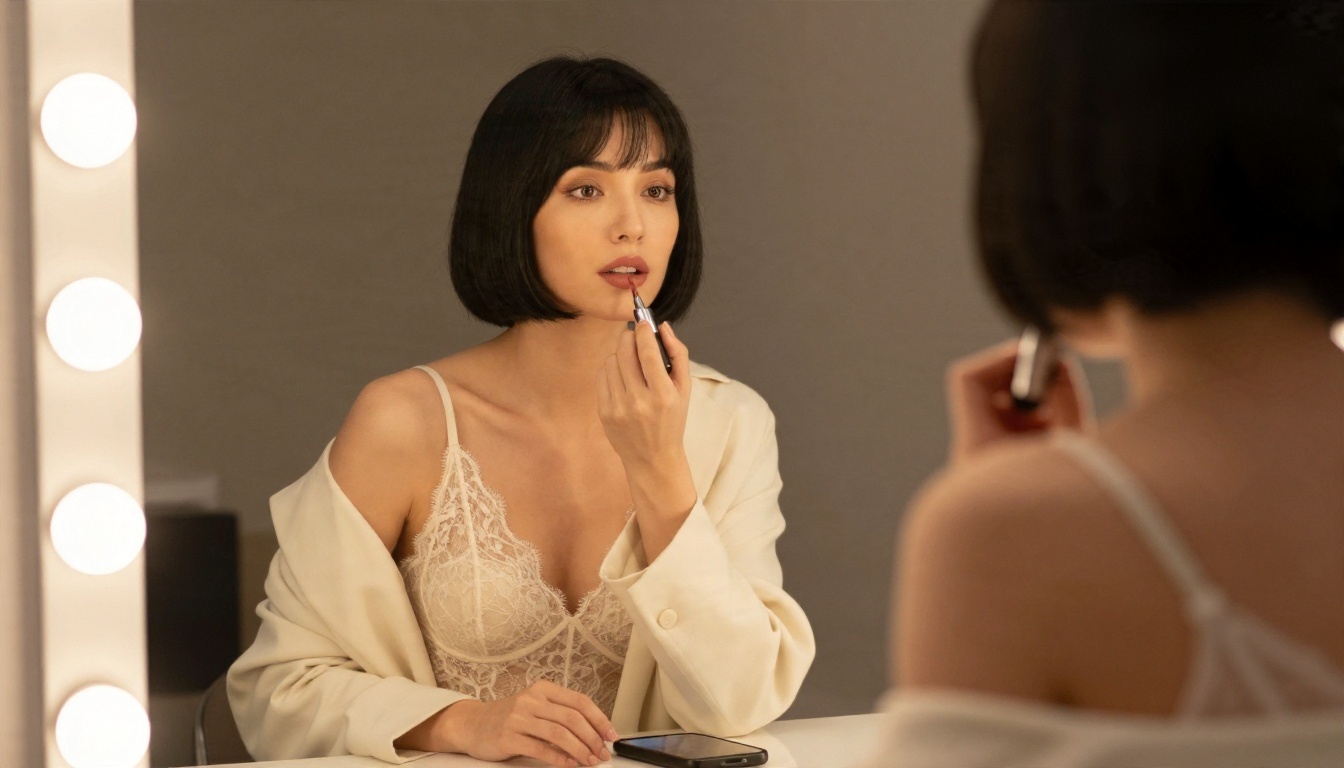
Text is only half of the experience. Most of the sites above generate low quality or heavily limited images, and many put them behind a paywall. A cleaner route is to generate the portrait separately and keep it as the reference for the character you are chatting with.
Seedream 4.5 for Portraits
Seedream 4.5 is the first model to try for glamour portraits. It handles skin texture, fabric and lighting convincingly, and it is quick enough to iterate on without waiting. It works well for tasteful boudoir, swimwear and fashion looks, which is the territory most character art lives in.
PicassoIA Image Editor Pro for Edits
PicassoIA Image Editor Pro is the one to use for changes: swap an outfit, adjust the setting, fix a hand, or change the lighting without rebuilding the whole picture. It offers unlimited generations, which solves the same problem that free chat tiers have, a counter that runs out right when you are getting somewhere.
A Simple Portrait Workflow
- Write your character card first so you know the hair, outfit and mood.
- Open Seedream 4.5 and describe the character as a photograph: subject, clothing, setting, light and lens.
- Generate a few options and pick the one that feels most like the voice you wrote.
- Move the winner into Image Editor Pro to adjust outfit, background or expression.
- Save it, and refer to the same description each time you want a new scene with the same character.
Prompt shape that works: [who and what they wear], [pose], [location], [light direction], [lens, for example 85mm f/1.8], natural skin texture, soft film grain.

💡 Tip: Consistency comes from repeating the same descriptive words: hair colour and length, one signature accessory, and the same lighting. Keep a short style line in your notes and paste it into every portrait prompt.
Safety and Privacy Basics
Adult chat sites collect something sensitive: your private conversations. A few habits keep that from becoming a problem.
Use a separate email. A throwaway address stops your chat history from being tied to your main accounts.
Skip real names and details. Do not type your employer, address, or anything that could identify you or another real person. Keep every character fictional and every character an adult.
Read the data policy once. Look for whether chats are used for training, whether you can delete them, and how long they are stored.
Watch the payment page. If a free site pushes you to a yearly plan on day one, close the tab and test another.
Do not paste an API key into an unfamiliar site. The Janitor AI route needs a key, so use a key with a spending limit and rotate it if you stop using it.

How to Get the Most From a Free Plan
You can stretch fifty messages a surprising distance with a little planning.
Write longer first messages. One detailed opener does the work of five short ones.
Ask for fewer, richer replies. The prompt line "3 to 5 sentences" gives you more story per message than letting the model decide.
Do not regenerate on reflex. If the reply is ninety percent right, edit your next message instead of rerolling.
Rotate sites. Use one site for a morning scene, another in the evening. Several free allowances beat one paid plan you barely use.
Save your best setups. Keep your character cards and openers in a notes file so a new site takes two minutes to set up.

Ready to Build Your Own Characters?
Free NSFW AI chat works best when you treat it as one part of a small toolkit instead of a single site. Pick one or two chat platforms, keep a notebook of tested prompts, and let the free messages go to scenes you actually care about.
When you want the visual side, head to PicassoIA. Start with Seedream 4.5 for a first portrait, then refine it with PicassoIA Image Editor Pro, where unlimited generations mean you can keep adjusting until the character looks exactly right. Use the language models above to tidy your character cards and story notes, and browse everything else at picassoia.com/en/all-models. Write a character, generate their face, and see how far a free evening can go.


