If you've ever tried generating suggestive or adult content with a mainstream AI tool, you already know what happens: the prompt gets refused, your account gets a warning, or the output is so heavily filtered it's useless. The frustrating reality is that most consumer AI image platforms have trained their filters to flag anything remotely sensual, leaving creators stuck with watered-down results. But there's a better path, and it doesn't involve technical workarounds or shady services. It involves knowing which platforms and models were actually built for this.
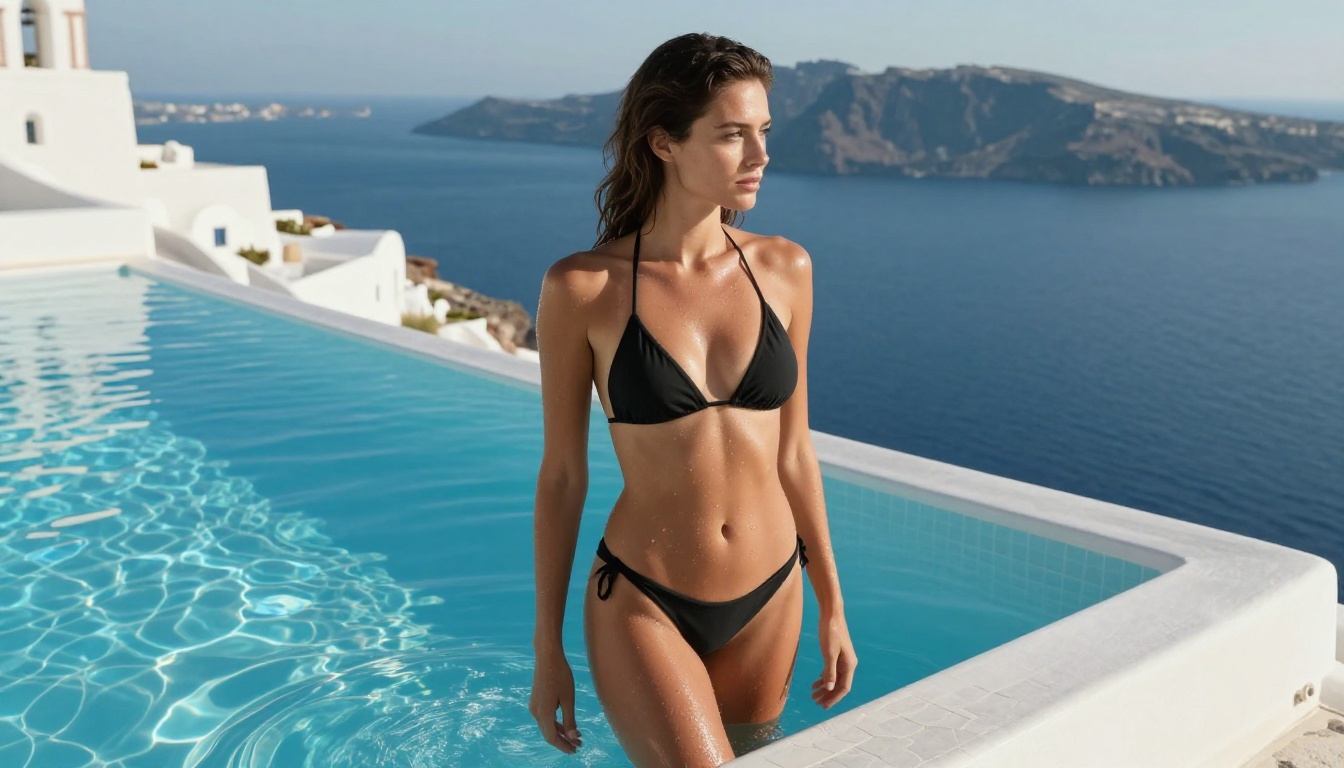
Why Most AI Generators Block You
Content filtering in AI image generators exists for legal and platform-risk reasons, not technical ones. The models themselves are fully capable of generating adult or suggestive content. What stops them is a filter layer applied on top. These filters scan your prompt for keywords, analyze the generated image against a classifier, or both.
The result: you're not dealing with a fundamental AI limitation. You're dealing with a company's policy decision. And that means the right platform choice is everything.
The Filter Problem Is Getting Worse
In 2024 and into 2025, most major AI platforms have tightened their content policies significantly. Midjourney removed explicit content options entirely. Adobe Firefly never allowed adult content. DALL-E refuses anything remotely suggestive. Even platforms marketed as "open" have quietly added classifier-based blocks that trigger on artistic nudity, lingerie, or even swimwear in certain compositions.
What Gets Flagged and Why
AI content filters typically trigger on:
- Skin exposure above a threshold (even athletic or artistic contexts)
- Specific anatomical keywords in prompts
- Post-generation image classifiers that evaluate brightness, skin-tone ratio, and pose
- Account history flags if you've received previous warnings on the platform
The issue isn't just explicit content. Boudoir photography, swimwear editorial, glamour portraits, and artistic figure studies routinely get blocked. If you're a photographer-style creator, a digital artist, or an adult platform operator, these restrictions don't just limit creativity. They kill the workflow entirely.
Platforms That Actually Allow Adult Content
The honest answer is: there aren't many that do this well. Most "NSFW AI generators" you'll find via a search are either dead or abandoned (the developer removed the feature under legal pressure), very low quality (built on outdated or undertrained models), heavily watermarked (rendering outputs unusable for professional work), or running on slow servers with no dedicated GPU infrastructure.
What you actually need is a platform running modern, high-performance models with no content filter applied — and one that generates results in under 3 seconds so your workflow doesn't stall.
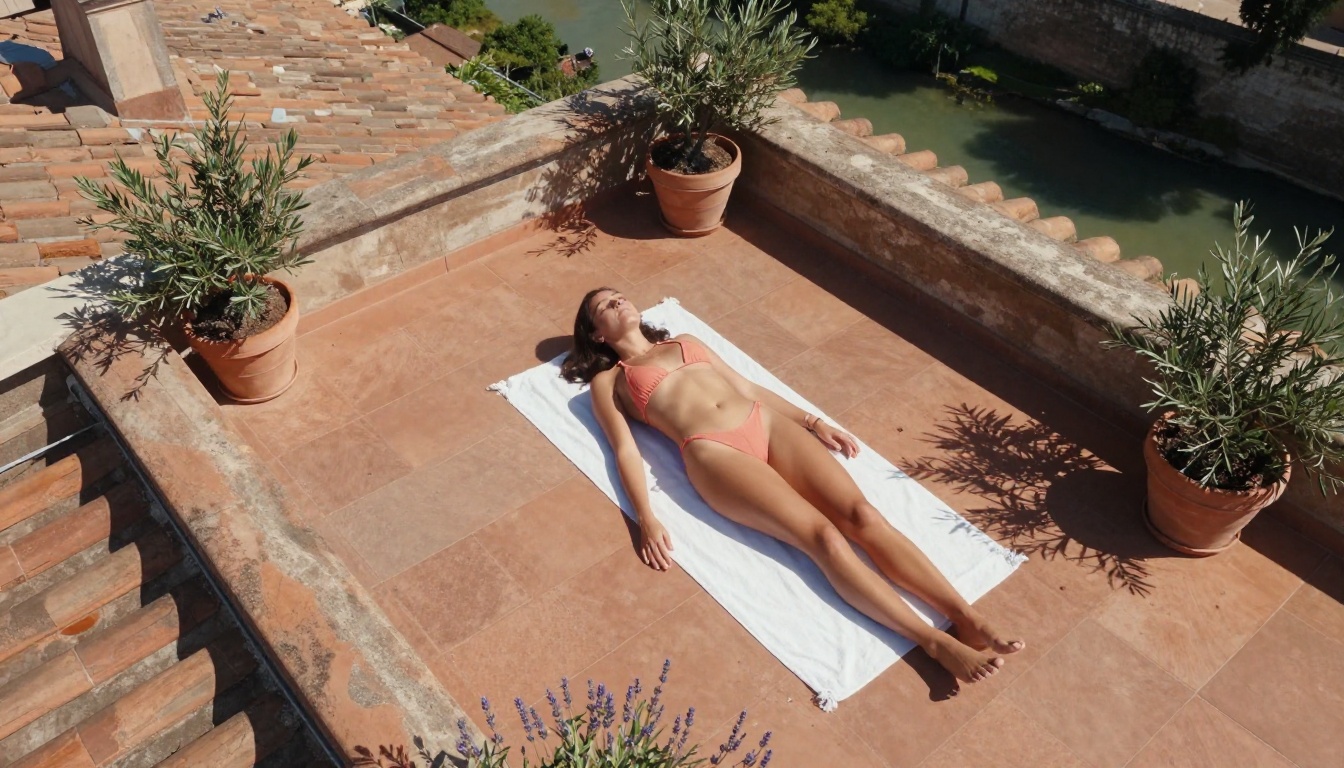
💡 The real distinction: Look for platforms where NSFW capability is a deliberate product decision, not an accident or exploit. Those platforms have stable infrastructure and won't disappear overnight.
Best Models for NSFW AI Generation on PicassoIA
PicassoIA is one of the few platforms that explicitly supports NSFW content generation with production-grade infrastructure. The models below are available right now, accept adult content by design, and generate at speeds that make real creative workflows possible.
Here's the full lineup, ordered by recommendation:
1. Seedream 4.5: The Top Pick
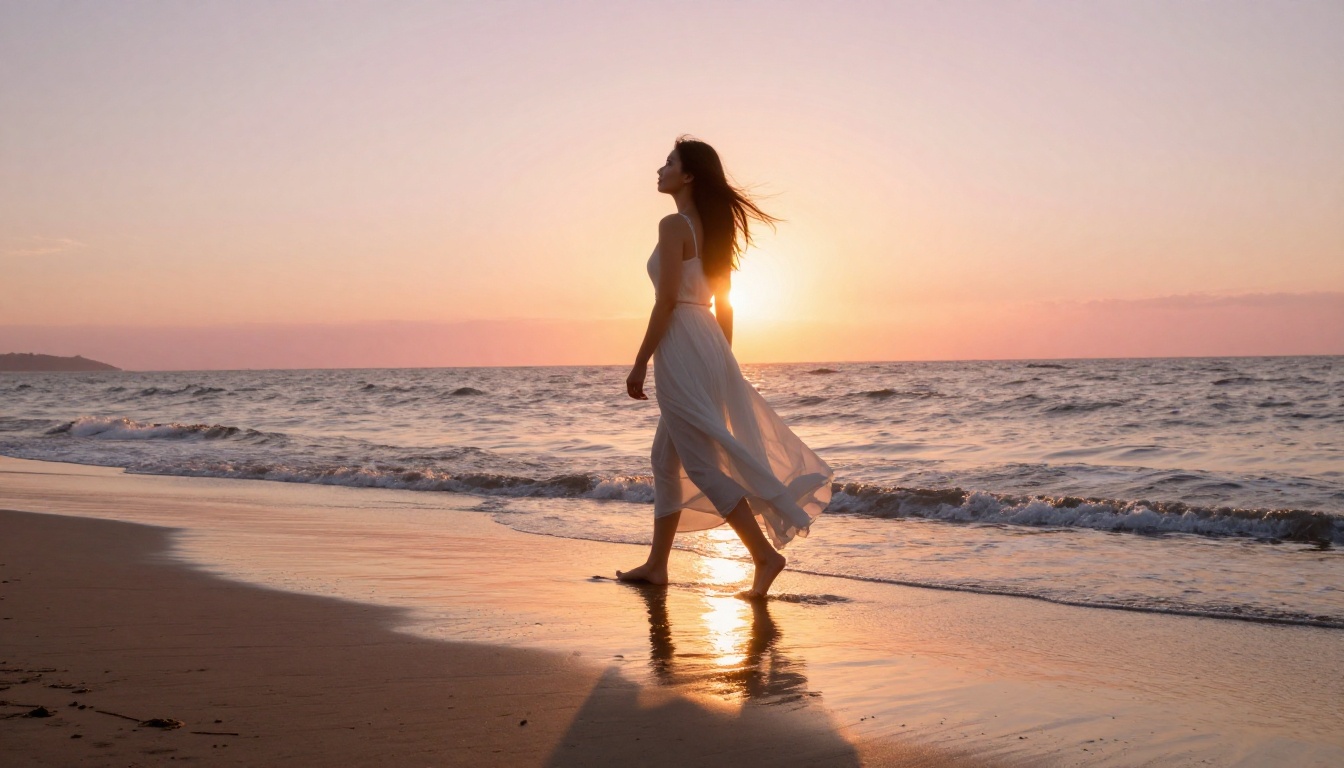
Seedream 4.5 is the strongest all-around NSFW model available on the platform. It accepts adult content prompts, supports image editing (you can refine an output without starting over), and generates ultra-realistic results in under 3 seconds. The realism quality is particularly strong on skin texture, lighting transitions, and fabric detail.
One important note: its successor, Seedream 5 Lite, does not support NSFW content. Stick with version 4.5 for adult content work.
2. PicassoIA Image Editor Pro: Unlimited Generations
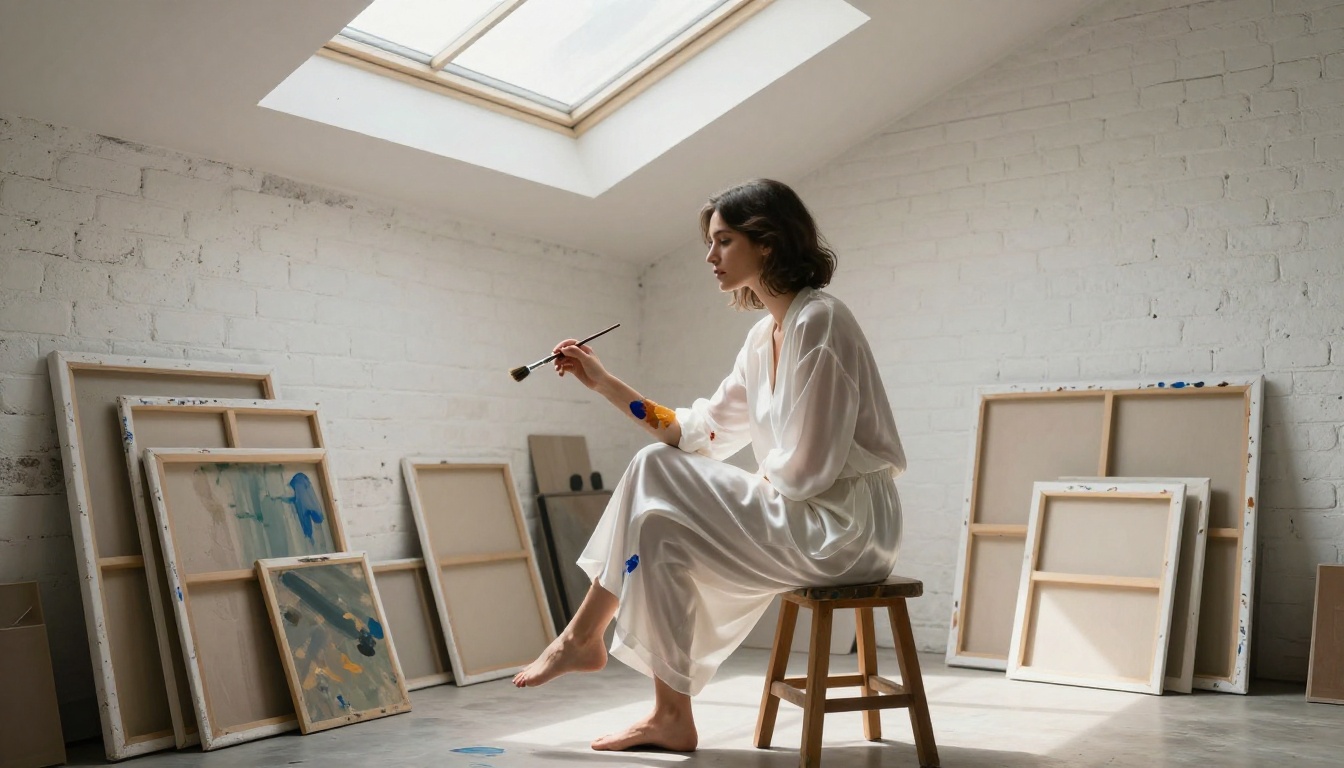
PicassoIA Image Editor Pro is an image-to-image model with one critical advantage: unlimited generations on Elite and Infinite plans. Need 1,000 images? They cost nothing extra. Compare this to models like Nano Banana 2, where the same volume would cost around $100. Results arrive in under 1 second, it accepts NSFW content, and there's a free trial of 3 generations with no credit card required.
This makes it the obvious choice for batch workflows, A/B testing compositions, or iterating on a visual style at scale.
3. Qwen Image 2: Open Source Realism
Qwen Image 2 is an open-source model that supports both text-to-image creation and image editing. Its realism on skin, hair, and environmental detail is exceptional, and because it's open source, it carries no hidden content policy restrictions. Generate or edit any image in seconds with very detailed realism.
4. Grok Imagine Image: Instant Conversions
Grok Imagine Image specializes in converting reference images into bikini or swimwear-style compositions in a highly realistic way. It's a strong image-to-image tool for glamour and beachwear outputs with minimal prompt complexity required.
5. Recraft V4: Text-to-Image Realism
Recraft V4 is a text-to-image-only model with outstanding realistic output quality. If you're working from written descriptions rather than reference images, it produces high-fidelity results with strong detail in faces, clothing, and environmental lighting.
6. P-Image: Sub-1-Second Speed
P-Image (PrunaAI) supports NSFW text-to-image generation and is optimized for speed above all else. Results arrive in under 1 second. For rapid iteration, draft-quality previews, or high-volume output pipelines, this is the fastest path to a usable result.
7. Wan 2.2 Image: No-Filter Realism
Wan 2.2 Image (PrunaAI) generates highly realistic images from text descriptions without applying content filters during generation. It's a strong alternative when you need detailed, natural-looking outputs at photorealistic quality without restrictions.
How to Use Seedream 4.5 for NSFW Content
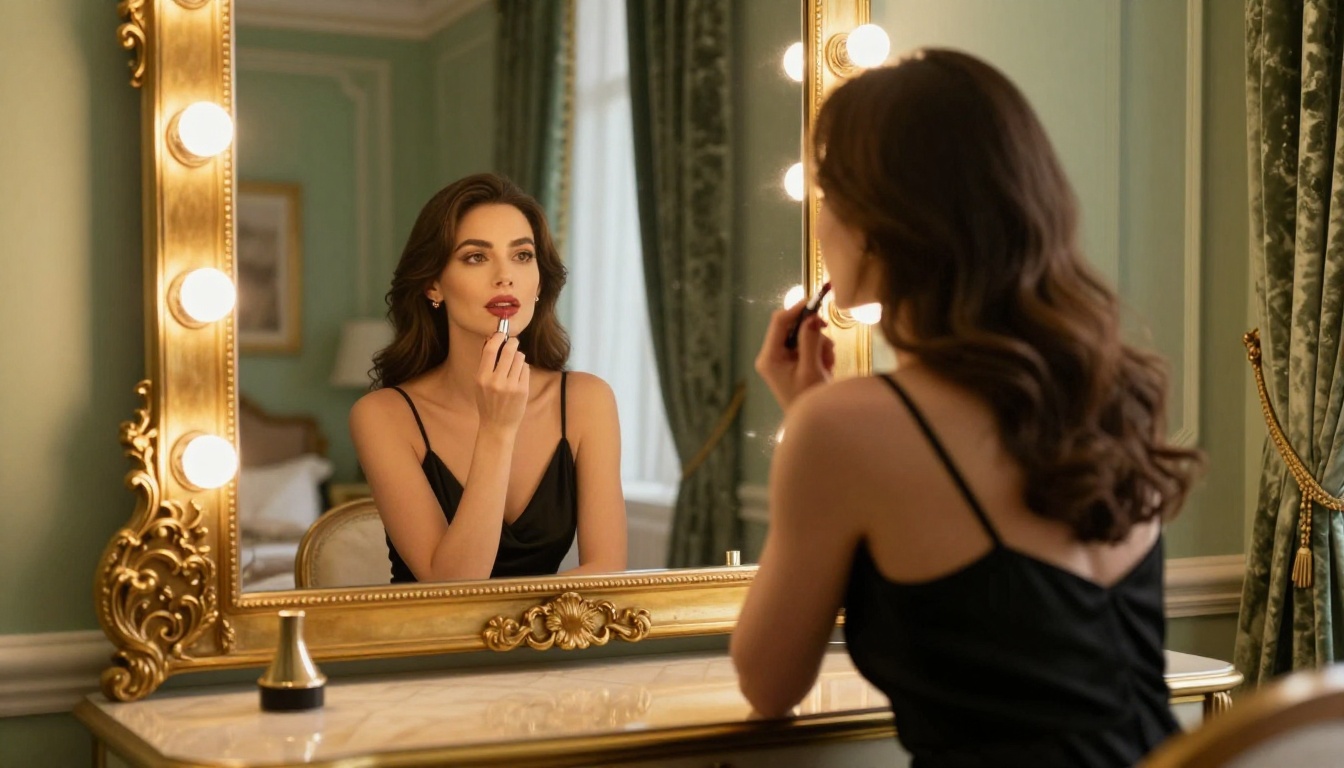
Since Seedream 4.5 is the most capable model on the platform for this type of work, here's exactly how to get the best results from it step by step.
Step 1: Open the model
Go to Seedream 4.5 on PicassoIA and sign in or create a free account. No credit card required for the first trial generations.
Step 2: Write a detailed prompt
Seedream 4.5 responds well to descriptive, scene-specific prompts. Include:
- Subject description (appearance, clothing, skin tone, pose)
- Setting and lighting (time of day, location, light direction and quality)
- Camera angle and lens feel (close-up, wide shot, aerial, film stock)
- Style cues (photorealistic, cinematic, RAW photography, no CGI)
Step 3: Set your aspect ratio
For editorial and wide-format outputs, use 16:9. For portrait work, use 9:16 or 4:3.
Step 4: Generate and iterate
The model generates in under 3 seconds. If the first result isn't right, refine your prompt by adjusting the lighting, changing the subject's position, or shifting the camera angle description. Each iteration is fast enough to test many variations quickly.
Step 5: Use image editing to refine
Seedream 4.5 supports image editing directly. Upload your output, describe what you want changed, and regenerate only that element. Far more efficient than starting from scratch every time.
💡 Pro tip: Prompts that describe lighting direction explicitly ("soft natural light from the left", "late-afternoon backlight") produce dramatically better skin rendering than generic "good lighting" phrasing.
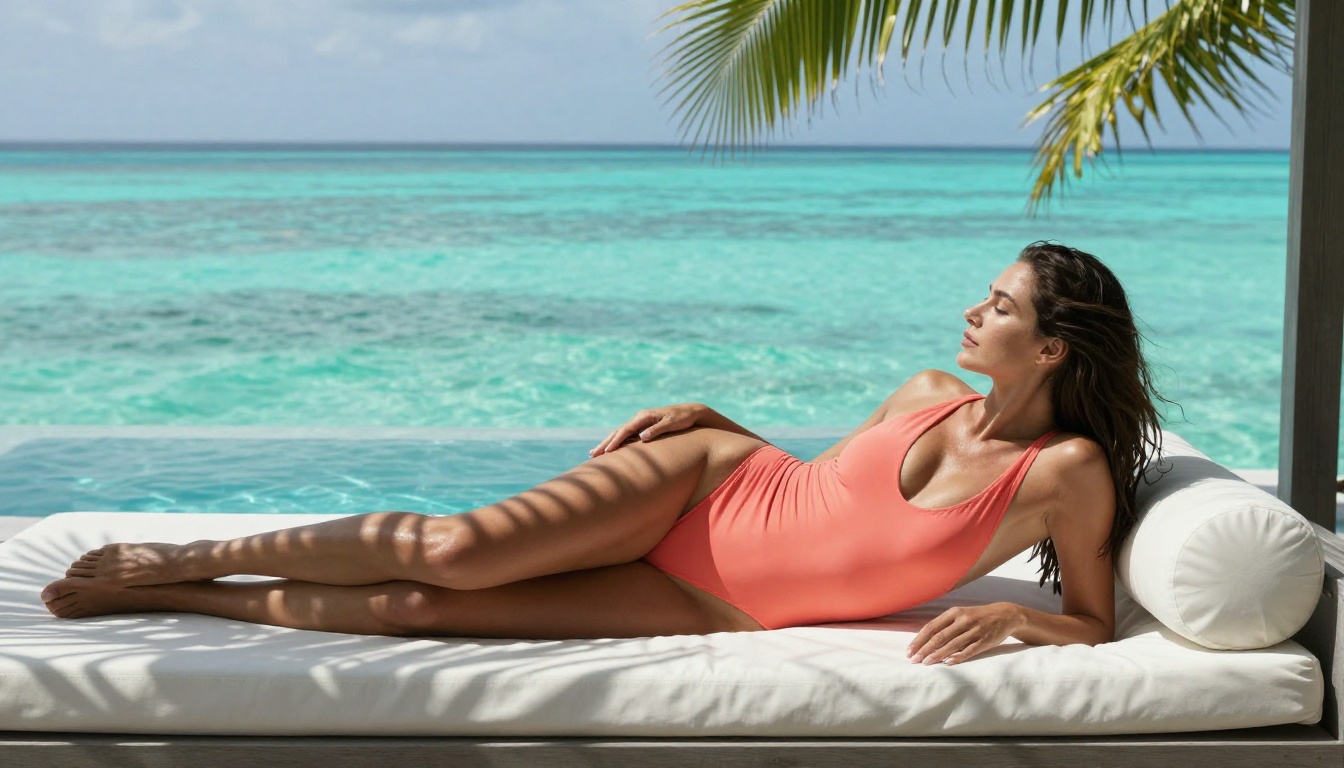
Video Generation Without Restrictions
Static images are one part of the equation. If you need to produce suggestive video content for platforms, personal projects, or content pipelines, most mainstream video AI tools will block you outright. The models below on PicassoIA support video generation with no content filters applied during generation.
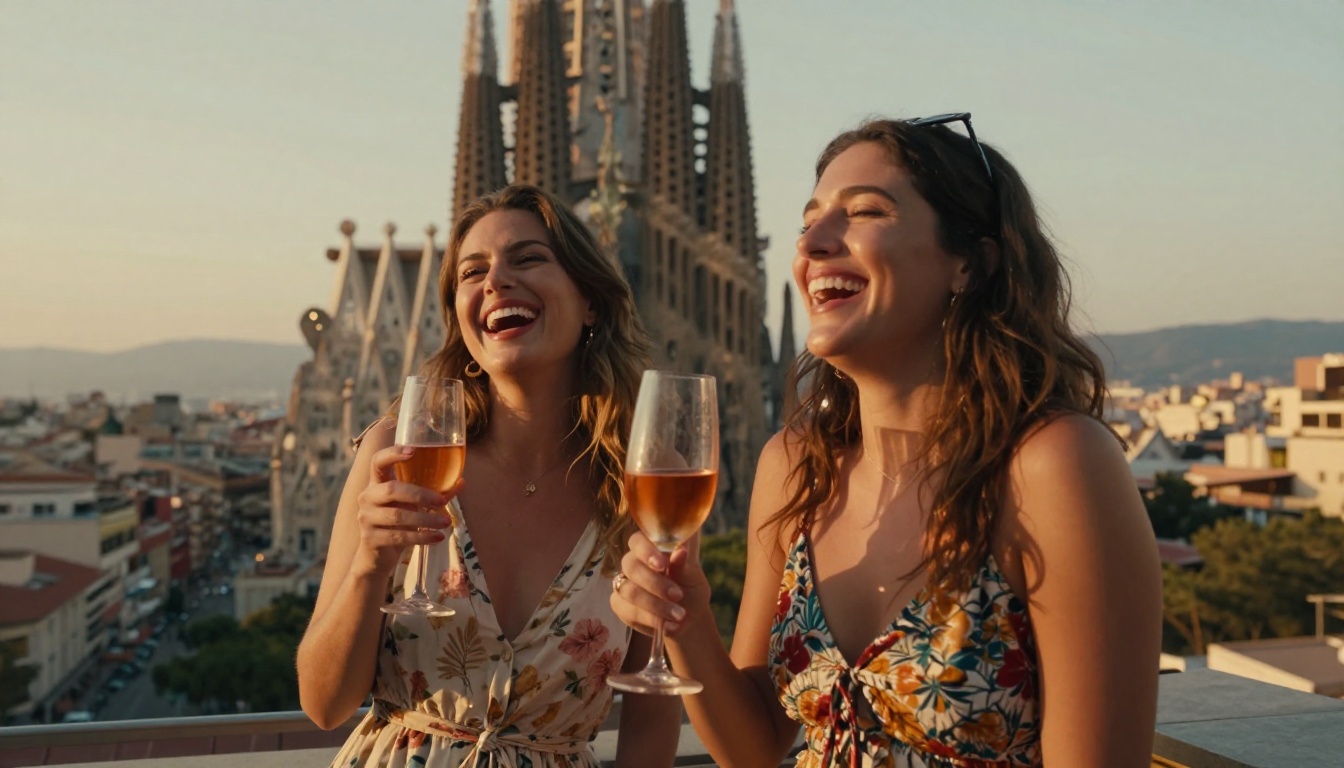
PicassoIA Video: Unlimited Clips
PicassoIA Video generates video clips directly from text prompts at up to 720p, 5 seconds per clip. The defining feature: unlimited video generation on compatible plans. Generate as many clips as your project needs without counting credits or hitting monthly walls.
P-Video: Full Pipeline Flexibility
P-Video (PrunaAI) accepts text, image, or audio as input and generates clips up to 1080p at 24 or 48fps, with duration from 1 to 10 seconds and seven aspect ratio options. Its safety filter is disabled by default, so prompts aren't checked for adult content before generation. Use draft mode for instant low-resolution previews before committing to a full render.
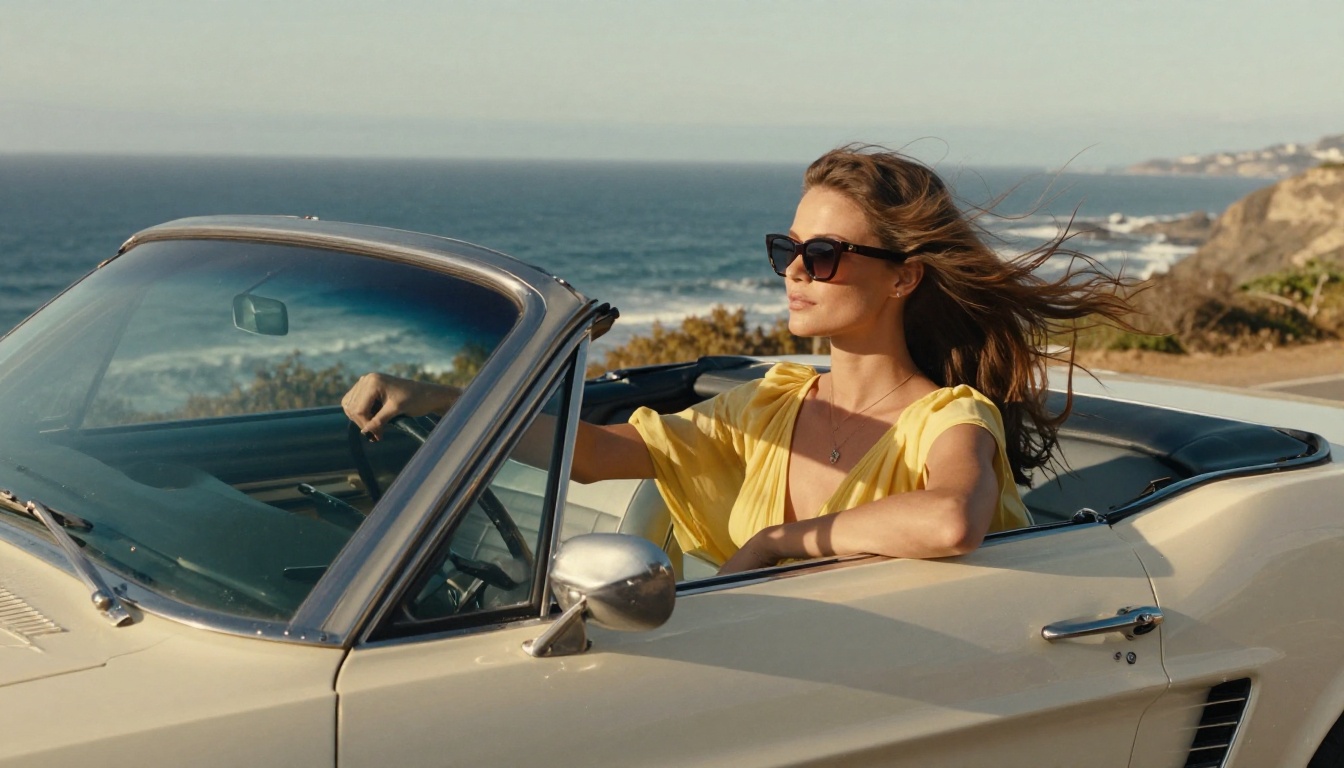
Grok Imagine Video: Longer Clips, No Watermarks
Grok Imagine Video generates clips up to 15 seconds from a text prompt, a reference image, or an existing video clip. Output is at 720p or 480p across eight aspect ratios, with no watermarks on the result. The image-to-video mode automatically matches the source photo's proportions, making it ideal for converting your best stills into motion.
LTX 2.3 Pro: Highest Fidelity
LTX 2.3 Pro (Lightricks) is the premium option for production-quality video. It outputs at up to 4K at 50fps, with five generation modes: text-to-video, image-to-video, audio-to-video, retake (replace a short segment without re-rendering the whole clip), and extend (append footage to the start or end). Camera motion presets include dolly, jib, and focus-shift for precise cinematic control.
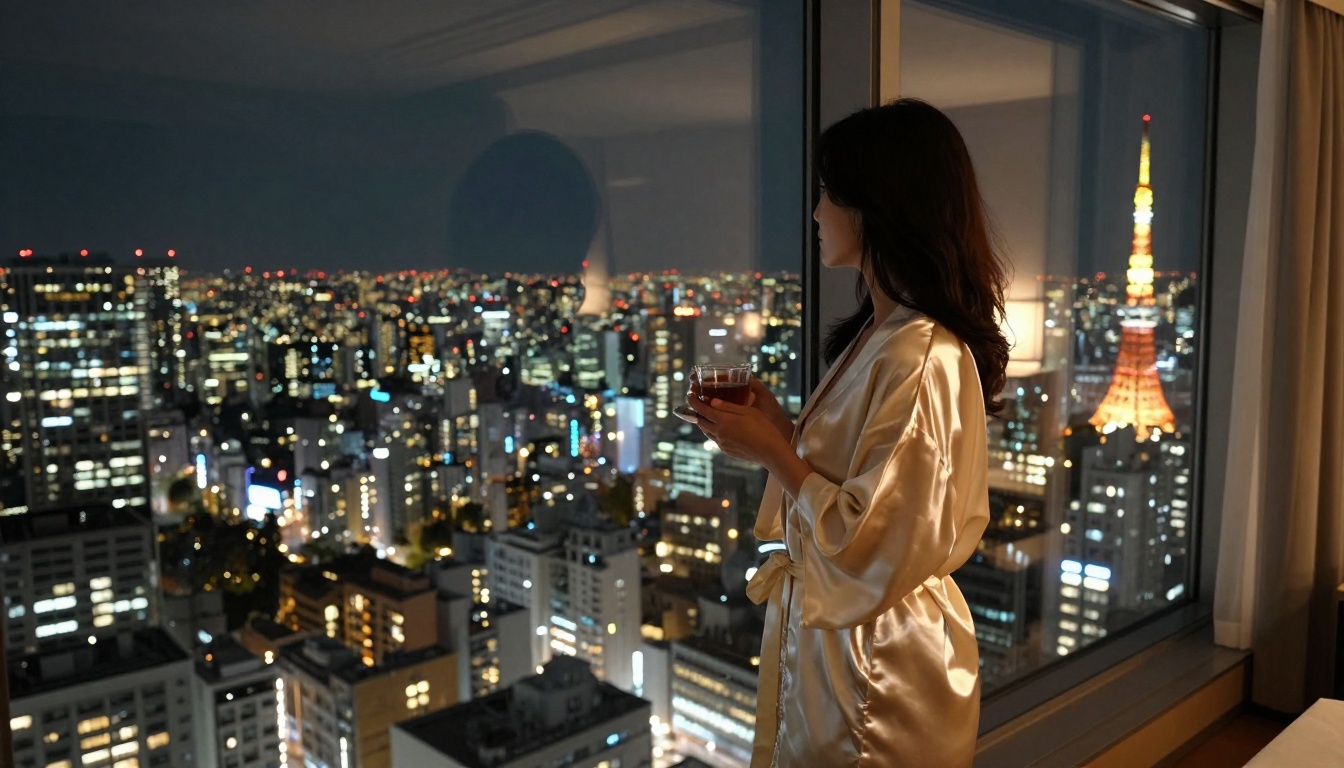
Tips for Better NSFW AI Prompts
Knowing which models to use is half the battle. Writing prompts that reliably produce what you actually want is the other half. Most creators get stuck because they write prompts that are too vague, too mixed, or too long.
What to Include
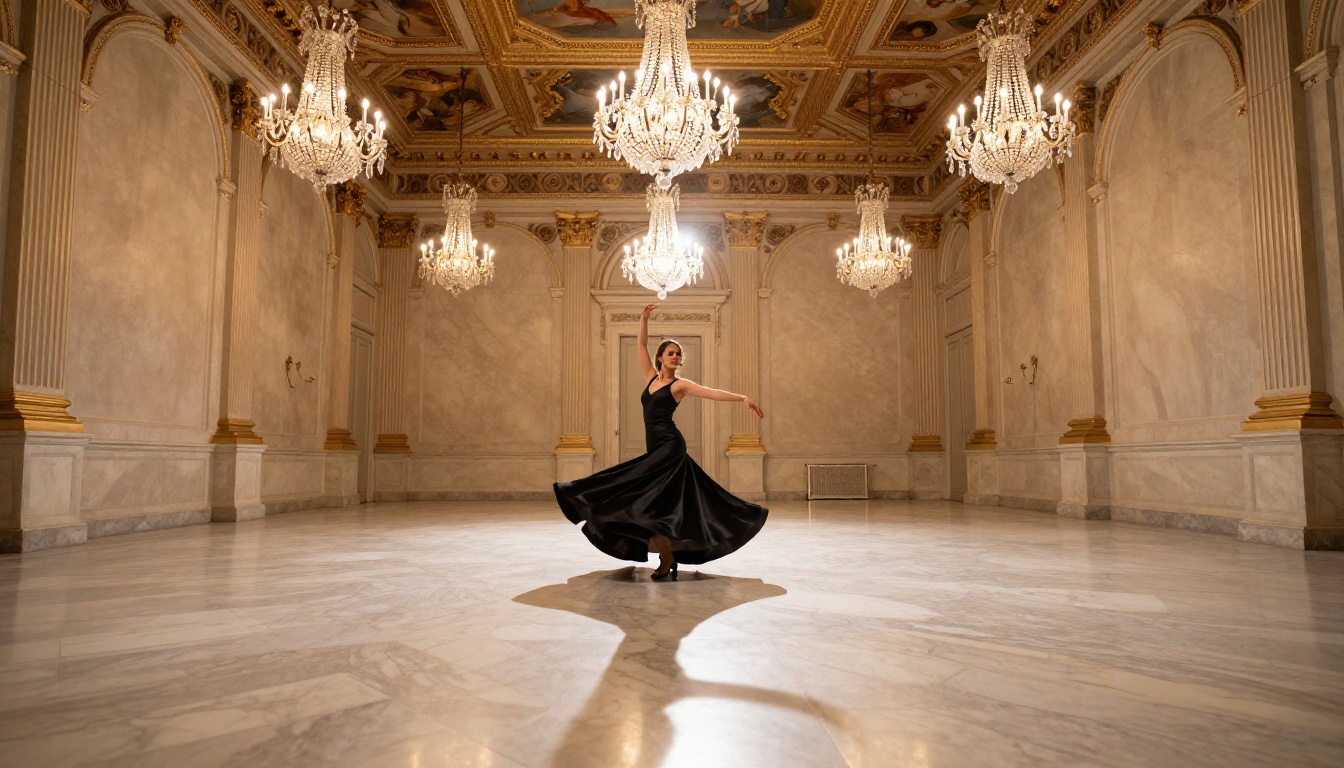
Be specific about light. The single biggest quality driver in photorealistic AI images is lighting description. "Soft diffused light from the upper left" produces far better results than "good lighting." Name the time of day, the light source, and its direction.
Describe textures explicitly. "Silk fabric with natural drape and subtle sheen" beats "silk dress." The more you describe material properties, the more realistic the output.
Specify the camera. "Shot on an 85mm f/1.4 lens with shallow depth of field" tells the model what visual feel to target. This changes focal compression, bokeh quality, and compositional framing in predictable ways.
Name the film stock. "Kodak Portra 400 film grain" adds authentic photographic texture that removes the sterile CGI look from outputs.
| Prompt Element | Weak Version | Strong Version |
|---|
| Lighting | "beautiful lighting" | "soft volumetric light from the left, late afternoon amber" |
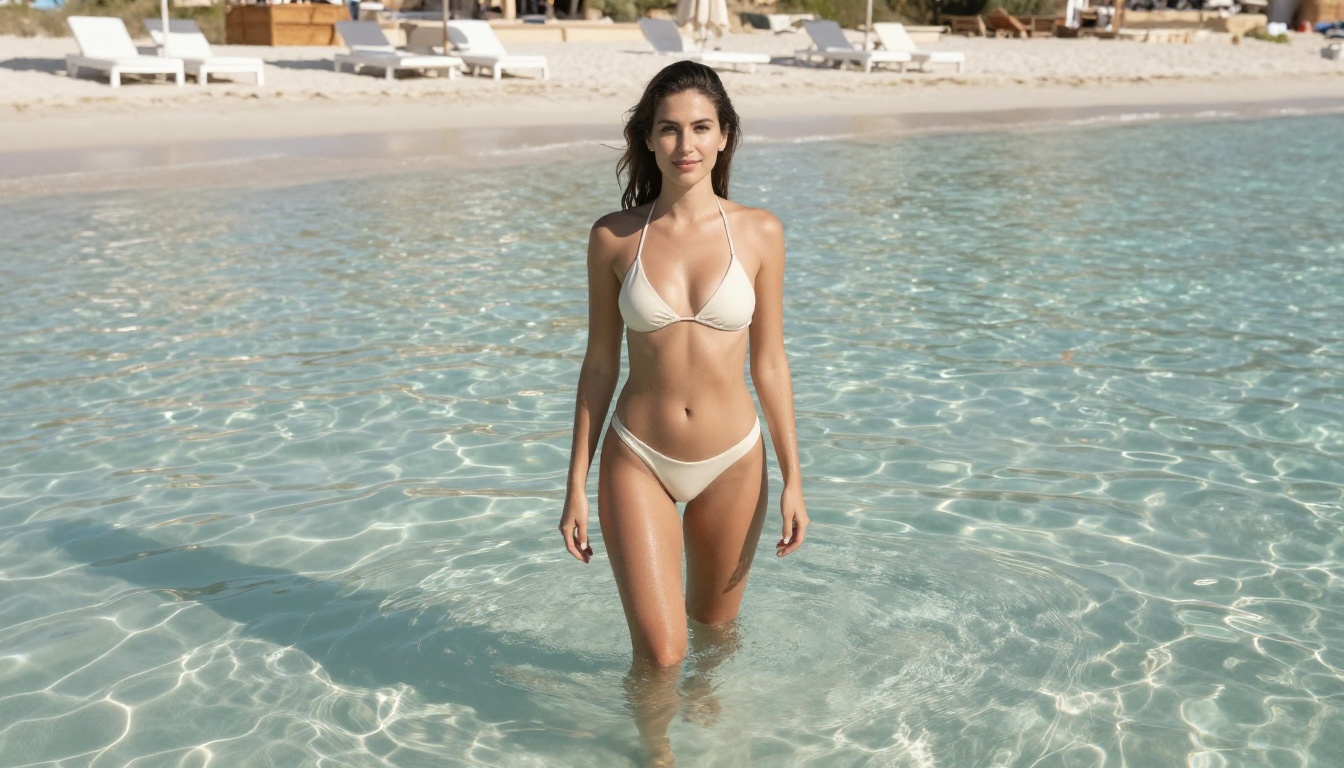
| Subject | "woman in bikini" | "woman in ivory bikini, wet from pool, droplets catching sunlight" |
| Camera | "close-up" | "shot on 85mm f/1.4, shallow depth of field, background bokeh" |
| Style | "photorealistic" | "RAW 8K photography, Kodak Portra 400 film grain, natural textures" |
| Environment | "beach" | "white sand private beach, Ibiza, midday Mediterranean sun, parasols in background" |
What to Avoid
- Vague aesthetic descriptors ("stunning", "beautiful", "gorgeous") without specifics. They add noise without adding useful information for the model.
- Mixed style signals like "photorealistic CGI." Pick one visual direction and commit to it fully.
- Overloaded prompts. Prompts longer than 300 words often perform worse than focused 75-word prompts with clear priorities. The model needs signal, not volume.
💡 Ratio rule: If your prompt has more adjectives than nouns, cut it by half.
Model Comparison at a Glance
The Full Catalog
The models above are the highest-priority picks for NSFW and adult content generation. But PicassoIA runs a much broader catalog across text-to-image, video, audio, and editing categories. If your project has specific requirements (face swapping, video upscaling, lipsync, or audio-to-video), there's likely a model for it in the full library.
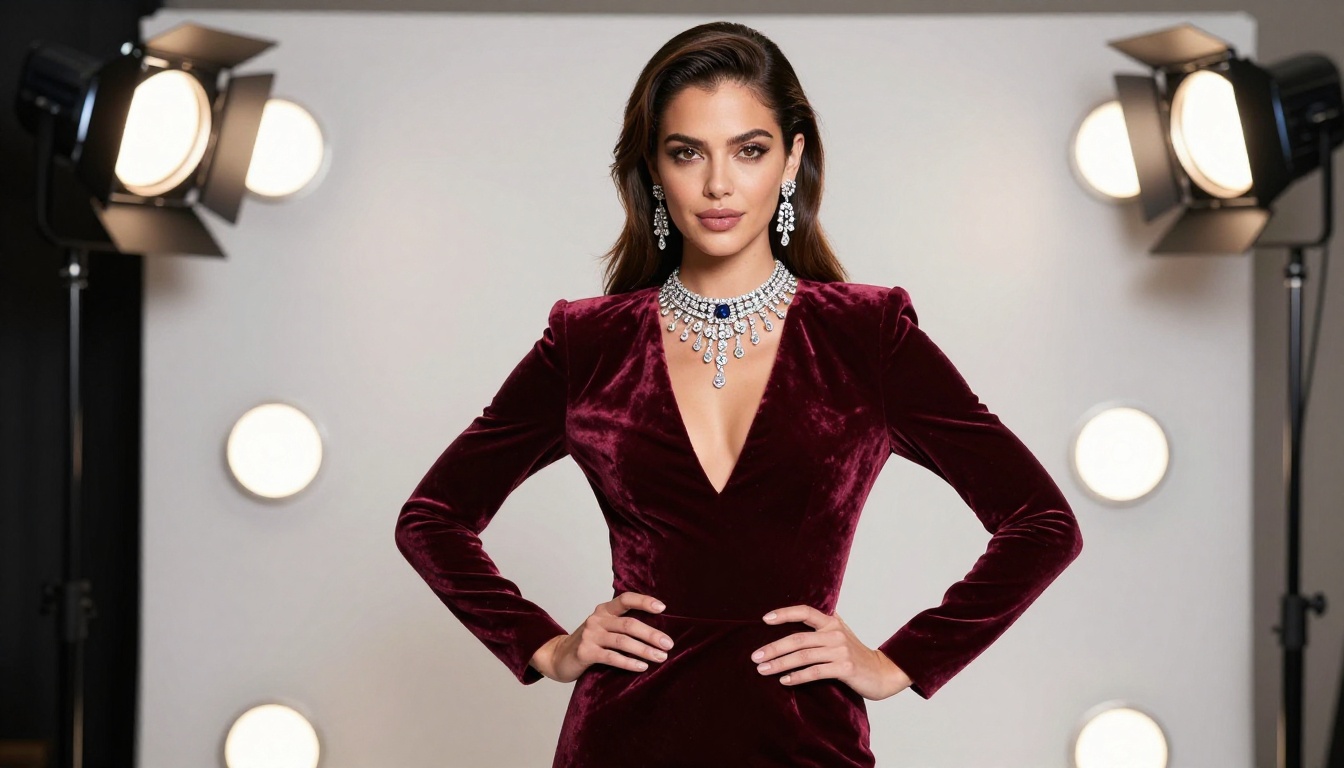
👉 See everything available at picassoia.com/en/all-models.
Start Creating Right Now
If you've been blocked, restricted, or warned on other platforms, the right move isn't to find workarounds. It's to move to a platform built for this from the start. The models above are live, fast, and ready — no workarounds required.
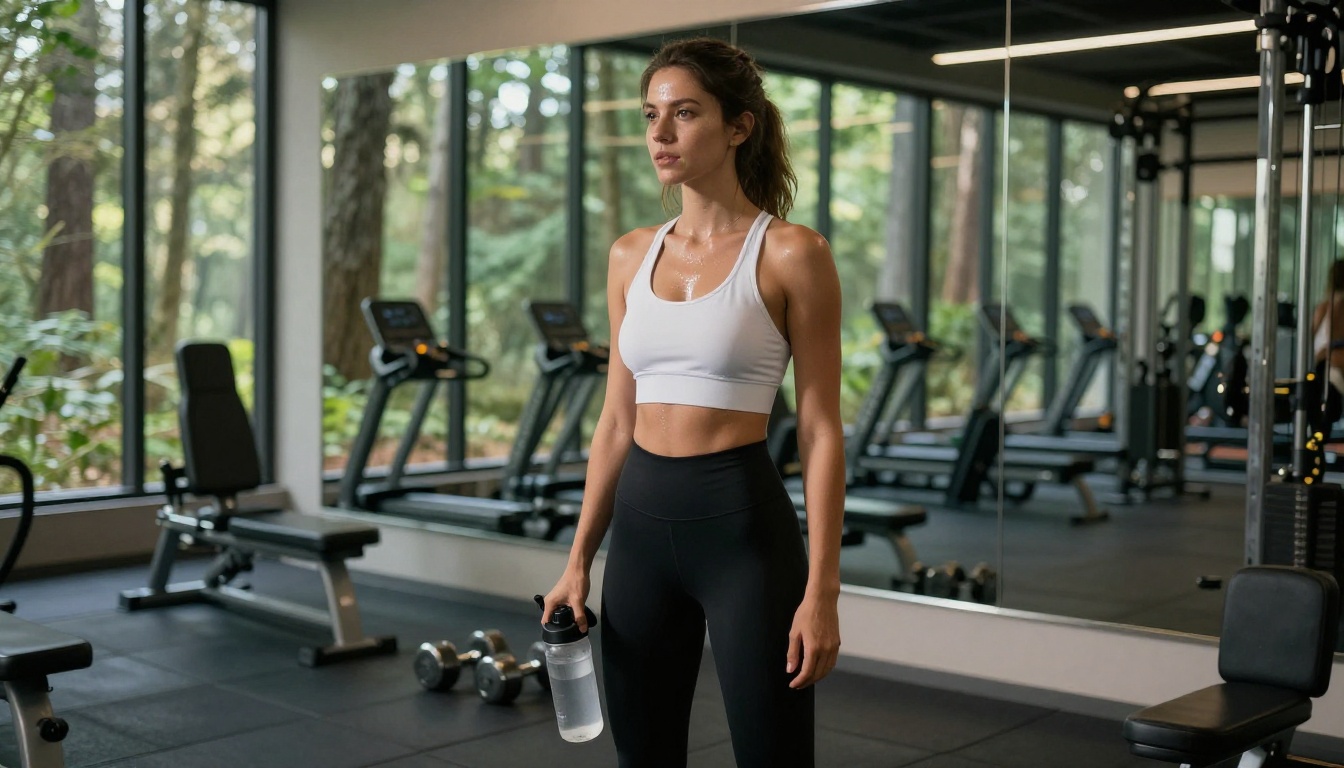
Start with Seedream 4.5 for your first generation. Write a detailed scene description, specify the lighting and camera, and generate in under 3 seconds. If you need volume, PicassoIA Image Editor Pro gives you unlimited outputs at under 1 second each, with no per-image cost on your plan. And when you're ready to add motion, P-Video and LTX 2.3 Pro take your stills and turn them into cinematic clips with no safety filter in the way.
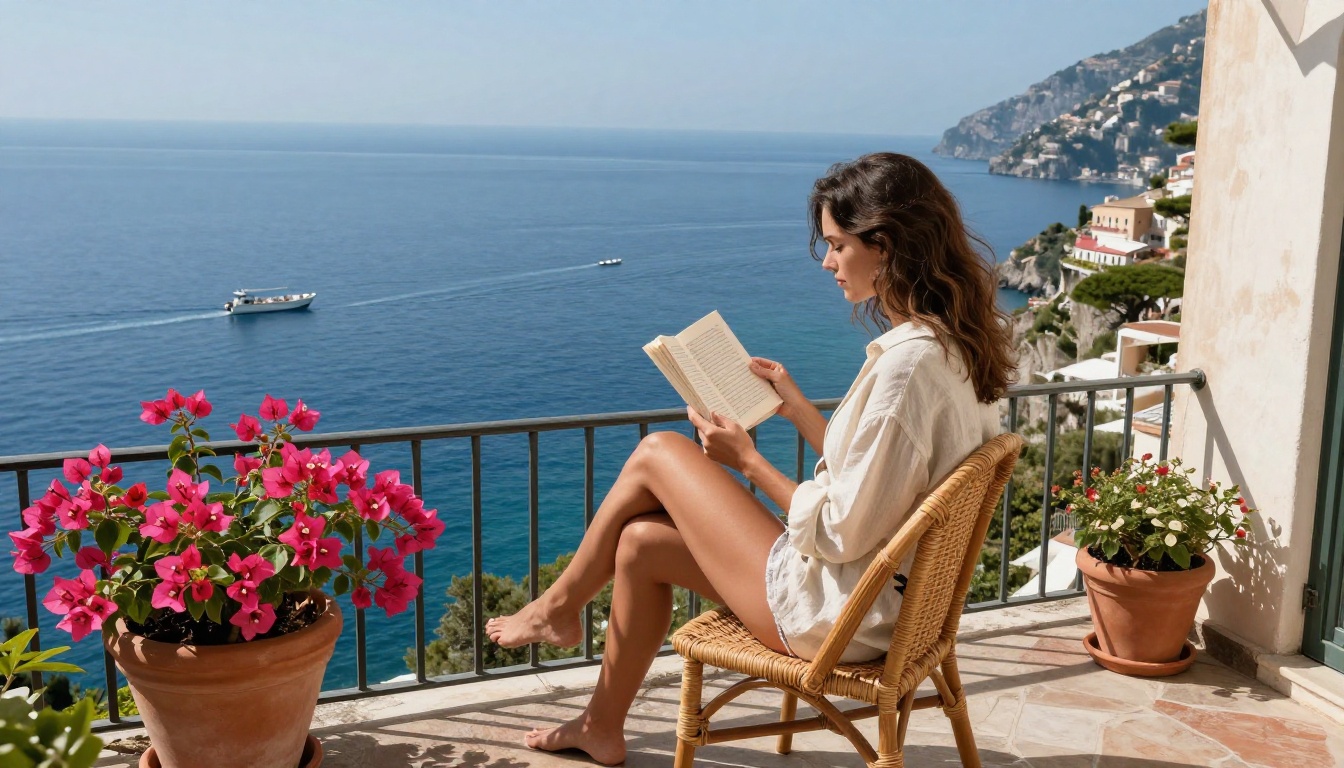
Your creative output is yours. Build it on a platform that agrees.


