NSFW AI Generation Without Waiting: Fast, Uncensored, Unlimited
If you've been stuck waiting for slow, censored AI generators that block your prompts, this article breaks down the fastest models for NSFW AI generation without waiting, the right prompt structures that actually deliver, and where to access unlimited uncensored AI art generation right now.
NSFW AI generation without waiting used to mean picking between speed and quality. Not anymore.
The current generation of uncensored AI image models can produce photorealistic adult-quality content in seconds, not minutes. No queue. No content police blocking your prompts mid-generation. No throttling after your fifth request.
But the tools that can actually deliver this are scattered, buried under paywalls, or wrapped in so many restrictions they're functionally useless for creative work. This article breaks down the fastest, most capable models available for NSFW AI generation right now, how to access them without limits, and how to prompt them so they actually deliver.
The Wait Problem Nobody Talks About
If you've used mainstream AI image generators for adult content, you know the frustration. You write a solid prompt. You wait 40 seconds. You get a result with the face blurred or a swimsuit added where there wasn't one in the prompt. You try again. You hit a rate limit.
Why Popular Platforms Are Slow
Most large AI platforms manage infrastructure at enormous scale. Every free user's request goes into the same pipeline. At peak hours, that pipeline can stretch to minutes. For NSFW content specifically, many platforms apply additional moderation layers that slow inference further because every output gets scanned before delivery.
The result: you're waiting longer for worse results. Censorship filters don't just block content, they degrade the quality of what gets through.
The Censorship Wall
Platforms like Midjourney, DALL-E, and Adobe Firefly have hard blocks on adult content. Stable Diffusion through DreamStudio has filters that trip on suggestive but non-explicit content. Even describing lingerie or swimwear in certain ways gets flagged. For creators working in adult content, brand photography for swim lines, or glamour photography references, this is a real workflow problem.
The models that work for NSFW AI generation without waiting are different architecturally. Some run on dedicated infrastructure with no content filters. Others are open-weight models hosted on platforms that explicitly allow adult content. Knowing which is which saves hours.
Seedream 4.5: Built for Speed and Freedom
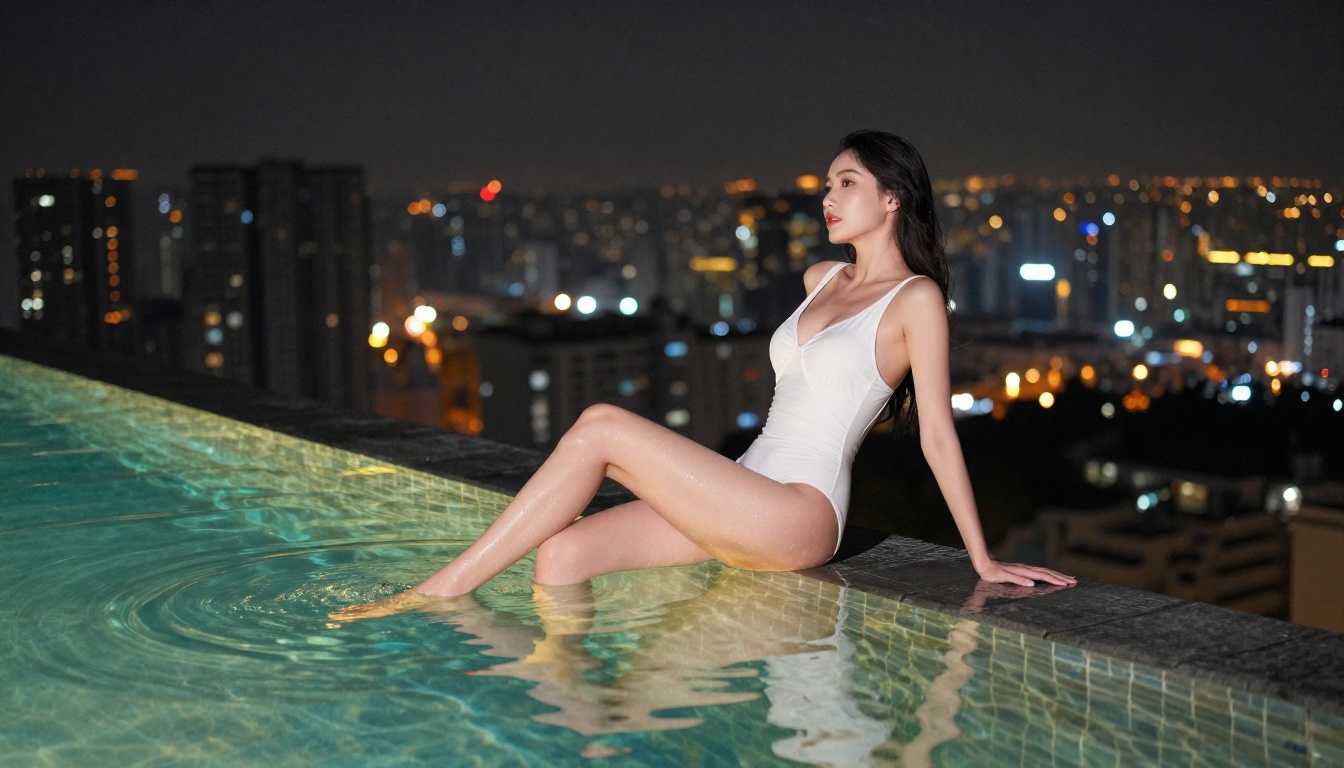
Seedream 4.5 from ByteDance is, right now, the fastest high-quality NSFW-capable model accessible without waiting. It generates 4K-quality output, handles complex poses with realism that would have been impossible a year ago, and does not apply content blocks to suggestive or adult-themed content.
It produces images that are photorealistic in a way the older SDXL-era models simply weren't. Skin texture, lighting transitions, fabric behavior, hair detail. These are all rendered at a fidelity that puts Seedream 4.5 in a different category from most alternatives.
What Sets It Apart
The technical reason Seedream 4.5 is fast: it uses a diffusion architecture aggressively optimized for inference speed without sacrificing output quality. Unlike some "fast" models that produce 512x512 results that look like watercolor at 100% zoom, Seedream 4.5 generates at full 4K resolution with detail that holds up.
For NSFW AI generation specifically, this matters because:
Skin rendering at 4K shows pores, subtle variations, natural imperfection. It reads as real.
Pose handling at this resolution means fewer anatomical errors, a chronic problem in adult AI generation.
No content throttling means your 50th prompt runs as fast as your first.
💡 Tip: When using Seedream 4.5 for glamour or adult content, include lighting direction in every prompt. "Warm side light from the left" produces dramatically better results than just describing the subject alone.
Set your aspect ratio (16:9 for landscape, 9:16 for portrait/fashion)
Write your prompt with subject first, then lighting, then camera angle
Hit generate. Results arrive in 8-15 seconds at 4K
For NSFW prompts: describe your subject's appearance, clothing or lack thereof, the environment, and lighting. Be specific but not explicit. "A woman in black lace lingerie reclining on white silk sheets, warm amber bedside light from the left, low-angle shot, shallow depth of field" produces better results than any vague alternative.
PicassoIA Image Editor Pro: No Throttling, No Caps
PicassoIA Image Editor Pro solves the other half of the problem. Speed is one thing. Being able to generate fifty variations in a session without hitting a daily cap or watching your credits disappear is another.
Image Editor Pro offers unlimited generations. Not "generous quota" unlimited. Actual unlimited.
For NSFW AI generation workflows that require iteration, this is significant. Getting the right result for glamour content often requires trying multiple prompt variations, adjusting lighting descriptors, and changing camera angle language. When every generation costs a credit, you're constantly rationing. When there's no cap, you iterate freely.
What Unlimited Actually Means
Most platforms that advertise "unlimited" have fair-use throttling, peak-hour slowdowns, or undisclosed request caps that kick in after a hundred or so images. PicassoIA Image Editor Pro doesn't operate this way. The model runs on dedicated infrastructure that doesn't share resources with free-tier traffic.
In practice: you can generate continuously without timing out, without being pushed to slower inference queues, and without receiving a "you've reached your limit" message at the worst possible moment in a production session.
Getting NSFW Results Right
The main difference between NSFW prompts that work and ones that fail is specificity in the right places. Vague prompts about "sensual" or "seductive" content produce generic, soft results. Specific prompts about composition, lighting, and attire produce the images you actually want.
What works:
Describe exactly what the subject is wearing (or not wearing)
Specify the exact lighting setup as if briefing a photographer
Describe the camera angle and lens characteristics
Add environment details that support the mood
What doesn't work:
Abstract adjectives ("beautiful", "hot", "attractive") as primary descriptors
Generic "photorealistic" without supporting technical details
Leaving composition and lighting to the model's default choices
💡 Tip: Add "Kodak Portra 400 film grain, photorealistic skin texture" to any portrait prompt. The result immediately reads more like real photography and less like AI output.
The Best Models for NSFW Right Now
Not all models handle adult content equally. Here's how the top options compare across the dimensions that matter for this specific use case:
For most NSFW AI generation workflows, Seedream 4.5 is the right default. It's fast enough for iteration and high enough quality for final output. If you need absolute volume with unlimited headroom, PicassoIA Image Editor Pro is the better choice.
Wan 2.7 Image Pro is the option when you need 4K output with maximum detail and can wait slightly longer. It's a heavier model, but the results in challenging scenarios, like complex multi-figure compositions or intricate lighting setups, are noticeably sharper.
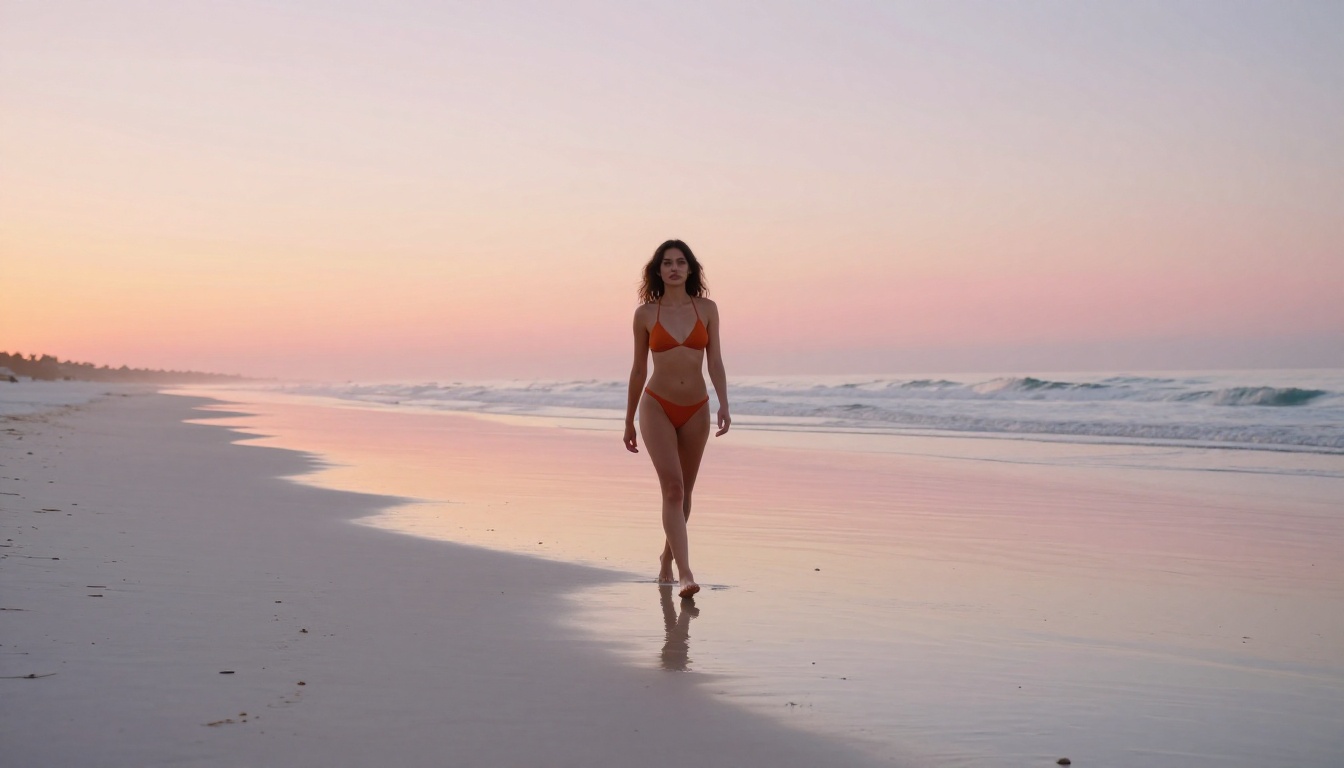
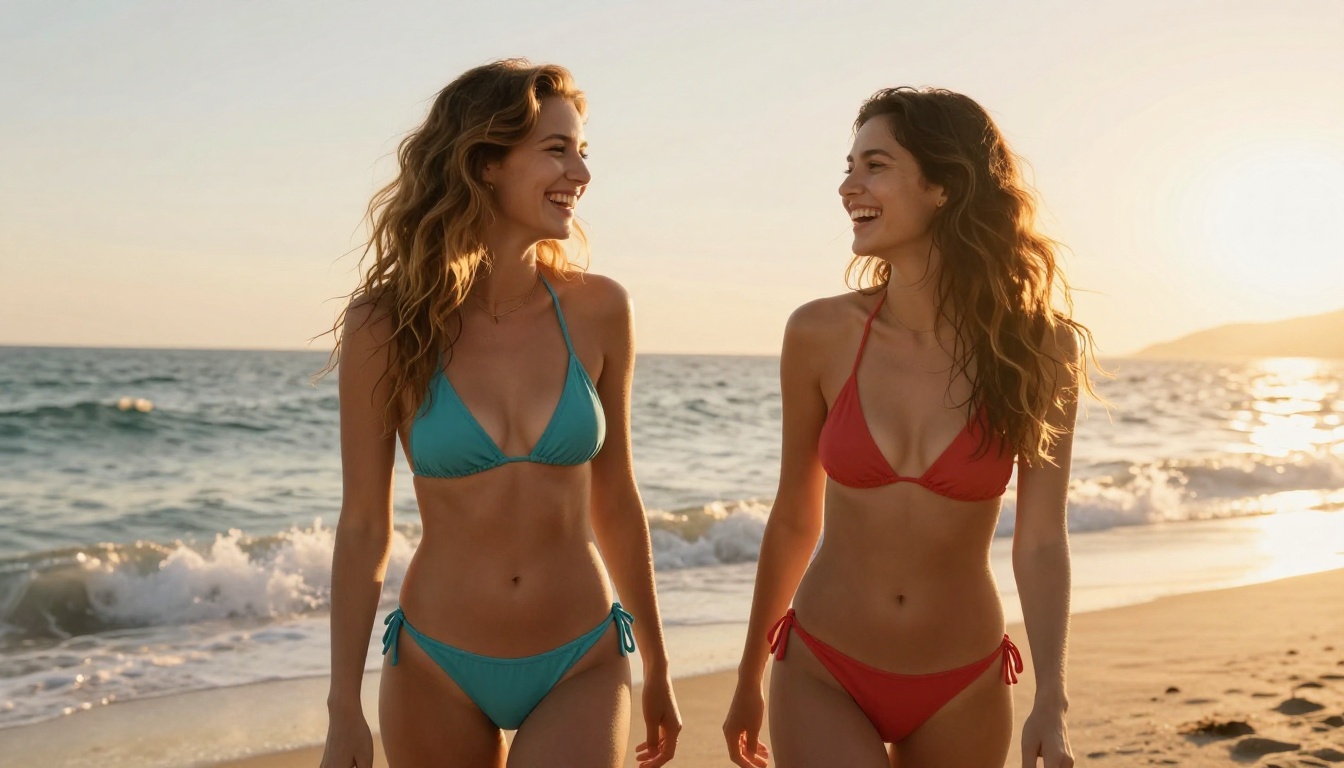
Dreamina 3.1 splits the difference nicely. It produces cinematic 4-megapixel output with strong handling of atmospheric lighting, making it excellent for outdoor NSFW scenes, beach content, and golden hour glamour shots.
Prompt Structures That Actually Work
The difference between a NSFW AI generation workflow that produces usable results and one that frustrates you comes down almost entirely to prompt structure. Here are five templates you can use immediately.
5 Templates That Get Results
Template 1: Beach/Outdoor Glamour
[subject + minimal attire description], [outdoor environment at specific time of day], [lighting direction and quality], [camera angle], [lens specifics], photorealistic, film grain, RAW 8K
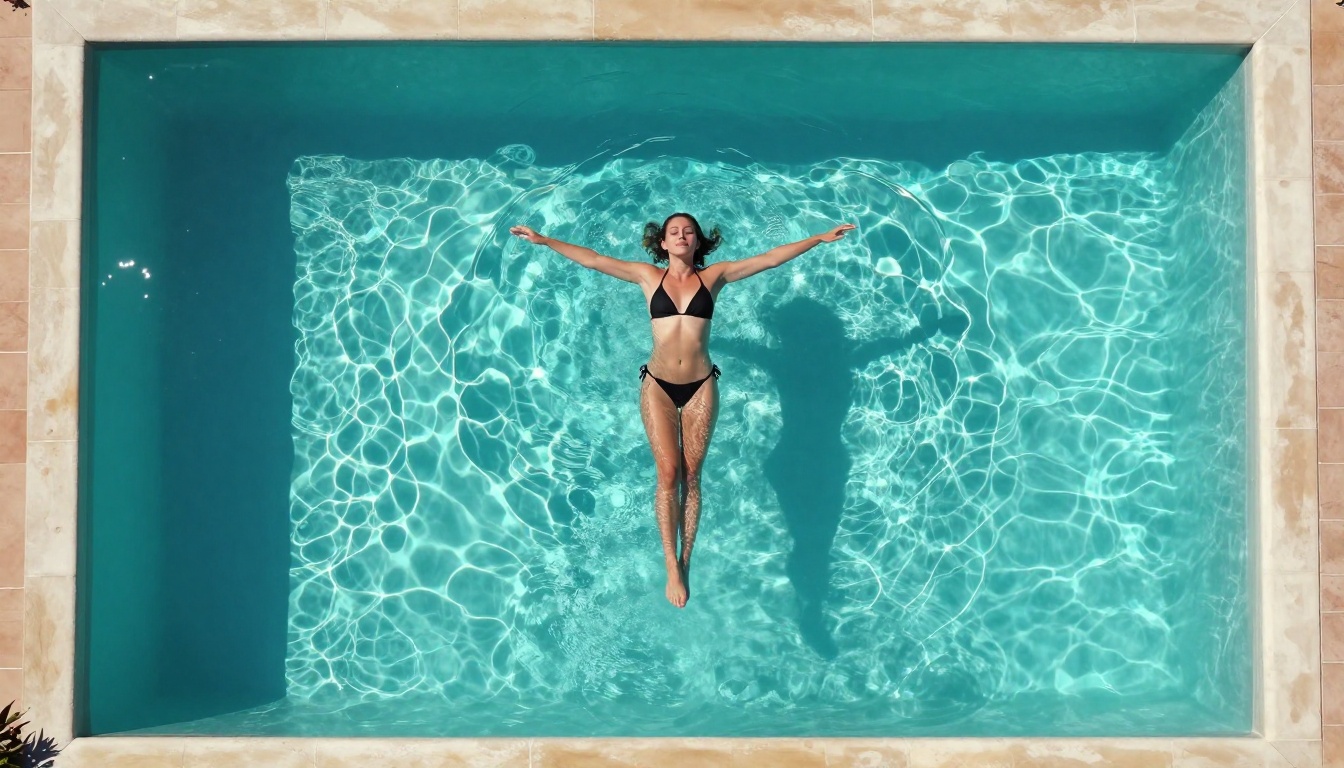
Example: "A woman in a white string bikini standing in shallow turquoise water at golden hour, warm amber sunlight from the left, low-angle shot from water surface level, 85mm f/1.4 lens, photorealistic, Kodak Portra 400 film grain, RAW 8K"
Template 2: Indoor/Studio
[subject + attire], [specific room/studio environment], [single or dual light source with direction], [camera angle and distance], [lens and depth of field], photorealistic skin texture, RAW 8K
Template 3: Portrait Close-Up
Close-up portrait, [subject with specific features], [attire glimpsed but not focus], [window/natural light from specific direction], [expression], 85mm f/1.8, shallow depth of field, Kodak Portra 400, photorealistic, RAW
Template 4: Lifestyle/Intimate
[subject in private environment], [clothing or state], [ambient lighting description], [camera perspective], [emotional quality of the scene], film grain, photorealistic skin, RAW 8K
"NSFW" as an actual word in the prompt: Most models respond to context from descriptions, not explicit labels
Stacked adjectives without technical specifics: "beautiful stunning gorgeous model" tells the model nothing useful
Conflicting style cues: "photorealistic digital art 3D render" pulls the model in three directions
No lighting information: Unspecified lighting produces flat, lifeless results every time
💡 Tip: When a result looks almost right but the face seems off, add "correct anatomy, face in sharp focus, natural skin tone" to your next prompt. This grounds the model's rendering behavior considerably.
Video Generation for Adult Content
Static images are one thing. Video is where things get genuinely interesting, and genuinely difficult. Most NSFW AI generation discussions focus exclusively on images because video generation has historically been slow, expensive, and technically limited.
That's changed.
From Image to Motion
The image-to-video workflow is the most practical approach for adult content video generation right now. You generate your ideal still frame first, then use that as the first frame for video generation. This gives you control over subject, composition, and lighting that text-to-video alone can't match.
This workflow is particularly effective for NSFW content because:
You've already confirmed the subject and composition look exactly right in the still
The motion prompt adds behavior on top of a verified starting point
You can iterate on motion independently from appearance
Video prompts for this workflow should describe motion chronologically: what moves first, what happens to the camera, what changes over the 5 seconds. Think of it as a shot description for a cinematographer.
Practical Video Prompt Structure
A video prompt that works: "[Subject starting position and state] → [what moves and how] + [camera movement type] + [lighting behavior over time] + [atmosphere]"
Example: "A woman standing in shallow turquoise water, serene and still → she slowly raises her arms and tilts her head back as a sea breeze catches her hair, camera performs a slow dolly-in from water level, warm golden light shifts as the sun descends, water ripples from her gentle movement"
What doesn't work: "Beautiful woman at the beach, sexy movement"
The difference in results is stark. Descriptive chronological prompts give the model a sequence to follow. Vague prompts produce random, incoherent motion.
💡 Tip: Keep motion in video prompts subtle for best results. Extreme movement in a 5-second clip usually looks distorted. Gentle motions, hair moving in a breeze, slow turns, water ripples, gentle camera pans: these produce cinematic, believable results.
More Tools Worth Knowing
Beyond the primary models, several others in the PicassoIA ecosystem are worth having in your toolkit for specific scenarios.
Flux Kontext Fast
Flux Kontext Fast is built for speed above all else. When you need to run fifty variations in a session to find the right composition, Kontext Fast's inference time makes that practical. It handles suggestive content well, though its NSFW capability is more limited than Seedream 4.5. Best for: testing compositions and poses quickly before committing to higher-quality generation runs on Seedream or Wan 2.7.
Hunyuan Image 2.1
Hunyuan Image 2.1 from Tencent is particularly strong at 2K portrait work. Its handling of face and skin rendering at mid-range resolution is excellent. For NSFW AI generation that prioritizes facial realism and emotional expressiveness over full-body composition, this is a strong choice.
Wan 2.7 Image Pro
Wan 2.7 Image Pro is the heavy-lifter. It takes longer than Seedream 4.5 but produces output noticeably richer in texture and lighting complexity. For final-quality, commercial-grade NSFW AI generation, whether for publishing, content creation, or professional glamour references, Wan 2.7 Image Pro is the model to use.
Real Speed Numbers
When NSFW AI generation platforms claim "fast", the actual numbers vary significantly. Here's what real-world inference looks like across the top models:
Seedream 4.5 producing 4K output in under 15 seconds is unprecedented for this quality tier. A year ago, getting 4K photorealistic output from any model would have required several minutes of waiting. The gap has closed significantly and the best models are now faster than most people expect.
For video, the image-to-video pipeline produces 5-second 720p clips in roughly 45-90 seconds per video. That's a realistic timeline for iterating on motion content without the hour-long renders that plagued early video generation tools.
Start Creating Right Now
Everything in this article is live and accessible at picassoia.com/en/all-models. No waiting list. No content application. No credit ceiling.
The fastest path to NSFW AI generation without waiting:
Add motion with the image-to-video workflow for video content
The limits most platforms impose are artificial constraints built around business models, not technical necessity. PicassoIA removes those constraints and puts the fastest, most capable models directly in your browser. Try it with your first prompt and see how fast NSFW AI generation without waiting actually is.