Generating a beautiful AI character once is easy. Getting that exact same face in the next 20 images is where most people give up. The nose shifts slightly, the eyes change shape, the jaw softens or sharpens, and suddenly you have a gallery full of strangers instead of one consistent person across different scenes. For NSFW AI generation, this inconsistency is one of the most common and most frustrating problems creators face, and it has real, practical solutions.
Why Character Faces Break Every Time
Every standard text-to-image generation starts from random noise. The model samples from a massive probability distribution and builds an image that matches your prompt statistically. This means two runs of the exact same prompt produce two different faces, because "beautiful woman with dark eyes and defined cheekbones" describes millions of possible faces simultaneously.
The model has no memory. No concept of "the same person from last time." Each generation is fully independent.
The Limits of Detailed Prompting
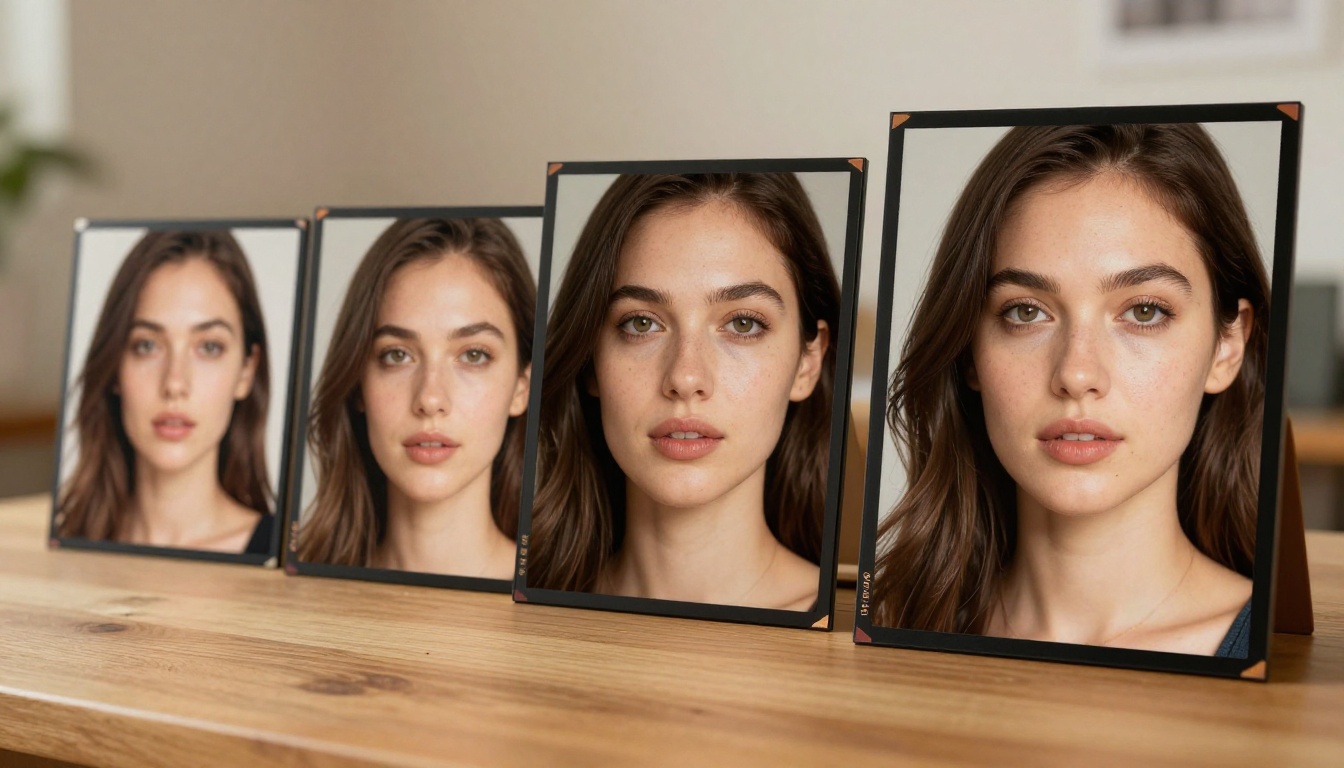
The instinctive fix is to write longer, more specific face descriptions. "Oval face, deep-set hazel eyes, high cheekbones, small upturned nose, full lips with natural color, light olive skin, small mole above right lip." Most creators have tried this. It does not work reliably.
Detailed prompts narrow the distribution slightly but do not pin it. Two runs of that exact description still produce noticeably different people. You might get the same general aesthetic but not the same face.
This is not something you can solve with better prompting alone. The solution requires feeding the model an actual image reference, not a text description.
What Face Lock Means in Practice
"Face lock" describes any technique that anchors a specific facial identity to future generations. Instead of describing the face with words, you provide the model with an image of the face and instruct it to preserve that identity while freely changing everything else: outfit, background, lighting, pose, mood.
The result is what every serious NSFW creator actually wants: one character, infinite scenarios, all unmistakably the same person.
Three Methods That Actually Work
Modern AI platforms use three distinct technical approaches to face-locked generation. Each has different tradeoffs in quality, flexibility, and how much setup is required.
Method 1: Context-Aware Image Editing
The newest approach, and the most accessible. Models like Flux Kontext Pro and Flux Kontext Max accept an existing image as input and allow you to modify specific elements while explicitly preserving everything else.
You provide your canonical character reference image, then write text instructions describing only what you want changed: outfit, setting, lighting, pose. The model handles face preservation internally without any additional configuration.
This approach has zero setup time. It is the fastest path from reference image to consistent character series.
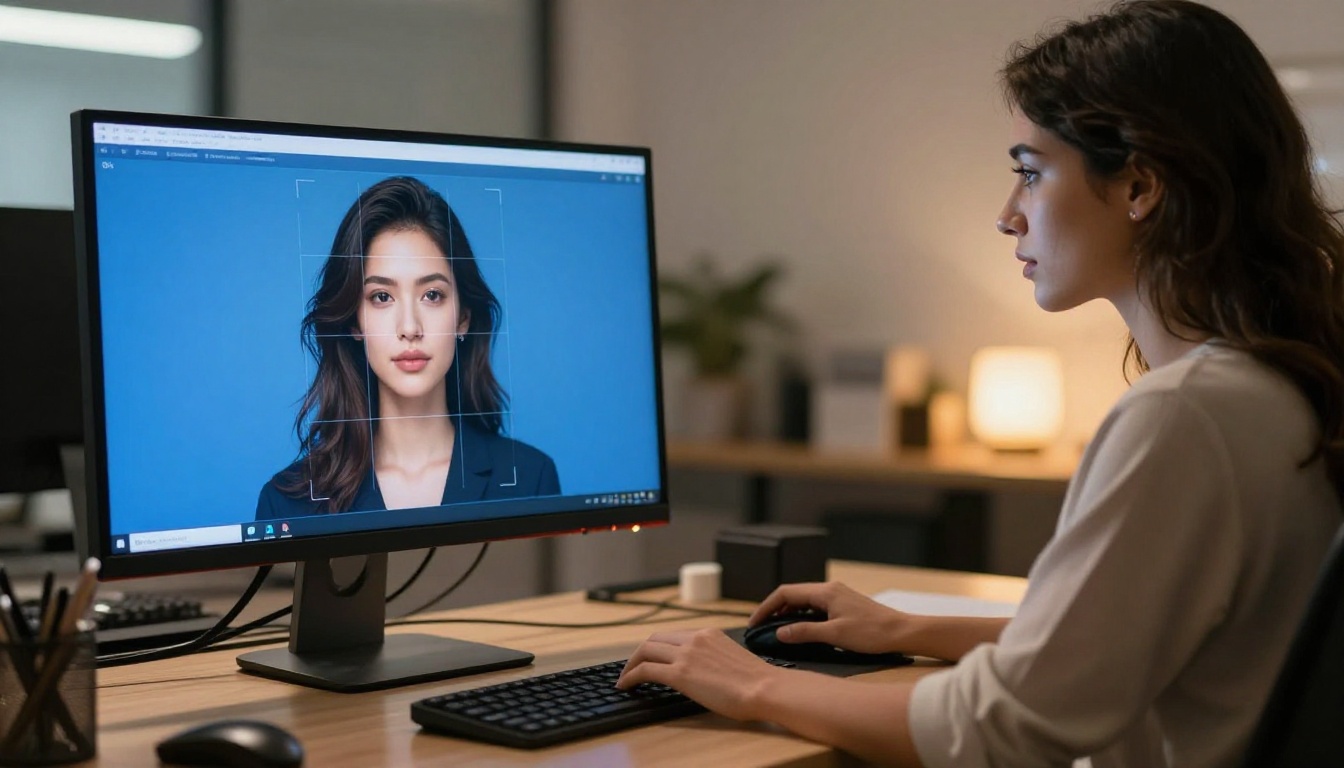
💡 Flux Kontext Pro is the recommended starting point for most creators. It requires no training, no technical setup, and produces face-consistent results within seconds of providing your reference image.
Method 2: LoRA Fine-Tuning
LoRA (Low-Rank Adaptation) is the highest-fidelity method for deep character consistency. You collect 15 to 30 images of your character and train a small adapter file that gets injected into any generation, pulling the model toward that specific face at a fundamental level.
The tradeoff: training requires time and resources. But once built, a character LoRA produces consistency no other method can match. The face is essentially baked into every output.
On PicassoIA, p-image-lora and flux-dev-lora both support loading custom character LoRAs directly for generation.
Method 3: ControlNet with Face Reference
ControlNet extracts structural information from a reference image and uses it to guide output. Face-specific ControlNet modes capture facial landmarks (eye position, nose bridge, jawline) and force the model to replicate that structure.
When combined with a character LoRA, ControlNet gives you simultaneous control over both identity and body structure. Models like Realvisxl v3 Multi ControlNet LoRA and SDXL Multi ControlNet LoRA allow stacking multiple control signals in a single generation.
The Best Models for Face-Consistent NSFW Generation
Not all models handle face-locked generation equally. Here is how the top performers on PicassoIA compare for this specific use case.
Flux Kontext Pro and Max
Purpose-built for identity-preserving edits. Both Flux Kontext Pro and Flux Kontext Max were designed from the ground up around the concept of consistent character editing across multiple scenes.
| Feature | Flux Kontext Pro | Flux Kontext Max |
|---|
| Face Consistency | Excellent | Outstanding |
| Output Resolution | High | Ultra-high |
| Generation Speed | Fast | Moderate |
| Best For | Iteration and testing | Final quality renders |
Realvisxl v3.0 Turbo
Realvisxl v3.0 Turbo is one of the best photorealistic base models for NSFW character work. Its hyperrealistic skin rendering pairs extremely well with face-lock workflows. When a LoRA or ControlNet face signal is applied, this model produces some of the most convincingly real skin texture, hair detail, and facial lighting in any available model.
Flux 1.1 Pro Ultra
Flux 1.1 Pro Ultra excels at high-fidelity base character creation. Use it to generate your canonical reference image before loading that reference into Flux Kontext for scene variations. The image quality at this model's native resolution is exceptional for establishing a character.
SDXL with ControlNet
SDXL combined with SDXL Multi ControlNet LoRA gives creators who already have SDXL-trained character LoRAs a direct path to face-consistent generation at scale. The multi-ControlNet support means you can apply face, pose, and depth control simultaneously.
Building a Character LoRA: What It Takes
If you want ironclad face consistency across hundreds of images over time, a trained character LoRA is the right investment. Here is how the process works.
Selecting Training Images
The quality of your LoRA is entirely determined by your training data. Use these criteria:
- 15 to 25 images minimum for a solid character LoRA, 30 to 50 for a professional-grade one
- Lighting variety: include images with different lighting conditions, not just identical studio setups
- Angle variety: front, three-quarter, side profile, slightly above, slightly below
- Expression variety: neutral, smiling, serious, looking away
- Clean face visibility: every image must have the face clearly visible with no heavy blur, occlusion, or oversaturation
Loading and Using Your LoRA on PicassoIA
Once trained, load your character LoRA into p-image-lora or flux-dev-lora on PicassoIA. The critical parameter to manage is LoRA weight:
| Weight Range | Effect |
|---|
| 0.3 to 0.5 | Soft influence, allows creative face variation |
| 0.6 to 0.8 | Strong face lock, recommended range |
| 0.9 to 1.0 | Rigid control, may introduce artifacts |
Start at 0.75 and adjust based on your first few outputs. Most character LoRAs perform best between 0.65 and 0.80. Going above 0.9 often introduces skin texture artifacts and over-saturated features.
💡 Critical rule when using a LoRA: stop describing the face in your text prompt. Adding face descriptions alongside a LoRA creates conflicting signals. Let the LoRA do all face work. Use your text prompt exclusively for outfit, environment, lighting, and pose.
ControlNet for Pose and Structure
Identity control and pose control are separate problems. LoRA locks the face. ControlNet locks the body position and structural composition.
OpenPose Control
OpenPose ControlNet extracts a skeleton wireframe from a reference image and forces the model to output the character in that precise body position. Combined with a face LoRA, you get full control over both who appears in the image and how they are positioned.
This is essential for building multi-scene NSFW narratives where your character needs to appear in specific, predetermined poses across different settings.
Face Structure Control
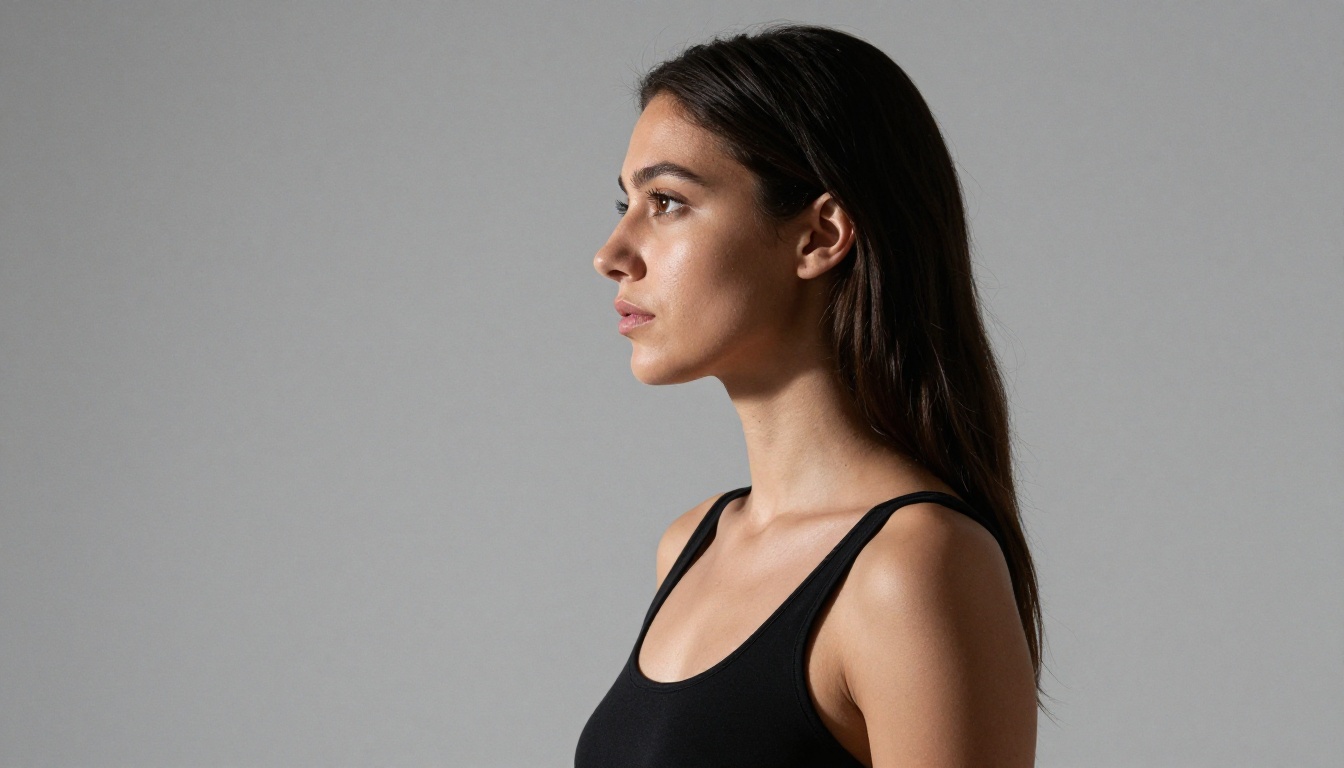
Face-specific ControlNet modes capture facial landmark positions from a reference and enforce them in output. Eye spacing, nose placement, mouth position, and face outline all get transferred from the reference to the generation. This works especially well when you need to match exact face angles between shots.
Realvisxl v3 Multi ControlNet LoRA allows stacking face ControlNet with OpenPose simultaneously, giving you complete structural control over every generation in a series.
A Practical Workflow from First Image to Full Series
Here is the exact step-by-step process for building a face-consistent NSFW character series on PicassoIA.
Step 1: Create the Canonical Reference
Open Flux Kontext Pro or Flux 1.1 Pro Ultra. Write a detailed prompt focused on face and character identity. Generate several variations and select one as your canonical reference. Record the seed number. This image is the anchor for everything that follows.
Step 2: Choose Your Consistency Method
| Method | Best For | Setup Required |
|---|
| Flux Kontext Pro/Max | Quick iterations, scene changes | None |
| LoRA loading | Large batches, deep consistency | Moderate |
| Multi ControlNet + LoRA | Maximum structural precision | High |
| Face Swap AI | One-off replacements | Minimal |
Step 3: Generate Scene Variations
With Flux Kontext Pro, provide your canonical reference image and use short, clear instructions describing only what changes:
- "Change outfit to a red satin bodysuit, keep face identical"
- "Move setting to a bedroom with warm amber evening light, same character"
- "Pose seated with crossed legs, outdoor terrace background, preserve face"
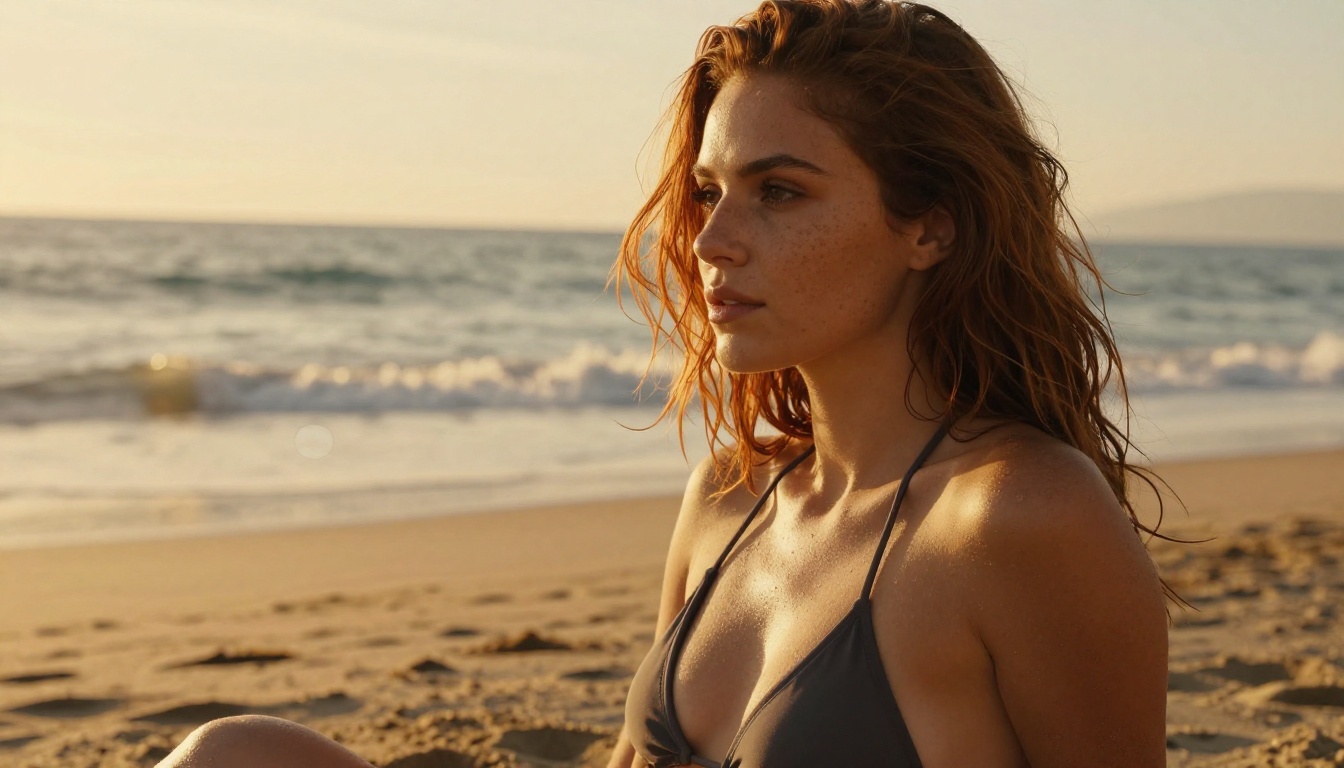
The model reads the face from your reference and applies it automatically. You only control what changes.
Step 4: Upscale and Finalize
After generating your scene series, run each image through PicassoIA's super-resolution tools to bring out full skin texture detail, hair strands, and fabric weave at 2x or 4x resolution. Face lock techniques preserve identity well at base resolution; the fine details emerge during upscaling.
💡 Always generate at base resolution first to confirm face consistency, then upscale. Upscaling before confirming consistency wastes time if the face is off.
Mistakes That Break Face Consistency
Most face-lock failures come from the same handful of errors. Avoid these specifically.
Mixing Conflicting Signals
When you use a LoRA or reference image for face control, remove all face descriptions from the text prompt. Adding "oval face, almond eyes" to a LoRA-guided generation creates signal conflict. The model tries to satisfy both the LoRA face and the text-described face simultaneously. The result is an averaged, blurry compromise that looks like neither.
Keep responsibilities separated: LoRA/reference handles the face, text handles everything else.
Switching Models Mid-Series
Flux Dev and Stable Diffusion 3.5 Large interpret the same character differently at a fundamental level. Switching models between images in a series guarantees visual inconsistency even if the face lock is technically working. Pick one model for a character series and stay on it.
Ignoring Lighting Consistency
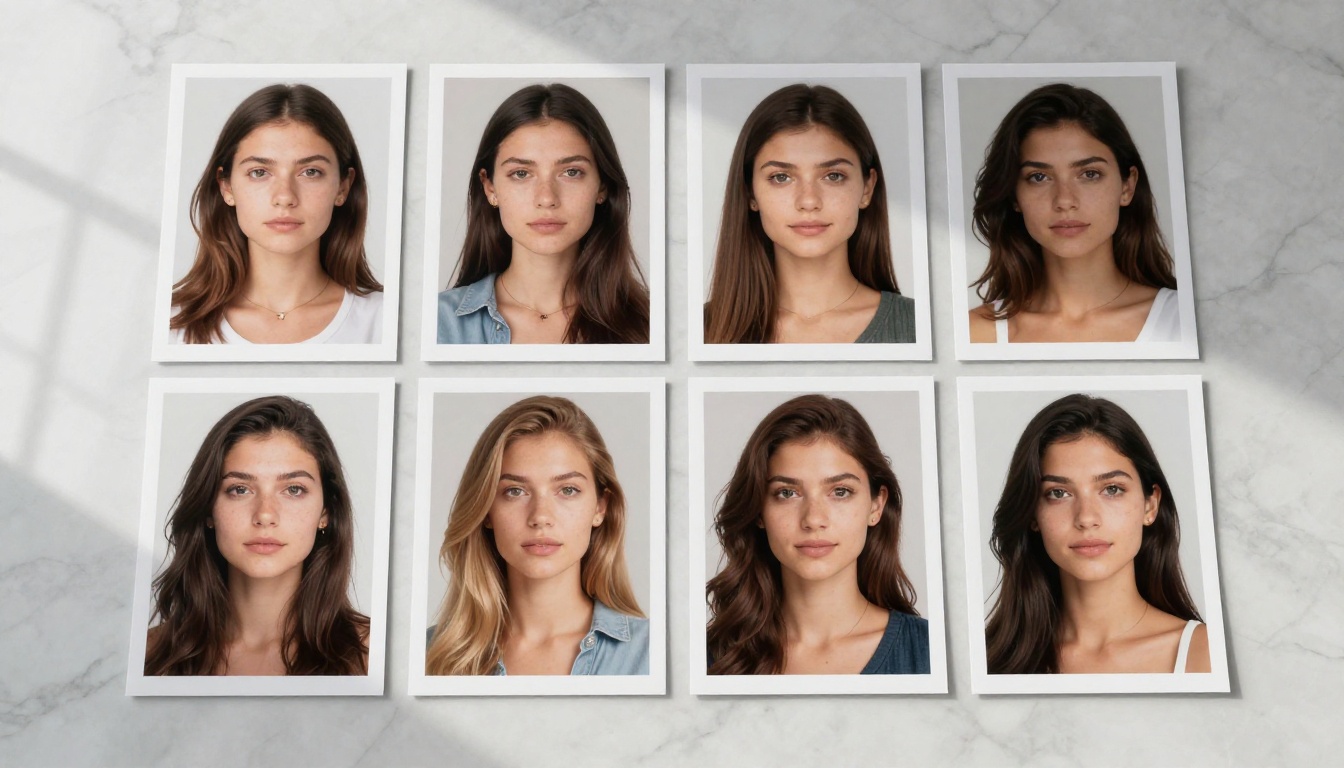
Face consistency is not just about bone structure. Lighting dramatically changes the perceived shape of a face. Hard side lighting from the left creates completely different shadows than soft frontal diffusion, making the same face look like two different people even with perfect face lock.
Establish a lighting signature for your character and include it in every prompt:
- Specify light source direction: "warm morning light from upper left"
- Specify shadow quality: "soft diffused shadows, no harsh contrast"
- Specify color temperature: "5500K neutral daylight"
Consistent lighting makes a bigger perceptual difference than most creators expect.
Low LoRA Weight for the Wrong Reason
Some creators lower LoRA weight to avoid over-saturation effects, but drop below 0.55 and the face consistency breaks entirely. The sweet spot for most character LoRAs is 0.65 to 0.80. If you are seeing over-saturation, the problem is usually training data quality or a too-high weight above 0.85, not the weight range itself.
Face Swap as a Fast Alternative
For situations where training a LoRA is impractical, Face Swap AI is a direct shortcut. Generate the scene you want freely, then apply face swap to replace the output face with your target character.
This works especially well for:
- One-off requests where training a LoRA is disproportionate effort
- Applying a real reference face to a fully AI-generated body and outfit
- Quick content that does not need to be part of an ongoing character series
PicassoIA's Face Swap AI tool handles realistic skin-tone blending and lighting consistency at the face boundary, so the replacement reads as natural rather than composited.
Maintaining Consistency Across Long Series
Professional NSFW creators often need to maintain the same character across dozens or hundreds of images over weeks or months. A few additional practices make this sustainable.
Build a Reference Sheet
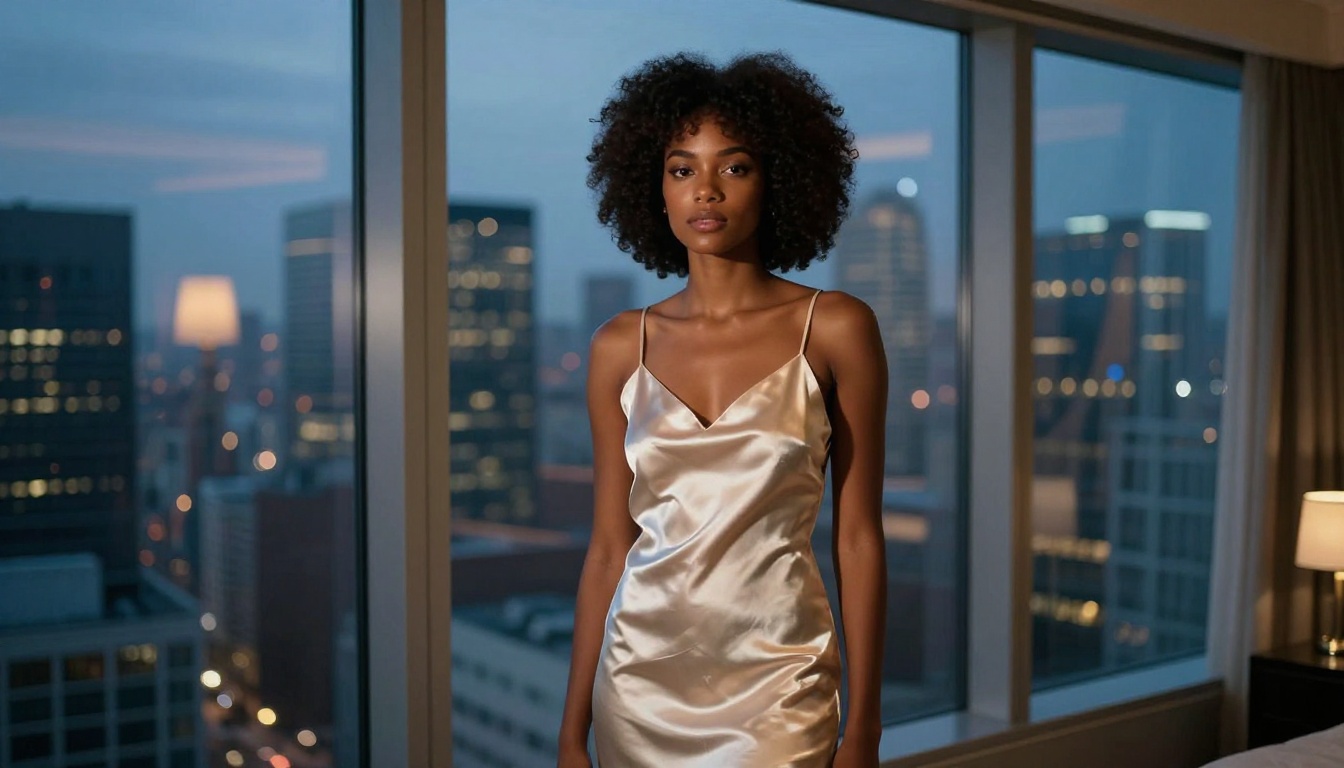
After establishing your canonical character, generate a small reference sheet: the same face at multiple angles (front, three-quarter left, three-quarter right, profile) with consistent neutral lighting. This sheet becomes your source material for all future ControlNet face references and gives you multiple angles to draw from for different scene compositions.
Document Everything
Keep a character file that records:
- The model used for the canonical reference
- The seed used for the canonical generation
- The LoRA file name and weight setting
- The baseline lighting description used across the series
- Sample prompts that produced good consistency
Recreating a character from memory after a gap of weeks is much harder than opening a one-page document with every parameter recorded.
Use Inpainting for Face Corrections
When a scene generation produces a great composition but slightly inconsistent face, do not regenerate the entire image. Use inpainting to select only the face region and regenerate it with full face-lock parameters, leaving the rest of the image intact. This saves significant time when the background, pose, and lighting are already correct.
Start Building Your Character on PicassoIA
Everything described in this article is available on PicassoIA without needing to manage separate tools, training environments, or technical configurations. The platform brings together 91 text-to-image models including Flux Kontext Pro, Flux Kontext Max, p-image-lora, flux-dev-lora, Realvisxl v3 Multi ControlNet LoRA, and SDXL Multi ControlNet LoRA, alongside face swap, inpainting, and super-resolution in one place.
The fastest way to see face-lock in action is to open Flux Kontext Pro, generate a character you like, and then use that image to build three or four scene variations with different outfits and settings. The difference between that workflow and standard text-only generation is immediately obvious.
If you want deeper control over a long-running character, load a trained LoRA into flux-dev-lora or try the multi-ControlNet pipeline with Realvisxl v3 Multi ControlNet LoRA for full structural precision. Either way, your character stops drifting and starts staying exactly who you built them to be.


