The debate has never really been settled: realistic or anime? Two fundamentally different philosophies, two completely different audiences, and two different sets of rules for what makes an image feel right. If you've been using any NSFW AI generator for longer than a week, you've probably already formed a strong opinion. But that opinion might be based on the wrong model, the wrong prompt, or an unfair comparison. This article puts both styles side by side, evaluates the top models for each, and gives you the specific prompt structures that actually work.
Two Styles, One Question
Not all NSFW AI generators are optimized for the same output. Some are trained on millions of actual photographs to replicate skin pores, natural light behavior, and the subtle imperfections that make an image feel real. Others are tuned on anime datasets, where proportions are intentionally stylized, colors are pushed further, and character expressions carry a kind of visual boldness that photography can't replicate.
The question isn't which style is better. The question is which style is better for what you're creating, and for whom.
What Realistic Style Actually Involves
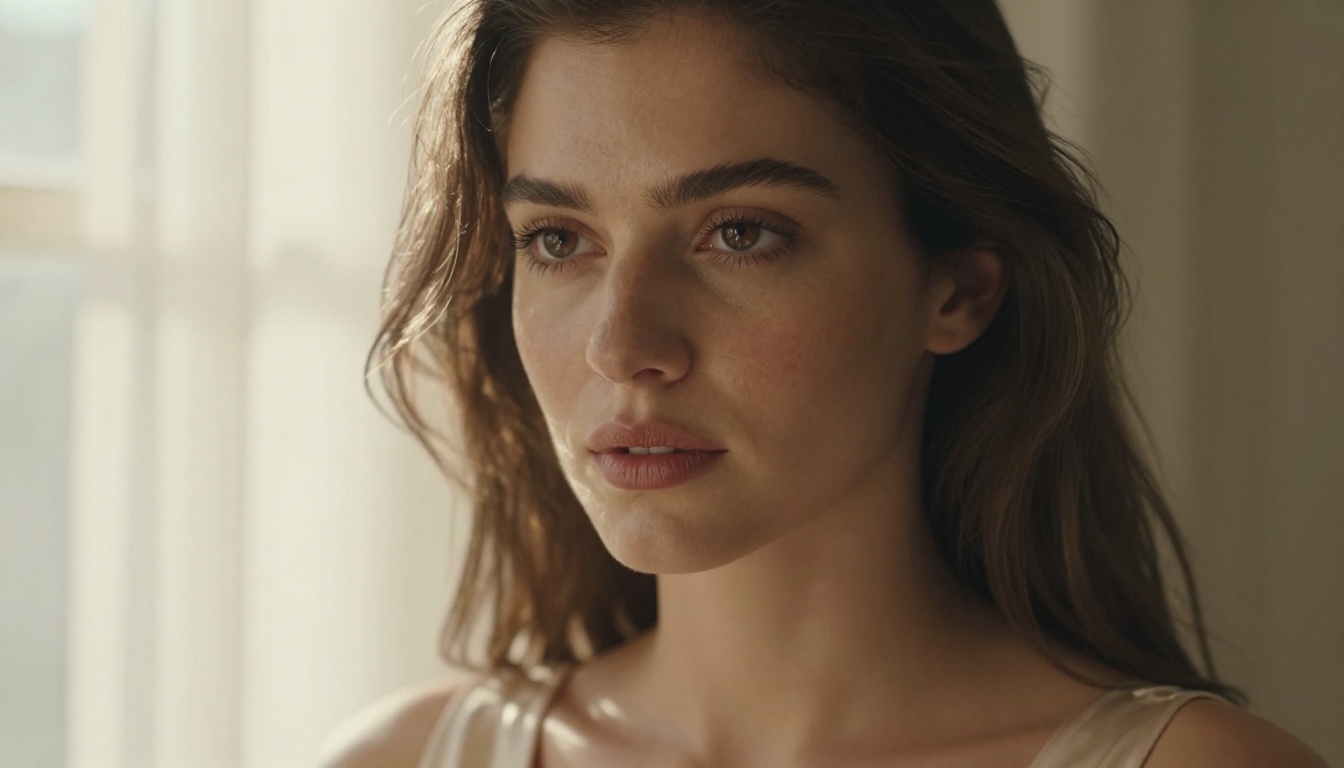
When AI generators talk about "realistic style," they mean images that could plausibly be mistaken for actual photography. This requires rendering:
- Skin texture: pores, natural unevenness, subsurface light scattering beneath the skin surface
- Lighting physics: how shadows fall, how highlights bloom on silk versus cotton versus skin
- Physical proportions: anatomically grounded body dimensions without idealized distortion
- Environmental interaction: fabric drape under gravity, hair response to wind, reflections in eyes
Models built for photorealistic output are trained on massive photography datasets. They've effectively learned the physics of light and how it behaves across different materials at different times of day.
The Challenge of Getting Realism Right
Here's what most comparisons don't address directly: photorealistic NSFW generation is significantly harder to do well. The human brain is wired to detect flaws in faces and bodies at an unconscious level, the so-called "uncanny valley" effect. When something is almost real but not quite, it reads as unsettling rather than attractive.
This means realistic AI generation demands more from your prompts. You need to specify lighting direction, camera lens, film type, subject-to-camera distance. Vague prompts return uncanny results. Precise, photography-informed prompts return images that look like they came from a professional shoot.
💡 Tip: For photorealistic results, always specify camera model, lens focal length, and film stock. Try adding: "Canon EOS R5, 85mm f/1.4, Kodak Portra 400" to your prompt and compare the difference.
The Anime Aesthetic
Anime is not a compromise on quality. It's a completely different visual language with its own beauty standards, its own storytelling conventions, and a deeply passionate global audience. The appeal of anime-style NSFW AI generation comes from a completely different place than realism.

Why Anime Style Performs Differently
Anime art operates on intentional visual shorthand that has decades of established convention behind it. Large eyes communicate emotion more forcefully than realistic eyes. Simplified skin removes imperfections that would distract from the scene. Dramatic hair physics serve an expressive rather than physical purpose. These are features of the art form, not limitations.
For AI generators, anime style carries one significant practical advantage: the uncanny valley doesn't apply the same way. Users don't expect an anime character to look photographically real. This means the threshold for a "successful" output is easier to reach consistently, and minor generation errors are perceived as stylistic rather than broken.
Anime-style prompts are also more forgiving on the technical side. You don't need to specify f-stops or film grain, and the model will still produce something that feels intentional and polished.
Character Design and Fantasy Range
Anime's visual language also opens creative territory that realism keeps closed. Fantasy body proportions, fantastical settings, characters with non-human features, and scenarios that would be physically impossible to photograph are all completely natural within anime conventions. The genre has decades of established visual vocabulary for these concepts, and AI models trained on anime datasets have absorbed all of it.
💡 Tip: For anime outputs, anchor your prompt with the character's emotional state and most distinctive visual feature first. "A cheerful woman with long silver hair and bright violet eyes" gives the model a clearer starting point than leading with background or environment.
Head-to-Head: Where Each Style Wins
Both styles have clear and distinct strengths. Here's how they compare across the dimensions that matter most for NSFW content creation:
| Dimension | Realistic Style | Anime Style |
|---|
| Skin quality | Pores, natural texture, subsurface | Smooth, cel-shaded, stylized |
| Proportions | Anatomically grounded | Stylized, intentionally idealized |
| Lighting | Physics-based, complex shadows | Dramatic, graphic, simplified |
| Background depth | Photographic realism, bokeh | Stylized environments, color fields |
| Emotional expression | Subtle, restrained | Exaggerated, bold, expressive |
| Prompt sensitivity | High (requires specificity) | Medium (more forgiving) |
| Safety filter pressure | Often stricter (photo-realistic) | Typically more permissive |
| Generation consistency | Varies more with bad prompts | More consistent across prompts |
Portrait Quality
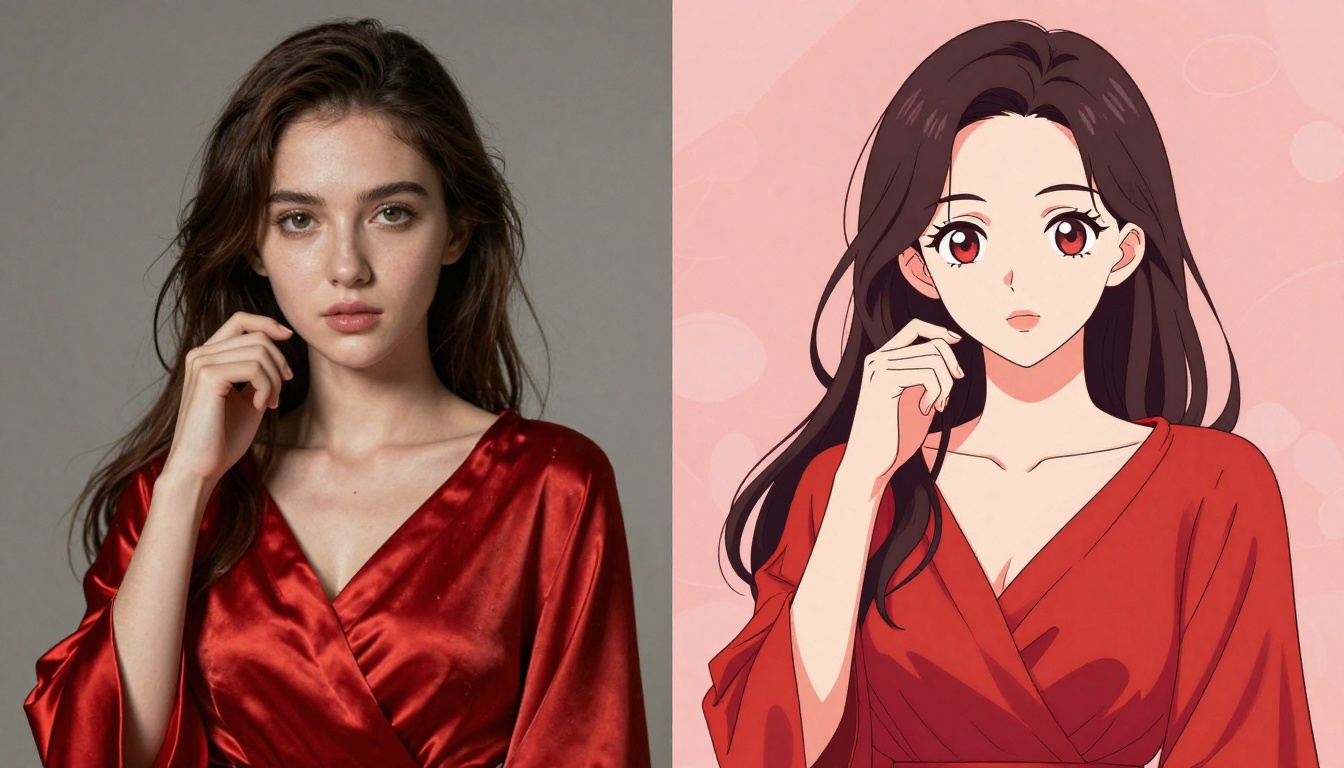
For portrait-focused content, the difference is immediately visible. Realistic models excel at close-up beauty shots where skin texture, natural makeup, and lighting are the primary visual interest. Anime models produce portraits with more graphic compositional impact, often built around dramatic eye rendering and dynamic hair that carries more emotional weight at a glance.
Which wins depends entirely on your audience. For those who consume photography and lifestyle content, realistic portraits feel more immediate. For audiences raised on manga, visual novels, and animation, anime portraits carry more emotional resonance.
Body Proportions
This is where the styles diverge most aggressively. Realistic generators follow human anatomy because they're trained on it. They know how muscles attach, how body fat distributes naturally, how posture affects overall silhouette. This creates outputs with a grounded, believable quality.
Anime generators apply genre conventions: longer legs, larger eyes, more stylized facial structure, more dramatic physical idealization. For the anime audience, these aren't deviations from reality, they're the expected aesthetic. But for anyone looking for photographic accuracy, this will feel wrong.
Where Platform Policies Shape the Choice
Both styles can produce suggestive, sensual, and artistic NSFW content. The practical difference comes in what gets filtered and what doesn't on content moderation platforms. Realistic content that closely resembles actual photography is often subjected to stricter automated safety filters because it's harder to distinguish from real-world images. Anime content, being clearly illustrated and stylized, is typically treated with more lenience by the same systems.
This is a genuinely practical consideration. On platforms with aggressive content moderation, anime-style generation often gives you meaningfully more creative range.
Best Models for Photorealistic Output
For those committed to photorealism, model selection matters more than almost any other factor. The right model is the difference between a professional-looking photograph and something that reads as AI-generated at first glance.
Realistic Vision v5.1
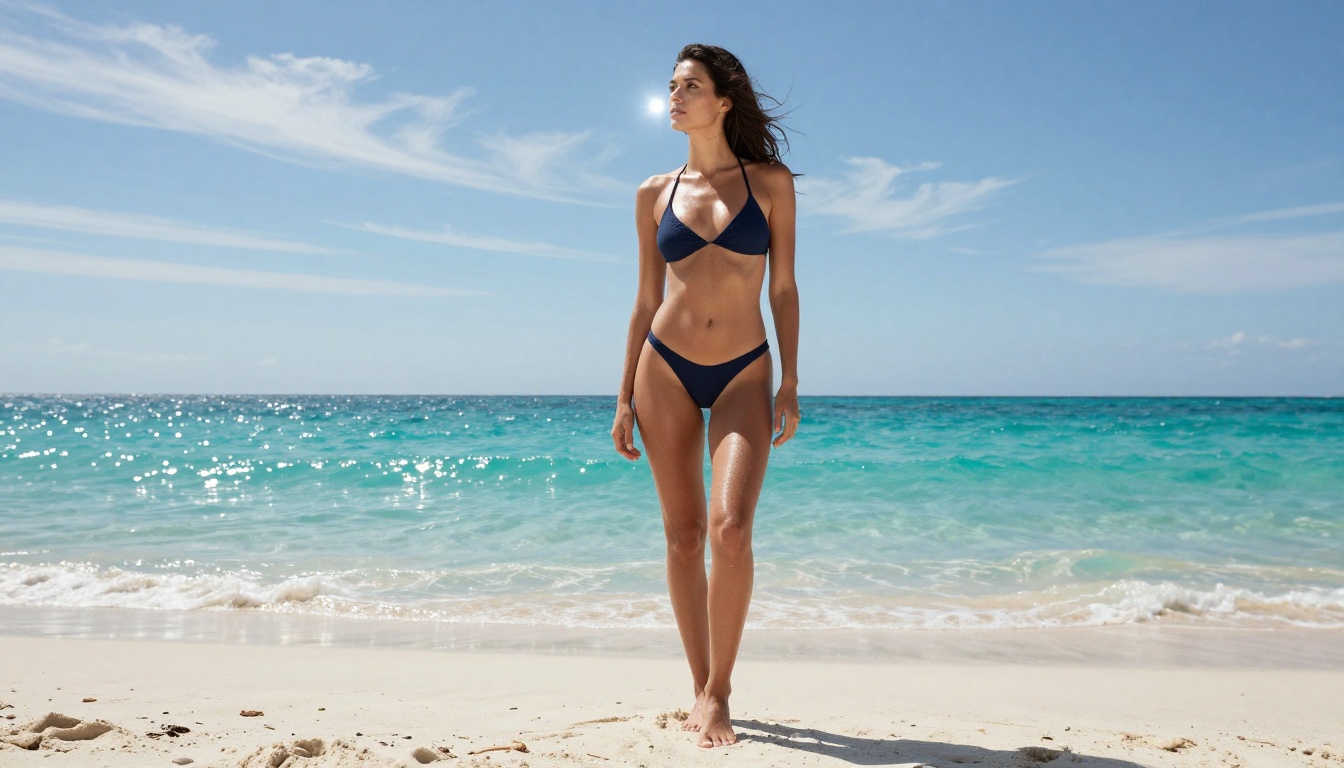
Realistic Vision v5.1 is purpose-built for photorealistic portrait and fashion photography output. It has some of the most convincing skin rendering of any currently available model, with particular strength in natural and golden-hour lighting scenarios. Its training skews toward professional photography aesthetics, handling studio three-point lighting and outdoor environmental portraits with equal confidence.
Best for: Portrait photography, fashion and beauty shots, outdoor lifestyle content.
RealVisXL v3.0 Turbo
RealVisXL v3.0 Turbo adds generation speed to the realism equation. This model produces photorealistic outputs significantly faster than standard realistic models without meaningful quality loss. If you're iterating through many compositional variations to find the right frame, this is the model that lets you move quickly.
Best for: Rapid iteration, high-volume generation sessions, lifestyle and environmental photography.
Flux 1.1 Pro Ultra
Flux 1.1 Pro Ultra sits at the upper end of what is currently achievable in AI image generation. Its outputs have a photographic credibility that is difficult to distinguish from professional photography at first inspection. The Ultra variant specifically excels at fine-detail rendering: fabric weave texture, individual hair strand behavior, and environmental atmospheric depth.
Best for: High-fidelity final outputs, commercial-quality images, maximum photographic credibility.
Flux 2 Pro
Flux 2 Pro is the model to reach for when you need precise prompt adherence alongside realistic output quality. It's particularly responsive to detailed descriptive prompts, making it ideal for complex scenes where you need specific compositional control over lighting direction, subject position, and environmental elements simultaneously.
Best for: Complex multi-element scenes, precise prompt-following compositions, detailed environmental photography.
Stable Diffusion 3.5 Large
Stable Diffusion 3.5 Large occupies a well-established sweet spot between quality and accessibility. It's one of the most widely deployed realistic generation models, supported by a massive community producing prompt templates and LoRA fine-tunes specifically optimized for realistic NSFW aesthetics.
Best for: Community-supported workflows, LoRA-augmented generation, versatile everyday realistic outputs.
Best Models for Anime Output
The anime generation landscape has its own distinct hierarchy, and model choice shapes every aspect of the output from facial feature style to background rendering approach.
Proteus v0.3
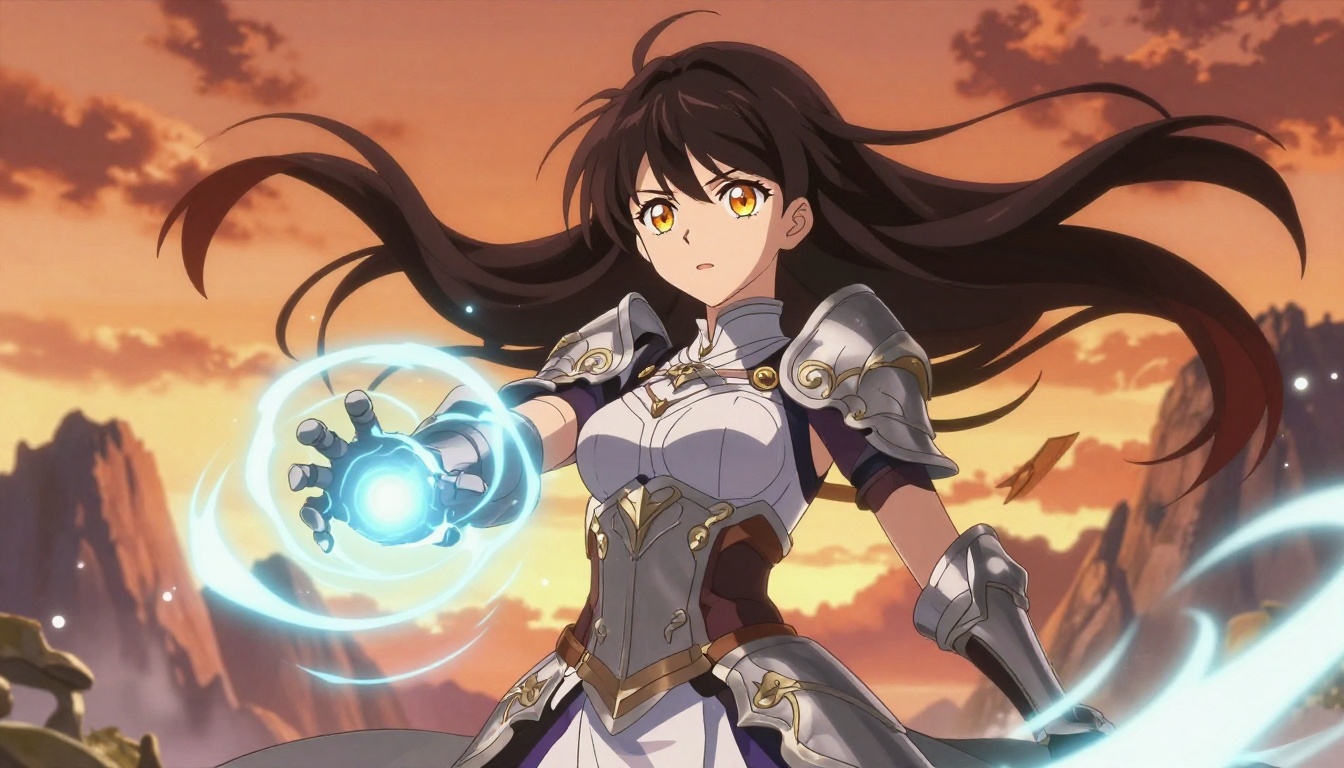
Proteus v0.3 is among the most capable anime-focused generation models currently available. It handles both clean character portrait compositions and complex action scenes with strong consistency. The model's particular strength is in anime-style facial feature rendering: expressive eyes, smooth cel-shaded skin, and dynamic hair that matches professional anime production art quality.
Best for: Character-focused anime art, NSFW anime content, high-quality character design and illustration.
DreamShaper XL Turbo
DreamShaper XL Turbo occupies a productive middle ground between pure photorealism and full anime stylization. It's the right choice for users who want some photographic credibility in their skin rendering while keeping the stylized character features that define anime aesthetics. Fantasy scenes and semi-realistic character portraits are its native territory.
Best for: Semi-realistic anime characters, fantasy scenes, flexible aesthetic range between styles.
SDXL as Flexible Anime Base
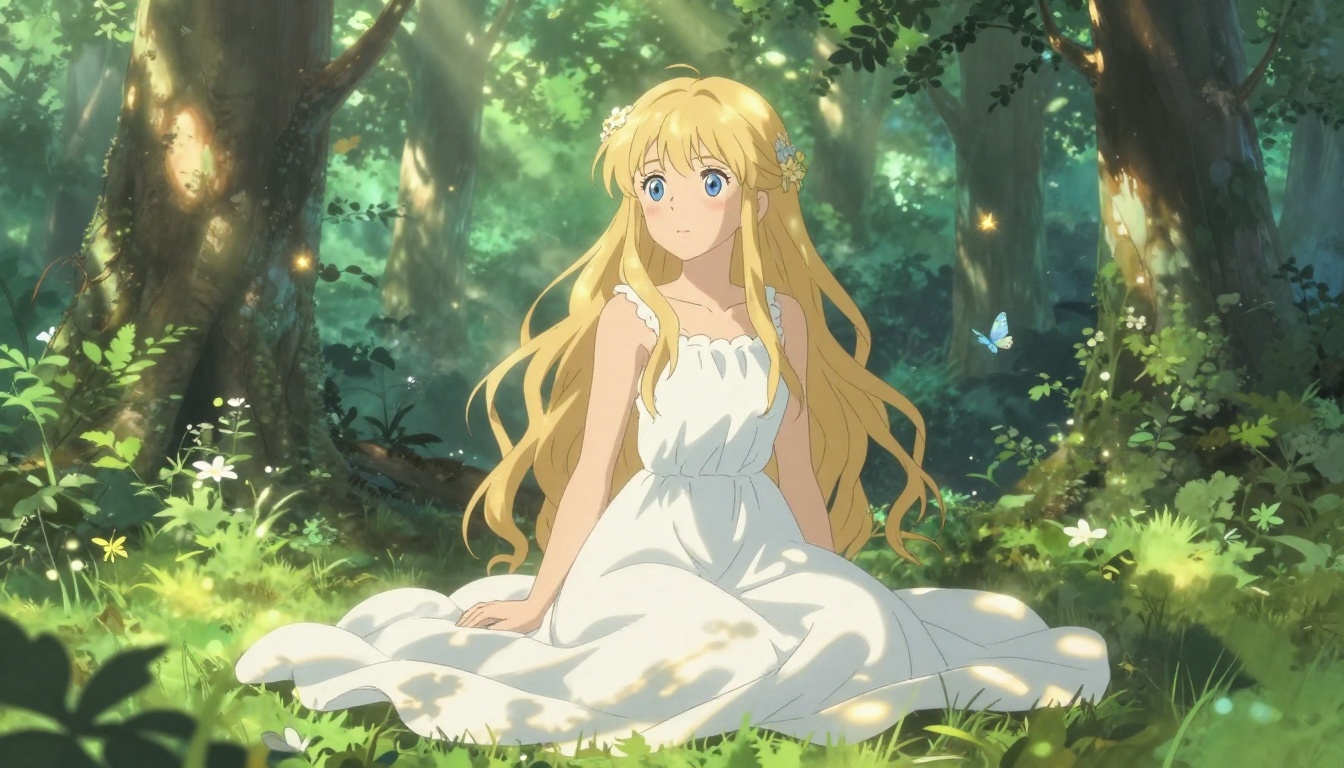
SDXL from Stability AI works as an excellent foundation for anime generation, particularly when paired with anime-specific LoRA fine-tunes. Its large parameter count means it has absorbed a wide range of anime art styles, from classic 90s aesthetics to contemporary digital illustration conventions.
Best for: Varied anime style experimentation, LoRA-augmented workflows, flexible aesthetic control.
How to Prompt for Each Style
Beyond model selection, prompt construction is the single biggest factor in output quality. The same prompt produces wildly different results depending on which style you're targeting, and the vocabulary that works for one style often actively hurts the other.
Realistic Prompts That Work
Realistic generation rewards technical photography terminology. Think less like a writer and more like a photographer describing a shoot setup.
Prompt structure: [Subject description] + [Outfit or scene element] + [Lighting direction and type] + [Camera and lens] + [Film stock] + [Background/environment]
Working example: "A beautiful woman with dark wavy hair and brown eyes, wearing a silk slip dress, soft golden-hour sidelight from the left, Canon EOS R5, 85mm f/1.4, Kodak Portra 400, blurred warm apartment interior in background, photorealistic, 8K"
Key terminology to include:
- Film stocks: Kodak Portra 400, Fuji Superia 400, Ilford HP5
- Camera lenses: 85mm f/1.4, 50mm f/1.8, 35mm f/2.8
- Lighting descriptors: Rembrandt lighting, golden-hour sidelight, volumetric morning light from left
- Quality markers: 8K, photorealistic, ultra-detailed skin texture, natural film grain
Anime Prompts That Hit Different
Anime prompting is about genre vocabulary rather than technical specs. These models understand visual conventions better than they understand camera physics.
Prompt structure: [Character description] + [Emotional quality] + [Outfit description] + [Setting] + [Atmosphere and lighting] + [Art style markers]
Working example: "A beautiful young woman with long silver hair and gradient violet eyes, gentle confident smile, elegant open-shoulder kimono with floral patterns, cherry blossom garden in spring, soft afternoon light, professional anime illustration, detailed expressive eyes, clean line art, vibrant colors"
Key terminology for anime:
- Style markers: clean line art, cel-shading, anime style, professional anime production
- Eye descriptors: gradient iris, catchlight sparkles, large expressive eyes, luminous
- Quality markers: high detail, vibrant colors, Studio Ghibli quality, crisp line art
- Hair descriptors: dynamic flowing hair, specular highlight ribbons, wind-blown strands
| Prompt Element | Impact on Realistic | Impact on Anime |
|---|
| Camera model and lens | Critical | Minimal |
| Film stock | High | Low |
| Lighting direction | Critical | Medium |
| Skin texture descriptor | High | Low |
| Eye and iris description | Medium | Critical |
| Art style keywords | Low | Critical |
| Character emotion | Medium | High |
💡 Tip: Run the same prompt through Flux Dev and Proteus v0.3 side by side. The visual gap between the outputs will immediately clarify which style direction fits your creative intent.
Reading Results and Iterating
One of the most valuable practices in NSFW AI generation is structured comparison. Generate two or three variations of the same subject using the same prompt, then identify which specific elements are working and which aren't. For realistic outputs, pay attention to where the skin texture breaks down or where lighting reads as flat. For anime outputs, focus on whether the eyes feel expressive and whether the composition has the graphic impact the style demands.
Both styles reward iteration. Your second prompt will always outperform your first. Your fifth will be significantly better than your second. The models available through PicassoIA's text-to-image collection span the full range from ultra-realistic to fully stylized anime, which makes it possible to test both directions without switching tools.
Pick a Style and Start Generating
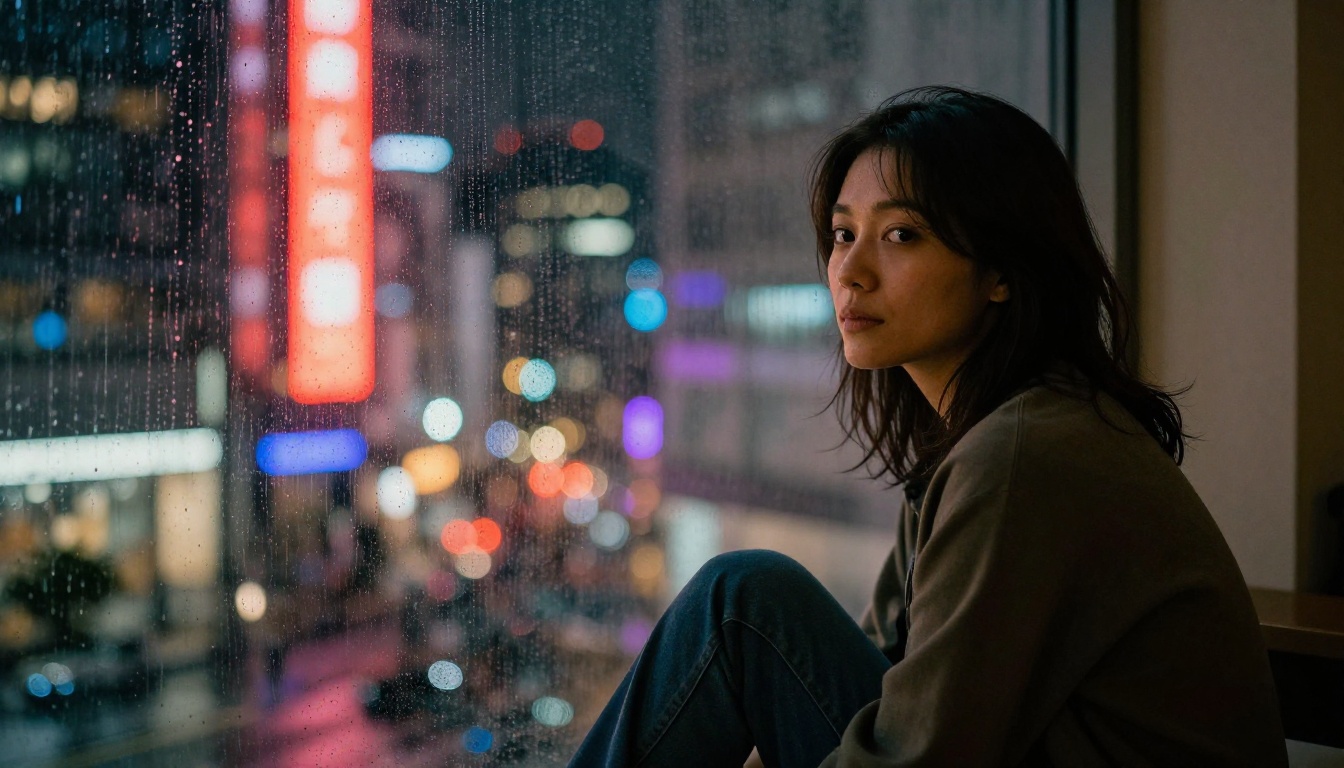
The honest answer for most users: try both before committing. The practical answer for those who want a starting point: match the style to what your target audience already consumes.
If your audience watches photography-driven content, browses fashion, or is oriented toward lifestyle imagery, realistic style will land more immediately. If your audience is rooted in gaming, manga, visual novels, or animation, anime style will feel more authentic and carry stronger emotional pull.
That said, there's a genuine case for using both styles intentionally. Many creators use realistic generation for portrait-oriented and intimate content, then switch to anime for fantasy scenarios, action compositions, and character-driven pieces where physical idealization is part of the appeal. The two styles are not mutually exclusive.
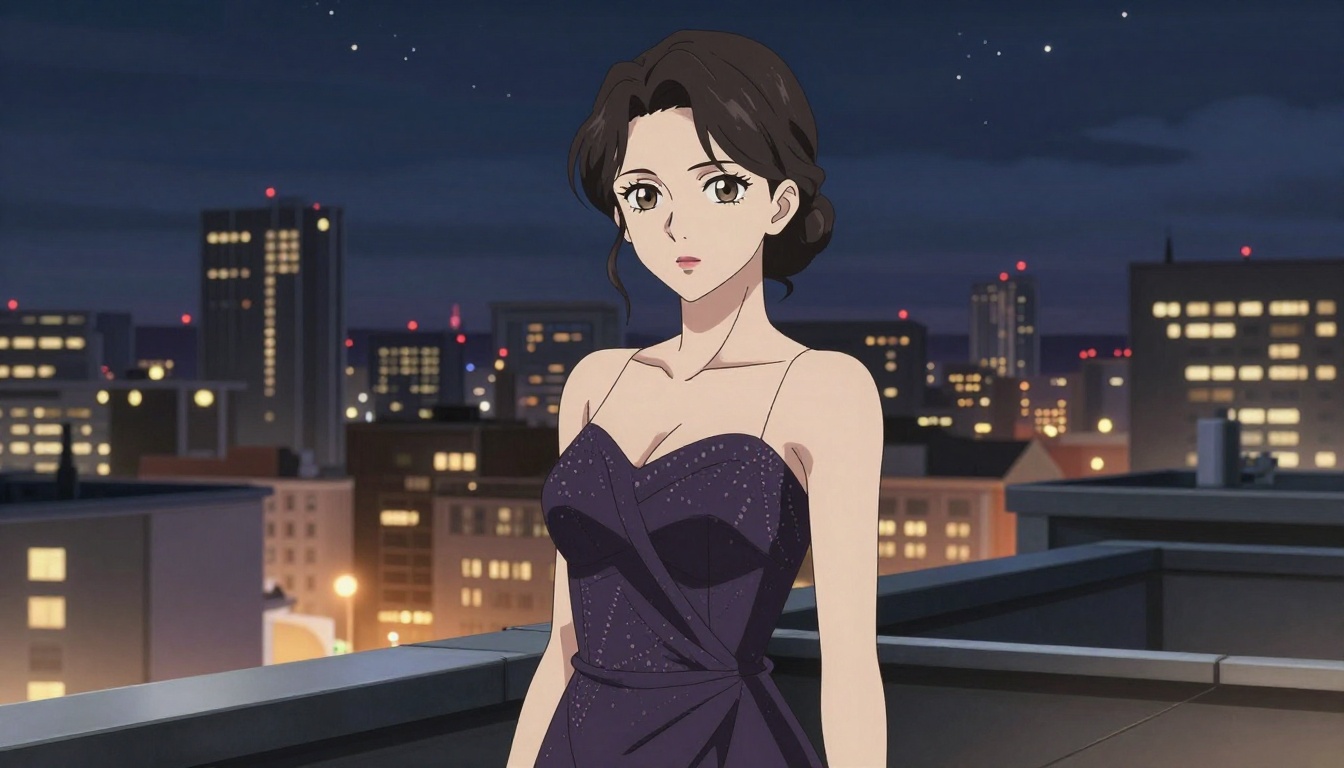
All of the models discussed here are available through PicassoIA's text-to-image collection: the photographic credibility of Flux 1.1 Pro Ultra, the portrait strength of Realistic Vision v5.1, the anime character quality of Proteus v0.3, the flexible middle ground of DreamShaper XL Turbo, and the fast iteration power of RealVisXL v3.0 Turbo.
The best next move is simple: take one prompt, run it through a realistic model and an anime model, and let the outputs make the case themselves. No amount of reading a comparison replaces the moment you see both results side by side. Start there, iterate from what you see, and your prompts will sharpen fast.


