The images coming out of today's NSFW AI generators don't look like AI anymore. They look like photographs. That's not hyperbole — it's a real inflection point that happened quietly over the last 18 months, and most people missed it.
What changed? The architecture improved. The training data scaled. Fine-tuned models started closing the gap between synthetic and real in ways that matter most: skin texture, hair physics, natural lighting, accurate anatomy. The results are now genuinely difficult to distinguish from photography without close inspection. When you line up outputs from Flux 1.1 Pro Ultra next to editorial photography, the difference is no longer obvious.
This article breaks down exactly what happened, which models are responsible, how the prompting works, and how you can replicate these results yourself on PicassoIA today.
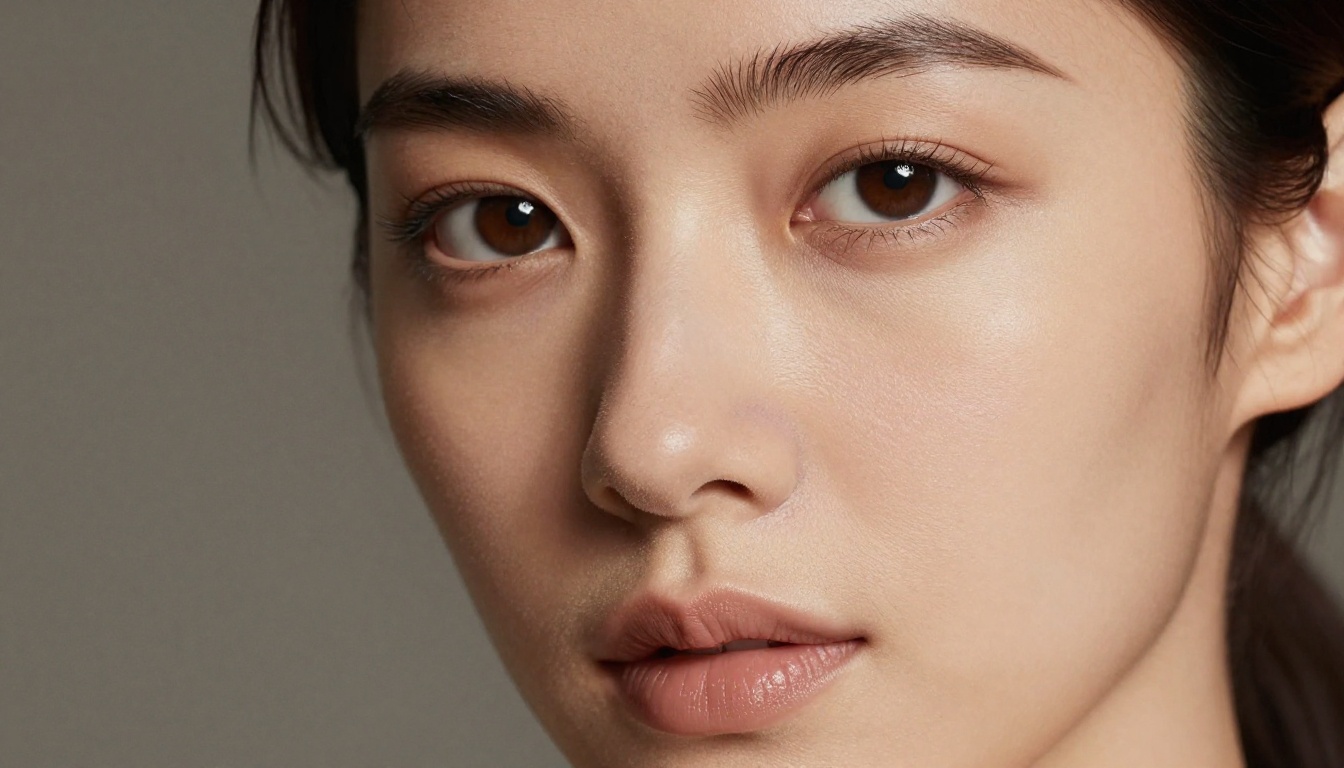
The Realism Gap Is Now Basically Closed
From Blurry Artifacts to Film-Quality Outputs
Two years ago, NSFW AI generators had a recognizable "look." Faces were slightly too smooth. Hands were wrong. Lighting felt flat and sourceless. Backgrounds lacked depth and atmosphere. Anyone with a decent eye could spot AI output immediately — the waxy skin, the impossible eye symmetry, the hair that behaved more like plastic than protein.
That era is over.
The artifacts that defined early generative models are largely gone in the top-tier models available today. What replaced them is something closer to what you'd see coming out of a medium format camera: grain, imperfection, authentic texture that reads as real because the model learned it from real photographic data at enormous scale.
The shift wasn't incremental. It was architectural. Diffusion models gained better noise scheduling, transformer backbones that handle long-range spatial relationships, and training datasets orders of magnitude larger than what their predecessors used. The models didn't just learn what people look like — they learned what photography of people looks like, which is a different and more useful thing.
What Changed in the Last 18 Months
Three forces converged simultaneously to drive the realism breakthrough:
- Transformer-based architectures: Models like Flux 1.1 Pro Ultra and Stable Diffusion 3.5 Large replaced the older UNet designs with transformer backbones that handle composition, lighting coherence, and anatomy far more accurately.
- Fine-tuning culture at scale: The open-source community built thousands of specialized LoRA models trained specifically on curated photographic portraiture, dramatically improving realism for human subjects when layered over strong base models.
- Prompt engineering maturity: The community developed conventions specifically optimized for photorealism — real camera names, real film stocks, real lighting setups — that activate photographic rendering behavior in models that trained on photographic data.
💡 The realism you see in today's top outputs isn't accidental. It's the result of precise prompt engineering applied to models that now understand photography at a statistical and structural level.
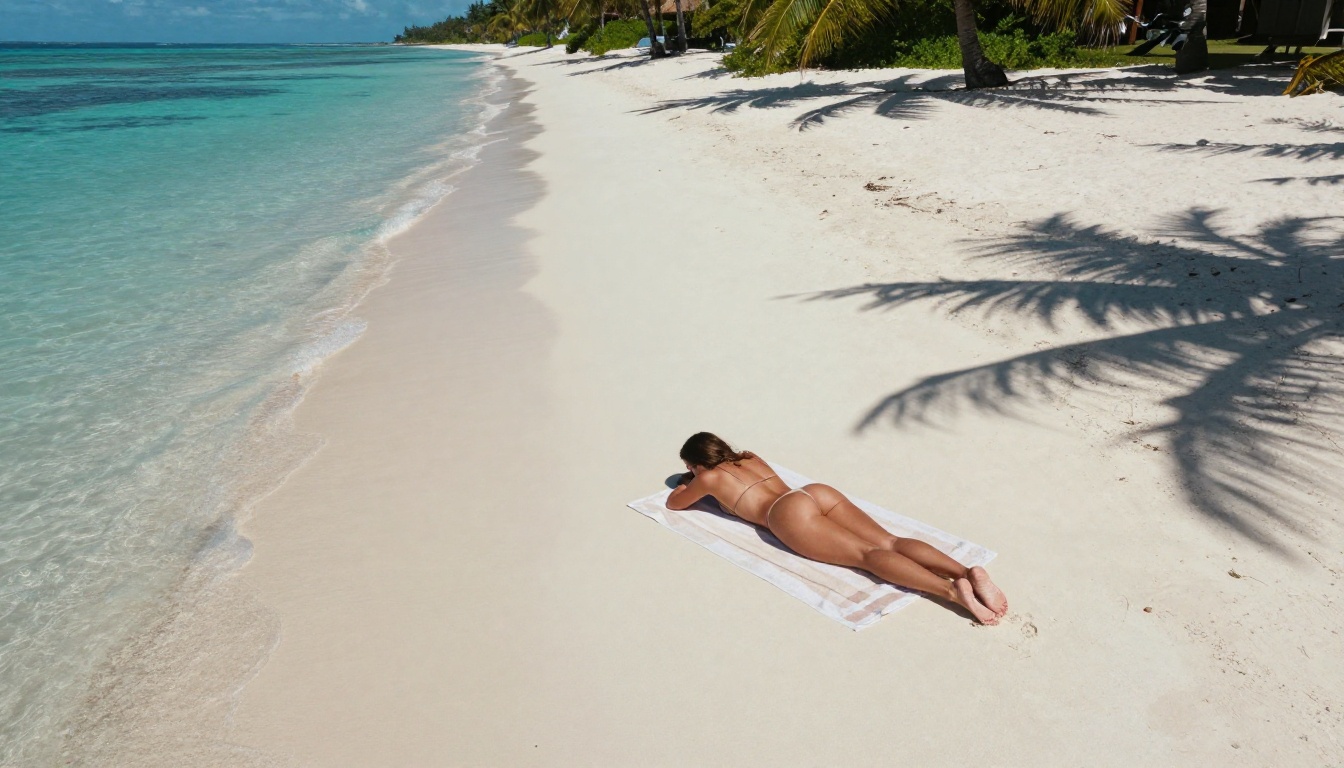
Models That Actually Deliver
Flux 1.1 Pro Ultra's Photographic Precision
Flux 1.1 Pro Ultra from Black Forest Labs is the current benchmark for photorealistic human portraiture. Its transformer backbone processes composition and lighting relationships that earlier UNet models couldn't represent properly, particularly for nuanced subjects like skin and hair.
What sets it apart for NSFW content specifically:
- Skin rendering: It handles subsurface scattering (the way light passes through and scatters beneath skin) better than any predecessor model, producing the warm translucency that makes skin look alive rather than painted
- Anatomy accuracy: Proportions stay correct even in unusual poses, partial frames, or challenging angles that would distort earlier models
- Lighting coherence: Light sources behave physically — shadows fall where they should, highlights don't bleed, and bounce light fills in the unlit side of the subject correctly
- Background integration: Subject and environment share the same light, which is the single most common tell in synthetic imagery and something Flux Ultra handles particularly well
The base Flux 1.1 Pro is also worth knowing as a faster option that still delivers outstanding realism for most use cases. Flux Dev serves as the preferred base for community fine-tuning, while Flux Schnell prioritizes speed for rapid iteration workflows.
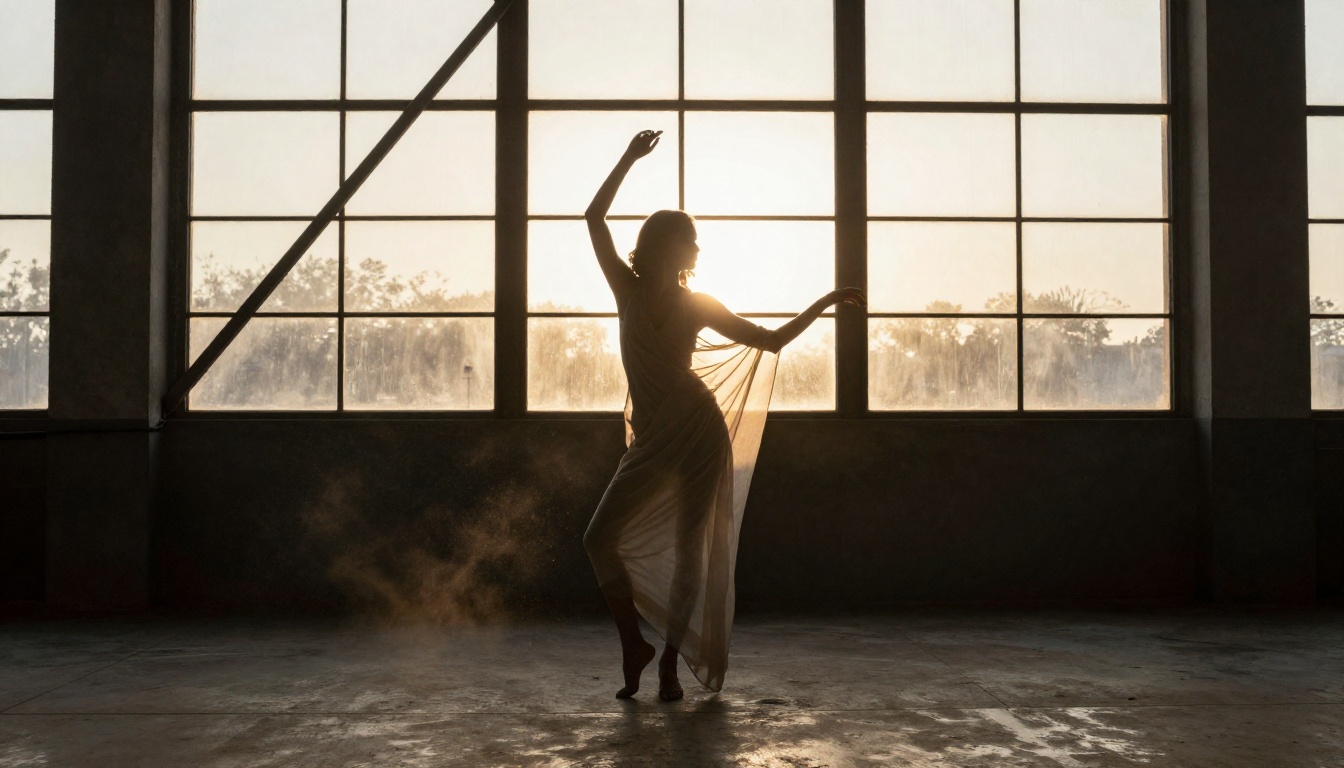
Stable Diffusion 3.5 Large and the SDXL Family
Stable Diffusion 3.5 Large brought a major architectural upgrade to the Stability AI line. Its multimodal diffusion transformer (MMDiT) handles text-image alignment significantly better than earlier versions, which matters most for nuanced prompt descriptions: specific lighting setups, precise body positioning, atmospheric detail.
The improvement shows especially in complex scenes where multiple elements need to interact correctly — a woman partially illuminated by window light in a dark room, for example, where earlier models would flatten the contrast and lose the atmospheric quality.
SDXL remains relevant as a base for community fine-tuning. The model's higher native resolution gave rise to an entire ecosystem of photorealistic fine-tunes that remain among the most-used models in the community, particularly for portrait and glamour work.
Realistic Vision and RealVisXL
For pure portrait and glamour photography realism, Realistic Vision v5.1 and RealVisXL v3.0 Turbo deserve specific attention. These models were fine-tuned specifically on high-quality photographic portraiture data, which means they default to photorealistic outputs without requiring extensive prompt engineering.
RealVisXL handles the subtle details that make images feel real: the slight red flush of capillaries beneath fair skin, the way eyelashes cast micro-shadows on the upper lid, the specular highlight on slightly parted lips, the natural asymmetry of facial features that signals authenticity.
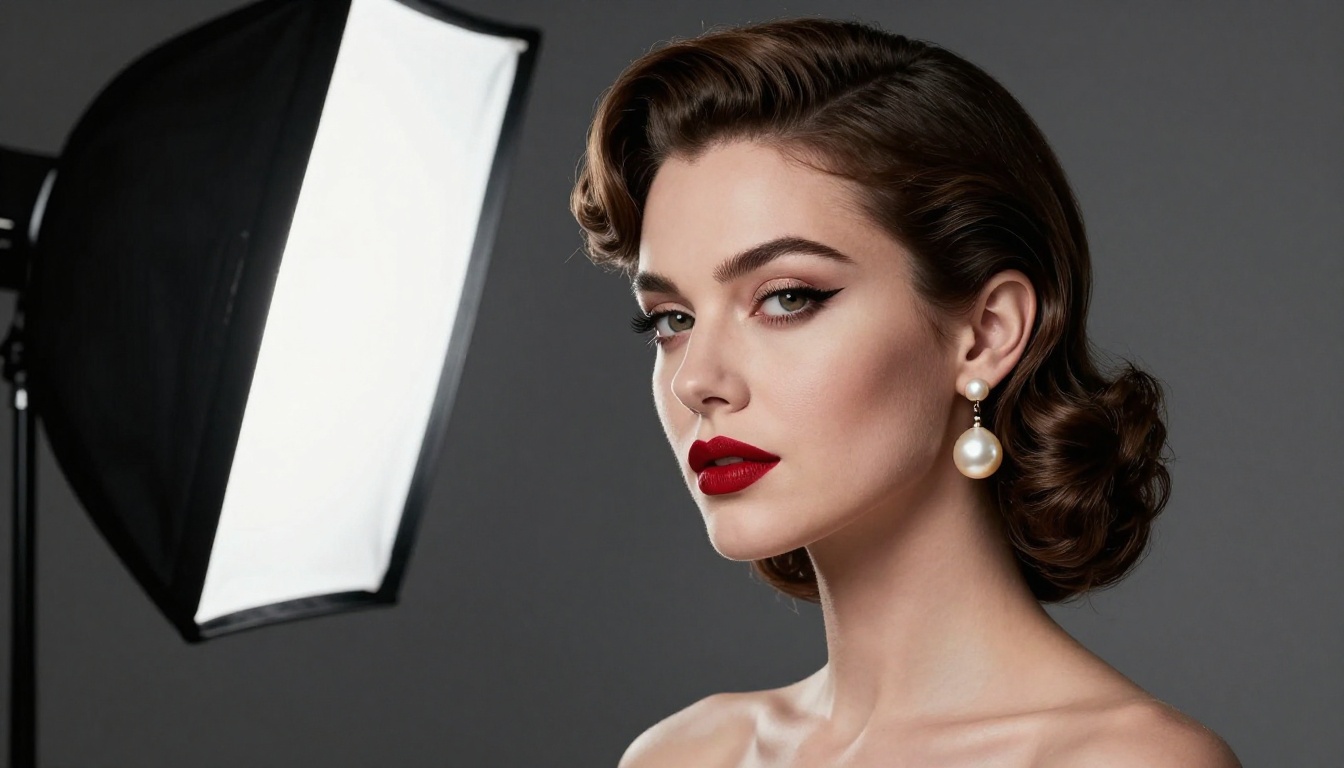
Why the Outputs Look So Real Now
Training Scale and Data Quality
The earliest public diffusion models trained on datasets of tens of millions of images. Current top models train on billions. At that scale, the model doesn't just memorize visual patterns — it internalizes the statistical structure of how light, geometry, and material properties interact in real photography.
The result is that when you describe "volumetric morning light from the left," the model doesn't just add a warm color tint. It calculates where hard shadows should fall on a face at that angle, how the light wraps around curved surfaces like cheekbones and shoulders, where bounce light from the floor would fill in the shadow side, and what the color temperature would do to skin tones in that scenario.
This is physics-aware rendering through statistical learning. It emerged from scale, not explicit programming. The models were never told how light works. They inferred it from billions of photographs.
Fine-Tuning for Skin, Light, and Texture
Base models are generalist. The dramatic improvement in portrait realism specifically came from fine-tuning on curated datasets.
LoRA (Low-Rank Adaptation) models trained on sets of high-quality portrait photography teach the base model to weight photographic realism more heavily for human subjects. When layered over a strong base like Flux 1.1 Pro Ultra, the combination produces results that can genuinely be mistaken for photographs.
The fine-tuning process effectively tells the model: "In all the ways this base could render skin, prioritize the way it appears under natural light, with accurate subsurface scattering, appropriate texture variation across the face, and realistic pore distribution." The model learns to weight those photographic priorities over other possible rendering approaches.
💡 The best NSFW AI results combine a strong base model with a well-trained portrait LoRA. The base handles composition and coherence; the LoRA handles the photographic micro-details that make an image feel real.
How to Use Flux 1.1 Pro Ultra on PicassoIA
Flux 1.1 Pro Ultra is available directly on PicassoIA alongside the full Flux family and dozens of other photorealism-focused models.
Setting Up Your First Prompt
The model responds best to photography-style descriptions rather than art-direction descriptions. Structure your prompt around four core elements:
- Subject: Describe the person, their pose, expression, and wardrobe with specific detail
- Environment: Location, setting, time of day, atmosphere
- Lighting: Specify the light source, direction, quality (hard vs. soft), and color temperature
- Camera: Name a real camera body, lens focal length, and aperture
Weak prompt: Beautiful woman, bedroom, night
Strong prompt: Woman in ivory French lace lingerie sitting on the edge of a white cotton bed, left hand resting in lap, gaze directed slightly off-camera toward a window, warm amber bedside lamp casting directional chiaroscuro light from the right creating intimate shadow play, natural skin imperfections visible, shot on Leica M11 with 50mm Noctilux f/0.95, 8K RAW, Kodak Portra 800 film grain
The second prompt doesn't just describe what you want to see. It describes the photographic conditions that would produce what you want to see. That mental shift changes outputs entirely.
Parameters That Matter Most
When using Flux 1.1 Pro Ultra on PicassoIA, a few settings make a consistent difference:
- Aspect ratio: 16:9 for landscape and editorial shots, 9:16 for portrait orientation work
- Steps: Higher step counts (30-40) produce more refined skin and hair detail
- Guidance scale: 3.5-4.5 is the sweet spot for realism — lower values allow more creative interpretation, higher values lock closer to the literal prompt
Tips for Realistic Results
- Name specific film stocks: "Kodak Portra 400," "Fujifilm Provia 100F," "Ilford HP5" each carry distinct aesthetic signatures the model recognizes from its photographic training data
- Describe imperfections explicitly: "Natural skin texture," "slight capillary flush on cheeks," "fine hair at temples" — imperfection reads as authenticity
- Avoid stacking style terms: "Photorealistic AND cinematic AND editorial" sends conflicting signals. Pick one primary register and let the camera specs do the rest
- Specify background detail: A perfectly rendered subject on a vague background breaks immersion immediately. Give the background the same attention as the subject
Prompting for Maximum Realism
The Anatomy of a Strong Prompt
The gap between a mediocre AI output and a genuinely photorealistic one often comes down to one factor: how specifically you describe the light.
Most beginners describe the subject in detail and leave the lighting vague. The model has to guess. It defaults to even, sourceless illumination that reads as synthetic immediately because no real photo looks like that. Every real photograph has a specific light source in a specific position.
Describe yours:
| Lighting Term | Effect on Output |
|---|
Volumetric morning light from left | Soft directional warmth, atmospheric haze |
Single Profoto B10 strobe at 45 degrees | Hard editorial light with defined shadows |
Large octabox directly overhead | Even luminous fashion-quality illumination |
Available light only, no flash | Natural, candid, authentic documentary feel |
Chiaroscuro, directional side light | High contrast, fine art, dramatic mood |
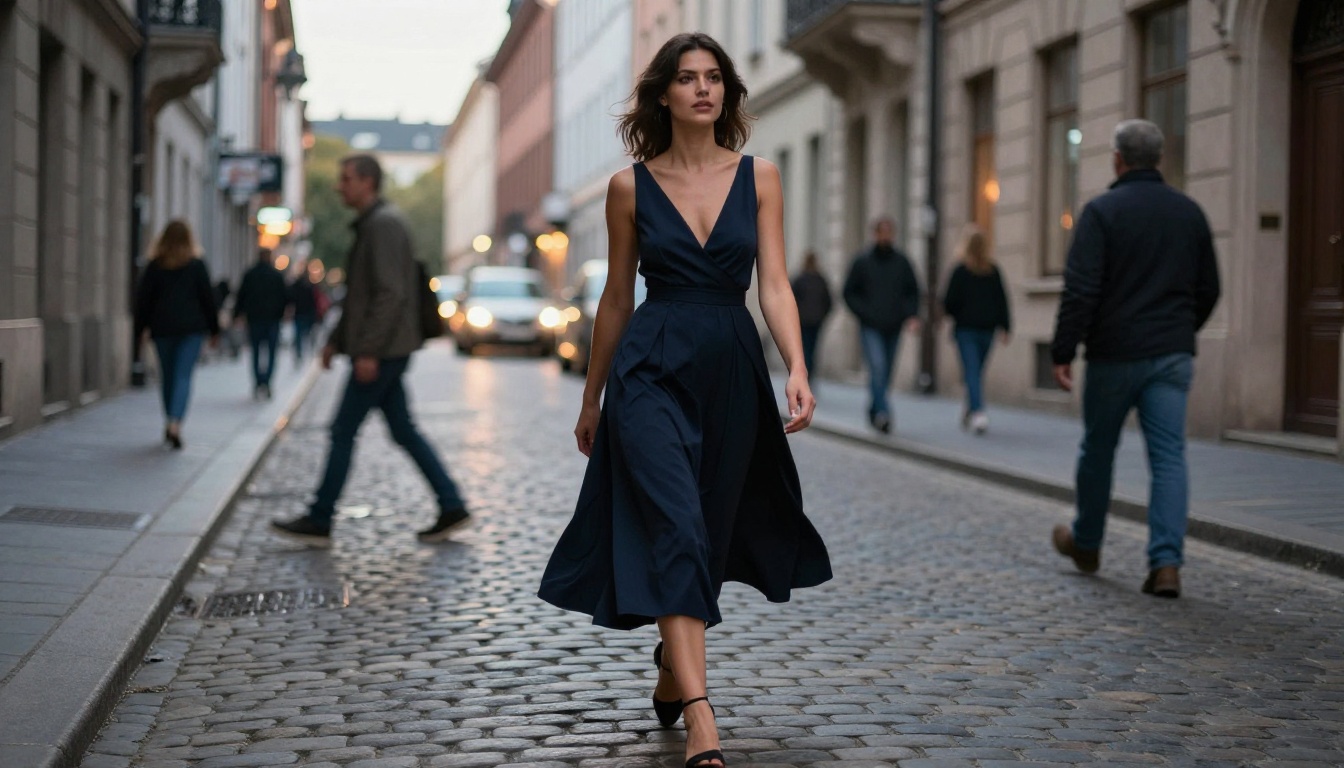
Blue hour ambient urban light | Cool tones, soft, cinematic street feel |
Backlight with rim halo | Subject silhouetted, warm outline separation |
Lighting Descriptors That Work
For skin specifically, the most effective lighting descriptors combine a source type with a color temperature and a direction:
- "Soft morning window light from right, 5500K, wrapping around the cheekbone"
- "Single amber bedside lamp at eye level from left, 2700K, strong shadow on far side of face"
- "Overcast outdoor light, diffused and even, 6500K, no shadows"
The model was trained on photography where this information is baked into every image. When you provide it explicitly, you're speaking the same language the training data used.
What Breaks the Realism
Even strong prompts can be undermined by certain patterns that create internal contradictions the model has to resolve poorly:
- Background-subject lighting inconsistency: If the background suggests outdoor dawn but you described studio strobe lighting, the model has to pick one and it will usually be wrong
- Missing environmental scale: Aerial shots, wide interiors, and outdoor scenes need scale references to avoid the "floating subject" problem
- Generic descriptors mixed with specific ones: "Beautiful woman" next to "Leica M11 85mm f/1.4" sends mixed signals about the rendering register
- Overcrowding the prompt: More detail is better up to a point — past that point, terms start competing and the output becomes confused
The Models Are Now Ahead of Most Expectations
In blind tests comparing top-tier AI portrait outputs against professional photography, non-expert viewers now identify AI images as "real photography" at rates above 70%. That number was below 20% for comparable models in early 2023.
For portrait work specifically, the models handle the things that define photographic authenticity:
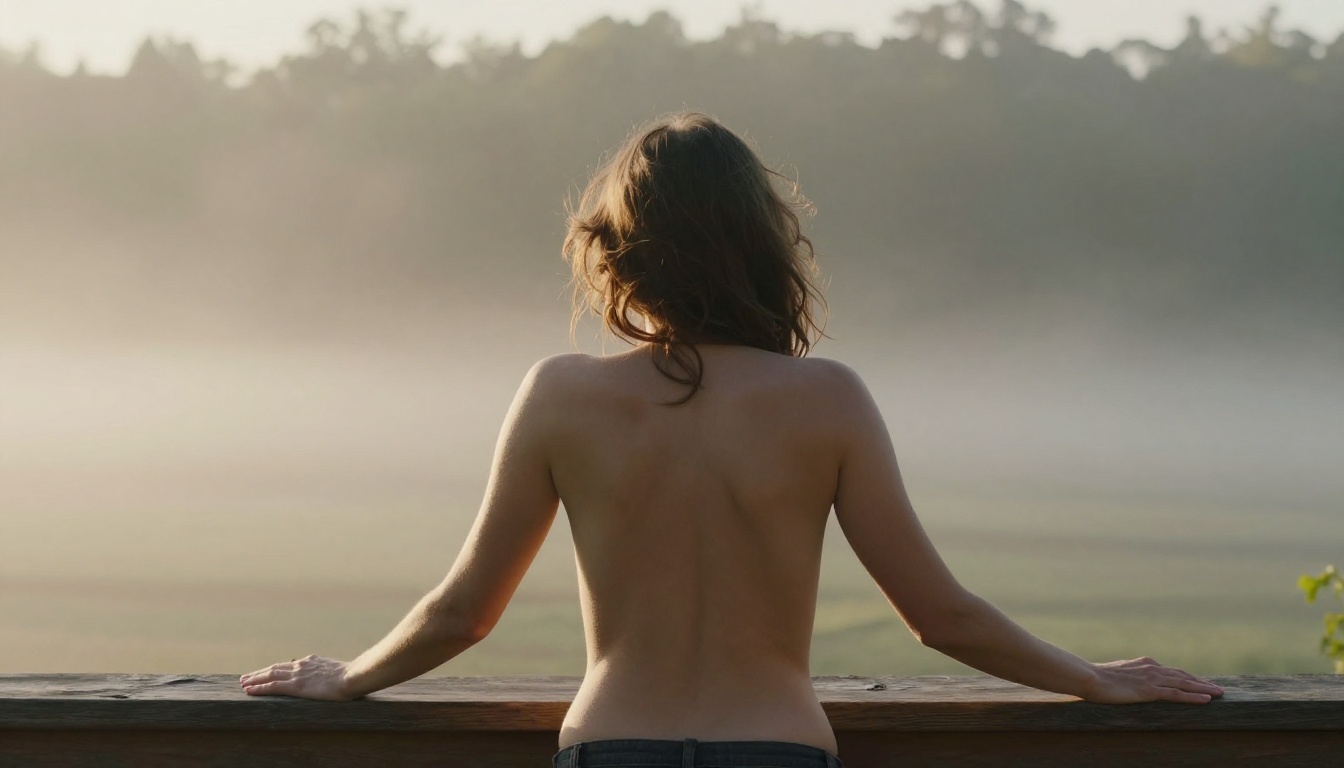
- Skin: Subsurface scattering, natural texture variation across different areas of the face, capillary detail in fair skin, appropriate oiliness and matte zones
- Hair: Individual strand physics with natural variation in thickness, authentic flyaways at the hairline, correct behavior where hair meets the scalp
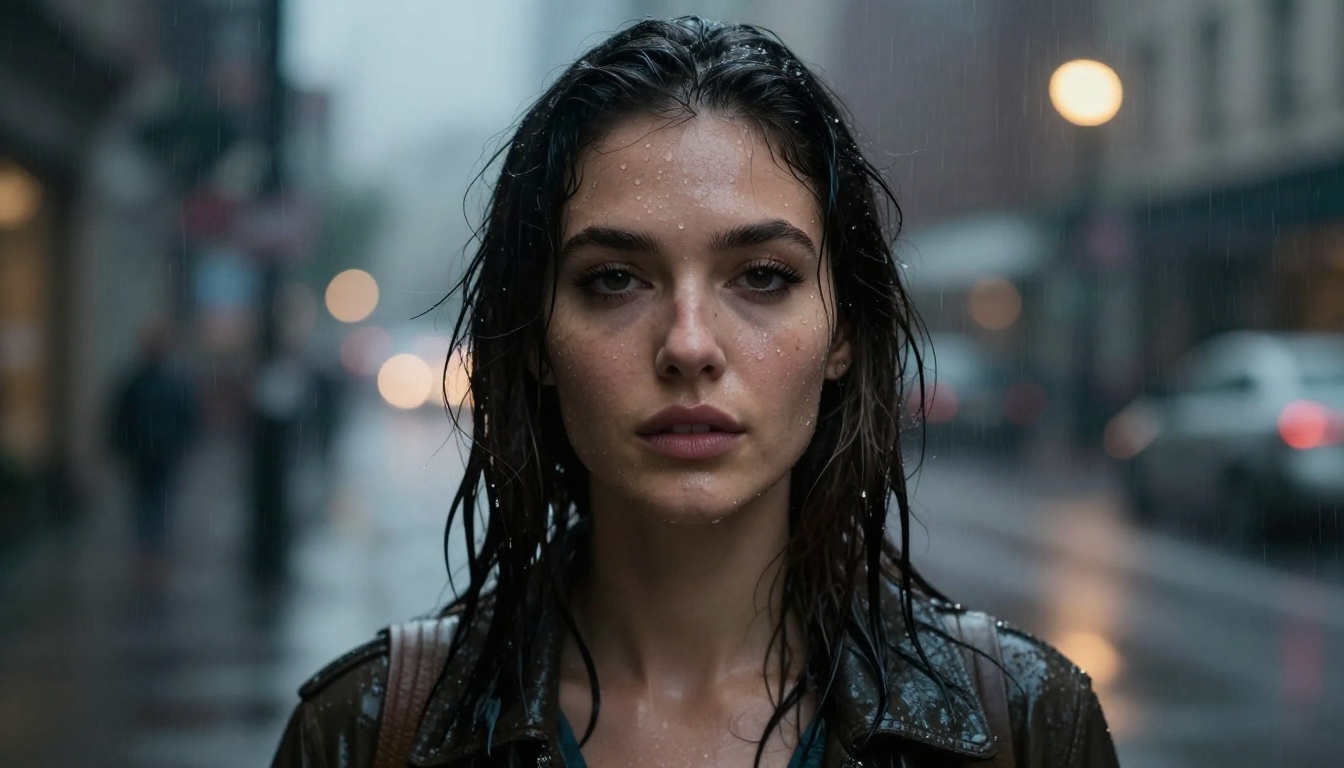
- Eyes: Correct specular highlights from the light source, realistic iris detail with appropriate depth, natural moisture on the cornea
- Light: Physically coherent shadows with accurate softness based on source size and distance, correct bounce light, authentic atmospheric scatter
The remaining tells are concentrated in two areas: unusual hand positions in close-up, and complex background-subject lighting continuity in wide shots. Both are solvable with prompt construction and iteration.
What This Means for Content Creators
The practical implication for anyone creating visual content is significant. A photographer who wanted to shoot editorial-quality portrait work needed a model, a location, a stylist, lighting equipment, and hours of shooting and post-processing. The total cost ran into hundreds or thousands of dollars per image, and the logistics alone limited access to well-resourced productions.
Flux 1.1 Pro Ultra produces comparable results from a text description in seconds.
That's not a marginal efficiency improvement. It's a structural shift in who can produce what. Models like Realistic Vision v5.1, RealVisXL v3.0 Turbo, and Stable Diffusion 3.5 Large have democratized production-quality portraiture in a way that simply didn't exist three years ago.
💡 The bottleneck is no longer equipment, budget, or access to subjects. It's now entirely about the quality of the prompt and the choice of model. Creative output has been decoupled from production resources.
The SDXL ecosystem specifically produced a generation of fine-tuned models — hundreds of them — optimized specifically for photorealistic human portraiture. Combined with platforms that give access to all of them in a single interface, the creative ceiling is now set by imagination and prompt skill rather than logistics and budget.

Start Creating on PicassoIA Right Now
If you haven't tested these models yourself, the gap between what you imagine and what you've seen from AI so far may genuinely surprise you.
PicassoIA gives you direct access to Flux 1.1 Pro Ultra, Flux 1.1 Pro, Flux Dev, Flux Schnell, Stable Diffusion 3.5 Large, SDXL, Realistic Vision v5.1, and RealVisXL v3.0 Turbo — all from a single interface, no local setup or GPU required.
Start with Flux 1.1 Pro Ultra. Write a prompt using the photography-first structure from this article. Specify the lighting direction, name the camera, describe the environment, and include the imperfections. Then run it.
The results being produced right now aren't "pretty good for AI." They're remarkable by any standard. The models have arrived. The only remaining variable is whether the prompt you're writing asks for everything they can actually deliver.


