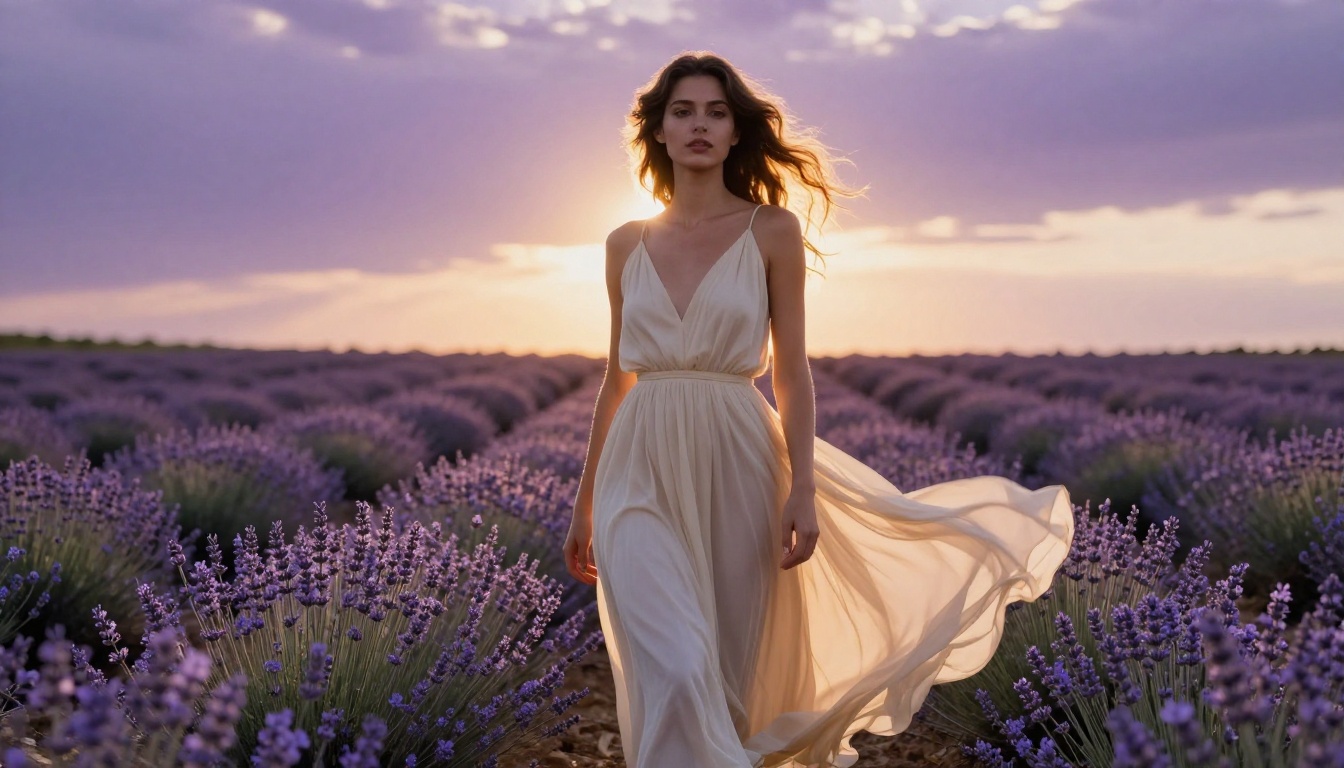
You want to generate NSFW AI images right now, without handing over an email address, setting up a profile, or waiting for an approval email. That frustration is real, and this article breaks down exactly which models deliver, which platforms give you instant access, and what you should know before you start generating.
Why Nobody Wants to Sign Up Anymore
The signup wall is one of the most friction-heavy moments in any digital product. For NSFW content especially, it adds another layer: the expectation that you're handing your email to a service whose data practices are unclear, in exchange for content you may not even want logged to an account.
Privacy is the Real Issue
Most people searching for NSFW AI generators that don't need an account aren't trying to cheat the system. They're protecting themselves. An email address is a digital breadcrumb. Combine it with a history of generated images and you have a detailed profile that could be misused.
💡 Tip: Even if a platform says it doesn't store images, your login credentials are often tied to session data and request logs. No account means no session trail.
The demand for anonymous NSFW AI tools has surged over the past two years, driven by both increased AI capability and growing awareness of data privacy risks. Tools that work in-browser without any login have carved out a dedicated audience as a result.
Friction Kills Creativity
There's also a simpler reason: you're in the middle of a creative idea and a signup form breaks your momentum. The best creative tools get out of your way. No-account generators serve that need directly.
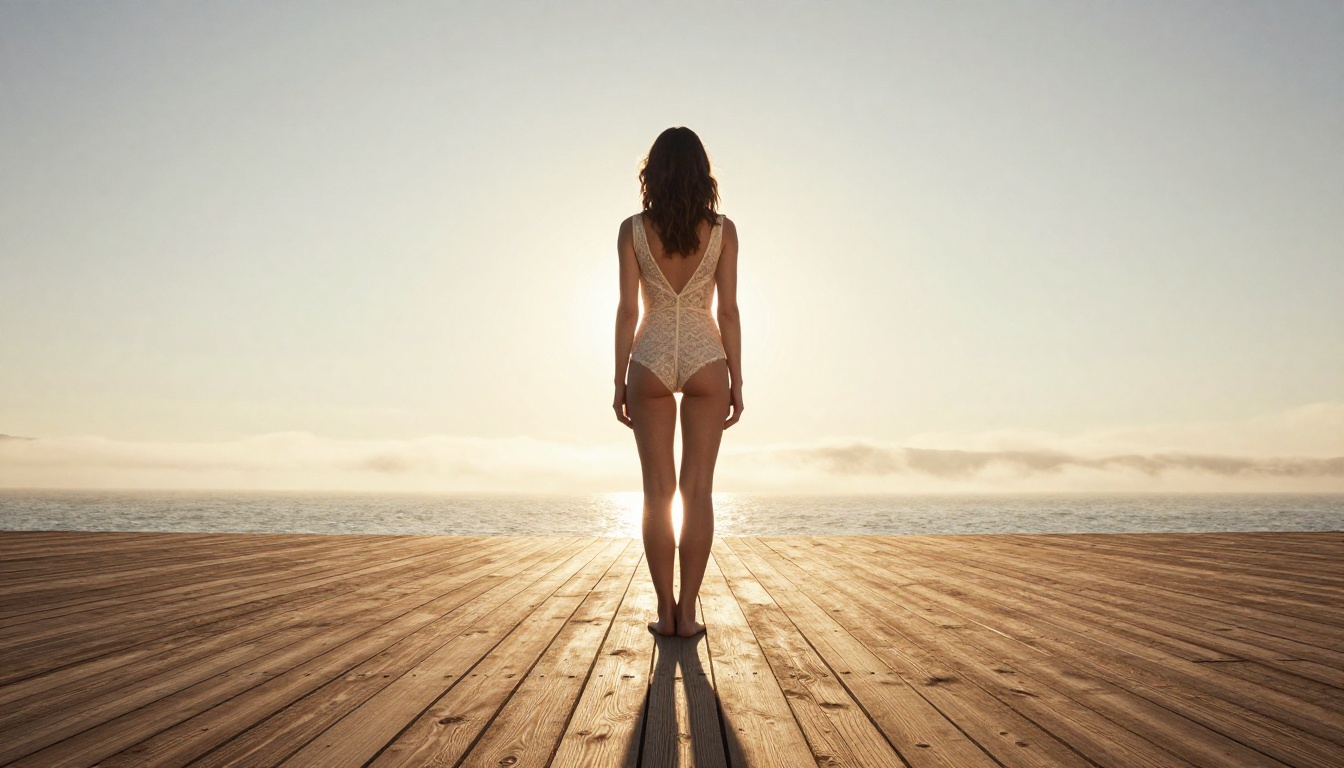
What to Look for in a No-Account Generator
Not all no-account generators are equal. Some offer low-resolution output, slow generation, or aggressive filtering that makes suggestive prompts nearly impossible. Here's what actually matters.
Output Quality vs Speed
The two biggest trade-offs in no-account AI generation are image quality and generation time. Fast models like Flux Schnell produce results in seconds but sacrifice some fine detail. High-fidelity models like Flux 1.1 Pro Ultra take longer but deliver photorealistic output with nuanced skin textures and lighting accuracy.
| Priority | Best Model | Speed | Quality |
|---|
| Fast results | Flux Schnell | Very Fast | Good |
| Balanced | Flux Dev | Medium | Very Good |
| Max quality | Flux 1.1 Pro Ultra | Slower | Exceptional |
| Realism | Realistic Vision v5.1 | Medium | Excellent |
Censorship Settings
Different platforms filter prompts differently. Some block all suggestive content by default, others allow it with no restriction. What you want is a platform that offers configurable content settings, so you can generate artistic nudity and glamour content without running into broken outputs or content policy blocks on every other prompt.
💡 Tip: Look for models trained on diverse datasets that include artistic and fashion photography. These handle suggestive prompts more naturally than general-purpose models.
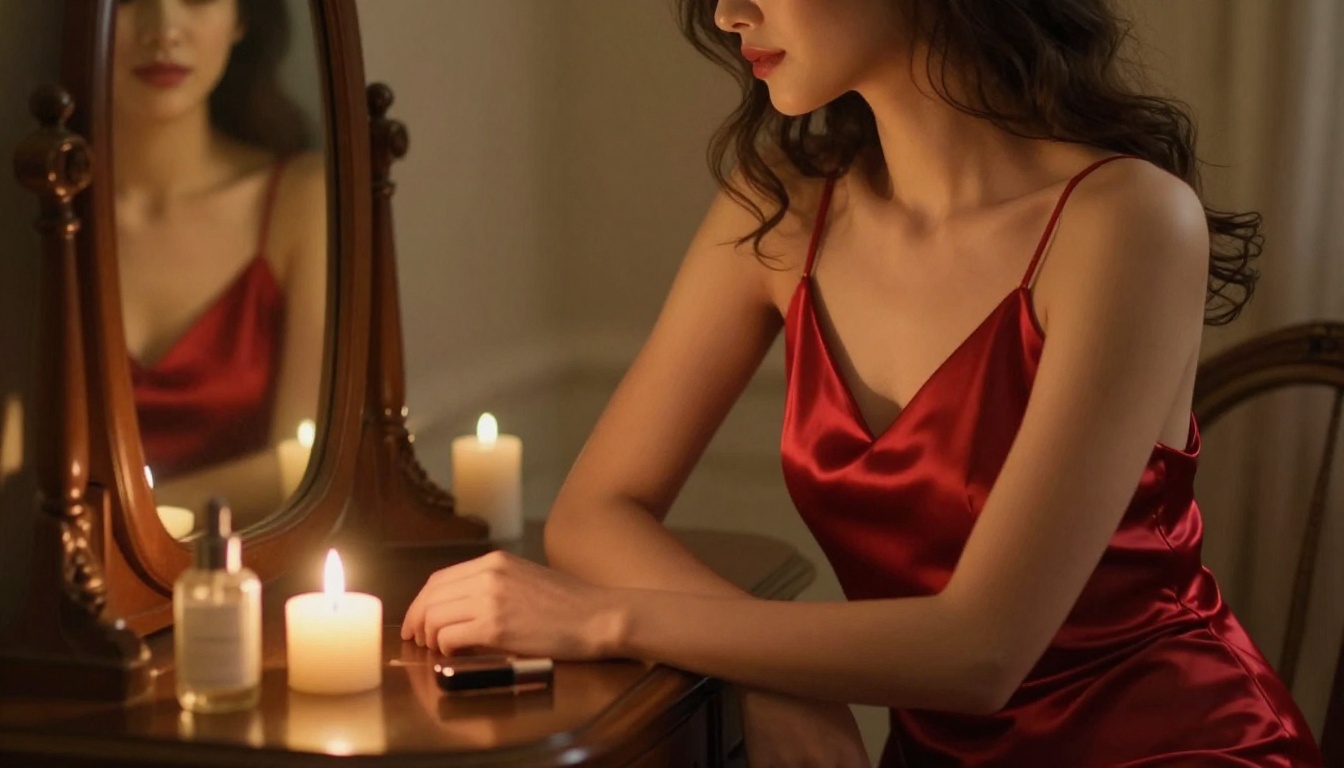
The Best NSFW AI Models Right Now
These are the models worth using for suggestive and NSFW-adjacent content in 2027. Each has specific strengths depending on what you're trying to create.
Flux Dev
Flux Dev from Black Forest Labs is one of the most capable open-weight models for photorealistic image generation. It handles human anatomy with significantly more accuracy than older Stable Diffusion variants, making it a preferred choice for portrait and body-focused generation.
Strengths:
- Accurate human proportions
- Natural skin tone rendering across diverse complexions
- Strong response to lighting prompts (e.g. "golden hour rim light from behind")
- Handles fashion and glamour photography styles extremely well
Weakness: Slower than turbo variants; not ideal for rapid batch testing.
Stable Diffusion 3.5 Large
Stable Diffusion 3.5 Large represents Stability AI's best attempt at photorealism in the open-source space. The multimodal diffusion transformer architecture at its core gives it substantially better prompt adherence than SD 1.x or 2.x versions.
For NSFW-adjacent content, SD 3.5 Large handles clothing textures, ambient lighting scenarios, and close-up facial detail better than most open-source alternatives. Pair it with a strong prompt structure and you get results comparable to paid commercial tools.
💡 Tip: Use style words like "editorial photography", "fashion magazine", and "Kodak Portra 400 film" to push SD 3.5 Large toward realistic glamour aesthetics.
SDXL and Its Variants
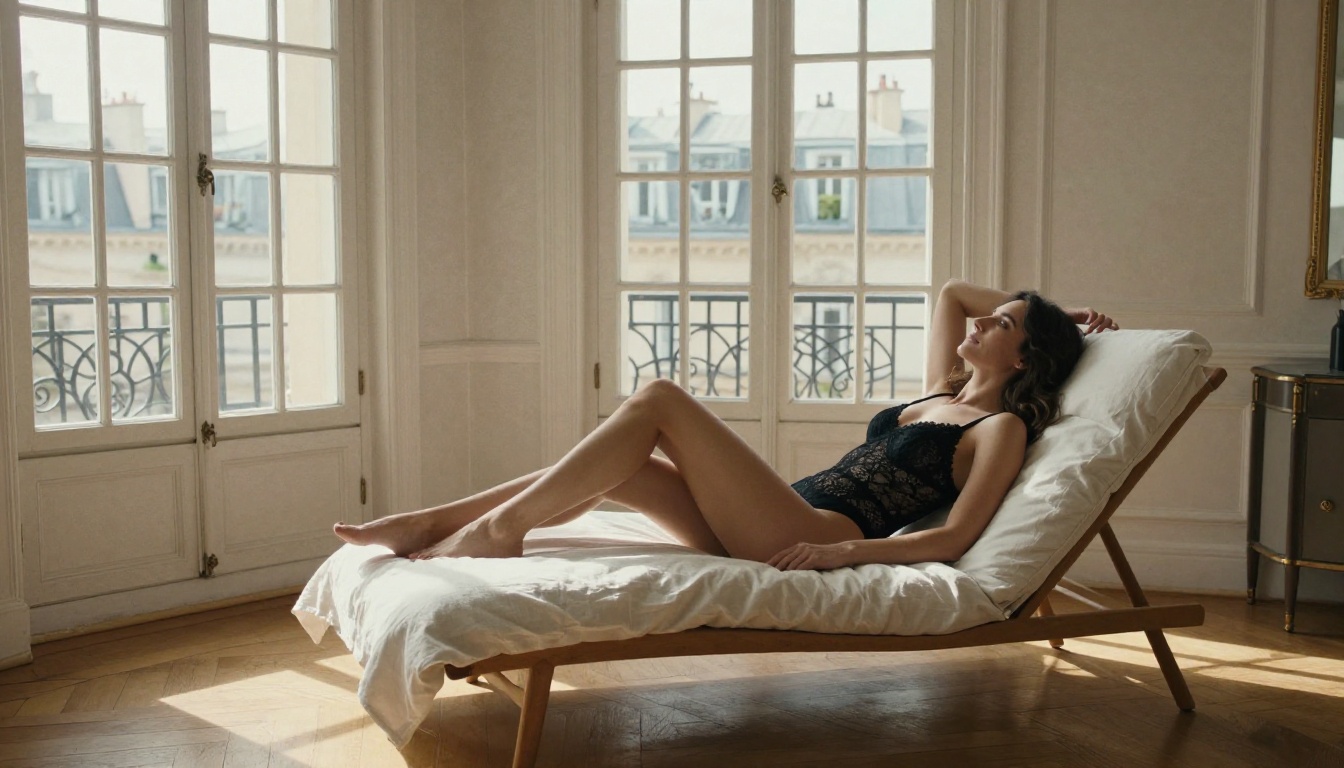
SDXL remains one of the most versatile base models for NSFW generation because of the enormous ecosystem of LoRAs and fine-tunes built on it. While the base model is relatively conservative in its content filtering, variants like SDXL Lightning 4Step and DreamShaper XL Turbo push into more expressive territory.
DreamShaper XL Turbo in particular is widely used for glamour and suggestive content because it was fine-tuned specifically to balance realism with artistic expression, and it runs fast enough for rapid iteration.
Best for: Fashion portraits, glamour photography, artistic nudity concepts.
Realistic Vision v5.1
Realistic Vision v5.1 is a community favorite for photorealistic portrait generation. It produces images with consistent skin texture, natural expressions, and convincing depth of field simulation.
For NSFW-adjacent work, it's particularly strong at:
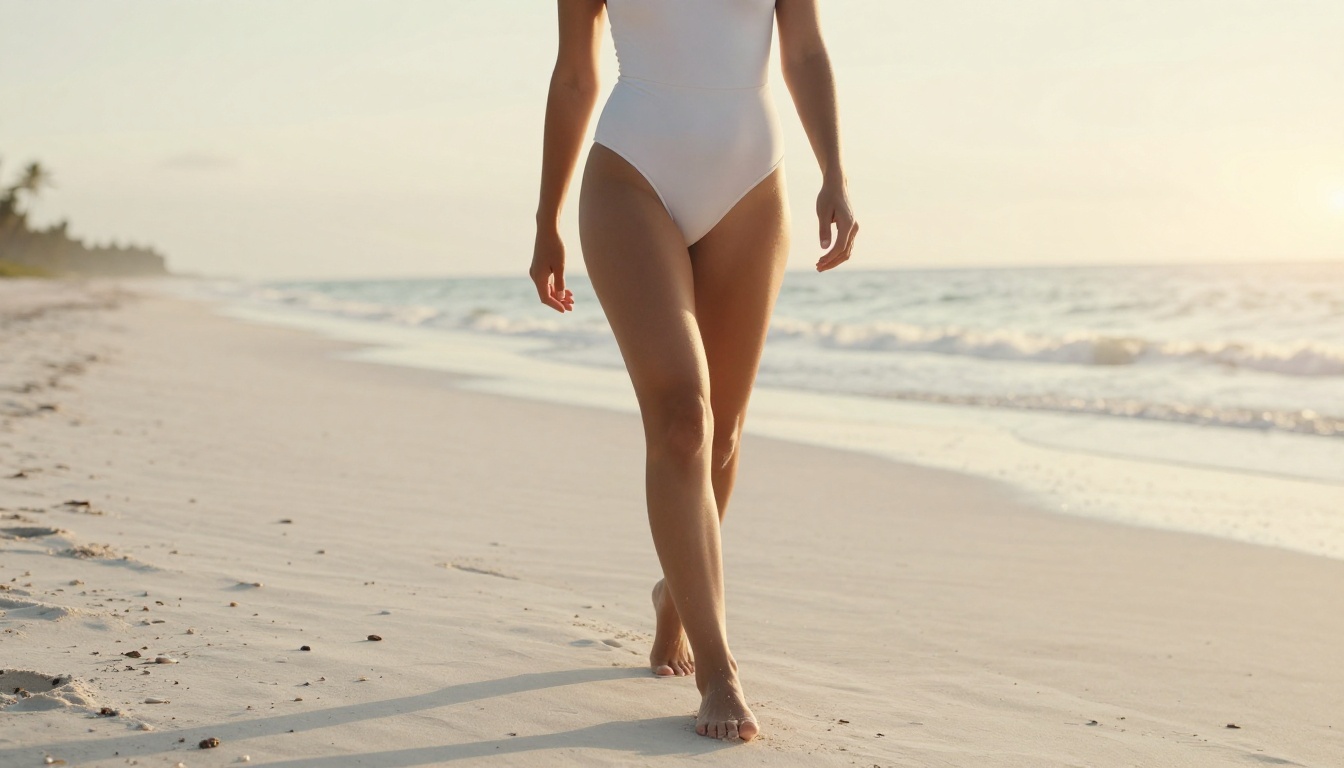
- Bikini and swimwear photography
- Glamour portrait lighting scenarios
- Indoor boudoir-style compositions
The model responds well to camera and lens parameters in prompts, which gives you fine control over the aesthetic output.
RealVisXL v3.0 Turbo
RealVisXL v3.0 Turbo combines the realism of Realistic Vision with the speed of a turbo-optimized pipeline. It's a strong choice when you need high-quality NSFW output quickly without waiting on larger models.
💡 Tip: For swimwear or lingerie-focused prompts, RealVisXL v3.0 Turbo responds especially well to environment descriptors. Specify the location, light source, and time of day explicitly rather than relying on the model to fill those details in.
Flux 1.1 Pro
Flux 1.1 Pro sits between Flux Dev and Flux 1.1 Pro Ultra in terms of quality and speed. It's the model that most platforms default to for high-fidelity output because it hits the sweet spot: exceptional realism with manageable generation times.
For NSFW content, Flux 1.1 Pro handles:
- Detailed fabric rendering (lace, satin, sheer fabrics)
- Natural skin tones across diverse complexions
- Complex lighting setups (Rembrandt, rim lighting, golden hour)
How to Use These Models on PicassoIA
PicassoIA gives you access to all the models above with no account required for basic generation. Here's the workflow:
Step 1: Pick your model
Go directly to a model page, for example Flux Dev or Realistic Vision v5.1. No signup or login needed to start generating.
Step 2: Write a detailed prompt
Use the prompt structure covered in the next section. The more specific your prompt, the better the result. Vague prompts produce generic images.
Step 3: Set your aspect ratio
For portrait and glamour work, 9:16 or 4:3 works well. For landscape-style scenes or environmental shots, stick with 16:9.
Step 4: Adjust steps and guidance scale
Higher step counts (30-50) produce more refined results. Guidance scale between 7 and 9 gives a good balance between prompt adherence and natural-looking output.
Step 5: Generate and iterate
Run your prompt multiple times. Variation between outputs is normal. Save the best results and refine your prompt based on what's working.
💡 Tip: If the model is generating faces with odd proportions, add "symmetrical face, detailed eyes, natural expression" to your prompt. This anchors the model toward realistic portraiture.
Prompting for the Best Results
The difference between a mediocre NSFW AI output and a genuinely impressive one usually comes down to the prompt. Here's what actually works.
Prompts That Actually Work
The most effective prompts for photorealistic NSFW and glamour content follow a specific structure:
[Subject] + [Outfit/Styling] + [Environment] + [Lighting] + [Camera/Lens] + [Texture/Atmosphere] + [Film Style]
Example:
"Young woman in a sheer ivory slip dress, seated on a sun-warmed marble terrace overlooking the Amalfi coast, soft golden hour backlight creating a rim light effect on bare shoulders, 85mm f/1.8 portrait lens, visible linen texture on terrace furniture, gentle sea breeze movement in fabric, film grain Kodak Portra 400, photorealistic 8K RAW"
This kind of prompt works across Flux Dev, Realistic Vision v5.1, and Stable Diffusion 3.5 Large.
Terms that signal realism to these models:
- cinematic lighting, photorealistic, 8K RAW
- Kodak Portra 400, film grain, natural colors
- 85mm f/1.4, shallow depth of field
- volumetric light, Rembrandt lighting
- editorial photography, fashion magazine aesthetic
3 Mistakes That Ruin Your Results
1. Too many modifiers stacked with no structure
Dumping 30 style words in random order confuses the model. It will cherry-pick some and ignore others, producing inconsistent output every time.
2. No environment context
Models like Flux 1.1 Pro are trained on diverse datasets. Without a clear environment, they default to generic studio backgrounds. Always specify the setting explicitly.
3. Generic body descriptors instead of clothing and styling details
Describe what the subject is wearing in precise terms: fabric type, color, fit, how the light interacts with it. "Wearing a dress" produces a very different result from "wearing a draped ivory chiffon halter dress with a plunging neckline catching late afternoon light."
Side-by-Side Model Comparison
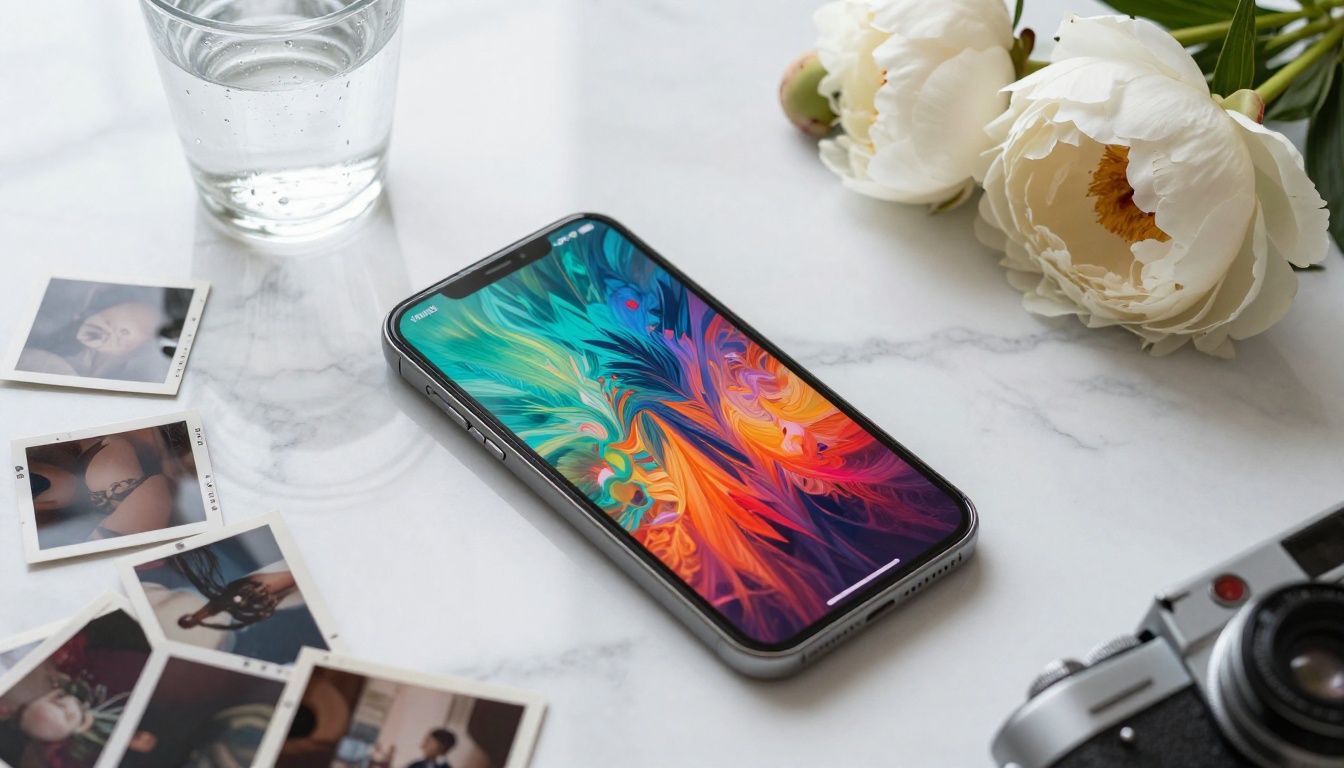
Here's a direct breakdown of the top models for NSFW-adjacent generation, across the dimensions that matter most:
Your Privacy When Using AI Generators
Even no-account generators collect some data. Here's what you should know before generating anything you'd rather keep private.
What Platforms Store
Most browser-based AI generators log:
- IP addresses (temporary, usually 24-72 hours)
- Prompt content (for moderation and model improvement)
- Generated image URLs (temporarily, may expire after a short window)
What they generally do not store without an account: email, payment details, or browsing history linked to a persistent identity.
Staying Anonymous
If privacy is a serious concern beyond no-account access:
- Use a VPN to mask your IP address
- Access via private/incognito browsing
- Avoid uploading reference images unless necessary, as these can carry EXIF metadata with device and location data embedded
💡 Tip: Platforms that let you generate without an account are inherently less data-hungry than those requiring full registration, because there is no persistent user profile to attach data to. The less you share, the less exists to be misused.
Start Generating Now
If you've been holding off because you didn't want to hand over your email just to test a model, you don't have to anymore. The models listed above are all accessible right now, directly in your browser, with no signup required.
Start with Flux Dev if you want the best balance of realism and flexibility. Go to Realistic Vision v5.1 or DreamShaper XL Turbo for NSFW-specific work. Use the prompt structure from this article, be specific about lighting and environment, and you'll start producing images that genuinely surprise you.
The platform has over 91 text-to-image models available, including Flux 1.1 Pro Ultra for maximum fidelity and Flux Schnell for fast iteration. There's no commitment, no subscription required to start, and no registration wall between you and the image in your head.
Pick a model, write a strong prompt, and see what you can build.