NSFW AI Generators That Actually Look Realistic in 2027
The best NSFW AI generators of 2027 produce images that are genuinely indistinguishable from photography. This breakdown covers the top photorealistic models, prompt engineering strategies for realistic skin and lighting, and a step-by-step tutorial for Flux 1.1 Pro Ultra on PicassoIA.
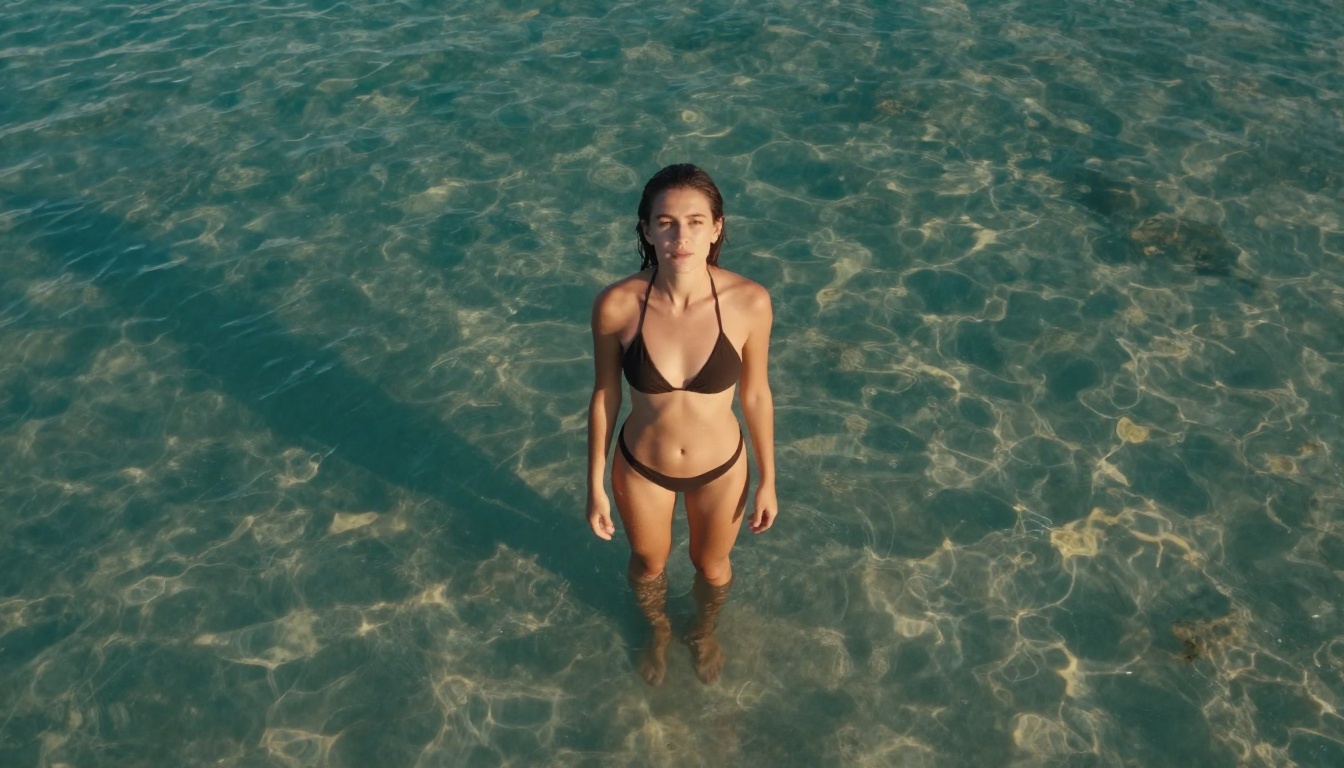
The gap between "AI-generated" and "actually photographed" is closing fast. In 2027, the best NSFW AI generators produce images that fool even trained eyes: realistic pores, authentic lighting falloff, natural hair physics, and skin that behaves like skin. But not every model delivers on that promise. Some still produce that telltale plasticky sheen, symmetrical-to-the-point-of-creepy faces, or hands that look like they belong to a cartoon villain.
This article breaks down the NSFW AI generators that actually achieve photorealism, what separates them from the rest, and how to get the most realistic results from each one.
Why Realism Is the Hardest Problem in AI
You would think that making a realistic image would be the easiest thing for a system trained on billions of photographs. In practice, it is one of the most difficult challenges in generative AI.
The Uncanny Valley Problem
The human brain is extraordinarily sensitive to facial and body proportions. We have evolved over millions of years to read faces with incredible precision, which means even a 2% deviation from natural proportions triggers a deep sense of wrongness. Early NSFW AI generators fell hard into this trap: perfect symmetry where real faces have asymmetry, smooth skin where real skin has texture and variation, eyes that glow with an unnatural intensity.
The best models today have learned to introduce imperfection deliberately. Natural skin variation, asymmetrical features, random hair strands that catch light differently. This intentional randomness is what separates photorealistic AI from artificial-looking AI.
What "Realistic" Actually Means
When people search for realistic NSFW AI generators, they are typically looking for three specific things:
Skin texture: Visible pores, natural color variation, realistic subsurface scattering of light
Anatomical accuracy: Proportions that match real human bodies, correct perspective foreshortening
Lighting behavior: How light wraps around curves, creates shadows in folds, reflects differently off different surfaces
Any generator that nails all three produces images that could pass for photographs. Most only nail one or two.
The 8 Best NSFW AI Generators Right Now
These are the models with the highest photorealism scores for figure and portrait generation as of 2026. Each has a distinct strength.
Flux 1.1 Pro Ultra
Flux 1.1 Pro Ultra sits at the top for raw photorealism. Developed by Black Forest Labs, it produces images with exceptional skin texture rendering, accurate subsurface light scattering, and natural hair strand detail. The Ultra version specifically targets high-fidelity output at resolutions where details matter most.
Best for: Full-body portraits, glamour photography simulation, detailed skin close-ups
Realistic score: 9.5/10
💡 Flux 1.1 Pro Ultra responds exceptionally well to photography-specific prompts. Include camera specs like "85mm f/1.4, Kodak Portra 400" and you will see a dramatic difference in output realism.
Realistic Vision v5.1
Realistic Vision v5.1 was purpose-built for photorealistic human figures. Unlike general-purpose models that try to do everything, this model was fine-tuned specifically on photography datasets. The result is exceptional natural skin tone rendering, believable facial expressions, and authentic body proportions.
Best for: NSFW portrait photography, intimate scenes with natural lighting
Realistic score: 9.2/10
RealVisXL v3.0 Turbo
RealVisXL v3.0 Turbo combines the SDXL architecture with heavy photorealism fine-tuning. The Turbo version generates in fewer steps without sacrificing quality. It particularly excels at environmental portraits where the background matters as much as the subject.
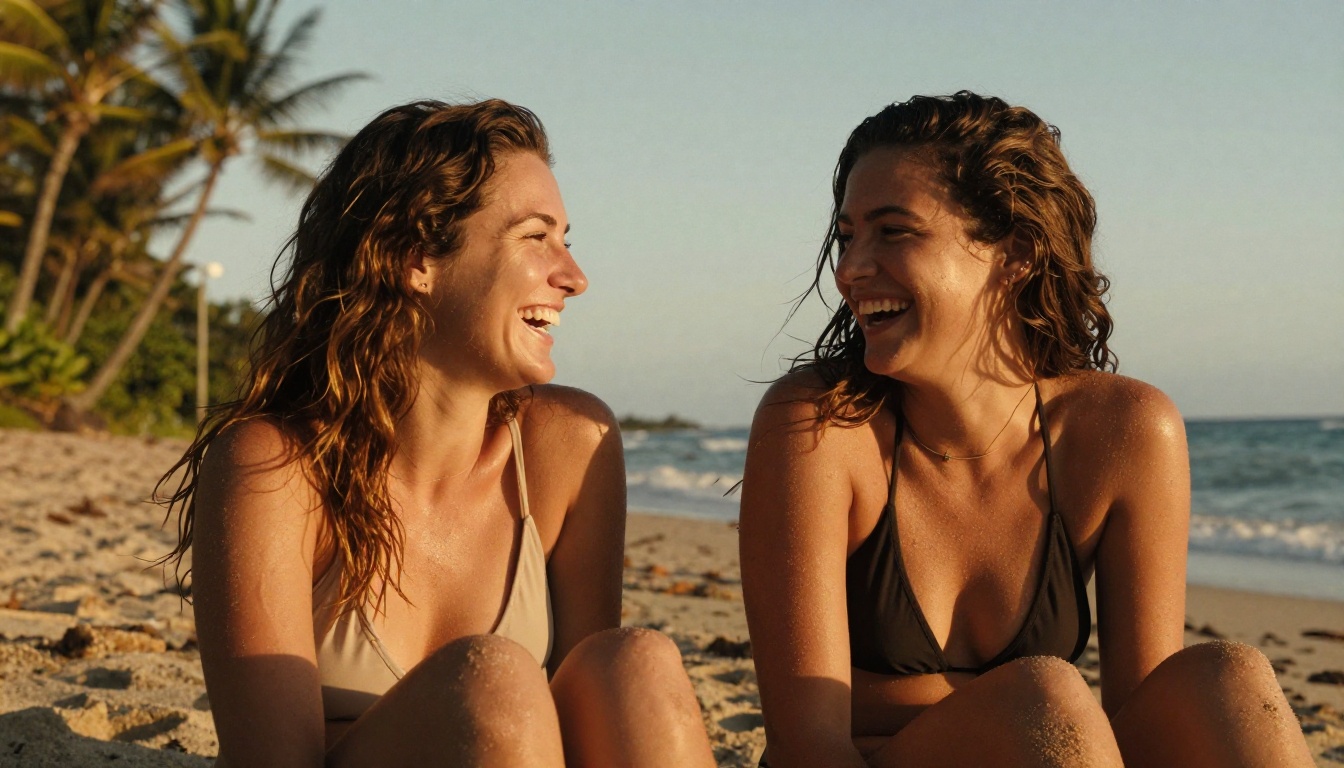
Best for: Fashion photography style output, travel and location shots, bikini and swimwear photography
Realistic score: 8.9/10
Stable Diffusion 3.5 Large
Stable Diffusion 3.5 Large from Stability AI represents a massive architectural leap over previous versions. The multimodal diffusion transformer handles complex scene compositions far better than older models, producing realistic spatial relationships between figures and environments.
Best for: Complex scene compositions, multiple figures, environmental NSFW photography
Realistic score: 8.7/10
Flux 2 Pro
Flux 2 Pro is the successor to the original Flux architecture. It pushes photorealism even further with improved understanding of material properties: how fabric drapes, how skin responds to different light temperatures, how water droplets behave on surfaces.
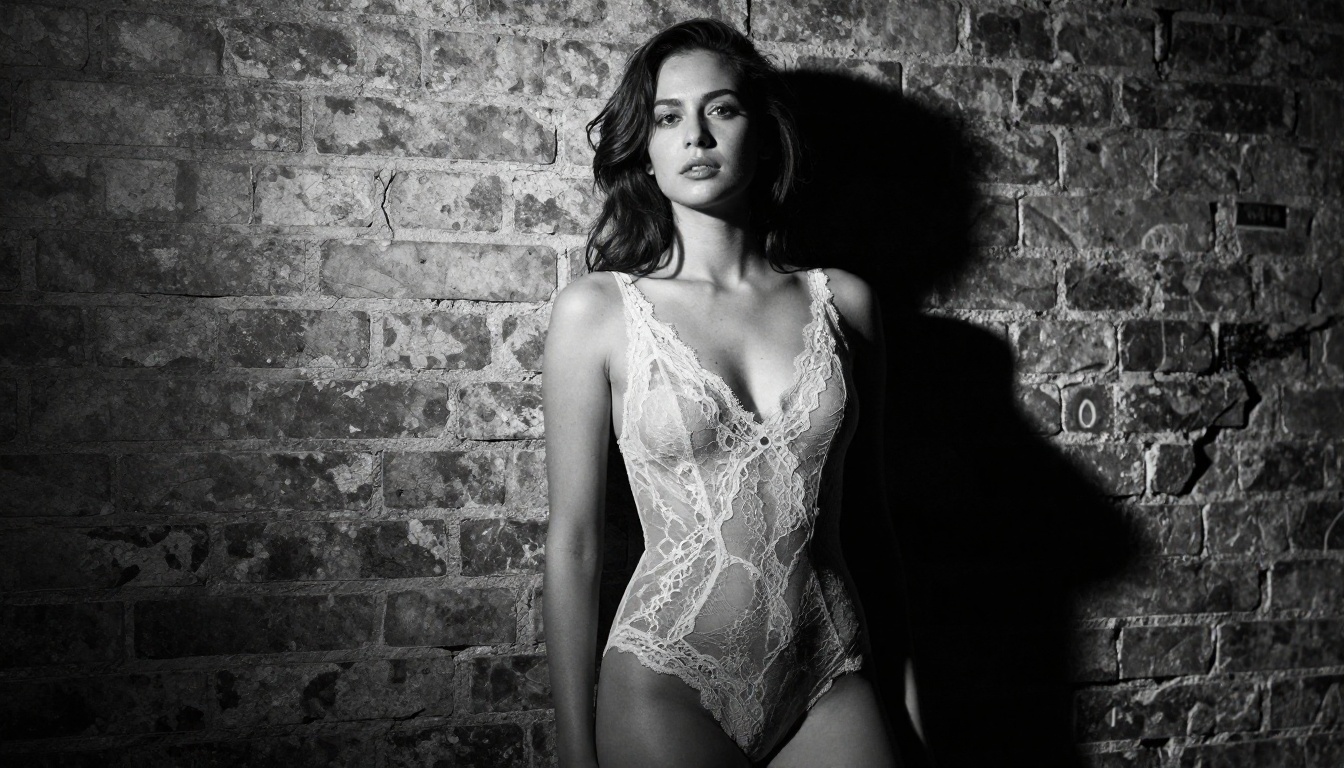
Best for: Detailed material rendering (silk, lace, water), high-end fashion simulation
Realistic score: 9.3/10
GPT Image 1.5
GPT Image 1.5 brings OpenAI's approach to photorealistic generation. Where other models rely on learned photography patterns, GPT Image 1.5 has a stronger conceptual understanding of what makes images look real. It handles unusual lighting setups and non-standard compositions better than most.
Seedream 4 from ByteDance achieves remarkable high-resolution photorealism. Its particular strength is fine detail preservation at large output sizes: individual eyelashes, fabric weave patterns, subtle skin color variations across a face.
Best for: Large format output, extreme detail requirements, print-quality NSFW images
Realistic score: 8.8/10
Ideogram V3 Quality
Ideogram V3 Quality takes a different approach to realism, prioritizing aesthetic coherence over raw detail fidelity. Images from this model have a distinctive cinematic quality that feels real without necessarily being technically hyperdetailed.
The model is only half the equation. The other half is your prompt. These five methods will push any realistic NSFW AI generator significantly further.
Skin Texture Is Everything
The single biggest factor separating realistic from fake is skin texture. Instead of writing "beautiful woman," write:
"skin with natural color variation, slight redness on cheeks, realistic lip texture"
"RAW photography, no skin smoothing, no retouching, authentic natural skin"
💡 Add "Kodak Portra 400" or "Fujifilm Velvia" to your prompts. These film stock references train the model to use photographic color science rather than digital color calibration, dramatically improving skin tone authenticity across all models, including Flux 2 Dev and Seedream 4.
Lighting Makes or Breaks Realism
Generic prompts produce generic lighting. Specific lighting descriptions produce photographs. Compare:
Weak: "soft lighting"
Strong: "volumetric morning light from large north-facing window at 45 degrees creating gentle shadow falloff across left side of face, natural color temperature 5500K"
Specific details your prompts should include:
Direction: "light from upper left", "backlit", "rim lighting from behind"
Quality: "hard direct sunlight", "diffused overcast", "single softbox"
Temperature: "warm golden hour 3200K", "cool blue morning 6500K"
Behavior: "volumetric rays", "caustic reflections", "natural shadows in fabric folds"
Camera Lens Specs Change Everything
Camera metadata in prompts fundamentally changes how the model renders depth, perspective, and bokeh:
Wide environmental context, slight distortion at edges
Match Your Prompt Style to the Model
Each model responds differently to prompt structure. Flux 1.1 Pro Ultra prefers descriptive paragraph-style prompts. Realistic Vision v5.1 works better with comma-separated technical tags. Flux 2 Dev responds well to natural language descriptions that include emotional context.
For SDXL-based models, structure your prompt with the most important elements first. The model weights earlier tokens more heavily, so lead with subject and action rather than style.
Negative Prompts Matter as Much as Positive Ones
For any NSFW realistic generation, include negatives that prevent common failure modes:
Negative: cartoon, anime, illustration, digital art, CGI, 3D render, painting, smooth skin,
plastic skin, airbrushed, retouched, neon, glow effects, symmetrical face, perfect symmetry,
extra fingers, deformed hands, unnatural pose
This single addition can elevate a mediocre generation from any model into something that reads as genuinely photographic. Stable Diffusion 3.5 Large in particular shows dramatic improvement with strong negative prompts.
How to Use Flux 1.1 Pro Ultra on PicassoIA
Flux 1.1 Pro Ultra is the top-ranked model for photorealistic NSFW generation. Here is a step-by-step process for getting the best results through PicassoIA.
Step 1: Choose Your Base Model
Navigate to the Flux 1.1 Pro Ultra model page on PicassoIA. Set aspect ratio to 16:9 for landscape photography or 9:16 for portrait-orientation shots.
Recommended settings:
Guidance scale: 3.5 to 4.5 (higher values follow your prompt more strictly)
Steps: 28 to 35 (more steps increase detail and coherence)
Output format: PNG for maximum quality, JPEG for faster iteration
Step 2: Write a Cinematic Prompt
Structure your prompt in this order for maximum photorealism:
Subject: Who they are, what they are wearing, their pose
Environment: Where they are, what surrounds them
Lighting: Specific direction, quality, temperature
Camera: Lens spec, aperture, depth of field
Film stock: Kodak Portra 400, Fujifilm Provia, etc.
Style flag: --style raw, RAW photography, photojournalistic
Example prompt:
"Young woman in white bikini sitting at edge of rooftop infinity pool, urban skyline visible in background, soft golden hour light from left horizon at 15 degrees elevation creating warm skin glow and long shadow on wet tiles, 85mm f/1.4 portrait lens with creamy bokeh on distant cityscape, Kodak Portra 400 film grain, RAW 8K photography, photorealistic, no digital effects"
Step 3: Fine-Tune Parameters
After your first generation, use Flux Kontext Pro to make targeted edits without regenerating the entire image. This is ideal for:
Adjusting specific body proportions after generation
Modifying lighting on specific areas of the image
Correcting hand or facial details that did not land correctly
Changing clothing details or adding accessories
💡 If you want control over exact body positions, the SDXL Multi ControlNet LoRA model on PicassoIA lets you provide a reference skeleton or pose image to control figure positioning precisely.
What Separates the Good From the Great
After working with all of these models extensively, the distinction between "good" and "great" NSFW AI generators comes down to one thing: how the model handles uncertainty.
Every prompt has ambiguous areas where the model has to fill in details it was not explicitly told. Bad models fill these spaces with generic, averaged-out representations. Great models fill them with specific details that feel chosen rather than generated.
Realistic skin imperfections. A single hair out of place. A shadow that falls slightly differently than you would expect. These micro-details are what create the sensation of looking at a photograph rather than a render.
The models at the top of this list, particularly Flux 1.1 Pro Ultra and Flux 2 Pro, have learned to generate these micro-details organically. Lower-ranked models smooth them out in an attempt to look "perfect," which paradoxically makes them look artificial.
Three things to look for when evaluating realism:
Skin around eyes: Is there natural texture, subtle crinkles, realistic eyelid weight?
Hair at edges: Do individual strands separate naturally, or is there a smooth hair blob?
Fabric behavior: Does clothing show natural drape, gravity, and compression where the body contacts it?
The LoRA Factor
One powerful avenue for pushing realism even further is LoRA (Low-Rank Adaptation) fine-tuning. Models like Flux Dev LoRA and p-image-lora allow you to layer specific stylistic fine-tuning on top of the base model.
For NSFW photorealism specifically, common LoRA applications include:
Photography style LoRAs: Fine-tune on specific photographic styles for consistent visual output
Skin texture LoRAs: Hyper-focus the model on realistic skin rendering and natural imperfections
Lighting LoRAs: Specialize the model in specific setups such as golden hour, studio, or underwater scenes
The combination of Flux Dev as a base model with a well-trained photography LoRA can outperform even dedicated photorealism models on specific niches. It is one of the most powerful combinations available for adult AI art today.
💡 PicassoIA also offers Super Resolution tools to upscale your generated images 2x to 4x without losing quality. If a generation is strong compositionally but lacks fine detail, upscaling with a dedicated model often brings it to a completely different level of realism.
What to Avoid in 2027
As the bar for photorealistic AI image generation rises, certain mistakes become more visible, not less. These are the most common patterns that immediately signal "AI-generated" to a trained eye:
Over-perfect symmetry: Real faces and bodies are asymmetrical. If your prompt does not explicitly ask for natural asymmetry, most models default to a perfectly centered, perfectly balanced face that reads as artificial.
Generic "professional photography" prompts: This phrase has been so overused that models now associate it with a specific bland aesthetic. Be specific about which photographer, which era, which genre.
Missing environmental detail: A photorealistic subject in front of a blurry undefined background immediately signals AI generation. Use Flux Schnell for rapid iteration to find compositions where the environment adds to the realism rather than undermining it.
Ignoring hands: Hands remain one of the most difficult anatomical structures for AI models to render correctly. Either hide hands in the composition or explicitly describe them in your prompt.
Start Creating Now
The difference between reading about photorealistic AI generation and actually doing it is enormous. Every model listed here is available to test directly on PicassoIA, with no software installation or local GPU required.
Start with Flux 1.1 Pro Ultra for the highest photorealism ceiling, or RealVisXL v3.0 Turbo if you want faster iteration while still getting strong results. Take the prompt structure from the tutorial section above, adapt it to your specific scene, and run your first generation.
The first image will show you what the model can do. The fifth will show you what you can do with it. By the tenth iteration, you will have a clear picture of which variables matter most for the specific style of photorealistic NSFW content you want to create.
Over 90 text-to-image models are available on PicassoIA, including every model covered in this article. No local GPU required, no technical setup. Just write a prompt, pick a model, and generate. The gap between AI-generated and photographed is closing, and the tools to cross that gap are already here.