The question sounds simple: should you run your NSFW AI image generator in the cloud or on your own machine? But the answer pulls in privacy concerns, hardware costs, content policies, and the very real difference between what you can generate versus what a platform will allow you to generate. Getting this wrong wastes money, burns time, or leaves you with an account ban.
This breakdown covers both sides with specifics, not generalities.
What This Choice Actually Means
Two Very Different Philosophies
Cloud-based NSFW AI image generation means sending your text prompts to a remote server, letting someone else's GPU do the work, and receiving your image back over the internet. Local generation means your prompt never leaves your machine, your GPU does all the work, and the output lands directly on your hard drive.
Both approaches produce images. The differences show up in privacy, cost structure, content latitude, and how much control you actually have over the generation process.
Why It Matters for NSFW Content
Standard AI image generation prompts are relatively low-stakes. NSFW prompts are not. The content you request, the style parameters you set, and the subjects you describe are all data points that a cloud platform stores, moderates, and in some cases flags. For many users, the nature of what they are generating makes the choice between cloud and local far more consequential than it would be for landscape photography or product mockups.
Privacy is not an abstract concern here. It is the central variable.
The Privacy Problem Nobody Talks About
What Cloud Platforms Actually Store
When you use a cloud NSFW AI image generator, you are agreeing to a terms of service document that most users skip. What those documents typically allow the platform to do includes:
- Store your prompts and outputs for safety review
- Use your prompts to train or fine-tune future models
- Share flagged content with law enforcement if required
- Terminate your account without notice if content violates policies
Even platforms marketed as privacy-first typically log request metadata. IP addresses, session timestamps, and prompt history are common. Some platforms offer end-to-end encrypted generation, but these are the exception rather than the rule.
💡 Tip: Before uploading anything sensitive to a cloud generator, read the data retention section of the terms of service. Look for explicit statements about prompt storage duration and model training opt-outs.
Local Is Not Automatically Private
Running a model locally removes the cloud from the equation, but it does not make you invisible. If your local setup connects to a model registry to download weights, that download is logged. If you use a web-based front end that phones home for analytics, that data leaves your machine. True local privacy requires:
- Downloading model weights once to a local drive
- Running inference in an air-gapped or firewall-isolated environment
- Using open-source front ends with no telemetry
Most users do not need that level of isolation, but knowing the actual threat model helps you make a rational choice.
Cloud Generators: The Real Picture

Speed Without the Hardware Bill
The strongest argument for cloud-based generation is raw economic efficiency. A high-end consumer GPU capable of running large NSFW models at reasonable speeds costs between $600 and $2,000. A cloud platform charges fractions of a cent per image. For low-to-moderate volume users generating a few dozen images per week, cloud is almost always cheaper over a 12-month horizon.
Cloud platforms also handle model updates automatically. When Flux 2 Pro or a new checkpoint drops, you access it immediately without downloading gigabytes of weights or reconfiguring your local environment.
Additional cloud advantages:
- No setup friction: Browser-based, no drivers or dependencies
- Multiple model access: Try Flux Dev, Seedream 4, and Ideogram v2 in the same session
- Scalability: Generate 100 images in the time a local setup generates 10
- Accessibility: Works from any device, any location
The Content Policy Wall
The limitation that frustrates most NSFW users is content moderation. Cloud platforms that allow adult content typically enforce a tiered system. Suggestive and glamour content passes without issue. Explicit content either requires age verification and account upgrades, is filtered algorithmically, or is blocked entirely regardless of subscription tier.
This is not a technical limitation. It is a business decision. Platforms balance advertiser relationships, payment processor requirements, and legal exposure. Even platforms with a permissive reputation can tighten policies without notice when a major payment processor threatens to withdraw.
The practical result: cloud platforms are excellent for tasteful NSFW work including artistic nudity, boudoir-style imagery, glamour photography, and suggestive content. They are unreliable for explicit content and can change their policies at any time.
Local Generation: What You Actually Need
The Hardware You Actually Need
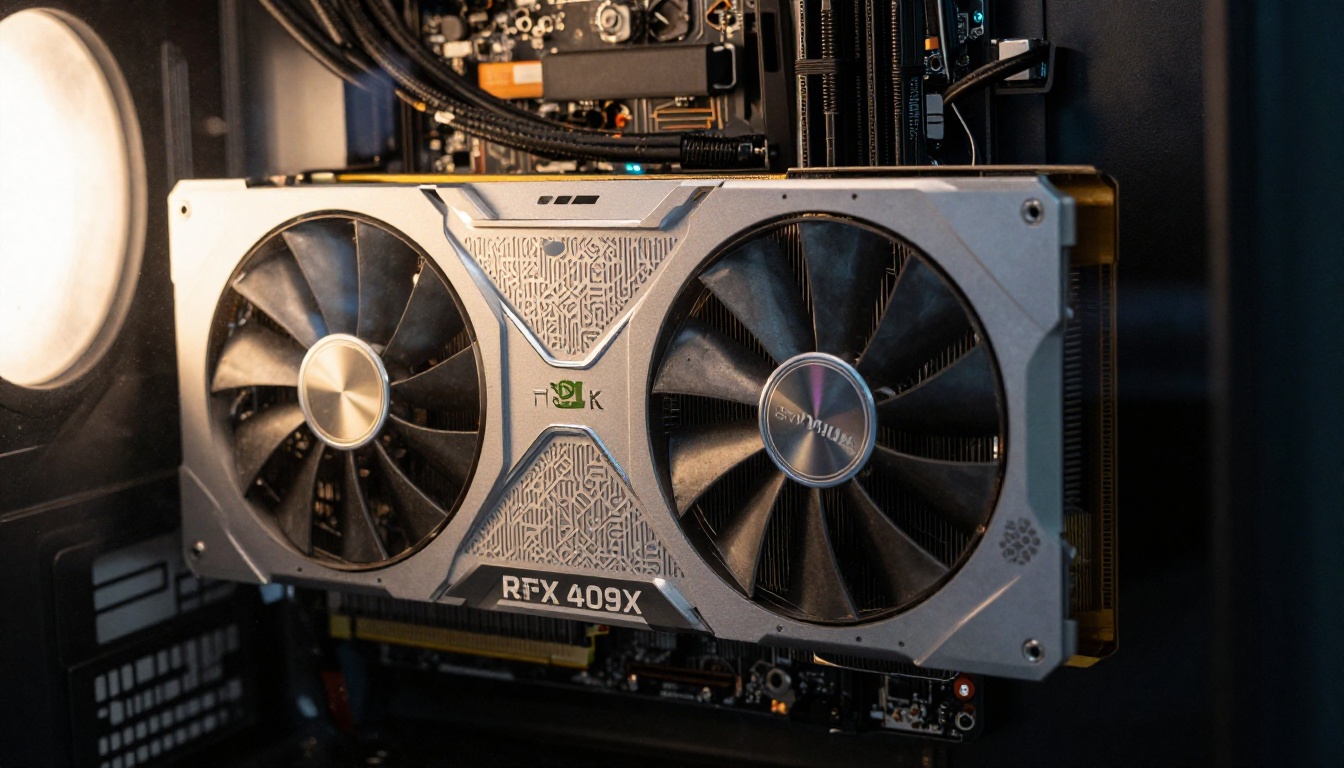
Local NSFW image generation has real hardware requirements. These numbers are not approximations.
| Model Size | Minimum VRAM | Recommended GPU | Generation Speed |
|---|
| SD 1.5 | 4 GB | RTX 3060 | ~8s per image |
| SDXL | 8 GB | RTX 3080 | ~12s per image |
| Flux Dev (12B) | 12 GB | RTX 3090 / 4080 | ~25s per image |
| Flux 1.1 Pro | 16 GB | RTX 4090 | ~15s per image |
Running models in 8-bit or 4-bit quantization reduces VRAM requirements significantly. SDXL at 4-bit quantization runs on 6 GB of VRAM with acceptable quality loss. Stable Diffusion 3.5 Large in 8-bit runs on 10 GB VRAM.
Beyond the GPU, you need:
- RAM: 16 GB minimum, 32 GB recommended for larger models
- Storage: Fast NVMe SSD with at least 50 GB free for model weights
- CPU: Not the bottleneck, but a modern multi-core processor helps with preprocessing
- Power supply: High-end GPUs draw 300W or more, budget for electricity costs
Model Freedom Is Real
The actual advantage of local generation is not privacy. It is model access. The open-source ecosystem has models fine-tuned specifically for NSFW content that no cloud platform will host. These include checkpoint merges, LoRA weight sets targeting specific aesthetics, and uncensored base models with no content filters whatsoever.
For users who need outputs that cloud platforms will never produce, local is the only real option. The tradeoff is setup complexity and hardware investment.
With tools like ComfyUI or Automatic1111, you can stack multiple LoRA weights, apply ControlNet poses for body positioning, use inpainting to refine specific areas of an image, and chain multiple generation steps. This level of control is not available on any cloud platform.
💡 Tip: SDXL Multi ControlNet LoRA on PicassoIA lets you experiment with ControlNet workflows without setting up a local environment first. It is a useful middle ground for users evaluating whether local is worth the investment.
Speed, Cost, and Quality Head-to-Head
The numbers that actually matter when choosing between cloud and local:
| Factor | Cloud | Local |
|---|
| Upfront cost | $0 | $600 to $2,000+ |
| Cost per image (low volume) | $0.01 to $0.05 | Near zero (electricity only) |
| Cost per image (high volume) | Compounds quickly | Near zero |
| Setup time | Minutes | Hours to days |
| Content freedom | Restricted by policy | Unrestricted |
| Privacy | Platform-dependent | High (with proper setup) |
| Model variety | 50 to 100+ curated | Unlimited (open-source) |
| Generation speed | 2 to 8 seconds | 8 to 60 seconds (hardware-dependent) |
| Maintenance | None | Regular (drivers, updates) |
| Portability | Full (any device) | None (tied to your hardware) |
For casual users generating under 500 images per month, cloud wins on cost. For power users generating thousands of images weekly, local breaks even quickly. For anyone whose content requirements exceed what cloud platforms allow, local is not a choice, it is a requirement.
Models That Work Best for NSFW
Top Cloud-Friendly Models
These models produce excellent suggestive and artistic NSFW content within standard cloud platform policies:
Flux 1.1 Pro Ultra produces the most photorealistic skin texture and natural lighting of any publicly available model. It handles fashion, glamour, and artistic contexts with exceptional fidelity.
Realistic Vision v5.1 is purpose-built for photorealistic human subjects. It handles skin tone diversity, natural hair, and realistic body proportions better than most base models.
DreamShaper XL Turbo strikes a strong balance between speed and quality. For boudoir and glamour styles specifically, it produces outputs with a warm cinematic quality that feels intentional rather than accidental.
Flux Schnell is the speed option. When you are iterating on a concept quickly, this cuts generation time dramatically while still delivering outputs worth reviewing.

Top Local Models
For users running their own hardware:
Stable Diffusion 3.5 Large Turbo offers excellent compositional control with fast inference. The architecture handles complex prompt structures better than earlier SD versions.
Flux Dev with a fine-tuned LoRA is the current standard for high-quality realistic human generation locally. The base model respects prompts with unusual precision for a 12B parameter model.
💡 Tip: Combine Flux Dev with a clothing-specific LoRA and a face-detail LoRA stacked together. Results surpass single-model outputs significantly.
How to Use Flux Dev on PicassoIA
Flux Dev is available directly on PicassoIA, giving you access to one of the most capable open-weight text-to-image models without any local setup. Here is how to get the most from it.
Step-by-Step
- Open the model page: Go to Flux Dev on PicassoIA
- Write a structured prompt: Flux Dev responds well to subject, environment, lighting, and style separated by commas. Be specific about body position, clothing, lighting direction, and camera angle
- Set your aspect ratio: For portrait NSFW work, 9:16 produces the most natural compositions. For environmental shots, 16:9 works better
- Adjust guidance scale: A value between 3.5 and 4.5 gives the best balance between prompt adherence and natural-looking outputs. Values above 5 often produce over-saturated, artificial-looking skin
- Set inference steps: 25 to 30 steps produces finished-quality outputs. Below 20 steps introduces artifacts in hair and fabric
- Review and iterate: Flux Dev generates quickly enough that running 5 variations of a prompt costs little in credits but often reveals one clearly superior result
Parameter Tips for Flux Dev
| Parameter | Recommended Value | Effect |
|---|
| Guidance Scale | 3.5 to 4.5 | Natural skin vs. vivid output |
| Inference Steps | 25 to 30 | Quality vs. speed tradeoff |
| Seed | Fixed value (for iterations) | Consistency across variations |
| Negative Prompt | "cartoon, illustration, 3d render, oversaturated" | Keeps outputs photorealistic |
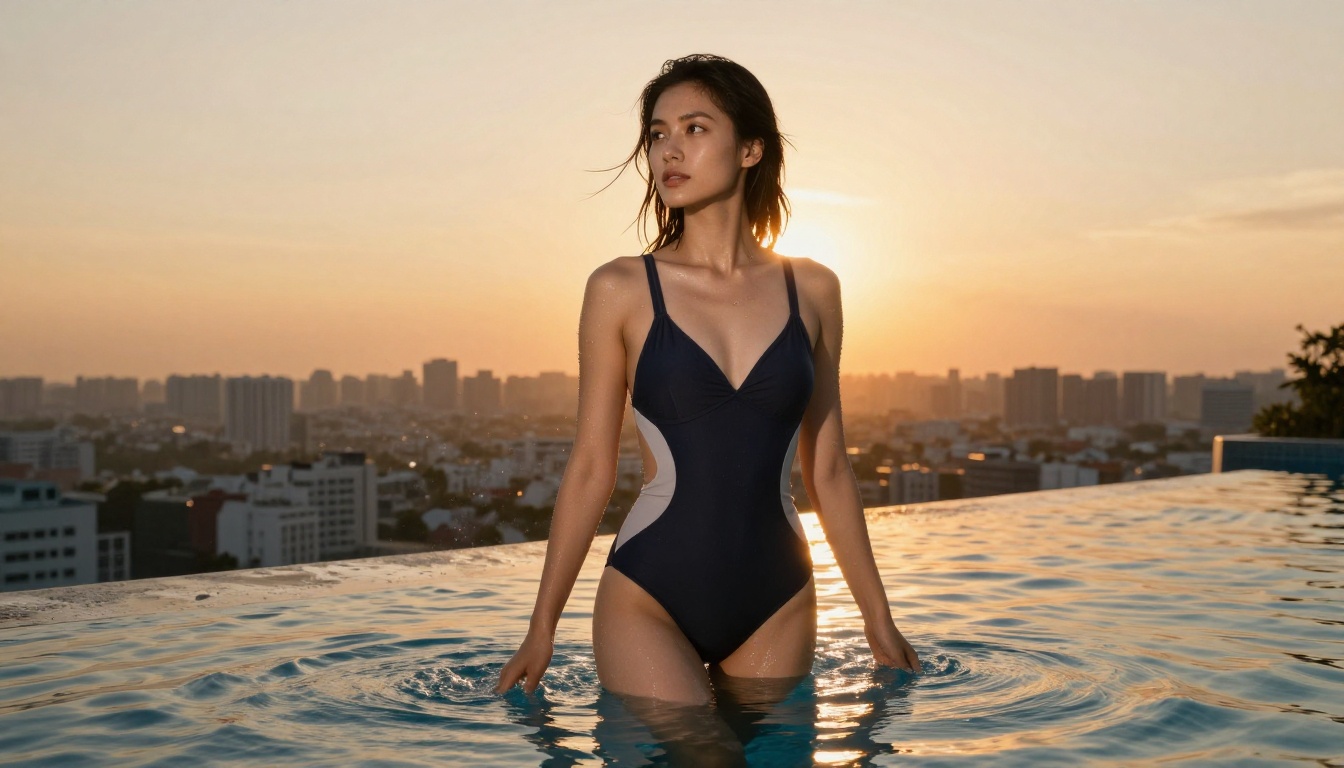
For glamour and NSFW-adjacent content specifically, add these qualifiers to any Flux Dev prompt: "natural skin texture, subsurface scattering, volumetric light, Kodak Portra 400, 85mm f/1.8, photorealistic". These six additions consistently push outputs from competent to exceptional.
Who Should Pick Cloud
Cloud-based NSFW AI image generation makes sense when:
- You generate fewer than 1,000 images per month
- Your content falls within artistic and suggestive categories rather than explicit
- You want instant access to the newest models without any local maintenance
- You need to generate from multiple devices or locations
- You are testing whether AI image generation fits your workflow before investing in hardware
Platforms like PicassoIA give you access to Flux 2 Pro, GPT Image 1.5, Ideogram v3 Quality, and over 90 other models in one interface. The breadth of that library matters when your creative direction shifts between projects.
Who Should Pick Local
Local generation makes sense when:
- Your content requirements exceed what any cloud platform will host
- You generate at high volume where per-image cloud costs compound
- Data privacy is a hard requirement, not a preference
- You want granular control over model weights, LoRA stacking, and generation pipelines
- You already own or plan to purchase a high-VRAM GPU for other purposes
The two approaches are not mutually exclusive. Many serious creators use cloud platforms for concept iteration and client-facing work, and local setups for the specific outputs that require complete model freedom.
Try Creating Your Own
The fastest way to calibrate your expectations before investing in hardware is to spend a session on PicassoIA testing models like Flux 1.1 Pro, Realistic Vision v5.1, and Flux Dev against your actual prompts.
If the outputs satisfy what you need within platform policies, cloud is your answer, and you just saved yourself $1,500 in GPU costs. If your prompts keep hitting content walls or the quality ceiling frustrates you, that test session just confirmed that local is worth the investment.
The decision should be based on your specific volume, content requirements, and privacy needs, not on general assumptions about which approach is better. Cloud and local are tools. The right one depends entirely on what you are actually building.
Start with PicassoIA's text-to-image collection and let the outputs tell you whether cloud handles your needs or whether local is the next step in your workflow.


