Free NSFW AI image generation has moved faster than most people realize. What was niche and difficult to set up two years ago is now accessible to anyone with a browser and a good prompt. The real question is no longer whether free options exist, it's which ones are worth your time and what you can actually do with them before hitting a wall.
This breakdown covers the models that matter, where they shine, and how to squeeze the most out of each one without spending a cent.
What "Free" Actually Means
The three tiers you'll run into
Not every "free" AI image tool works the same way. Before diving into specific models, it helps to know what you're actually signing up for. There are three distinct categories:
- Truly free, open-source models you can run locally or access through platforms at no cost
- Freemium tools that give you a daily or monthly credit allowance before charging
- Trial access that's technically free but expires after a set number of generations
Most of the best NSFW-capable models fall into the first two categories. Open-source models like Flux Dev and Stable Diffusion have no licensing cost to run, which is why platforms can offer them for free or at very low cost.
Where the real limits are
The limits aren't always about money. Many free tiers impose:
- Resolution caps: Output locked to 512x512 or 768x768 instead of full 1024px+
- Queue delays: Free users wait longer for generations to complete
- Content filters: The platform applies its own restrictions regardless of what the model supports
- Watermarks: Visible branding added to every output
Knowing this upfront saves frustration. A tool might be "free" but useless if it slaps a watermark on everything or downsamples to thumbnail size.
The Models Worth Knowing
Flux: the open-source benchmark
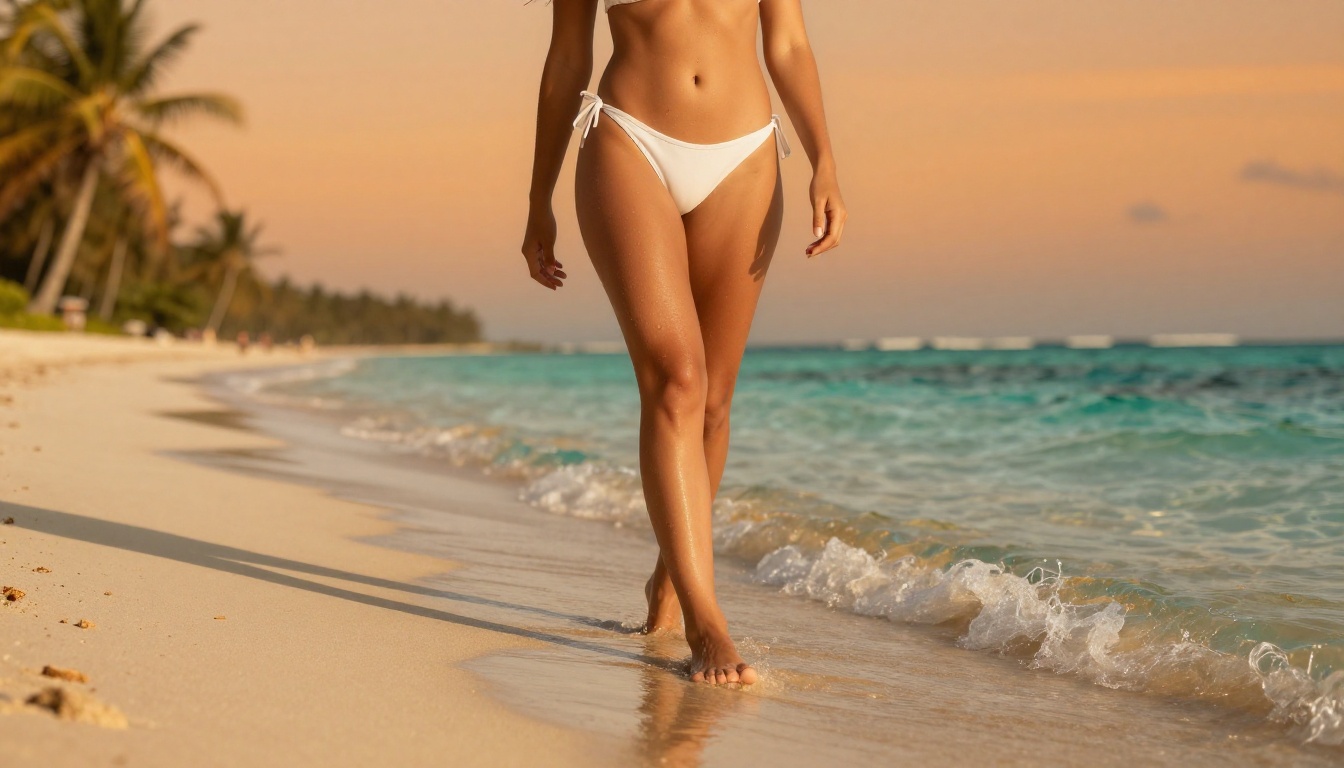
Flux Dev from Black Forest Labs became the reference point for high-quality open-source image generation when it launched. It produces remarkably detailed human figures, handles anatomy well, and responds precisely to detailed prompts. That last point is critical for NSFW work where specificity matters.
Flux Schnell is the faster sibling, trading a bit of detail for speed. When you're iterating on prompts to get a composition right before committing to a full-quality generation, Schnell is the practical choice.
For the highest output, Flux 1.1 Pro Ultra delivers near-photographic results with superior handling of skin texture, fabric, and lighting. It's the model you reach for when the final image actually matters.
Worth knowing: Flux models follow natural language much more naturally than older diffusion models. You can describe a scene conversationally and get strong results without memorizing a specific prompt syntax.
Stable Diffusion: still relevant
SDXL remains one of the most widely used base models precisely because it's been fine-tuned extensively. The ecosystem of LoRA adapters built on top of it is massive. If you want a specific body type, art style, or lighting setup, there's likely a LoRA that specializes in it.
Stable Diffusion 3.5 Large is the updated architecture with significantly better prompt adherence and anatomy correction. The older SD issues with hands and proportions are largely addressed in this version.
For speed without sacrificing too much quality, Stable Diffusion 3.5 Large Turbo runs the same architecture in a distilled, faster version. Useful when you're generating multiple variations to choose from.
Realistic Vision: built for humans
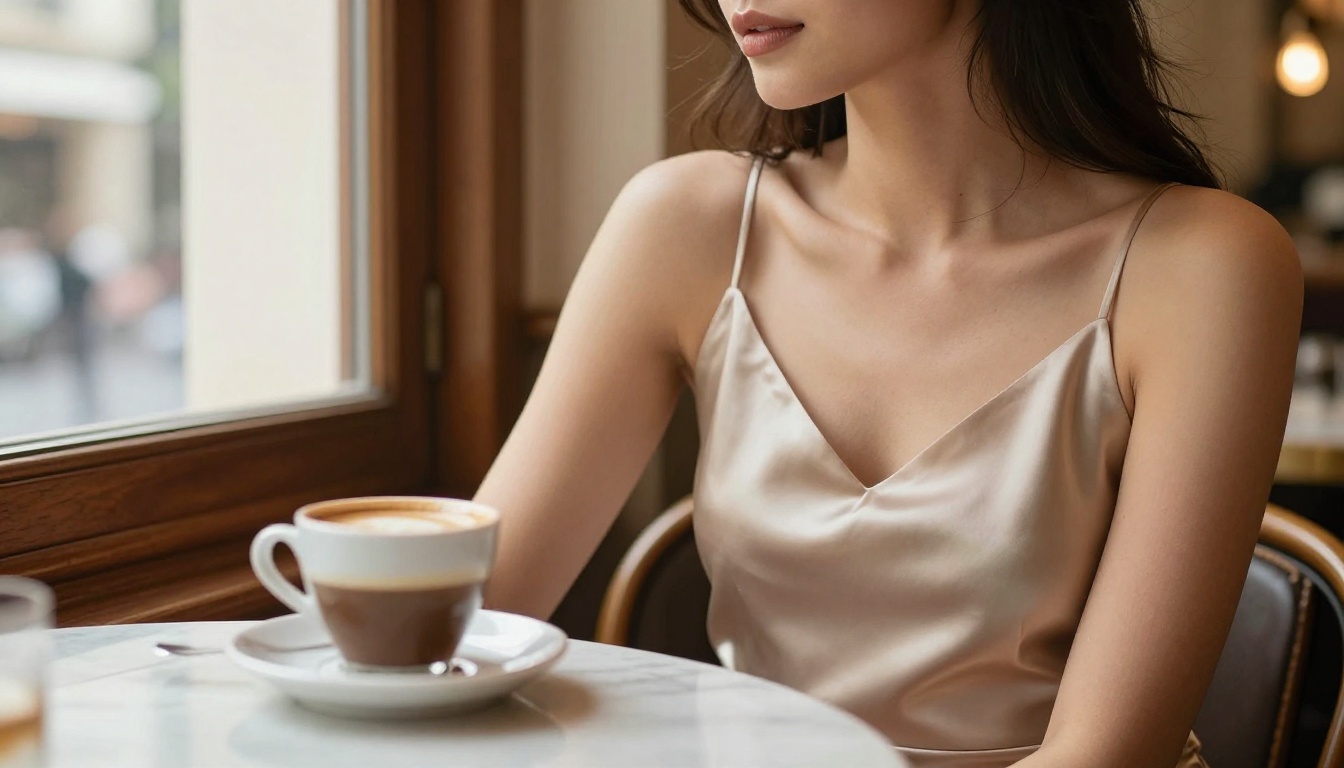
Realistic Vision v5.1 is a fine-tune specifically built for photorealistic human subjects. It handles skin texture, lighting on the body, and facial features better than vanilla base models out of the box. For portrait-focused NSFW work, it's often more consistent than starting from scratch with a generic model.
What makes it stand out is how it handles soft, natural light. Outdoor scenes, bedroom environments, and studio setups all render with a level of believability that general-purpose models struggle to match on the first try.
RealVisXL: a step further
RealVisXL v3.0 Turbo takes the realistic photography approach and applies it to the SDXL architecture. The results have a slightly different quality to Realistic Vision, with stronger color reproduction and better handling of backgrounds and environments.
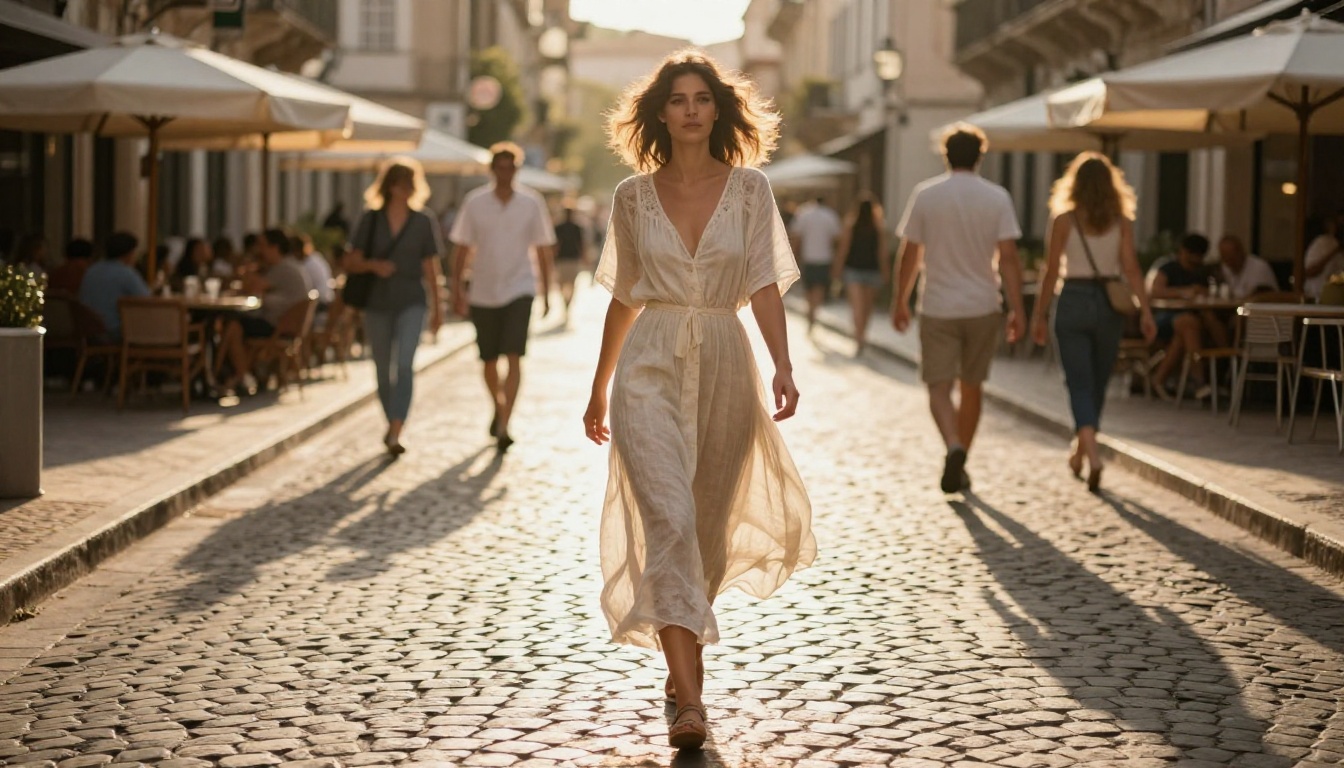
It works particularly well for scenes with complex lighting setups, like mixing candlelight with window light, or shooting subjects in golden hour outdoors.
DreamShaper XL: stylized but real
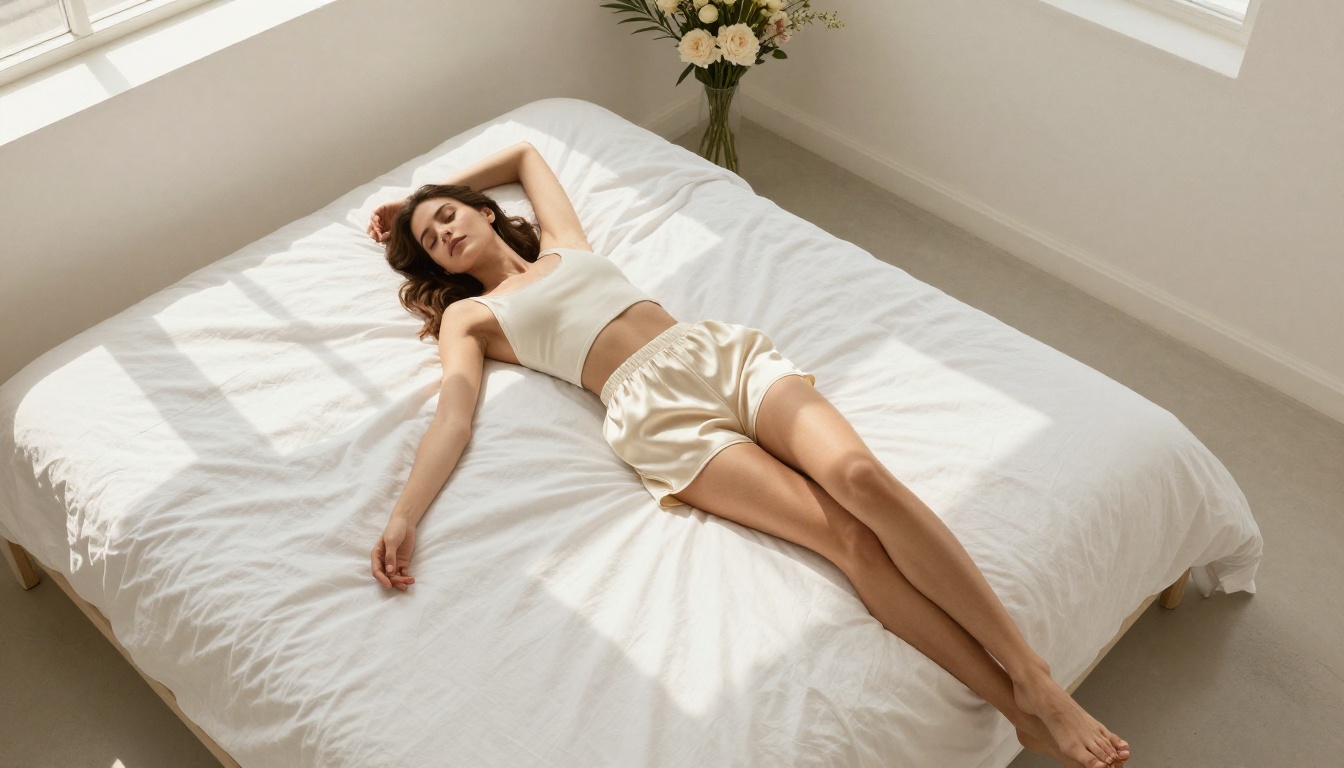
DreamShaper XL Turbo sits between photorealism and stylized rendering. It produces images that feel like high-end fashion photography with a slightly elevated, editorial quality. Not purely documentary realism, but not digital art either.
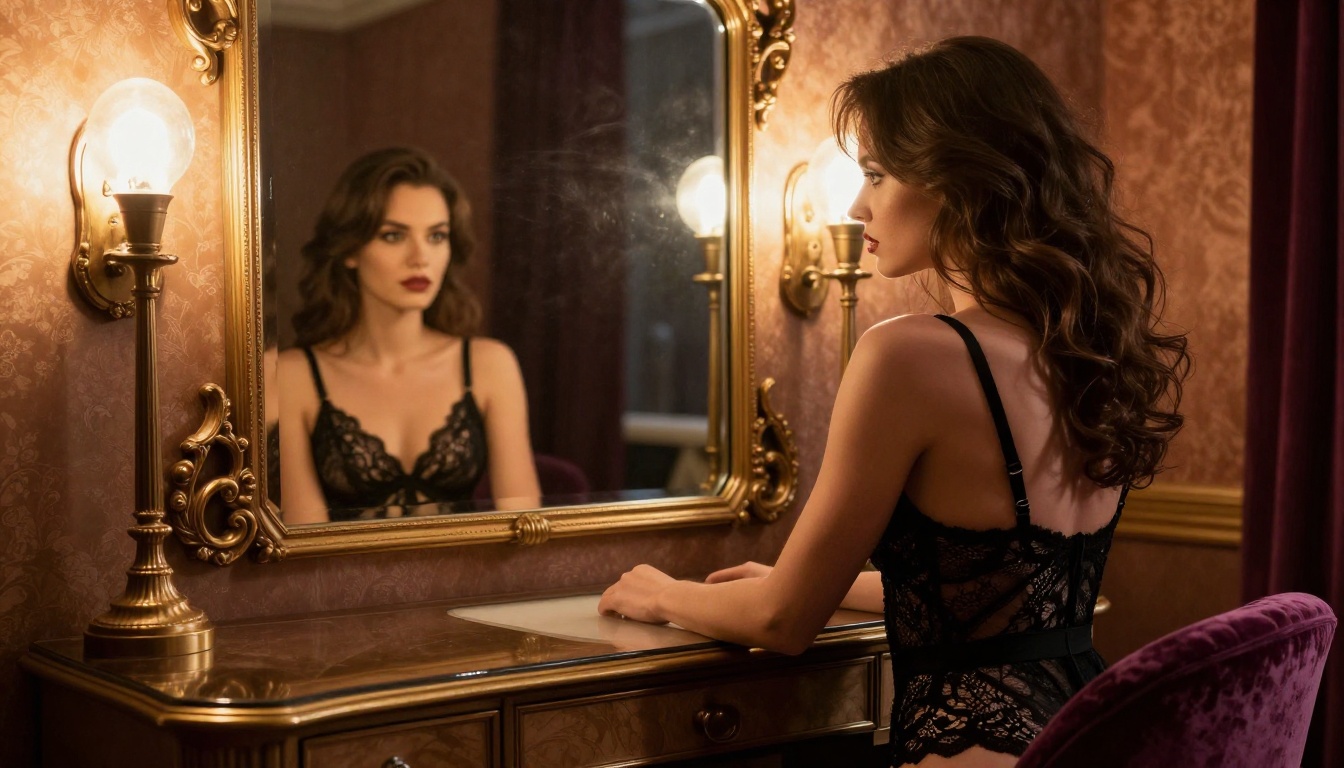
For glamour and boudoir-style content, this aesthetic often works better than forcing pure photorealism. The slight stylization makes images feel more intentional and polished.
Comparing the Top Free NSFW Models
How to Use Flux Dev on PicassoIA
Flux Dev is one of the most accessible high-quality NSFW models available. Here's how to get the best results from it.
Step 1: Write a structured prompt
Flux responds well to natural language but benefits from clear structure. Think of it in three parts:
- Subject: Who or what is in the frame, what they're wearing or doing
- Environment: Where the scene takes place, what's visible in the background
- Technical: Lighting direction, camera angle, lens type, film style
A prompt like "beautiful woman in a silk robe, golden morning light from the left, bokeh background of a luxury bedroom, 85mm lens, Kodak Portra 400, photorealistic" will outperform vague prompts every time.
Step 2: Dial in the right parameters
On PicassoIA, the key settings to adjust for Flux:
- Aspect ratio: 16:9 for widescreen scenes, 9:16 for portraits
- Steps: Higher step counts (30-50) produce more detail but take longer
- Guidance scale: 3.5-7 is the sweet spot. Below 3 it gets too creative; above 7 it can oversaturate fine details
Step 3: Iterate fast with Flux Schnell
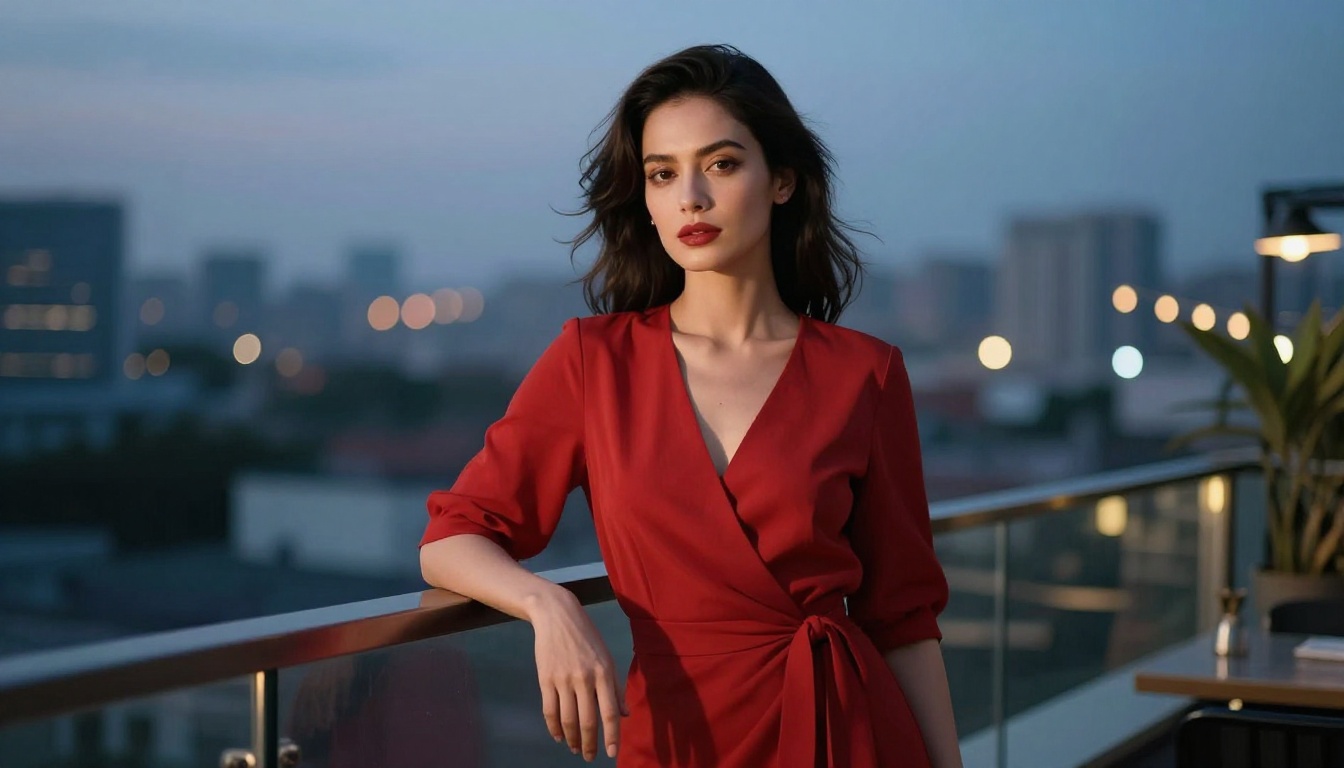
Generate your initial composition with Flux Schnell to find the framing, pose, and lighting you want. It uses the same underlying architecture but runs faster, so you can test 5-10 variations without burning through credits. Once you've confirmed the concept, switch to Flux Dev or Flux 1.1 Pro for the final, high-resolution output.
Step 4: Use LoRA for consistency
If you need consistent results across multiple images, p-image-lora lets you apply LoRA weights on top of the base model. This is particularly useful for maintaining a consistent character appearance or a specific photographic style across a batch of images.
Tip: Negative prompts still matter even in newer models. Adding "blurry, watermark, cartoon, CGI, low quality, deformed anatomy" to your negative prompt significantly improves consistency across generations.
Free vs Paid: What Actually Changes
Being honest about what you give up with free access matters. This isn't about convincing you to pay, it's about setting realistic expectations before you start.
| Feature | Free Tier | Paid Tier |
|---|
| Resolution | Up to 1024px | Up to 4K+ |
| Queue priority | Standard | Priority |
| Watermarks | Rare, varies by platform | None |
| Generation speed | Normal | Faster |
| Model access | Most models | All models including newest |
| Daily generations | Limited | Higher or unlimited |
| Commercial use | Usually not included | Depends on license |
The honest answer: free is genuinely good enough for personal use, experimentation, and learning what works. For professional or commercial output, paid access becomes relevant. But nothing on this list requires a subscription to produce impressive results.
Prompt Craft That Actually Works
The anatomy problem (and how to fix it)
Older models famously struggled with hands, feet, and proportions. Newer models like Flux Dev and SD 3.5 Large have improved significantly, but anatomy errors still happen when prompts are vague.
To reduce anatomy errors:
- Be specific about poses: "sitting with legs crossed" not just "sitting"
- Describe hands in context: "holding a wine glass", "hands resting on lap"
- Use camera angles that naturally work with the composition: "close-up portrait", "waist-up shot"
Lighting as a creative tool
The fastest way to upgrade any image is to be specific about light. Vague prompts produce flat, uninteresting results. Specific lighting descriptions produce moody, atmospheric images that feel intentional.
Bad: "beautiful woman, bedroom, photorealistic"
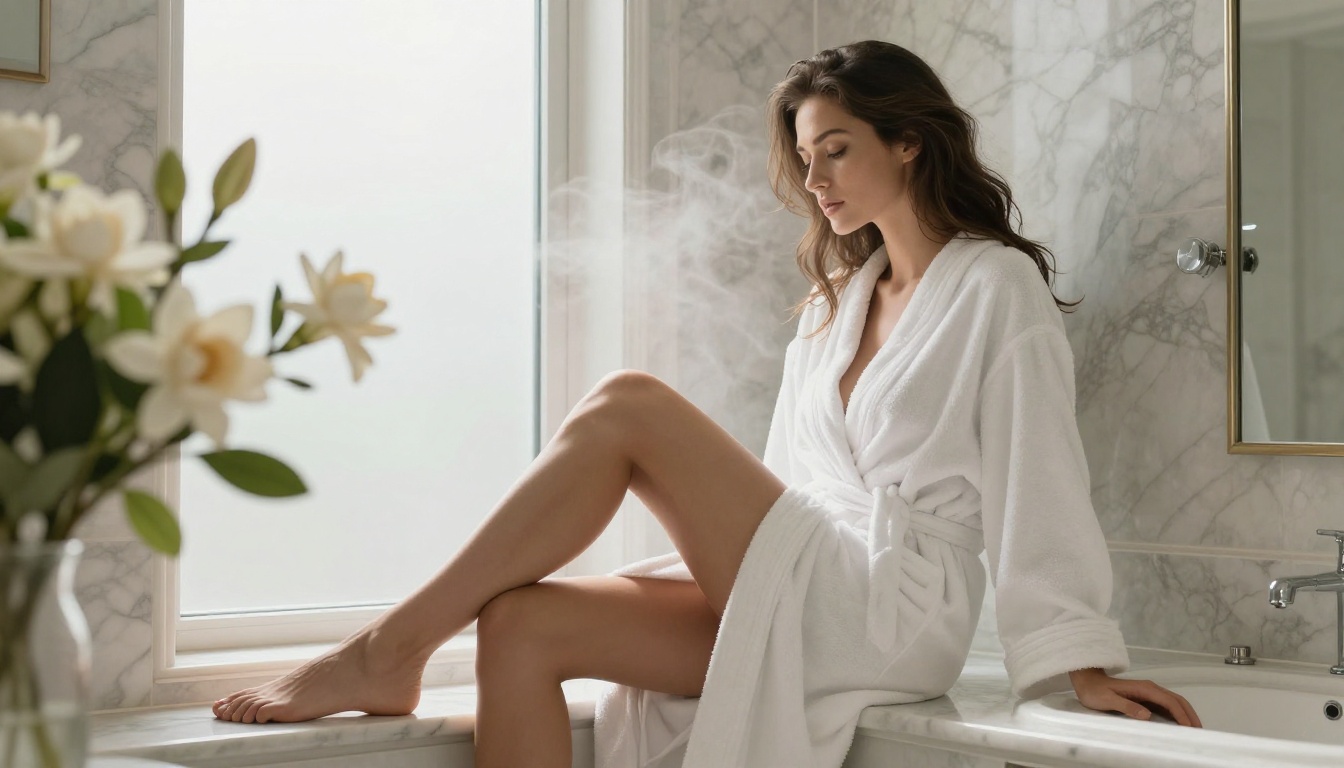
Better: "beautiful woman sitting by window, morning sunlight from the left creating soft shadows, golden hour warmth, 85mm f/1.4, Kodak Portra"
The best models treat lighting descriptions like instructions, not suggestions.
Styles that work without going explicit
Non-explicit NSFW is an art form when done well. The most compelling images suggest rather than show. These descriptors consistently produce glamorous, attractive results:
- "silk robe slightly off-shoulder"
- "boudoir editorial photography"
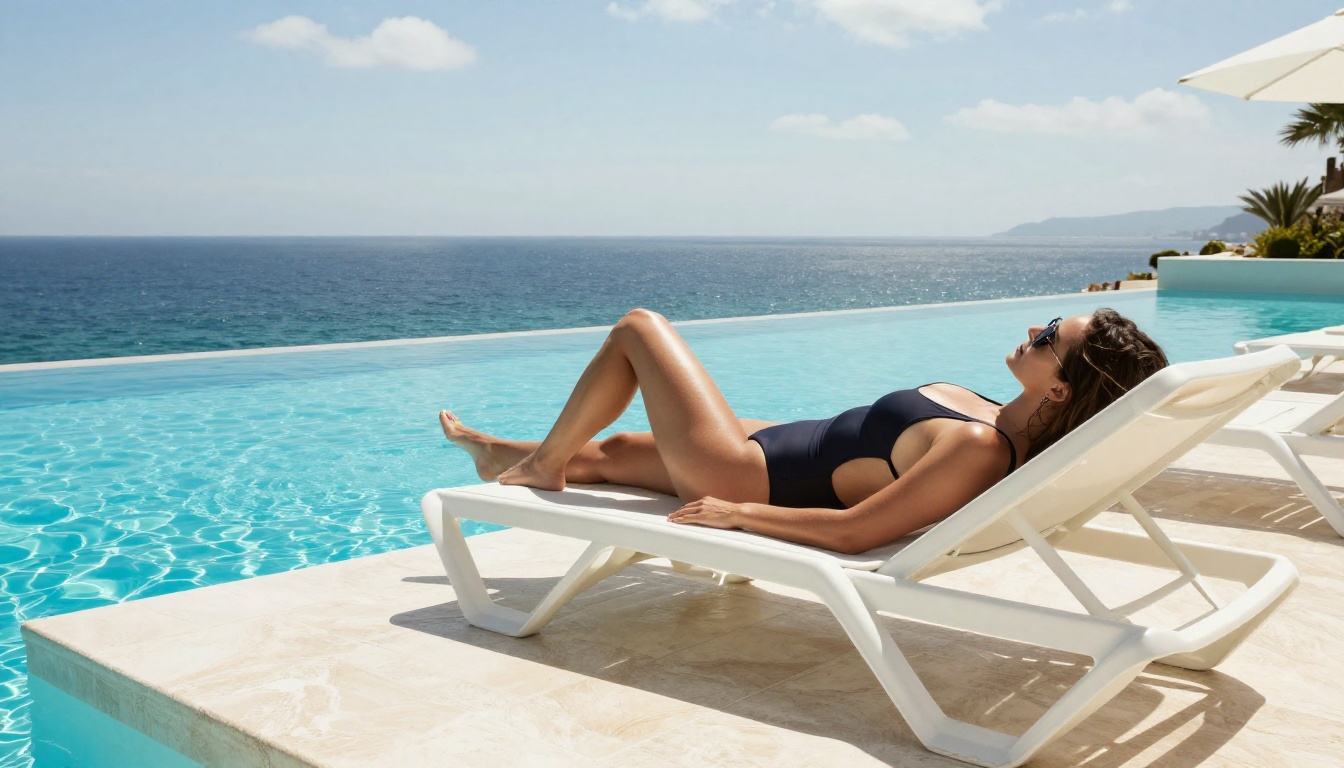
- "tasteful swimwear editorial"
- "implied, tasteful, artistic"
- "fashion photography, haute couture"
Privacy and What You Should Know
Where your prompts and images go
Most platforms log prompts and generated images, at least temporarily. This is almost always for moderation and model improvement purposes, but it means you should assume what you generate is not fully private. If privacy is a concern:
- Read the platform's data retention policy before generating sensitive content
- Consider local generation for truly private outputs (requires dedicated hardware)
- Avoid including identifiable descriptions of real, named individuals
Platform-specific content policies
Every platform applies its own layer of content filtering on top of what the model itself can produce. Even if a model technically supports explicit content, the platform may block it. PicassoIA's models including Flux Dev and Realistic Vision v5.1 are configured for tasteful, non-explicit NSFW content. That's the line the platform operates on, and it's why results are consistently high-quality rather than crude.
Important: All AI-generated images should represent fictional subjects. Generating images that attempt to replicate real, identifiable individuals without consent is not appropriate and may violate platform terms of service.
Extending Free Access Further
Seedream and newer alternatives
Seedream 4.5 is worth testing alongside the Flux and SD lineup. ByteDance's model handles realistic rendering with a slightly different aesthetic, particularly strong on color reproduction and skin tones in natural light settings. As a relatively newer entry to the field, it's still building its reputation but outputs consistently impress.
Proteus v0.2 offers a different angle again, with strong performance on stylized realism that sits between pure photography and editorial fashion aesthetics. It's an interesting option when you want images that feel polished without looking clinical.
How LoRA models multiply what's possible
p-image-lora on PicassoIA lets you apply specialized LoRA weights on top of any base model. LoRAs are small fine-tune files trained on specific styles, characters, or aesthetics. Loading one dramatically changes what a model produces without requiring an entirely different generation pipeline.
For NSFW work, the most useful LoRA categories are:
- Lighting styles: Cinematic, golden hour, studio setups
- Photography aesthetics: Film grain, specific camera simulations
- Composition adjustments: For more natural, believable results
Running a base model with the right LoRA often produces better results than swapping to an entirely different model.
Using image editing for refinement
PicassoIA supports image editing features including inpainting (fix or fill specific areas) and outpainting (expand the canvas beyond its original borders). If a generated image is almost perfect but has a problem area, inpainting lets you regenerate just that section without redoing the whole image. For NSFW work, this is particularly useful for correcting anatomy in hands, fixing background details, or adjusting specific clothing elements.
The advantage of using a platform like PicassoIA over running models yourself isn't just convenience. It's access to the full model library without hardware requirements, organized by category, with a consistent interface across every model.
All 91+ text-to-image models are available through one interface. That means you can test Flux Schnell for speed, Realistic Vision v5.1 for human portraits, and DreamShaper XL Turbo for editorial style, all without switching tabs or managing gigabytes of model downloads.
The free tier gives you real access to these models, not a watered-down preview. You're working with the same Flux and Stable Diffusion models that professionals use daily.
For NSFW content specifically, the non-explicit policy is actually a feature rather than a limitation. The results feel like editorial fashion photography or high-end glamour work, not crude generations. The aesthetic quality is consistently higher than fully unrestricted platforms where outputs often trend toward the lowest common denominator.
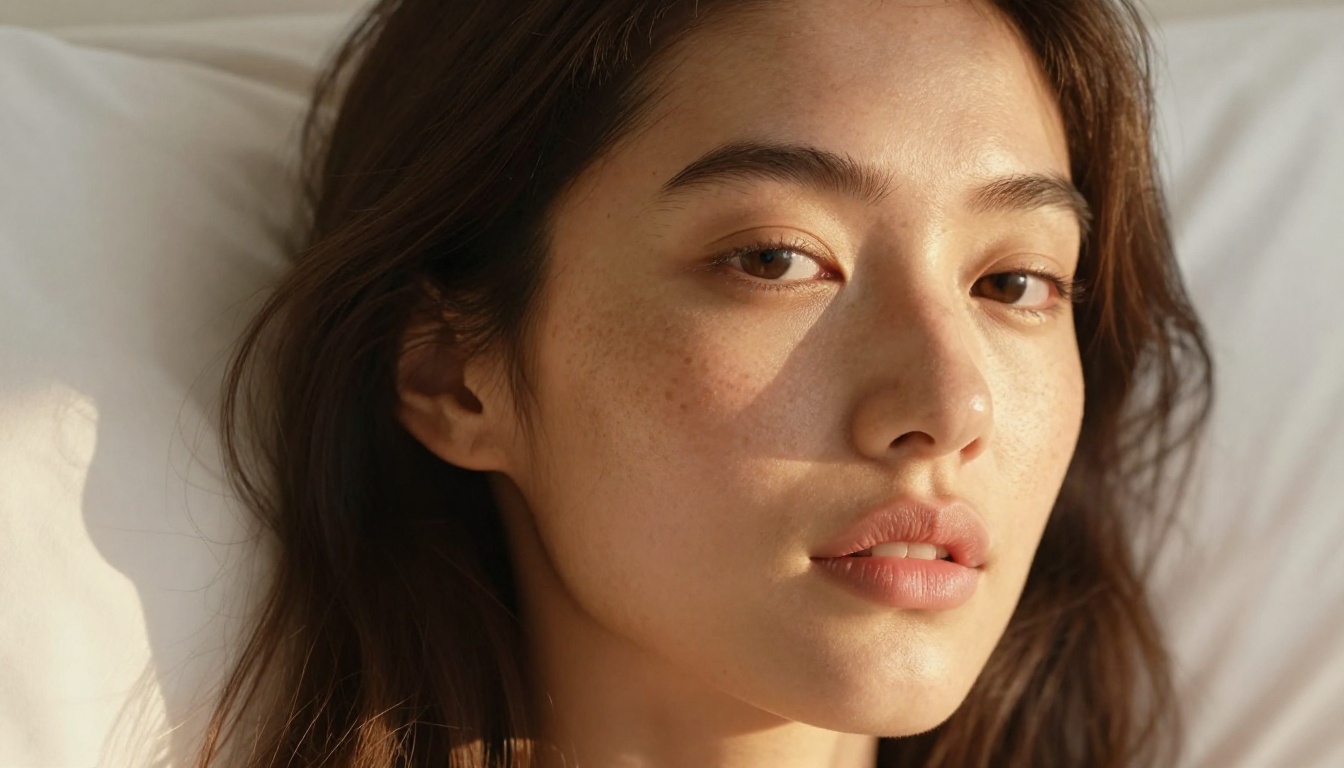
Start Creating Your Own Images
The best way to learn what works is to generate. Start with Flux Schnell for fast iteration, move to Flux Dev once you have a composition you like, and experiment with Realistic Vision v5.1 when you want that photographic quality on human subjects.
The models are there. The prompting knowledge is here. What's left is putting both together and seeing what you can produce.
PicassoIA gives you access to all of them, for free, right now. No credit card required, no waitlist, no invite needed. Open the platform, pick a model, and describe the scene you want to see.


