If you've tried NSFW AI image generators and been disappointed by plastic-looking skin, robotic poses, and lighting that feels wrong, you're not alone. This article breaks down which tools actually produce photorealistic results and why, with real model comparisons, prompt strategies, and step-by-step instructions for getting the most out of top-tier AI models.
If you've used NSFW AI image tools for more than five minutes, you already know the problem. The output looks like a wax figure lit by a ring light in a void. Skin has zero texture. Shadows behave like they've never seen a physics engine. The whole image screams "generated" before you even notice what's wrong.
Realism in AI-generated images isn't a luxury feature. It's the entire point, especially when the subject is a person. This article breaks down which tools actually deliver, what separates them from the cheap alternatives, and exactly how to use them to get photorealistic output.
Why Most NSFW AI Images Look Fake
The gap between "AI image" and "photograph" used to be obvious within one second of looking. That's changing fast, but not every model has kept pace. Most free or outdated tools still produce output that fails on the most basic tests of realism.
The Plastic Skin Problem
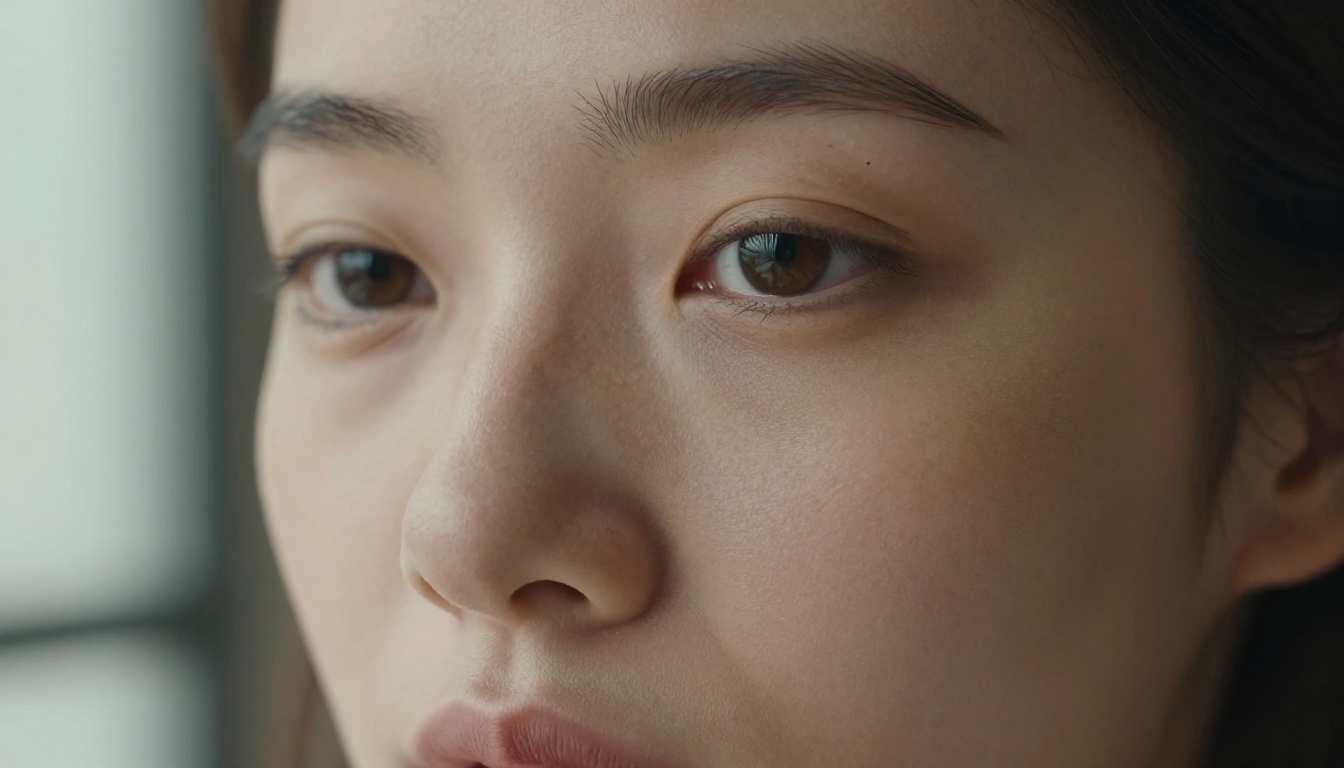
The single biggest giveaway in fake AI images is skin rendering. Human skin is not a flat material. It's translucent in some areas, reflective in others, dotted with pores, fine hairs, minor blemishes, and uneven tone. When an AI model renders skin as a smooth gradient with uniform specularity, it looks like plastic. Every time.
The models worth using understand that realistic skin requires:
Subsurface scattering: light penetrating slightly below the surface and bouncing back
Micro-texture variation: pores, fine lines, and follicles visible at close range
Natural color variation: pink undertones near the nose, blue-green veins visible at the temples
What Separates a Photo from a Render
Beyond skin, there are specific tells that expose an AI-generated image at a glance:
Perfect symmetry: Real faces are asymmetrical. If both sides of the face look identical, it's a flag.
Background coherence: A realistic photo has depth cues, focus falloff, and environmental light that affects the subject. Flat or inconsistent backgrounds kill realism.
Contact shadows: Where the body meets a surface, there should be a compressed, darkened shadow. Many models skip this entirely.
Hair physics: Hair clumps, separates, and catches light differently at the edges. AI often renders it as a uniform mass.
💡 Tip: The easiest way to test a model's realism is to zoom in 200%. A photorealistic image holds up at close range. A fake one falls apart immediately.
What Makes an AI Image Actually Realistic
Realism in AI output comes from three layers working together. Miss any one of them and the image reads as fake.
Skin Texture and Micro-Detail
The top-tier models used for realistic NSFW AI output have been trained on millions of actual photographs, which means they've learned that skin is complex. When you include texture cues in your prompt, like "visible pores," "Kodak Portra 400 film grain," or "subsurface scattering," you're telling the model which training data to prioritize.
Realistic lighting is not just "soft" or "hard." It's directional, has a source, wraps around three-dimensional objects, and creates secondary bounce light. When prompting:
Lighting Type
What to Write
Morning
volumetric morning light from the left, warm 5500K
Golden Hour
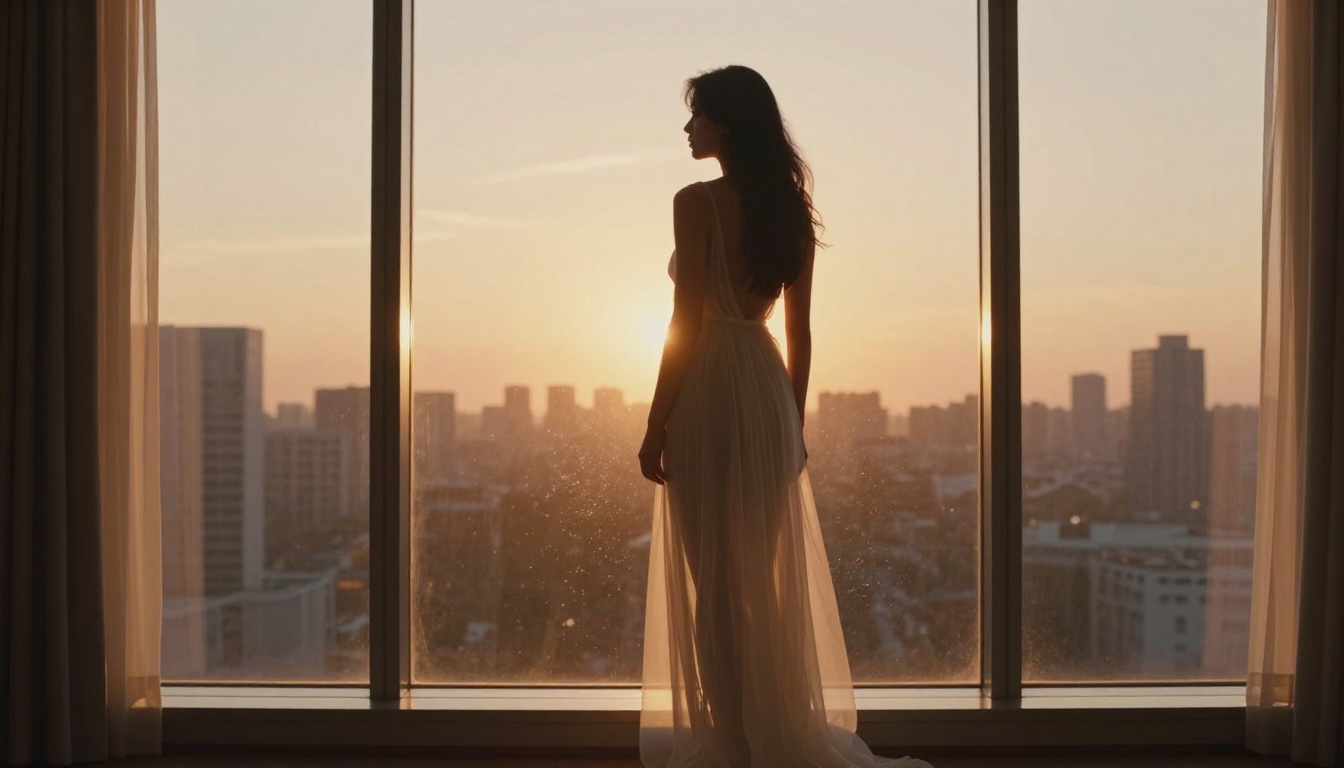
low-angle golden hour light, long shadows
Studio
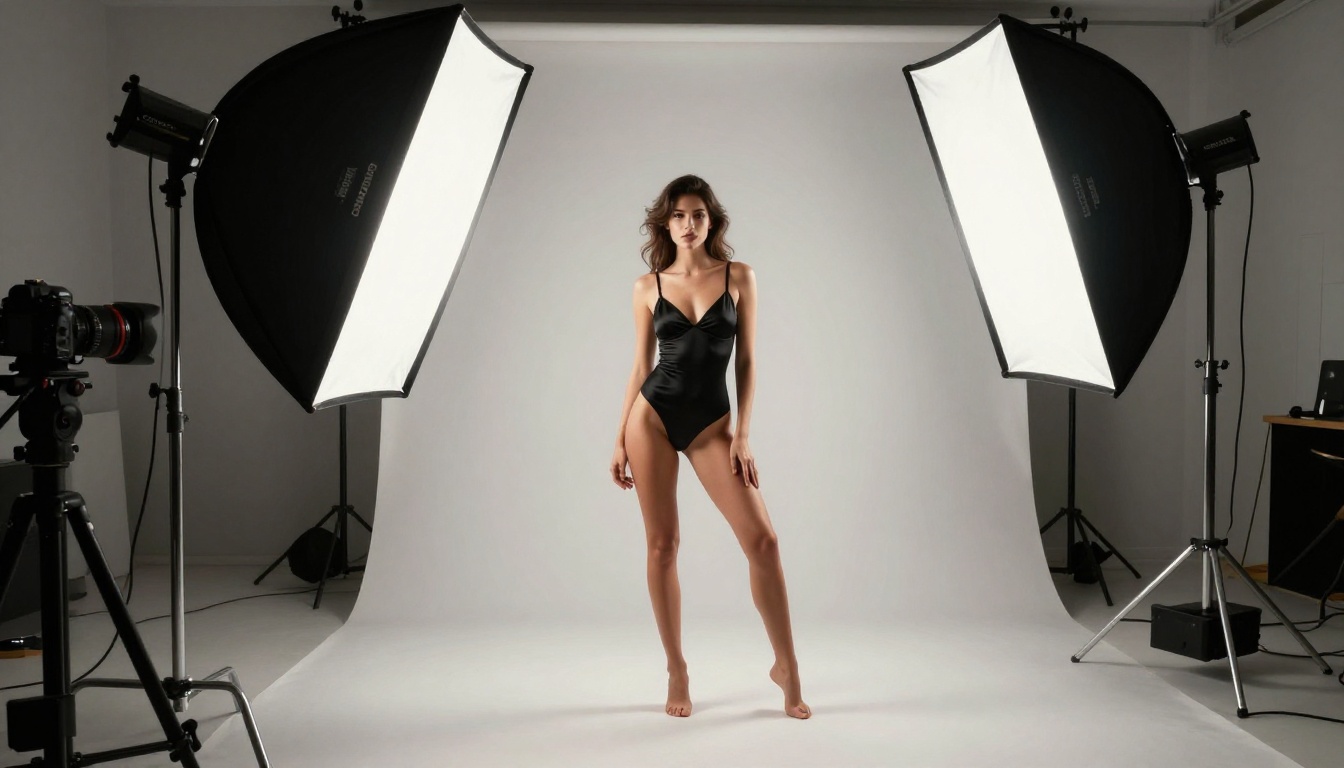
octabox 45-degree main light, soft fill from right
Blue Hour
ambient blue hour light, mixed color temperature
Background Coherence and Depth
A photorealistic image places the subject within an environment. The background should have its own depth cues, be affected by the same light source as the subject, and fall off with realistic bokeh if shot with a wide aperture. Generic or mismatched backgrounds are an immediate realism killer.
The Best Models for Photorealistic NSFW Output
Not all text-to-image models are equal. Here's a breakdown of the ones that actually produce photorealistic results for adult content.
Flux 1.1 Pro Ultra
Flux 1.1 Pro Ultra from Black Forest Labs is the current gold standard for photorealistic human subjects. It handles skin texture, hair, and environmental lighting better than almost any other publicly available model. The "Ultra" variant specifically pushes toward maximum fidelity, which matters enormously when the subject is a person in close range.
Strengths:
Skin texture that holds up at 100% zoom
Accurate hair physics and strand detail
Correct shadow placement and contact shadows
Consistent body proportions across poses
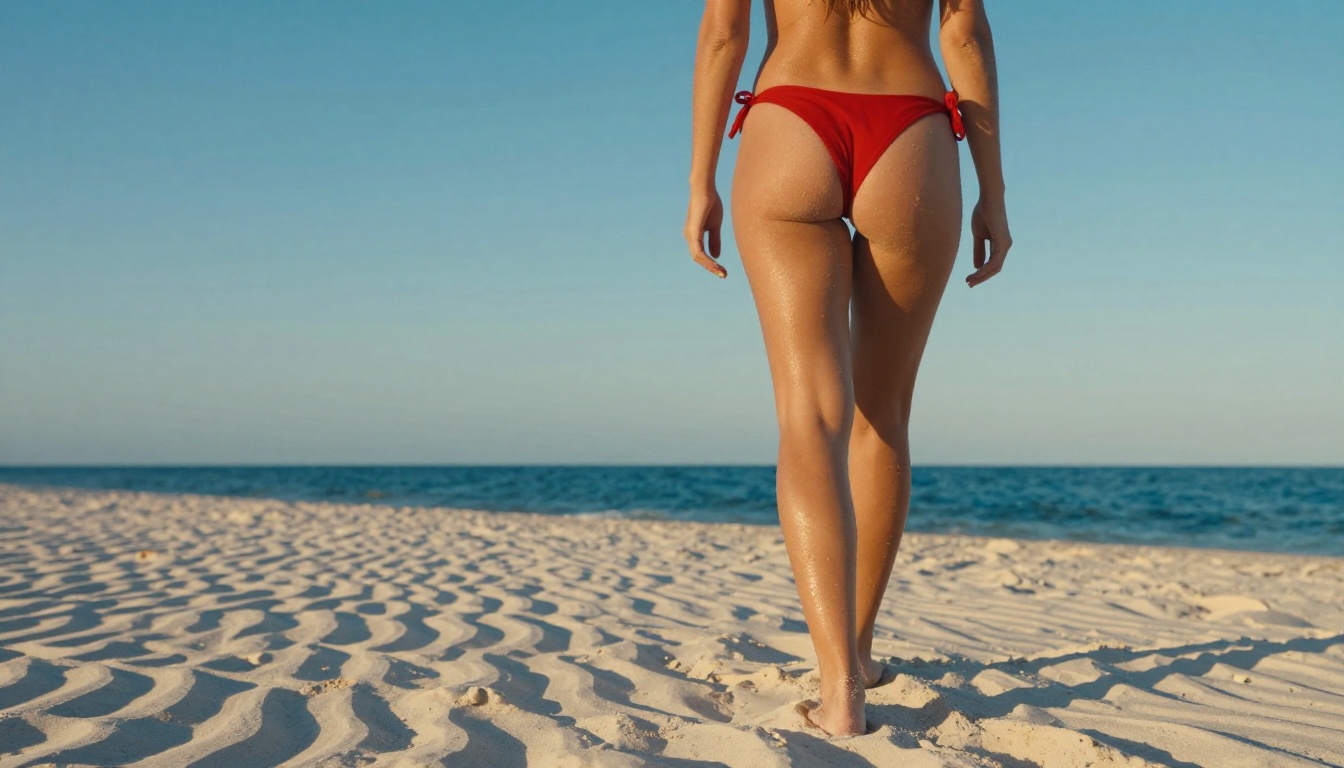
Best for: Full body glamour shots, close-up portraits, swimwear and lingerie photography
Flux 2 Pro and Flux 2 Max
Flux 2 Pro and Flux 2 Max are the newest iterations and push image fidelity even further. Flux 2 Max is designed for scenarios where maximum quality is the priority. The increased model size translates directly to better handling of complex anatomical details.
Realistic Vision v5.1
Realistic Vision v5.1 was specifically fine-tuned for photorealistic human portraits. It's a community favorite precisely because it was trained with an emphasis on natural skin rendering and accurate anatomy. If you need portraits that look like they came off a DSLR rather than a GPU, this model is worth testing.
What it does particularly well:
Natural facial expressions that don't look posed
Realistic eye reflections and corneal detail
Believable hair color transitions, highlights, and shadows
Clothing fabric texture and drape physics
RealVisXL v3.0 Turbo
RealVisXL v3.0 Turbo runs on the SDXL architecture but is specifically optimized for photorealism. The turbo variant maintains quality while significantly reducing generation time. It's an excellent choice when you need volume, producing multiple variations of a concept quickly without sacrificing realism at normal viewing distances.
💡 Tip: Combine RealVisXL v3.0 Turbo with Super Resolution upscaling on PicassoIA to take a 1024px base output and push it to 4K with preserved fine detail.
GPT Image 1.5
GPT Image 1.5 from OpenAI brings a different architecture to the table. It's particularly strong on prompt-following accuracy, meaning complex scene descriptions with multiple elements tend to render more faithfully. For elaborate settings or situations with specific environmental requirements, it's a strong contender.
How to Use Flux 1.1 Pro Ultra on PicassoIA
Since Flux 1.1 Pro Ultra consistently delivers the best photorealistic results, here's exactly how to use it on PicassoIA.
Step 1: Select the Model
Navigate to the Flux 1.1 Pro Ultra model page on PicassoIA. You'll see the input prompt field and available parameters on the left panel.
Step 2: Write a Structured Prompt
The prompt structure that works best for photorealistic output follows this format:
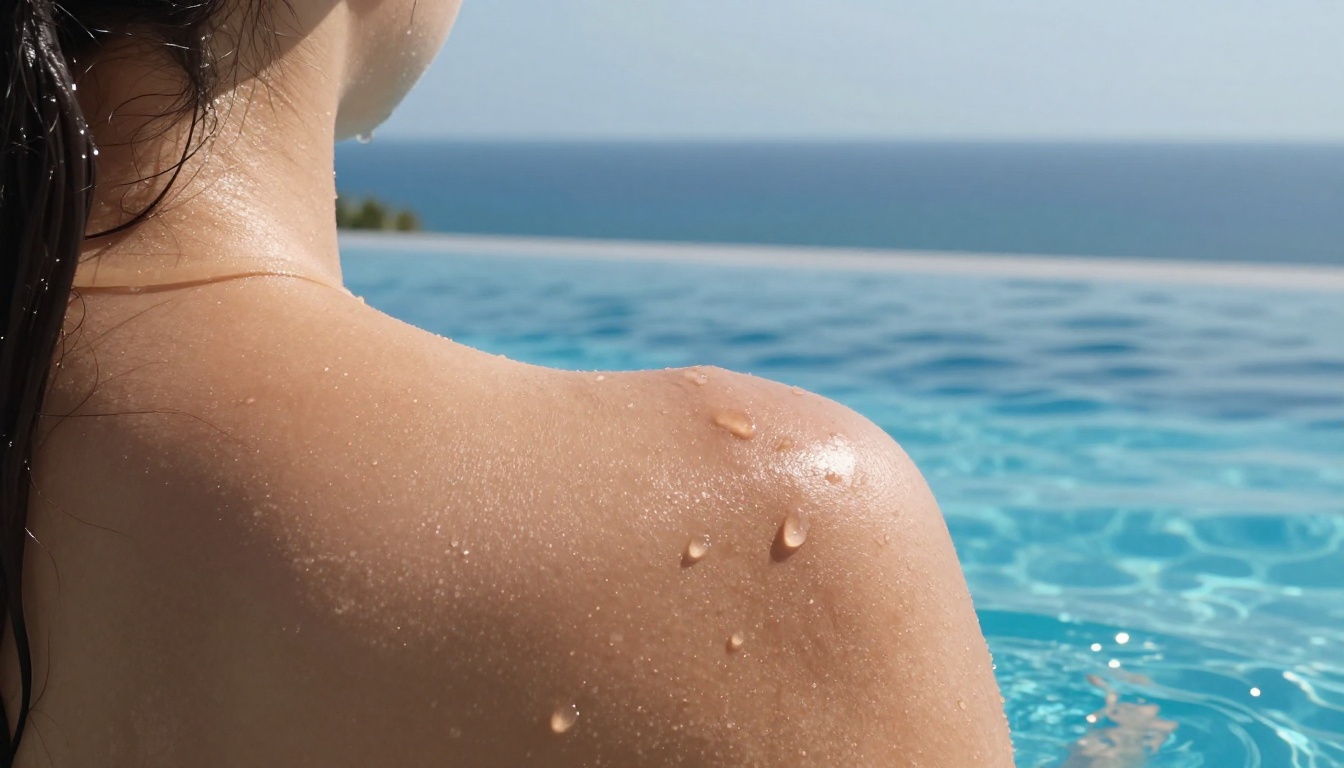
A woman in her mid-twenties in a white string bikini standing at the edge of an infinity pool overlooking the Mediterranean, midday light from directly above, visible water droplets on sun-kissed skin, shot with 85mm f/1.8 lens, Kodak Portra 400 film grain, photorealistic, 8K
Once you have a base output you're happy with, run it through PicassoIA's Super Resolution tool to push it to 4K. This step recovers fine skin and hair detail that may be compressed in the base generation.
Prompt Craft for Photorealism
The model does most of the heavy lifting, but your prompt is the instruction set. Small changes make a big difference.
Words That Signal Realism to the Model
These terms consistently improve photorealism across multiple models:
Camera and Equipment:
85mm f/1.8 lens, Canon EOS R5, Hasselblad X2D, Nikon Z9
shallow depth of field, bokeh, lens flare
Film and Texture:
Kodak Portra 400, Kodak Ektar 100, film grain
natural color science, no sharpening artifacts
Lighting:
volumetric light, natural morning light, golden hour
soft rim light, chiaroscuro, subsurface scattering
1. Over-describing style instead of substance.
Writing "beautiful, gorgeous, stunning" adds nothing. Write what makes it beautiful: the lighting angle, the skin texture, the fabric drape.
2. Ignoring the background.
A realistic subject in a generic background still reads as fake. Describe the environment with the same detail you give the subject.
3. Stacking quality modifiers.
"8K ultra HD hyperrealistic photorealistic" signals noise, not quality. Pick two or three specific realism cues and trust the model.
💡 Tip: Treat your prompt like a photographer's brief. Describe exactly what a photographer would set up: the light source, the location, the lens, and what the subject is doing.
Comparing NSFW AI Tool Quality
Here's a direct comparison of the main models for photorealistic adult content across the metrics that matter:
Even the best base generation benefits from post-processing. This isn't a workaround for bad output. It's how professional photographers treat their RAW files.
When the Base Output Isn't Enough
If your image looks slightly soft, or fine details like eyelashes, fabric weave, or water droplets are losing definition, that's normal. The base generation at 1024px has a resolution ceiling.
Upscaling Without Losing Detail
PicassoIA's Super Resolution tool scales images 2x to 4x while recovering fine detail rather than just enlarging pixels. The difference between a 1024px image and a 4K super-resolved version of the same image is not subtle. Skin texture, hair strand definition, and fabric patterns all sharpen significantly.
Use AI Image Restoration if the upscale introduces any artifacts
💡 Tip: Super Resolution works best when the base image already has strong composition and lighting. Upscaling a bad image just makes a bigger bad image.
Real Limitations Worth Knowing
Even the best models have failure modes. Knowing them in advance saves time.
Hands and Fingers
Hands are the single hardest body part for AI models to render correctly. Expect to regenerate multiple times when hands are prominent in the frame. Practical workarounds:
Compose the scene so hands are partially hidden or shown in motion blur
Use a ControlNet pose reference if your platform supports it
Add "hands hidden" or "hands behind back" to remove the variable entirely
Complex Backgrounds
Detailed backgrounds with multiple elements, architecture, crowds, and complex natural scenes, increase the probability of visual errors in the subject. When realism is the priority, simpler backgrounds with a clear light source and natural bokeh keep the model focused on what matters.
Consistency Across Generations
A single generation of a person will look different from the next, even with the same prompt. If character consistency matters, consider using PicassoIA's SDXL Multi ControlNet LoRA features to maintain consistent structure across multiple images.
The Real Cost of Low-Quality Tools
Free tools and outdated models look cheap because they are cheap. The gap in output quality between a model like Flux 1.1 Pro Ultra and a generic web-based NSFW generator is not a matter of taste. It's measurable.
Skin that looks like vinyl, lighting without a source, backgrounds that don't match the environment, and anatomy that breaks down at close range are all signs of undertrained or underpowered models. The investment in a quality platform pays off in fewer generations wasted, less time prompting around failures, and output that actually achieves what you had in mind.
Now It's Your Turn
The models covered here, particularly Flux 1.1 Pro Ultra, Flux 2 Max, and Realistic Vision v5.1, are available right now on PicassoIA. You don't need to set up any local software, manage model files, or deal with unstable open-source installations.
Start with a single, well-structured prompt using the photography brief format from this article. Pick one lighting scenario. Specify your camera and film stock. Run it through Flux 1.1 Pro Ultra and see what comes back. Then run the best result through Super Resolution.
The difference between NSFW AI output that looks fake and output that actually looks realistic is not magic. It's model selection, prompt structure, and knowing which post-processing steps to apply. All of it is accessible on PicassoIA right now, without any setup required.