You download an NSFW AI roleplay app, pick a character, and send about forty messages before a paywall appears right in the middle of the scene. Then you find that "image chat" costs extra credits, that the credits run out in one evening, and that the character's face changes in every picture. That is the normal experience, and it is why so many people now compare free plans, pricing and alternatives before they commit to a subscription.
This article lays out what the popular apps offer, what their free tiers really give you, how much you can expect to pay, and where image chat falls short. It also covers a cheaper route: write the roleplay in one place and generate the pictures with a dedicated image model that has no daily cap.
💡 Quick note on the numbers: App pricing changes often, and the sources I checked disagree with each other on several plans. Treat every price below as a rough range and confirm it on the app's own pricing page before you pay.

What These Apps Actually Do
An NSFW AI roleplay app is a chat product built on a large language model. You pick or build a character, the model plays that character, and the conversation can turn romantic or suggestive without the content filters you find in mainstream assistants. Some apps add voice, selfies or short clips on top.
Under the surface they all do the same three things: they keep a character description, they feed recent messages back to the model, and they bill you for how much of that you use.
Text chat versus image chat
Text chat is the core product. It is cheap to run, so most apps give you some of it for free. Image chat is the add-on: you ask the character for a photo, the app builds an image prompt from the conversation, and an image model returns a picture inside the thread.
Image chat is where the money is made. Every picture costs the app real compute, so it is almost always the first thing locked behind credits or a paid tier.
Memory, personas and character cards
Three features decide whether a roleplay app feels alive or repetitive:
- Memory: how many past messages the character can recall. Free tiers usually get a shorter window.
- Persona: the description of you, so the character knows your name, tone and boundaries.
- Character cards: the written profile of the character, including personality, backstory and speaking style.
Community platforms with tens of thousands of user-made characters give you variety. Curated apps with a handful of polished companions give you consistency. Neither is better, it depends on whether you want to browse or settle into one relationship.

Free Plans: What You Really Get
"Free" means three very different things depending on the app. Before you sign up, check which of these models it uses.
Daily message caps
The most common model is a daily cap. You might get roughly 50 to 100 messages per day, sometimes with ads between replies. The cap resets, so it suits casual use, but a long scene burns through it fast.
CrushOn AI is often described as keeping a genuine free plan of this kind, though reviewers note that its core product is text with limited built-in image generation. Nomi is reported to offer a limited number of free messages and a few selfies each day, although sources disagree on how explicit it will allow conversations to become.
Credits for images
The second model is credits. You get a starter balance, and each message, voice note or picture spends some of it. SpicyChat, which hosts a very large library of community-made characters, is often described as running out of free credits quickly if you ask for lots of long replies.
Credit systems are hard to compare because the same action costs different amounts in different apps. A single image might cost one credit in one app and ten in another.
Bring your own model
Janitor AI sits in a third category. The interface and characters are free, but for good-quality replies you connect your own model or API key. That makes it cheap for technical users and confusing for everyone else.
| Free plan type | What you get | Main catch |
|---|
| Daily message cap | 50 to 100 messages per day | Ads, shorter memory, no images |
| Starter credits | One-time balance for text and images | Runs out in a few sessions |
| Bring your own model | Free interface and characters | You handle the model setup |
| Limited trial | A few days of full features | Paywall after the trial |
Pricing Compared Side by Side
Paid plans for these apps mostly land between $5 and $20 per month, with the higher end buying images, voice and priority replies. Here is a rough view based on what reviews report.
| App | Free access | Reported paid price | Notes |
|---|
| Candy AI | Limited | Around $12.99 per month | Chat, images, voice and short clips |
| CrushOn AI | Yes, with a daily cap | Reports range from about $5 to higher tiers | Text focus, sources conflict on price |
| SpicyChat | Yes, with credits | Tiered subscriptions | Huge community character library |
| Janitor AI | Yes | Free if you bring a model | Setup needed for best quality |
| Nomi | Limited free plan | Paid tiers for more messages | Reports disagree on explicit content |
| Secrets AI | No free tier | Around $14.99 per month | Paid only |
Subscriptions versus credits
A subscription gives you a predictable bill, which is useful if you chat every day. Credits are better if you only log in a few times a month, since you pay for what you use. The trap is mixing the two: some apps charge a monthly fee and then still ask for credits when you want images.
Hidden costs to watch for
- Annual billing discounts that look cheap per month but charge a year upfront.
- Image or voice add-ons priced separately from the subscription.
- Auto-renewal on trials that start with a very low first-month price.
- Message caps on paid tiers that are labelled "unlimited" but throttle speed after a threshold.
💡 Tip: Set a calendar reminder for the day before any trial ends. It is the simplest way to avoid paying for a month you did not want.
Image Chat: Where Apps Fall Short
Image chat sounds ideal: a character who sends you photos as the scene unfolds. In practice it comes with three recurring problems.
Inconsistent faces
Most chat apps generate each picture from scratch using a prompt the app writes itself. Hair length, face shape and even age can drift between images. If you care about a recognizable character, this breaks the illusion quickly.
Limited control
You rarely see or edit the prompt. You can't choose the lens, the lighting, the outfit details or the framing. The app decides, and the app's safety layer decides what it will refuse, often without telling you why.
Credits drain fast
Image generation is the most expensive action in these apps. A free credit balance that feels generous for text can vanish after a handful of pictures.
A better setup for many people is to split the job in two: keep the story in a text chat, and generate pictures separately where you control every detail. A language model like Llama 4 Maverick Instruct or Gemini 3.5 Flash can help you draft character profiles, backstories and scene descriptions, which you then turn into image prompts.
Alternatives That Give You More Control
If your main interest is the image side of NSFW roleplay, a dedicated image generator beats a chat app on quality, consistency and cost. On PicassoIA, the order below is the one I would use.
Seedream 4.5 for realism
Seedream 4.5 is the first model to try. It produces sharp, photographic results with natural skin texture and believable lighting, and it handles suggestive, glamour-style portraits without the heavy refusals you get in most chat apps. It generates quickly, so you can iterate on a character's look in minutes.
Image Editor Pro for unlimited edits
PicassoIA Image Editor Pro is the next stop. Its biggest advantage is unlimited generations, which removes the credit anxiety that defines most roleplay apps. Use it to change an outfit, adjust a setting, or fix details on an image you already like, so your character stays recognizable from one picture to the next.
Other models worth trying
The practical advantage across all of these is the same. You write the prompt yourself, you see exactly what goes in, and you aren't spending a limited credit balance on every attempt.
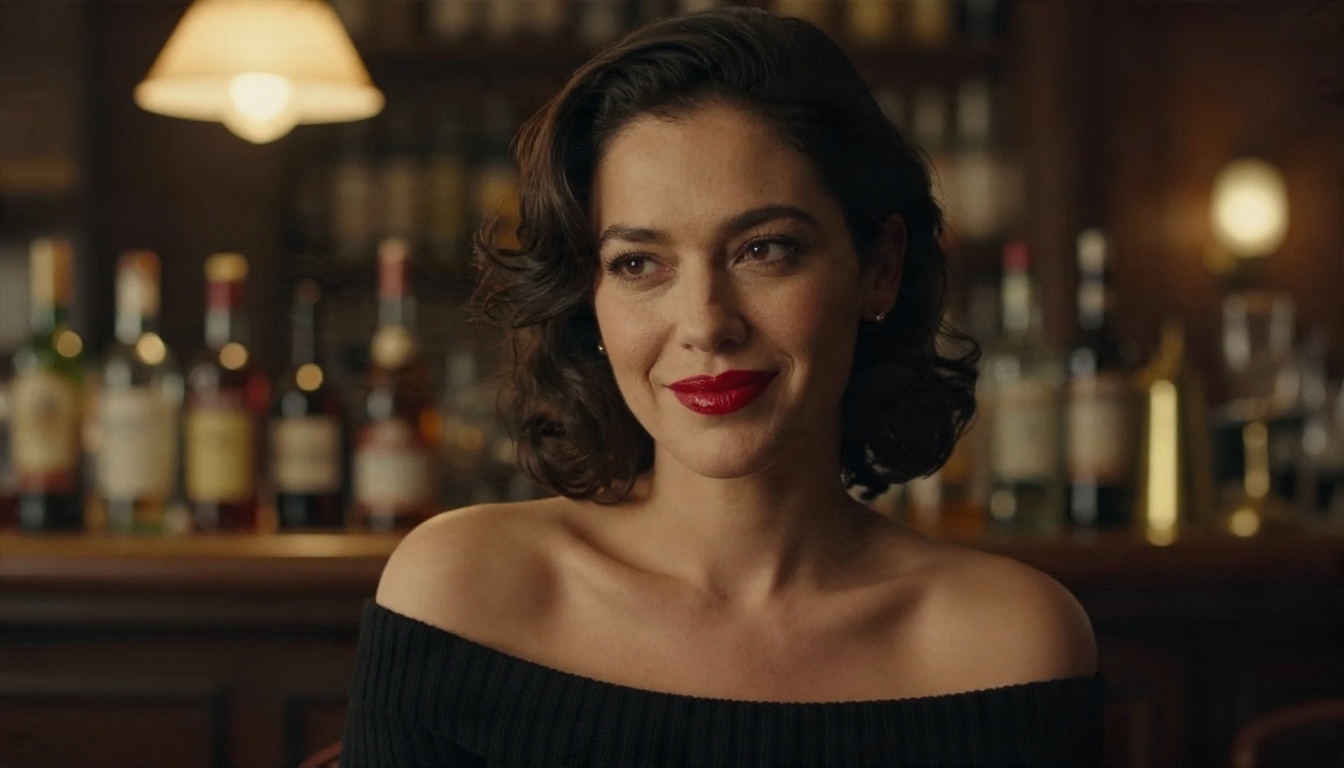
How to Use Seedream 4.5 on PicassoIA
Here is the workflow I would follow to build a consistent roleplay character with Seedream 4.5.
Steps
- Open the model page on PicassoIA and select Seedream 4.5.
- Write a character anchor. One sentence that you reuse in every prompt: age as an adult, hair colour and length, eye colour, skin tone, one distinctive detail such as freckles or a small mole.
- Add the scene. Where is she, what is she wearing, what is the mood? Keep it suggestive and tasteful rather than explicit, since that is where the model produces its most attractive results.
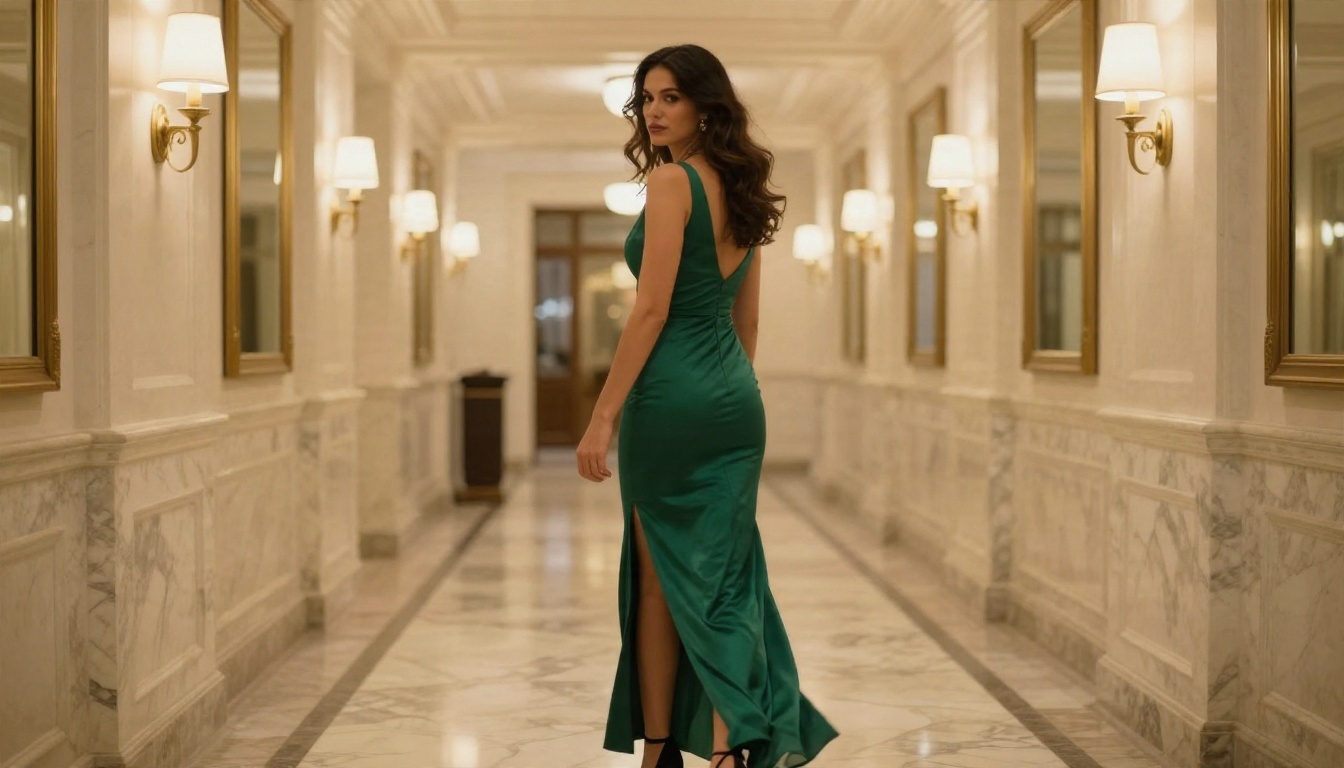
- Add photography language. Name a lens, a light direction and a film look, for example "85mm f/1.8, warm window light from the left, subtle film grain".
- Pick a wide aspect ratio such as 16:9 for scenes, or a portrait ratio for character sheets.
- Generate, compare and refine. Keep the anchor sentence identical and change only the scene.
- Send your favourite to Image Editor Pro to tweak the outfit, background or small details without starting over.
Prompt tips that work
- Be specific about light. "Soft lamp light from the right with a cool window fill" beats "nice lighting" every time.
- Describe texture. Mentioning silk sheen, knit fabric or visible skin pores pushes the result toward photographic realism.
- Keep one subject per image. Crowded prompts tend to produce odd hands and inconsistent faces.
- Reuse your seed or anchor sentence whenever you want a character to look the same across scenes.
- Avoid contradictory words. If you ask for "candid" and "studio portrait" in the same prompt, the model has to guess.
💡 Tip: Save your best anchor sentence in a notes app. A good one is worth more than any single image.
Privacy and Safety Checks
Whatever you choose, an intimate chat history is sensitive data. Before you use any app, check a few things:
- Data retention: can you delete your chats and account completely?
- Training use: does the app say it uses your conversations to train models?
- Payment descriptors: what name appears on your bank statement?
- Age gates: does the service verify that users are adults?
- Content rules: what does the app refuse, and does it tell you why?
Only create images of fictional adult characters. Never generate images that resemble a real person without their consent, and never create anything involving minors. Those lines apply on every platform.
Start Building Your Own Characters
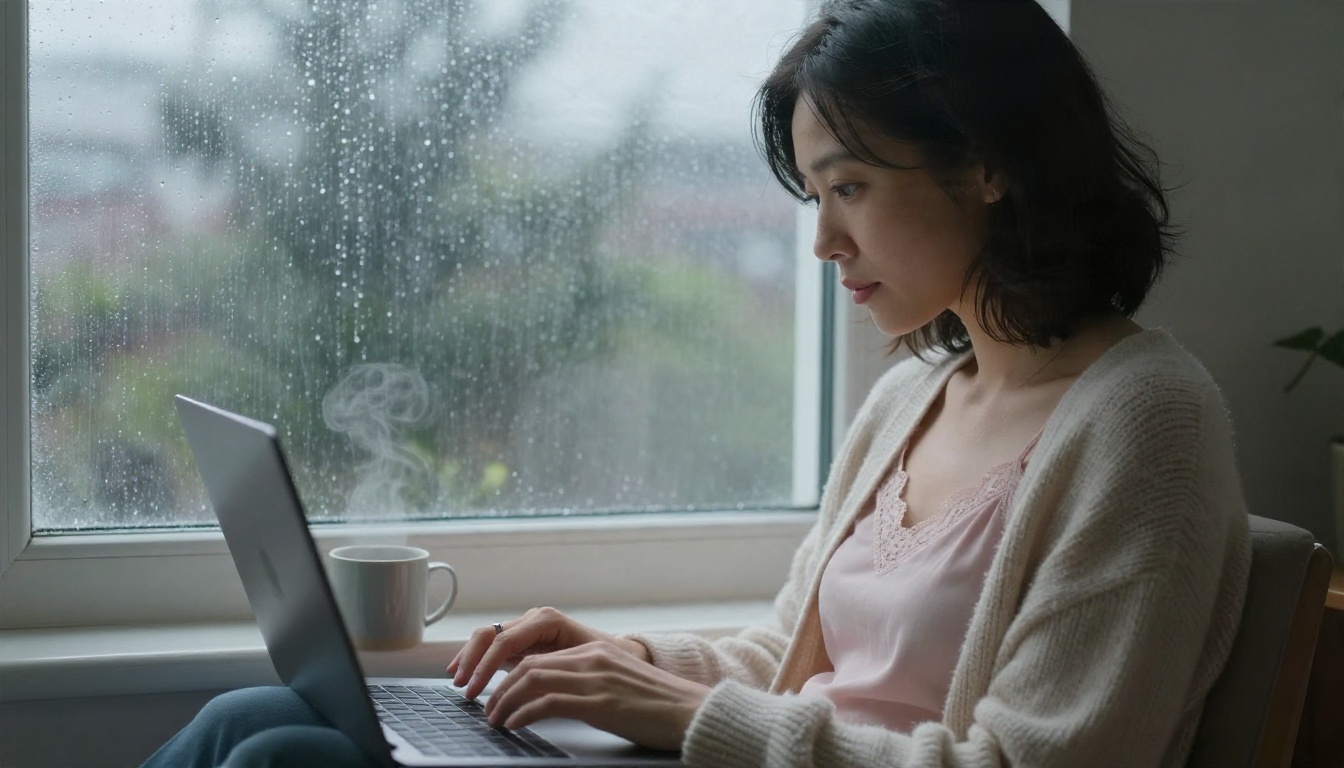
If you are tired of daily caps and credit meters, try the split approach. Write your story wherever you prefer, then bring the pictures to PicassoIA. Start with Seedream 4.5 for realistic character portraits, move to PicassoIA Image Editor Pro when you want unlimited edits, and test the other models in the table above to find the look that suits your character.
A good first session takes about ten minutes: write one anchor sentence, generate five scenes, pick your favourite and refine it. By the end you will have a small gallery that looks like one person, with no message cap interrupting you.
Browse the full list of image models at picassoia.com/en/all-models and start creating your own images today.