The adult content space moves fast. What took a professional photographer, stylist, studio rental, and post-production team a full day to produce, a single AI tool can now generate in under a minute. If you are a creator serious about output, income, and standing out, the tools you pick matter more than almost anything else.
This article breaks down the NSFW AI tools delivering real results right now, the models worth your time, and exactly how to use them to build a content operation that scales.
Why AI Changed Adult Content Creation
Content volume used to be the bottleneck. Shoots were expensive, scheduling was painful, and a single bad weather day could kill an entire production. AI removed that ceiling entirely.
The Volume Problem Is Solved
A creator who produced 30 images a month at the high end can now produce 300 in a single afternoon. The economics of that shift are significant. More content means more posting frequency, more A/B testing, and more chances to find what your audience actually responds to. It also means you can afford to throw away 80% of your output and still publish more than before.
Quality Rivals Professional Shoots
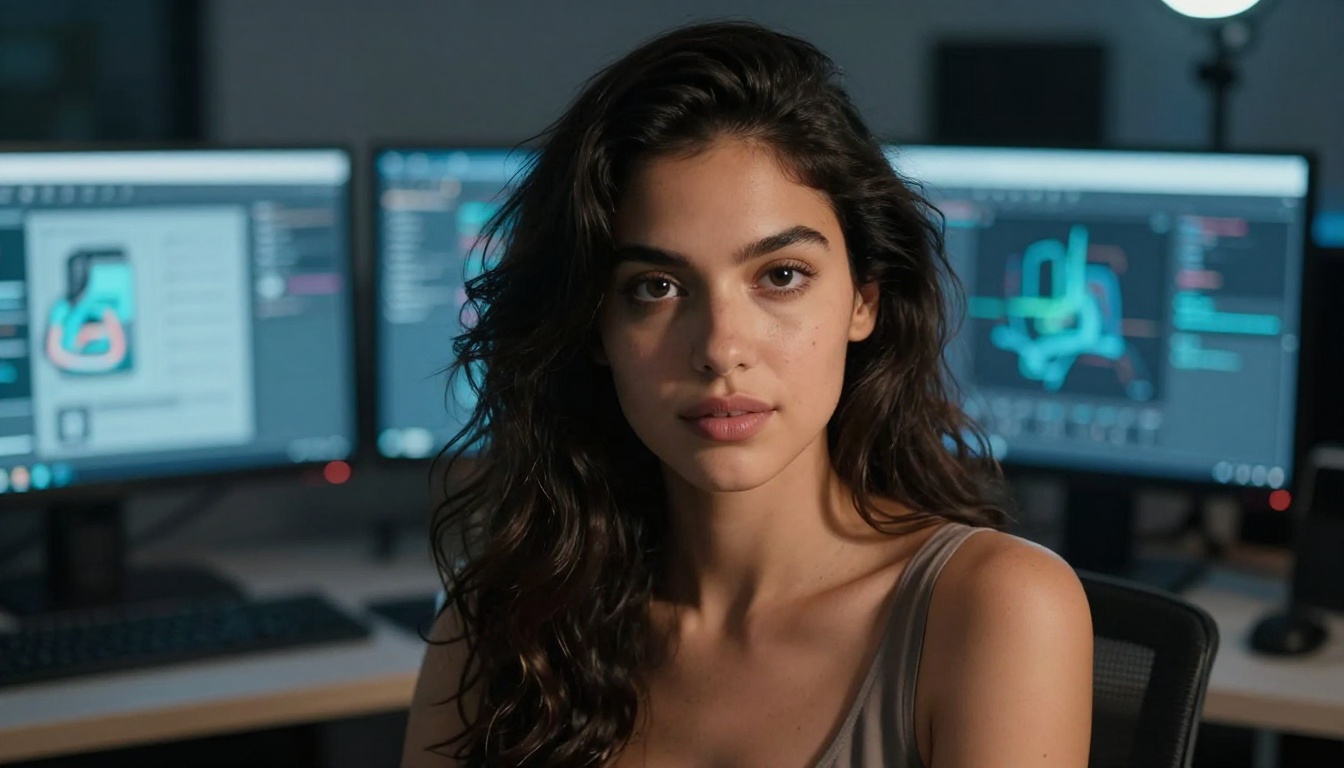
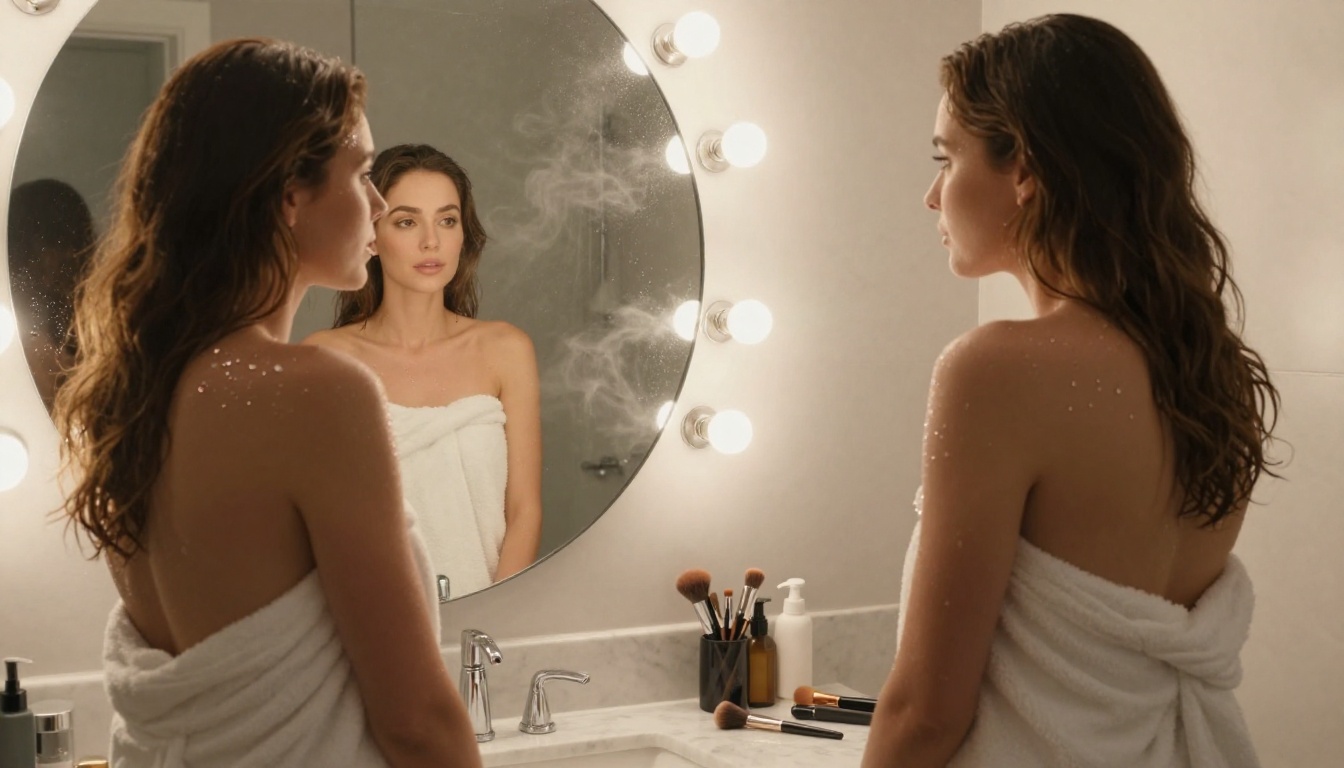
This is where things got interesting in 2025 and into 2026. Early AI images had tells: warped hands, weird proportions, plastic-looking skin. The current generation of models produces output that photographers genuinely struggle to distinguish from real photography. Models like Flux 1.1 Pro Ultra render individual skin pores, natural fabric drape, and realistic hair behavior in a single pass. The gap between AI and real photography has effectively closed for most content formats.
Top NSFW AI Image Models Worth Using
Not all models are equal when it comes to photorealistic adult content. Some excel at facial accuracy, some at body proportions, some at environmental lighting. Here is where each one stands.
Flux 1.1 Pro Ultra
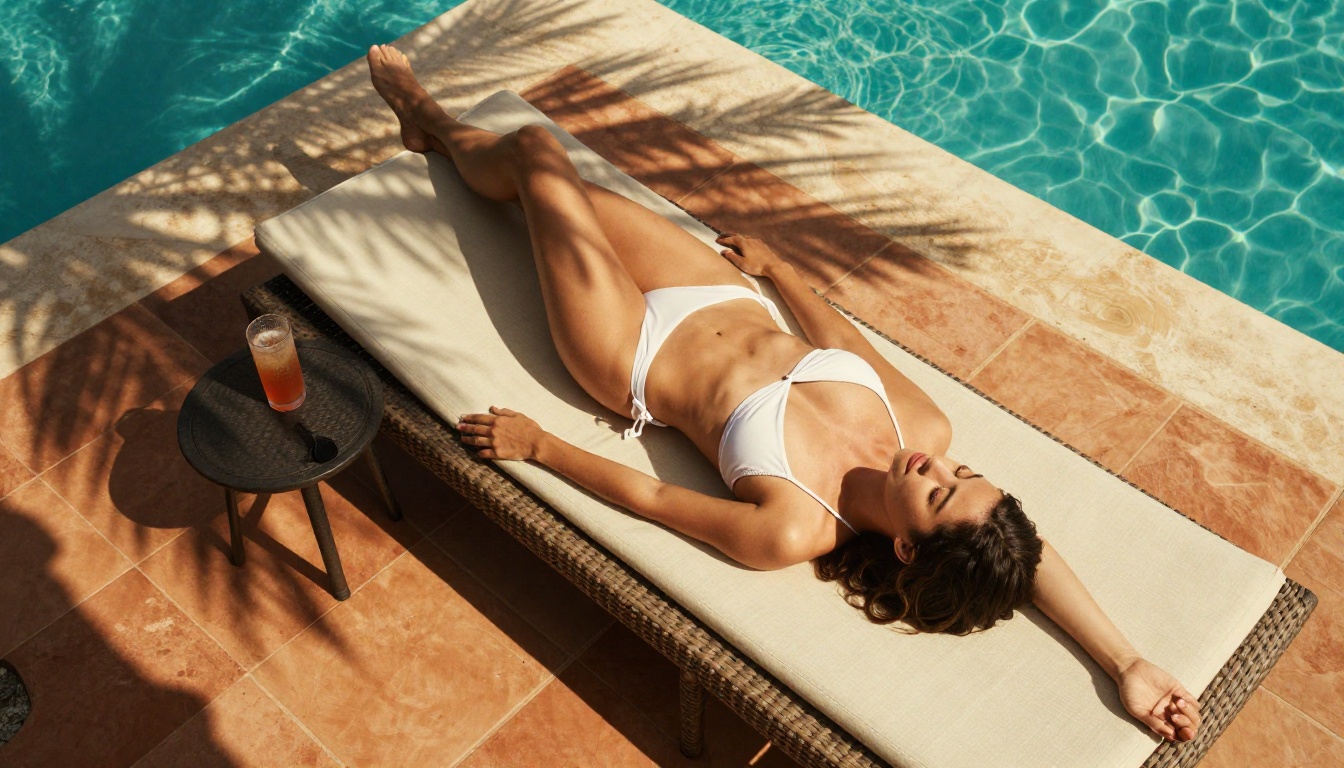
Flux 1.1 Pro Ultra sits at the top of the realism stack right now. Its image quality at native resolution beats most competitors, particularly for skin texture and natural lighting interactions. The model handles fabric physics well too, which matters enormously for boudoir and glamour content where how clothing sits and drapes on the body defines whether an image looks real or generated.
Best for: Glamour photography, boudoir, lifestyle content, editorial looks.
💡 Use detailed lighting descriptors and include Kodak Portra 400 or natural film grain in your prompts for the most photorealistic results with this model.
Realistic Vision v5.1
Realistic Vision v5.1 was built specifically for photorealistic human output. It handles skin tone gradients and subsurface scattering better than most diffusion models. That translates to the difference between a render that looks like it has plastic skin and one that looks like it was shot on film. For close-up portrait work or any content where the face and skin quality are front and center, this model consistently performs.
Best for: Close-up portraits, skin-focused shots, natural beauty content.
DreamShaper XL Turbo
Speed matters when you are iterating prompts. DreamShaper XL Turbo generates at a fraction of the time of slower quality models while still producing commercially usable output. It handles mood and atmosphere particularly well, which makes it ideal for suggestive editorial content where you are testing a creative direction before committing to a high-quality render.
Best for: High-volume output, testing lighting setups, mood-heavy concepts.
Seedream 4
Seedream 4 from ByteDance outputs at ultra-high resolution natively. For creators who need print-quality assets or large-format output without running super-resolution afterward, Seedream 4 is the practical choice. It is also notably strong at following compositional instructions, which means you get fewer unexpected crops and more predictable framing.
Best for: High-resolution output, premium content tiers, print-format assets.
Flux 2 Pro
Flux 2 Pro sits between the raw speed of Flux Schnell and the ceiling of Flux 1.1 Pro Ultra. It offers a strong quality-to-speed ratio, making it the go-to for creators who want high fidelity without the processing time of the flagship model. For subscription-tier creators posting daily, this balance often makes more sense than chasing maximum quality on every single image.
Best for: Balanced workflows, subscription-volume content, consistent posting schedules.
How to Use Flux 1.1 Pro Ultra on PicassoIA
PicassoIA hosts Flux 1.1 Pro Ultra directly in its text-to-image collection. Here is the exact workflow for getting professional results from day one.
Step 1: Open the Model Page
Navigate to the Flux 1.1 Pro Ultra page on PicassoIA. You will see the prompt input field, aspect ratio selector, and output settings panel on the right. No setup or configuration required.
Step 2: Set Your Aspect Ratio
For content that performs on most platforms, 16:9 works best for wide-format. For portrait-oriented social platforms, switch to 9:16. The model outputs crisp, well-composed results at both ratios without warping the subject.
Step 3: Write a Structured Prompt
Structure your prompt in clear layers for best results:
- Subject: Who is in the scene, what they are wearing, their body position and expression
- Environment: Location, props, background elements, time of day
- Lighting: Direction, quality, color temperature (morning vs. golden hour vs. studio)
- Camera: Lens focal length, aperture and depth-of-field description
- Film stock: Kodak Portra 400, Fuji Provia, or specific grain descriptors
Example prompt:
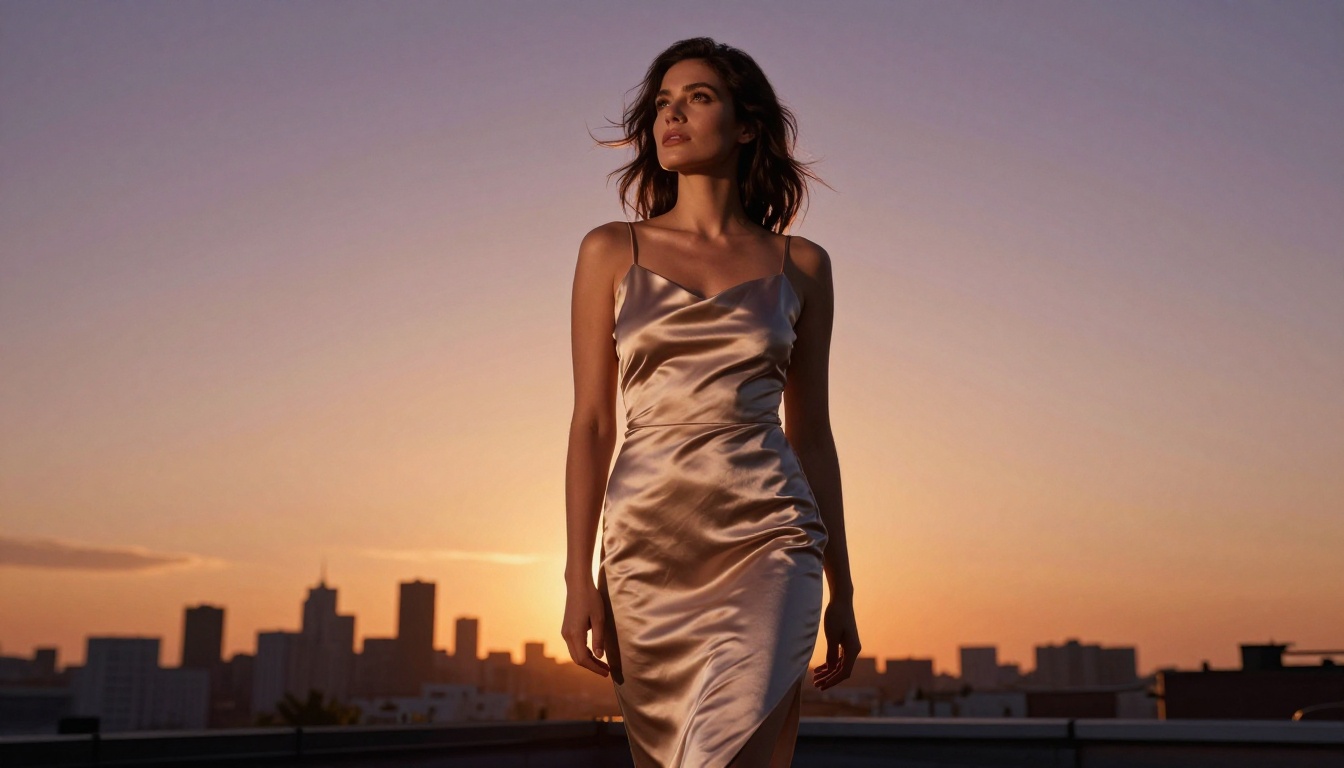
"A confident woman in a silk wrap robe seated on the edge of a white hotel bed, late afternoon golden light from the left window casting warm shadows across ivory linen sheets, shot at eye level with a 50mm f/1.4 lens, natural skin texture with visible pores, Kodak Portra 400 film grain, RAW 8K"
Step 4: Iterate on the Seed
Once you get an image you like, note the seed value shown in the output panel. Vary your prompt slightly while keeping the same seed to generate images with consistent character identity across different scenes. This is how creators build cohesive content series rather than one-off images.
What Makes a Great NSFW Prompt
Prompt quality is the single biggest differentiator between mediocre AI output and content that actually converts. Most creators underprompt and wonder why results look generic.
Lighting First, Always
Lighting defines the mood of an image more than any other element. Be specific about what you want:
- Flat lighting: Editorial, clean, fashion-forward
- Rembrandt lighting: Dramatic, intimate, high-contrast glamour
- Golden hour backlight: Warm, emotional, lifestyle feel
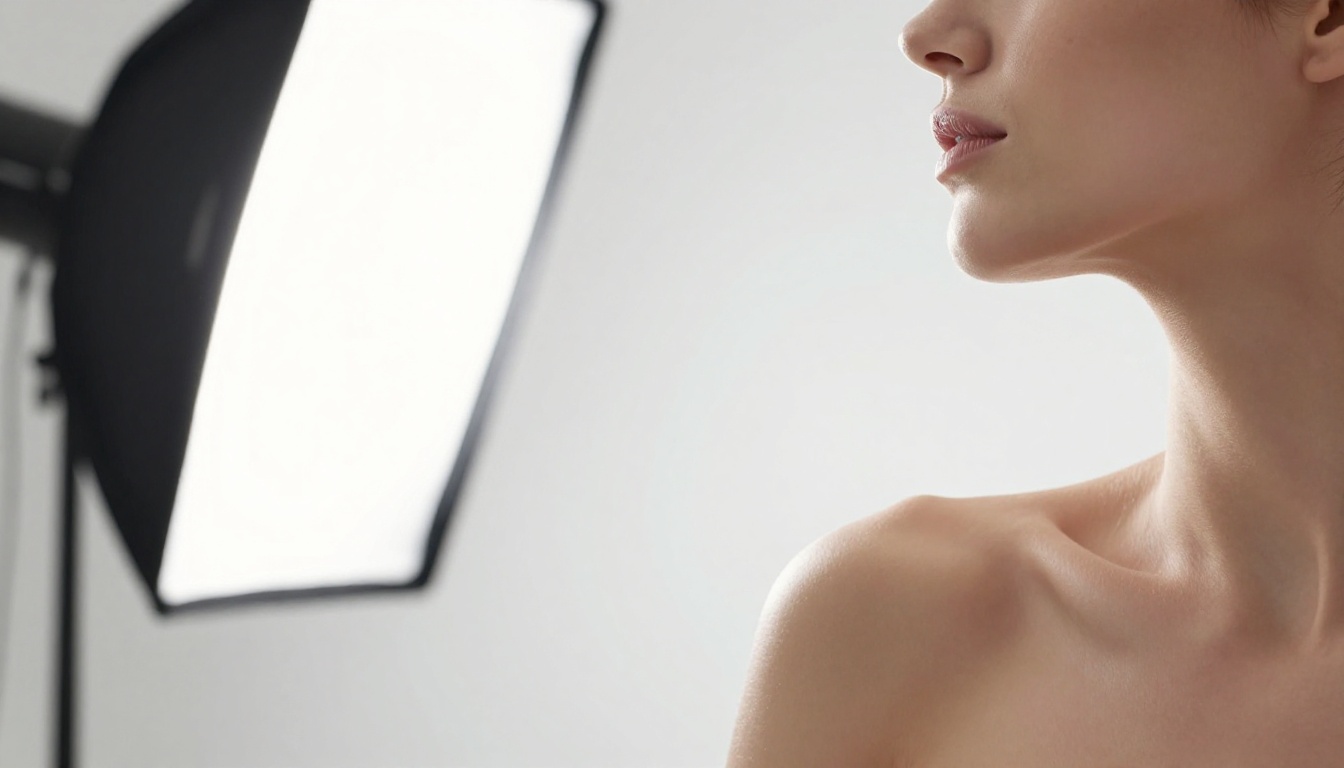
- Studio softbox: Controllable, professional, consistent
Never just say "good lighting." Specify the direction (from the left, from behind, overhead), the quality (soft, harsh, diffused), and the color temperature (warm amber, cool blue, neutral white).
Wardrobe and Texture Words
The more specific your fabric and wardrobe description, the more realistic the output. Replace vague terms with tactile descriptors that the model can actually render:
| Vague | Specific |
|---|
| "wearing a dress" | "silk charmeuse wrap dress with natural drape and subtle sheen" |
| "bikini" | "string bikini in ivory with tie sides and minimal coverage" |
| "lingerie" | "black lace bodysuit with scalloped trim and adjustable straps" |
| "casual outfit" | "fitted ribbed crop top and high-waisted wide-leg linen trousers" |
Camera Angle Descriptors
Angle changes everything in a composition:
- Low-angle (looking up): Creates power, elongates the figure, adds drama
- Eye-level: Natural, intimate, documentary-style immediacy
- High-angle (looking down): Soft vulnerability, fashion editorial overhead detail
- Dutch tilt at 45 degrees: Dynamic tension, artistic edge
Include the lens focal length too. An 85mm portrait lens and a 24mm wide-angle will produce entirely different spatial relationships even with the same subject and lighting setup.
Models Compared Side by Side
Here is how the top photorealistic models stack up for adult content creation specifically:
Beyond Still Images: What Else Creators Can Do
NSFW AI is not just about image generation. The most productive creators are using a full stack of tools that extends well past a single output type.
Super Resolution for Print-Quality Output
Even if a model outputs at standard resolution, running it through super-resolution processing can double or quadruple the pixel count without meaningful quality loss. This matters for premium content tiers where subscribers expect high-resolution downloads, or for merchandise and print products that require specific DPI minimums.
Inpainting for Custom Edits
Generated an image that is almost perfect except for one detail? Inpainting lets you select a specific region and regenerate only that area while keeping everything else intact. This is how professional creators fix hands, adjust wardrobe details, or swap background elements without starting from scratch. The time savings over re-prompting and hoping to recreate the same composition are significant.
Face Consistency Across Scenes
One of the most requested workflows in adult content creation is maintaining the same face across multiple generated images. Using ControlNet-based approaches or LoRA fine-tuning on SDXL and Flux Dev, creators can build a consistent character identity across an entire content series. This turns a collection of individual images into a recognizable persona with a loyal audience.
💡 LoRA tip: Fine-tuning a LoRA on Flux Dev requires 20 to 30 reference images for reliable character consistency. The output quality for persona-based content creation is significantly higher than seed-based approaches.
3 Mistakes Creators Make with AI
Most creators burning through credits and getting mediocre output are making the same few mistakes. Fixing these produces an immediate and noticeable improvement.
Vague Prompts
"Beautiful woman in lingerie" generates average-looking stock imagery. The prompt has no specificity around lighting, environment, camera, or texture, so the model defaults to its most common training patterns. The result is forgettable. The more specific the prompt, the more distinct and high-quality the output. Describe like you are giving instructions to a photographer and a cinematographer at the same time.
Ignoring Aspect Ratio
Different platforms have different optimal dimensions. Publishing a 1:1 image to a landscape-dominant platform, or a 16:9 image to a portrait feed, results in awkward cropping that kills perceived quality. Match your aspect ratio to your distribution channel before generating. If you post to multiple platforms, generate at the native ratio for each individually rather than cropping afterward.
Using the Wrong Model for the Style
DreamShaper XL Turbo is excellent for speed but it is not the right pick for a high-realism close-up portrait. Flux 1.1 Pro Ultra is not necessary for a quick concept test. Match the model's specific strengths to what the output actually needs, and you will produce better results while using fewer credits overall.
Skipping Post-Processing
Even the best AI output benefits from minor post-processing. Subtle adjustments to contrast, color grading, and sharpness can take an already good image and make it look like it came out of a professional edit suite. This step takes 60 seconds and dramatically improves perceived quality.
Which Models to Start With
If you are just starting out with AI content creation and do not want to spend time testing every option, here is the short list:
For maximum realism: Flux 1.1 Pro Ultra. There is nothing else at its level for skin texture and lighting accuracy right now.
For daily volume: Flux 2 Pro. The quality-to-speed ratio makes it the practical choice for consistent posting.
For portrait work: Realistic Vision v5.1. Purpose-built for photorealistic human output with exceptional skin tone rendering.
For fast iteration: DreamShaper XL Turbo. When you are testing 20 different prompt variations before committing, speed is what matters.
For high-resolution output: Seedream 4. When the final use case demands pixel density that standard models cannot provide.
Start Creating on PicassoIA Today
The tools are here and they work. Whether you are building a subscription library, producing content for social platforms, or working on creative directions that a real-world shoot could never pull off within budget, AI image generation has removed the barriers that used to stop most creators.
PicassoIA brings together over 90 text-to-image models including Flux 1.1 Pro Ultra, Realistic Vision v5.1, Seedream 4, and Flux 2 Pro in one place. No switching between tools, no managing separate API keys, no chasing down which platform has which model this week.
Pick a model, write a specific prompt, and start building. The output quality available right now is what serious creators were paying thousands of dollars for in production costs just two years ago.
💡 Pro workflow: Start with Flux 2 Pro for concept testing and seed finding, then run your best compositions through Flux 1.1 Pro Ultra for final output. This two-step approach saves credits while maximizing the quality of everything you actually publish.


