Finding a genuinely free NSFW AI video generator without creating an account is harder than it sounds. Most platforms demand registration before showing you anything useful, then block adult content anyway once you are in. A handful of AI tools skip both hurdles entirely, and this breakdown tells you exactly which ones work, how fast they run, and what to expect when you start.
The registration wall is rarely about security. It is about compliance liability. Platforms that host user-generated content want to attach a verified email to every output so they have recourse if something goes wrong legally. The result: you hand over your inbox just to try a 5-second clip.
The Content Filter Problem
Even after signing up on mainstream platforms, adult content requests are filtered at the prompt level. The platform runs a text classifier over your description before sending it to the model. If the classifier detects adult language, the request is rejected and you burn a generation credit. This happens on tools from major tech companies and on smaller independent platforms alike.
The classifier is not even consistent. A clinical description of a scene passes through while a casual one does not. You end up spending more time rewriting prompts to work around the filter than actually creating content.
Why "Free" Usually Means Watermarked
Free tiers almost always mean watermarked outputs, resolution caps at 360p or 480p, and hard daily generation limits. For a single test, this is fine. For any real creative workflow involving adult content, these restrictions add up fast. A watermark ruins commercial use. A 480p cap makes the output look like it was generated in 2019. A 3-generations-per-day limit means you cannot seriously iterate on anything.
💡 The cleaner path: use a platform that removes content restrictions by default, operates without a forced sign-in, and does not downgrade output quality on the free tier.
What Works Without a Signup
Not every platform locks you out before letting you generate. Some tools operate on a session-based credit model, meaning you get a set number of free generations right from the landing page without any registration. Others make registration frictionless, taking under 30 seconds with no credit card required and offering an immediate free trial on arrival.
Session-Based Video Access
Session-based tools assign a temporary browser ID when you arrive. You generate, download your clip, and leave. The limitation is that you cannot retrieve outputs after closing the tab since there is no account to store them. For a quick test or a one-off creative output, this is sufficient. For repeated work or iterating across sessions, a lightweight account saves you from losing your generated clips.
Image-to-Video Without Registration
Image-to-video is often more accessible on free tiers than pure text-to-video because the first frame is already fixed, which reduces the model's workload. You upload a source image, describe the motion, and the model animates it. This workflow also gives you more control over the final result since you can refine the image separately before adding motion.
The Best NSFW AI Video Models Right Now
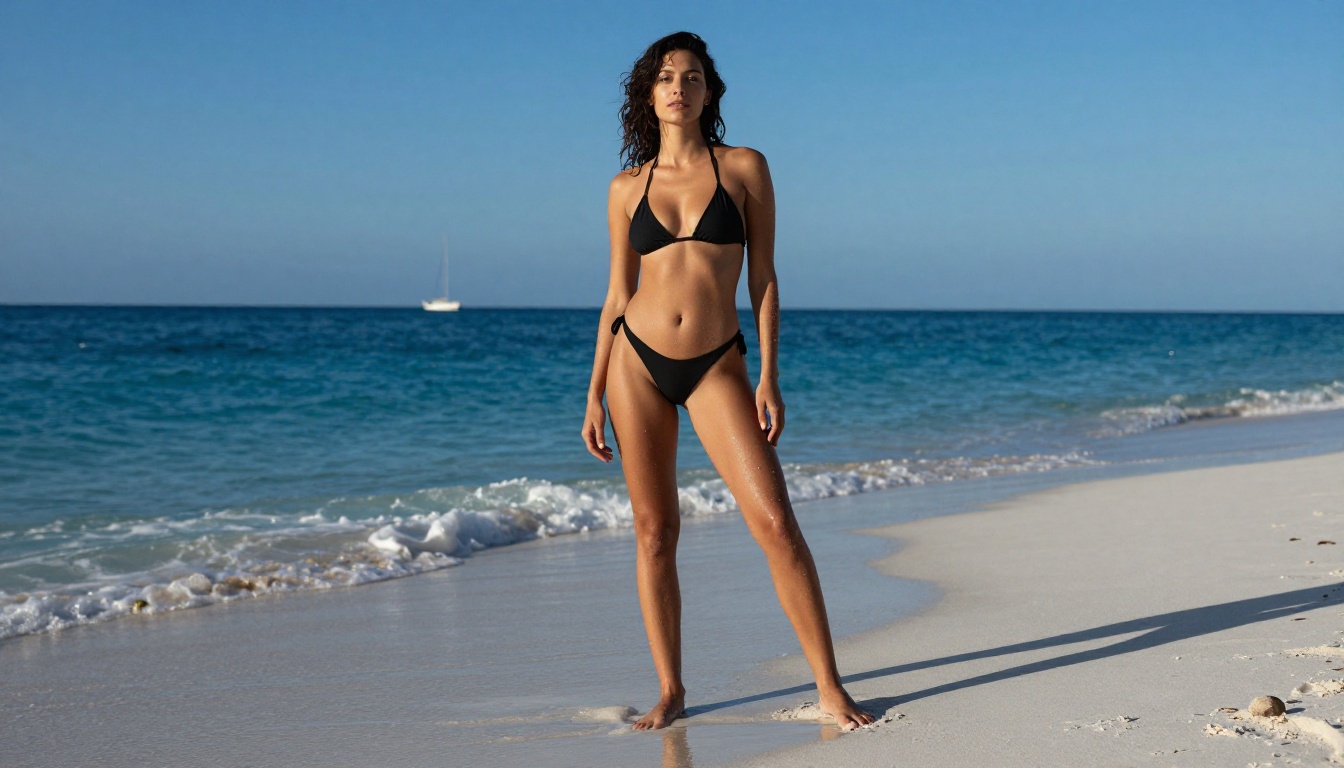
These are the models combining no-restriction generation with the strongest output quality in 2027. All of them are accessible on PicassoIA without needing to go through a separate platform sign-up.
PicassoIA Video: Unlimited, No Filters
PicassoIA Video is the highest-value option for volume work. It generates from text prompts without content filters and offers unlimited video generation at up to 720p and 5 seconds per clip, with no watermarks on any output.
What makes it stand out is the absence of a per-generation cost for subscribers. Need 50 clips for a project? You generate 50 clips. On pay-per-generation models at comparable quality, 50 clips at 720p would cost between $30 and $80 depending on the provider. On PicassoIA Video, the cost is zero beyond your subscription.
P-Video by PrunaAI
P-Video converts a text prompt, an image, or an audio file into a short clip at up to 1080p at 24 or 48 fps. Duration is adjustable from 1 to 10 seconds, and seven aspect ratios are supported. The safety filter is disabled by default, so your adult prompts go directly to the model without a classifier blocking them. A draft mode delivers an instant low-resolution preview before you commit to the full render, saving time when you are iterating on complex motion descriptions.
Grok Imagine Video by xAI
Grok Imagine Video generates clips up to 15 seconds from text, a reference image, or an existing video you want to re-edit. It outputs at 720p or 480p across eight aspect ratios with no watermarks on any output. Its image-to-video mode automatically matches the proportions of your source photo, so you do not need to manually configure aspect ratio when animating an AI-generated image.
LTX 2.3 Pro by Lightricks
LTX 2.3 Pro is the highest-fidelity video option at up to 4K at 50 fps. It runs five modes from a single interface: text-to-video, image-to-video, audio-to-video, retake, and extend. The retake mode lets you replace a short segment without re-rendering the whole clip. The extend mode appends footage to the start or end of an existing clip. Camera-motion presets include dolly, jib, and focus-shift controls for precise cinematic moves.

More NSFW-Compatible Video Models
Beyond the four above, PicassoIA hosts several other video models worth knowing:
- Wan 2.7 I2V: 1080p image animation with smooth natural motion and no content filtering
- Seedance 2.0: text-to-video with built-in synchronized audio, no separate post-production step needed
- Kling v2.6: strong physical consistency for complex motion such as water movement and flowing fabric
- Pixverse v5.6: 1080p output with solid character consistency frame to frame
- Ray Flash 2 720p: fast 720p generation, accessible on the free tier without a subscription
Video Model Comparison
Start With Images, Then Animate
The most reliable workflow for NSFW AI video is not starting directly with text-to-video. It is generating a high-quality source image first, then animating it. This gives you complete control over the character design, lighting, and composition before committing to a render that can take anywhere from 30 seconds to several minutes.
Seedream 4.5: The Right Starting Point
Seedream 4.5 is the top recommendation for NSFW image generation on PicassoIA. It accepts adult content directly, supports image editing alongside standard text-to-image generation, and produces results in under 3 seconds. This speed matters when you are iterating on a character look before animating.
One important note: the newer Seedream 5 Lite does not support NSFW content. Stay with version 4.5 for adult content work. The two models are not interchangeable for this use case.
PicassoIA Image Editor Pro: Unlimited Edits
PicassoIA Image Editor Pro is an image-to-image model that accepts NSFW content and delivers results in under one second. Its most important advantage is unlimited generations on Elite and Infinite subscription plans.
To put that in context: generating 1,000 images on a pay-per-generation model like Nano Banana 2 costs around $100. On PicassoIA Image Editor Pro, those same 1,000 images cost nothing extra beyond your subscription. A 3-generation free trial runs without a credit card.
Full Ranked List of NSFW Image Models
Here is every recommended model in order of performance and creative flexibility:
- Seedream 4.5: The top all-around option. Accepts adult content, supports image editing, delivers ultra-realistic results in under 3 seconds. (Seedream 5 Lite does not allow NSFW.)
- PicassoIA Image Editor Pro: Img2img with unlimited generations. Elite and Infinite plans include unlimited images at no extra cost, results in under 1 second, free trial with no credit card required.
- Qwen Image 2: Open-source model that edits or creates any image in seconds with very detailed realism.
- Grok Imagine Image: Realistically converts any photo to a bikini format with impressive fidelity.
- Recraft V4: Very realistic text-to-image results with consistent NSFW acceptance.
- P-Image: NSFW text-to-image generation in under 1 second.
- Wan 2.2 Image (PrunaAI): Highly realistic images from text descriptions without content filters.
Unlike many mainstream AI image platforms, PicassoIA gives creators full creative freedom with uncensored, high-performance models that do not require justifying your prompt to a classifier before it reaches the model.
The Image-to-Video Workflow
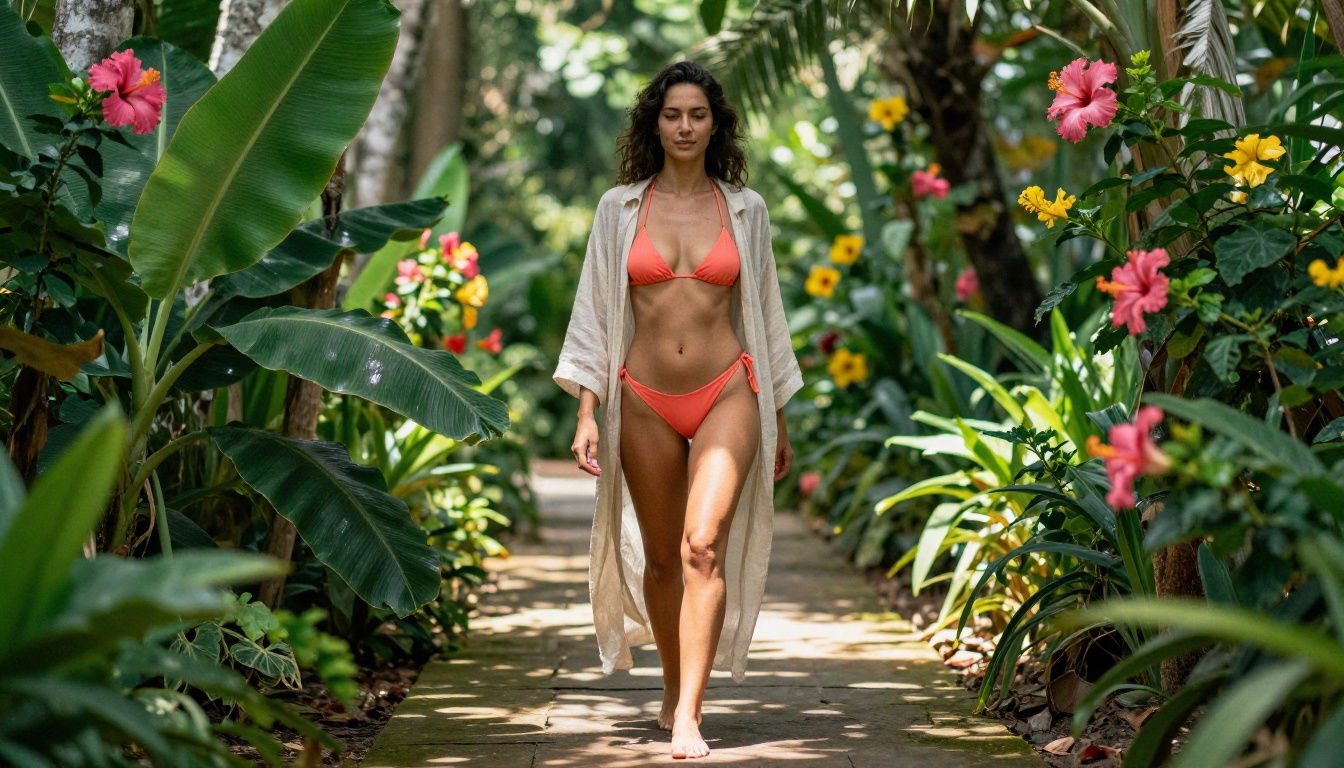
This is the exact sequence that produces the best results for NSFW video from scratch:
- Generate your source image using Seedream 4.5 or P-Image for a fast first draft
- Edit and refine the image in PicassoIA Image Editor Pro, adjusting pose, lighting, or clothing until it is exactly right
- Animate by passing the refined image into PicassoIA Video or P-Video as the first frame
- Extend using LTX 2.3 Pro if you need footage longer than 5 seconds
💡 Keep motion prompts short and directional. Describe one primary action plus one camera move: "subject turns slowly to face camera, gentle dolly-in from left." More than two concurrent motions in a 5-second clip consistently produces visual artifacts at the seams between motions.
Wan 2.7 I2V: Best Pure Image Animator
For animating a source image without text-to-video overhead, Wan 2.7 I2V is the most reliable option. It accepts a source image and a short motion prompt, then produces smooth, natural-looking movement with minimal flickering at up to 1080p. It does not filter NSFW source images at input.
Wan 2.7 T2V is the text-to-video counterpart. If you want to skip the image step entirely and generate HD video directly from a text description, Wan 2.7 T2V produces 1080p output with strong prompt adherence.
How to Use PicassoIA Video Without an Account
For anyone starting fresh, here is exactly how to get to your first NSFW video clip on PicassoIA.
Step 1: Open the Model
Go directly to PicassoIA Video. A free trial is available on your first session without creating an account.
Step 2: Write a Focused Prompt
Write a direct, detailed motion prompt. Include the subject, their starting action, the camera movement, and the lighting. Keep it under 150 words. Example:
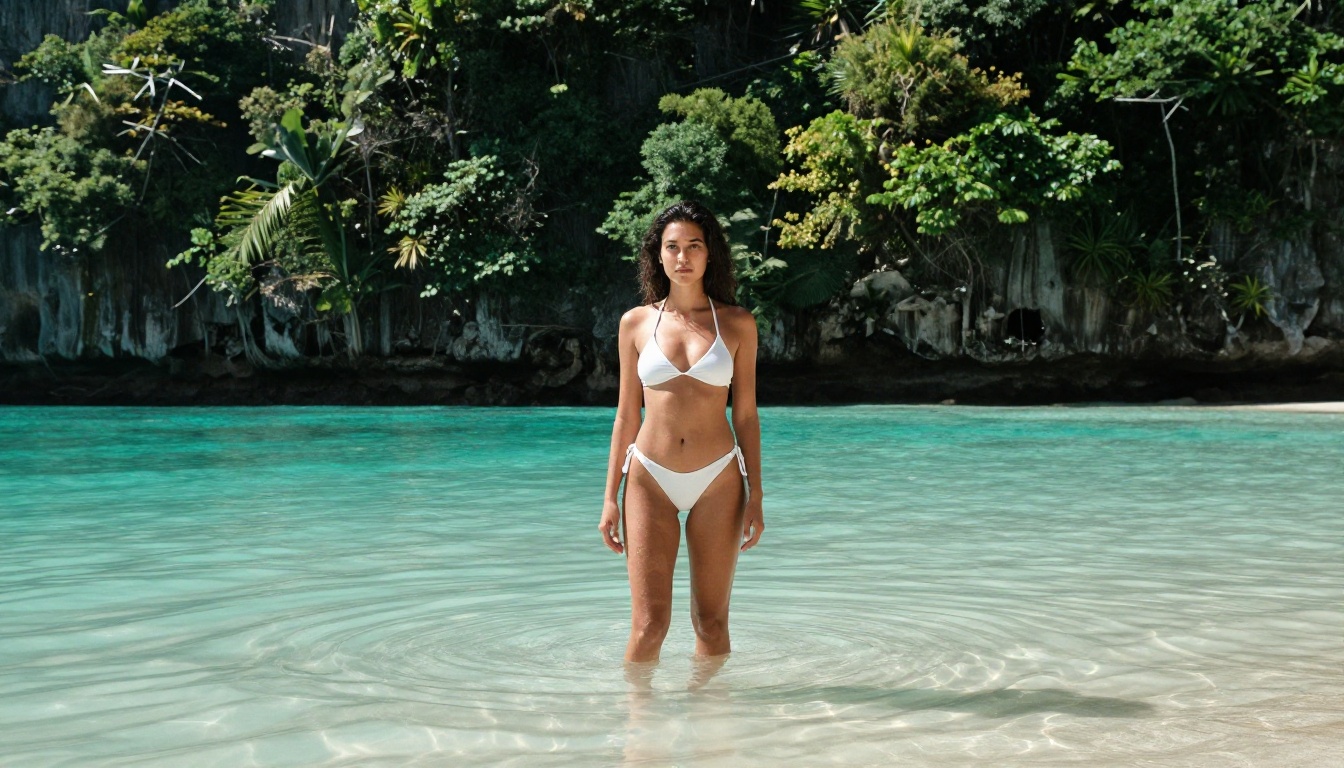
"Woman in a white bikini walks slowly toward the camera along a sunlit beach at golden hour, gentle waves visible in the background, slow push-in camera movement, warm amber rim light from the right, natural skin detail."
Step 3: Set Resolution to 720p
Select 720p. This is the best balance of quality and generation speed on this model for NSFW content.
Step 4: Generate and Download
The clip processes in roughly 30 to 90 seconds depending on server load. Download the MP4 directly. No watermark is applied.
Step 5: Iterate on the Motion
If the result is not what you expected, adjust the motion description rather than the visual description. The model is more sensitive to motion prompt changes than to visual detail changes once you have a working base.
Speed Comparison Across Models
Generation times vary significantly between models and tiers. Here is an honest benchmark from typical server conditions:
💡 Use P-Video's draft mode to get a low-resolution preview in seconds before committing to the full-quality render. This saves significant time when you are iterating on a motion description that needs several revisions.

Privacy: What Happens to Your Content
This matters more for adult content than for standard creative work. The practical questions are: who stores your outputs, for how long, and whether they are visible to others.
What Most Platforms Keep
Most AI video platforms store your outputs for at least 30 days, and many use your generations to train their models unless you opt out. On some platforms, opting out requires a paid plan. Some free-tier outputs are also visible in public example galleries by default, which is a non-trivial issue for adult content creators.
Practical Privacy Steps
- Download immediately after generation. Do not rely on platform storage as your primary backup.
- Read the terms of any free tier before generating content you want to keep private. Some free tiers make outputs public.
- Use session-based access when maximum privacy is required. No account means no persistent record tied to your identity.
PicassoIA does not sell or share your generated content with third parties. The platform is built specifically for this use case, not adding NSFW support as a late addition to a system designed for general-audience work.
Start Generating Now
The fastest path to your first NSFW clip: open Seedream 4.5, generate a source image in under 3 seconds, then pass it into PicassoIA Video or P-Video to animate it.
For the complete catalog of NSFW-capable models across image generation, video generation, and editing tools, the full listing is at picassoia.com/en/all-models. Over 90 text-to-image models and 87 video models are available, with every NSFW-capable option clearly accessible and ready to use without a long approval process.
The tools are there. The only thing left is to use them.


