You open a tab, type "NSFW character AI no sign up," and expect a flirty chat to start in five seconds. Instead you hit a birthday form, an email wall, or a pop-up asking for a card. That gap between what the search promises and what the sites deliver is exactly what this article is about. Below you will find what "no sign up" really means in 2026, which free chat bots come closest, the limits you will run into, and what to do when a chat bot is not enough.
NSFW Character AI No Sign Up: Free Chat Bots, Limits and Alternatives
Short version: true no-registration adult chat is rare. Most platforms want at least a free account before the unfiltered features switch on, and several only allow adult content after an age confirmation. A few sites let you try a basic chat first, but the moment you want saved conversations, longer memory, or fewer restrictions, an account appears.
💡 Quick take: If a site claims unlimited, unfiltered, anonymous chat with zero friction, treat that as marketing until you have tested it yourself. Limits change often, and many ranking pages are affiliate driven.
What "No Sign Up" Really Means
The honest answer
When people search this phrase they usually mean one of three things:
- No email or password, just open a page and chat.
- No payment details, a free tier that does not ask for a card.
- No identity checks, no age gate beyond a checkbox.
Very few services deliver all three. Expect to give up at least one.
Why age checks changed the picture
Age verification rules have expanded across many regions, and platforms that host adult roleplay have responded by tightening entry. One roundup of 2026 tools points out that fully anonymous NSFW chat is getting harder to find for exactly that reason. This is not a trick to collect your data; in many cases it is a legal requirement. It does mean the "open and chat" experience of a few years ago is mostly gone.
Browsing versus chatting
There is a useful distinction between browsing characters, sending a few messages, and saving a conversation. Some sites allow the first two without an account and demand one for the third. That is the most common "no sign up" setup you will meet.
Free NSFW Chat Bots Compared
Reports from 2026 roundups are inconsistent, so read this table as a snapshot of what was being claimed, not a promise. Always check the current rules on each site.
| Platform | Sign-up friction | Free tier as reported | Main catch |
|---|
| Joyland | Cited as one of the few that allows chatting before creating an account | Basic chat free | Anime-leaning characters; saving chats needs an account |
| Perchance | Described as close to instant, anonymous character play | Free | Not clearly built around adult content |
| CrushOn AI | Light, adults-only sign-up | Reported at about 50 free messages per day since April 2026 | Daily cap; large library of 1,000+ characters |
| SpicyChat AI | Account usually required | Pages disagree: some say unlimited, others say capped | Ads, queues at peak hours, shorter replies on free |
| Candy AI | Light sign-up | Limited free use | Paid features push you toward a subscription |
| Chai | Account required | Daily message limits | Quality varies by character |
| Venice | Free tier available | Usage limits | General assistant, not a character platform |
| Character.AI | Account for most features | Free | Not an NSFW option |
Joyland and Perchance
These two get named most often when someone insists on skipping registration. Joyland is reported to let you chat before making an account, though conversation history is tied to one. Perchance is the quickest route to anonymous character play, but it is a generator hub rather than a polished companion app, so results depend on which template you open.
CrushOn AI and SpicyChat
These are the names that dominate "free NSFW chat" searches. CrushOn AI has the most widely cited free allowance: a daily message budget that resets, plus a big character library. SpicyChat AI is the confusing one. Some pages claim unlimited free messaging; others describe waiting queues, ads, and shorter responses. If you test it, test it at a busy hour and an off hour, because queue time is where "free" gets expensive.
Chai, Venice and the rest
Chai is mobile-first with daily caps. Venice is a privacy-minded assistant with a limited free tier. Neither is a pure adult roleplay product, but both are worth knowing if you want fewer content restrictions in an assistant.
The Limits Nobody Mentions
Free is rarely free in the way you imagine. Here are the walls you will hit.
Daily message caps
A cap of 50 messages sounds generous until a flirty scene builds. At two or three lines per exchange, you can burn through a daily budget in under half an hour. When the counter hits zero, the bot either stops or nudges you toward a paid plan.
Memory and queues
Free tiers commonly shorten the context window, which is how much of your conversation the bot can remember. You will notice it when a character forgets the name you gave it ten minutes ago, or the outfit it described. Queues at peak hours add another delay, and replies can arrive slower or shorter on free plans.
Privacy
One of the clearest warnings in 2026 coverage: none of the major NSFW chat platforms were described as offering end-to-end encryption on conversations. Treat every message as stored on someone else's server.
⚠️ Rule of thumb: Never type your real name, workplace, address, or photos of yourself into an adult chat bot. Use a throwaway nickname and a separate email if an account is required.
| Limit | What you notice | Workaround |
|---|
| Daily message cap | Chat stops mid-scene | Write longer messages, pace the session |
| Short memory | Character forgets details | Repeat key facts in a pinned intro message |
| Queues | Slow or delayed replies | Try off-peak hours |
| Ads | Interruptions | Use a browser with content blocking |
| Age gate | Entry form | Expect it; do not skip it |
Safer Ways to Chat Anonymously
A short privacy checklist
- Use a nickname, not a handle you use elsewhere.
- Use a separate email if the site insists on one.
- Skip uploading personal photos.
- Check whether the site lets you delete chats and your account.
- Never reuse a password from a real account.
Spotting sketchy sites
Be wary of pages that ask for a card "just to verify age" on a free plan, push downloads of unknown apps, or mirror the layout of a famous brand under a slightly different domain. Clones of popular character sites are common, and a lookalike URL is a classic way to harvest logins.
Build Your Own Character on PicassoIA
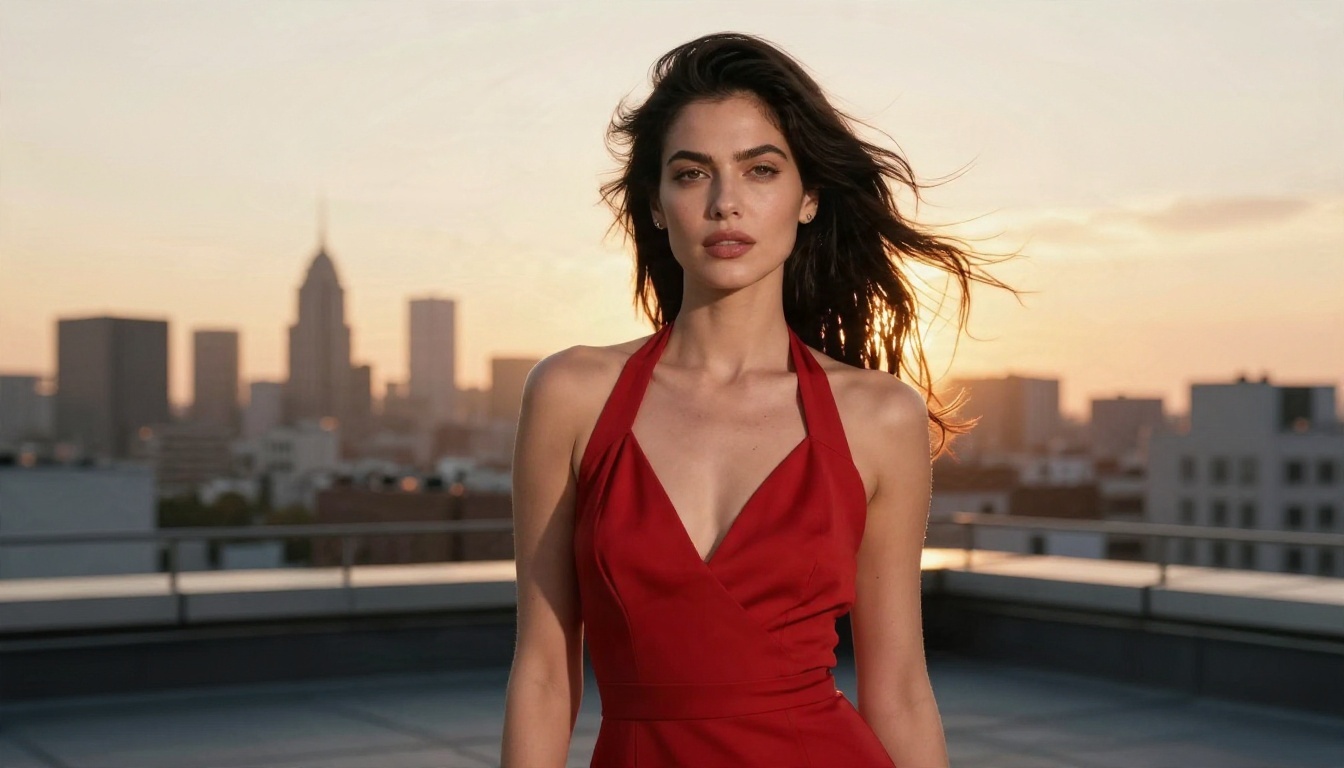
Chat bots give you a conversation, but not always a face, a look, or a character you actually own. A lot of people searching for NSFW companions end up wanting the visual half: a consistent, attractive character in photoreal scenes. That is where PicassoIA fits, and it needs no queue and no message counter for images.
A fair note first: the language models on PicassoIA are general-purpose assistants with their own safety rules, so they are not adult roleplay hosts. Use them for what they do very well: persona sheets, backstories, speaking style, scene scripts and tasteful, flirty banter. Then pair that character with images built for suggestive glamour, not explicit content.
Write the persona with an LLM
A good character starts with a short sheet. Ask a model for a name, age (adult), job, voice, quirks, and three sample lines of dialogue. These models work well for that:
Give her a face with Seedream 4.5
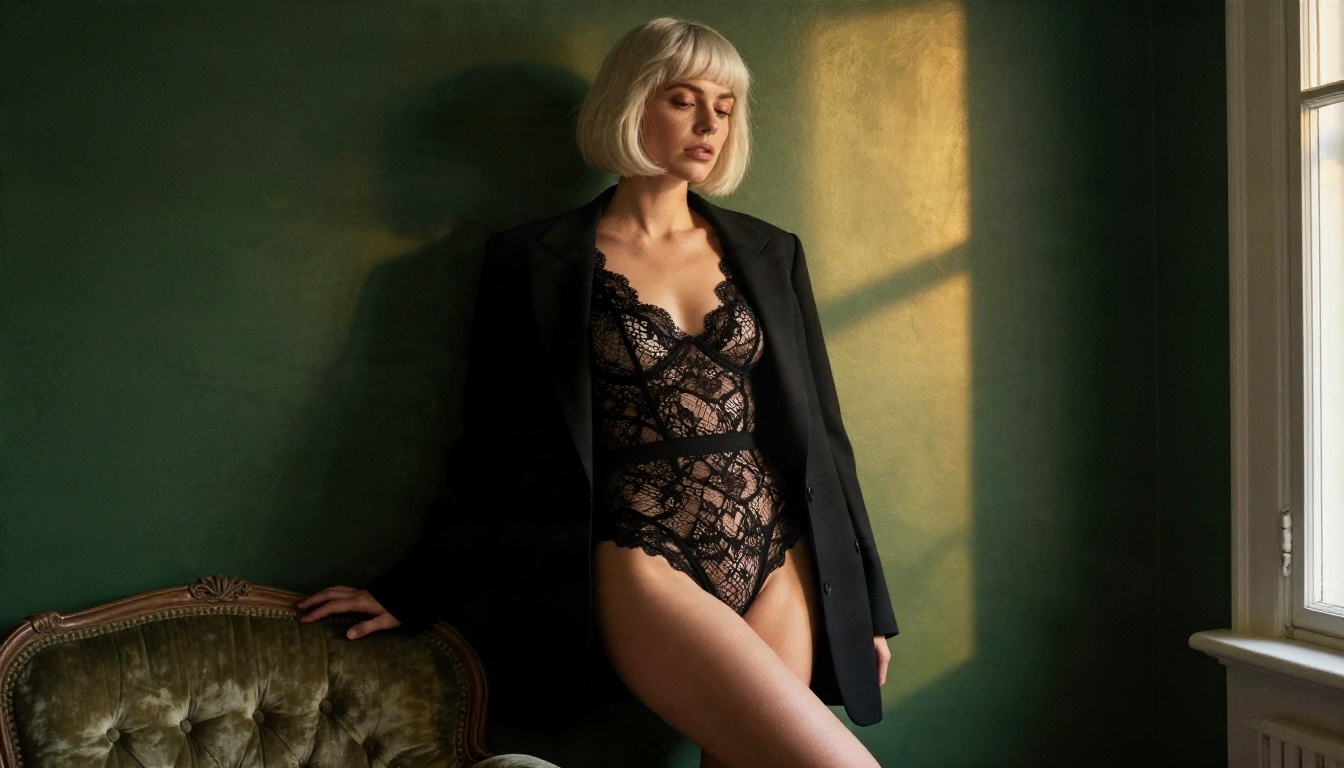
Seedream 4.5 is the first model to try for adult-leaning photoreal portraits. It produces sharp, high-resolution images with natural skin texture, believable fabric, and strong lighting control. It handles suggestive glamour such as lingerie-style fashion, swimwear, and boudoir editorials without drifting into explicit territory.
Steps:
- Open the Seedream 4.5 page and choose a 16:9 or 3:4 ratio.
- Describe your character: age, hair, skin details, outfit.
- Add the scene and lighting: "late afternoon window light from the left."
- Add a lens cue such as "85mm f/1.8, shallow depth of field."
- Generate, then keep the strongest result as your reference character.
💡 Tip: Reuse the same physical descriptors every time (hair color, freckles, eye color, signature jewelry). It keeps your character looking like the same person across scenes.
Edit freely with Image Editor Pro
PicassoIA Image Editor Pro is where the character becomes yours. It offers unlimited generations, so there is no daily message budget to ration. Change an outfit, swap a background, adjust lighting, or restyle a scene while keeping the same face. For anyone who has bounced off the caps in chat apps, unlimited and fast is the real value.

Image Models Worth Trying
Here is how the recommended image models line up, in the order I would try them.
| Order | Model | Best for | Link |
|---|
| 1 | Seedream 4.5 | Sharp photoreal glamour portraits | Open |
| 2 | Image Editor Pro | Unlimited edits and variations | Open |
| 3 | Qwen Image 3 Pro | Natural, realistic everyday scenes | Open |
| 4 | Flux 2 Klein 9B Base LoRA | Styled looks with LoRA control | Open |
When to pick Qwen Image 3 Pro
Qwen Image 3 Pro shines on lifestyle shots: a woman laughing in a cafe, a quiet morning by the window, a casual evening at home. If your character needs a "girlfriend next door" feel rather than a studio look, this is a strong choice.
When to pick Flux 2 Klein
Flux 2 Klein 9B Base LoRA is useful when you want a stylized look applied consistently. It is a good option for series, where you want the same mood across many images.

Prompts That Actually Work
The difference between a flat result and a magazine-quality one is almost always the prompt. Use this structure:
[Subject and pose] + [environment] + [lighting] + [camera and lens] + [texture details]
Three prompt starters
- Boudoir editorial: "Woman in a black satin slip dress seated on a velvet armchair, dim room with dark green walls, single warm window light from the left, 85mm f/1.8, visible fabric sheen, natural skin texture, Kodak Portra 400 grain."
- Summer glamour: "Woman in a white swimsuit on pale sand, turquoise water behind, bright midday sun, 35mm lens from a low angle, sun-kissed skin, sea spray in the air."
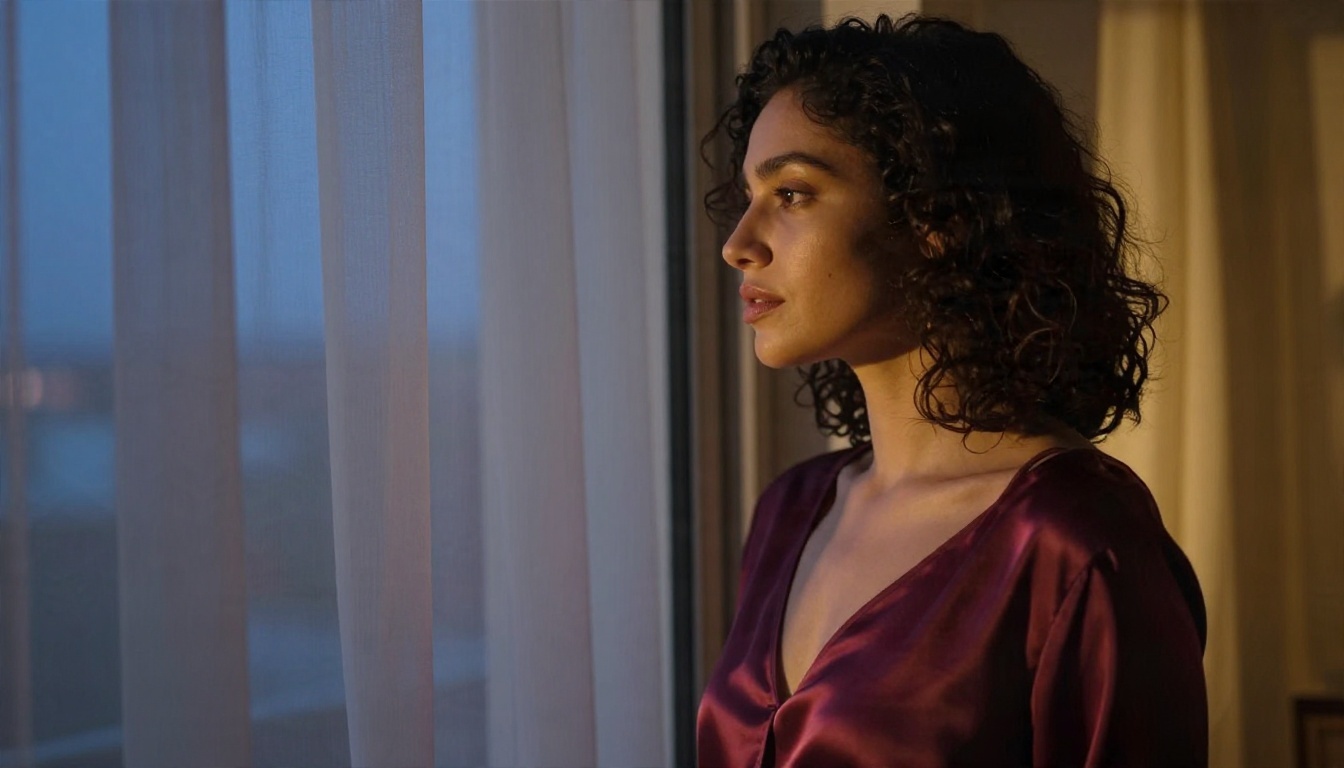
- Evening chic: "Woman in a deep burgundy silk camisole by a balcony door at blue hour, sheer curtain moving, cool window light mixed with a warm lamp, 85mm f/1.8."
Small details that change everything
- Say where the light comes from (left, behind, overhead).
- Name fabrics: satin, lace, linen, knit. Each one renders with its own sheen.
- Mention skin texture: freckles, soft peach fuzz, natural pores.
- Add a film look such as Kodak Portra 400 grain for a warmer, less plastic feel.
- Keep the pose natural: looking away, adjusting a strap, holding a phone.
Chat Bot or Image Studio?
Which route fits you depends on what you want from the experience.
| If you want... | Better choice |
|---|
| Spontaneous flirty conversation | A character chat site (expect an account and caps) |
| A consistent, visual character | Seedream 4.5 plus Image Editor Pro on PicassoIA |
| Backstory and dialogue to paste into a chat | An LLM such as Claude Sonnet 5 or Gemini 3.5 Flash |
| No daily limit on creating | Image Editor Pro with unlimited generations |
| Maximum privacy | Local or private tools, nicknames, no personal photos |
The hybrid approach
Many people combine both. Draft the persona and sample dialogue with an LLM, create the character's look with Seedream 4.5, refine scenes in Image Editor Pro, and take the personality sheet into whichever chat site you prefer. You end up with a character you control, instead of one that lives behind someone else's message counter.
A word on responsible use
Keep every character an adult, never base a character on a real person without their consent, and do not share generated images in ways that could mislead or harm. Photoreal tools are powerful, and good judgment is part of using them well.
Try It Yourself
The honest summary: free NSFW chat with no sign up exists only in small, limited pockets, and the free tiers come with caps, queues, and privacy trade-offs. If you want a character that feels real, you do not have to depend on a message counter.
Start with a persona from Claude Sonnet 5 or Gemini 3.5 Flash, give her a face in Seedream 4.5, and keep refining with PicassoIA Image Editor Pro and its unlimited generations. Try a boudoir portrait tonight, a beach scene tomorrow, then build a whole series. When you want more options, browse every model at picassoia.com/en/all-models and see what you can create.