You typed "NFSW free generator" into a search bar, and now you are looking at fifty tabs that all promise the same thing: unlimited adult images, no sign-up, no limits. Most of them lie by omission. The free tier gives you three blurry results, a watermark across the middle, and a paywall before the fourth render. Others quietly log every prompt you type. A few simply do not work.
This article sorts the noise. You will see how an NSFW generator actually works, which kinds of tools exist (browser, app, local install), what "free" really costs, and which alternatives on PicassoIA deliver sharp, photorealistic, non-explicit glamour with fewer headaches. Everything here focuses on tasteful, adult-only content: swimwear, boudoir styling, fashion editorials and suggestive portraits, never anything pornographic.
💡 Quick note on the spelling: "NFSW" is a very common typo for "NSFW" (Not Safe For Work). Search engines treat both the same, so this article uses the correct spelling from here on.
What an NSFW Generator Does
At its core, an NSFW generator is a text-to-image model with fewer content restrictions than the mainstream assistants. You type a description, the model predicts pixels, and a few seconds later you get a picture. The difference lies in what the model was trained on and what filters sit around it.
How the Technology Works
Modern image models are diffusion or transformer based systems trained on enormous photo collections. They learn how skin catches light, how silk folds, how a bikini strap sits on a shoulder. When you write "adult woman in a white bikini by an infinity pool, golden hour, 85mm lens," the model assembles those learned patterns into a new picture.
Two layers decide whether you get a result:
- The model itself, which may or may not have been trained on adult-oriented imagery.
- The safety filter, a separate classifier that blocks prompts or outputs before you see them.
Mainstream tools usually run strict filters on both layers. That is why a perfectly innocent swimwear prompt can come back as "blocked by content policy." Tools aimed at adult audiences relax the filter, and that relaxed filter is what people mean when they say "NSFW generator."
Why People Search for "Free"
The honest answer: image generation costs real money. Every render burns GPU time. So "free" nearly always means one of four things: a small daily credit allowance, a trial that expires, a watermark on every output, or a business model built on your data. Knowing which one you are dealing with saves hours.
There are three broad families of NSFW generators. Each has a different tradeoff between convenience, privacy and output quality.
Browser Tools
Web generators need no installation. You open a page, type a prompt, press a button. This is the easiest path and also the most crowded. Quality ranges from excellent to awful, because many sites simply wrap an older open model in a pretty interface.
Pros: instant access, works on any device, no hardware needed.
Cons: credit limits, watermarks, unclear data policies, frequent disappearing sites.
Mobile Apps
App stores are strict about adult content, so most "NSFW" apps either ship with soft filters or disguise themselves as generic avatar makers. Many push weekly subscriptions with confusing cancellation steps. If an app asks for a payment before showing a single sample, walk away.
Pros: convenient for quick edits, camera roll integration.
Cons: subscriptions, aggressive upsells, inconsistent filters, limited prompt control.
Local Installs
Technically minded users run open models on their own graphics card. You get total control and total privacy, but you also get driver headaches, gigabytes of downloads and a machine that sounds like a jet engine. For most people, it is more work than the pictures are worth.
Pros: no filters you did not choose, no per-image cost after hardware.
Cons: expensive GPU needed, complex setup, you handle every update.
| Option | Cost reality | Privacy | Output quality | Effort |
|---|
| Free browser tool | Credits, watermarks | Varies widely | Inconsistent | Very low |
| Mobile app | Often weekly subscription | Often unclear | Mixed | Low |
| Local install | Hardware cost | Highest | Excellent with tuning | High |
| Hosted platform with open models | Generous or unlimited tiers | Clear policy | Consistently high | Low |
The Real Cost of "Free"
Before you commit to any tool, check what you are paying with. It is rarely just money.
Credits, Queues and Watermarks
Free tiers throttle you in three ways. First, a credit cap: ten images a day, then nothing. Second, queue priority: free users wait minutes while paying users get seconds. Third, watermarks: a logo placed exactly where it ruins the picture. A tool with all three is not free, it is a demo.
💡 Fast test: generate one image and zoom in. If you see a watermark, noisy skin, melted fingers or a plastic sheen, the model is old or heavily compressed. Move on.
Privacy and Data
Adult prompts are personal. Before you type anything, look for a plain-language statement on whether prompts and outputs are stored, and whether they are used for training. Avoid tools that demand a photo of a real person, a phone number, or social media login for basic generation. If the privacy page is missing, treat the tool as if it keeps everything.
Best Alternatives on PicassoIA
If you want uncensored creative freedom with consistent quality, a hosted platform that lets you pick between several strong models is a smarter move than rotating through random free sites. These are the options worth trying, in the order that makes sense for most people.
Seedream 4.5 First
Seedream 4.5 is the strongest starting point for glamour and swimwear work. It renders skin with believable pores, handles fabric like satin and lace convincingly, and follows long prompts closely. Sharp detail and faithful lighting make results look like real photography rather than a stylized filter. Generation is fast, so you can test five prompt variations in the time other tools take to finish one.
Image Editor Pro for Unlimited Runs
PicassoIA Image Editor Pro is the one to open when you want to keep going without watching a credit counter. It offers unlimited generations, so you can refine outfits, backgrounds and lighting through dozens of iterations, then keep the best frame. It is also an editor: swap a background, adjust styling or fix small details on a picture you already like, rather than starting from scratch.
Flux Dev and Z Image Turbo
Flux Dev is a reliable photorealistic generator with excellent prompt adherence. It shines with natural light, outdoor scenes and clean compositions. Z Image Turbo is the speed option: sharp results in seconds, perfect for brainstorming poses and settings before moving to a slower, higher fidelity model.
Realistic Vision v5.1
Realistic Vision v5.1 is a long-standing favorite for lifelike portraits. It has a warm, film-like look that suits boudoir and candid lifestyle shots. It is lighter than the newest models, but its human faces and skin tones remain hard to beat for the price of a single credit.
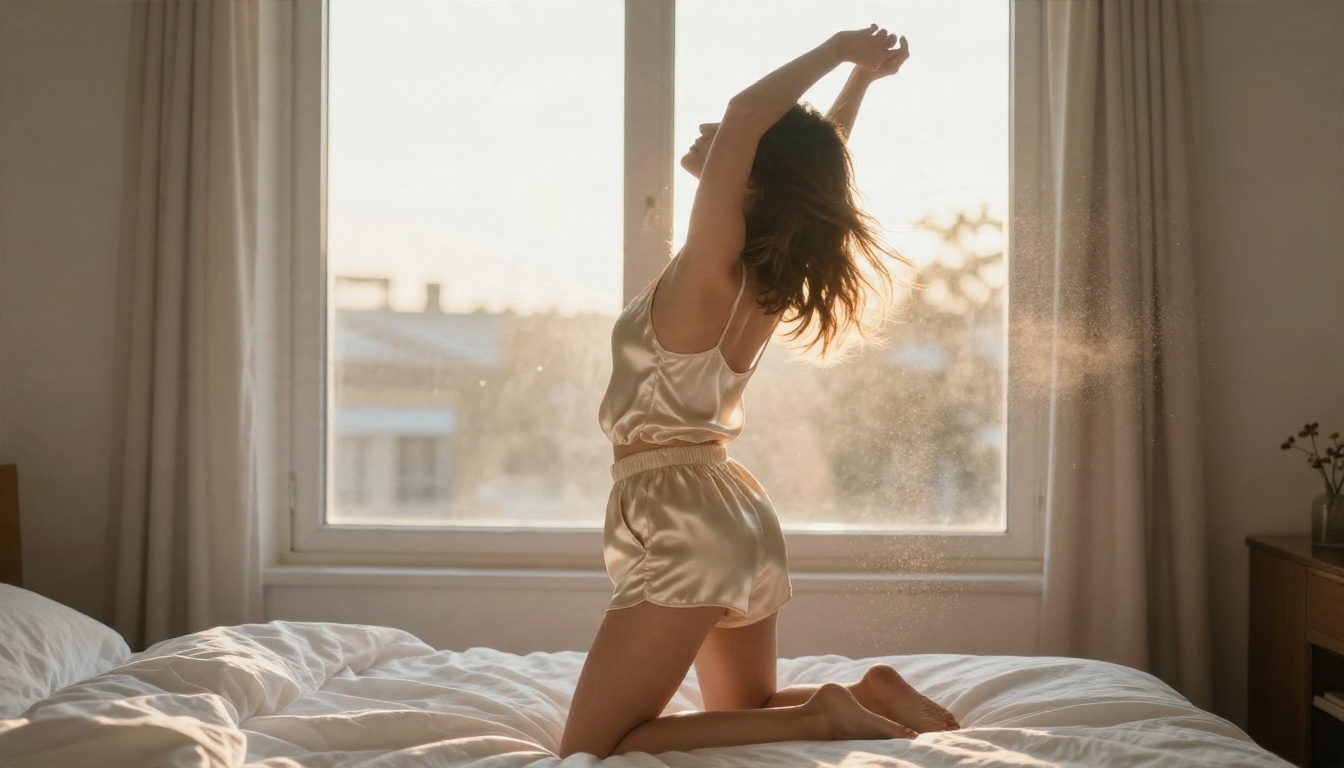
How to Use Seedream 4.5 on PicassoIA
Here is a repeatable workflow that gets a usable image in a couple of minutes.
- Open the model page. Go to Seedream 4.5 on PicassoIA and sign in.
- Write the subject first. Start with who and what: "adult woman in a white linen shirt and bikini bottoms, standing on a balcony at sunrise."
- Add the setting. Describe the place in one sentence: "Mediterranean apartment, terracotta tiles, sea in the distance."
- Specify light and lens. This is where realism comes from: "soft golden light from the left, 85mm f/1.8, shallow depth of field."
- Set the aspect ratio. Use 16:9 for wide scenes, 3:4 or 2:3 for portraits.
- Add texture words. "Visible skin pores, fine film grain, natural fabric creases."
- Generate and compare. Run three to five variations, then keep the strongest composition.
- Refine in Image Editor Pro. Pull your favorite into PicassoIA Image Editor Pro to adjust background, outfit color or small details without losing the original look.
💡 Parameter tip: keep prompts between 40 and 80 words. Shorter prompts leave too much to chance, and much longer ones start to contradict themselves.
Prompts That Stay Tasteful
The best adult-oriented images are suggestive, not explicit. Magazine glamour has a recognizable language, and your prompt should speak it. Pictures that stay in this lane also look more professional and are easier to share.
A Simple Prompt Formula
Use this order every time:
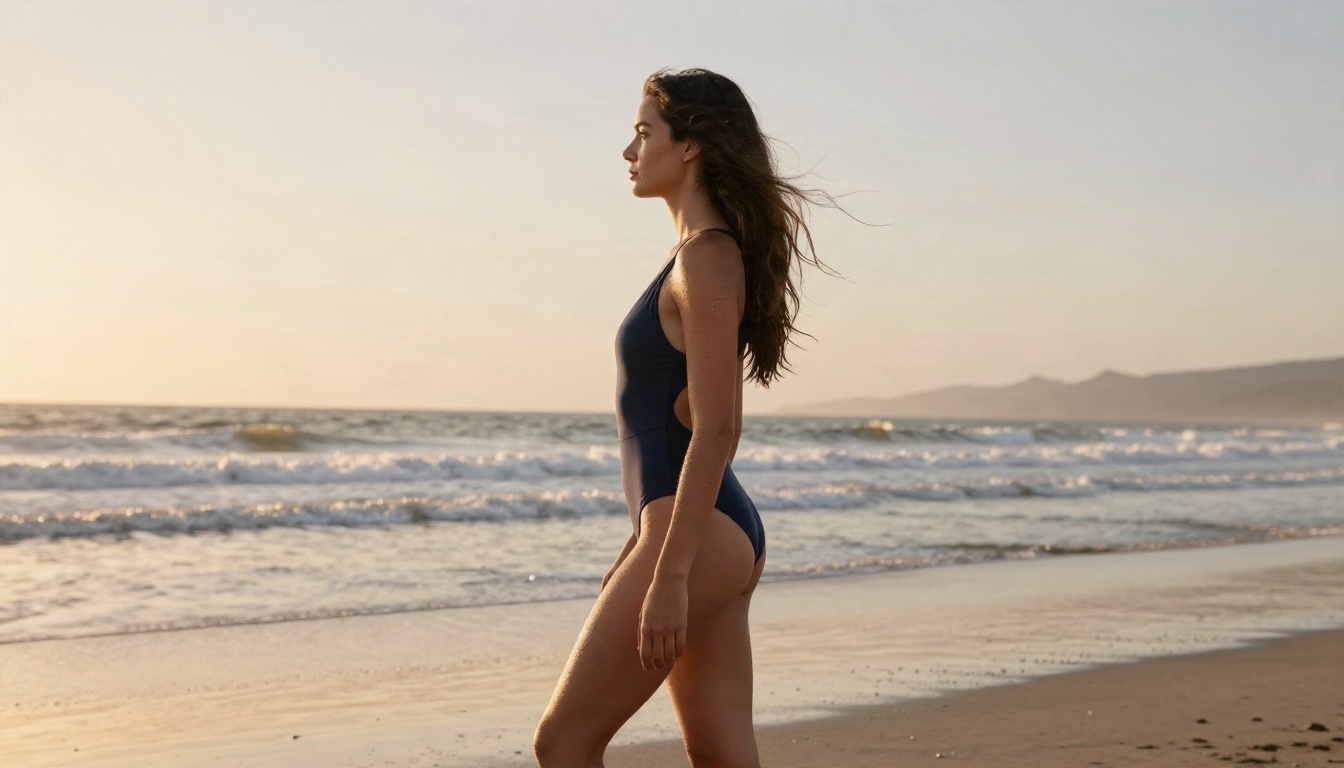
- Subject and pose: "adult woman in a navy one-piece swimsuit walking along the shoreline"
- Environment: "quiet beach at golden hour, wet sand reflecting the sky"
- Lighting: "warm backlight rimming her shoulders"
- Camera: "135mm f/2 telephoto, compressed background"
- Texture and mood: "salt-dried skin, water droplets, Kodak Portra 400 grain"
Notice that every piece describes something a photographer could actually control. That is the secret behind images that look shot rather than generated.
Lighting and Lens Words That Work
| Goal | Words to add |
|---|
| Soft, flattering skin | "diffused window light, 85mm f/1.4, shallow depth of field" |
| Dramatic mood | "single lamp from the right, deep shadows, 50mm f/1.8" |
| Warm and nostalgic | "Kodak Portra 400, film grain, golden hour backlight" |
| Wide scene feel | "28mm lens, hazy sun, visible environment" |
| Candid energy | "natural laugh, mid-motion, slight motion blur on hair" |
3 Common Mistakes
- Stacking too many adjectives. "Gorgeous, stunning, perfect, flawless" adds nothing. Replace with concrete details like fabric, light and lens.
- Ignoring hands and posture. Describe them: "relaxed fingers resting on the railing." Models often fumble hands when left to guess.
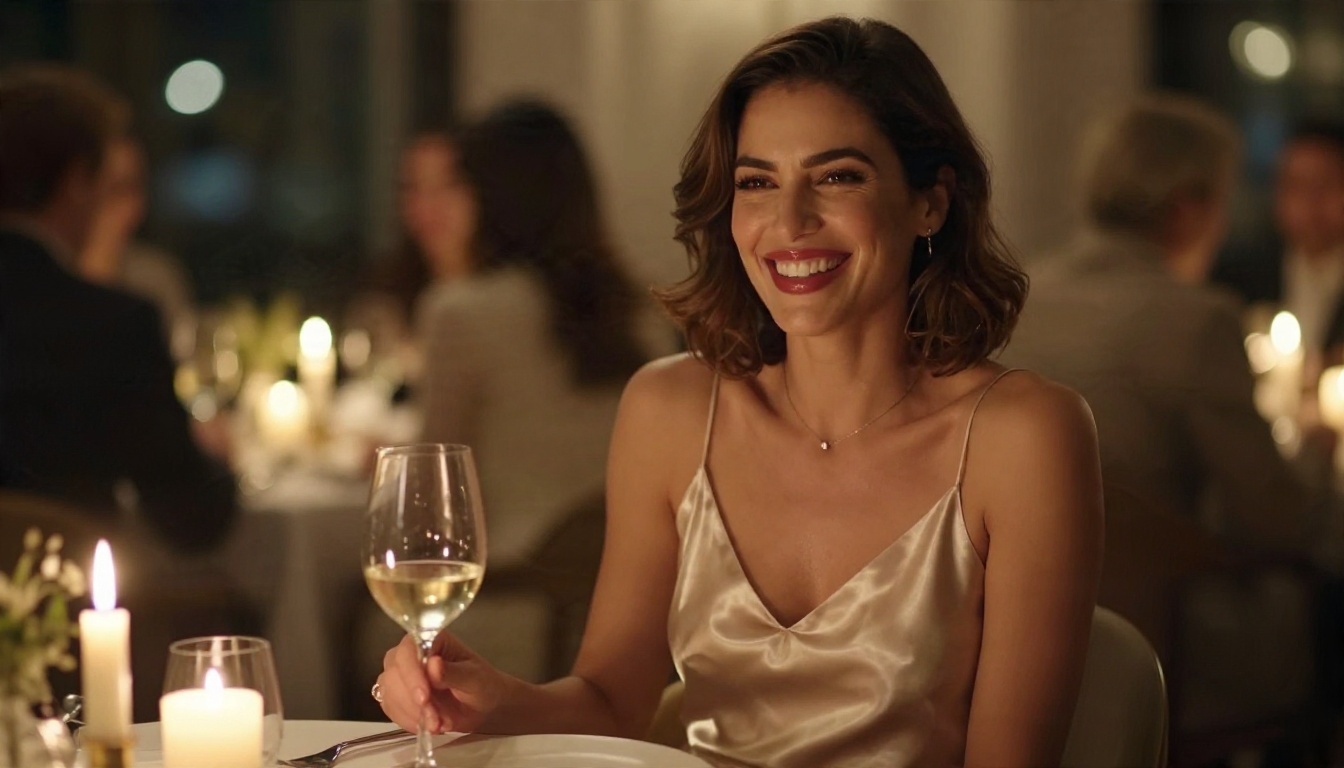
- Forgetting the background. A blank wall makes any picture look synthetic. A blurred restaurant, a palm-lined dock or a cluttered desk adds instant credibility.
Rules You Should Follow
Freedom to generate comes with responsibilities. These are not optional extras, they are the line between creative work and harm.
Adults Only, Always
Every subject you generate must be clearly an adult. Never write prompts that suggest youth, school settings or childlike features. Reputable platforms block this, and no legitimate tool will help with it. If a generator allows it, that is a reason to leave, not a loophole.
No Real People Without Consent
Do not generate adult imagery that uses the face, name or likeness of a real person who has not agreed to it. This covers celebrities, coworkers, exes and strangers from social media. Fabricated intimate imagery of real people causes genuine damage, and in many places it is now illegal. Create original, fictional characters instead. They are safer, they are more flexible, and your results will look better when the model is not copying a specific face.
💡 Good practice: keep your outputs private by default, avoid posting adult-leaning images on platforms that ban them, and label AI content when you share it.
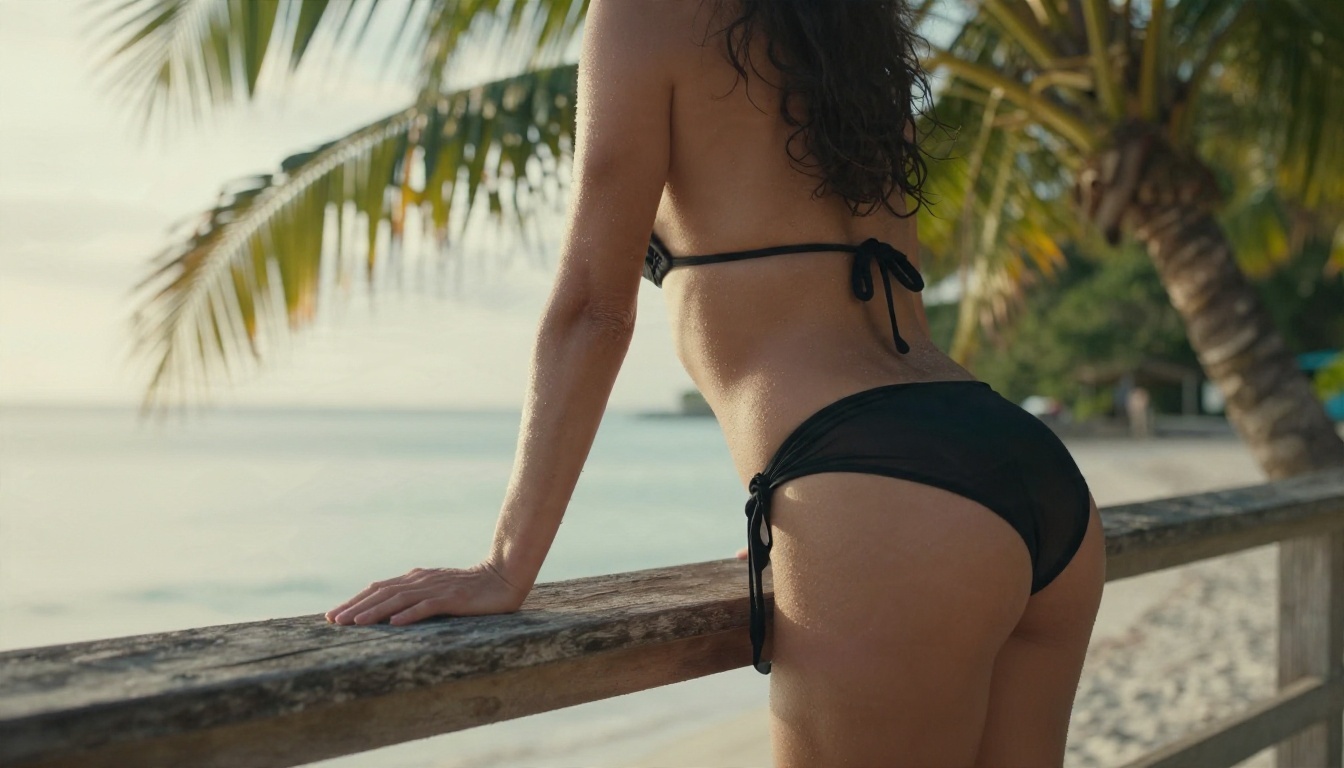
Start Creating Your Own Images
A real NSFW free generator should give you three things: quality you can use, freedom that does not collapse into a filter error, and a clear policy on your data. Most random websites give you one of the three at best.
On PicassoIA you can open Seedream 4.5 for sharp, photorealistic glamour, move to PicassoIA Image Editor Pro for unlimited iteration and edits, and try Flux Dev, Z Image Turbo or Realistic Vision v5.1 when you want a different look. Write one prompt using the formula above, run it through two models, and compare the results side by side. You will know within five minutes which one fits your style.
Ready to see what else is available? Browse every model at picassoia.com/en/all-models and start building your own collection of tasteful, photorealistic images today.


