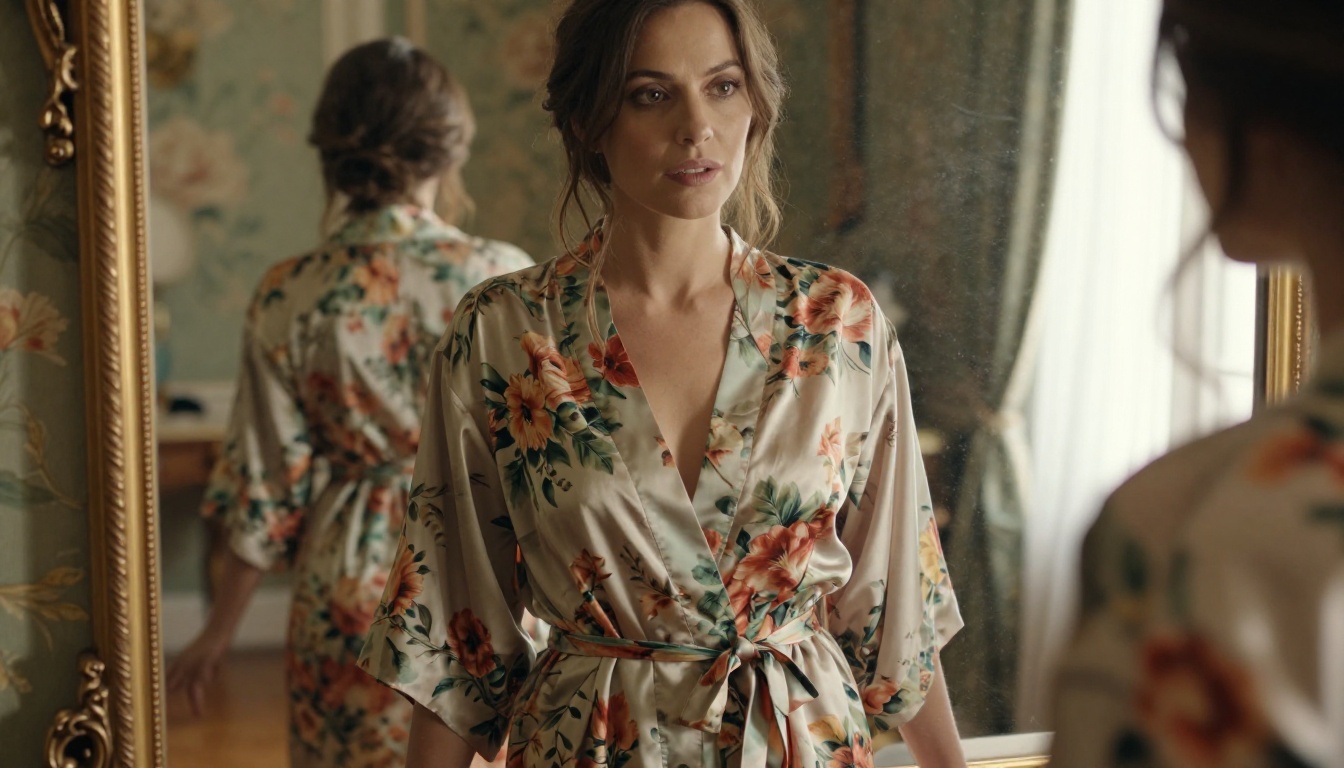
The days of needing a high-end GPU, a Linux terminal, and three hours of setup time to run NSFW AI image generators are over. Right now, in the browser tab next to this one, you can generate high-quality, suggestive, photorealistic AI art in under 30 seconds. No Python environment. No VRAM requirements. No downloads.
Browser-based NSFW AI generator apps have gone from novelty to genuinely impressive in a short span of time, and the best platforms now give you access to frontier-tier models like Flux 1.1 Pro, SDXL, and Stable Diffusion 3.5 Large without touching your machine's hardware at all.
This article breaks down how these browser-based tools work, which models produce the best results for adult-oriented artistic content, and how to write prompts that actually deliver.
Why Browser-Based NSFW Generators Changed Everything
For most of AI image generation's history, getting access to uncensored or NSFW-capable models meant either renting cloud compute by the minute, or building a local setup that required technical knowledge most people simply do not have. The barrier was high, and it filtered out a huge portion of users who wanted to experiment with artistic, suggestive, or adult-themed AI content.
Web-based platforms changed the math entirely.
No installs, no hardware hassles
When you use a browser-based NSFW AI generator app, the heavy computation happens on remote servers, not your machine. That means a laptop from 2018 with integrated graphics can generate the same quality image as a workstation with a top-tier GPU. The playing field is flat.
This shift is significant for several reasons:
- Anyone can access frontier AI models without hardware investment
- Generation speed is determined by server-side GPU clusters, not your CPU
- Model updates happen automatically, no manual downloads required
- No storage bloat: model weights (often 5-15GB per model) stay on the server
The privacy argument
There is a second, often overlooked advantage: browser-based tools tend to require far less system access than desktop applications. You are not installing executables, granting deep system permissions, or running background processes. For users who care about privacy and system security, this distinction matters.
That said, browser tools do process your prompts and generated images on their servers. Choose platforms with clear data and image retention policies.
What to Look for in a Browser NSFW Generator
Not all browser-based AI art generators are equal. The quality range between a mediocre web tool and a well-built platform is enormous, both in terms of output quality and the overall experience.
Model quality matters most
The model underneath the interface is the single biggest factor in output quality. Platforms that give you access to multiple models, especially newer ones like Flux 2 Pro or GPT Image 1.5, will consistently produce better results than those locked to older or proprietary architectures.
Look for:
| Feature | Why It Matters |
|---|
| Multiple model options | Different models excel at different styles |
| Negative prompt support | Controls what the model avoids generating |
| Aspect ratio control | Critical for portrait vs. landscape outputs |
| Seed/reproducibility | Lets you iterate on a good result |
| Resolution settings | Higher res for print or detailed crops |
Speed vs. realism tradeoffs
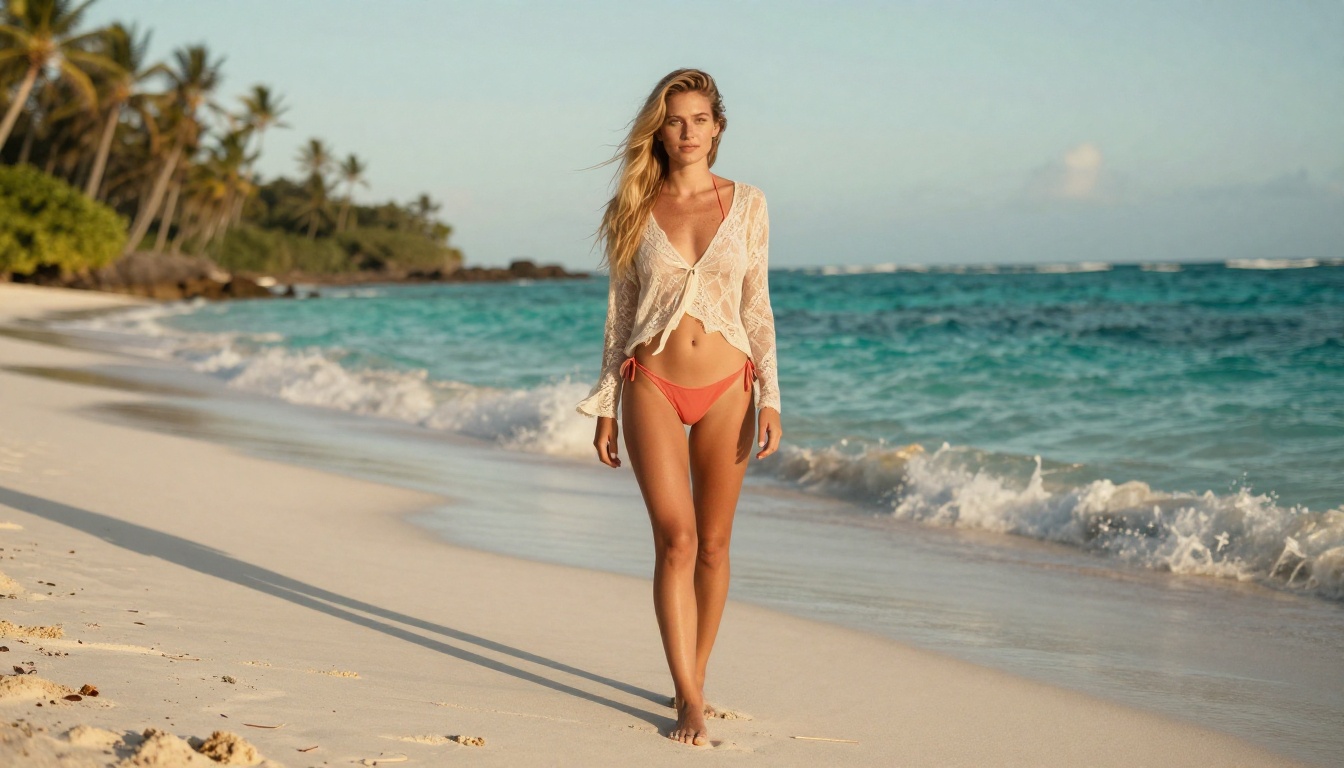
There is always a tradeoff between generation speed and image realism. Faster models like Flux Schnell and DreamShaper XL Turbo generate results in 2-5 seconds but sacrifice some fine detail. Slower, higher-quality models like Flux 1.1 Pro Ultra take 15-30 seconds but produce results that can genuinely pass for photography.
For NSFW content specifically, realism is usually the priority. Skin texture, lighting, and anatomical accuracy are where fast models show their limitations most clearly.
The Models Doing the Heavy Lifting
The model you choose shapes everything: skin rendering, light behavior, anatomical coherence, and how well the image responds to your prompts. Here are the ones worth knowing.
Flux: the new gold standard
The Flux family, developed by Black Forest Labs, has become the dominant architecture for high-quality realistic image generation. Flux 1.1 Pro in particular handles skin tones, facial anatomy, and natural lighting better than most models released before it.
Why Flux works for NSFW content:
- Exceptional prompt adherence, meaning what you describe is what you get
- Natural skin texture rendering with pores, tone variation, and shadow response
- Strong anatomical accuracy, particularly for poses and body proportions
- Consistent results across seeds, making iteration predictable
Flux Dev offers the quality of the Pro variant at a lower cost per generation, while Flux Schnell trades some detail for dramatically faster output, useful for rapid prototyping.
For maximum image fidelity, Flux 2 Pro represents the current ceiling in the Flux lineup, with markedly improved handling of complex scenes and multiple subjects.
SDXL and its realism-focused variants
SDXL from Stability AI remains one of the most widely used base architectures, and its ecosystem of fine-tuned variants has produced some of the best photorealistic models available.
RealVisXL v3.0 Turbo is specifically trained for photorealistic human subjects. It handles skin, fabric, and environmental lighting better than the base SDXL model, and it processes images faster thanks to turbo distillation.
💡 Tip: When using RealVisXL, add negative prompts like "cartoon, illustration, painting, cgi" to keep the model anchored to photorealistic output even when generating expressive or dynamic poses.
Stable Diffusion 3.5 for fine-tuned control
Stable Diffusion 3.5 Large brings improved compositional intelligence over earlier SD versions. Where older Stable Diffusion models sometimes struggled with complex prompts involving multiple descriptors, SD 3.5 Large handles layered descriptions with more reliability.
It is a strong choice when you need precise control over scene composition, particularly for prompts that specify exact lighting conditions, camera angles, or environmental details.
How to Write NSFW Prompts That Actually Work
The most common source of disappointing results is not the model: it is the prompt. NSFW AI image generation rewards descriptive, layered, specific prompts. Vague inputs produce generic outputs.
The anatomy of a strong prompt
Think of your prompt as a brief for a professional photographer. Describe:
- The subject: Who they are, what they are wearing, their pose, expression, and body position
- The environment: Where the scene takes place, background elements, setting details
- The lighting: Direction, quality, and color temperature of the light source
- The camera: Lens type, focal length, aperture, and resulting depth of field
- The film/processing: Color science (e.g., Kodak Portra 400), grain, and tonal range
Example of a weak prompt: beautiful woman in bikini on beach
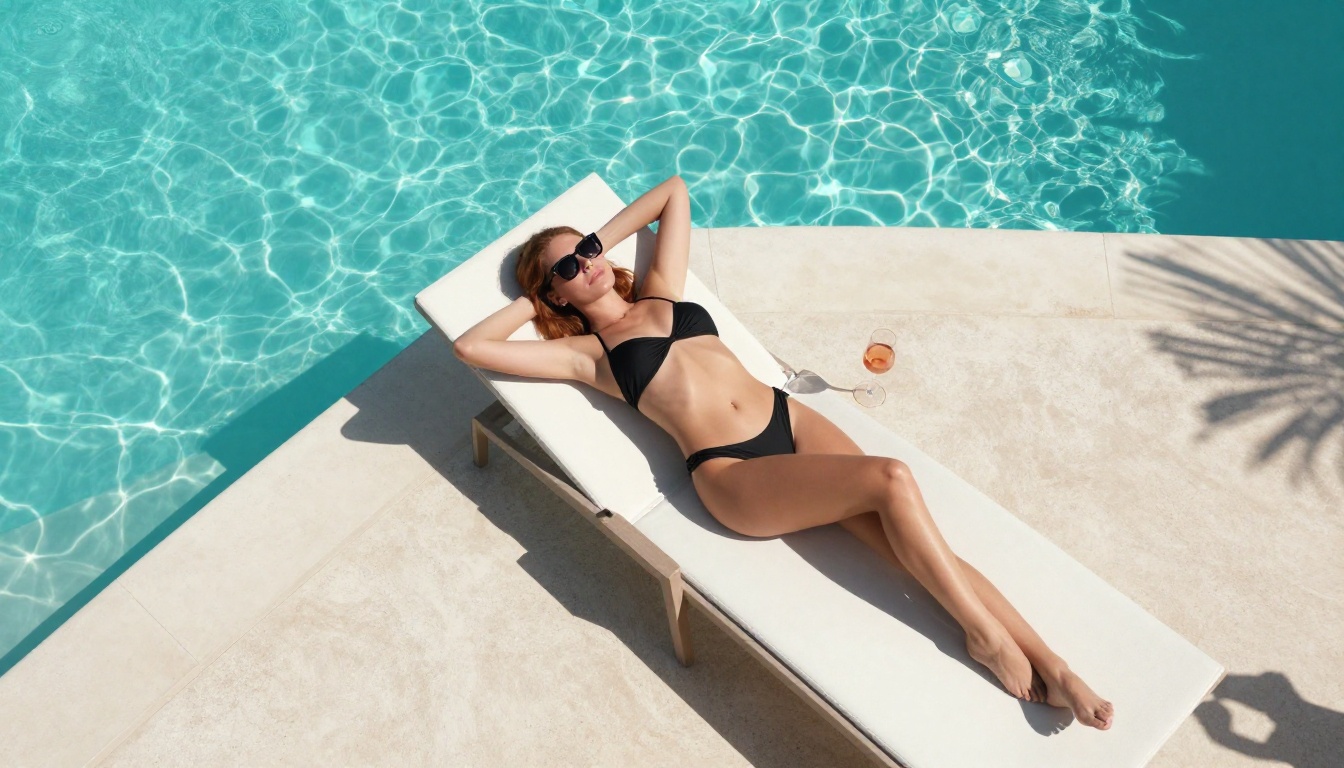
Example of a strong prompt: A woman with olive skin wearing a coral high-waisted bikini, standing barefoot at the waterline of a Mediterranean beach, warm 6pm golden hour light from the left, Canon 85mm f/1.8, shallow depth of field, Kodak Portra 400 film grain, RAW 8K photography
The second prompt gives the model specific constraints that push it toward a realistic, high-quality result.
3 common prompt mistakes
1. Over-relying on style words without specifics. Words like "beautiful," "gorgeous," or "stunning" add almost nothing. Describe the physical details instead.
2. Skipping lighting entirely. Lighting is arguably the most important element in realistic photography, and it is the most commonly omitted from prompts. Always specify direction, color temperature, and quality.
3. Forgetting negative prompts. Tell the model what to avoid: "cartoon, airbrushed, plastic skin, CGI, illustration, anime" are common outputs without proper negative prompting.
Browser vs. Desktop: The Real Comparison
The debate between browser-based and desktop NSFW generators is often framed as a quality issue. It is not, or at least, it has not been for the past year. Here is an honest breakdown:
| Factor | Browser-Based | Desktop (Local) |
|---|
| Setup time | 0 minutes | 2-8 hours |
| Hardware requirement | Any device with a browser | 8GB+ VRAM GPU recommended |
| Output quality | Same models, same quality | Same models, same quality |
| Speed | Depends on server load | Depends on local GPU |
| Privacy | Images processed on server | All local, fully private |
| Cost | Subscription or credits | One-time hardware cost |
| Model variety | Platform-dependent | Unlimited via HuggingFace |
| Updates | Automatic | Manual |
The honest answer: if you have a capable GPU and value complete privacy, local setups have real advantages. For everyone else, browser-based tools offer the same models with dramatically less friction.
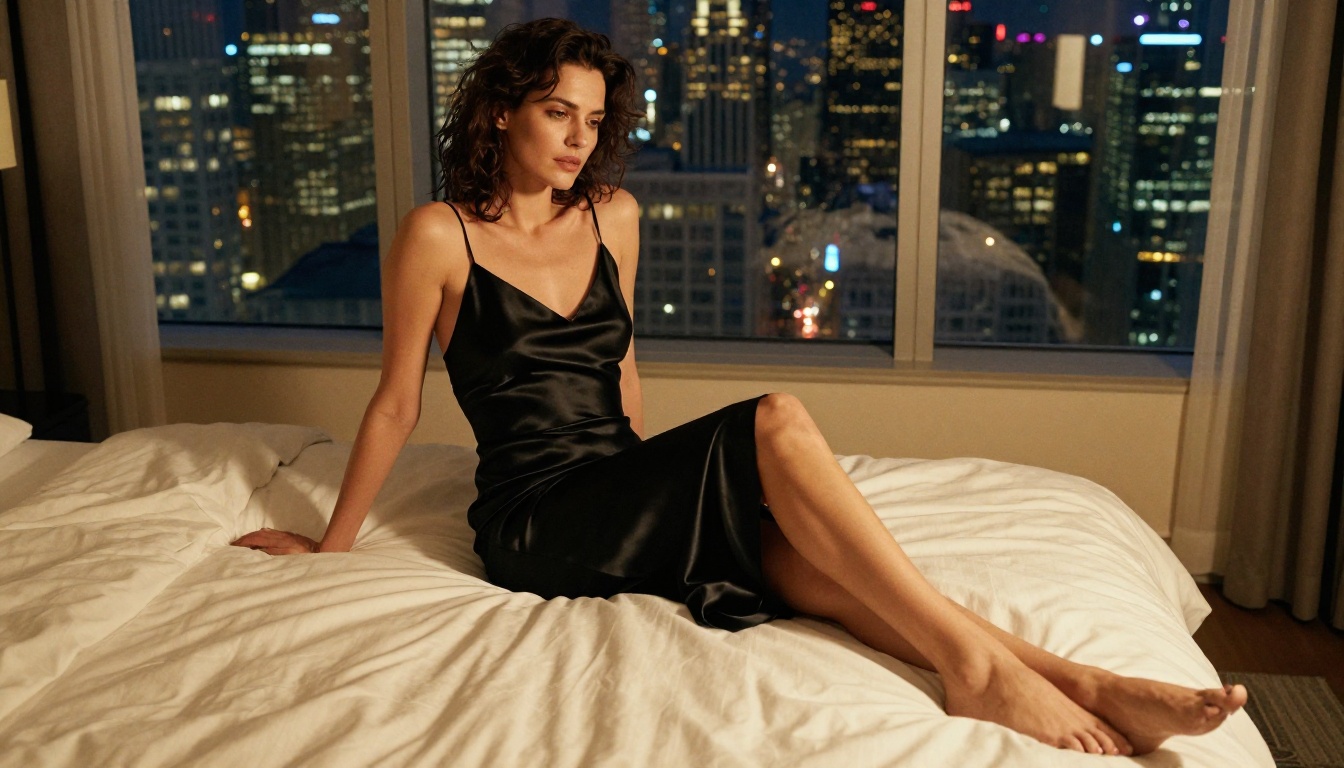
How to Use Flux 1.1 Pro on PicassoIA
Flux 1.1 Pro is available directly in the browser on PicassoIA with no setup required. Here is how to get the most out of it.
Setting up your first generation
- Go to the Flux 1.1 Pro page on PicassoIA
- In the prompt box, write a detailed description following the anatomy guidelines above
- Set aspect ratio to 16:9 for landscape or 9:16 for portrait (portrait works better for single-subject shots)
- Leave seed empty for variety, or set a fixed seed to iterate on a specific result
- Click generate and wait 15-30 seconds for the full-quality output
Parameters that change everything
💡 Guidance Scale: Higher values (7-10) make the model follow your prompt more strictly. Lower values (3-5) give it more creative freedom. For NSFW photorealism, 7-8 is the sweet spot.
Steps: More steps generally mean more detail. Flux 1.1 Pro works well at its default settings, but if your platform exposes a steps parameter, 30-50 steps tends to produce the sharpest results.
Seed locking: Once you find a result you like, copy the seed number. You can then adjust your prompt while keeping the same underlying composition, making iteration far more efficient.
Negative prompts for Flux: While Flux responds less dramatically to negative prompts than older diffusion models, including cartoon, airbrushed, plastic, CGI, painting still helps anchor the output to photorealistic territory.
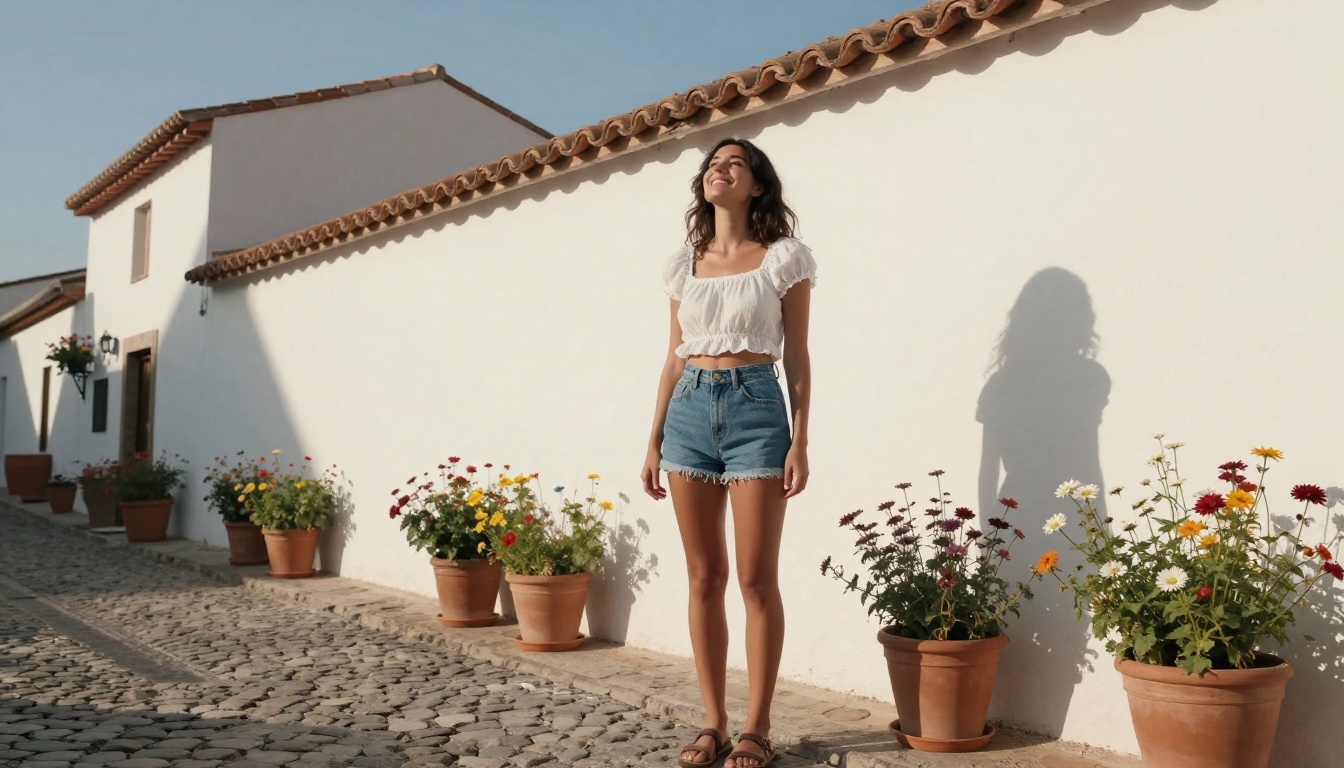
Models That Specialize in Realistic Results
Beyond the Flux family, several models have built reputations for photorealistic human subject generation.
RealVisXL for photorealistic output
RealVisXL v3.0 Turbo is a fine-tuned SDXL variant trained on high-quality photography datasets, making it one of the better choices for realistic skin, hair, and fabric rendering. The turbo variant generates results faster without a significant quality penalty, which makes it practical for iterating on prompts quickly.
It responds well to photography-style prompts that reference specific camera equipment, film stocks, and lighting setups.
Realistic Vision v5.1
Realistic Vision v5.1 is a long-standing community favorite for photorealistic human subjects. It tends to produce slightly warmer skin tones compared to RealVisXL and handles natural environmental lighting particularly well.
Where Realistic Vision shines most is in outdoor settings with complex natural light: dappled sunlight, golden hour, or overcast diffused lighting. For indoor scenes with artificial light, RealVisXL often edges it out.
Quick comparison:
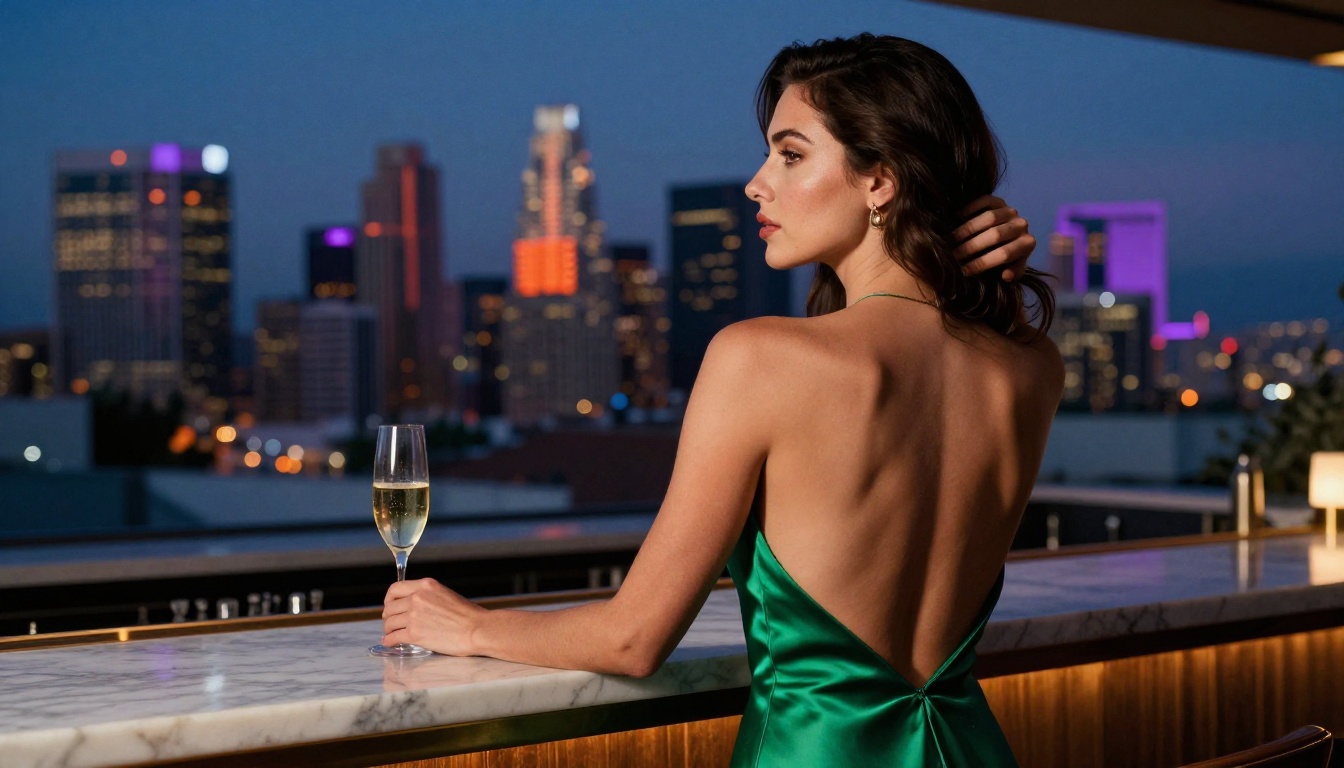
"NSFW" means different things in different contexts, and it is worth being precise about what browser-based AI generators typically allow and where their limits sit.
Suggestive vs. explicit: a real distinction
Most well-run AI platforms draw a clear line between suggestive/artistic content and explicit/pornographic content. This distinction is not arbitrary: it is enforced through model training, output filtering, and platform policy.
Suggestive content typically includes:
- Swimwear, lingerie, and form-fitting clothing
- Implied nudity (a figure draped in fabric or photographed from angles that suggest nudity without showing it)
- Artistic boudoir or glamour photography aesthetics
- Fashion and beauty photography with revealing styling
Explicit content, which responsible platforms block, includes graphic sexual imagery or content that sexualizes individuals in non-consensual contexts.
Platform content policies
Read them. Not because you are likely to get in trouble for tasteful content, but because understanding where a platform draws the line helps you prompt more effectively within those boundaries.
Platforms that allow suggestive content usually do so through a combination of model-level training, automatic output filtering, and user consent gates (age verification or acknowledgment layers).
💡 Best practice: Prompt for photography aesthetics (glamour, boudoir, fashion) rather than explicit descriptions. This produces better-quality artistic results anyway, and keeps your prompts aligned with platform policies.
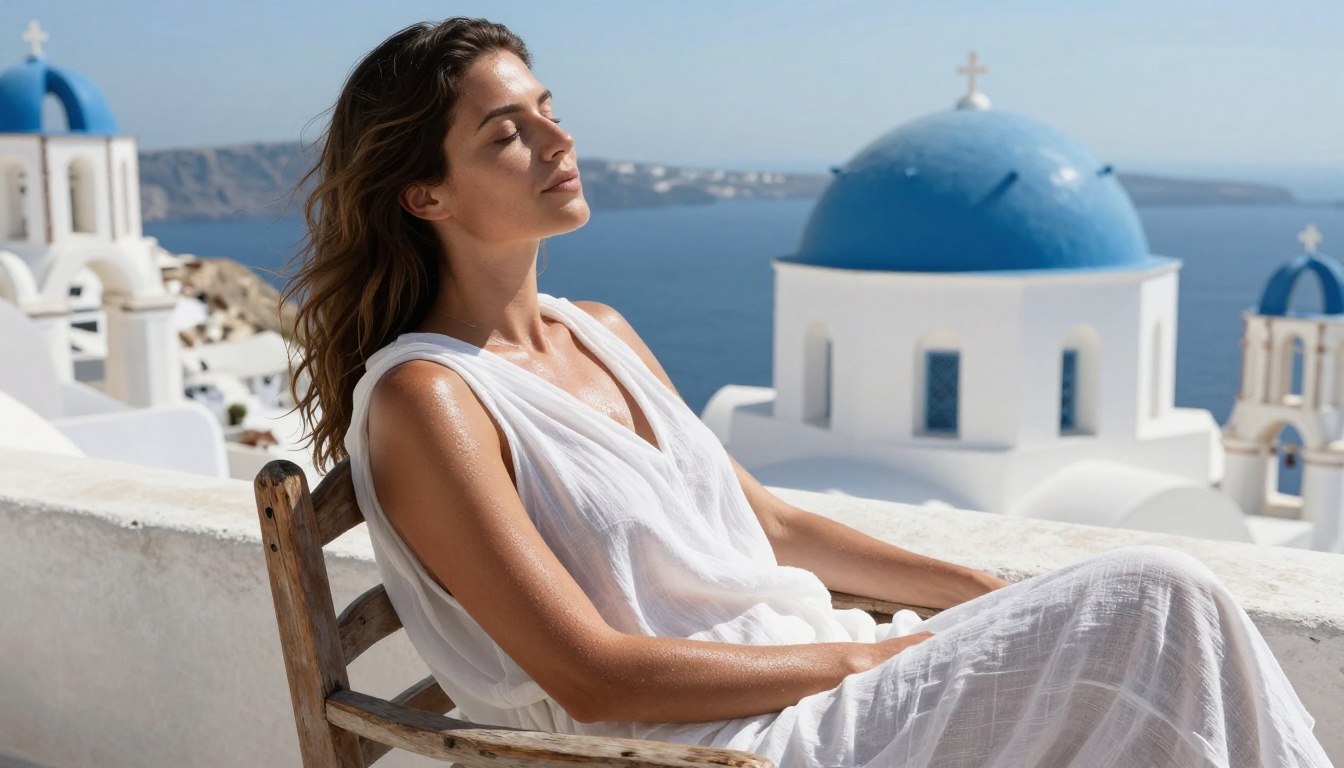
Browser-based AI platforms are no longer just image generators. The best ones have expanded into adjacent capabilities that significantly expand what you can do with generated content.
Super Resolution lets you upscale images 2x to 4x without quality loss, which is particularly useful for crops or close-up details that need more resolution than the original generation provided.
Face Swap AI allows you to replace faces in generated images with reference photos, which has obvious creative applications for portrait work and character consistency across a series.
Background Removal cleanly isolates subjects from their generated backgrounds, making compositing straightforward when you want to place a subject into a different environment.
Inpainting is one of the most powerful tools for refining AI generations: it lets you select a specific region of an image and regenerate just that area while keeping the rest intact. Fix an awkward pose, adjust a clothing detail, or correct an anatomical issue without starting over.
Models like Flux Kontext Pro take editing even further with text-based image modification, letting you describe what you want to change in natural language and having the model apply the edit directly to an existing image.
Start Creating Right Now
The best way to learn what these tools can do is to use them. Theory about prompting, model selection, and lighting only gets you so far: the real skill develops through iteration.
PicassoIA gives you direct browser access to over 91 text-to-image models, including the full Flux family, SDXL, Stable Diffusion 3.5, Realistic Vision, and newer arrivals like GPT Image 1.5 and Flux 2 Pro. No downloads, no setup, no waiting.
Start with a detailed photography-style prompt on Flux 1.1 Pro. Add specific lighting, camera lens details, and film stock references. Set your aspect ratio, generate, and iterate. Within a few attempts you will have a workflow that produces results worth keeping.
The tools are already there. The browser is open. The rest is just prompting.