Most people searching for an NSFW video creator want one thing: take a good still image and make it move. A slow turn of the head, hair lifting in the wind, a silk strap sliding off a shoulder, water rippling around a pool edge. That is image to video, and in 2027 it is the fastest route to short glamour clips that look like real footage instead of a glitchy render.
The catch is that the market is messy. Some tools block anything suggestive, others bury the good features behind subscriptions, and plenty of "free" sites are mostly watermarks and upsells. This article sorts it out: how the workflow works, which models fit it, the prompts that produce believable motion, and what each option really costs. Everything here stays in the suggestive, non-explicit lane: swimwear, lingerie-style fashion, evening wear and editorial glamour.
What an NSFW Video Creator Does
An NSFW video creator is any tool that accepts a still image (and often a text prompt) and returns a short video clip of the same subject in motion, without refusing adult-leaning glamour content. Think five to ten seconds, 720p or 1080p, sometimes with synchronized audio.
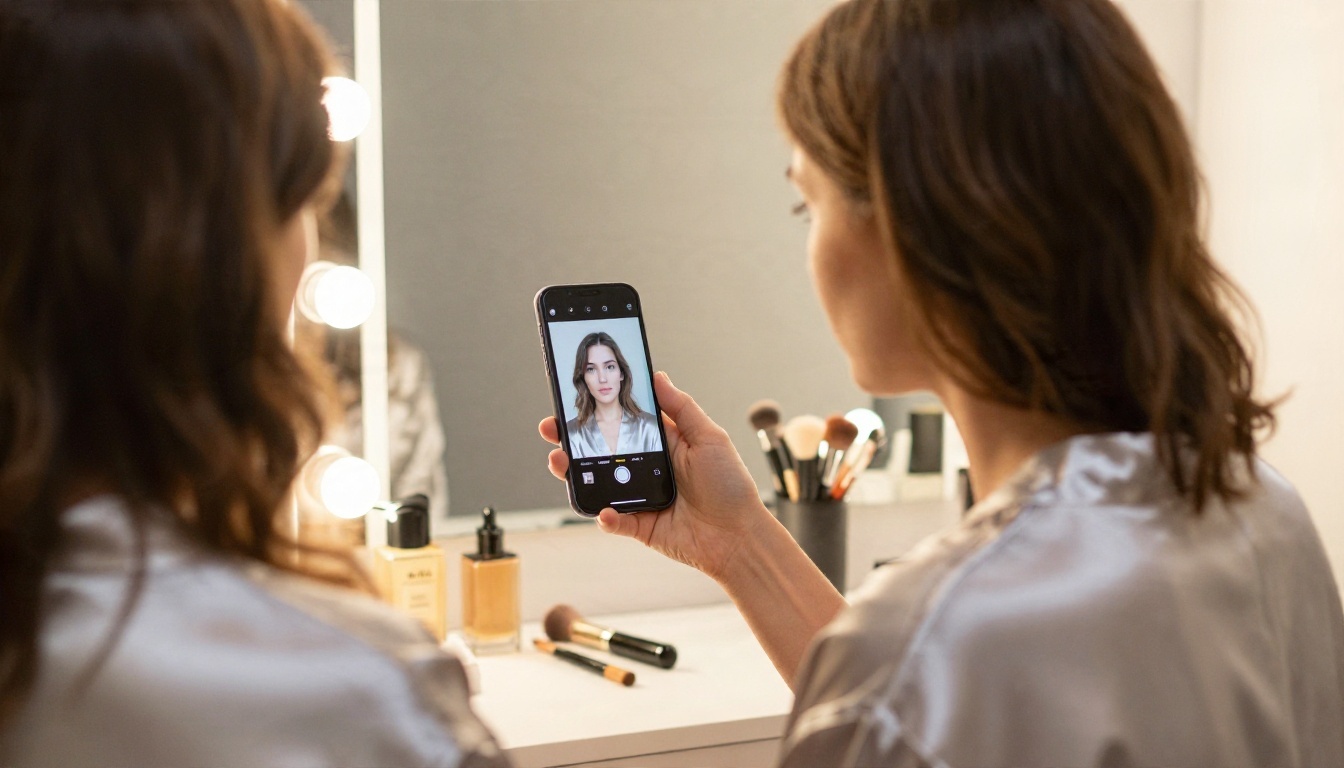
Image to video vs text to video
Text to video starts from nothing and asks the model to invent the person, the room and the motion all at once. Image to video gives the model a fixed first frame, so the face, outfit, lighting and background are already decided. You only direct the movement.
For glamour content, image to video wins almost every time:
- Consistency: the subject looks the same from the first frame to the last.
- Control: you pick the exact photo, pose and outfit before spending anything on video.
- Cost: a bad still costs a few cents to redo. A bad video costs much more.
- Speed: short clips from a strong still often work on the first or second try.
Why still images come first
The video model cannot fix a weak photo. If the still has melted hands, a plastic face or flat lighting, the clip will carry every flaw and add new ones as things start moving. Spend 80 percent of your effort on the source image. A great still plus a simple motion prompt beats a mediocre still with a clever prompt.
💡 Rule of thumb: if you would not post the still image on its own, do not animate it.
Build the Source Image First
Pick a model for the still
Your first stop is Seedream 4.5. It produces sharp, photoreal skin and fabric, and it handles swimwear, lingerie-style fashion and glamour portraits without the blocks that stop other mainstream models. Lead with it when you need a clean, high-resolution first frame.
Second is PicassoIA Image Editor Pro, which gives you unlimited generations. That matters more than it sounds. Finding the one good still usually takes six to twelve attempts, and unlimited runs mean you never ration your experiments. It is also fast, so iterating on pose, outfit and lighting feels instant rather than expensive. Use it to edit and refine stills too: swap an outfit, change the background, fix a detail, then send the result to a video model.
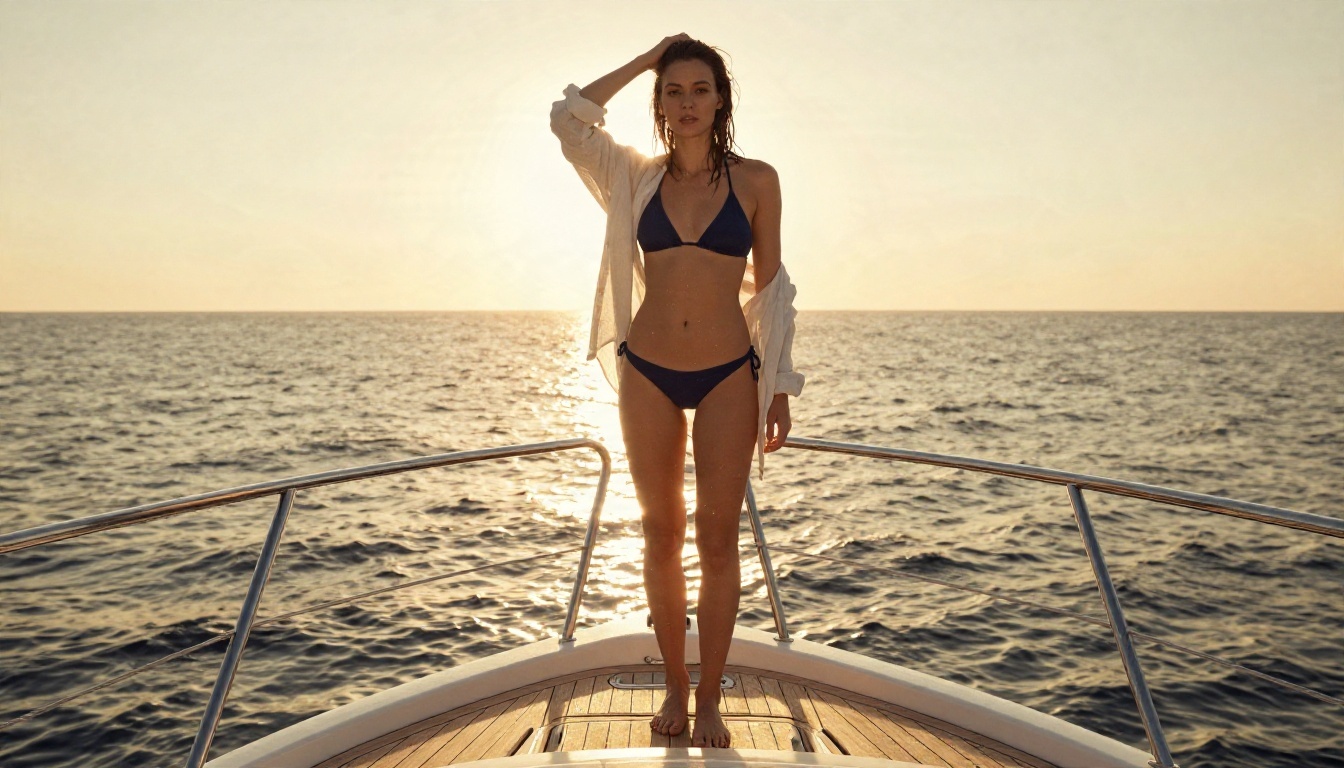
For more variety, two other image models are worth a test: Qwen Image 3 Pro for natural, photographic color and Riverflow v2.5 Pro for scored, high-resolution output.
Framing that animates well
Not every composition survives motion. These choices make a visible difference:
| Choice | Animates well | Animates badly |
|---|
| Framing | Medium shot, waist up, or full body with room around it | Tight crop that cuts off hands or hair |
| Pose | Relaxed, mid-gesture, slight turn | Stiff straight-on stance |
| Background | Simple, with natural movement (curtain, water, trees) | Busy crowds, text, signage |
| Lighting | Soft directional light, clear shadows | Flat midday flash, heavy backlight silhouette |
| Hands | Resting or hidden | Spread fingers, holding small objects |
| Clothing | Silk, linen, loose hair, swimwear | Complex patterns, lots of jewelry chains |
Fabric and hair are your best friends. They move naturally with a breeze or a turn, and the model has seen millions of examples of both.
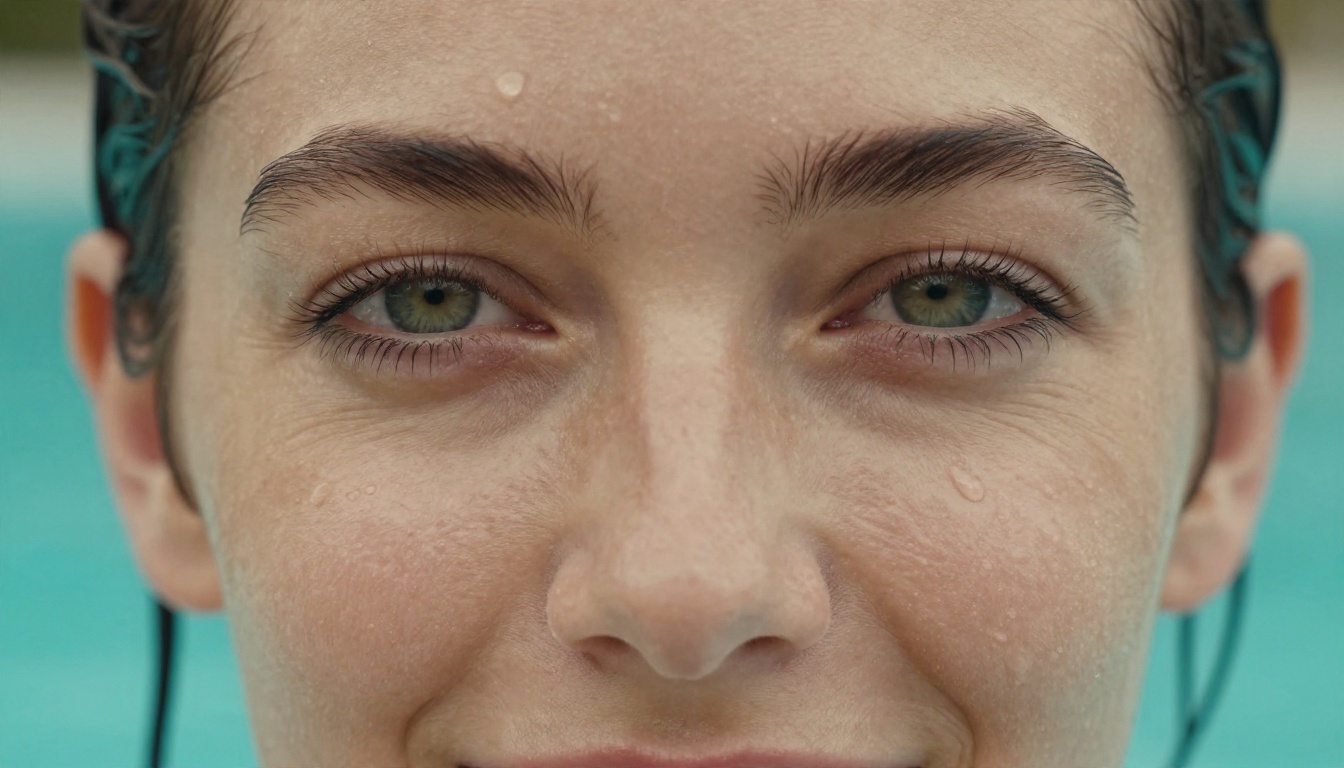
Close-ups like this one are perfect for subtle clips: a blink, a slow smile, a breath, water running off the cheek. They are also the cheapest to get right because the model only has to animate a small area.
Best Image to Video Models Compared
Here are the video models worth trying once you have a strong still. All of them are on PicassoIA, and every link below goes straight to the model page.
Fast and cheap
Start with Wan 2.5 I2V Fast or Hailuo 2.3 Fast. Use them as a testing lab: run the same still with three different motion prompts, keep the winner, and only then spend on a slower model.
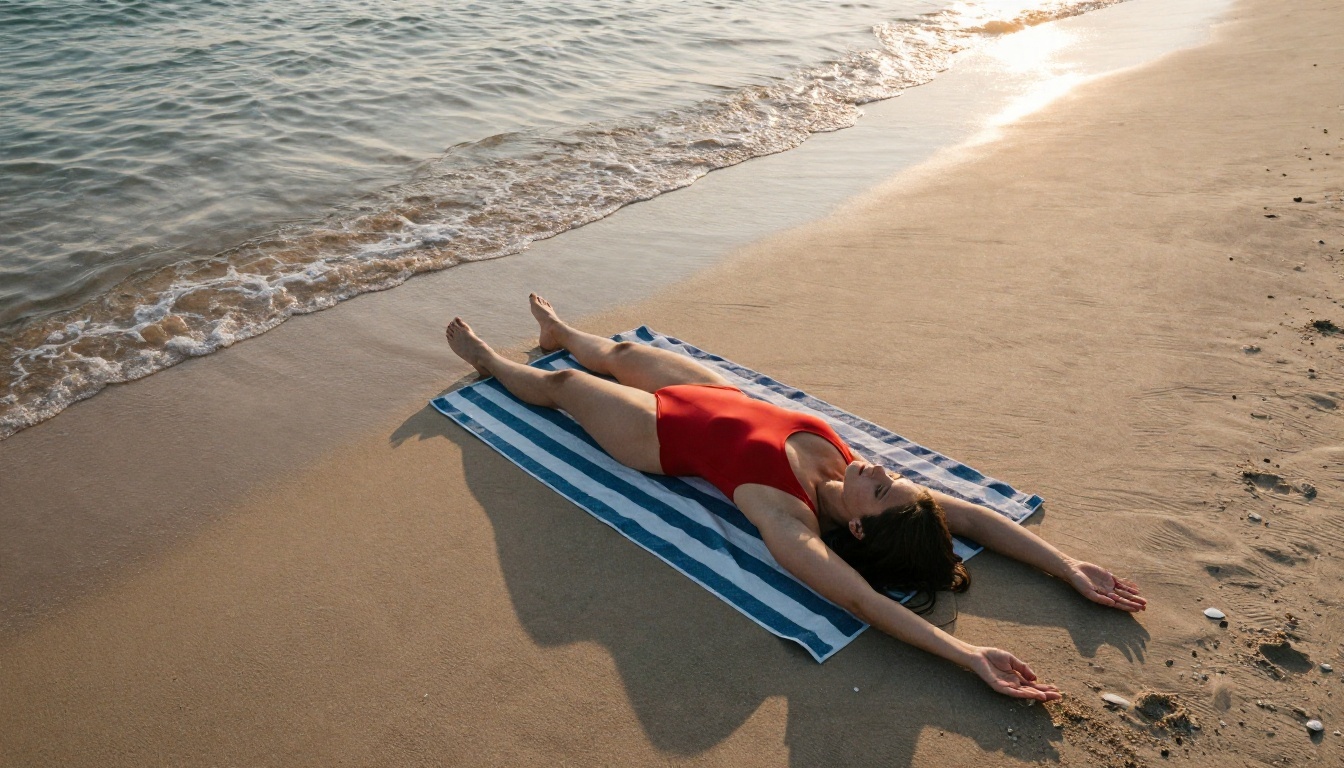
A wide beach shot like this one is a classic draft candidate. The motion is simple (waves, a slow camera drift, a hand brushing sand), so a fast model handles it well.
Highest realism
When you have a final still, move to Wan 2.7 I2V, Kling v2.5 Turbo Pro or Veo 3.1 Fast. They cost more per clip, but faces hold together better, hair behaves, and the overall feel is closer to a camera than a filter.
💡 Budget trick: draft on a fast model, finish on a premium one. You pay premium prices for one clip instead of ten.
Prompts That Actually Move
The motion prompt formula
A motion prompt is not a description of the picture. The model already sees the picture. It needs to know what changes over the clip. Use this order:
- Subject action: what the person does (turns, breathes, adjusts a strap, walks).
- Secondary motion: what moves because of it (hair, fabric, water, curtain).
- Camera move: slow dolly in, gentle pan, handheld drift, static.
- Light and mood: how the light shifts or stays warm and soft.
Keep it to two or three sentences. Long prompts confuse most models and produce extra, unwanted motion.
Ten prompts to copy and adapt
Each of these assumes a matching still image and stays suggestive, not explicit:
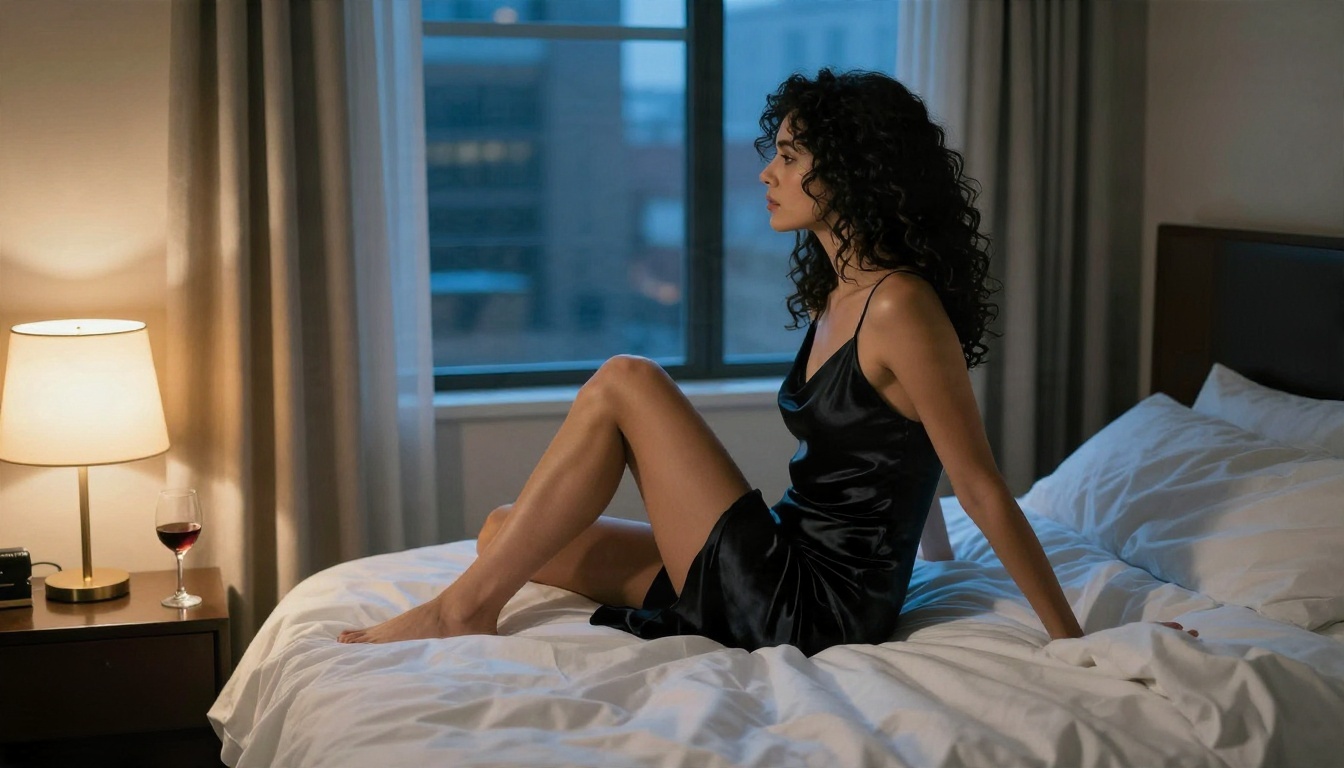
- She slowly turns her head toward the camera with a soft smile, hair settling over her shoulder. Slow dolly in. Warm bedside light.
- A light breeze lifts the sheer curtain and her hair while she looks out the window. Static camera, soft morning light.
- She steps forward along the deck, glancing back once. Camera tracks gently alongside. Golden hour sun, water sparkling.
- She pushes wet hair back with one hand and exhales, water droplets falling. Slow push in on her face.
- Silk dress ripples as she shifts her weight and looks over her shoulder. Gentle handheld sway, dusk light from the window.
- Waves roll in around her on the sand while she stretches and smiles. Slow upward crane move.
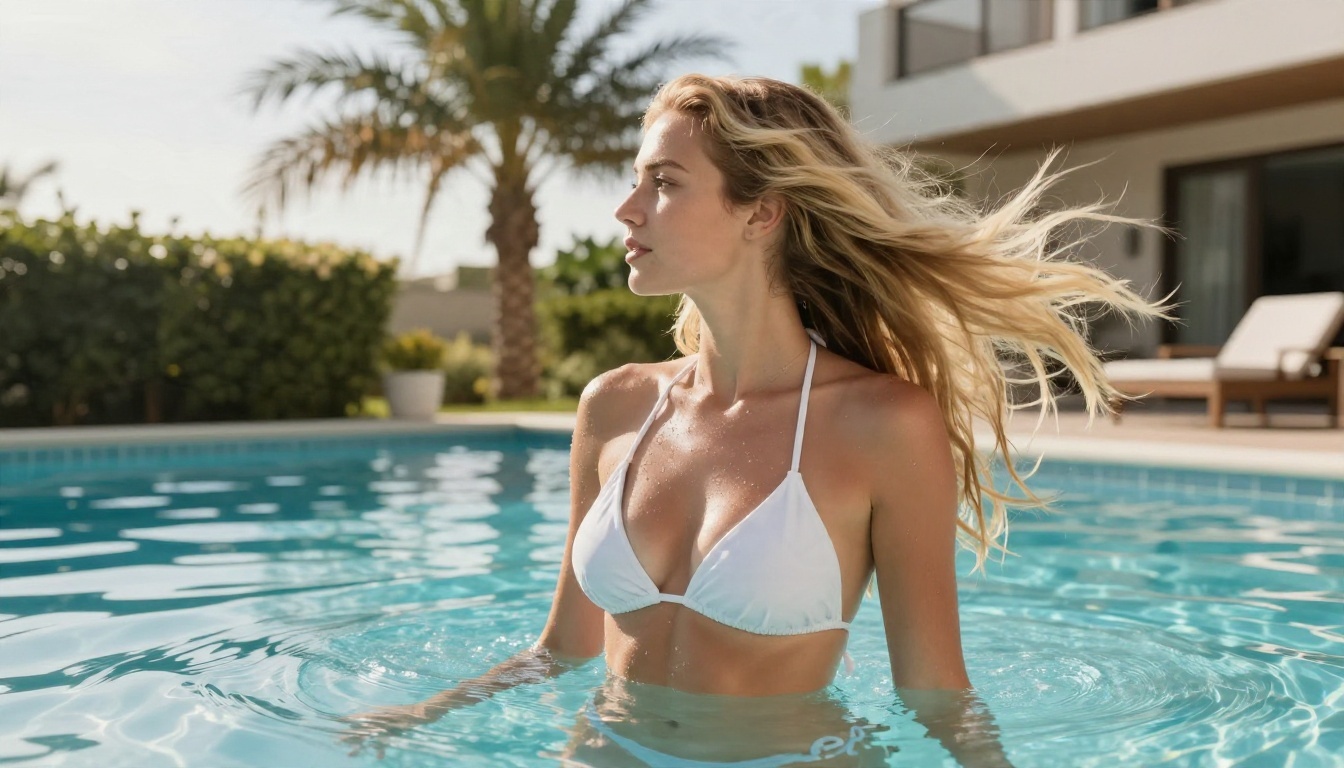
- She mid-turns at the pool edge, hair swinging, water beading on her shoulders. Low angle, bright sun.
- She laughs quietly at something off camera, shoulders relaxing. Static frame, soft window backlight.
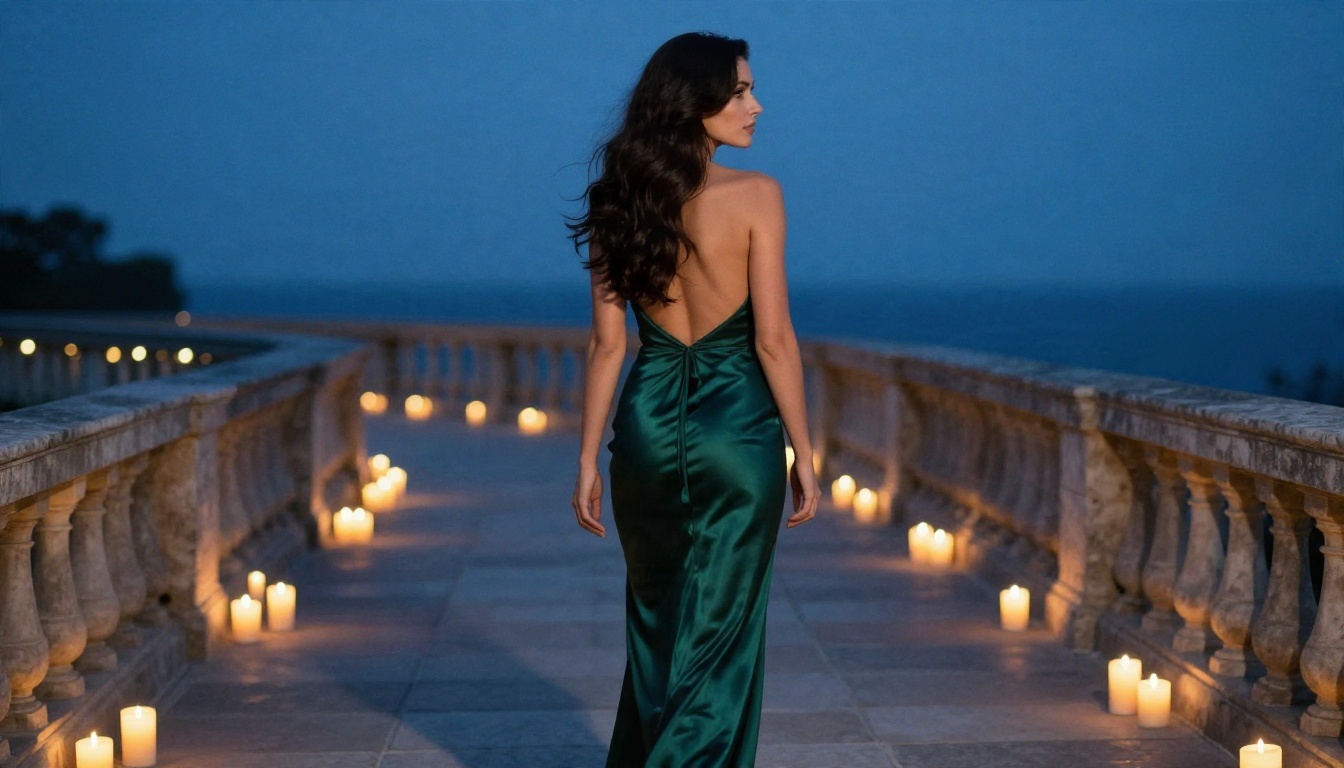
- She walks along the candlelit terrace and looks back, gown flowing behind her. Smooth tracking shot, blue hour.
- Her eyes open slowly and she breathes in, a faint smile forming. Macro portrait, almost no camera movement.
Mistakes that ruin clips
- Asking for too much: "she dances, spins, jumps and waves" produces warped limbs. One action per clip.
- Fast camera moves: whip pans and rapid orbits break faces. Slow always looks more expensive.
- Describing the still again: wasted words. Describe motion only.
- Ignoring the first frame: if the pose is already awkward, the video starts awkward.
- Skipping a draft: generating the final version blindly burns credits.
The Real Cost of Free Options
Pricing in this category changes constantly, and much of what is published comes from vendor blogs, so treat any single number as a claim to verify on the provider's own pricing page.
Pricing at a glance
| Option type | Rough cost | What you get | Main catch |
|---|
| Pay per run APIs | About $0.02 to $0.05 per clip | Short 4 to 12 second clips | Needs technical setup |
| Monthly subscriptions | Around $25 per month and up | Dashboard, credits, simple UI | Credit caps, auto renewals |
| Free tiers | $0 | A few daily credits, about one clip per day | Watermarks, lower resolution |
| Local open source | $0 per clip | Full control, no filters | You need a strong GPU and patience |
| Credit platforms | Varies by model | Many models in one place | Premium models cost more per run |
Free tiers and their catches
Several video apps give new accounts a one-time credit bundle plus a small daily refill. In practice that is roughly one short clip a day, often watermarked and capped at a lower resolution. It is fine for testing a concept. It is not a production pipeline.
Be careful with sites that advertise "completely free, no signup, no limits" for adult video. Many have vague privacy policies, log what you upload, and some are plainly built to harvest images. If a service is free and unlimited and has no visible business model, you are the product.
Local setups
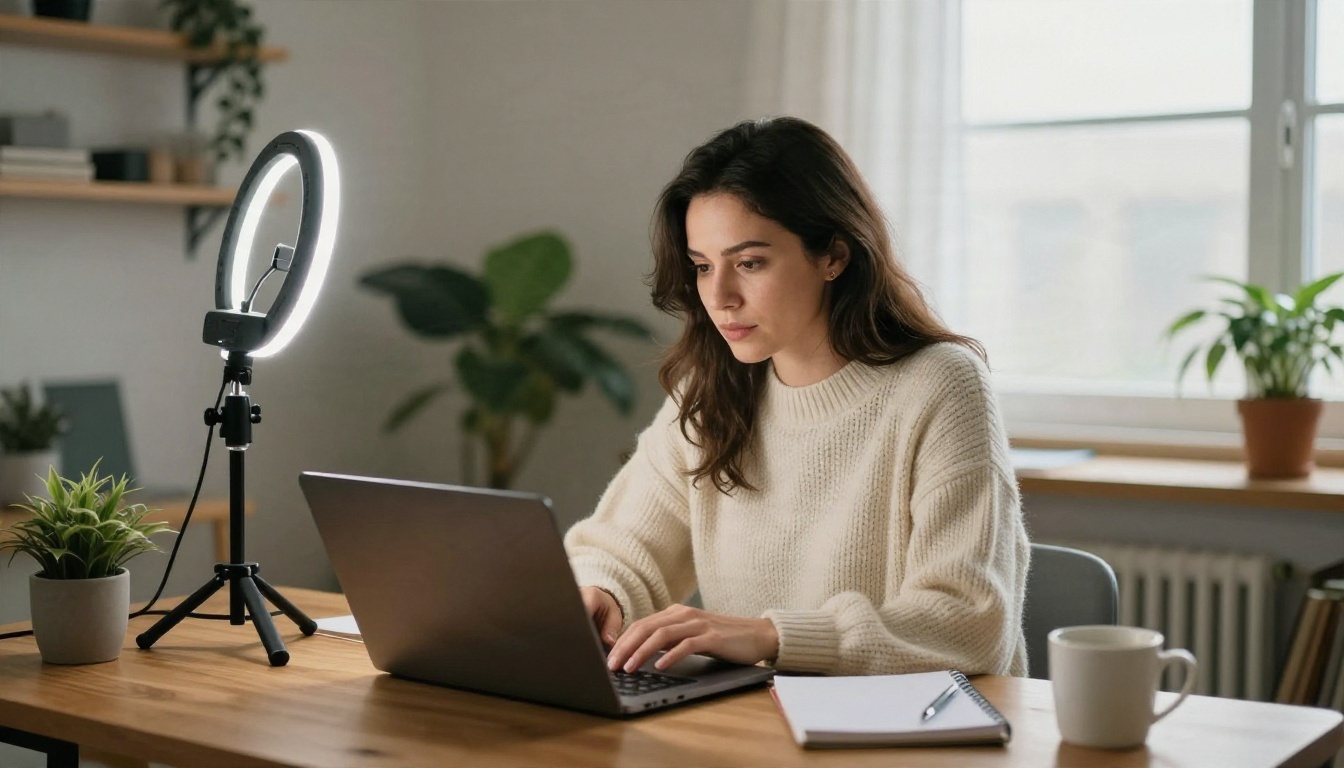
Running open Wan model weights in ComfyUI on your own computer costs nothing per clip and gives total freedom. The trade-off is hardware: you need a recent high-memory GPU, time to install and troubleshoot, and patience while clips render. It suits hobbyists with the right machine. Everyone else usually gets more done with a hosted platform.
Where PicassoIA fits
The practical middle ground is a platform where the still-image step is effectively free and the video step is pay as you go. With PicassoIA Image Editor Pro you get unlimited generations to find the perfect first frame, then you spend credits only on the one or two clips that deserve a premium video model. That keeps the total cost per finished clip low without limiting how many ideas you test.

How to Make a Clip on PicassoIA
This is the workflow I use for short glamour clips, from blank page to finished video.
- Generate the still. Open Seedream 4.5 and write a photographic prompt: subject, outfit, setting, light direction, lens (for example, "85mm f/1.8, soft morning light from the left"). Use a 16:9 ratio for widescreen clips.
- Iterate for free. If the first result is close but not right, switch to PicassoIA Image Editor Pro and refine the outfit, background or expression. Unlimited runs mean you can try twenty variations.
- Pick a draft video model. Open Wan 2.5 I2V Fast, upload your still and paste a short motion prompt from the list above.
- Keep the settings simple. Choose 720p, keep the aspect ratio matched to your image, and use the default duration. Add a negative instruction like "no sudden movement, no distortion" if the model offers a field for it.
- Compare three takes. Change only the motion prompt between runs. Pick the one with the cleanest face and most natural fabric movement.
- Upgrade the winner. Send the same still and prompt to Wan 2.7 I2V or Kling v2.5 Turbo Pro for the final render.
- Add sound if you want it. For clips with native audio, try Seedance 1.5 Pro or Veo 3.1 Fast.
💡 Parameter tip: if faces drift, lower the motion strength or shorten the prompt. If the clip looks frozen, add one more secondary motion such as hair, fabric or water.
Safety, Consent and Privacy
This category carries real responsibility, and a few rules are not optional.
- Adults only. Every subject must be clearly an adult. Avoid anything ambiguous about age, including youthful styling or school settings.
- No real people without consent. Do not animate photos of someone who has not agreed. That includes celebrities, coworkers, exes and strangers. Generate original characters instead.
- No deceptive use. Do not present generated clips as real footage of a real person.
- Check platform rules. Each site and social network has its own limits on adult-leaning content. Read them before you publish.
- Protect your uploads. Prefer platforms with clear privacy terms. Never upload images you would not want leaked.
Keeping content to elegant, suggestive glamour is also simply good strategy: it passes more platform filters, reaches more viewers and stays on the right side of the law in more places.
Start Animating Your Own Images
You now have the whole loop: a strong still, a short motion prompt, a fast draft, a premium final render. The order matters more than any single tool. Make the photo great first, keep the motion simple, and spend credits only on the winners.
Begin with the still. Open Seedream 4.5, then refine it with the unlimited runs in PicassoIA Image Editor Pro. When the frame feels right, animate it with Wan 2.5 I2V Fast and upgrade the best take. Want even more choices? Browse the full catalog at picassoia.com/en/all-models and try a new model on the same image. Fast, flexible and uncensored for non-explicit glamour: your first clip is a few minutes away.


