Most people who try adult-leaning AI video fail in the same place: the prompt. They type a single vague line, get a stiff clip with a warped face, and blame the model. The truth is simpler. A good NSFW video prompt describes motion, not just a body. It tells the model what moves, how the camera behaves and what the light does over five seconds. Get that right and a swimwear shot, a silk robe or an evening dress turns into something that looks like a real fashion film.
This article gives you the prompt formula, a bank of NSFW video prompts you can copy, the settings that change results the most, and a set of image to video ideas built around one rule: start from a strong still. Everything here stays in the suggestive, glamour and boudoir zone. No explicit content, just aesthetics, atmosphere and good cinematography.
What Makes a Good NSFW Video Prompt
Video models read prompts differently from image models. An image prompt describes a frozen frame. A video prompt describes a short sequence, and the model needs a beginning, a middle and an end to work with.
The Five-Part Formula
Every prompt in this article follows the same order:
- Subject and starting pose. Who is in frame and what they are doing at second zero.
- Motion over time. One or two clear actions, not ten.
- Camera movement. Slow dolly-in, gentle pan, handheld drift, static tripod.
- Light and atmosphere. Golden hour, window light, mist, string lights.
- Realism anchors. Skin texture, fabric behavior, film grain, lens feel.
💡 Tip: If your clip feels chaotic, delete motion before you add anything else. One clean action beats a crowded sentence every time.
Why Non-Explicit Works Better
There is a practical reason to keep prompts suggestive. Video models are far more stable when the scene is simple and the subject is clothed or styled. Fabric, hair and water give the model natural things to animate. Skin and silhouette read as attractive without fighting the physics of the scene.
Suggestive scenes also pass more filters, which saves you rerolls. While making the images for this article, one boudoir-style prompt was blocked by a moderation filter. Rewording it into a cozy, relaxed scene solved it in one try. If a prompt gets refused, change the outfit or the setting, not the quality words.
NSFW Video Prompt Examples to Copy
Each example below works as a text prompt or as the motion instruction for an image to video run. Swap the outfit, the location and the hair color to make them yours.
Beach and Pool Prompts
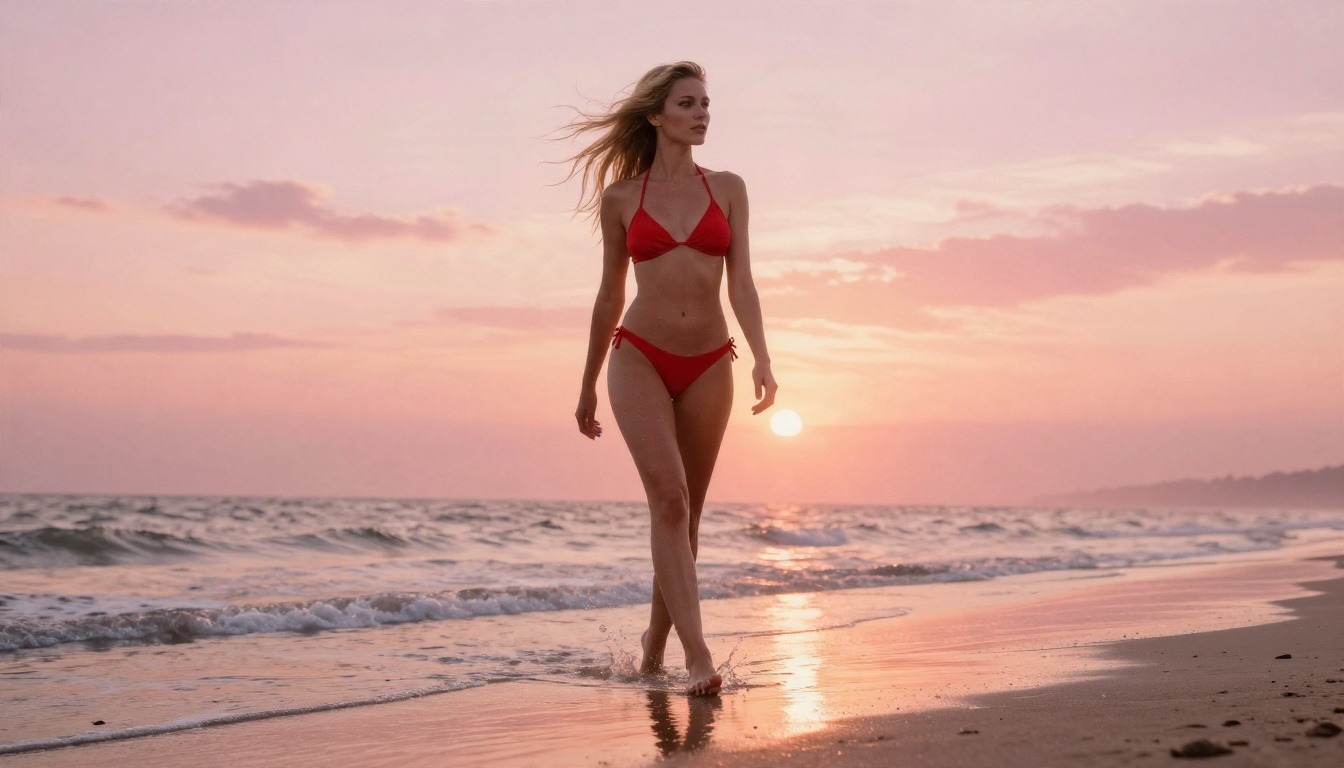
Prompt 1: Sunrise shoreline
A woman in a red halter bikini walks slowly along a wet sandy shoreline at sunrise, water swirling around her ankles, wind lifting her loose blonde hair. Low-angle camera tracks backward at walking speed. Warm backlight from the horizon, pink and orange sky, droplets on tanned skin, natural film grain.
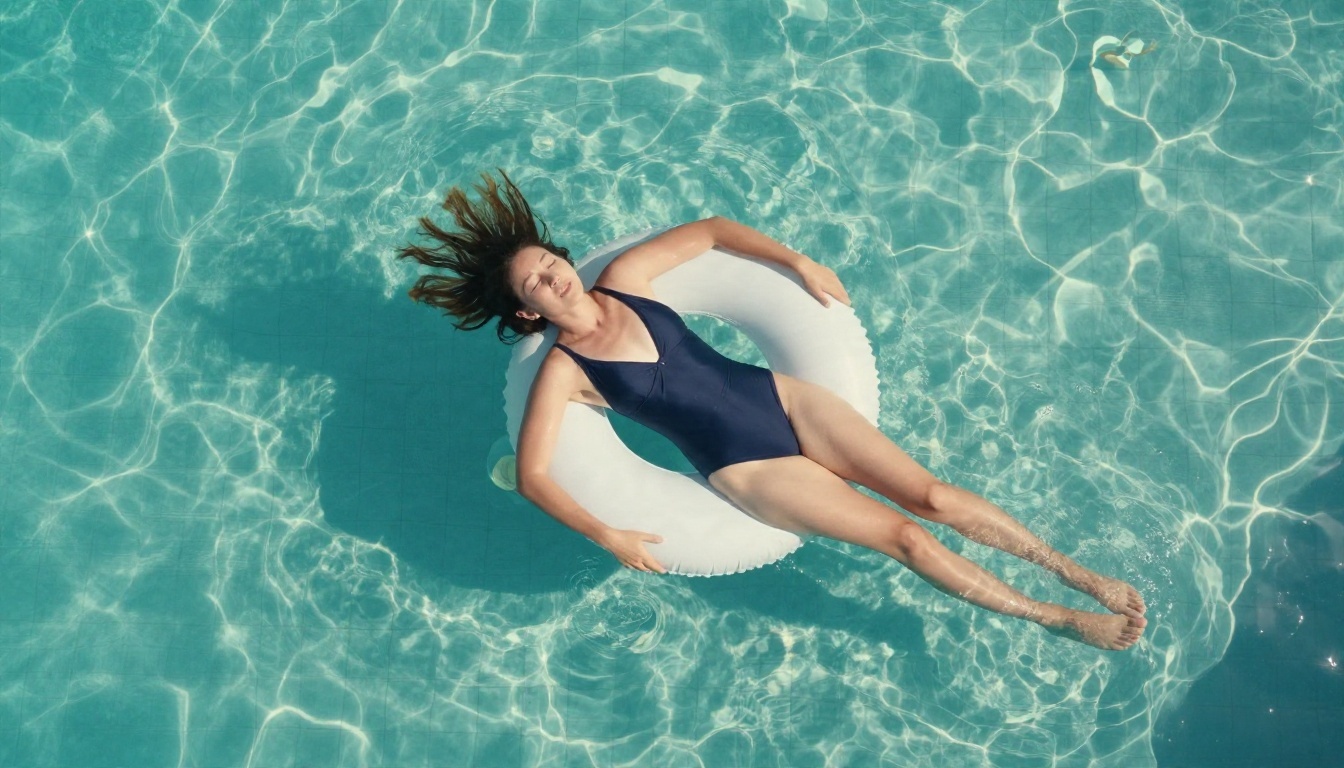
Prompt 2: Floating overhead
Aerial view of a woman in a navy one-piece swimsuit floating on her back in a turquoise pool, hair drifting on the water. The camera rises slowly straight up while ripples spread outward and sunlight forms moving caustic patterns on the tiles. Natural colors, soft haze, no cuts.
Prompt 3: Cabana breeze
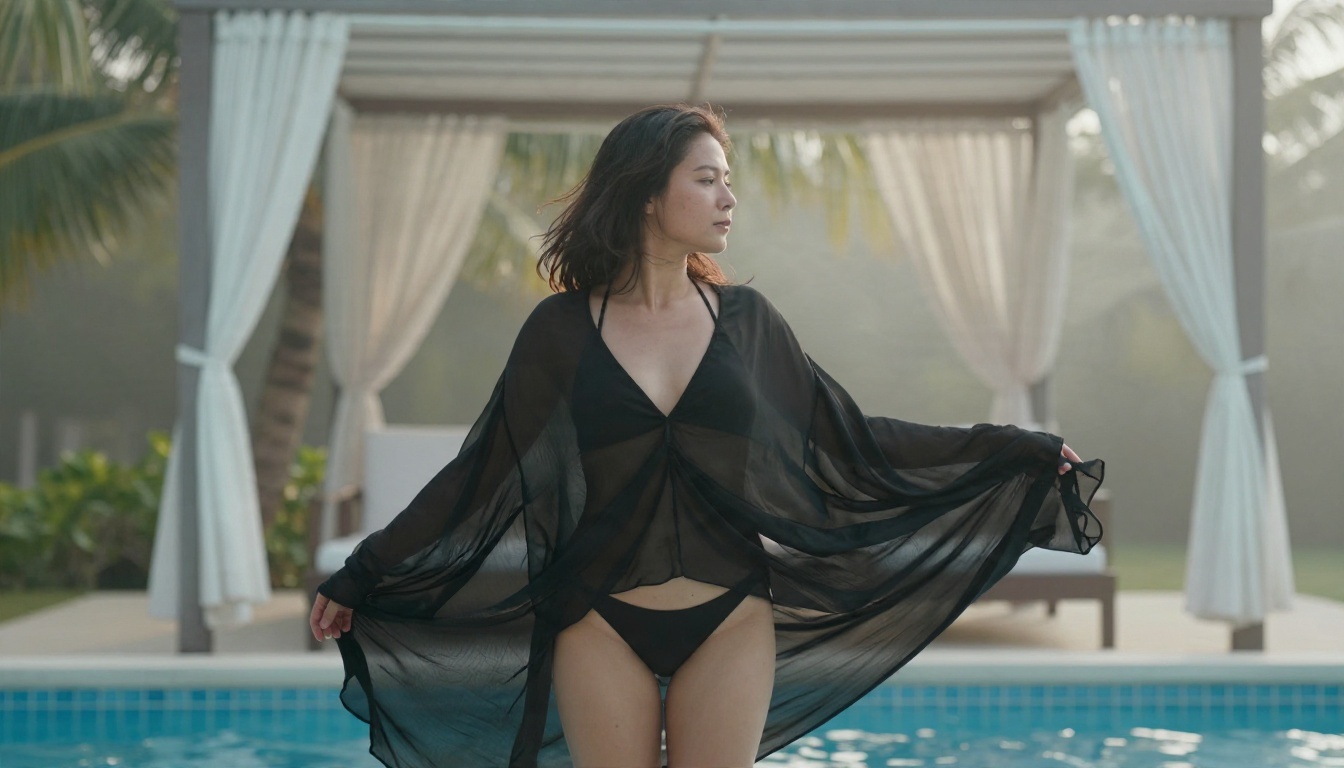
A woman in a sheer black cover-up over a bikini stands beside a white cabana. Curtains billow in a gentle breeze, the cover-up flutters at the hem, and she turns her head toward the camera with a slight smile. Slow push-in, misty morning light, tropical palms softly blurred.
Water scenes are the easiest place to start. Ripples, spray and wind give the model free, believable motion, so you spend less time fighting artifacts.
Boudoir and Hotel Prompts
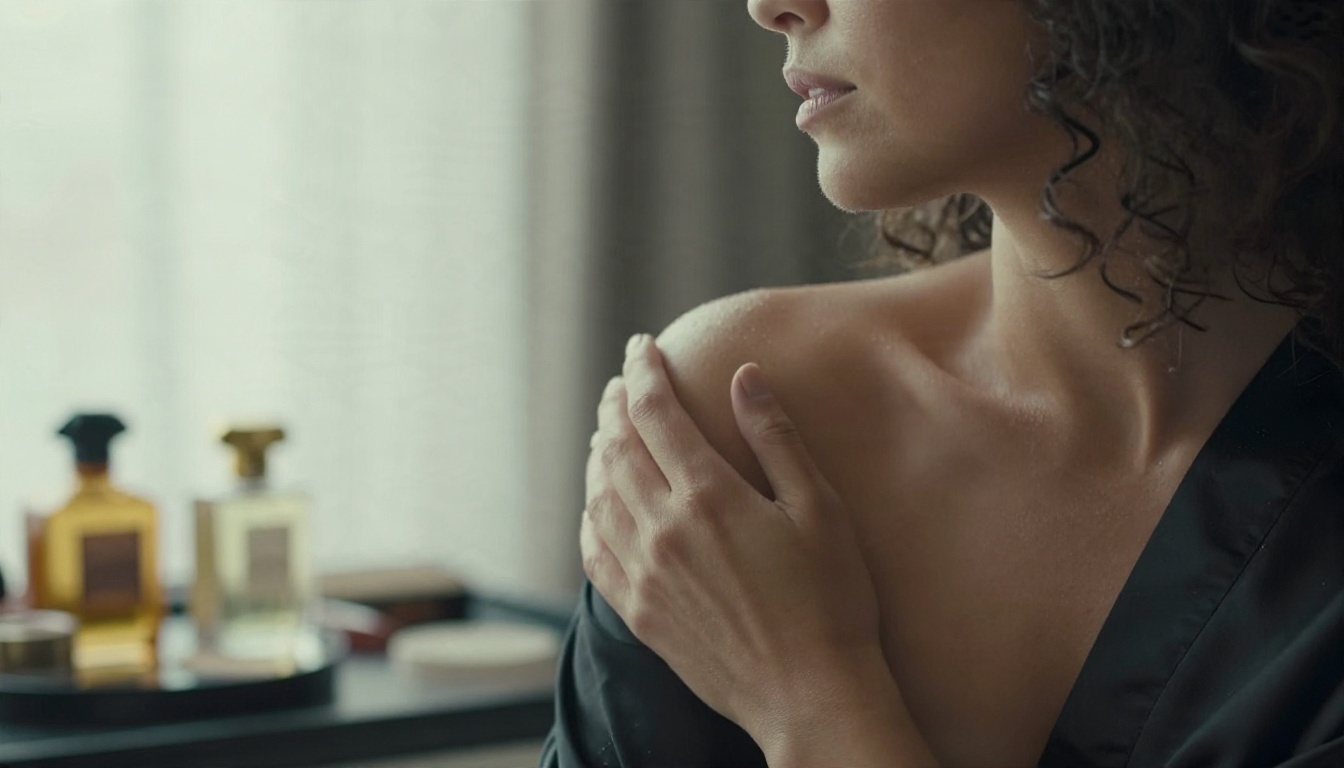
Prompt 4: Silk robe at the vanity
A woman with dark curly hair sits at a hotel vanity in a black silk robe, one shoulder bare. She slowly turns her head toward a tall window as soft morning light slides across her face. Static camera with a very slow push-in, shallow depth of field, brass lamp and perfume bottles blurred behind.
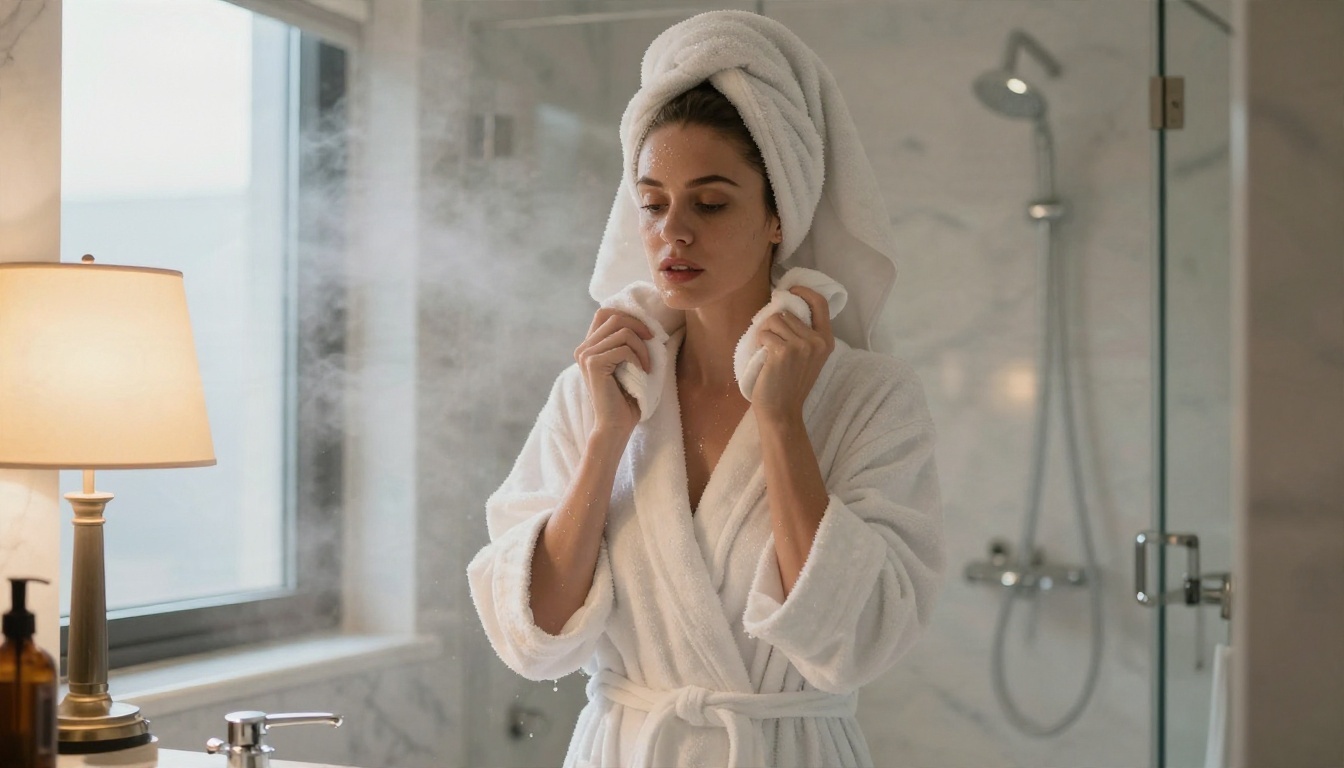
Prompt 5: Steam and bathrobe
A woman in a white bathrobe steps out of a steamy bathroom into a warm bedroom, a towel wrapped around her hair. Mist drifts behind her, water droplets shine on her shoulders. Handheld camera follows at a short distance, warm bedside lamp mixed with cool daylight.
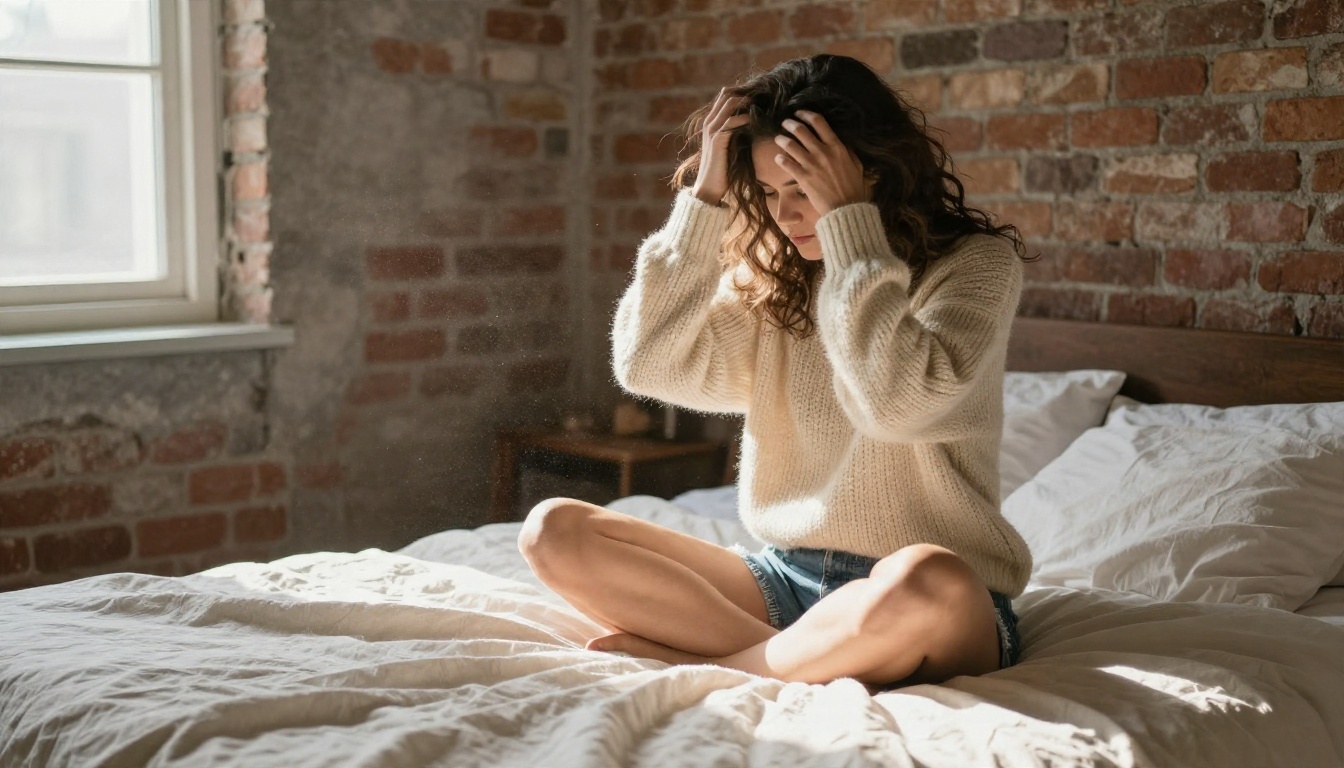
Prompt 6: Lazy morning
A woman in a cream knit sweater sits cross-legged on a rumpled bed in a sunlit loft, runs both hands through her hair and exhales. Dust floats in a shaft of window light. Locked camera, soft film grain, relaxed and intimate.
Evening and Street Prompts
Prompt 7: Rooftop at blue hour
A woman in a backless emerald satin evening dress stands at a rooftop railing, her back to the camera. She glances over her shoulder as a light breeze moves her hair and the dress hem. Slow orbit to the left, city lights glowing in the distance, warm string lights on the left edge.
Prompt 8: Coastal road
A woman in a black bikini top and high-waist bottoms leans against a vintage red convertible on a cliffside road. She pushes her sunglasses into her hair and looks out toward the sea. Slow lateral dolly, late afternoon side light, chrome reflecting the sky.
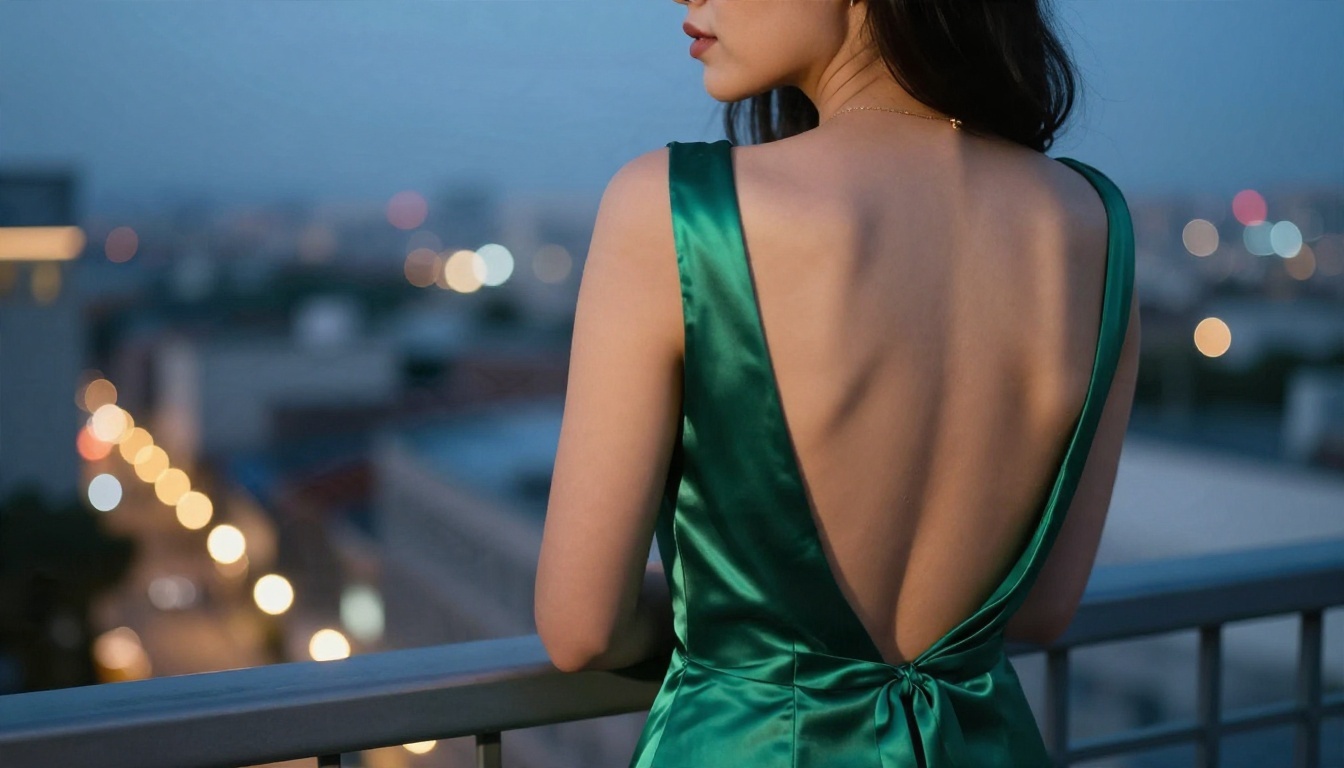
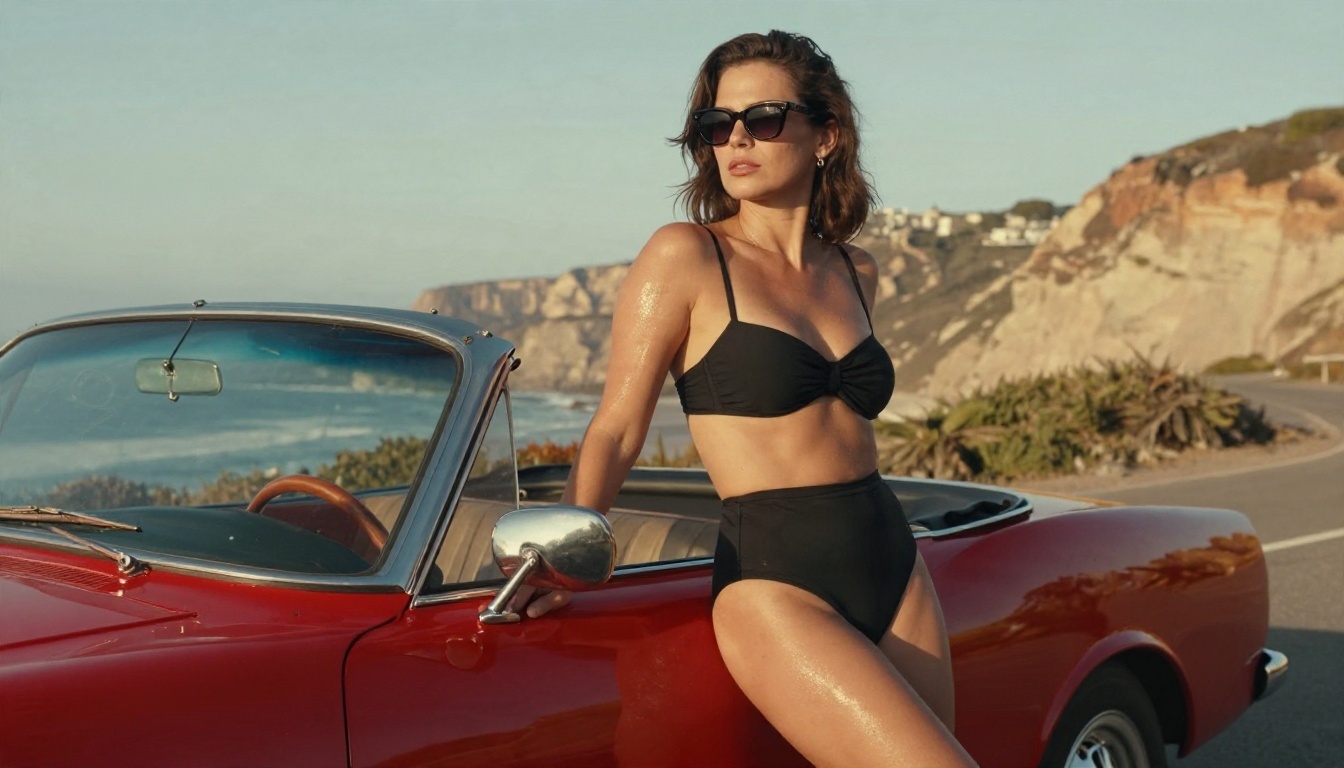
Image to Video Ideas That Work
Text to video is fun, but image to video gives you control. You fix the face, outfit, location and light in a still, then ask the model only for motion. That removes most of the randomness that ruins text-only clips.
Start With a Strong First Frame
The still decides about 80 percent of the final clip. Before you animate, check four things:
- Face is sharp and symmetrical. Video models copy flaws and amplify them.
- Hands are clean. If a hand looks odd in the still, it will look worse in motion.
- Light has a clear direction. Window light, sunset or a lamp gives the model a shadow logic to follow.
- There is room to move. Leave space in the frame for hair, fabric and camera travel.
Generate your stills with Seedream 4.5 for high-detail photorealism, then fix small problems with PicassoIA Image Editor Pro, which has unlimited generations, so you can retouch as many times as needed before you spend time on video.
Motion Ideas by Image Type
| Source image | Best motion to request | Camera move |
|---|
| Beach or pool portrait | Waves, hair in wind, slow walk | Low tracking or rising crane |
| Window-lit bedroom | Head turn, slow breath, drifting dust | Very slow push-in |
| Evening dress at dusk | Hem and hair in breeze, glance back | Gentle orbit |
| Poolside with curtains | Curtains billowing, fabric flutter | Slow push-in |
| Car and coastline | Sunglasses adjust, sea glitter | Lateral dolly |
| Close-up portrait | Blink, small smile, eye movement | Static, subtle zoom |
💡 Tip: Write the motion prompt as if you were directing a camera operator. "She turns her head slowly as the camera pushes in" is better than "beautiful woman moving sexy." Specific verbs beat adjectives.
Settings That Change the Result
Prompts get the attention, but settings quietly decide whether a clip looks cinematic or cheap. These are the controls worth checking on every run.
Duration and Resolution
Short clips are more stable. Five seconds is the sweet spot for most image to video work, because the model rarely loses the subject's identity in that window. If you need ten seconds, build the longer shot from a very simple motion such as a slow push-in on a seated subject.
Choose 720p for testing and drafts, then move up to a higher resolution only for the final version you plan to publish. Rerolling at a lower resolution costs less and shows you the same motion.
Camera Movement
Camera instructions are the most underused part of the prompt. Compare how each move changes the mood:
| Camera move | Feeling | Risk |
|---|
| Slow push-in | Intimate, focused | Low |
| Lateral dolly | Elegant, editorial | Low |
| Orbit | Dynamic, fashion film | Medium (background can warp) |
| Handheld follow | Candid, documentary | Medium |
| Fast whip pan | Energetic | High (blur and artifacts) |
Stay with the first two when you are learning what a model does. Move to orbits and handheld once your stills are consistently clean.
Seed, Retries and Negative Wording
Rerolling is normal. Professionals run the same prompt several times and pick the best take. Keep the seed fixed when you change only one variable, such as the camera move, so you can compare results fairly. Then change the seed when you want a fresh variation.
If the model offers a negative prompt field, keep it short: "warped hands, extra fingers, flicker, text, watermark, jump cut." A long negative list often confuses the model more than it helps.
How to Use Seedream 4.5 on PicassoIA
Your first frame is the most important asset, so build it carefully. Seedream 4.5 is the best starting point for adult glamour stills on PicassoIA. It produces sharp skin texture, believable fabric and clean lighting, and it handles swimwear, boudoir and evening looks that many mainstream tools refuse or soften.
Step by Step
- Open the Seedream 4.5 page and choose a 16:9 ratio so the still matches a video frame.
- Write a prompt using the same order as your video prompt: subject, setting, light, lens, texture.
- Add realism anchors such as "visible skin pores," "85mm f/1.8," "Kodak Portra 400 grain."
- Generate three to four variations and pick the one with the cleanest face and hands.
- Send weak spots to PicassoIA Image Editor Pro for retouching. It is unlimited, so you can iterate freely.
- Take the final still to your video model as the first frame.
Parameter Tips
- Keep one subject per frame. Two people double the chance of limb and face errors in motion.
- Describe the light direction. "Golden hour from camera left" gives the video model a shadow path to keep consistent.
- Avoid text in the frame. Signs and logos shimmer during animation.
- Leave breathing room. A subject filling the entire frame leaves nowhere for the camera to travel.
Best Models for Animating Stills
Once the first frame is ready, pick the video model that matches the shot. Here is a practical shortlist, all available on PicassoIA.
Use a Fast Model for Drafts
Run your motion idea on Seedance 2.5 Lite or PicassoIA Video first. Because both are free and unlimited, you can test five versions of a prompt without worrying about cost.
Use a Premium Model for the Final Cut
When the motion works, rerun the same prompt and still on Kling v3 Video or Wan 2.7 I2V. The extra fidelity shows in skin texture, fabric movement and lighting transitions.
Mistakes That Ruin Good Clips
Most failed clips share the same few problems. Check this list before you blame the model.
- Too many actions. "She walks, turns, laughs, adjusts her dress and sits" is five scenes in a five-second clip. Pick one.
- Adjective soup. Words like "sexy, stunning, gorgeous, perfect" do nothing for motion. Replace them with verbs and camera instructions.
- Mismatched light. If the still has sunset light and the prompt says "bright neon club," the model will fight itself.
- Low-quality first frames. Upscale or retouch the still before animating. A soft face stays soft.
- Fast camera on complex backgrounds. Orbits around busy scenes cause warping. Use them on simple backdrops like sky, pool or plain walls.
- No negative or realism anchors. A few words such as "natural skin texture, film grain, no flicker" keep the clip looking filmed rather than rendered.
💡 Tip: Keep a prompt notebook. Write down every prompt that produced a clean take, with the model and seed. After ten runs you will have your own reliable library, which is worth more than any list online.
Try It Yourself
You have the formula, the examples and the settings. The fastest way to improve is to run the loop: generate a still, animate it, adjust one variable, repeat. Start with a simple beach or window-light scene, keep the motion to one action, and let a slow push-in do the heavy lifting.
Begin with Seedream 4.5 for your first frame, polish it in PicassoIA Image Editor Pro, and animate it with Wan 2.7 I2V or Kling v3 Video. When you want to test more ideas, browse every image and video model at picassoia.com/en/all-models and build your own set of prompts. Make your own images and clips on Picasso IA today, and see how far one good first frame can go.


