Type "nude generator" into a search bar and you get a wall of near identical sites, each promising instant results for free. Most of them want your credit card, your uploads, or both. Some are scams. A few are legal grey zones. And the ones that work best for adults who simply want beautiful, tasteful glamour imagery often are not called "nude generators" at all.
This article sorts the noise. You will see what these apps actually do, what free really means, what people pay, which risks are real, and how to produce stylish, photorealistic, non-explicit glamour and swimwear images from plain text prompts. Everything here assumes adult, fictional subjects. No real person's photo is ever needed.
💡 Quick take: The safest and often best quality route is a text to image model that generates a fictional adult from scratch. It skips the upload risk, the consent problem, and most of the paywalls.
What Nude Generator Apps Actually Do
The label "nude generator" is slippery. It gets stuck on two very different kinds of product, and mixing them up is how people get burned.
Two very different app types
1. Photo upload apps. You upload an existing picture and the app claims to digitally remove clothing. These are usually called undress or clothing removal tools. They are the ones tied to scams, malware, extortion attempts and criminal law, because they operate on a real person's image.
2. Text to image generators. You type a description and the model creates a brand new, fictional person. This is how modern image models work, and it is the same technology behind fashion, travel and portrait imagery. With the right model, you can generate swimwear, lingerie style glamour, boudoir lighting and artistic figure studies without touching anyone's real photo.
The first type is a privacy problem wearing an app icon. The second is just image generation.
Why people search for them
Intent is mixed, and it helps to be honest about it:
- Curiosity: people have heard about the apps and want to see what they do.
- Creative work: illustrators, photographers and writers want glamour references or character art.
- Content creation: adult creators want fictional models for mood boards, covers and promos.
- Companionship and fantasy: adults generating fictional characters for private use.
For the last three groups, text to image is the better tool, and I will show you how to use it.
Free AI Art Apps Compared
Here is how the main categories stack up. I am grouping by product type rather than naming individual shady sites, because the sites change domains and names constantly.
| Category | Typical cost | Input | Quality | Main risk |
|---|
| Undress or clothing removal apps | Free trial, then roughly $2 to $19 | Real photo upload | Inconsistent, often warped anatomy | Privacy, scams, legal exposure |
| Mobile "AI art" apps with filters | Free with ads, weekly subscriptions | Text or photo | Stylized, plastic skin | Subscription traps |
| Open source models run locally | Free software, needs a strong GPU | Text | Excellent with setup | Technical effort |
| Hosted text to image platforms | Free tier or credits | Text | Photorealistic | Content filters vary by model |
| Image editors with unlimited runs | Subscription or free access | Text and edits | High | Check the terms |
What "free" usually means
Free almost never means unlimited. In this niche it typically means one of four things:
- A watermarked, low resolution preview that you can only remove by paying.
- A tiny credit allowance of two or three generations, then a paywall.
- A queue so long that paid users effectively skip you.
- Data as payment, where your uploads and device details are the product.
If a site is free, fast, unlimited and requires no signup, ask what it is collecting instead.
Typical pricing ranges
Reported entry prices for undress style apps sit from a couple of dollars up to around nineteen dollars, usually as a weekly or monthly plan. Treat those numbers as rough, since they come from affiliate style listings and change often. Another reported figure suggests apps in this space have been downloaded hundreds of millions of times and earned well over a hundred million dollars, which tells you the billing models are built to convert curiosity into recurring charges.
💡 Tip: Before paying anyone, check for a clear cancellation page, a named company, and a plain privacy policy. If you cannot find all three, close the tab.
The Risks Nobody Mentions
This is the part most listicles skip, because they earn affiliate commissions from the tools they review.
Scams, malware and data grabs
Public safety bulletins from local governments describe a recurring pattern: websites collect uploaded photos, then demand payment or threaten exposure. App store versions of these tools are frequently misleading or carry malware, and the major stores keep pulling them. Researchers who looked at dozens of undressing apps also flagged weak or missing policies on data retention.
What typically gets logged:
- The image you uploaded
- Your IP address and device details
- Payment records tied to timestamps
That bundle is a gift to anyone who wants to pressure you later.
Consent and the law
Using a real person's photo, a classmate, a coworker, an ex or a celebrity, to produce a nude or sexualized image without their consent is harmful. In a growing number of countries it is also a crime, including creating, sharing or even possessing such images. In the UK, for example, creating sexually explicit deepfakes is an offence. Several jurisdictions in the US have passed similar laws.
Two hard lines apply everywhere:
- Never use anyone's real photo without clear, informed consent.
- Never generate anything involving minors, in any form. Many of these tools have been criticized for failing here, and the legal consequences are severe.
Text to image avoids the first problem by design, since the subject does not exist. It does not change the second rule, which is absolute.
Prompts That Work for Glamour Portraits
Good prompts read like a photographer's shot list. Vague phrases such as "sexy woman" give you generic, over smoothed faces. Specific lighting, lens and fabric details give you images that look shot on location.
A prompt formula
Use this structure, in this order:
- Subject and pose: adult woman, late twenties, leaning on a balcony rail, looking over her shoulder
- Wardrobe: satin slip dress, two piece swimsuit, silk robe, black bodysuit
- Setting: hotel balcony, villa pool, linen bedroom, grey studio backdrop
- Light: low golden morning light from the left, soft window light, softbox from camera right
- Camera: 85mm f/1.8, shallow depth of field, eye level
- Texture and film: visible skin pores, fabric creases, subtle film grain, Kodak Portra 400 palette
Five prompts to copy
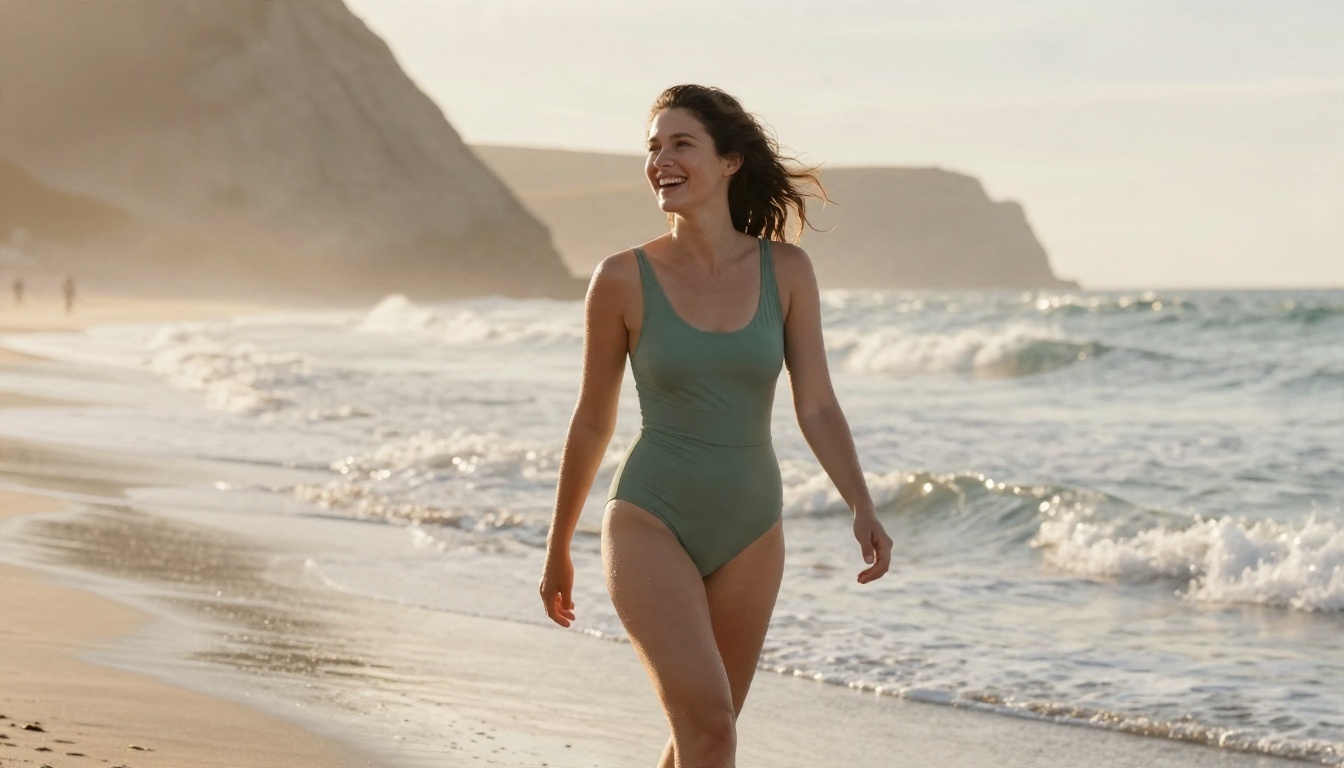
Swap in your own details. All five keep the result tasteful and non-explicit.
- Beach: "Adult woman in a sage green two piece swimsuit walking along a wet sand shoreline at golden hour, low angle, 35mm f/2, backlit rim light, water droplets on skin, Kodak Portra 400 grain."
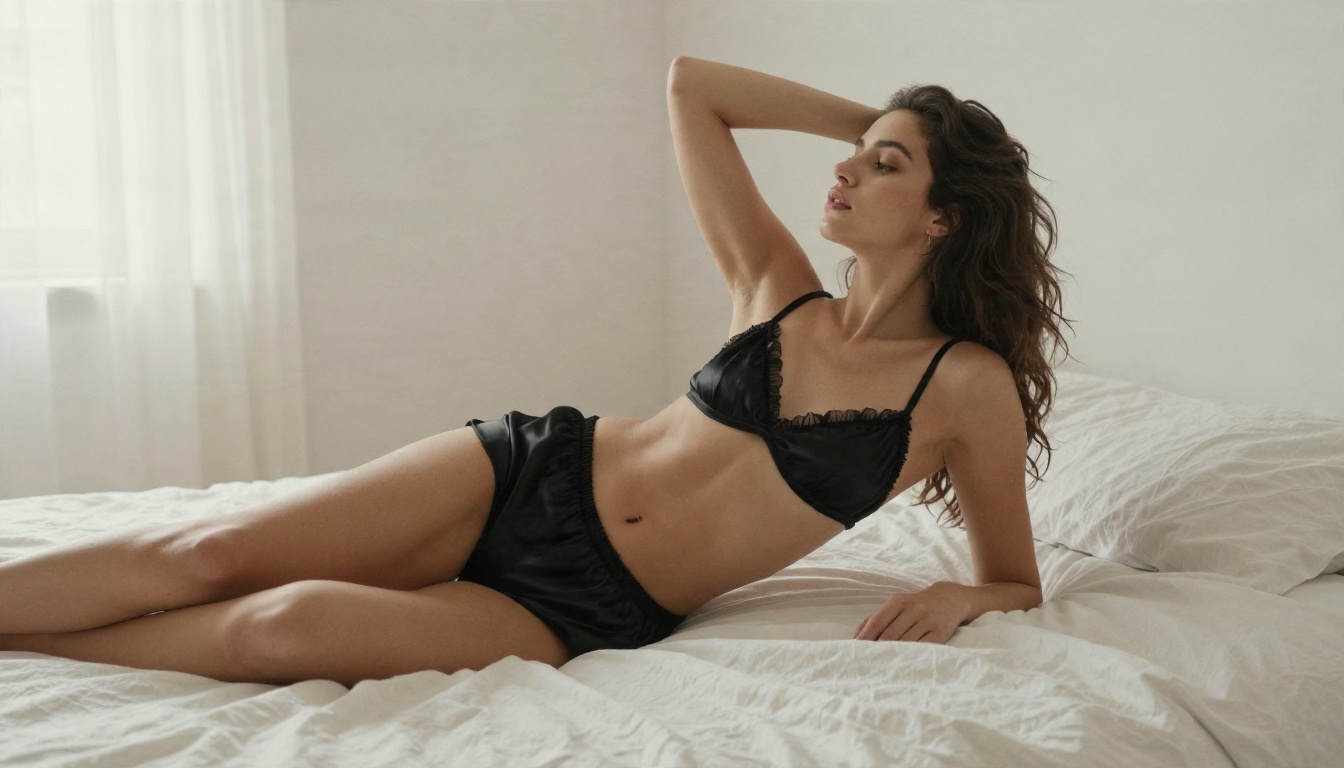
- Boudoir: "Adult woman reclining on rumpled white linen in a bright bedroom, black satin camisole, soft window light from the left, 85mm f/1.8, fine fabric sheen."
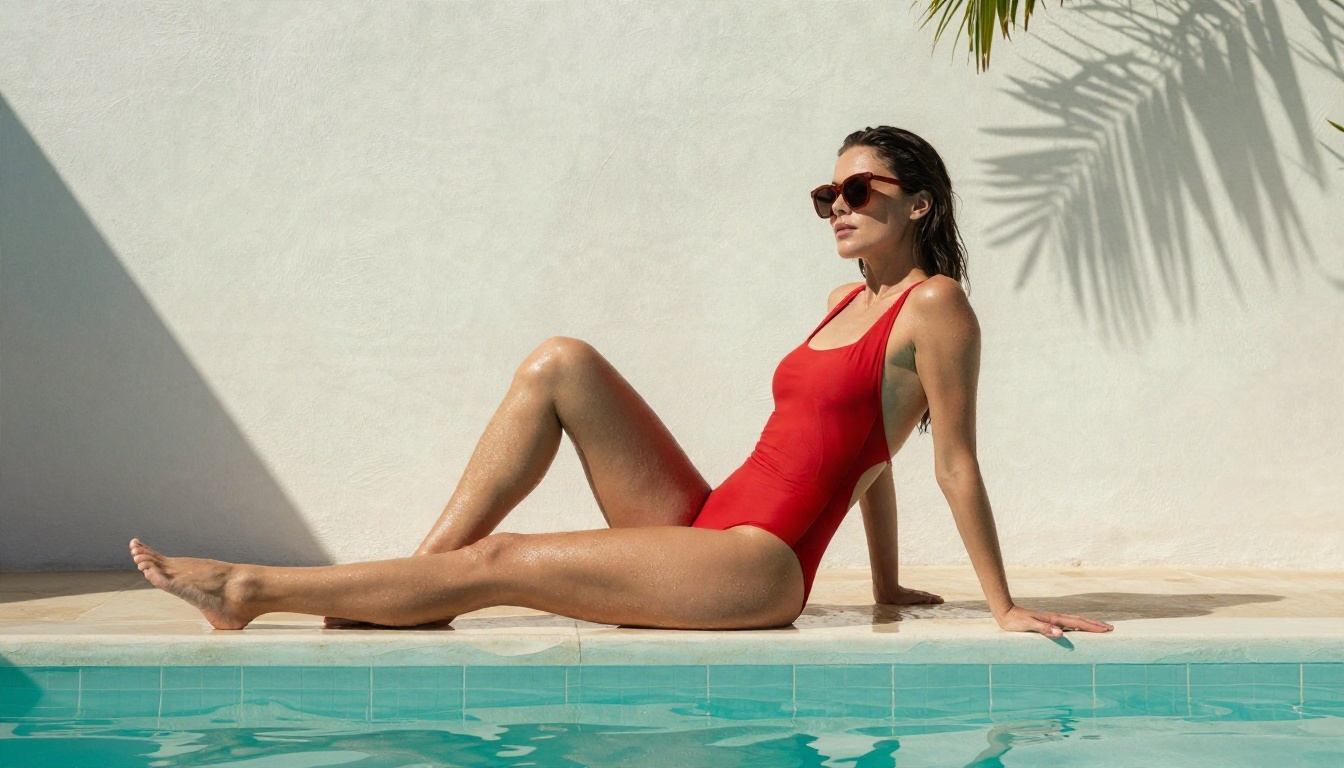
- Pool: "Adult woman in a red one piece swimsuit and oversized sunglasses at the edge of a turquoise villa pool, hard midday sun, crisp shadows, 24mm low angle."
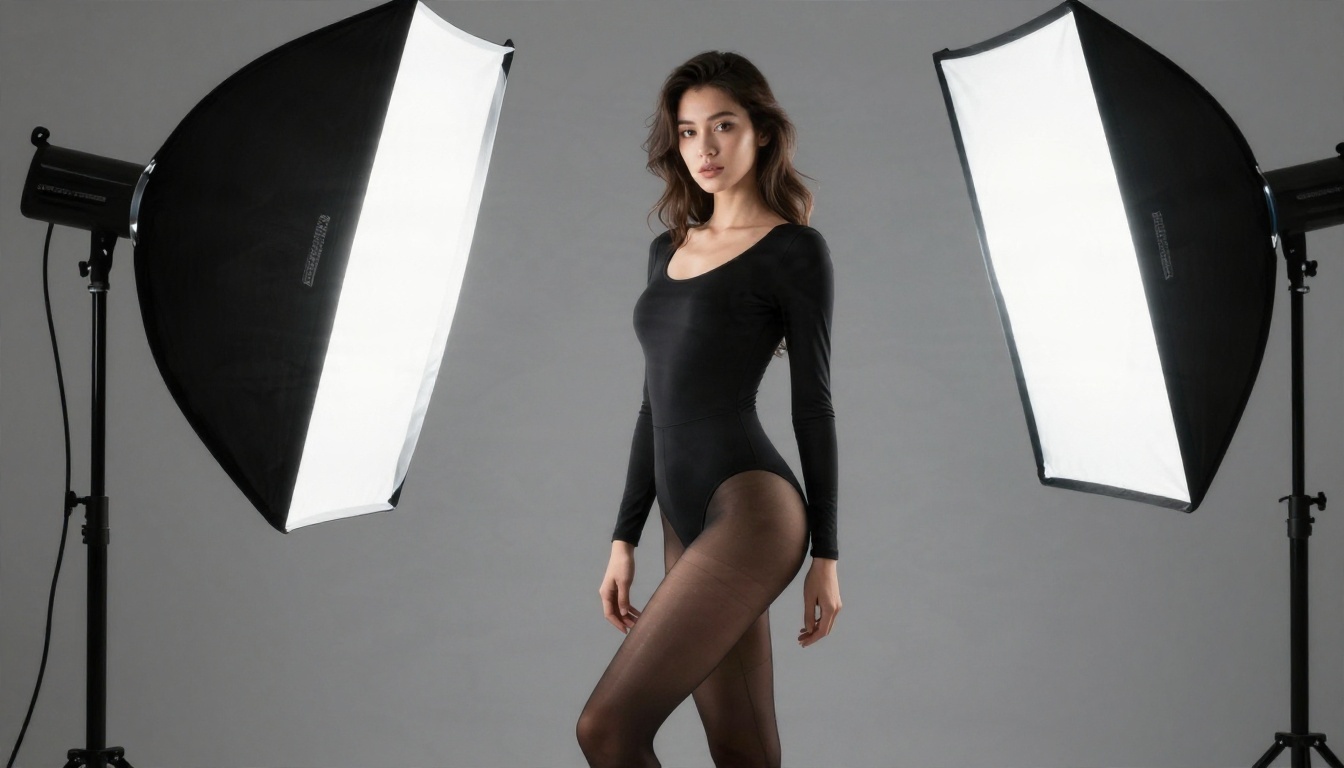
- Studio: "Adult model in a fitted black bodysuit against a grey seamless backdrop, large softbox left, reflector right, 85mm f/2, professional editorial."
- Balcony: "Adult woman in an ivory satin robe over a champagne slip dress on a Mediterranean balcony, morning light, 85mm f/1.8, creamy bokeh."
Mistakes that ruin skin
- Asking for "perfect skin." It produces wax. Ask for visible pores and fine texture instead.
- Stacking too many adjectives. Three strong lighting terms beat ten vague mood words.
- Ignoring hands. Describe what the hands are doing, such as holding a coffee cup or resting on a rail.
- Skipping the camera. Naming a lens and aperture pushes the model toward real photography.
- Forgetting a negative space plan. Mention where the subject sits in the frame, such as the right third.
💡 Pro move: Generate four variations, keep the best, then refine only one detail per round, such as the light direction or the wardrobe color.
Best Alternatives on PicassoIA
If you want tasteful adult imagery without uploading anyone's photo, hosted text to image models do the job with far better realism than most undress apps. Here are the ones to try, in the order I would try them.
Seedream 4.5 first
Seedream 4.5 is the place to begin. It produces sharp, high resolution portraits with believable skin, fabric and lighting, and it handles swimwear, lingerie style glamour and boudoir scenes with far fewer refusals than the mainstream filtered models. That means you spend your time refining the image instead of fighting a blocked prompt. Speed is solid too, so you can run several variations in a row.
Use it for: beach and pool editorials, boudoir mood pieces, studio glamour, artistic figure style compositions with implied rather than explicit content.
Image Editor Pro for unlimited runs
PicassoIA Image Editor Pro is the next step when you want to iterate without watching a credit counter. It offers unlimited generations, so you can test dozens of prompts, adjust wardrobe, change lighting and rework a pose until it looks right. It also works as an editor, which suits tasks like swapping a swimsuit color, changing a background or fixing a detail on an image you already like.
Other models worth testing
Content policies differ by model, so run a short test prompt before committing to a project. These are all worth a try for photorealistic portraits:
For editing existing images you own, Qwen Image Edit Plus and Flux Kontext Fast handle wardrobe color changes, background swaps and cleanup. Only edit photos of yourself or people who have clearly agreed.
Make a Glamour Portrait Step by Step
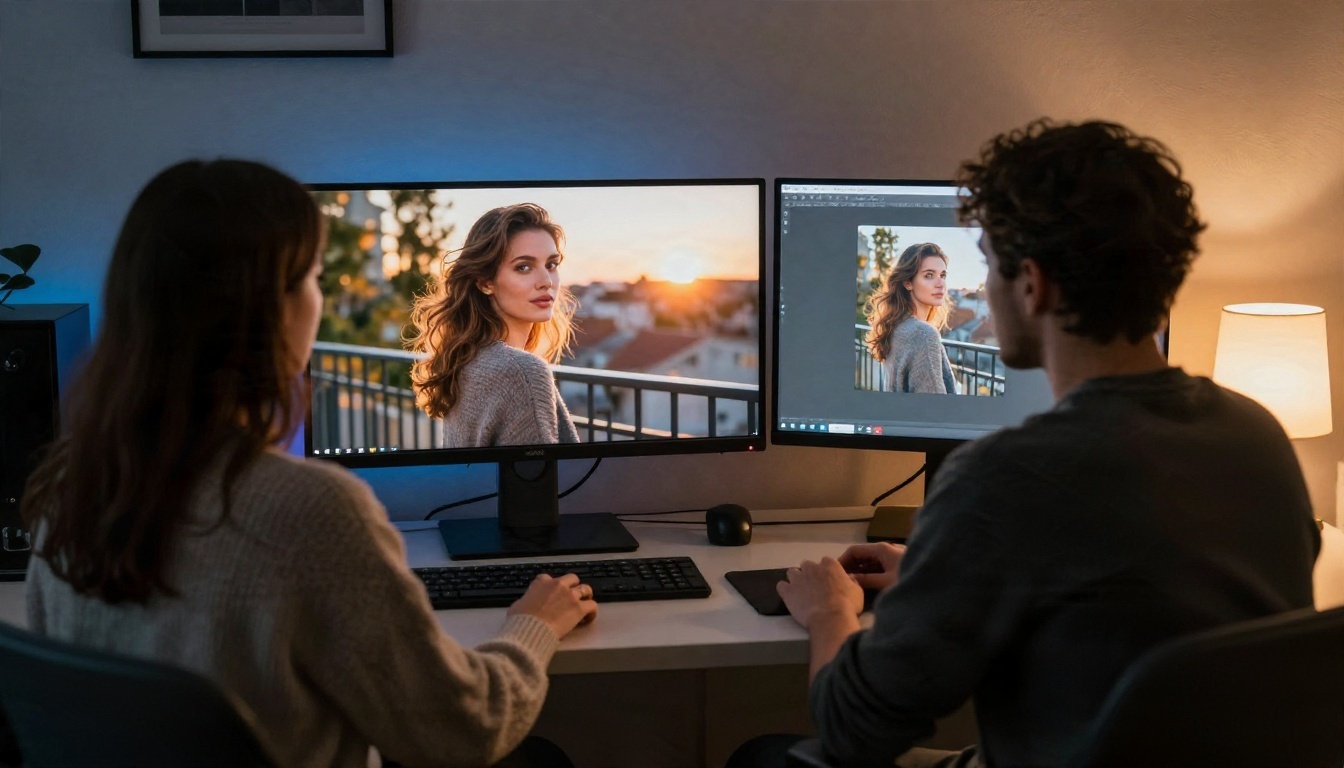
Here is the workflow I use with Seedream 4.5. It takes a few minutes.
- Open the model page. Sign in to PicassoIA and open Seedream 4.5 from its model page.
- Write a structured prompt. Follow the formula above: subject, wardrobe, setting, light, camera, texture. Aim for 50 to 75 words.
- Pick the aspect ratio. Choose 16:9 for scenic editorials and balcony or pool shots, 3:4 or 2:3 for full length portraits.
- Set the resolution high. Go for the highest option available so skin pores and fabric weave hold up.
- Generate a batch. Run three or four versions of the same prompt. Variation is normal.
- Change one thing at a time. If the light is too flat, rewrite only the lighting line. If the pose feels stiff, rewrite only the pose.
- Move to Image Editor Pro for polish. Use Image Editor Pro to adjust wardrobe color, background or small details, since unlimited runs let you iterate freely.
- Upscale if you need print size. A super resolution model can enlarge the final image without softening the skin.
Parameter tips:
- Keep the prompt in natural sentences, not a pile of comma separated tags.
- Name a film stock such as Kodak Portra 400 for warm, forgiving skin tones.
- Mention lens and aperture for natural background blur.
- Add "visible skin texture, fine pores" to avoid the airbrushed look.
- Always specify "adult" in your subject description, and keep the scene suggestive rather than explicit.
Quick Answers Before You Start
Are nude generator apps legal?
It depends on what you do with them. Generating a fictional adult from text is generally treated like any other image generation. Using a real person's photo without consent is illegal in many places and harmful everywhere.
Are free nude generators safe?
Often not. Free upload tools collect images and device data, and many lean on scare tactics or malware. If you must try one, never upload a real person's photo.
What can I create without crossing a line?
Swimwear, lingerie style glamour, boudoir lighting, silk and satin wardrobe, implied artistic figure compositions. The look is sensual and polished, and nothing is explicit.
Will the images look real?
With a strong model and a good prompt, yes. Skin texture, fabric and light are what sell realism, so spend your prompt words there.
Do I need to pay?
Not necessarily. A model with unlimited generations lets you test freely, and that removes the most common pressure point of the paid upload apps.
Start Creating Your Own Images
The best nude generator is not an app that strips a stranger's photo. It is a text to image model that builds a fictional adult from your own description, with the lighting, wardrobe and mood you choose. You keep control, you keep your privacy, and you stay on the right side of consent.
Open Seedream 4.5 and try the balcony prompt from this article. Then move to PicassoIA Image Editor Pro and push the idea further with unlimited iterations: change the wardrobe, shift the light, try a pool instead of a bedroom. Want even more options? Browse every available model at picassoia.com/en/all-models and find the one that fits your style. Your first photorealistic glamour set can take less time than reading the terms of a typical undress app.


