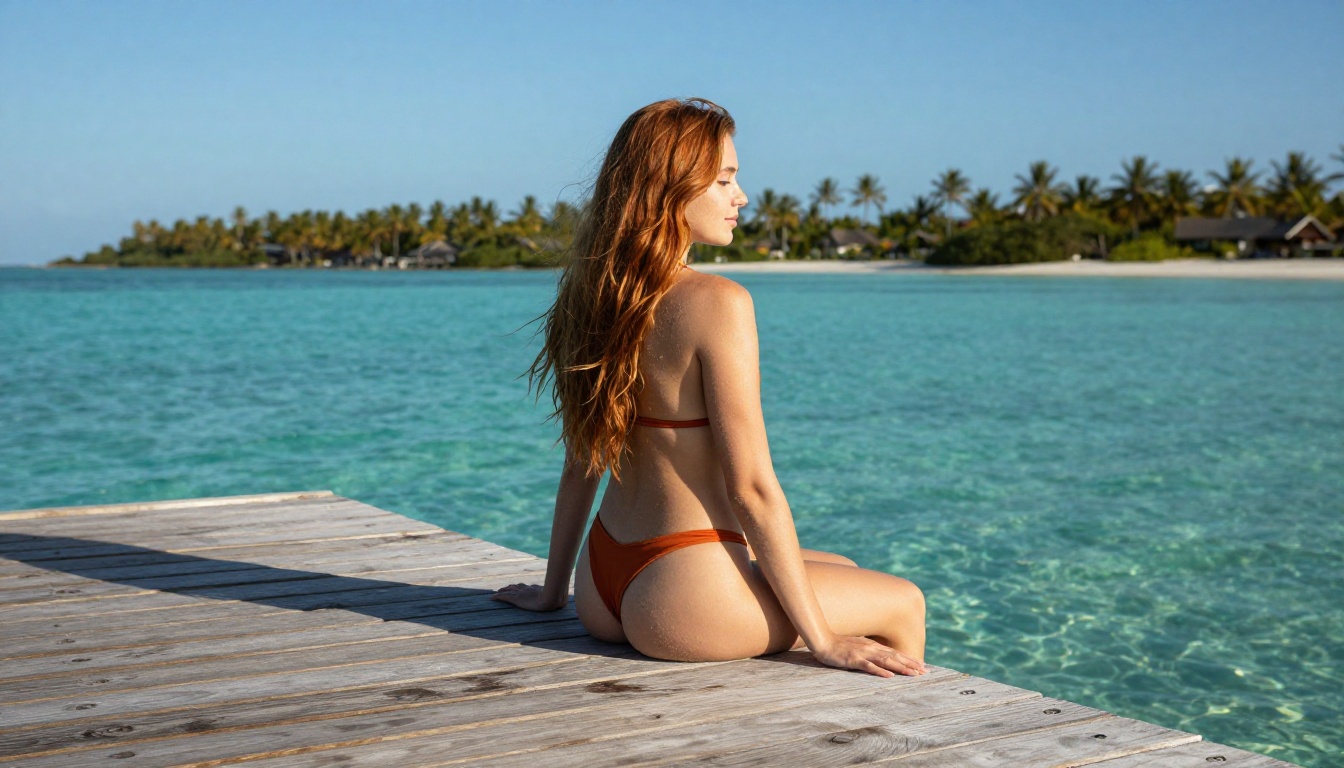
The Ultimate Open Source NSFW AI Model List (2027 Guide)
In 2027, open source NSFW AI models have reached photorealistic quality that rivals anything in premium tools. This article ranks the best available models by speed, quality, and creative freedom, from Seedream 4.5 to Qwen Image 2 and beyond, with direct links to try them without restrictions or blocklists.
Open source NSFW AI models have quietly become some of the most capable image generators available in 2027. What started as niche experiments on Hugging Face has matured into a field where community-trained models routinely outperform closed commercial tools in realism, speed, and creative freedom. If you want uncensored AI image generation, you no longer need to pay for a locked-down API that refuses half your prompts.
This article ranks every major open source model worth using for adult content right now, with direct access through a single platform, so you do not have to manage local installs or deal with VRAM limits.
What "Open Source" Actually Means in 2027
The term gets stretched a lot in AI. Some models release their weights under restrictive licenses. Others are fully permissive. And some that call themselves "open" still run on proprietary inference infrastructure you cannot access directly.
Open Weights vs. Truly Free
Most NSFW-capable models in 2027 fall into one of three categories:
Fully open weights: Weights publicly available, commercial use allowed. Examples: Wan 2.2 Image, Qwen Image 2.
Open weights, restricted license: Weights available but limited to non-commercial use.
Open via platform: Not downloadable, but accessible without content restrictions on platforms like PicassoIA.
For practical use, the third category is often the most accessible. Running a 12B parameter model locally requires at least 24GB VRAM. Most creators do not have that. Running it through an optimized inference platform gives you the same output quality without the hardware overhead.
Why It Matters for Adult Content
Closed commercial APIs (Midjourney, DALL-E, Adobe Firefly) block explicit and semi-explicit content at the request level. Open source models do not have that restriction baked into their weights. The model itself does not know or care about content policies. That is the core advantage.
💡 Important distinction: "Open source" does not automatically mean "NSFW-capable." Some open-weight models like Seedream 5 Lite are released openly but include a safety filter in the pipeline. Always check whether the inference setup disables that filter before using it for adult content.
The Top Open Source NSFW Models Right Now
These are the models actually worth using in 2027. Ranked by photorealism, NSFW support, and generation speed. All are accessible on PicassoIA.
Seedream 4.5: Speed at 3 Seconds or Less
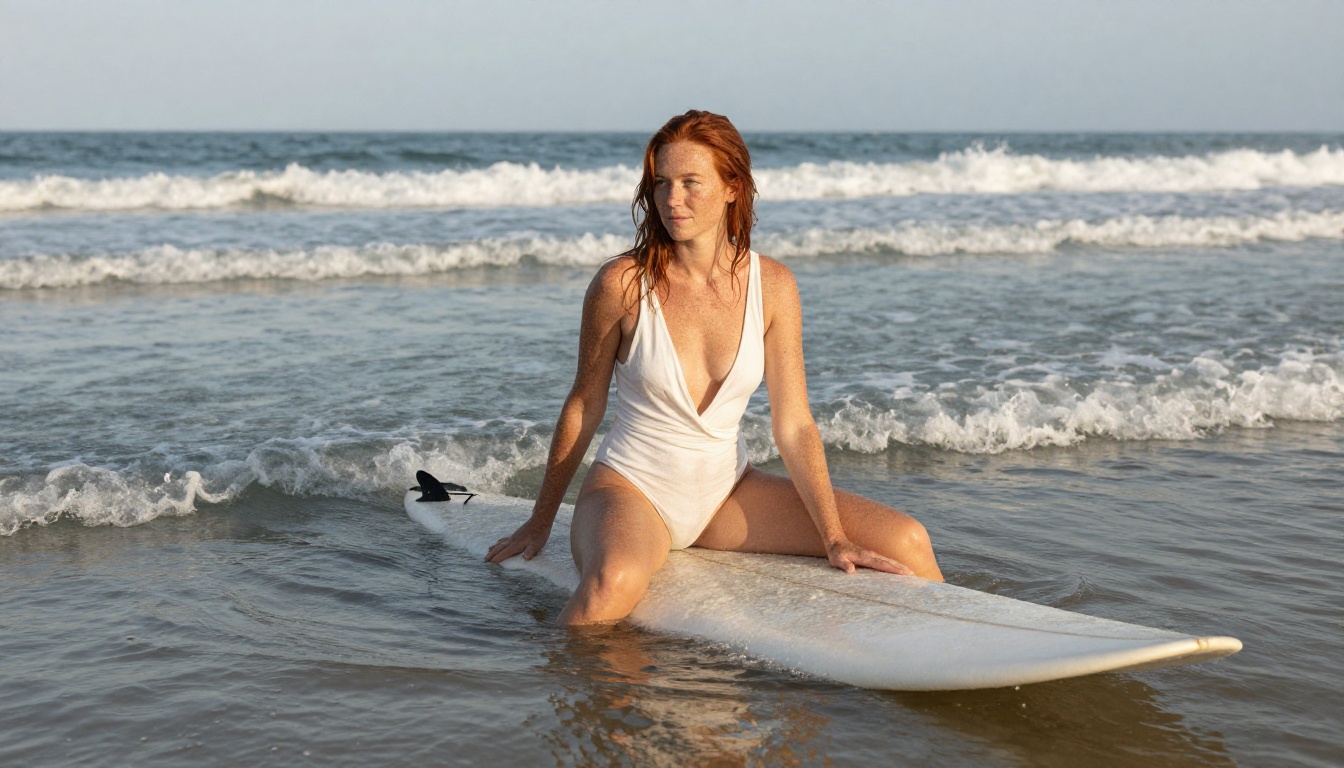
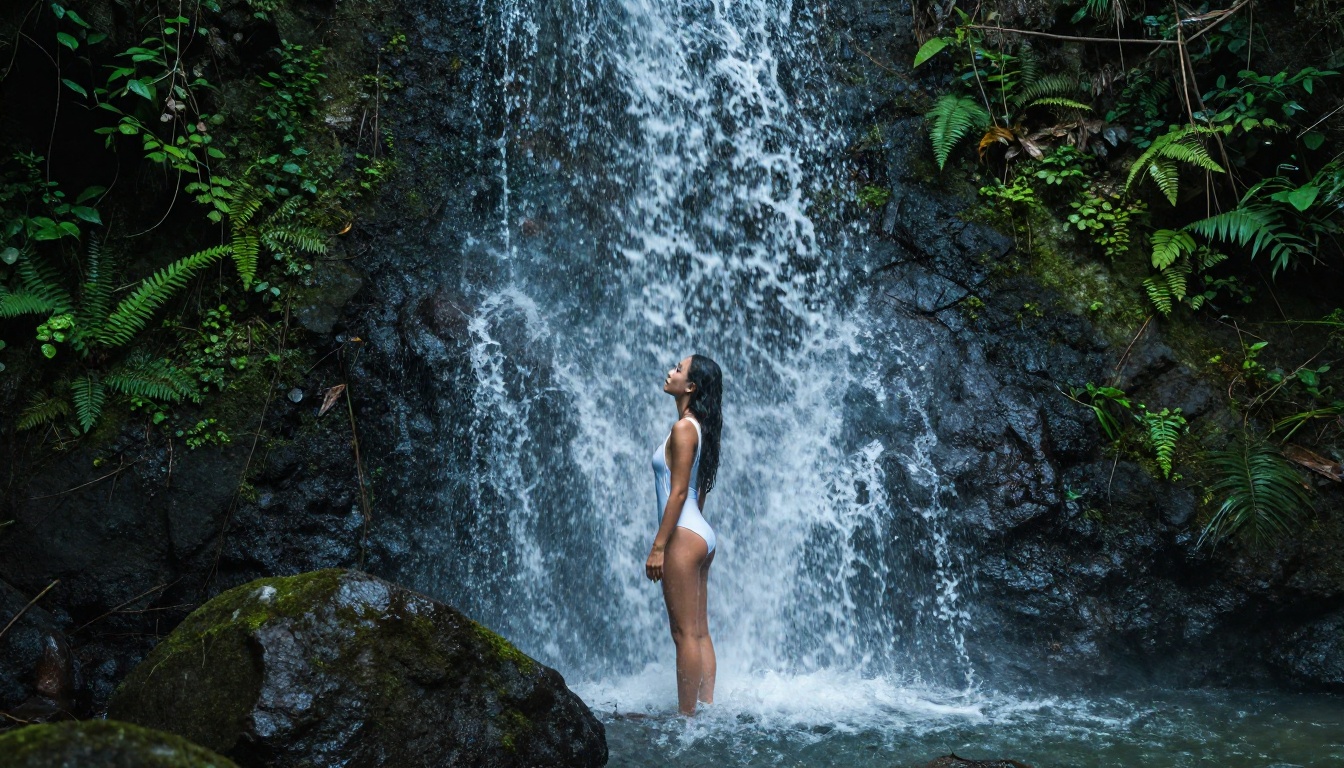
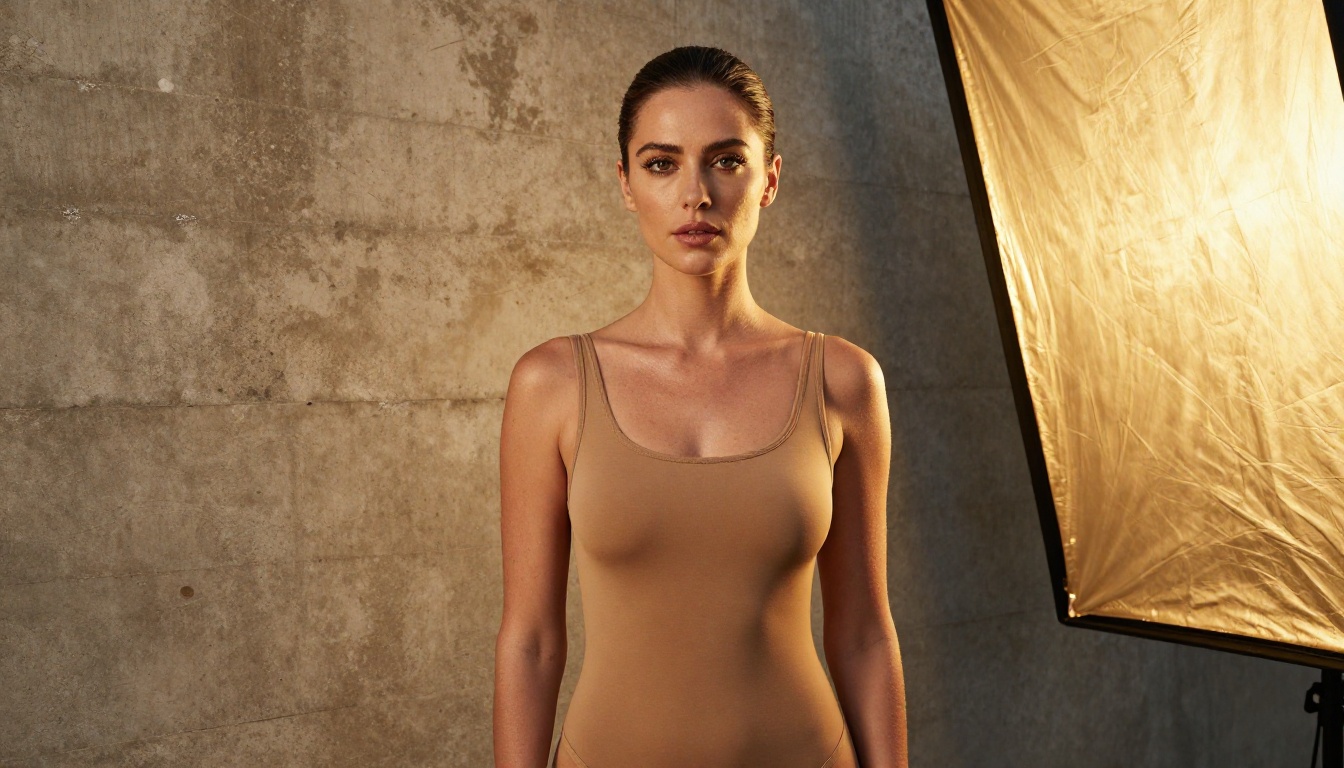
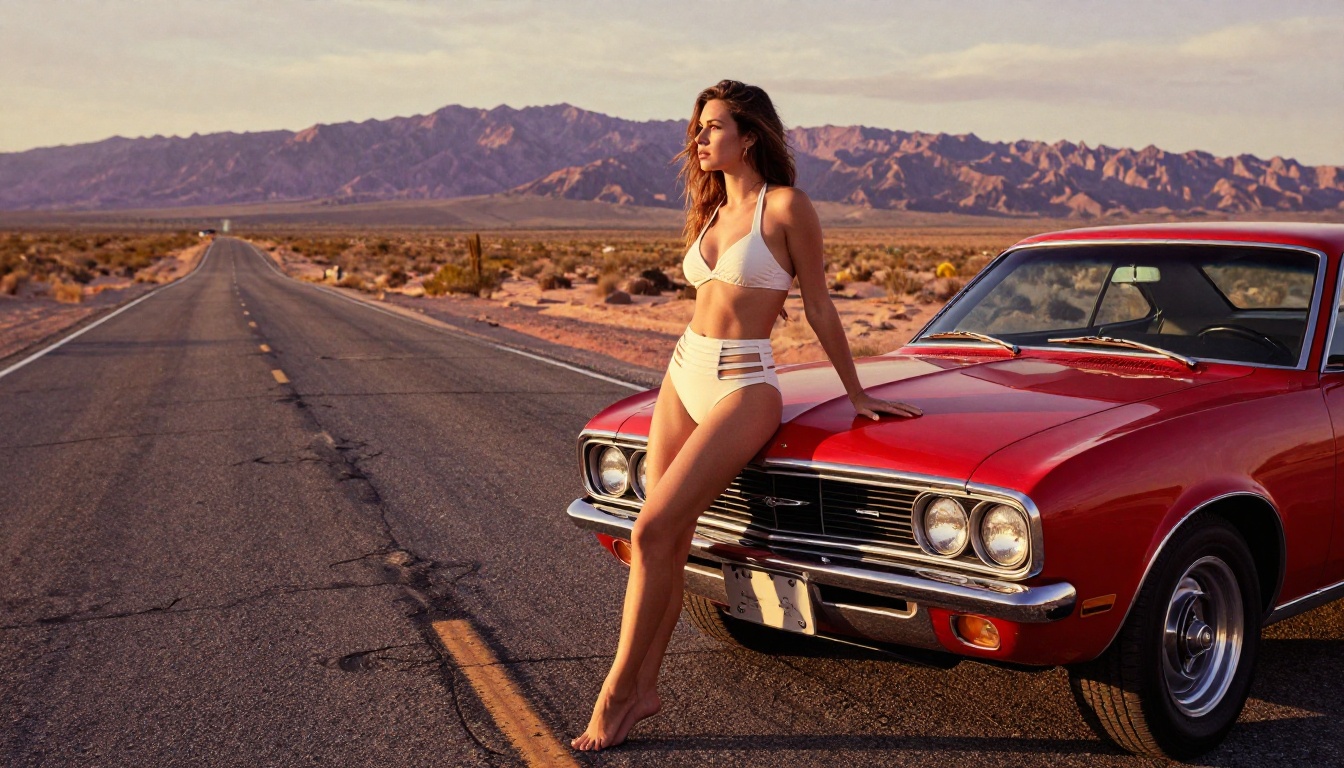
Seedream 4.5 is the top recommendation for NSFW image generation right now. ByteDance released this model with weights that support adult content, and the inference pipeline on PicassoIA runs without any content filter. You get fully realistic output in under 3 seconds.
What separates it from other fast models is the detail quality at this speed. Skin texture, hair strands, fabric physics, and environmental lighting all hold up at high resolution. It also supports image editing, so you can load an existing image and modify specific regions with a text prompt.
Note: Do not confuse this with Seedream 5 Lite. The newer model blocks adult content. Stick with 4.5 for any NSFW workflow.
Qwen Image 2: True Open-Source Power
Qwen Image 2 is among the few models in 2027 that is genuinely open: weights are public, the license allows commercial use, and the architecture is fully documented. Built by Alibaba's Qwen team, it handles both text-to-image and image-editing workflows from a single interface.
For NSFW use, the key advantage is that the model itself has no content filter in its weights. The inference pipeline on PicassoIA runs it without post-processing filters. Results are detailed, with strong anatomical accuracy and realistic lighting. At equivalent prompt complexity, Qwen Image 2 often delivers more natural skin tones than models that were originally trained with safety constraints and later fine-tuned.
Wan 2.2 Image: No Filters, Full Realism
Wan 2.2 Image generates highly realistic images from text descriptions without content restrictions. The model was built for creative professionals who need a tool that does not second-guess the prompt.
Wan 2.2 Image performs exceptionally on portrait-style prompts: face and body details are well-preserved across different lighting conditions. It is slightly slower than P-Image but delivers a higher ceiling for photorealism in complex multi-element scenes.
P-Image: Under 1 Second Flat
P-Image by PrunaAI is the fastest model in this list. Generations land in under one second. That speed matters when you are iterating on prompts, testing different angles, or batch-creating content for a project.
It supports NSFW text-to-image with no content filtering on PicassoIA. The tradeoff is detail density: at complex prompts with many background elements, P-Image occasionally simplifies fine details compared to Seedream 4.5. For portraits and character-focused shots, the quality-to-speed ratio is excellent.
Best NSFW Models by Use Case
Different workflows call for different models. Here is how the options break down:
💡 On unlimited generations: PicassoIA Image Editor Pro lets Elite and Infinite plan users generate images with no per-image cost. The same 1,000-image project on a model like Nano Banana 2 would cost approximately $100. With Image Editor Pro, it is included in your subscription. A 3-generation free trial requires no credit card.
How to Use Seedream 4.5 on PicassoIA
Since Seedream 4.5 is the highest-performing NSFW model available right now, here is how to get the best results from it on PicassoIA.
Seedream 4.5 responds extremely well to structured prompts. The more specific you are about lighting, setting, pose, and clothing, the better the output.
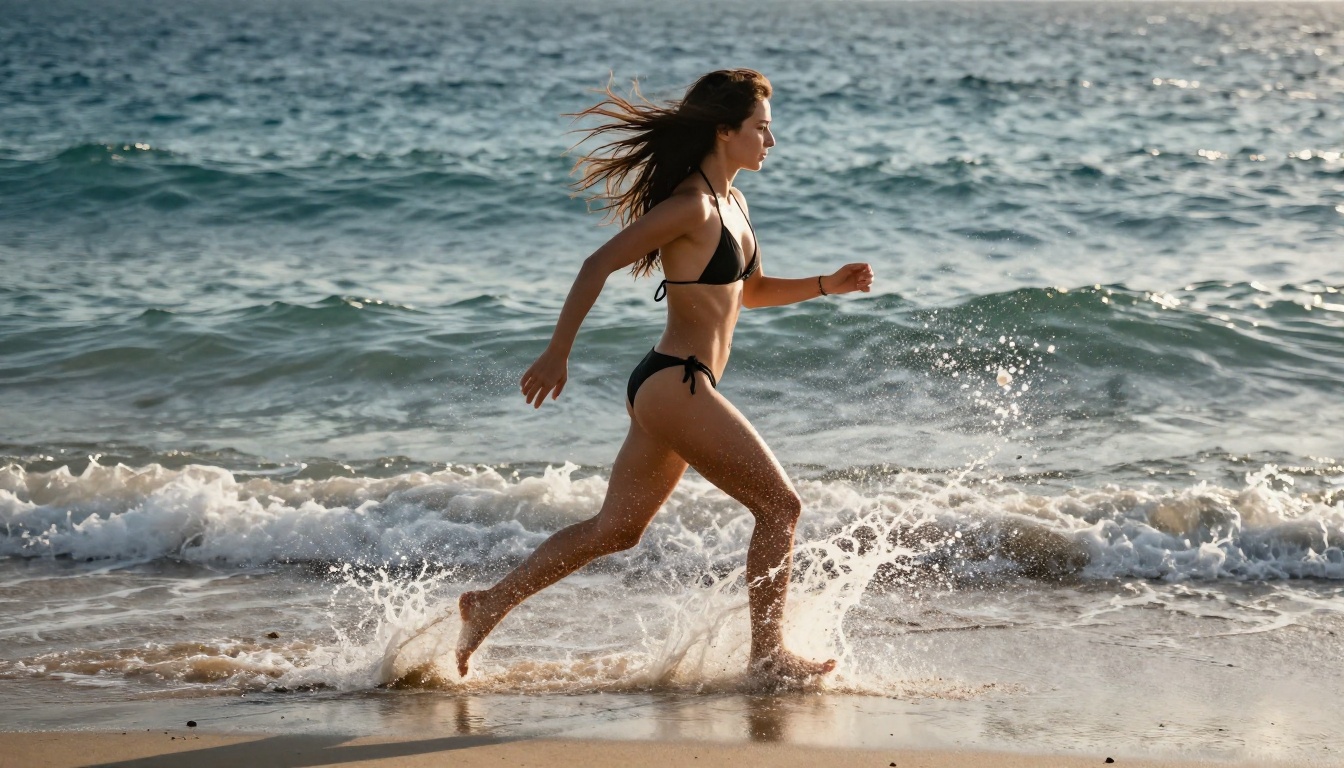
A woman with long dark hair, wearing a white bikini, standing on a sun-drenched beach, golden hour light from the left, shot at waist level with 85mm lens, natural skin texture, photorealistic, RAW 8K photography
Parameters to adjust:
Steps: 30-50 for maximum detail. 20 steps for fast drafts.
CFG Scale: 7.0 is the sweet spot. Above 10 tends to oversaturate.
Resolution: 1024x576 for 16:9 output.
Step 3: Iterate on Results
Seedream 4.5 is fast enough to iterate on quickly. If the first result does not match your vision, change one element at a time: the lighting description first, then the pose, then the background. Small targeted changes at this stage are more efficient than rewriting the entire prompt.
💡 Editing tip: Use the image editing mode within Seedream 4.5 to modify specific regions. Draw a mask over the area you want to change, write a replacement prompt, and it regenerates only that section. Useful for adjusting clothing, backgrounds, or facial expression without regenerating the full image from scratch.
The Best NSFW Video Models in 2027
Still images are one thing. Video generation for adult content is a different technical challenge, and 2027 has produced several strong open-source-based options that deliver real results.
Image-to-Video Options
Wan 2.2 I2v Fast converts static images into dynamic 5-second video clips with smooth, natural animation. Feed it a still portrait and it outputs a clip where hair moves, fabric shifts, and the environment breathes. The output stays visually consistent with the source image, which matters a lot when the source is photorealistic adult content.
LTX 2.3 Pro is the highest-fidelity video model on PicassoIA, capable of exporting at up to 4K at 50fps. It runs five modes from one interface: text-to-video, image-to-video, audio-to-video, retake (replace a specific segment without re-rendering the whole clip), and extend (add footage to the start or end of an existing clip). Camera presets like dolly, jib, and focus-shift let you direct motion precisely.
Text-to-Video with No Watermarks
Grok Imagine Video generates clips up to 15 seconds long from a text prompt or reference image, with no watermarks on the output. It supports eight aspect ratios and image-to-video mode automatically matches the proportions of your source photo.
P-Video by PrunaAI accepts text, image, or audio as input and outputs clips up to 1080p at 24 or 48fps. The safety filter is disabled by default, and a draft mode delivers a fast low-resolution preview before you commit to the full-quality render.
PicassoIA Video gives Elite and Infinite subscribers unlimited video generation at up to 720p, 5 seconds per clip, with no per-video cost. If you are producing a large volume of short clips, this is the most cost-effective option available.
Prompt Formulas That Actually Work
The quality of your NSFW AI output depends roughly 70% on the prompt. Here is what separates results that look like real photography from results that look like AI artifacts.
What to Include
Always specify:
Lighting direction and quality: "volumetric light from the left", "overcast diffused light", "golden hour backlight"
Camera focal length and aperture: "85mm f/1.4", "35mm wide angle f/5.6"
Skin and surface detail modifiers: "natural skin texture", "individual pores visible", "fabric grain and weave"
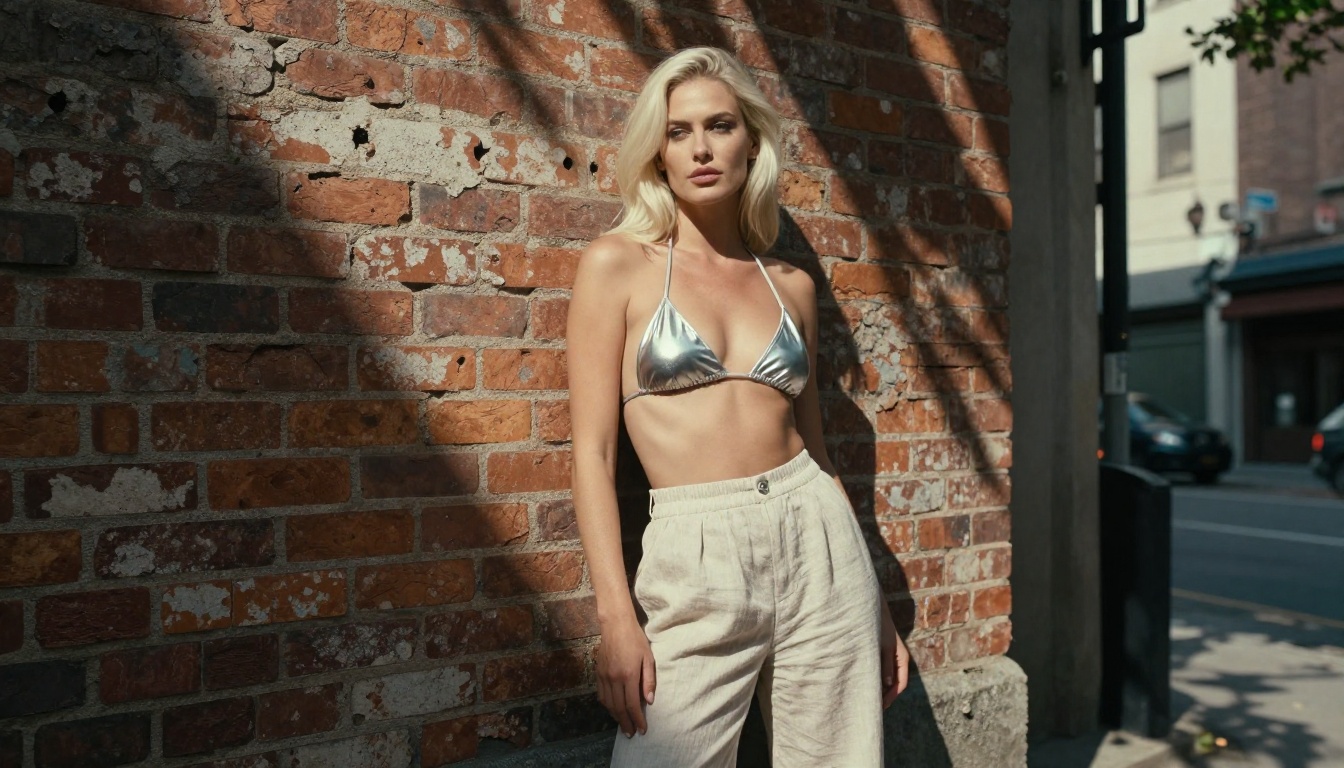
Scene anchoring: "on a sun-bleached wooden dock", "in front of a weathered brick wall in an urban alley"
Style anchors that work for photorealism:
RAW 8K photography
Kodak Portra 400 film grain
natural lighting
photorealistic
shot on Canon EOS R5
What Kills Realism
Avoid
Use Instead
"Digital art style"
"RAW photography"
"Hyper-detailed"
Describe the specific details you want
"Beautiful woman"
Specific physical description
Generic backgrounds
Named, specific locations with texture
"High quality"
Specific camera and film stock modifiers
"Fantasy" or "Magical"
Real-world materials and lighting conditions
The biggest mistake: over-specifying facial features without grounding the scene. The model allocates its rendering budget across the whole prompt. If 80% of your prompt is about the face and 20% is about everything else, the setting will look artificial even when the face is sharp.
All 12 Recommended Models, Ranked
Here is the complete ranked list, with links to every model on PicassoIA:
Seedream 4.5 ⭐ — Best all-around NSFW model. Realistic content, image editing support, under 3 seconds. (The newer Seedream 5 Lite does not allow NSFW content.)
PicassoIA Image Editor Pro — Unlimited generations on Elite/Infinite plans. Under 1 second per image. 3-generation free trial, no credit card needed.
Qwen Image 2 — Open-source weights, commercial license. Edits or creates any image in seconds with detailed realism.
Grok Imagine Image — Converts images to bikini format realistically. Strong image-to-image performance.
Recraft V4 — Very high photorealism from text prompts only.
P-Image — Fastest model available. NSFW text-to-image in under 1 second.
Wan 2.2 Image — Highly realistic images from text, no content filters.
Wan 2.2 I2v Fast — Static image to smooth animated video clip, natural motion.
PicassoIA Video — Unlimited video from text prompts. Up to 720p, 5 seconds per clip, no per-video cost.
P-Video — Text, image, or audio to video up to 1080p. Safety filter off by default. Draft mode for instant previews.
Grok Imagine Video — Up to 15-second clips from text or image. No watermarks. Auto-matches source image proportions.
LTX 2.3 Pro — Highest fidelity at up to 4K/50fps. Retake and extend editing modes for precise control.
Unlike mainstream AI platforms that restrict prompt interpretation at the model or API level, PicassoIA runs these models with full creative freedom. Adult content is not flagged, filtered, or blocked.
Where to Access Every Model
All 12 models in this list are available on PicassoIA without any local setup. No GPU required, no model download, no VRAM management. You open the model page, write the prompt, and generate.
For creators who want to test the platform before committing, PicassoIA Image Editor Pro offers 3 free generations with no credit card required. That is enough to see exactly what the model delivers on your specific type of content before choosing a plan.
The full catalog, including all models in this list plus dozens more across image, video, audio, and language categories, is at picassoia.com/en/all-models.
Start Generating Now
The models in this list are not theoretical. They are running right now on PicassoIA, producing results in 1 to 5 seconds, with no content filters and no per-image restrictions on the right plan.
Pick one model from the rankings above and test it with a single, detailed prompt. If Seedream 4.5 does not impress you in the first three generations, try Qwen Image 2. Every creator's prompt style pairs differently with different architectures. The fastest way to find your model is to generate, compare, and iterate on what you see.
All 91 text-to-image models, 87 text-to-video models, and dozens of editing tools are available at picassoia.com/en/all-models. No filters. No blocklists. Just the models and your prompt.