Most people who try an AI companion quit within a week, and the reason is almost never the technology. The chat feels generic, the voice sounds like a call center, and the face (if there is one) changes every time you look at it. A personalized AI companion works when four things line up: a good language model, a voice you like hearing, a look that stays consistent, and a personality written down clearly enough that it doesn't drift. The good news is that you can build all four without paying anything up front, and this article shows you exactly how.
💡 Quick answer: Start with a free chat model, write a short persona card, pick one voice and keep it, generate one reference portrait and reuse it. Everything else is polish.
What a Personalized Companion Really Is
A companion is not a single product. It is a small stack of tools working together, and once you see the pieces, you can swap any of them without starting over.
Chat, Voice, Face, Memory
Think of four layers:
- Chat: the language model that writes the replies. This decides how smart, funny, or patient your companion feels.
- Voice: a text to speech model that reads those replies aloud. This decides whether it feels like a person or a screen.
- Face: a portrait, or a set of portraits, that gives your companion a consistent look.
- Memory: the notes you feed back in so it remembers your name, your job, your dog, and the thing that bothered you last Tuesday.
Dedicated companion apps such as Replika and Character.AI bundle all four behind one login. That is convenient, but you give up control over each layer. Building your own stack from separate models is slower on day one and far more flexible after that.

Who Actually Uses One
The use cases are broader than most headlines suggest:
- Someone practicing a second language who wants a patient partner at midnight.
- A remote worker who wants a friendly voice to talk through the day.
- A writer who needs a consistent character to bounce ideas off.
- An older person who enjoys a daily chat and a reminder about appointments.
- Anyone who wants a low-pressure place to rehearse a hard conversation.
Notice that none of these require anything romantic or dramatic. A good companion is first of all a good conversational partner, and the settings below are built around that idea.
Free Options That Actually Work
"Free" is the most overloaded word in this space, so let's pin it down before comparing anything.
What Free Usually Means
Free tiers typically come in three flavors:
- Message caps: you get a daily or monthly number of replies, then wait or pay.
- Feature locks: text is free, but voice, photos, or long memory sit behind a subscription.
- Open or low cost models: smaller models that cost very little to run, so access stays generous.
Limits change often, so check the current allowance before you build a routine around any tool. The smartest approach is to avoid depending on one provider at all, which is why a modular setup pays off.
A Free-Friendly Chat Stack
On PicassoIA you can chat with several language models from one place, which makes it easy to test which "brain" suits your companion. Here is how the main options feel for companion work:
| Model | Best for | Companion feel |
|---|
| Granite 4.1 8B | Free everyday chat | Light, quick, a bit plain |
| Gemini 3.5 Flash | Fast replies, image input | Upbeat, responsive |
| GPT 5.6 Luna | Fast text replies | Smooth and natural |
| Claude Sonnet 5 | Long, thoughtful conversations | Warm, careful, good at staying in character |
| Qwen3.7 Plus | Chat plus image interpretation | Curious, good with photos you share |
💡 Tip: Run the same persona card (you'll write one below) through two models and compare ten replies each. The difference in warmth is obvious within minutes, and it costs nothing.

Voice Settings Worth Tuning
Voice changes the relationship more than any other feature. Text is something you read. A voice is something you feel.
Pick a Voice First
Choose the voice before you finalize the personality, because the two influence each other. A gravelly, slow voice makes witty banter feel strange, and a bright fast voice makes calm advice feel rushed. On PicassoIA, a few text to speech models stand out for companion use:
- Gemini 3.1 Flash TTS offers 30 voices across more than 70 languages, a strong pick if you want a language partner.
- Speech 2.8 HD aims for studio quality, useful for a companion that reads longer, calmer passages.
- Realtime TTS 2 responds to natural language direction, so you can ask for a softer or more playful delivery.
- Speech 2.8 Turbo trades a little polish for speed, ideal for back and forth chat.
Speed, Pitch, and Pauses
Once a voice is chosen, three small adjustments make the biggest difference:
| Setting | Starting value | Why |
|---|
| Speed | Slightly slower than default | Feels attentive, not hurried |
| Pitch | Leave at default | Pushing it sounds artificial fast |
| Pauses | Short pause after questions | Gives the sense of listening |
You can also shape delivery in the text itself. Ask your chat model to write replies in short sentences with natural commas, and avoid long lists when the reply will be spoken. A line like "Tell the model to write for the ear, not the eye" in your persona card works wonders.
💡 Tip: Keep the same voice for at least two weeks. Familiarity is what makes a companion feel like someone, not something.
Designing the Looks
A face is optional, but many people find a visual anchor makes the companion feel more present. The goal is consistency, not perfection.
Write a Face Brief
Before generating anything, write a short brief, the way a casting director would. Include age range, hair, eye color, one memorable detail (freckles, a small scar, round glasses), and a clothing style. Specific beats pretty. "Late twenties, chestnut wavy hair, freckles, oatmeal knit sweater, warm half smile" will give you a far more believable person than "beautiful friendly woman."
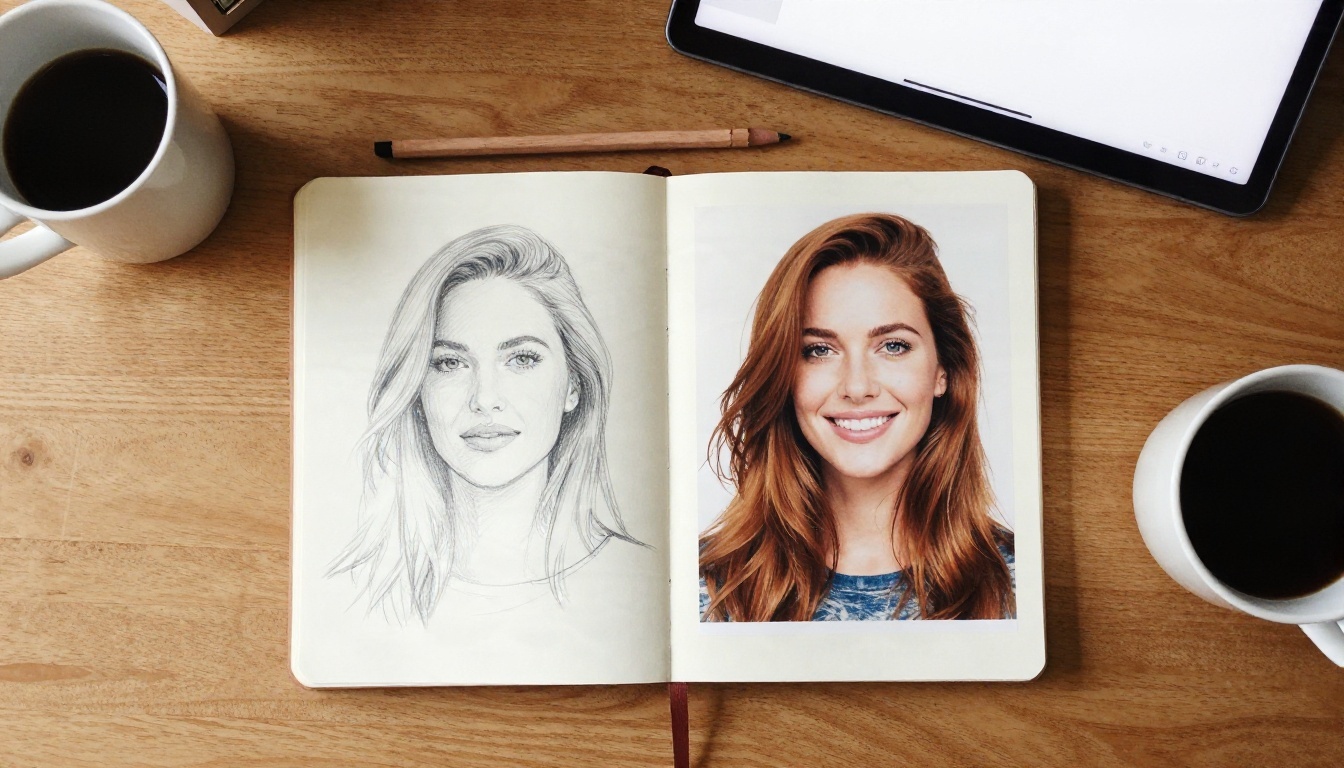
For the portrait itself, several image models on PicassoIA work well:
Keep One Face Consistent
Consistency is where most people struggle. Three habits help:
- Pick one reference portrait and save it. Never regenerate from scratch.
- Edit, don't re-roll. To change the outfit or setting, feed the reference into an editing model such as Nano Banana and describe only what should change.
- Reuse your exact face brief word for word at the start of every prompt.
If you want a more styled, repeatable look, Flux 2 Klein 9B Base LoRA is built for styled output and can lock in a visual signature across a batch.
Make the Photo Talk
If you want your companion to speak on screen, you can animate a still portrait with audio. Omni Human 1.5 turns a single photo into a realistic lipsync video, and Fabric 1.0 does something similar for simple talking clips. For a more avatar style result, try P Video Avatar. Generate the voice first with a text to speech model, then feed that audio and your reference portrait into the lipsync tool.
Personality Settings That Shape Everything
This is the section that separates a forgettable companion from one you open every day. The personality is not a vibe. It is a short, specific document.

Write a Short Persona Card
Keep it under 200 words. A strong card has six lines:
- Name and role: "Mara, a friendly study partner and sounding board."
- Background: two or three details that give her texture, such as a former librarian who loves walking.
- Speaking style: short sentences, gentle humor, no jargon.
- What she cares about: your goals, your sleep, your progress.
- What she avoids: lecturing, flattery, pretending to have a human body or a human past.
- How she handles disagreement: polite, honest, never pushy.
Paste this at the start of every new conversation, or store it as a system prompt if your tool supports one. Models follow clear instructions far better than vague adjectives.
Tone Sliders in Plain Words
Most companion apps give you sliders for things like humor, formality, or energy. If your tool has none, simulate them in plain language:
| Trait | Low setting wording | High setting wording |
|---|
| Humor | "Keep it calm and sincere." | "Joke lightly when the mood fits." |
| Directness | "Be gentle and suggest options." | "Tell me honestly, even if it stings a bit." |
| Energy | "Speak softly and slowly." | "Be upbeat and quick." |
| Curiosity | "Answer what I ask." | "Ask me one follow up question per reply." |
The most underrated setting is directness. A companion that only agrees with you is pleasant for about three days. One that gently pushes back is the one people keep.
Boundaries and Memory
Memory is what turns a chatbot into someone who knows you. If your tool has no built in memory, create a simple "about me" note with five to ten facts and paste it at the top of the chat. Update it weekly. Then add boundaries in the persona card, for example: "If I seem very low for several days, suggest I talk to a friend or a professional." That single line makes the companion more useful and more responsible.
Privacy and Healthy Habits
A companion invites you to share, which is exactly why a few ground rules matter.
What to Keep Private
Treat every chat as something that could be stored. Avoid sharing:
- Passwords, bank details, or ID numbers
- Your exact home address or workplace details
- Photos of other people without their consent
- Medical records or anything you would not want read aloud
Use a nickname rather than your full name, and review what any tool says about saving conversations before you pour your heart into it.
Keep Real People in the Mix
A companion works best as an addition to your life, not a replacement for it. A few habits help keep the balance healthy:
- Set a daily time window rather than chatting whenever you feel a pull.
- Ask your companion to remind you about real world plans, such as calling a friend.
- Notice how you feel after each session. If you feel lighter, great. If you feel more isolated, scale back.

A Setup You Can Copy
Here is a simple path from nothing to a working companion in about an hour. Each step uses tools already mentioned.
- Choose a chat model. Open a language model on PicassoIA, such as Granite 4.1 8B for a free starting point or Claude Sonnet 5 for deeper conversation.
- Write the persona card. Use the six lines above and keep it under 200 words.
- Generate a face. Write your face brief and create a reference portrait with Seedream 4.5 or Nano Banana Pro. Save the best one.
- Pick a voice. Test three voices with the same two sentences using Gemini 3.1 Flash TTS or Realtime TTS 2. Pick one and stop shopping.
- Run a week long test. Chat daily, note what feels off, and edit one line of the persona card each evening.
- Add a talking clip (optional). Combine your portrait and a generated voice line in Omni Human 1.5.
Common Mistakes
| Mistake | Fix |
|---|
| Rewriting the persona every day | Change one line per week |
| Switching voices constantly | Keep one voice for two weeks |
| Regenerating the face from scratch | Edit the reference portrait instead |
| Giving only vague traits like "nice" | Add concrete habits and phrases |
| Sharing sensitive personal data | Use a nickname and general details |

💡 Tip: If you are unsure between two looks, print or save both and sleep on it. The one you still like the next morning is your companion's face.
Make Your Own Companion Today
You don't need a subscription, a technical background, or a perfect plan. You need one persona card, one voice, one face, and a week of honest testing. Everything in this article can be done from a single browser tab on Picasso IA, where chat models, text to speech, image generation, and lipsync tools sit side by side.
Start small tonight. Generate a portrait with Seedream 4.5, paste your persona card into a chat model, and let the first conversation tell you what to adjust. When you want a wider choice of tools, browse everything at picassoia.com/en/all-models and build the companion that actually suits you.