The AI video generation space moved faster in the past year than most people expected. What started as blurry, five-second clips has become a genuinely usable production tool, and two platforms keep showing up in every creator's conversation: Kling and Picasso AI. They are not really competing in the same category, though. One is a single-model video generator; the other is a massive platform that includes Kling models alongside over 100 other video options. That distinction matters a lot depending on what you actually need.
This article breaks down the real differences: quality, speed, pricing, model access, and who each one serves best.
Before comparing output quality, it is worth being clear about what you are actually comparing. Kling, built by Kuaishou, is a purpose-built AI video tool with its own proprietary models. It ships regular model updates and focuses tightly on text-to-video and image-to-video generation. Picasso AI is something different: a platform that aggregates the best AI models from across the industry, including every major Kling version, alongside models from ByteDance, Google, Luma, Minimax, OpenAI, and more.
Kling's Core Approach
Kling positions itself as a premium standalone video AI. You sign up, choose from their current model versions, enter your prompt or upload your image, and get a video. The interface is clean and focused. The trade-off is that you are locked into what Kling offers at any given time, with no ability to compare against other model families.
Picasso AI's Model Library
Picasso AI hosts over 100 text-to-video models from multiple providers. That includes the full Kling lineup, from Kling v1.5 Pro all the way up to Kling v3 Video, plus alternatives like Seedance 2.0, Sora 2, Veo 3, and Wan 2.7 T2V. You are not locked into one model. You pick the right tool for each job.
Video Quality: Real-World Results
This is the part everyone wants to know about. The short answer is that Kling's latest models produce excellent results, and those same models are accessible through Picasso AI. So the quality ceiling is identical. What differs is what happens when Kling is not the right tool for a specific shot.

Resolution and Motion Fidelity
Kling v3 Video and Kling v3 Omni Video are among the best text-to-video models available right now, producing 1080p outputs with remarkably consistent motion. Kling v2.6 is a step below in generation time but still excellent for most production use cases. Both are fully available on Picasso AI.
Where quality diverges across platforms is model diversity. Models like Veo 3 from Google or Sora 2 from OpenAI produce different results from Kling on identical prompts. Some models handle complex camera movement better. Others shine on character animation or photorealistic textures. Access to all of them changes what is possible.
Prompt Adherence and Camera Control
Kling consistently scores high on prompt adherence. If you write a detailed prompt, the output closely matches what you described. Kling v2.5 Turbo Pro in particular is known for tight prompt following at faster generation speeds. Kling v2.6 Motion Control takes this further by allowing explicit camera trajectory control, which is rare and genuinely useful for directors who think in shot language.
💡 For scene-specific shots where camera angle matters, Kling v3 Motion Control gives you trajectory control that no basic text-to-video model can match.
The Full Kling Lineup on Picasso AI
This is the part that changes the comparison entirely. Picasso AI does not just include one Kling model. It includes the full generational lineup, so you choose based on your specific need rather than being pushed toward whatever version Kling is currently promoting.
Every Kling Version, One Platform
Speed vs Quality: Which Version to Pick
The fastest Kling options on Picasso AI are Kling v2.5 Turbo Pro and Kling v1.6 Standard. If you are iterating quickly on concepts and need volume, these save significant generation time per clip. For final deliverables or client work, Kling v3 Video is where you want to be.
💡 Workflow tip: Use Kling v1.6 Standard to rapid-prototype your concept. Switch to Kling v3 Video only for the final approved version. This approach can cut costs by 60 to 70 percent on a typical project.
Pricing: What You Actually Pay

Kling's Subscription Tiers
Kling operates on a monthly subscription model with credit allocations. The free tier is limited to short clips at reduced resolution. Paid plans start around $8 to $10 per month for basic access and climb to $30 or more per month for higher resolution, longer clips, and priority generation. Credits roll over with limitations, and pricing updates on Kling's side flow directly to you.
The frustrating reality for subscription users: when Kling releases a newer, costlier model version, the credit cost per generation increases within your existing plan without much control over that shift.
Picasso AI's Credit System
Picasso AI uses a credit-based system where you pay for what you generate. There is no mandatory subscription to access the model library. Buy credits, spend them across the full range of models. The practical advantages are real:
- No monthly lock-in unless you choose a subscription tier for volume discounts
- Access to every model family, not just Kling
- Flexibility to switch models based on project budget and requirements
- No wasted spend on subscription capacity you do not use in a given month
For heavy users who exclusively want Kling outputs at high volume, a subscription plan can still make sense. For users who want flexibility across multiple AI video model families, credit-based access wins on value consistency.
Ease of Use

For Absolute Beginners
Kling's interface is purpose-built for video generation, which makes it approachable. You see one core interaction: a prompt box and a model selector. There is less cognitive overhead when you are not choosing between 100 options.
Picasso AI requires slightly more orientation. With so many models available, new users sometimes pause when choosing where to start. That said, the platform organizes models by category, surfaces example outputs on each model page, and highlights the most popular options prominently. The learning curve flattens quickly.
For beginners: Kling has a slight edge in day-one simplicity. Picasso AI compensates with strong model filtering and a curated experience that narrows choices within a few clicks.
For Power Users
Power users is where Picasso AI wins decisively. Consider what you can do that Kling alone cannot:
- Run Kling v3 Video for your main video output
- Use Wan 2.7 T2V for a stylistically different take on the same concept
- Compare Hailuo 02 against LTX 2.3 Pro for specific shot types
- Use Ray 2 720p from Luma for fast iteration, then upscale with super-resolution
- Generate images with text-to-image models, then animate them with Kling image-to-video models in the same session
This multi-model workflow is how serious creators operate. Kling standalone simply cannot replicate it.
This is where the comparison becomes almost unfair for Kling as a standalone tool.
When You Need More Than Video
Real creative workflows do not start and end with video generation. They involve multiple production stages:
Before video generation: Image creation to build reference frames, face swap tools to maintain character consistency across clips, background removal to isolate subjects before animating them.
During production: Super-resolution to upscale reference images before animation, inpainting to correct image details, ControlNet-style pose control for consistent character positioning.
After video generation: AI video upscaling and stabilization for clips, lipsync tools to sync dialogue to any face, text-to-speech for voiceover generation, AI music generation for background audio.
Kling covers the video generation step. Picasso AI covers the entire pipeline. The platform includes dedicated tools for background removal, face swapping, AI music generation, speech-to-text, lipsync, over 500 video effects, and text-to-speech alongside its video model library.
💡 A practical workflow: Generate a base image with a text-to-image model, use face swap to add a specific face, animate it with Kling v3 Video, add lipsync, generate background music with AI music tools, and assemble it all without switching platforms. That end-to-end workflow is not possible on Kling.
Side-by-Side Feature Comparison
| Feature | Kling (Standalone) | Picasso AI |
|---|
| Kling model access | Yes (current versions) | Yes (full version history) |
| Other video models | No | 100+ models |
| Image generation | Limited | 91+ models |
| AI video upscaling | Basic | Dedicated tools |
| Lipsync | No | Yes |
| AI music generation | No | Yes |
| Background removal | No | Yes |
| Super resolution | No | Yes |
| Face swap | No | Yes |
| Pricing model | Monthly subscription | Credits, no lock-in required |
| Cross-model comparison | No | Any model, same prompt |
The Verdict
Choose Kling Standalone If...
- You only want Kling outputs and have no interest in other model families
- You prefer a single-purpose interface with minimal options
- Your monthly generation volume makes a subscription plan cost-effective
- You want access to Kling-specific ecosystem features tied to their native platform
Choose Picasso AI If...
- You want Kling models included alongside the best video models from every other major provider
- You need a full production pipeline, not just a video generation step
- You prefer credit-based flexibility over a locked monthly subscription
- You want to run Seedance 2.0, Veo 3, Pixverse v5.6, and Kling in the same session without managing separate accounts
- You want to compare model outputs on the same prompt before committing to a final generation
The honest answer: you do not have to give up Kling to use Picasso AI. Every major Kling version lives on the platform, including Kling v3 Video, Kling v2.6, Kling v3 Motion Control, and Kling Avatar v2. What you gain is everything that comes alongside them.
Try It Yourself
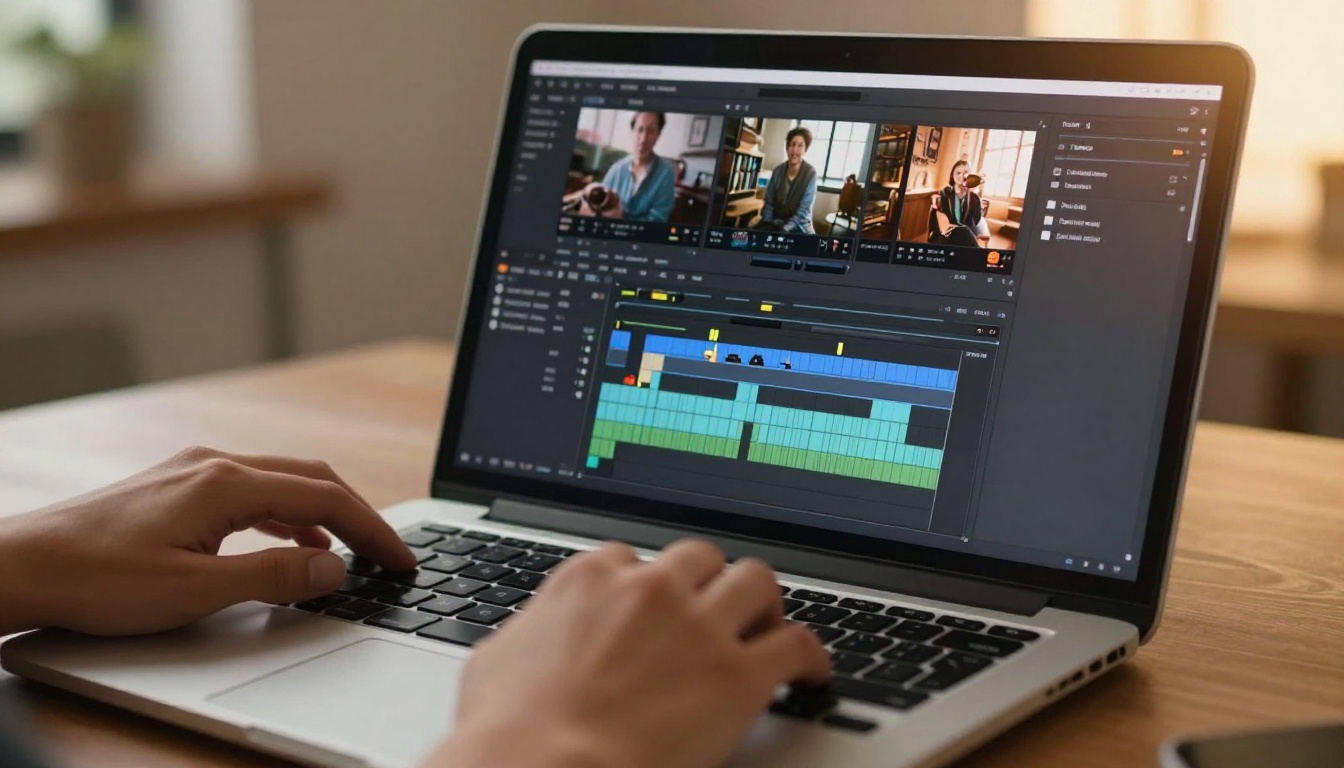
The best way to settle this comparison on your own terms is to run the same prompt through Kling v3 Video and Kling v2.6 on Picasso AI, then try that same prompt through Seedance 2.0 or Pixverse v5.6 for direct comparison. The results often surprise people. Different models render identical scenes with completely different energy, pacing, and visual texture. The "best" model depends entirely on the shot you are trying to achieve.
No subscription is required to start. You can access the full Kling lineup, try models from every major AI lab, and build a complete creative workflow from a single platform. Start with a concept you already have in mind, run it through two or three models, and see what each one does differently. That single experiment will tell you more than any comparison article can.
The question is not really which AI video tool wins. It is which gives you more options, more control, and more output for your creative budget. On all three counts, the platform with the full library wins.


