ByteDance's Seedance family has moved fast. Each version has pushed quality higher, resolution sharper, and generation time shorter. But Seedance 2.0 represents a different kind of step: it reaches for a threshold that was, until very recently, impossible for AI video at all. Genuine 4K output with synchronized native audio, baked directly into the generation process. If you have been watching AI video models inch toward cinematic quality, Seedance 2.0 is the release worth paying attention to.
What Is Seedance 2.0, Actually?
Seedance 2.0 is ByteDance's second-generation AI video model, built on a significantly rearchitected foundation compared to the 1.x line. Where earlier versions topped out at 1080p and generated silent video that you then paired with audio in post-production, Seedance 2.0 generates both the visual and audio streams together, from the same prompt, at the same time.
That matters more than it sounds. It means the wind you hear in the audio actually correlates with the way grass moves in the frame. It means footsteps have weight. It means a thunderstorm sounds the way it looks.
The Jump from 1.x to 2.0
The Seedance 1.x generation, including Seedance 1 Pro and Seedance 1.5 Pro, delivered strong results for its time. Motion was relatively smooth, prompts translated well into coherent scenes, and output at 1080p was competitive. But the ceiling was clear: push the resolution higher and temporal consistency would degrade. Objects would drift. Faces would shift between frames. The model was doing its best within constraints that were fundamentally about compute and architecture.
Seedance 2.0 is not an incremental upgrade on that foundation. ByteDance rebuilt around a diffusion transformer backbone with stronger temporal attention, which means the model tracks spatial consistency across frames with far more precision. The jump in output quality is visible immediately, especially at longer clip durations and in scenes with complex motion like flowing water, hair, or crowds.
4K Output: How Real Is It?
The honest answer is: more real than most models, but context matters.
Seedance 2.0 generates at 4K resolution natively. That is not the same as generating at 720p and running an AI upscaler over the result, which is what many claimed "4K" video tools actually do. Native 4K means pixel-level detail is computed from the ground up at that resolution, which preserves fine texture in fabrics, architecture, skin, and foliage in ways that upscaled video never quite matches.
💡 Quick check: When evaluating any AI video model's 4K claims, look at still frames at 100% zoom. Genuine native 4K shows sharp micro-textures. Upscaled video shows smooth, slightly plastic surface quality even when the overall scene looks sharp at first glance.

The 4K Promise, Broken Down
Resolution is a number. What it means in practice depends on three things: pixel density at viewing distance, temporal consistency across frames, and color depth. Seedance 2.0 performs well on all three, but each deserves attention on its own terms.
Native Resolution vs. Upscaled
The difference between native and upscaled 4K is most visible in motion. When an AI model generates video at 720p and a second model scales it to 4K, the upscaler is inventing detail that was never in the original signal. For static scenes, this is often invisible. For moving scenes, especially with fine textures like tree bark, fabric weave, or individual hair strands, the upscaler smears and replaces that detail with plausible-looking hallucination. It often looks fine. It rarely looks exactly right.
Native 4K generation in Seedance 2.0 produces detail that moves correctly because it was never interpolated. The bricks on a wall have consistent mortar depth through a camera pan. A person's jacket texture does not shimmer or crawl as they walk. These are small things that the conscious mind might not name, but they are exactly what separates footage that feels real from footage that feels like AI.
Temporal Consistency at Higher Res
Higher resolution is also harder to keep temporally consistent. Each 4K frame has four times the pixels of 1080p, and each of those pixels needs to be consistent with its neighbors in the previous frame. This is where weaker models buckle.
Seedance 2.0's diffusion transformer architecture gives it much stronger temporal attention than its predecessors. In practice, faces stay stable through head turns, moving vehicles hold their shape through direction changes, and camera movements like slow dollies produce smooth, natural parallax rather than jittery or warped backgrounds.

Built-In Audio Changes Everything
This is arguably the more important innovation in Seedance 2.0. Video generation and audio generation have historically been separate disciplines. You generated video, then separately generated or sourced audio, then aligned them in a timeline. The results were always slightly off. The wind was in the wrong place. The impact was a few frames early. The room tone did not match the visual environment.
Native Audio vs. Post-Production Sync
Seedance 2.0 trains audio and video together, which means the two streams share the same temporal anchoring from the start of generation. The model does not generate video and then add audio. It generates both simultaneously, informed by the same latent representation.
The practical result is audio that responds to visual events rather than accompanying them. Footsteps hit on downbeats of motion. Splashing water sounds from where water is splashing. Wind intensifies when motion in the scene intensifies. This is a qualitative shift that transforms the output from "video plus audio" into footage in the sense that professional production delivers it.
Ambient Sound, Music, Speech
The audio generation in Seedance 2.0 covers three distinct domains:
- Ambient and environmental sound: rain, city noise, wind, crowds, mechanical sounds
- Diegetic sound: sounds produced by objects in the scene, footsteps, impacts, door closes
- Speech and vocals: characters speaking, singing, or narrating, if described in the prompt
For creators building social content, product videos, or short narrative pieces, this means a first draft that is genuinely usable in many contexts without additional audio work. For longer professional productions, it means a reference track that already fits the footage, making audio post-production faster and more precise.

Seedance 2.0 vs. the Competition
The AI video space is crowded and moving fast. Here is how Seedance 2.0 compares against the major models available right now on PicassoIA:

| Model | Max Resolution | Native Audio | Max Duration | Strengths |
|---|
| Seedance 2.0 | 4K | Yes | 10s | Resolution, audio sync, temporal stability |
| Veo 3.1 | 1080p | Yes | 8s | Dialogue, cinematic composition |
| Sora 2 Pro | 1080p | No | 20s | Duration, narrative coherence |
| Kling v3 Video | 1080p | Yes | 10s | Motion quality, facial accuracy |
| LTX 2.3 Pro | 4K | No | 10s | Speed, open-source roots |
| Wan 2.7 T2V | 1080p | No | 10s | Prompt adherence, flexibility |
| Ray 3.2 | 1080p | Yes | 9s | HDR, cinematic motion |
| Hailuo 02 | 1080p | No | 6s | Speed, accessibility |
💡 The two models that currently match Seedance 2.0 on resolution are LTX 2.3 Pro and LTX 2.3 Fast. Neither includes native audio. Seedance 2.0 is currently the only model in this resolution tier that delivers both 4K output and synchronized audio in a single generation pass.
What the table does not capture is character. Veo 3.1 handles dialogue better than almost anything else. Sora 2 Pro maintains narrative coherence across 20 seconds in ways shorter models cannot. Kling v3 Video produces exceptionally accurate human faces and complex motion. Seedance 2.0 is not the only model worth using. It is the one that currently hits hardest on the combination of resolution and audio together.
Three Versions, One Ecosystem
ByteDance released Seedance 2.0 across three variants, each built for a different use case. This approach lets the ecosystem serve different creator needs without forcing everyone to pay for maximum quality on every generation.
Seedance 2.0 Standard
Seedance 2.0 is the full-power version. It runs at native 4K, includes built-in audio, and delivers the highest temporal consistency of the three. Generation times are longer and credit costs are higher, but the output quality justifies it for anything you plan to publish or distribute. This is the version to reach for when the output matters more than the speed.
Seedance 2.0 Mini
Seedance 2.0 Mini strips back the compute requirements without sacrificing the core innovation. You still get native audio generation, still get the improved temporal architecture, but at a lower resolution ceiling and faster generation time. Mini is ideal for iteration: rapid prototyping, concept validation, social content that does not need theatrical resolution, and any workflow where volume matters more than maximum quality per clip.
Seedance 2.0 Fast
Seedance 2.0 Fast is built for speed above all else. The quality floor is still well above many competing models, but the architecture is optimized to reduce generation time significantly. If you are generating many variations of a scene to find the best one, or building a content pipeline that requires high throughput, Fast is the practical choice. The output is good enough for most social and marketing applications.

How to Use Seedance 2.0 on PicassoIA
PicassoIA gives you direct access to all three Seedance 2.0 variants without any local setup, API keys, or compute costs to manage. The workflow is straightforward:
Step 1: Choose your variant
Navigate to Seedance 2.0 for full 4K output, Seedance 2.0 Mini for faster iteration, or Seedance 2.0 Fast for high-volume workflows.
Step 2: Write a specific prompt
Seedance 2.0 responds well to prompts that describe the scene, the motion, the camera behavior, and the audio environment separately. A strong prompt structure:
- Scene: what is in the frame and where
- Motion: how subjects and the camera move
- Audio: what the sound environment is (rain, crowd, music, dialogue)
- Style: lighting quality, time of day, color tone
Example: "A woman walks through a rain-soaked Tokyo alley at night, puddles reflecting neon signs, slow tracking shot from street level, sound of rain and distant traffic, cinematic warm tungsten lighting."
Step 3: Set duration
Seedance 2.0 supports up to 10 seconds. For clips you plan to cut together, 5-7 seconds is often more practical than the maximum duration.
Step 4: Generate and evaluate
Review the output for temporal drift, audio-visual sync, and prompt adherence. If any of these are off, adjust the prompt and regenerate. The model rewards specificity: vague prompts produce average results.
Step 5: Combine or publish
Download your clip and use it standalone, or combine multiple Seedance 2.0 outputs in your editor for longer sequences. Each clip holds up at full screen on 4K displays.
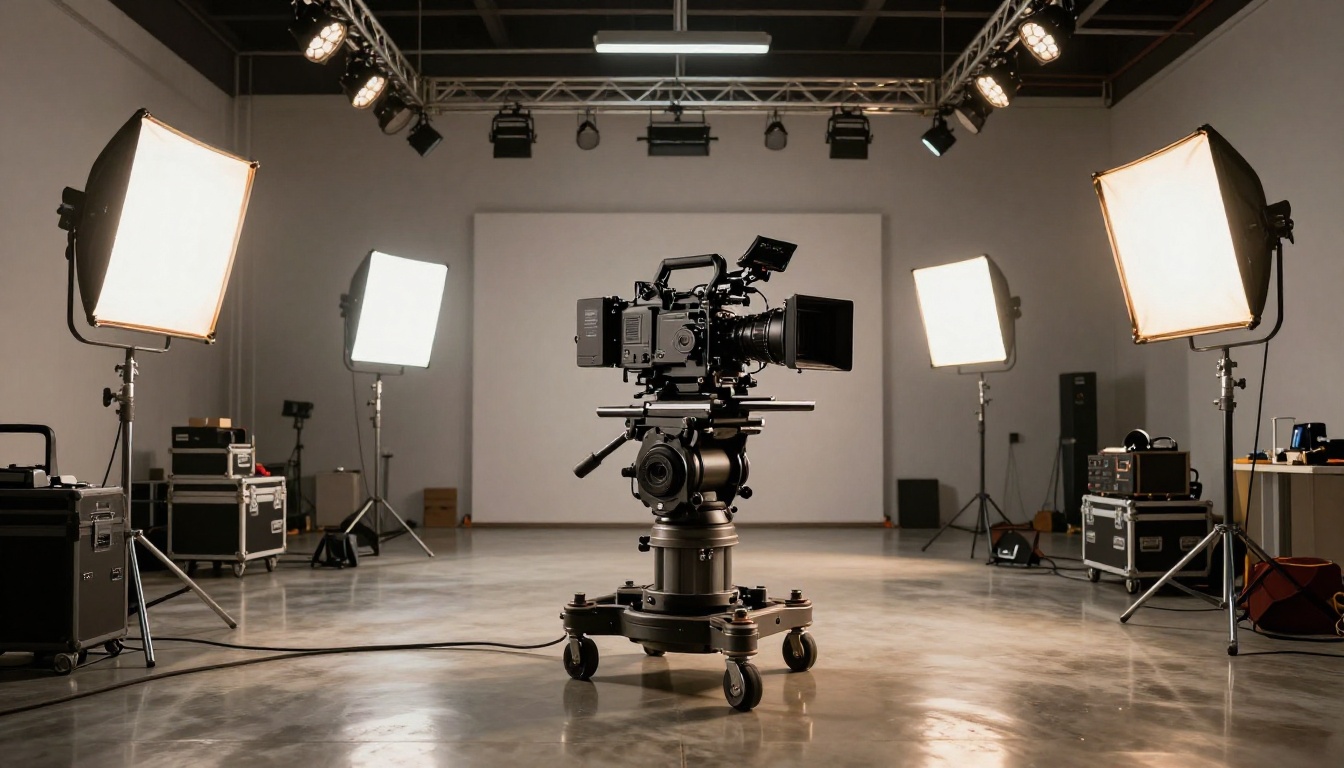
What You Can Actually Build
4K generation with native audio opens use cases that were not realistic before. Here is where the output quality makes a real difference in production value.
Product Demos and Ads
Short-form product advertising is one of the strongest fits for Seedance 2.0. A 5-10 second product hero shot at 4K, with ambient sound that matches the product environment (a coffee maker with the sound of brewing, headphones with ambient music), is the kind of asset that used to require a full studio day and a post-production team. At 4K, these clips hold up on large screens and in high-DPI social placements without looking compressed or soft.

Social Media Content
Platforms like Instagram, TikTok, and YouTube Shorts reward visual quality. Higher-resolution video that downscales from 4K to platform delivery specs retains detail that native 1080p footage cannot. If you are creating content for display on modern high-DPI screens, starting at 4K is a real advantage even when the platform caps delivery at a lower specification.
The native audio is equally useful for social. Video that already has coherent ambient sound does not need a stock music track dropped over it to feel complete.
Short Films and Narrative Clips
This is the use case where temporal consistency matters most. A narrative clip needs continuity across cuts. Characters need to look like themselves from shot to shot. Environments need to feel like the same place. Seedance 2.0's stronger temporal modeling means the building blocks for short-form narrative are more reliable than they have been at this resolution tier. Paired with Kling v3 Video for close-up facial work and Veo 3.1 for dialogue scenes, you have a multi-model pipeline that covers the full range of narrative needs.
Seedance 2.0 generates the footage. Other tools in PicassoIA's ecosystem handle what comes next.
4K Upscaling Workflow
If you generate with Seedance 2.0 Mini or Seedance 2.0 Fast for speed or credit reasons, you can push the output through Video Upscale by Topaz Labs to reach 4K delivery spec with sharper, more detailed results than most algorithmic upscalers produce. Topaz Video Upscale uses its own AI to add plausible detail rather than just interpolating pixels, so the combination of a strong base generation and Topaz upscaling often matches or approaches native 4K quality from the Standard model.
The broader PicassoIA video ecosystem also includes Wan 2.7 I2V for image-to-video animation, Kling v2.6 for motion-controlled animation from still images, and Gen 4.5 for cinematic turbo generation. Seedance 2.0 handles the heavy lifting on resolution and audio. Other models cover specialized tasks within the same project.
Sharper Clips with Video Upscale
Runway's Upscale v1 is a second option for post-generation processing, particularly useful if you want faster throughput at the expense of some fine-texture fidelity. For content going to social platforms at standard delivery specs, Runway Upscale v1 is often fast enough and good enough. For theatrical or large-format display, Topaz is the stronger choice.
💡 Workflow tip: Use Seedance 2.0 Fast to prototype a scene and confirm the composition and motion work, then regenerate the approved version with Seedance 2.0 for final output. This keeps credit usage efficient without sacrificing quality on the deliverable.
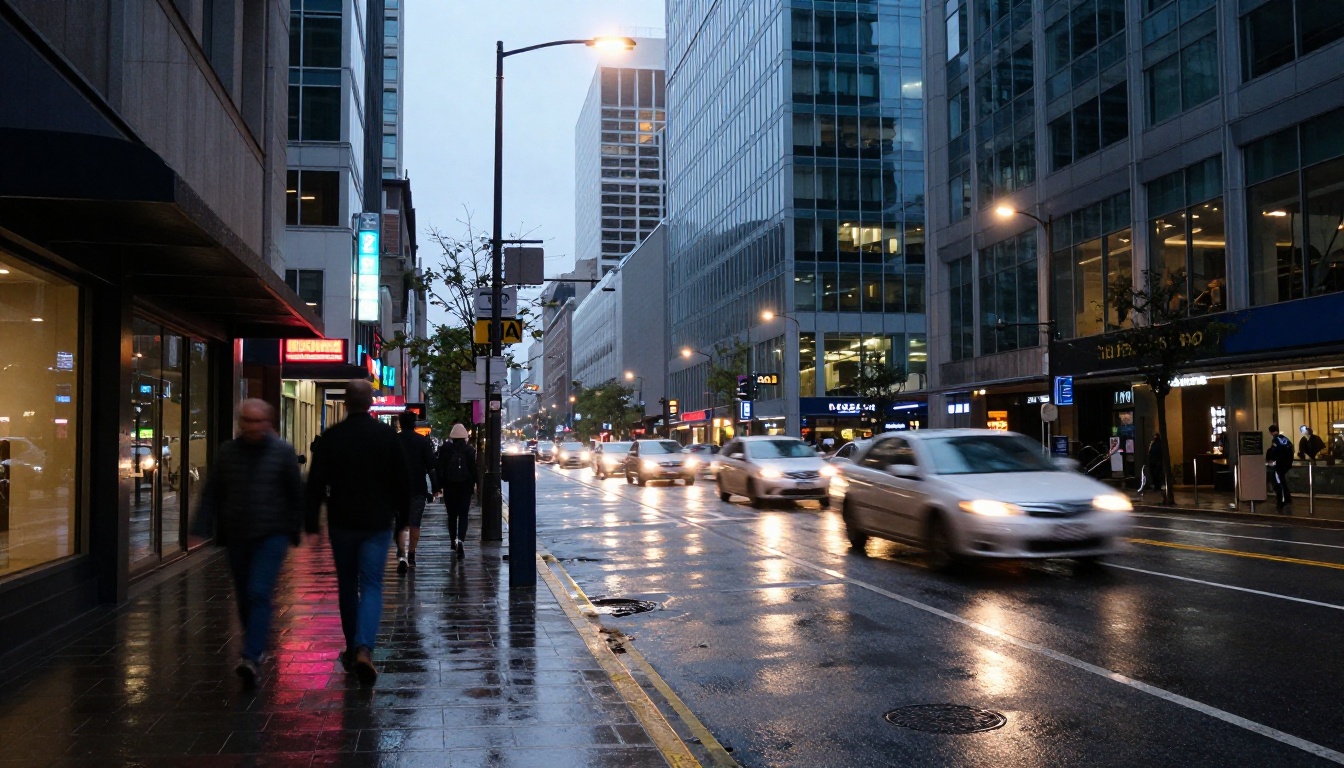
Start Creating Right Now
Seedance 2.0 is not a research preview or a capability demo. It is a production-ready model that you can use today to generate 4K video with synchronized audio from a text prompt in minutes.
The PicassoIA video catalog includes the full Seedance 2.0 family alongside over 80 other video generation models, including the free PicassoIA Video model for unlimited generations. That means you can experiment with different approaches to the same scene and see which model fits your specific use case. There is no installation, no GPU setup, and no API management. You write a prompt, select your model, and generate.
The best way to understand what Seedance 2.0 actually delivers is to run it yourself. Open Seedance 2.0 on PicassoIA, write a prompt for a scene you have been wanting to visualize, and see what 4K AI video with native audio looks like in 2027. The bar is genuinely high, and it is worth experiencing firsthand.


