The free tier of AI video generation just got a serious upgrade. Seedance 2.0 from ByteDance dropped into the market and immediately started producing results that were previously locked behind expensive API credits or monthly subscriptions. If you have been on the fence about trying AI video because of cost, this model removes that barrier entirely, and the output quality makes it hard to justify paying elsewhere right now.
This is not a soft launch or a limited demo. Seedance 2.0 generates video from text prompts and images, includes native audio generation baked directly into the model, and it runs on PicassoIA without any specialized setup. The results hold their own against tools that cost real money per generation.

What Seedance 2.0 Actually Does
Seedance 2.0 is a text-and-image-to-video model developed by ByteDance, the company behind TikTok. The model takes a written prompt, an image reference, or both, and generates short video clips with synchronized audio. What separates it from most text-to-video models on the market is that it produces audio alongside the video natively, not as a post-processing step.
Most AI video tools deliver silent clips. You then have to source background music, add narration separately, or use another tool to sync sound. Seedance 2.0 skips all of that because the audio is part of the generation process itself. A storm scene will have rain. A crowd scene will have ambient noise. A speaker will have a voice that matches the lip motion. This single feature shifts how immediately usable the output actually is.
Text, Image, or Both
The input flexibility is one of the most practical aspects of this model. You can work with:
- Text only: Write a detailed prompt and let the model build the scene from scratch
- Image to video: Upload a still image and have the model animate it into motion
- Combined: Provide both an image and a text prompt to direct how the animation unfolds
This fits into real creative workflows. Generate a still image using a text-to-image model, then bring it into Seedance 2.0 to animate it. The two-step process produces far more controlled results than text-only video generation, because you have already defined the visual character of the scene before asking the model to move it.
The Fast Variant
Two versions are available. Seedance 2.0 is the standard, higher-quality version. Seedance 2.0 Fast is a distilled version optimized for speed. The fast variant generates clips significantly quicker with a modest quality trade-off, making it ideal for prompt iteration before committing to a full-quality generation.
💡 Use the fast variant to test your prompt and composition, then switch to the standard version for the final output. This saves time and gets you to a strong result with fewer wasted generations.
Both versions are available on PicassoIA.
Why Free Is the Real Story
The most surprising thing about Seedance 2.0 is not the audio or the image input. It is that the model delivers this quality without requiring a paid plan. This is the core reason it has gained so much attention so quickly.
No Subscription Required
Most top-tier AI video tools operate on credit systems or subscription plans that add up quickly. A few comparisons:
| Tool | Pricing Model | Free Access |
|---|
| Sora 2 | Subscription required | Limited trial |
| Veo 3 | API credits | Restricted |
| Kling v3 | Credits per generation | Trial only |
| Seedance 2.0 | Free on PicassoIA | Yes |
The fact that Seedance 2.0 is accessible for free on PicassoIA puts it in a different category for creators who want to experiment without financial commitment. You do not need a credit card to test what AI video can do anymore.
Who Gets the Most Value
- Content creators who want to add motion to social media posts
- Video editors prototyping animations before commissioning full production
- Marketers who need short video clips for ads or slide decks
- Developers building products that incorporate AI video generation
The free access point opens the door. The output quality is what makes people stay.

Video Quality That Surprises
This is where Seedance 2.0 earns its reputation. At no cost, you are getting video that in many cases rivals what paid tools produce.
Motion Realism
The model handles motion with noticeably fewer artifacts than earlier AI video generations. Common problems, like the "melting face" effect, floating limbs, or stuttering camera movements, are significantly reduced. The physics of movement feel grounded. A person walking looks like they are walking. Water flows with credible momentum. Camera movement, when described in the prompt, feels deliberate rather than random.
This improvement in temporal coherence, meaning how consistently the video behaves frame by frame, is one of the clearest signs of how much AI video has matured. Seedance 2.0 sits near the top of that improvement curve, especially considering the price point.
Output Specs at a Glance
- Duration: Typically 5-10 seconds per clip depending on settings
- Resolution: High-definition output suitable for social media and web use
- Audio: Native, context-aware sound generation included
- Format: Standard video files ready for editing or direct upload
💡 Individual clips work best as building blocks. Chain multiple generations together in a video editor to create longer, more varied content.
Where Results Are Strongest
Some scene types consistently produce the best results:
- Landscape and nature: Mountains, oceans, forests with wind, rivers moving
- Urban environments: City streets, traffic flow, distant crowds
- Product-style shots: Objects being handled or rotating in controlled settings
- Portrait animation: Faces with subtle expression changes and natural head movement
Complex multi-character dialogue scenes with precise lip-sync remain a weaker area across most AI video tools, including Seedance 2.0. For everything else, the outputs are competitive.
How to Use Seedance 2.0 on PicassoIA
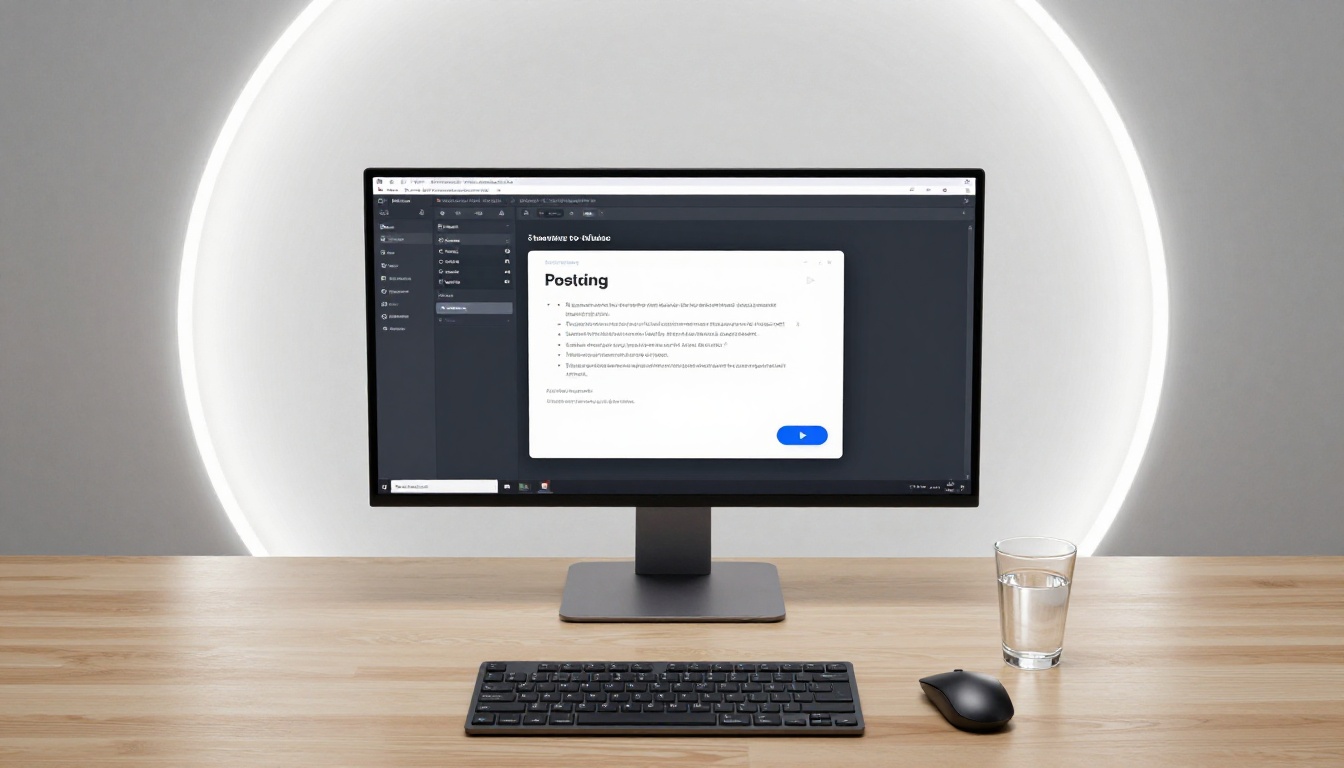
Since Seedance 2.0 is available on PicassoIA, you do not need a separate API account or technical setup. Everything runs in your browser.
Step 1: Write Your Prompt
The prompt is the biggest factor in output quality. The more specific you are, the more control you have.
Weak prompt: "a person walking"
Strong prompt: "a young woman in a yellow raincoat walking slowly through a cobblestone street in the rain, puddles reflecting warm shop lights, medium tracking shot from behind, cinematic"
Include in every prompt:
- Subject: Who or what occupies the frame
- Action: What the subject is doing, specifically
- Environment: Where the scene takes place and what surrounds it
- Camera angle: Close-up, wide shot, tracking shot, aerial, low angle
- Mood or lighting: Golden hour, overcast, night with practical lights, soft indoor
- Style notes: Cinematic, documentary, slow motion, handheld
Since audio generates from the visual context, describing scenes that naturally produce specific sounds, like rain, crowd noise, or water, will produce more accurate audio output.
Step 2: Configure Your Inputs
On the PicassoIA interface for Seedance 2.0:
- Prompt field: Paste your text prompt
- Image upload: Optional. Add a reference image to animate a specific visual starting point
- Model selection: Choose between the standard version and Seedance 2.0 Fast based on whether you are testing or finalizing
💡 For image-to-video, use a clean, well-lit image with a clear subject in the center of frame. Cluttered or low-quality source images produce less predictable motion.
Step 3: Generate and Iterate
Click generate. When the video appears, watch it several times before deciding whether to adjust. Then:
- Change one variable at a time in your next attempt (only the camera angle, or only the lighting description)
- Use Seedance 2.0 Fast for testing iterations, the standard model when you are close to the result you want
- Three to five iterations typically gets you to a high-quality clip
The first generation is rarely the final one. That is true for every AI video tool, not just this one.
Seedance 2.0 vs the Big Names

How does Seedance 2.0 compare against the most talked-about AI video tools? It holds its ground in most categories and wins outright in one specific area where it should not even be competitive: accessibility with native audio.
vs Kling v3
Kling v3 from Kwai produces exceptional motion fidelity and handles complex scenes very well. The output often has a more polished, cinematic character, particularly for character-centric videos. The trade-off is cost: Kling credits accumulate quickly for regular use. Seedance 2.0 is not quite at Kling's ceiling for quality, but for social media content and casual creative use, the gap is not large enough to justify the price difference for most people.
vs Veo 3
Veo 3 from Google is arguably the most technically impressive text-to-video model available today. It handles photorealistic scene generation at a level that still sits above Seedance 2.0. However, Veo 3 access is restricted, expensive per-clip, and not openly available to most creators. For the vast majority of people, Veo 3 is aspirational, not practical. Seedance 2.0 is the practical choice.
vs Sora 2
Sora 2 from OpenAI generates stylistically interesting cinematic video, but it requires a paid ChatGPT subscription and has generation limits. More importantly, Sora 2 clips are silent by default, which is a significant limitation for real-world use. Seedance 2.0 beats Sora 2 on both accessibility and on the native audio feature.
The bottom line: Seedance 2.0 occupies a position in the AI video market that is essentially its own category. It is free, it has audio, and it produces results that are competitive with tools that cost money. There is no direct rival at this specific intersection.
3 Things Worth Knowing

Audio Is Baked In
This deserves repeating because it keeps getting overlooked. The audio is not added afterward and it is not optional. Every video Seedance 2.0 generates comes with a synchronized audio track. The model reads the visual context and produces sound that fits the scene. This is a significant technical achievement from ByteDance and it changes the practical utility of every clip the model produces.
The Fast Mode Is Genuinely Useful
Seedance 2.0 Fast is not a degraded version to avoid. It is a purpose-built tool for iteration. Use it aggressively when testing compositions, trying different camera angles, or working through prompt wording. Reserve the full model for your final generations. This two-tier workflow cuts your effective generation time in a meaningful way and produces better final outputs because you arrive at the prompt with more knowledge about what works.
Prompt Quality Is the Biggest Variable
The model does not produce uniform results across all prompts. Short, vague prompts yield unpredictable and often disappointing outputs. Detailed, specific prompts yield controlled, high-quality clips. If your first attempts look poor, the most likely issue is the prompt, not the model. Add camera terminology, lighting conditions, mood descriptors, and action specifics. The difference between a mediocre and an excellent output often comes down to twenty extra words in the prompt description.
PicassoIA gives you access to a large library of AI video models alongside Seedance 2.0. If you want to experiment with different styles and capabilities:
Each model has a different character. Running the same prompt across several models is one of the fastest ways to figure out which one fits your content style. Beyond video, PicassoIA also offers over 91 text-to-image models if you prefer to generate still images first, plus super-resolution tools to upscale finished frames and background removal for clean compositing.
Try AI Video for Free Right Now
The most convincing argument for Seedance 2.0 is not anything written here. It is the experience of putting in your first detailed prompt and watching a video come out the other side with synchronized audio already in it, for free, in a browser, in under a minute.
AI video is no longer a tool that requires a budget. Seedance 2.0 has made the barrier to entry essentially zero. You need an idea, a well-written prompt, and a few minutes.
PicassoIA gives you access to Seedance 2.0, Seedance 2.0 Fast, and dozens of other AI video models alongside a full image generation suite in one place. You can test different models, compare outputs side by side, and find the combination that works for your specific content goals, without committing to a subscription before you even know if the tool fits your workflow.
Write a prompt right now. Describe the lighting, the camera angle, the subject, and the motion. Hit generate. What comes back will probably surprise you.