ByteDance just changed the rules for AI video generation. While most tools still treat audio as an afterthought, something you bolt on in post-production, Seedance 2.0 ships with native audio baked directly into the generation pipeline. That is not a small detail. It is the kind of architectural decision that separates a tool built for real workflows from one built for benchmark scores.
This article breaks down exactly what Seedance 2.0 is, how it works, what makes it different from competing models, and how you can use it right now to produce cinematic AI video with synchronized sound.
What Seedance 2.0 Actually Does
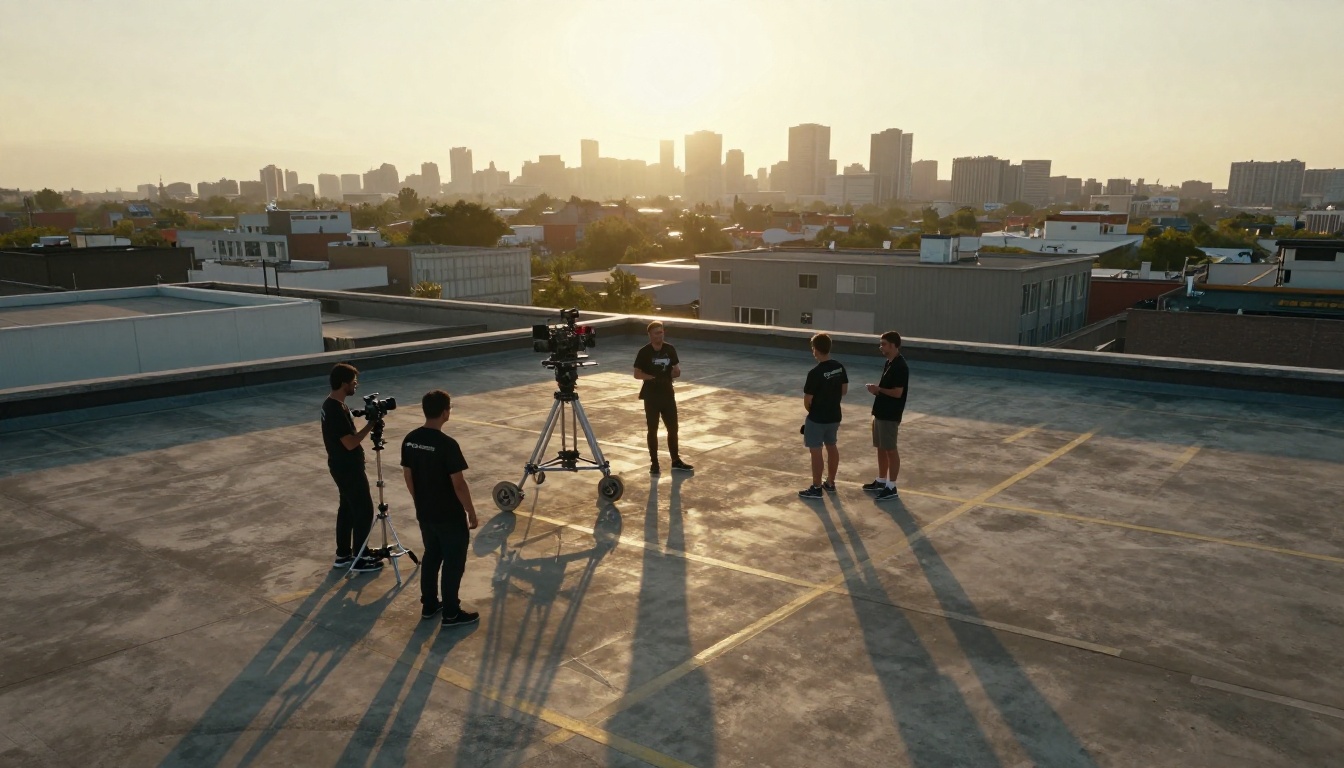
Seedance 2.0 is ByteDance's second-generation video synthesis model, designed to accept both text prompts and reference images as input and output high-fidelity video clips. The model is a significant upgrade from Seedance 1 Pro and Seedance 1.5 Pro, not just in output quality, but in how the entire generation system is structured.
Where its predecessors generated silent video that creators would later score or dub, Seedance 2.0 produces audio-visual content in a single pass. The model generates video frames and synchronized audio simultaneously, treating them as inseparable components of the same output rather than two separate generation tasks.
Text and Image Inputs
The model accepts three types of input:
- Text-only prompts: Describe a scene, and the model synthesizes motion, lighting, and audio together
- Image-to-video: Provide a still image and a motion prompt; the model animates it with appropriate sound
- Combined inputs: Use both an image and a detailed text description for precise control over the output
This flexibility makes Seedance 2.0 useful across a wide range of production scenarios, from quick social content to more considered commercial work.
Native Audio Generation
The native audio capability is the headline feature, and it deserves a proper explanation. Most AI video tools, including many strong performers in 2027, generate video frames only. Audio, if included at all, comes from a separate model that is loosely synchronized after the fact.
Seedance 2.0 was trained with audio as a first-class output. The model learns the relationship between visual content and sound during training, not as a separate post-processing step. A video of waves breaking on a shoreline will include the sound of water. A scene set in a busy market will generate ambient crowd noise. A character speaking will have lip movements that actually match the audio output.
💡 Why this matters: Synchronized audio from a single prompt eliminates a full post-production step that previously required separate tools, timeline work, and manual syncing.
The Audio Advantage

Native audio generation is not just a convenience feature. It represents a fundamentally different approach to what AI video tools are capable of producing.
Synchronized Sound Without Post-Production
Traditional video production pipelines separate audio and visual work because they require different equipment, different skills, and different timelines. AI video tools inherited this separation by default. You would generate a video, download it, open a separate audio tool, generate or record sound, then manually align everything in a video editor.
Seedance 2.0 collapses that pipeline. A single generation produces a complete clip with:
| Component | How It's Generated |
|---|
| Video frames | Synthesized from prompt or image input |
| Background ambiance | Generated to match the visual environment |
| Foley-style sounds | Inferred from objects and motion in frame |
| Speech and lip sync | Synchronized when characters speak |
This is not perfect in every case. Complex dialogue scenes still benefit from dedicated tools. But for ambient video, scene setting, b-roll, and most social content use cases, the output is production-ready out of the box.
What This Means for Creators
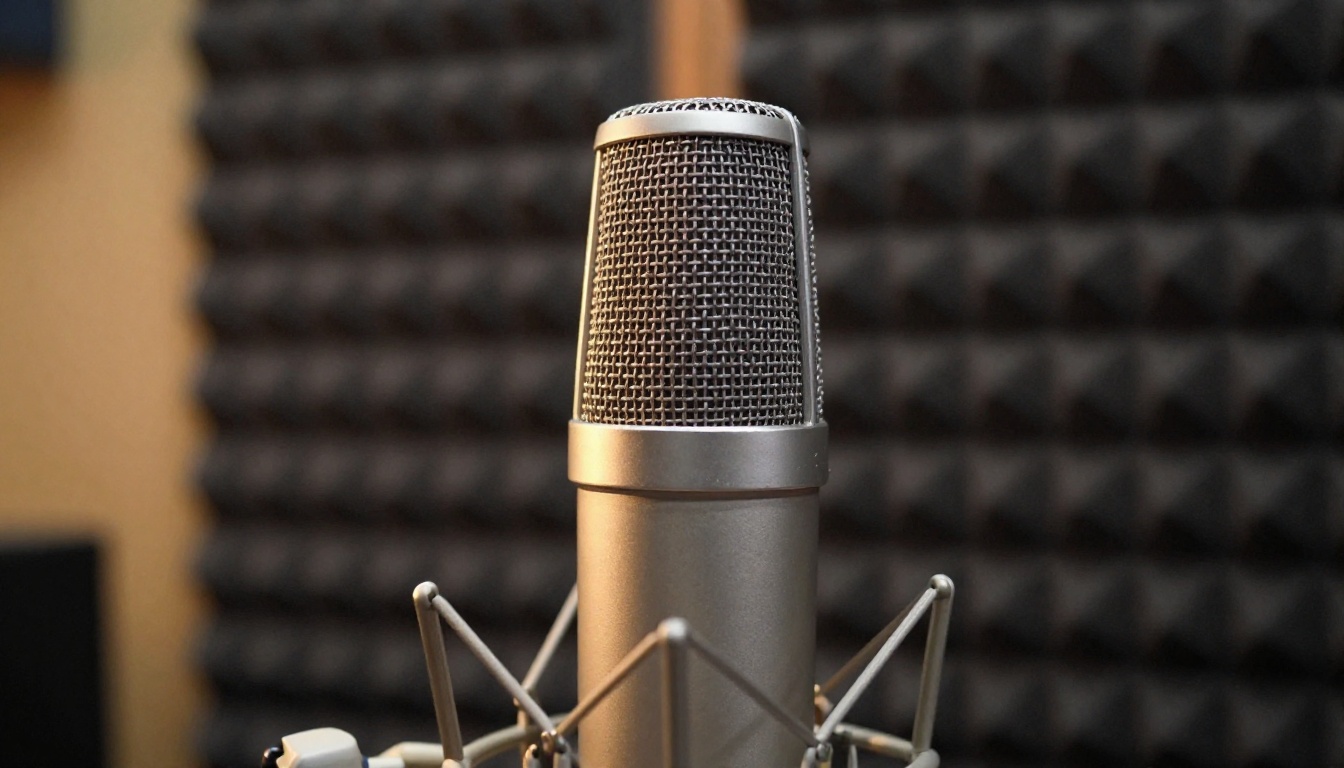
For solo creators and small teams, the time savings are substantial. Consider a standard social video workflow:
- Write a script or scene description
- Generate video frames with an AI tool
- Record or generate voiceover separately
- Source or generate music and ambient audio
- Sync everything in an editor
- Export and publish
With Seedance 2.0, steps 2 through 5 compress into a single generation call. That is not an incremental improvement. It is a workflow restructuring.
For larger production teams, the value is different: Seedance 2.0 becomes an exceptional rapid prototyping tool. Directors can produce audio-visual pitch clips, scene tests, and concept demos without involving audio production resources at the ideation stage.
How It Stacks Up Against Rivals
The AI video generation space in 2027 is genuinely competitive. Seedance 2.0 does not win on every dimension, but it holds clear advantages in specific areas.
Against Sora 2 and Veo 3
Sora 2 Pro from OpenAI and Veo 3 from Google are both strong competitors. Veo 3 in particular has made significant progress in photorealism and temporal consistency. Here is how they compare on the dimensions that matter most:
| Feature | Seedance 2.0 | Sora 2 Pro | Veo 3 |
|---|
| Native audio | Yes | No | Partial |
| Image-to-video | Yes | Yes | Yes |
| Text-to-video | Yes | Yes | Yes |
| Lip sync quality | Strong | N/A | Moderate |
| Fast mode available | Yes | No | No |
| Open platform access | Yes | Limited | Limited |
The availability point is significant. Both Sora 2 Pro and Veo 3 have restricted access. Seedance 2.0 is accessible through platforms like PicassoIA without waitlists or special API approvals.
Against Kling and Hailuo
Kling v3 from Kwai and Hailuo 2.3 from Minimax are arguably Seedance 2.0's closest direct competitors in terms of accessibility and output quality.
Kling v3 produces visually impressive results with strong motion coherence and is a worthy alternative for purely visual output. It does not include native audio generation.
Hailuo 2.3 has made progress on audio integration, but the implementation differs from Seedance 2.0's approach. Hailuo's audio tends to feel more like post-sync than native generation.
💡 The honest take: If audio is not part of your workflow, Kling v3 is a legitimate competitor on visual quality. If you need audio-visual output in a single generation, Seedance 2.0 is currently the strongest option available at scale.
Technical Specs Worth Knowing
Resolution, Duration, and Modes
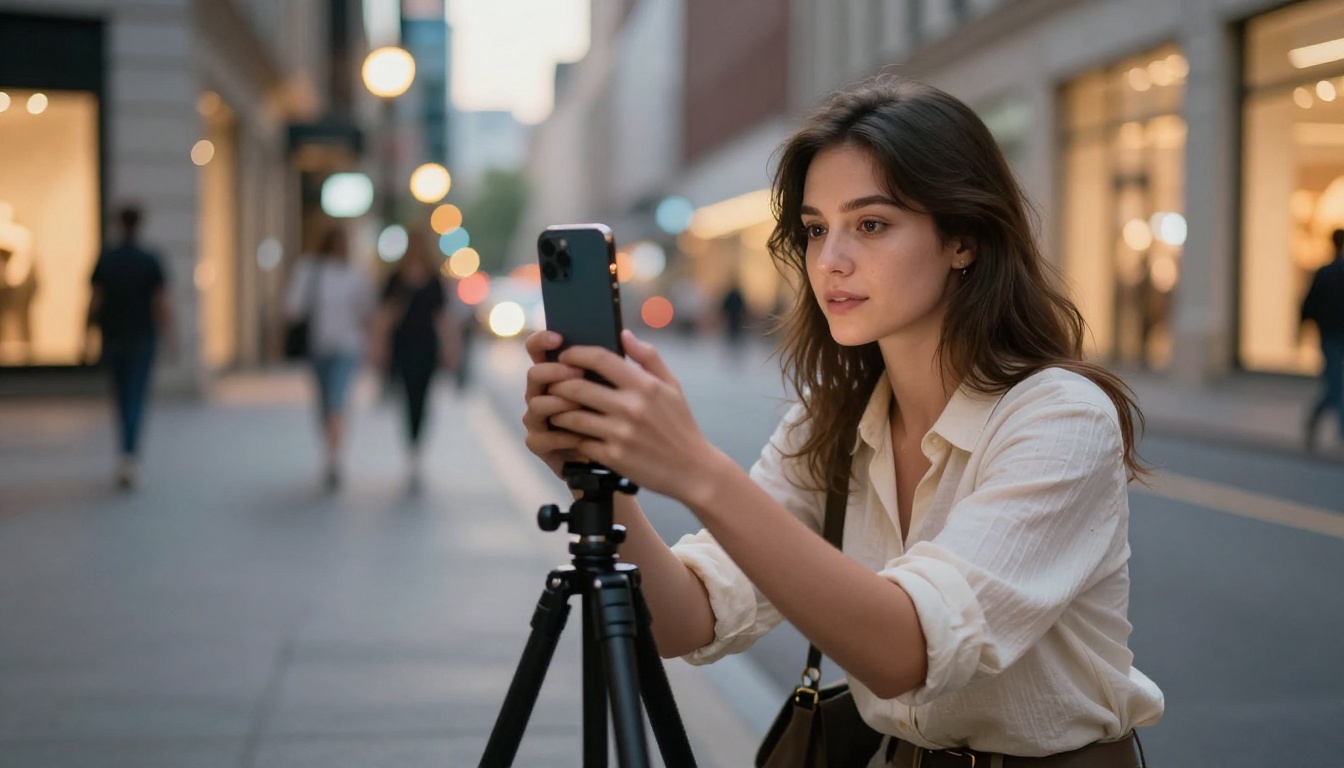
Seedance 2.0 supports output at resolutions up to 1080p, which covers the majority of social and web video use cases. Generated clips run up to several seconds in duration per generation call, with longer sequences assembled through multiple generations or extended prompting.
Key specifications at a glance:
- Output resolution: Up to 1080p HD
- Input modes: Text prompt, image, or combined text and image
- Audio: Native multi-channel synthesis synchronized to visuals
- Temporal consistency: Strong across most scene types
- Motion range: From subtle camera movements to complex character motion
- Lip sync: Accurate synchronization when characters speak
Standard vs Fast Mode
ByteDance ships Seedance 2.0 alongside Seedance 2.0 Fast, a speed-optimized variant that trades some generation detail for significantly reduced processing time.
The choice between them depends entirely on the use case:
For most workflows, starting with Seedance 2.0 Fast to test prompt variations, then switching to standard for final renders, is the most efficient approach.
How to Use Seedance 2.0 on PicassoIA
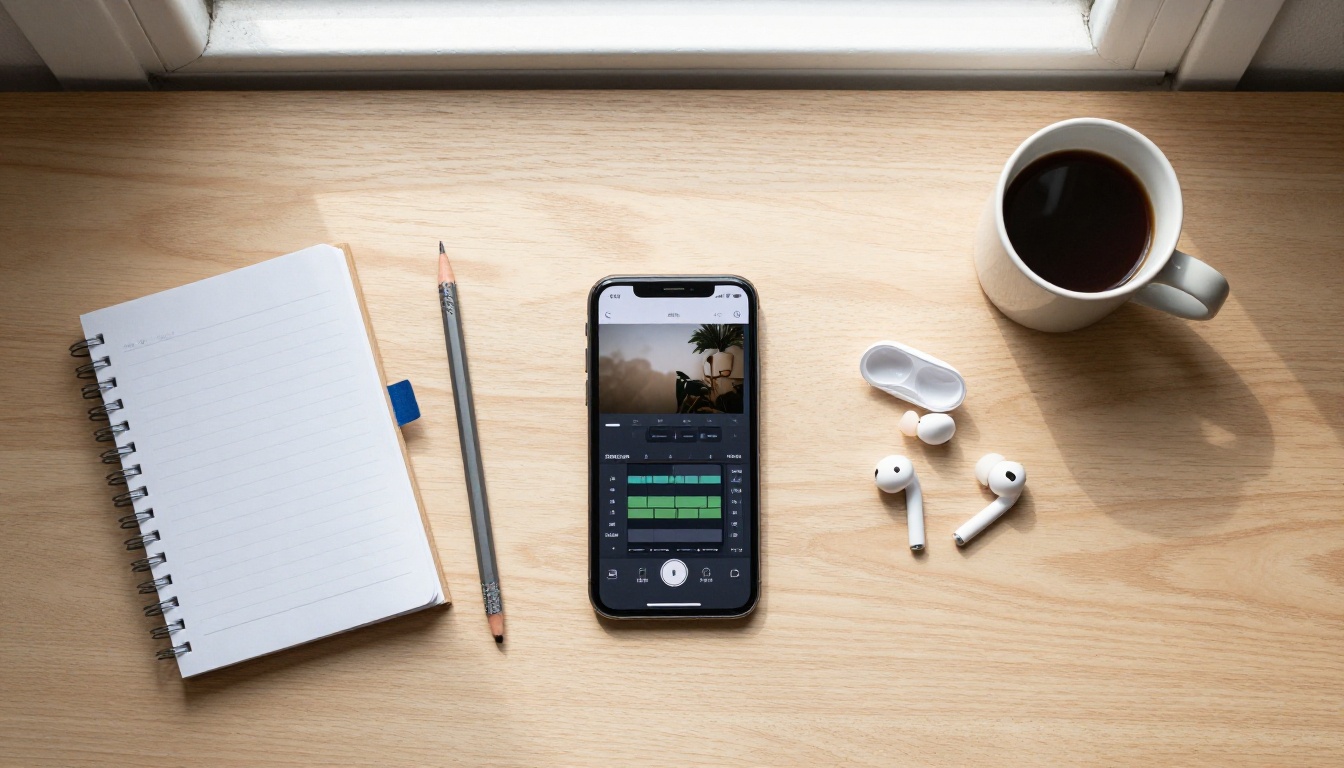
PicassoIA gives you direct access to both Seedance 2.0 and Seedance 2.0 Fast without API keys, waitlists, or technical setup. Here is how to get your first generation done in minutes.
Step-by-Step
Step 1: Open the model page
Go to Seedance 2.0 on PicassoIA. You will see the input interface with options for text and image input.
Step 2: Choose your input type
Select either text-only or image-plus-text input. For your first generation, text-only is the simplest starting point.
Step 3: Write your prompt
Describe the scene in specific, visual terms. Include:
- The subject and their action
- The environment and setting details
- The lighting conditions (time of day, indoor or outdoor, natural or artificial)
- Any audio context you want reflected, such as a crowd, rain, music, or dialogue
Step 4: Set your parameters
Adjust resolution, duration, and any motion intensity controls available in the interface. For testing, keep the duration short and use Seedance 2.0 Fast.
Step 5: Generate and review
Hit generate. Review the output, paying attention to both the visual quality and the audio synchronization. Iterate on your prompt based on what needs adjustment.
Tips for Better Results
- Be specific about audio context: Phrases like "sound of rain on pavement" or "busy cafe background noise" direct the model toward more accurate audio synthesis
- Reference lighting explicitly: Seedance 2.0 responds well to detailed lighting descriptions, which also affects the tone of any generated audio
- Use image input for character consistency: If you need a specific person or character to appear across multiple clips, providing a reference image greatly improves visual consistency
- Iterate fast, refine slow: Use Seedance 2.0 Fast for all drafts, switch to standard only for final outputs
💡 Pro tip: Pair Seedance 2.0 with PicassoIA's DreamActor-M2.0 to animate still character photos before feeding them as image input. This gives you stronger control over character appearance and motion in the final video.
Who Benefits Most
Content Creators and Marketers
For anyone producing social content at scale, Seedance 2.0 changes the economics of video production. You no longer need to budget separate time for audio work. You do not need to maintain a library of royalty-free sound effects. You do not need to open a second application.
This makes Seedance 2.0 particularly valuable for:
- Social media managers producing daily or weekly video content
- Brand marketers building product demo clips and ad concepts
- Influencers and solo creators who handle every stage of production themselves
- E-commerce teams generating product visualization videos with natural ambient sound
The per-output cost in terms of time and effort drops significantly, and that matters at volume.
Film and Production Teams

For professional production environments, Seedance 2.0's value is concentrated at the pre-production and pitching stage. Production teams can use it to produce:
- Animatics and scene tests with placeholder audio for director review
- Pitch decks with working audio-visual examples instead of still frames
- Client presentation materials that communicate mood, pacing, and tone accurately
- B-roll prototypes for sequences where the exact visual approach is still being decided
The speed advantage of having audio-visual output from a single prompt means that creative iteration that would previously take days in a studio can happen in hours on a laptop.
Start Making Videos Right Now
The tools available to individual creators in 2027 are genuinely remarkable when you consider what was possible even two years ago. Seedance 2.0 represents one of the most significant capability additions in the AI video space because it closes the gap between "I have an idea" and "I have a shareable video with sound."
The native audio integration is not a marketing feature. It is a practical reduction in the number of steps, tools, and decisions between a prompt and a finished clip. That matters whether you are producing one video a week or fifty.
You can access Seedance 2.0 and Seedance 2.0 Fast on PicassoIA today, alongside more than 87 other video generation models including Gen-4.5, Kling v3, Veo 3, Sora 2 Pro, and Hailuo 2.3. Pick a model, write a prompt, and see what your next project looks like as a complete audio-visual clip from a single generation.


