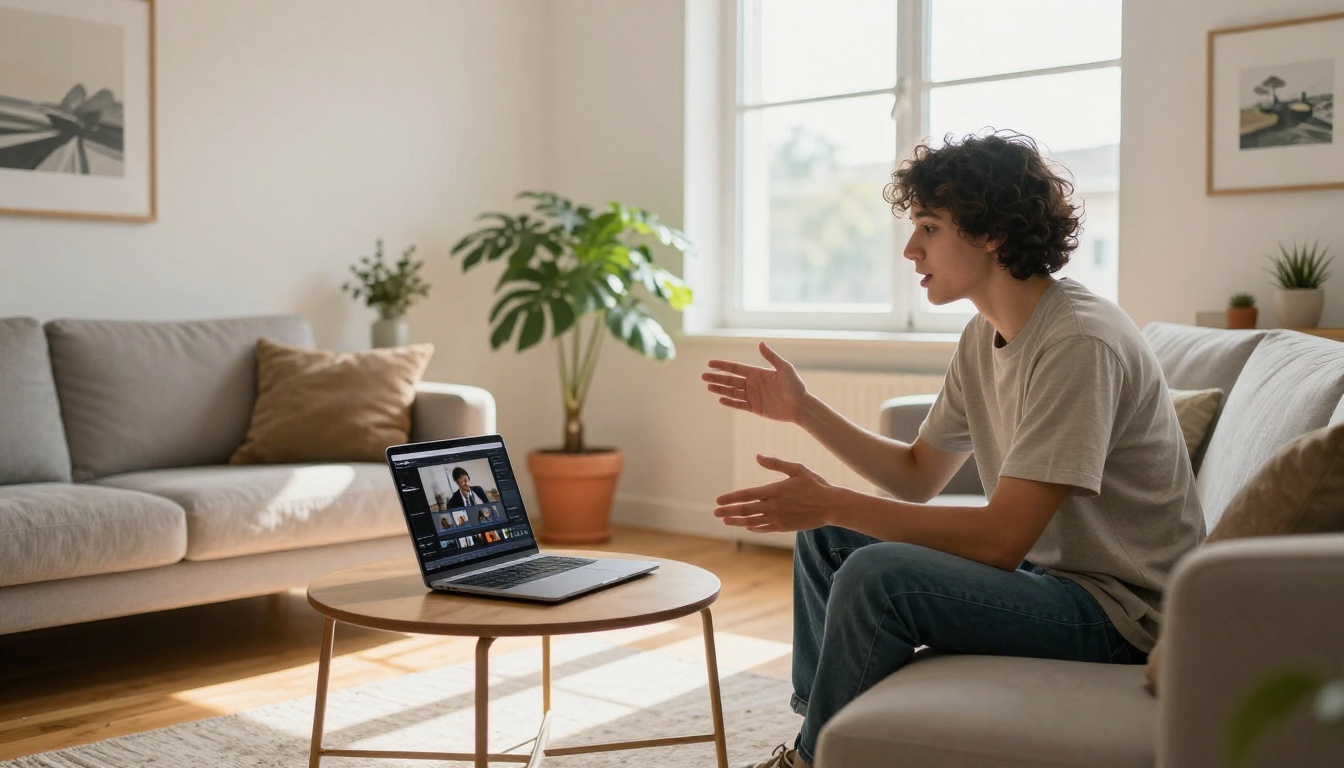
The AI video generation race has a real contender worth paying attention to. ByteDance, the company behind TikTok, has been quietly shipping some of the most capable video models available, and Seedance 2.0 Mini is the version that makes the technology accessible without sacrificing the output quality that made the Seedance line famous.
This article cuts straight to what matters: what Seedance 2.0 Mini actually produces at 4K, why its native audio capability changes the workflow for creators, and how it compares to the full Seedance 2.0 and the wave of competing models now available on the market.

What Seedance 2.0 Mini Actually Is
Seedance 2.0 Mini is ByteDance's compact-architecture AI video generator, designed to run at lower computational cost while still hitting the output specs that matter most to creators: 4K resolution, built-in native audio, and realistic motion physics.
The "Mini" designation does not mean a watered-down product. It means a more efficient model architecture that delivers fast generation times without the full compute overhead of the standard Seedance 2.0. Think of it like the relationship between a flagship smartphone camera and a well-optimized mid-range one: the gap in output quality is smaller than the gap in resource cost.
ByteDance's Compact Architecture Choice
ByteDance built Seedance 2.0 Mini with a deliberate tradeoff in mind. By reducing the parameter count compared to the full model while retaining the core architectural innovations in temporal coherence and physics simulation, the team produced a model that:
- Generates videos faster than the full Seedance 2.0
- Costs less per generation at the infrastructure level
- Still produces native synchronized audio without a secondary model call
- Handles text-to-video at 4K resolution as a first-class output option
This makes it the practical daily driver for most creators who want high-quality results at a pace that fits real creative workflows.
Who This Model Is Actually For
Seedance 2.0 Mini is ideal for content creators, social media managers, and indie filmmakers who need frequent, high-quality video output without waiting for the full model's generation time. If you're producing at volume, Mini is the economically and practically sensible choice.
It's also the right entry point for creators new to AI video generation who want to start with a powerful baseline before investing time in prompt engineering for the heavier models like Seedance 2.5.

Does Seedance Mini Hit 4K?
This is the question asked most often, and the answer needs some context.
Yes, Seedance 2.0 Mini outputs at 4K resolution. But the more important question is whether the content filling those 4K pixels justifies the resolution. Here's where the nuance matters.
Resolution Capabilities Explained
At 4K output, Seedance 2.0 Mini produces genuinely sharp video for its subject category. Landscape scenes, architectural footage, and urban environments all benefit from the resolution, showing fine detail in foliage, surface textures, and building geometry that would smear at 1080p.
Portrait and close-up face generation is where the model occasionally shows compression-style artifacts in high-motion frames, though static or slow-motion portrait scenes reproduce cleanly. The resolution advantage is real, but the content type matters.
💡 Tip: For 4K face close-ups with complex motion, consider pairing your initial generation with an upscaling and stabilization model from PicassoIA's video tools collection to sharpen outputs further.
Frame Rate and Output Specs
Seedance 2.0 Mini generates at standard cinematic frame rates, producing smooth motion in the 24fps range that suits most narrative and content creation use cases. For action-heavy content requiring higher frame rates, the model's motion interpolation handles it reasonably well, though dedicated slow-motion scenarios are better served by the full Seedance 2.0.
The typical output duration runs up to 10 seconds per generation, giving enough runtime to establish a scene, introduce motion, and let it resolve naturally, which is exactly the length needed for most social media formats and promotional clips.

Native Audio and Why It Matters
The feature that separates the Seedance family from most competitors is native audio generation. Seedance 2.0 Mini includes this capability, and it changes the workflow significantly.
Synchronized Audio Generation
Most AI video models output silent clips. Creators then go through a separate workflow: generate video, export it, bring it into an audio tool, generate or source audio separately, sync it manually, and re-export. That's a multi-step process that introduces timeline drift, sync errors, and extra production time.
Seedance 2.0 Mini generates audio that is synchronized to the visual motion from the first frame. A wave crashing against rocks has the corresponding impact sound. A busy city street has ambient traffic noise. A dancer's movement correlates with rhythmic audio elements.

Voice, Music, and Ambient Sound
The native audio system handles three categories with varying degrees of success:
| Audio Type | Performance Level | Best For |
|---|
| Ambient Sound | Excellent | Nature scenes, urban environments |
| Music / Rhythm | Good | Dance, sports, abstract motion |
| Speech / Dialogue | Limited | Short utterances, background chatter |
Ambient sound is where the model truly shines. Prompts describing natural or urban environments reliably produce appropriate, well-mixed audio without additional input. Music-adjacent content like dance scenes or rhythmic motion produces decent results, though musical coherence over longer clips can drift.
For dialogue-heavy applications, the model's speech generation is functional but limited. Creators who need precise dialogue synchronization are better served by a dedicated lipsync model. PicassoIA offers several in the lipsync category, including highly rated tools for realistic facial sync.
💡 Tip: Write your audio in your prompt. Phrases like "accompanied by the sound of rain on leaves" or "with ambient city noise and distant music" significantly improve native audio output quality.
Mini vs. The Full Seedance 2.0
The decision between Seedance 2.0 Mini and Seedance 2.0 comes down to a few concrete factors. Here is how they actually compare.
Speed Differences That Matter
Seedance 2.0 Mini generates at approximately 2-3x the speed of the full model. For a creator producing 10-20 videos per session, that difference is the gap between a 20-minute workflow and a 60-minute one. For volume creation, Mini wins on purely practical grounds.
The full model takes its time because it runs more complex computations for motion coherence, especially in scenes with multiple moving subjects or complex lighting changes. If your prompt involves a single subject with controlled motion, Mini will match the full model's results closely at a fraction of the wait.
Quality at Each Price Point
| Feature | Seedance 2.0 Mini | Seedance 2.0 |
|---|
| Max Resolution | 4K | 4K |
| Native Audio | Yes | Yes |
| Generation Speed | Fast | Slower |
| Multi-Subject Scenes | Good | Excellent |
| Complex Lighting | Good | Excellent |
| Best Use Case | Volume creation | Premium output |
The full Seedance 2.0 is worth the extra time when you're producing a hero video: a product launch clip, a brand campaign asset, or anything where maximum motion realism and complex scene handling justifies the wait. For everything else, Mini handles it.
There's also Seedance 2.0 Fast, ByteDance's speed-optimized variant positioned between Mini and the full model on the performance-quality curve, useful when you need something between the two in both speed and fidelity.

How to Use Seedance 2.0 Mini
PicassoIA hosts Seedance 2.0 Mini directly in its text-to-video collection. The workflow is straightforward, but knowing a few parameter specifics gets significantly better results.
Step-by-Step: From Prompt to Video
- Go to the model page: Navigate to Seedance 2.0 Mini on PicassoIA
- Write your prompt: Start with the subject, then describe the motion, then describe the environment, then add audio description at the end
- Set your resolution: Select 4K for maximum output quality, or drop to 1080p for faster generation on draft passes
- Configure duration: Choose your output duration up to the model's maximum
- Submit and review: Check both visual and audio quality on playback before downloading
Parameter Tips for Better Outputs
The biggest lever in Seedance 2.0 Mini is prompt structure. The model responds well to explicit motion direction. Instead of "a person walking in a park," write "a person walking slowly from left to right through a sunlit park, camera tracking smoothly, leaves falling in the background, birds chirping softly."
The difference in output quality between a vague and a structured prompt is dramatic. These specific elements reliably improve results:
- Motion verbs first: Start with what's moving and how ("gently swaying," "rapidly accelerating," "slowly rotating")
- Camera specification: Add "camera pans left," "slow dolly in," or "static wide shot" to control framing
- Lighting descriptor: "golden hour backlight" or "overcast diffused light" affects both visual quality and audio mood
- Audio anchor: End the prompt with a sound description to activate the native audio system
💡 Tip: For 4K landscape scenes, add "shot on RED camera, cinematic depth of field" to your prompt. Seedance 2.0 Mini interprets camera references as quality signals and outputs noticeably sharper results.
Real Results: Prompt Types That Shine
After extensive testing across prompt categories, certain scene types consistently produce standout results with Seedance 2.0 Mini.
Cinematic Scenes
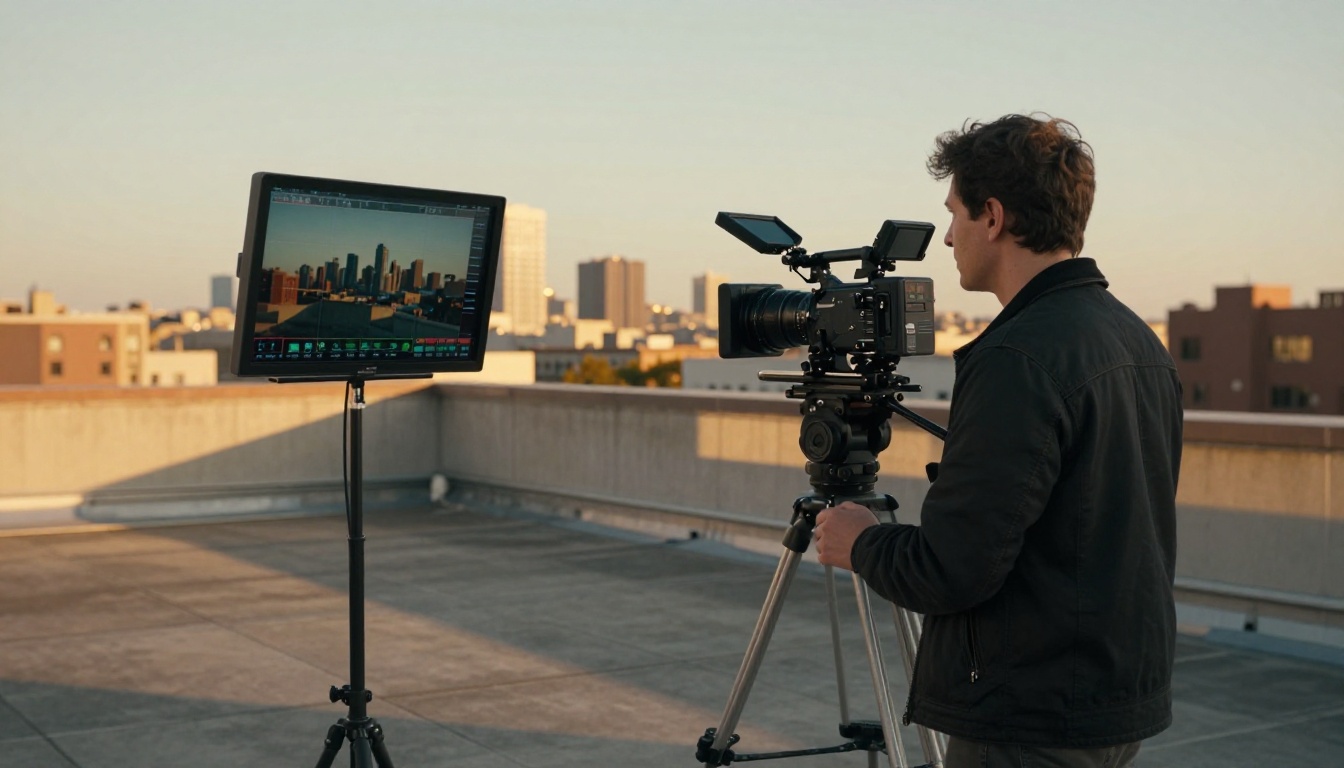
Landscape and environmental prompts are where the 4K resolution truly justifies itself. Mountain sunrises, ocean shorelines, forest canopies, and urban nighttime scenes all render with fine detail and strong motion physics. The model handles parallax between foreground and background elements well, which is the technical indicator of whether a video model truly simulates depth.
Character Motion Prompts
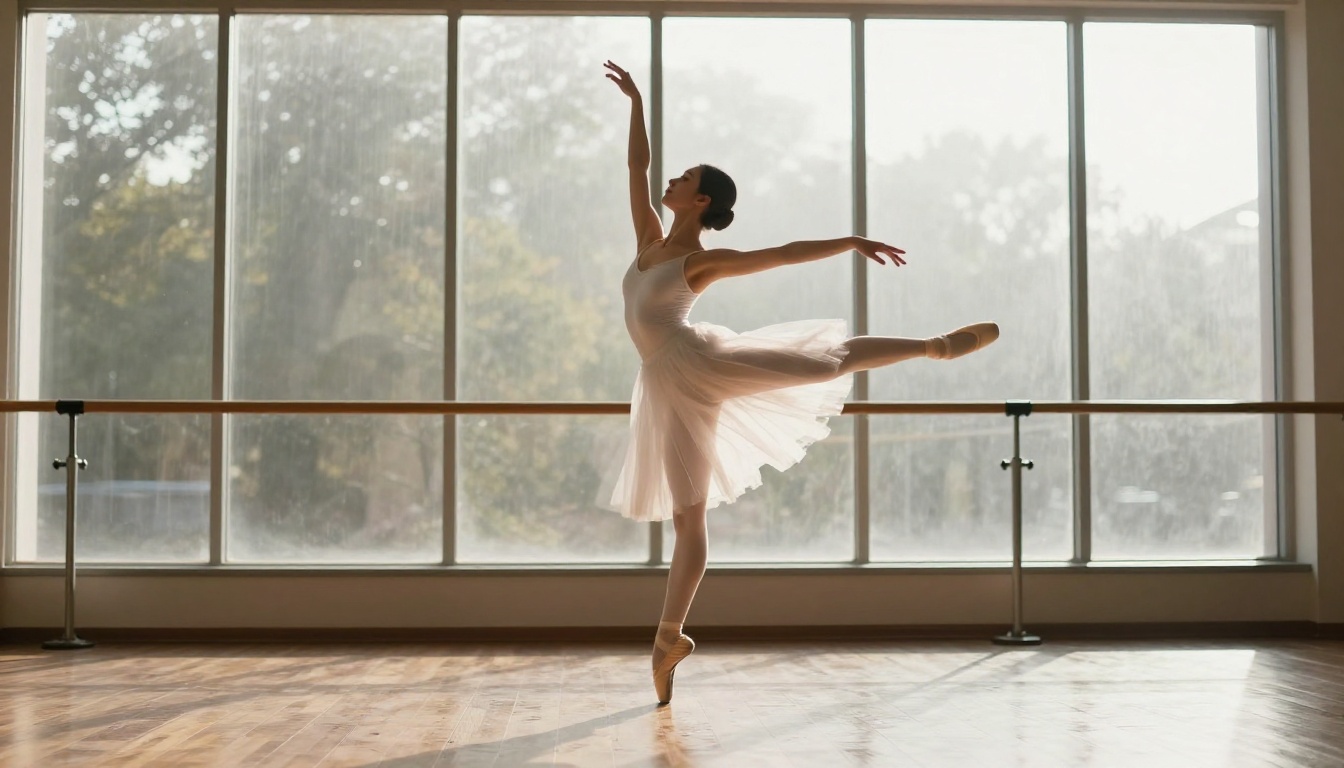
Single-subject motion prompts perform consistently well. A dancer performing choreography, an athlete in motion, a person walking through a crowd: these all produce fluid, physically coherent results. The model's physical simulation of human anatomy and gravity means limb movement looks natural rather than the "rubber limb" artifact common in earlier AI video generators.
Multi-subject interactions (two people talking, a crowd scene with many distinct individuals) show the boundary of the Mini architecture. Results are adequate, but the full Seedance 2.0 handles complex social scenes with more individual coherence.
Abstract and Style Prompts
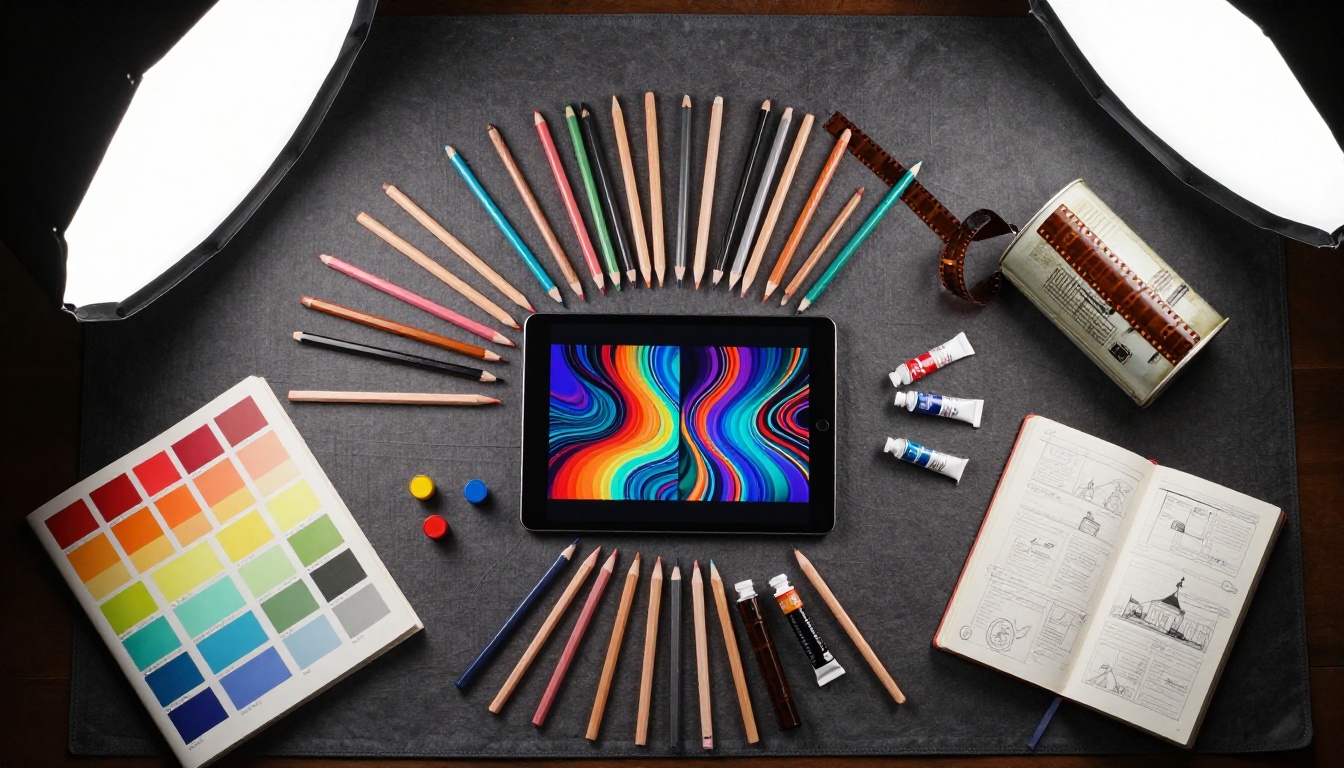
Abstract prompts, fluid simulations, particle effects, light plays, and abstract color fields let the model's generative capabilities shine without the constraint of physical accuracy. These are reliable creative options when you need visually arresting content fast.
Style prompts that specify a cinematic reference ("shot like a Terrence Malick film" or "inspired by 1970s documentary cinematography") also produce distinctive aesthetic results, giving creators a way to establish consistent visual language across a batch of content.
Comparing Seedance Mini to Other Models
The AI video generation landscape is rich. Knowing how Seedance 2.0 Mini positions against other top models helps you pick the right tool for each job.
Seedance Mini vs. Veo 3 Fast
Google's Veo 3 Fast is the closest true competitor in the fast-generation-with-audio category. Veo 3 Fast has a slight edge in speech generation and dialogue coherence. Seedance 2.0 Mini edges ahead on motion physics for non-human subjects (objects, environments, vehicles) and on consistent 4K output quality.
For a creator building a content pipeline, these are complementary tools rather than strict alternatives: Veo 3 Fast for anything involving speech, Seedance 2.0 Mini for cinematic and environmental content.
Seedance Mini vs. Kling v2.6
Kling v2.6 from Kwai VGI is a strong performer for cinematic, high-motion content. Kling's strength is in physically complex scenes: sports action, camera movement in dynamic environments, and effects-heavy prompts. Seedance 2.0 Mini is the faster option with native audio, while Kling v2.6 wins on visual drama in high-motion clips.
For a broader picture of what's available, PicassoIA's collection includes Veo 3, LTX 2.3 Pro for 4K output, Ray 3.2 for HDR cinematic quality, Hailuo 02 for 1080p precision, Sora 2 for extended duration, and Seedance 1.5 Pro for creators who prefer the previous generation's output characteristics.
What You Can Build Today
Seedance 2.0 Mini is not a theoretical or aspirational technology. It is available right now, and the practical applications are immediate.
Social media content: Generate multiple 4K clips per day across different prompts, styles, and subjects without the bottleneck of manual video production. The native audio means your outputs are ready to post without a separate audio pass.
Product promotion: Create cinematic product environment videos, a watch on a rainy city street, a beverage in a coastal café, a tech product on a clean studio surface, that would require full production crews to shoot conventionally.
Concept visualization: Pitch decks, mood boards, and creative briefs come alive when you can attach a 4K video clip to a prompt instead of a still image. Seedance 2.0 Mini turns a sentence into a compelling video argument in minutes.
Music and rhythm content: The model's audio generation for rhythm-adjacent prompts makes it practical for music video concepts, promotional clips, and background content for streaming and performance contexts.
PicassoIA gives you access to Seedance 2.0 Mini alongside the full Seedance 2.0, Seedance 2.0 Fast, and the complete Seedance 1.5 Pro lineup in a single platform, so you can move between models as your creative needs shift without managing multiple subscriptions or separate API credentials.
The best way to understand what Seedance 2.0 Mini produces at 4K is to run a few prompts yourself. Start with a cinematic landscape or single-subject motion prompt, check the native audio output, and compare it to your current video production workflow. The speed and quality combination is worth the few minutes it takes to test.
Try it at PicassoIA's Seedance 2.0 Mini page and see exactly what 4K AI video generation looks like when a company the size of ByteDance puts serious engineering behind a compact model. And when you're ready to push further, Seedance 2.0 and the broader PicassoIA video collection are right there waiting.