Product video ads used to require a camera crew, a studio rental, and a budget most small brands could not touch. That changed fast. Seedance 2.0 Mini, ByteDance's lightweight video generation model, brings professional-grade product ad creation to anyone with a text prompt and a product to sell. This walkthrough covers everything from writing prompts that actually work to publishing your first ad-ready video, without any prior video production experience required.
What Seedance 2.0 Mini Actually Does
Native Audio Built Right In
Most AI video models hand you a silent clip and leave audio as your problem. Seedance 2.0 Mini generates native synchronized audio alongside the visual content. For product ads, this matters more than it sounds. A skincare serum being applied with no ambient audio feels clinical. The same clip with natural atmospheric sound, fabric movement, or subtle environmental audio feels premium and real. You get both the visual and the acoustic layer in one generation pass, which saves a full round of audio post-production.
Motion Quality for Product Close-Ups
The "Mini" in the name refers to the model's inference efficiency, not the output quality. Seedance 2.0 Mini handles close-up product motion with a level of physical plausibility that matters for e-commerce. Liquids pour without looking like CGI. Fabric drapes with natural weight. Hands pick up objects with realistic grip pressure. For product ads specifically, this physical realism is the difference between a clip that reads "AI generated" and one that reads "this brand invests in quality."

Speed and Cost Efficiency
Seedance 2.0 Mini is faster to generate than its full-size counterpart, Seedance 2.0, and significantly cheaper per generation. For brands running weekly or daily product ad cycles, the cost efficiency compounds quickly. You can produce 10 ad variants for A/B testing at a fraction of the cost of a single studio shoot, which makes iterative creative testing financially viable for brands at every scale.
Setting Up Your First Product Ad
Writing the Right Prompt
The most common mistake is prompting for what the product looks like rather than what it does. A static description of a perfume bottle generates a static-feeling video. Instead, describe an action, a transformation, or a moment.
Prompt formula that works:
[Subject performing action] + [environment or surface detail] + [lighting condition] + [camera movement] + [mood or atmosphere]
Examples by category:
| Product Type | Weak Prompt | Strong Prompt |
|---|
| Skincare | "A serum bottle on white surface" | "Hands gently pressing serum dropper, liquid spreading on fingertips, soft studio light, slow macro dolly-in" |
| Footwear | "White sneakers on clean background" | "Sneaker sole hitting concrete mid-step, camera tracking at ankle height, golden hour light, urban sidewalk" |
| Food and Bev | "Coffee cup on table" | "Espresso poured into glass cup, crema swirling, rising steam, close-up lens, warm tungsten ambient light" |
| Electronics | "Wireless earbuds in case" | "Case lid opening, earbuds revealed under directional spotlight, fingers extracting one earbud, matte surface texture" |
💡 Tip: The camera movement instruction is often the most ignored and most impactful part of the prompt. "Slow dolly-in," "gentle pan left," or "static macro" dramatically change how the final ad reads.
Choosing Your Resolution Settings
Seedance 2.0 Mini supports multiple resolution outputs. For product ads destined for Instagram Reels, TikTok, or Stories, 9:16 vertical is the native format. For YouTube pre-rolls, banner ads, or website hero sections, 16:9 gives you broadcast-ready dimensions. The model lets you specify duration as well. For paid social ads, 5 to 7 seconds is the sweet spot. Attention drops sharply after that on most platforms, and the shorter format forces tighter, more deliberate prompting, which usually produces better outputs anyway.

Using Seedance 2.0 Mini on PicassoIA
PicassoIA hosts Seedance 2.0 Mini directly, no API key required, no local GPU needed. Here is the exact workflow:
Step 1: Open the Model
Go to the Seedance 2.0 Mini page on PicassoIA. You will see the prompt field, resolution options, and duration selector. If you have a product image you want to animate, the model also accepts an image-to-video input, making it straightforward to start from your existing product photography.
Step 2: Write Your Prompt
Use the formula above. Keep the prompt under 200 characters for best results. Longer prompts sometimes cause the model to average across too many conflicting visual instructions. Be specific about one action, one surface, one lighting condition. Specificity outperforms length every time with this model.
Step 3: Set Aspect Ratio and Duration
For social ads: choose 9:16, duration 5 seconds. For website or YouTube: choose 16:9, duration 5 to 7 seconds. The native audio generation works at all resolutions without any additional configuration on your part.
Step 4: Generate and Review
Generation takes roughly 60 to 90 seconds. When the video returns, check three things before downloading:
- Product identity: Is the product clearly recognizable and correctly rendered?
- Motion quality: Does the movement feel physically plausible?
- Audio sync: Does the ambient sound match the visual action?
If any of these fail, adjust the prompt and regenerate. Common fixes: add more specific camera angle instructions if the shot composition is off, or simplify the environment description if the product is being obscured by a complex background.

For Fashion and Apparel
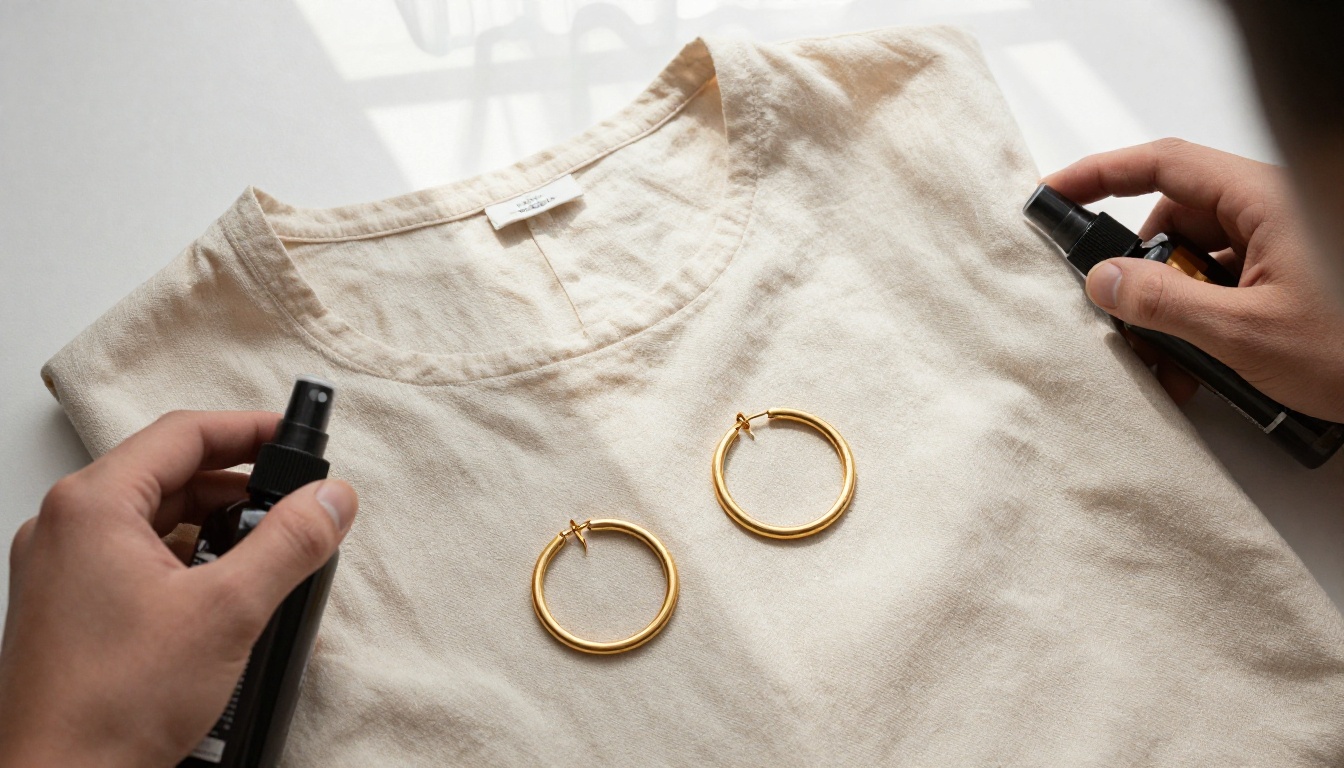
Fashion ads live and die by texture and movement. The human eye is calibrated to detect unnatural fabric motion, so your prompt needs to be specific about material behavior.
Template: [Garment material] [motion verb], [body part or model action], [surface or environment], [lighting type], [camera angle]
Working examples:
- "Silk blouse rippling from a slow ceiling fan, hands smoothing the fabric at waist level, neutral grey studio, diffused window light, medium close-up from front"
- "Denim jacket being shrugged on, warm golden hour light from a street-level window, urban interior, shoulder-level camera angle"
- "Linen dress hem moving in a gentle breeze, barefoot on warm sand, overcast beach daylight, low ankle-level tracking shot"
For Tech Gadgets
Tech product ads need to communicate precision and quality. The worst thing a tech ad can do is make the product look cheap or plasticky. Prompts should specify material finishes and surface interactions.
Template: [Device action], [surface material detail], [lighting that reveals material quality], [camera angle that shows scale]
Working examples:
- "Laptop lid opening slowly on brushed aluminum desk, screen illuminating user's hands, soft overhead office light, eye-level medium shot"
- "Wireless earbuds placed in charging case, magnetic snap audible, matte white surface on grey slate, directional spotlight, 30-degree elevated angle"
- "Phone screen lighting up on wooden nightstand, notification appearing, warm bedside lamp ambient light, slight downward angle"
For Food and Beverage
Food motion is where Seedance 2.0 Mini genuinely earns its keep for product ads. Pour shots, steam, crumble textures, and condensation all benefit from the model's physical simulation quality.
Template: [Liquid or food action], [vessel or surface], [environmental context], [light direction and quality], [camera proximity]
Working examples:
- "Coffee being poured into a ceramic cup, crema forming on surface, wooden cafe table, warm tungsten overhead, close-up from slightly above"
- "Chocolate bar snapping cleanly in half revealing interior texture, white marble surface, hard directional light from left, extreme macro"
- "Ice cubes falling into a glass of sparkling water, condensation on glass exterior, bright natural window light, static medium close-up"

How It Stacks Up Against Other Models
When choosing a video model for product ads, the decision comes down to output quality, generation speed, and how well the model handles the specific motion types common in product advertising.
For product ad workflows where you need volume and iteration speed without sacrificing output quality, Seedance 2.0 Mini sits in the best position. If you need a single hero video with maximum quality and have more time per generation, Seedance 2.0 or Veo 3 are worth the extra generation time. If you are batch-generating ad variants for performance marketing, Seedance 2.0 Fast lets you produce 20 to 30 variants in the time it takes a standard model to produce 5.

Real Use Cases for E-commerce Brands
Product Listing Videos for Amazon and Shopify
Amazon allows video in product listings, and the click-through rate difference between listings with and without video is substantial. The problem has always been production cost. With Seedance 2.0 Mini, a seller can generate a clean 5-second product demonstration clip, a texture close-up, and a lifestyle context shot in under 30 minutes total. Three video assets per listing, for every product in the catalog.
The approach: start with your existing product photography, the images already required for the listing, and use the image-to-video input on Seedance 2.0 Mini to animate them. Your product photography maintains visual consistency with the listing images while adding motion that static images cannot provide.
Instagram Reels and TikTok Ads
Paid social is where AI-generated product video ads have the clearest ROI case. A single creative on Meta or TikTok typically fatigues within 10 to 14 days. Traditionally, that meant scheduling a new shoot every two weeks. With Seedance 2.0 Mini, you can generate a fresh batch of variants every week with different lighting moods, camera angles, and action sequences while keeping the same product front and center.
For 9:16 Reels format, prompt specifically for vertical composition: "product centered in vertical frame, upper third empty for text overlay space, lower third occupied by surface texture." This gives your creative team clean space to add copy without covering the product.
Brand Storytelling on YouTube Pre-Rolls
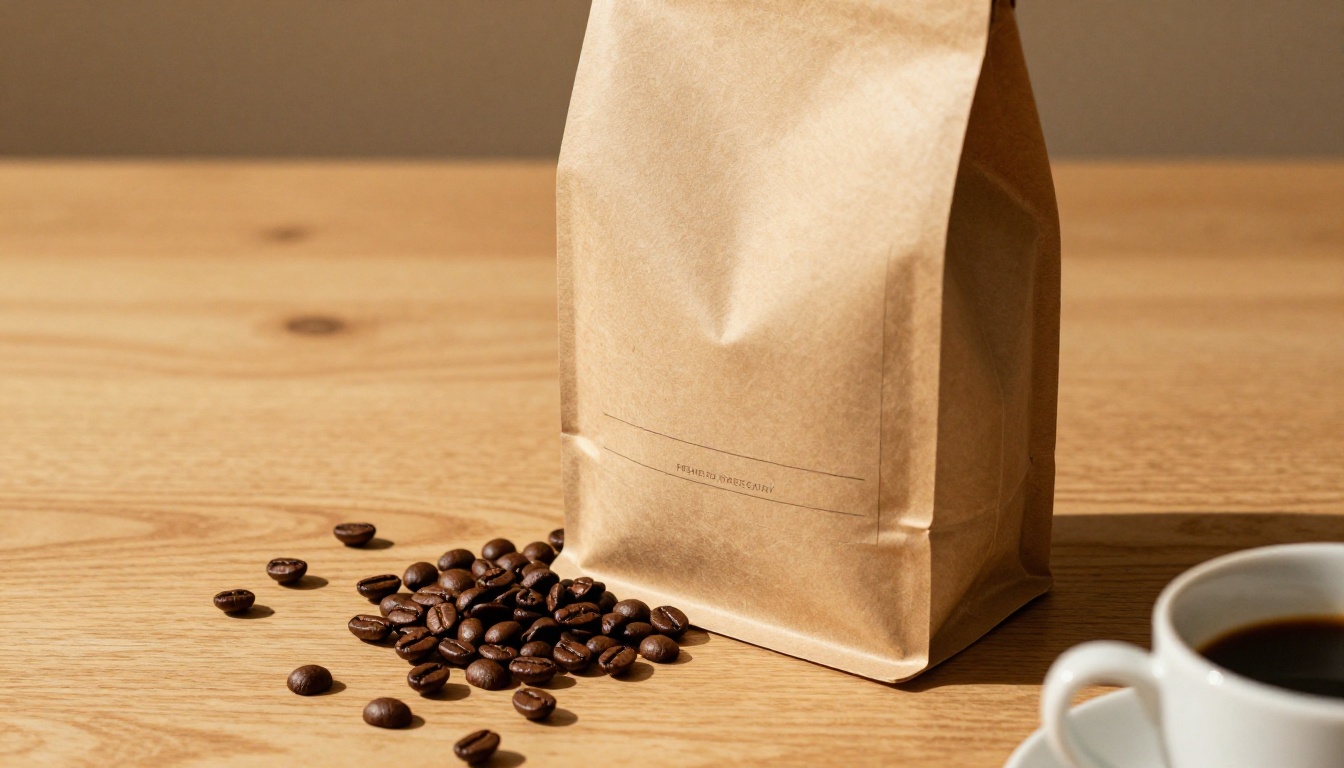
YouTube pre-roll ads have a 5-second skip threshold. Your video needs to establish brand context and product relevance within that window. Seedance 2.0 Mini is well suited for this format because the model's native audio handles the critical first 5 seconds without needing a separate audio production step. Generate a clip where the product makes a distinctive sound in the first 2 seconds, a perfume cap snapping, a coffee cup meeting a saucer, a keyboard click, and the viewer's attention is hooked before the skip button becomes active.
Generic Prompts That Produce Generic Video
The number one output quality issue is under-specified prompts. "A skincare product on a clean white background" produces exactly that: generic, context-free footage that looks identical to every other AI-generated skincare ad. The fix is to treat each prompt like a shot list. What is the camera doing? What surface does the product sit on? What is the light source? What human gesture, if any, is involved?
💡 Rule of thumb: If your prompt could describe a product in any category (skincare, tech, food) without modification, it is too generic. Add at least two details specific to your product category or brand aesthetic before generating.
Wrong Aspect Ratio for the Platform
Generating 16:9 video for TikTok means your ad either gets letterboxed (black bars, which signal low production quality to the algorithm and the viewer) or gets cropped in unpredictable ways. Always specify aspect ratio in your prompt and set it in the model's configuration. The platform format should be the first decision before you write a single word of the prompt.
Ignoring Native Audio
Some brands mute the native audio and add their own branded track. That is a valid choice. But skipping the audio review entirely is not. Seedance 2.0 Mini generates audio that is contextually appropriate, but occasionally the ambient sound does not match the visual environment the way you intended. Listen to the output before publishing. An indoor studio clip with outdoor ambient wind sound is an easy fix at the generation stage and a quality problem at the publishing stage.

Production Workflow for Agencies and Teams
For agencies managing product ad video at scale, Seedance 2.0 Mini fits into an established content pipeline rather than replacing it.
Recommended production flow:
- Brief: Define the platform, product focus, and visual mood board for the campaign.
- Prompt library: Write 10 to 15 distinct prompts covering different angles, lighting moods, and action sequences.
- Batch generation: Use Seedance 2.0 Fast for the initial batch to identify which prompts perform visually.
- Quality pass: Regenerate the strongest 3 to 5 concepts with Seedance 2.0 Mini for the final output quality.
- Review and export: Check motion quality, audio sync, and product fidelity before sending to the media buying team.
This tiered approach (fast generation for concept validation, Mini for final output) keeps generation costs low while maintaining output quality where it matters.
Using Other Models for Specific Needs
When a campaign calls for something beyond Seedance 2.0 Mini's output profile, PicassoIA gives you access to the full video model catalog:
All of these run on PicassoIA with no local infrastructure required. You pay per generation, not a monthly seat fee that accumulates whether you use it or not.
Scaling Without a Studio Budget
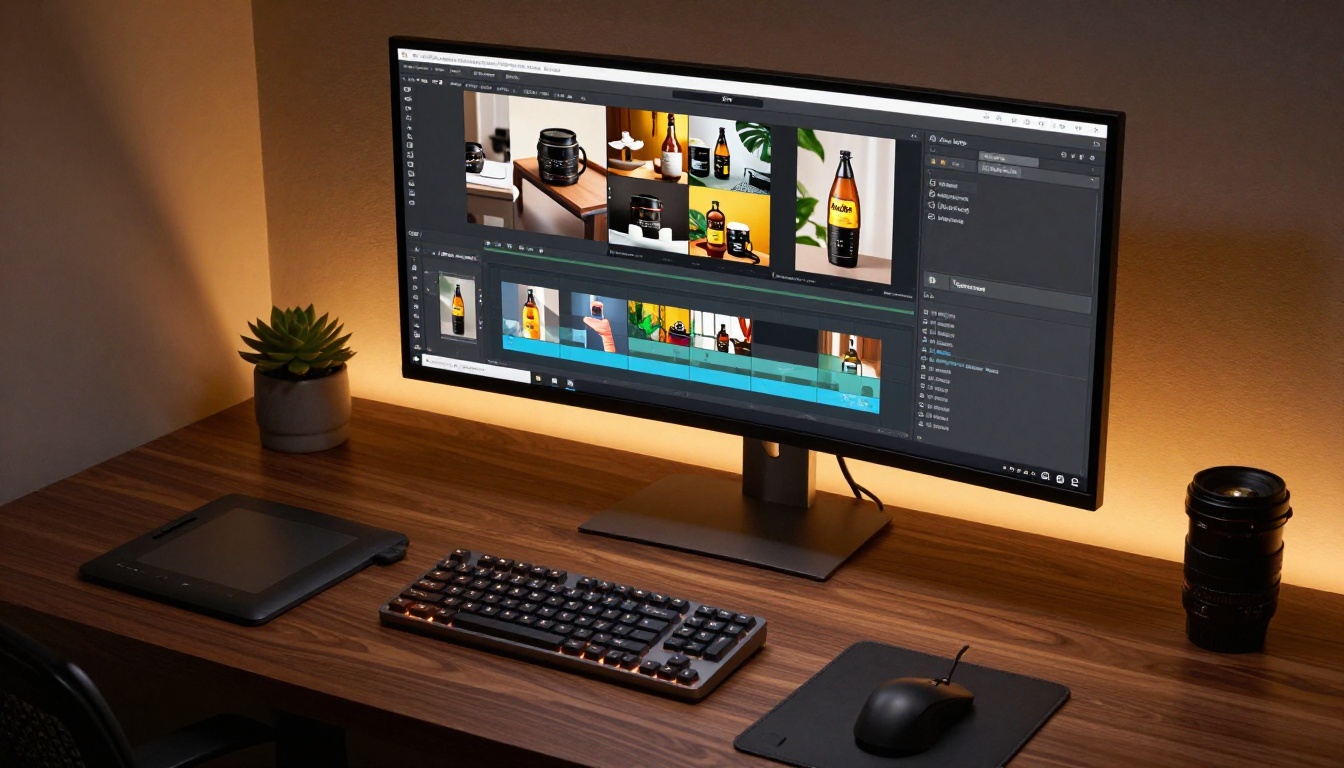
The economics of AI-generated product video ads have shifted permanently. A boutique brand that previously spent thousands on a half-day studio shoot for three finalized video assets can now generate 30 assets, spanning multiple angles, lighting conditions, and platform formats, for a fraction of that cost and in a single afternoon.
Seedance 2.0 Mini is not a replacement for every type of video production. Large-scale brand campaigns with actors, locations, and narrative arcs still benefit from human production crews. But for the day-to-day content needs of e-commerce brands, performance marketers, and social media managers, the model covers the vast majority of use cases at a quality level that would have required a professional videography team not long ago.
The brands winning on paid social right now are the ones running more creative variants, testing faster, and iterating based on performance data rather than gut instinct. That speed of iteration is only possible when you can produce fresh video assets in minutes rather than weeks.
Try It with Your Own Products
The fastest way to see whether Seedance 2.0 Mini works for your specific product category is to run three prompts from the formulas above using your actual product as the subject. Pick one close-up texture prompt, one lifestyle context prompt, and one action or interaction prompt. Compare the outputs. Identify which visual style performs best in your A/B tests. Then build a prompt library around what works.
PicassoIA has over 117 video generation models in the text-to-video category alone, including the full Seedance 2.0 lineup from ByteDance alongside models from Google, Runway, Luma, Kling, and others. The breadth of options means you can match the right model to the right campaign requirement rather than forcing every project through a single tool.
Start with Seedance 2.0 Mini for your first run. The combination of fast generation, native audio, and physical motion quality makes it the most practical starting point for product ad video creation available right now. Open the model, drop in your first prompt, and see what comes back in 90 seconds.


